 AIVideosUGC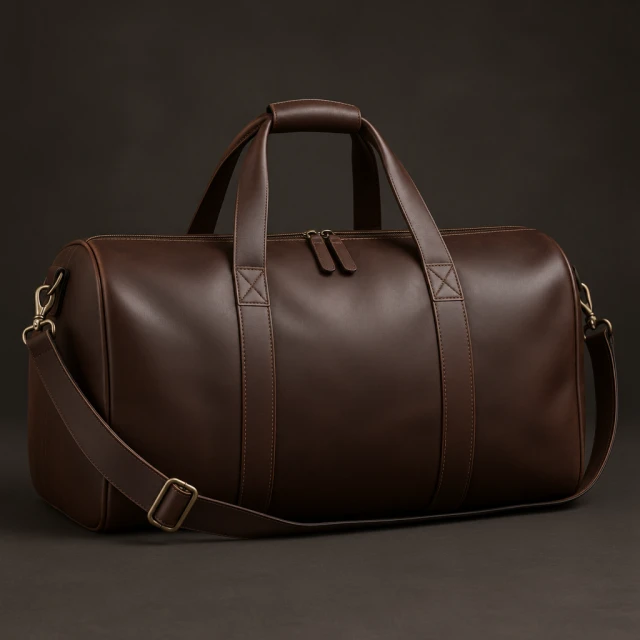
Drop your product photo hereJPG, PNG or WebP · any clear photo works
Step 01
Choose a product template
Pick a style that matches the photo or clip you want to make.
Browse product ad templates by format, industry, or platform. Open any card to see the example and start from one product photo.
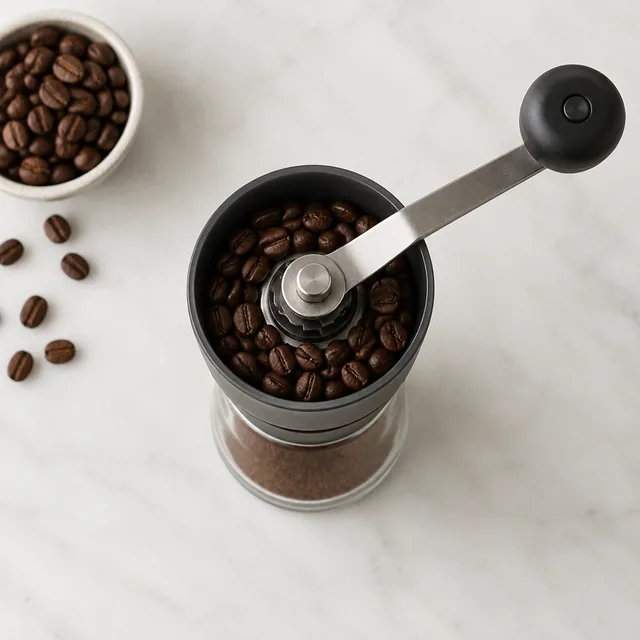
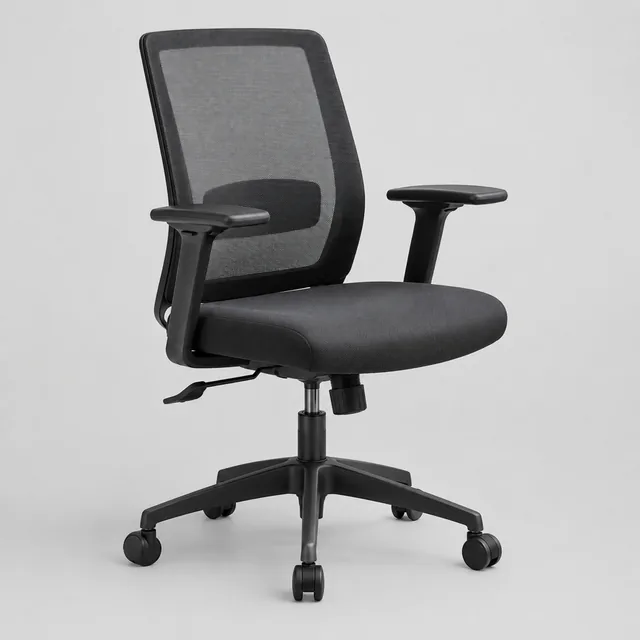
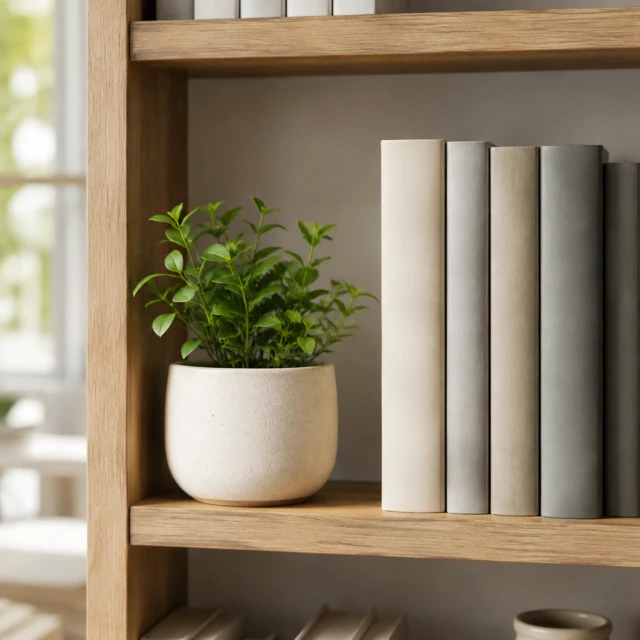
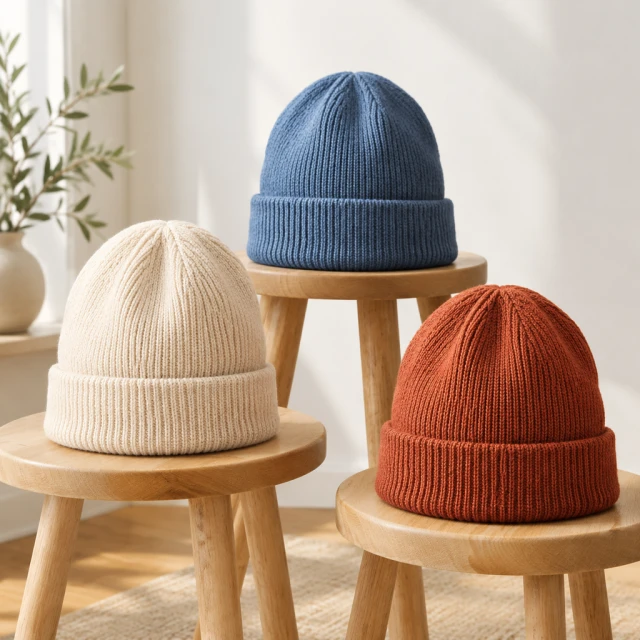
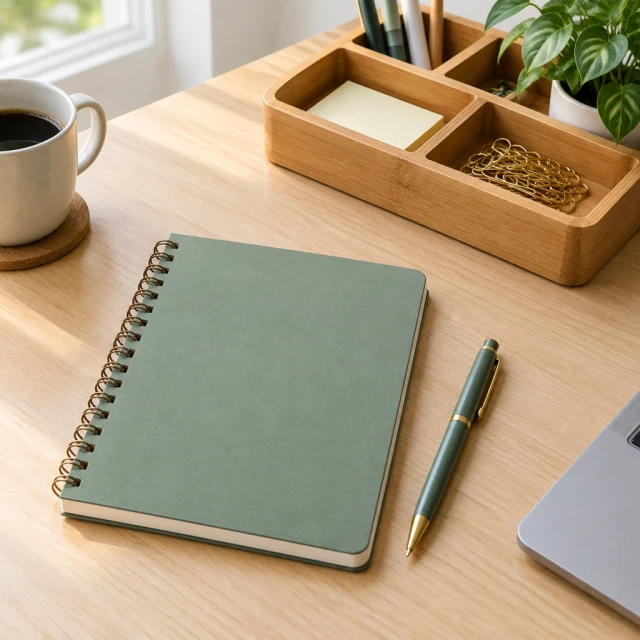
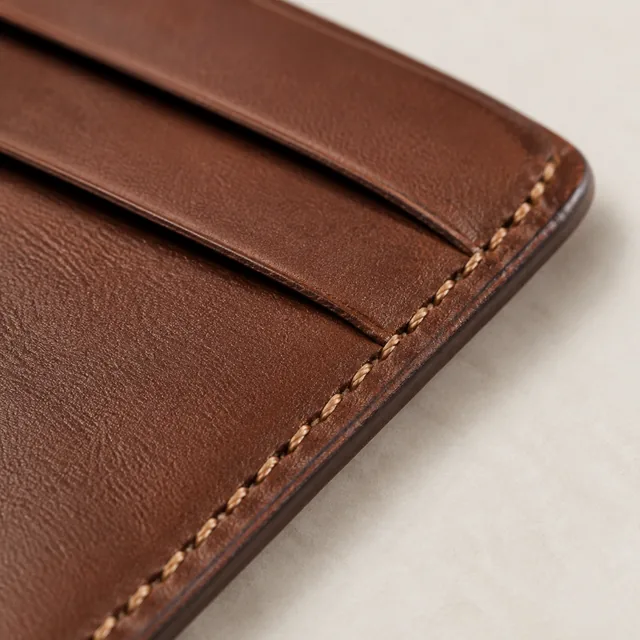
Each template is a ready-made style for a product photo or short video, shown with an example so you know what to expect. Choose one that fits your product and where you'll post it, like a close-up detail shot for Amazon or a drink pour for TikTok. Upload a photo of your own product, add a line about the setting if you like, and you'll get a result with a similar look. Photos are square by default. Videos come in 9:16, 1:1, or 16:9 and last 6, 10, or 15 seconds.
Pick a style that matches the photo or clip you want to make.
Compare the example with the placement where you plan to publish the result.
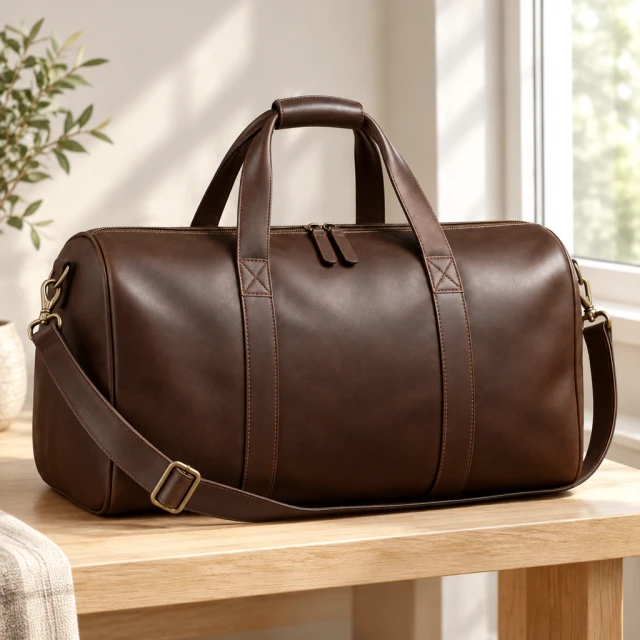
Open the linked tool and add a clear image of the item you sell.
Filter the complete template list by format, industry, or platform.
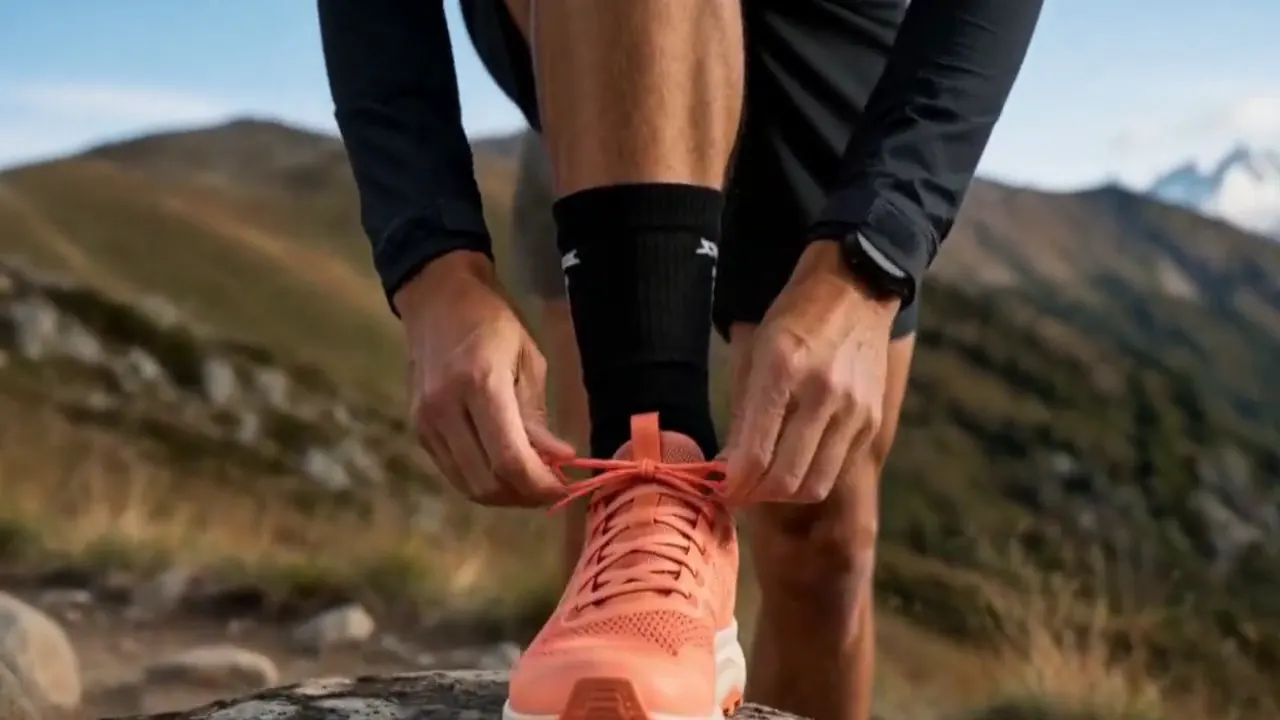
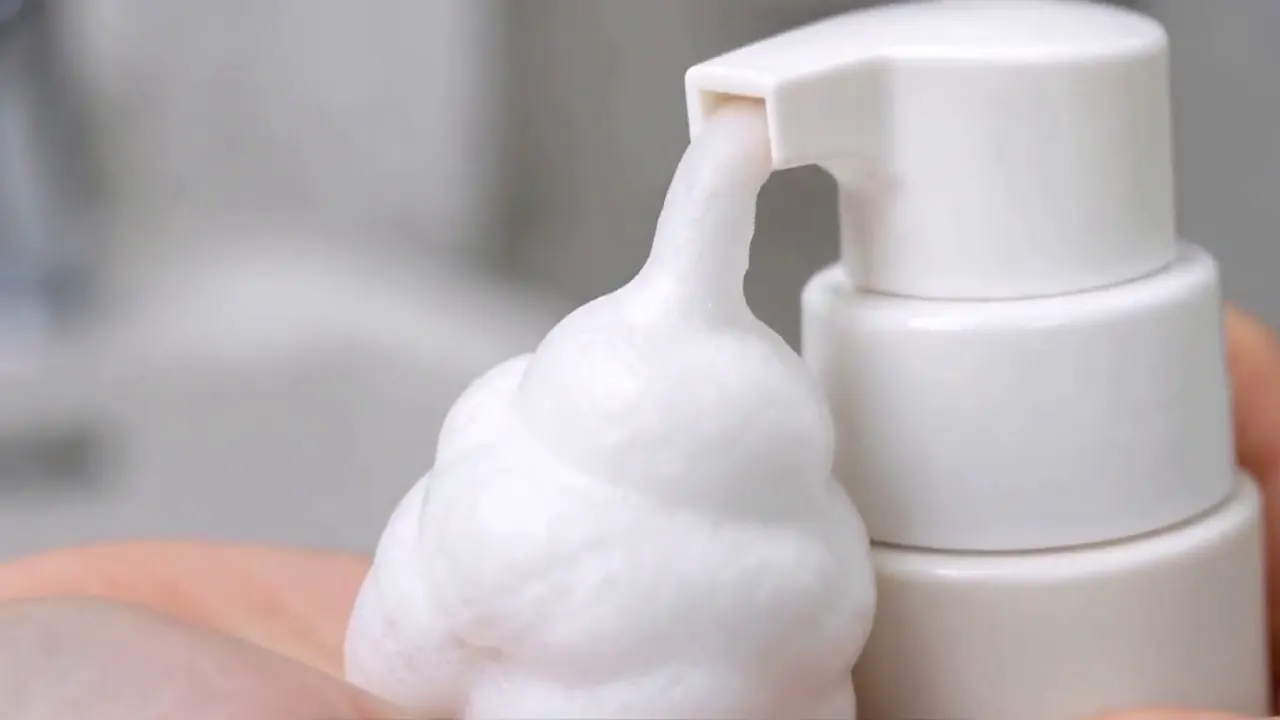
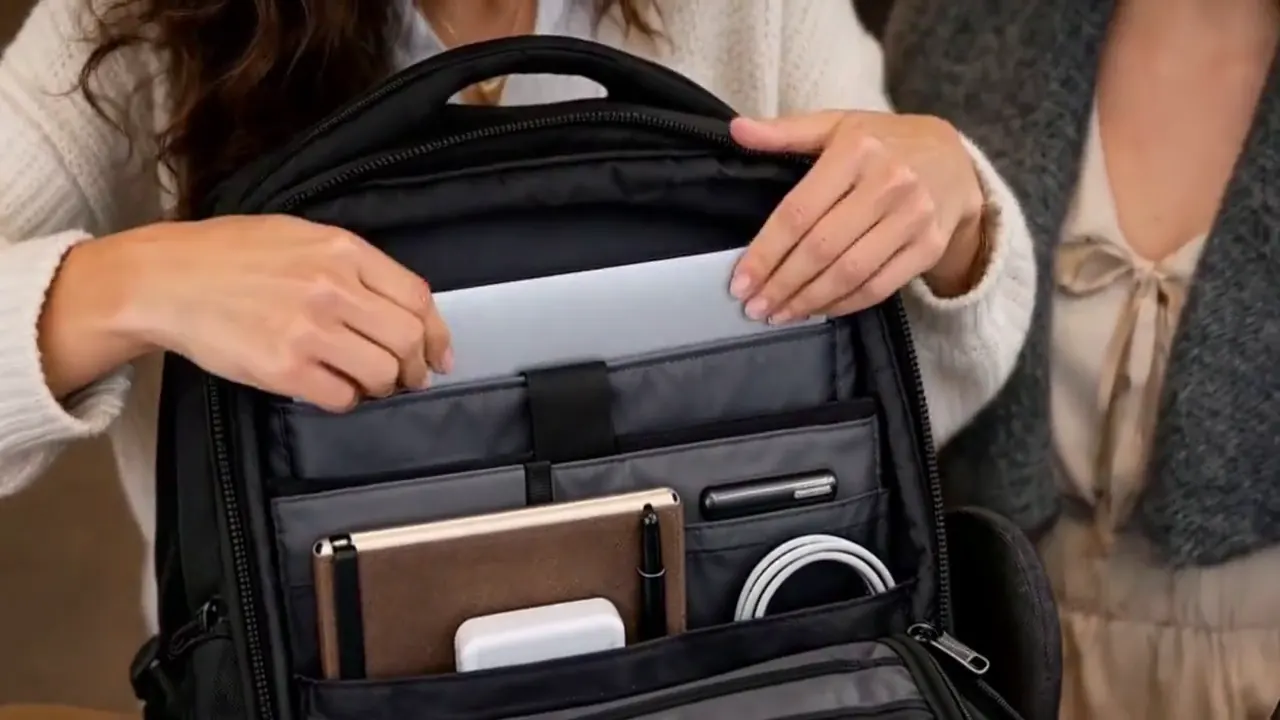
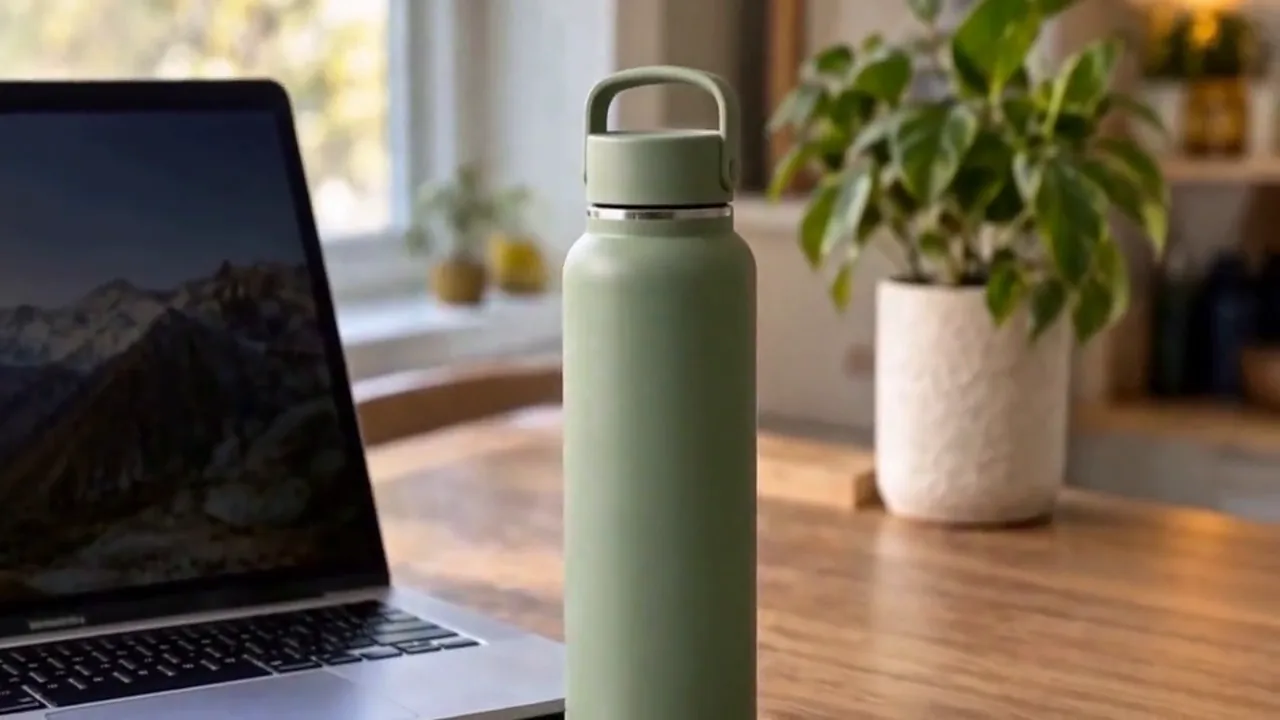
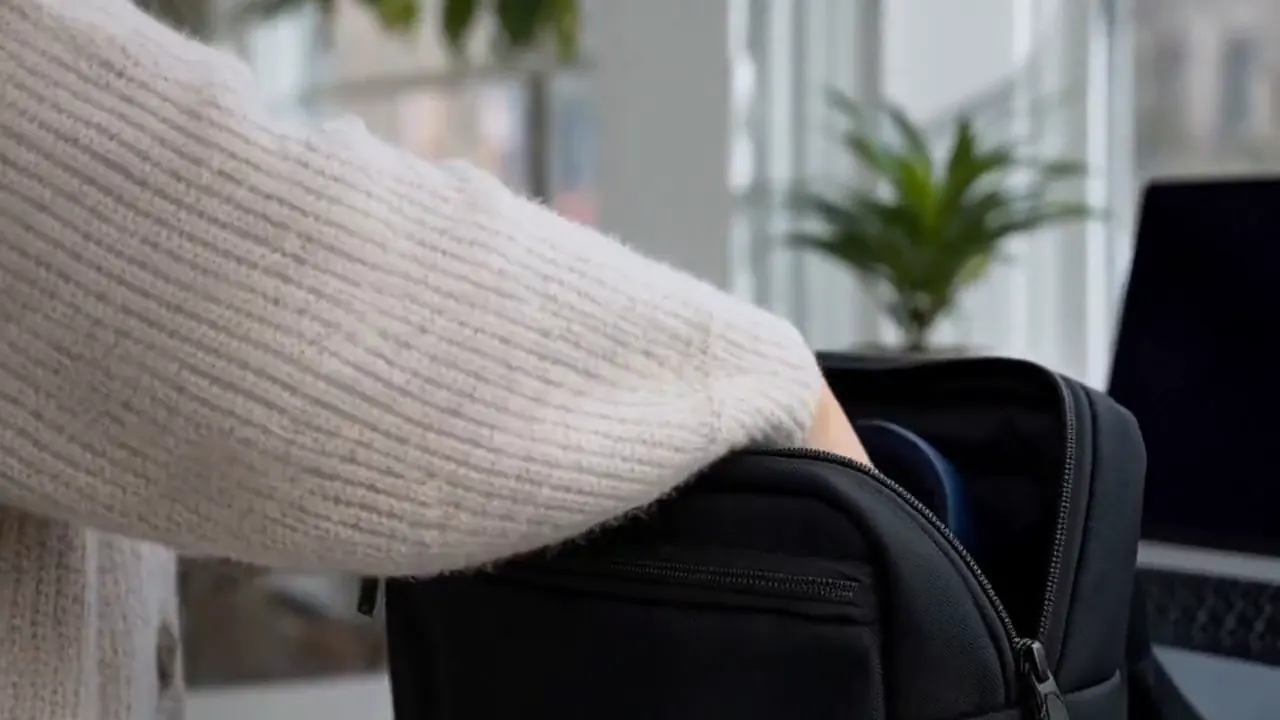

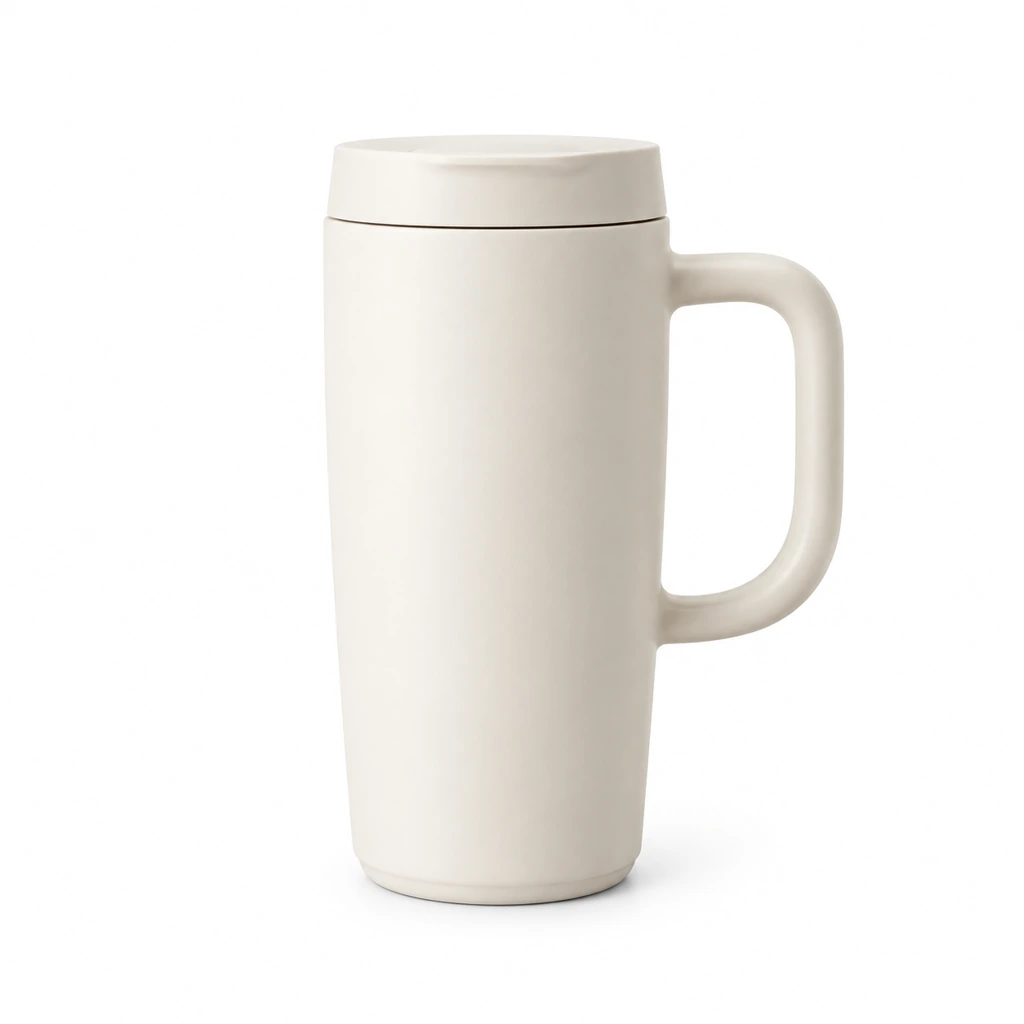
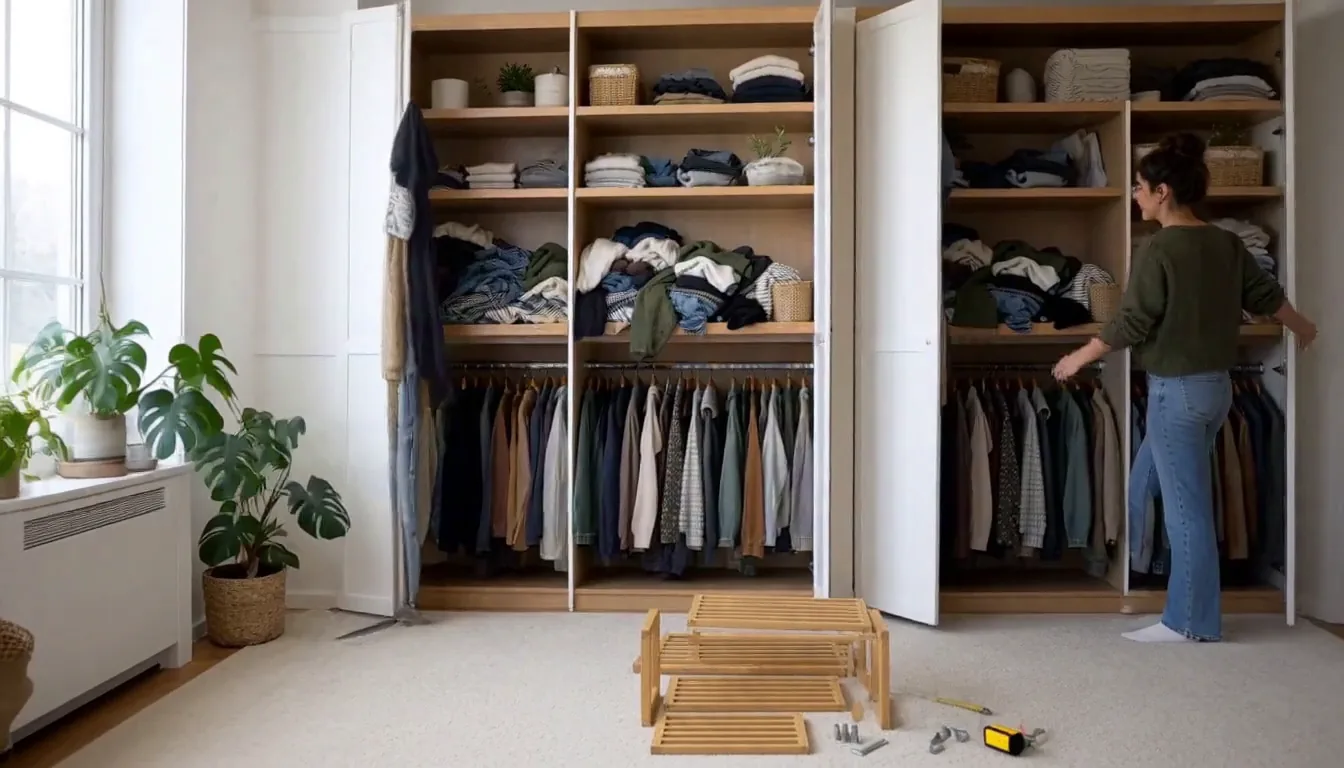
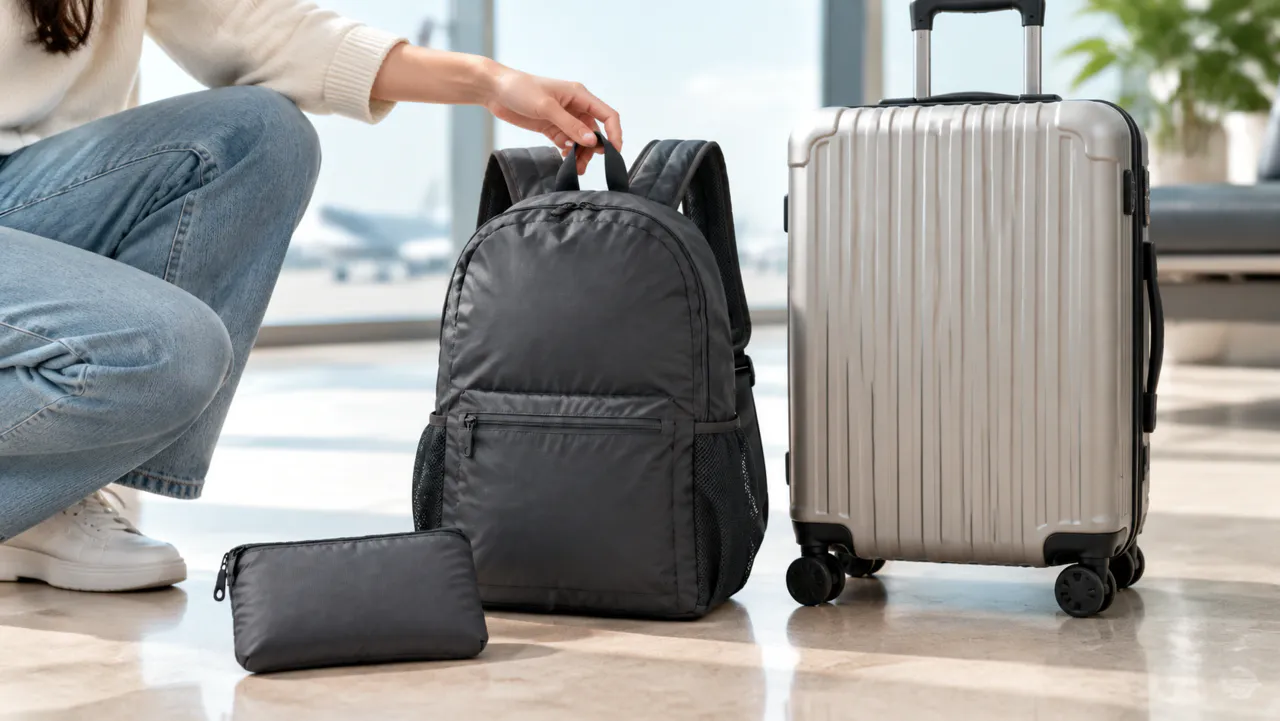
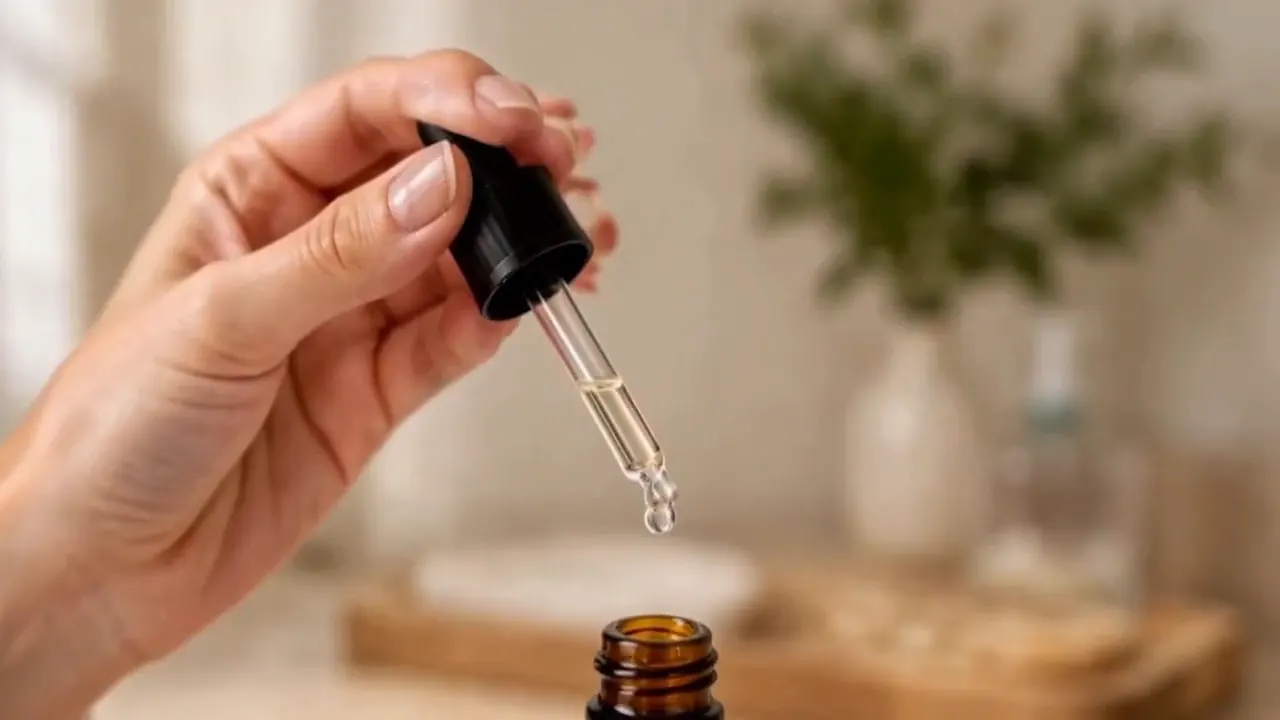
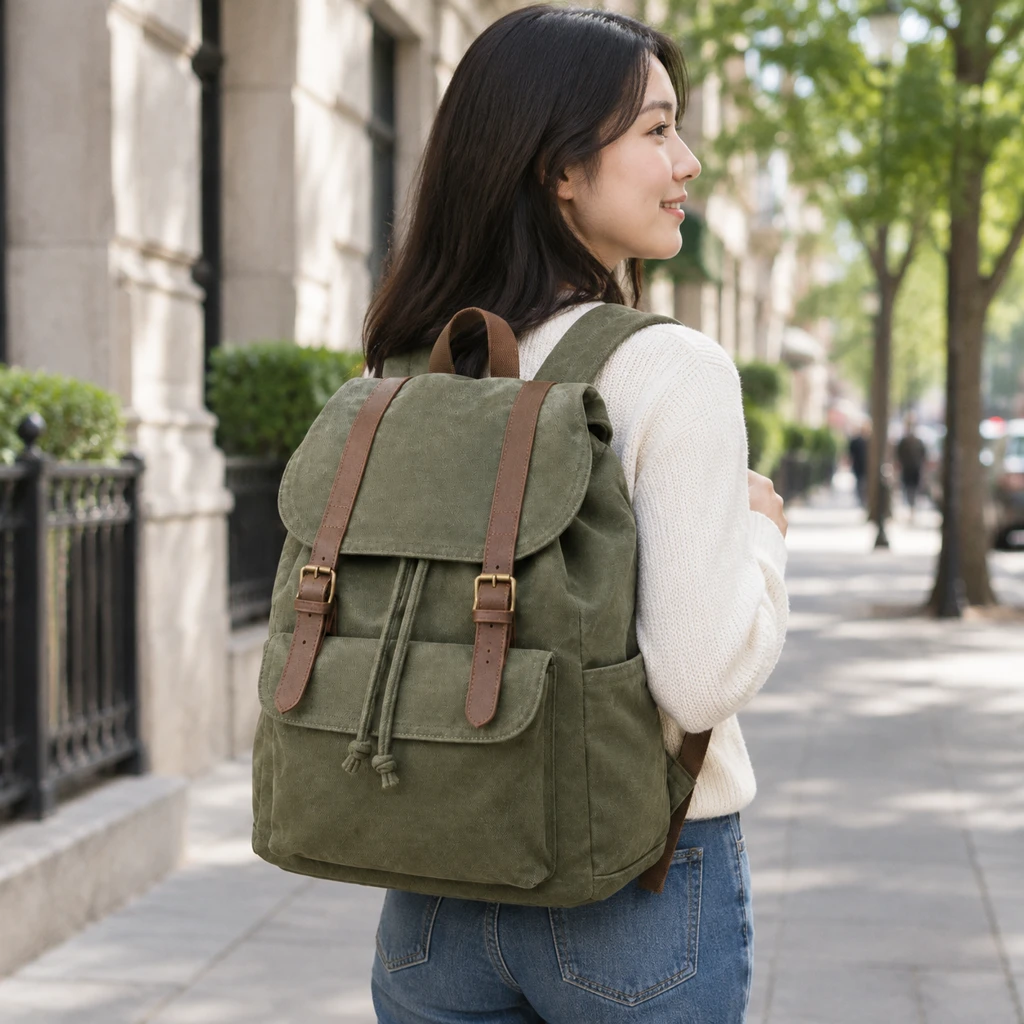
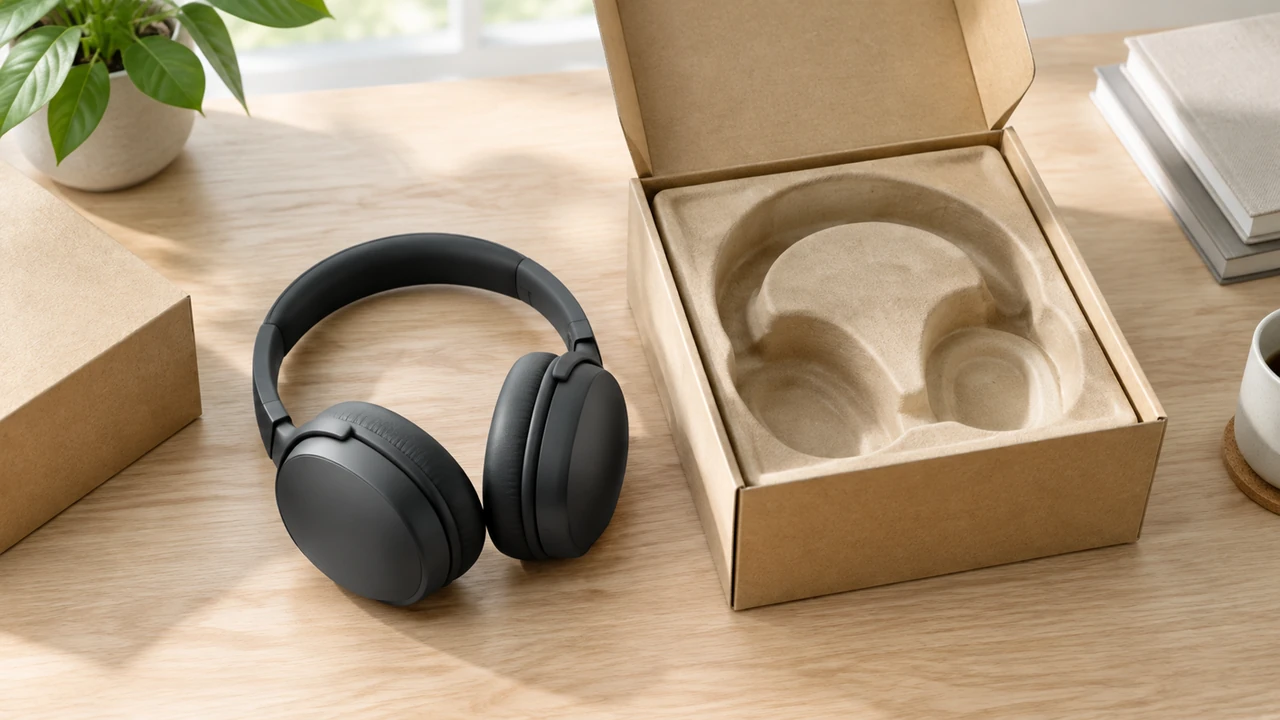
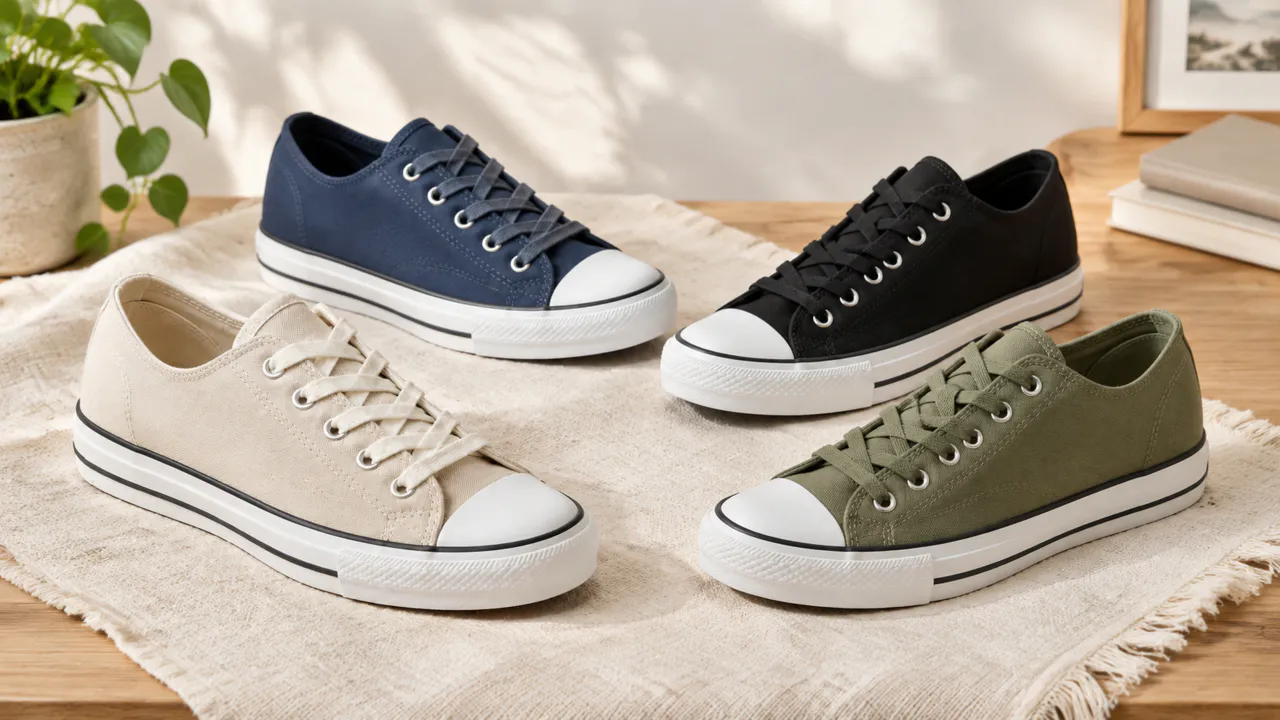
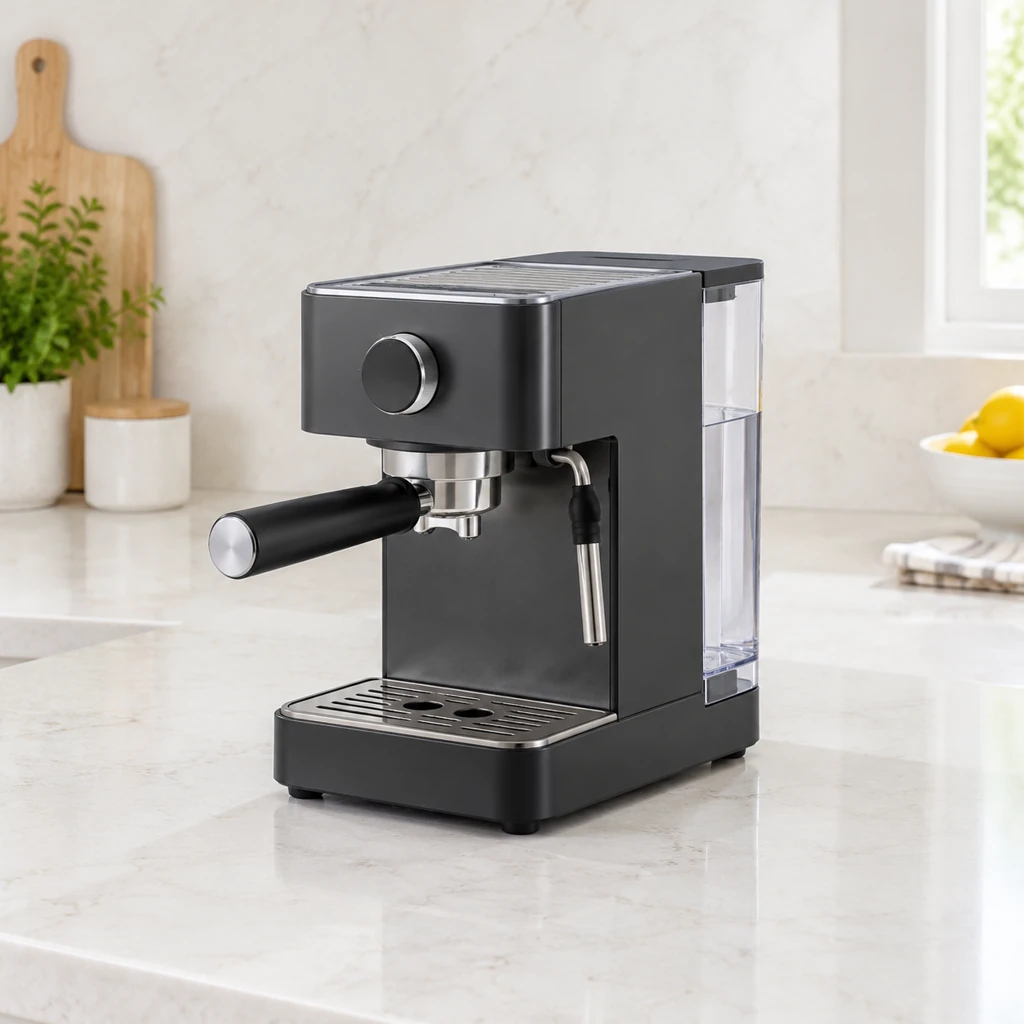
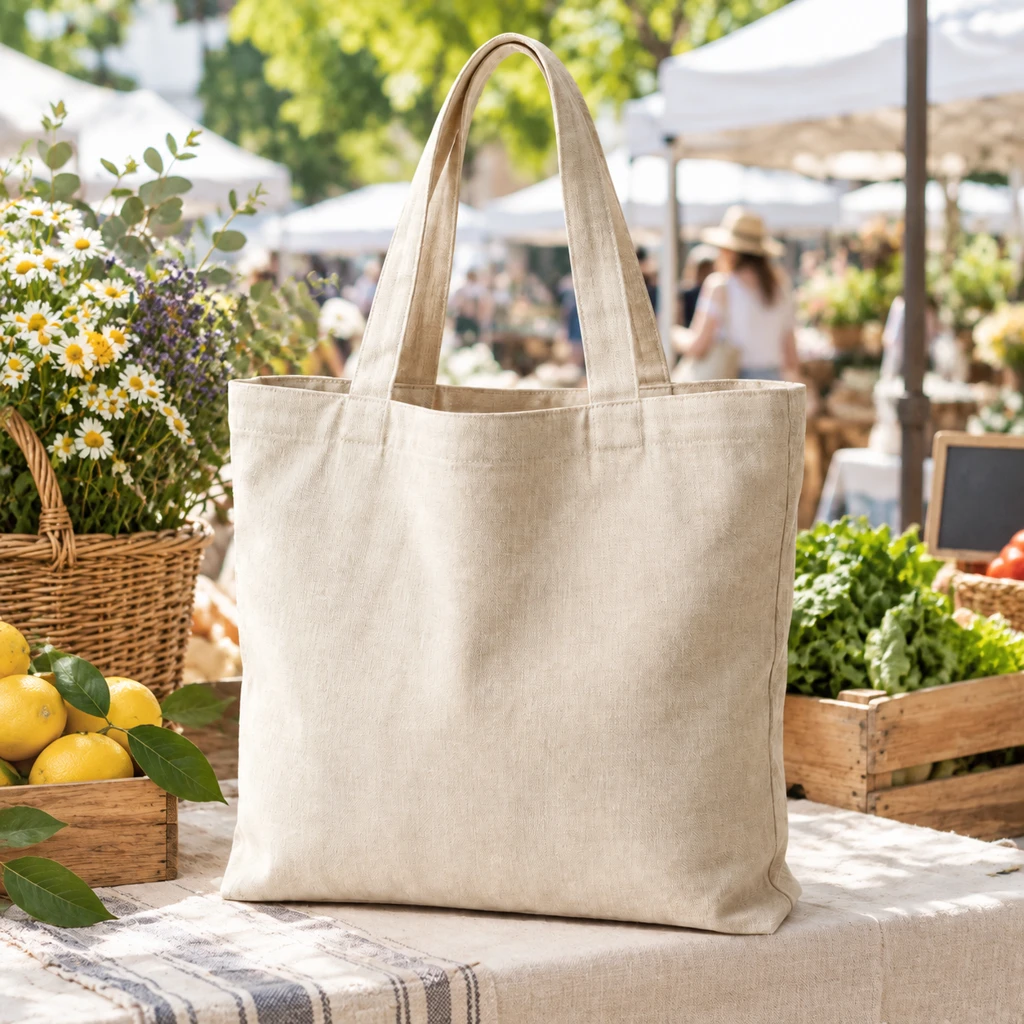
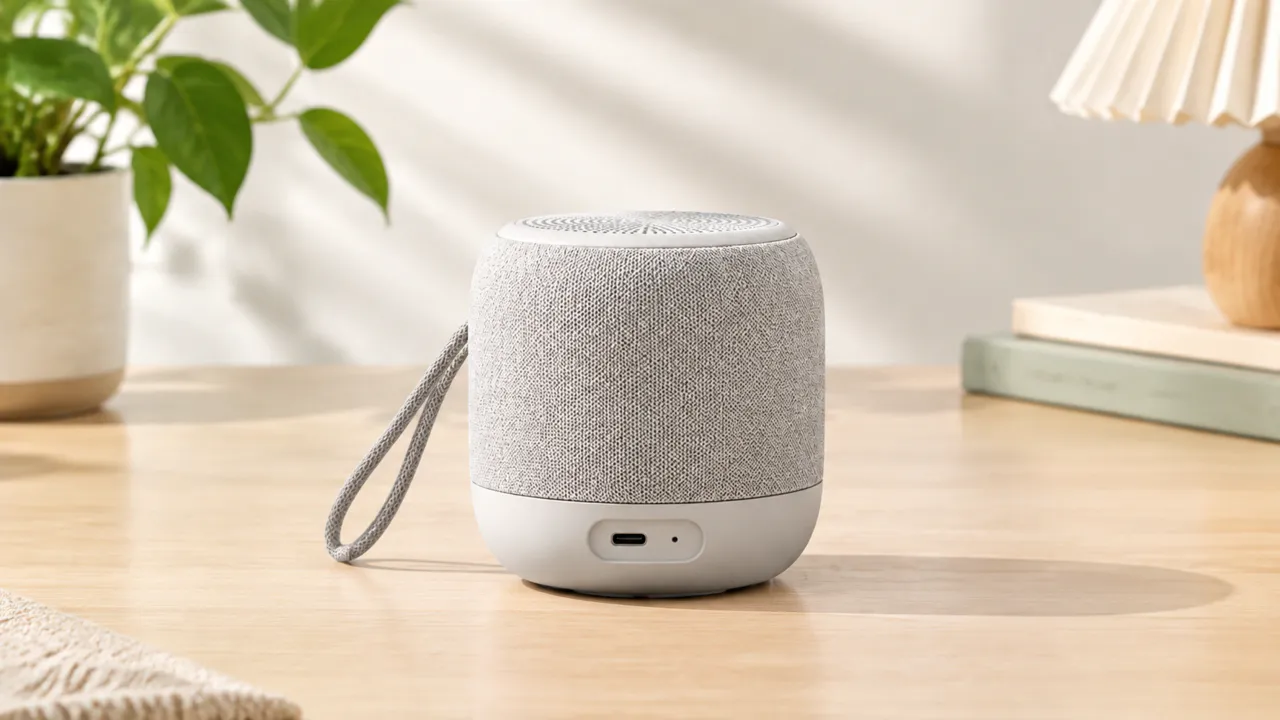
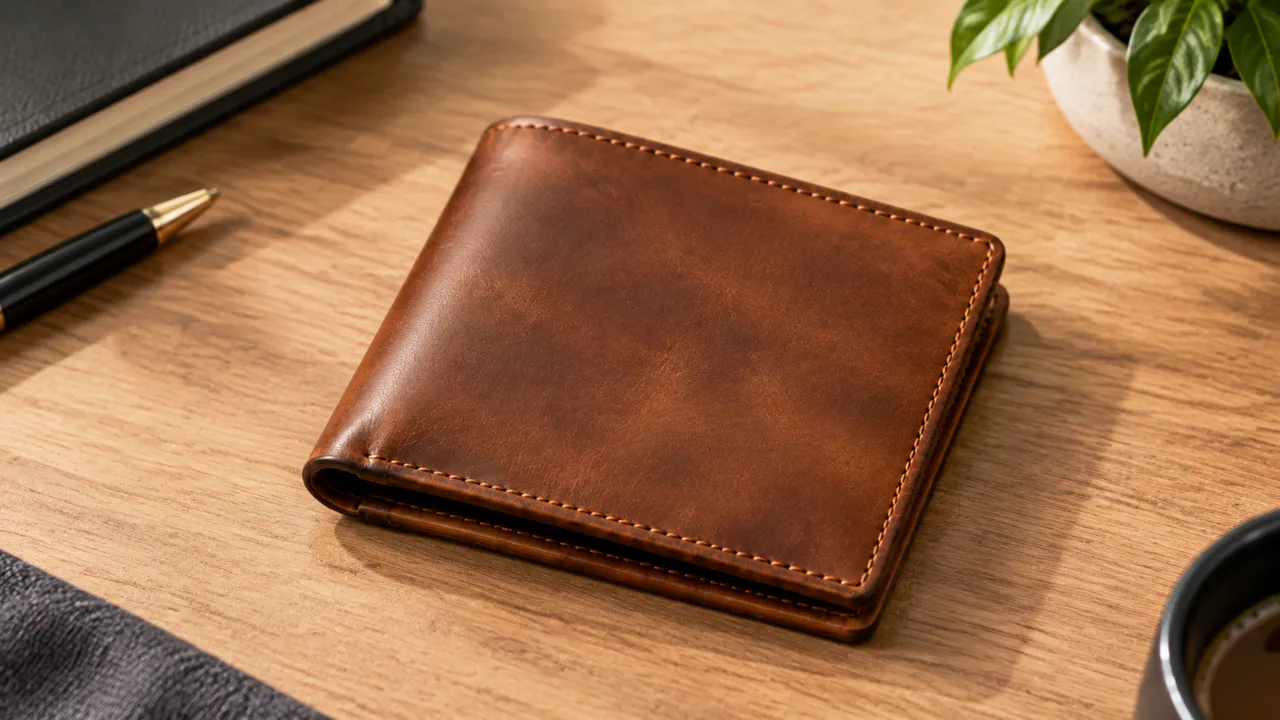

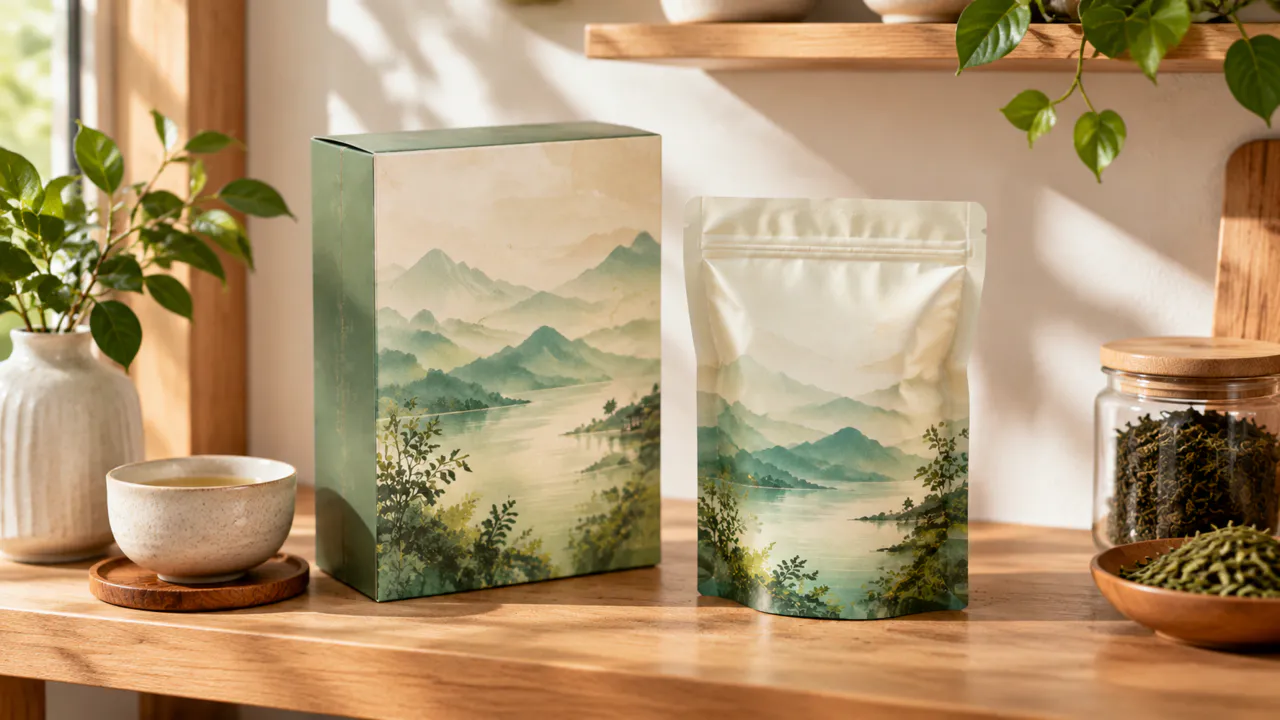

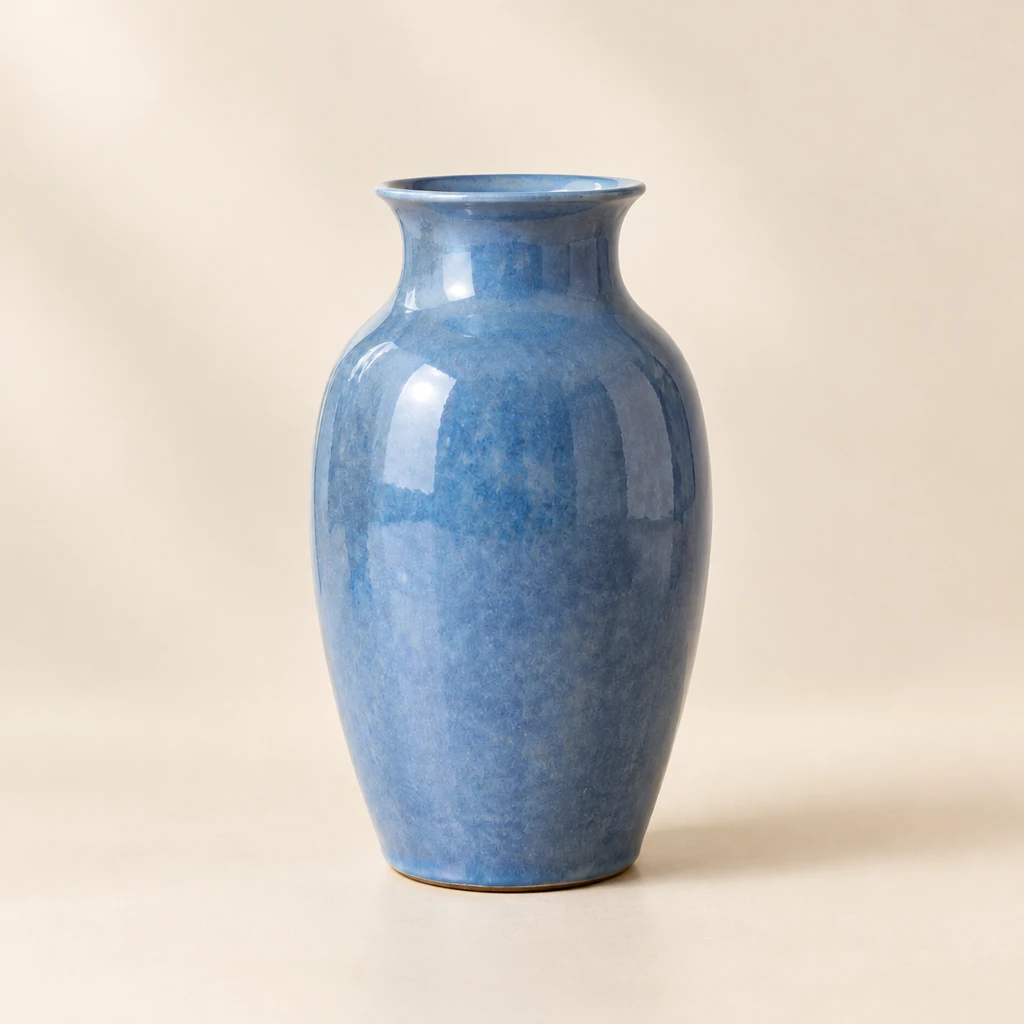
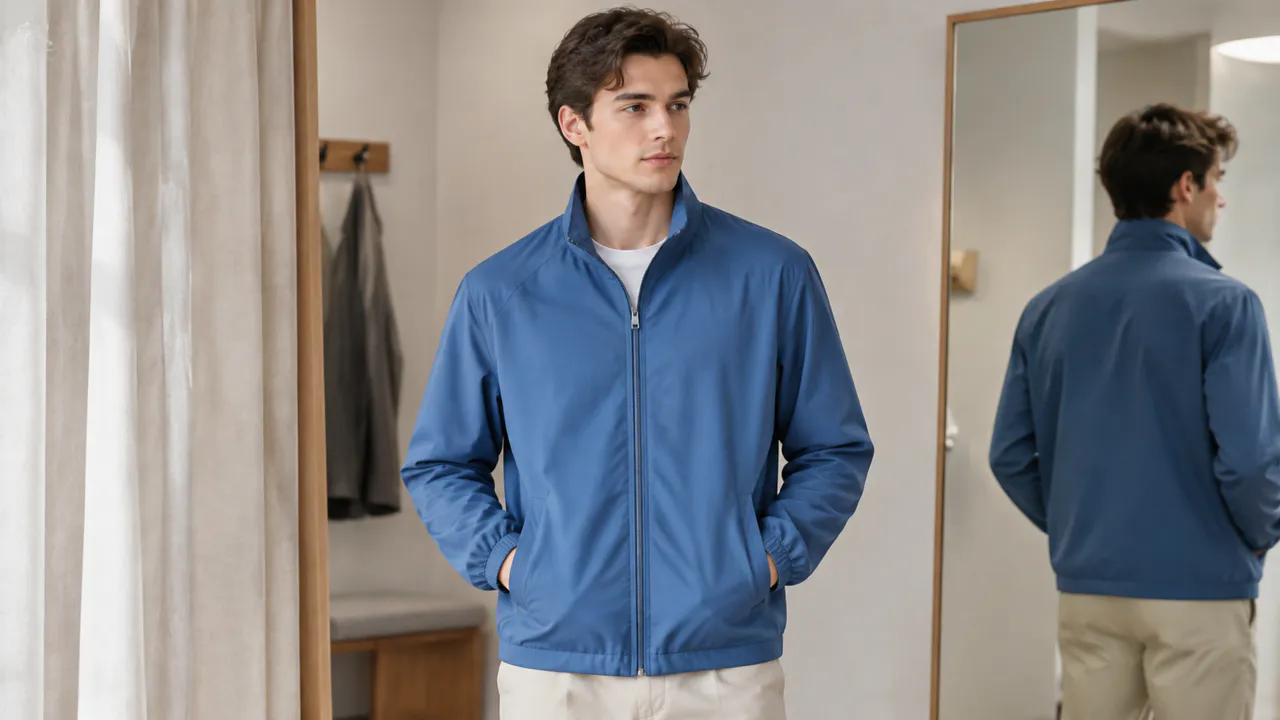

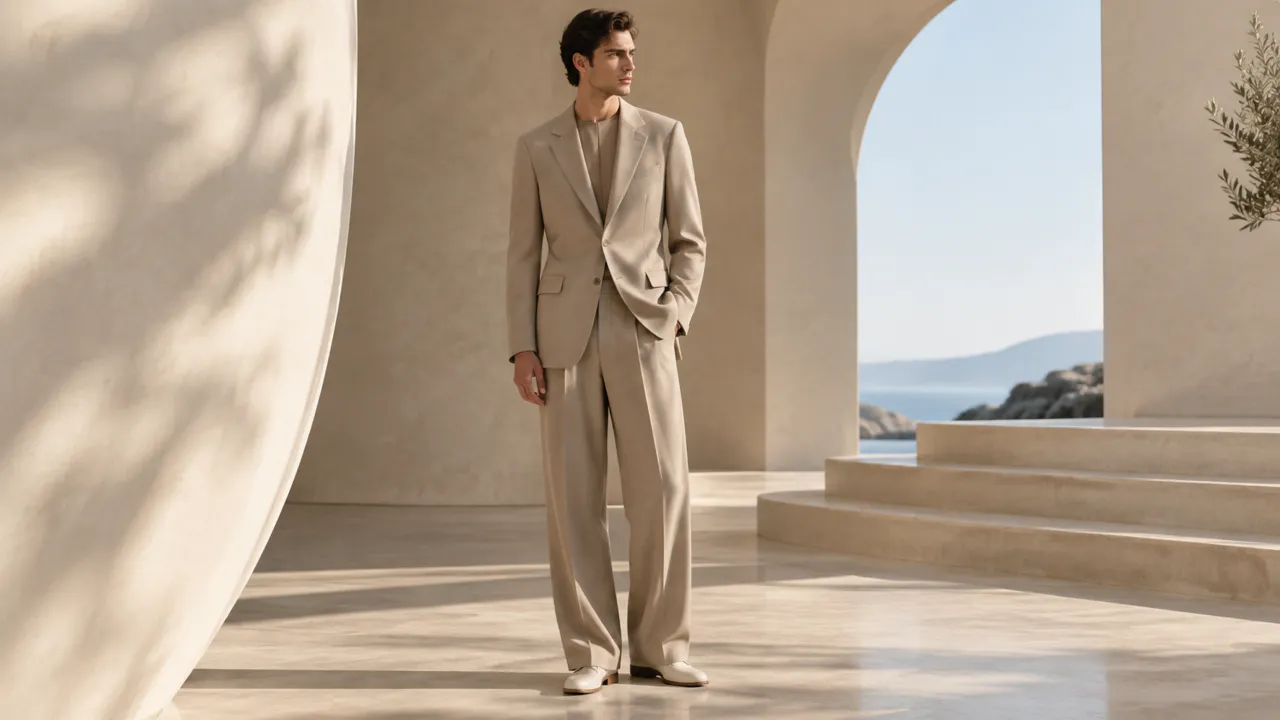
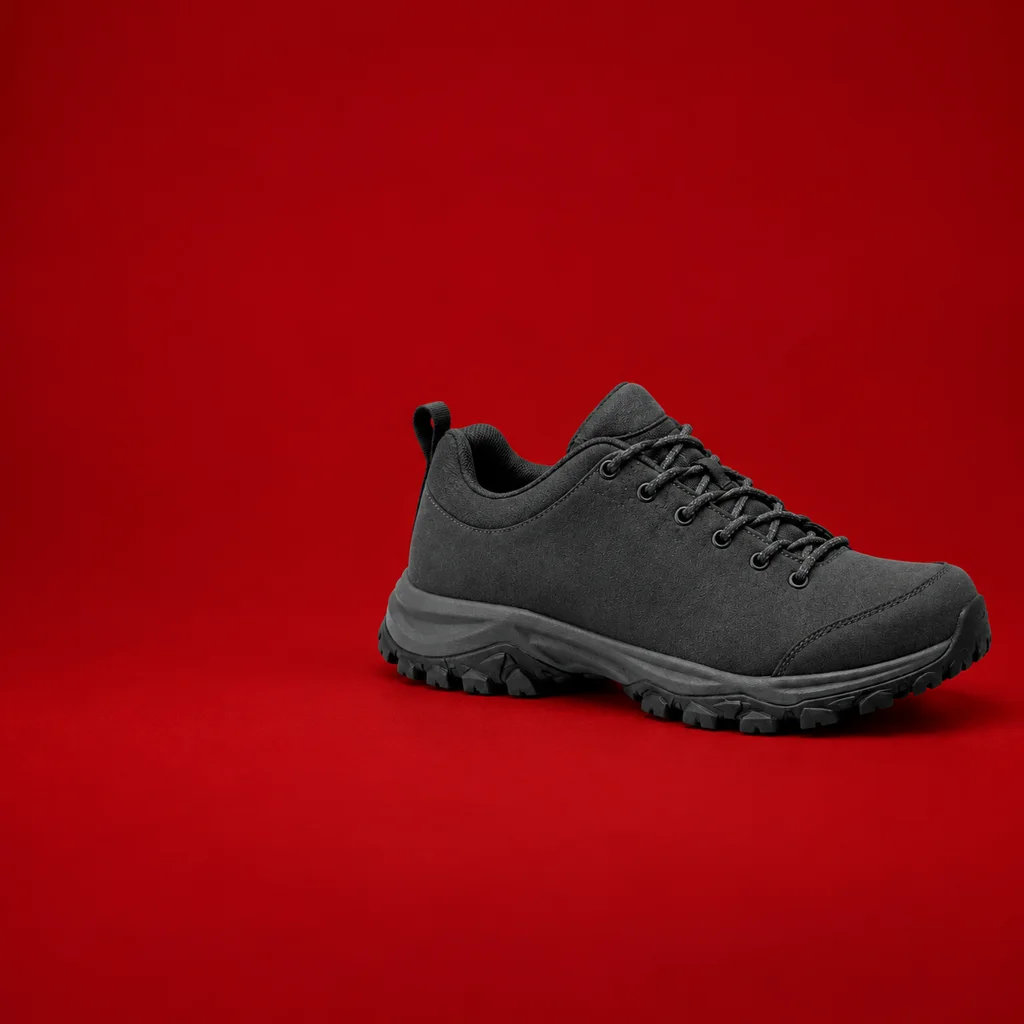

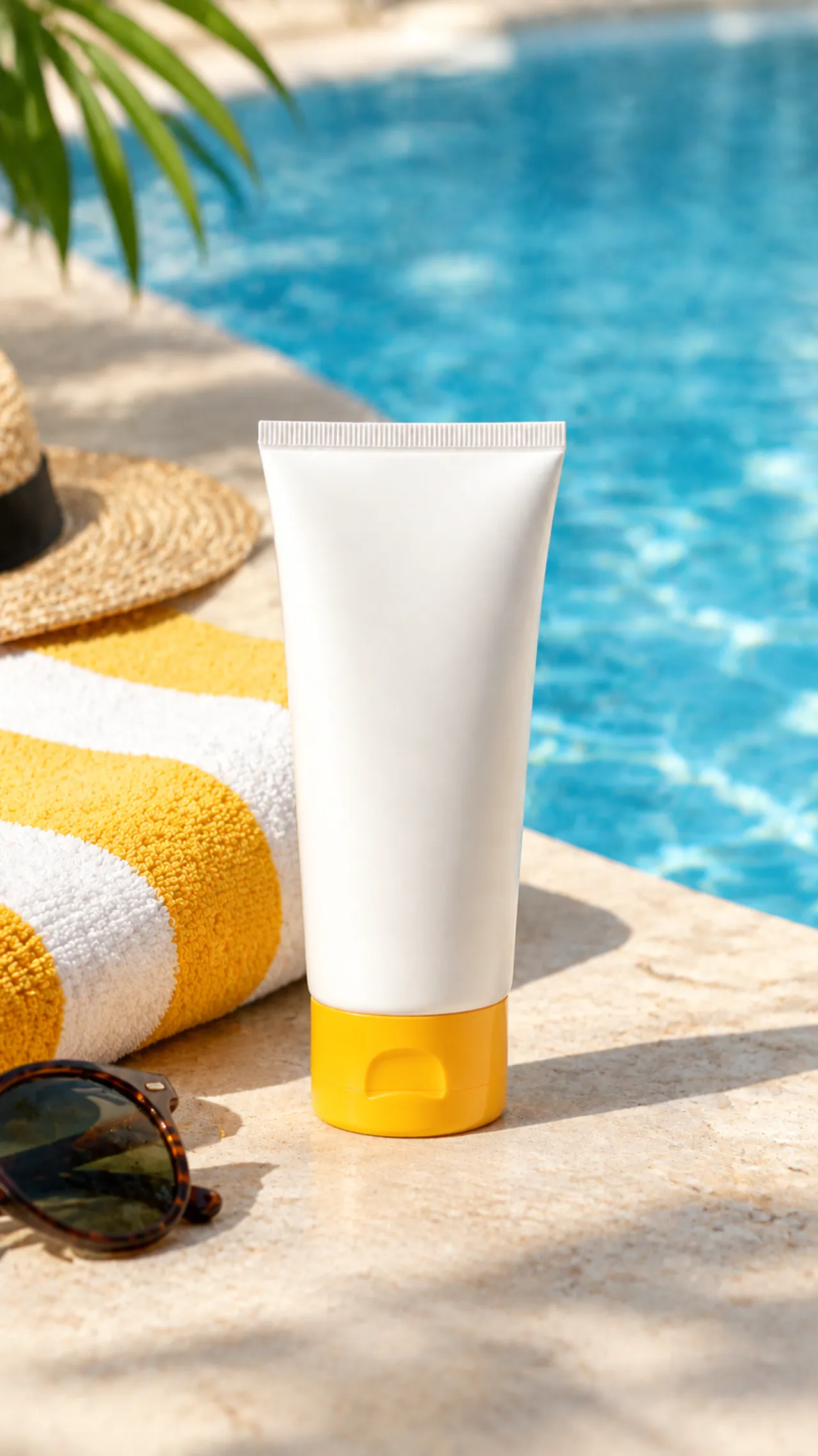
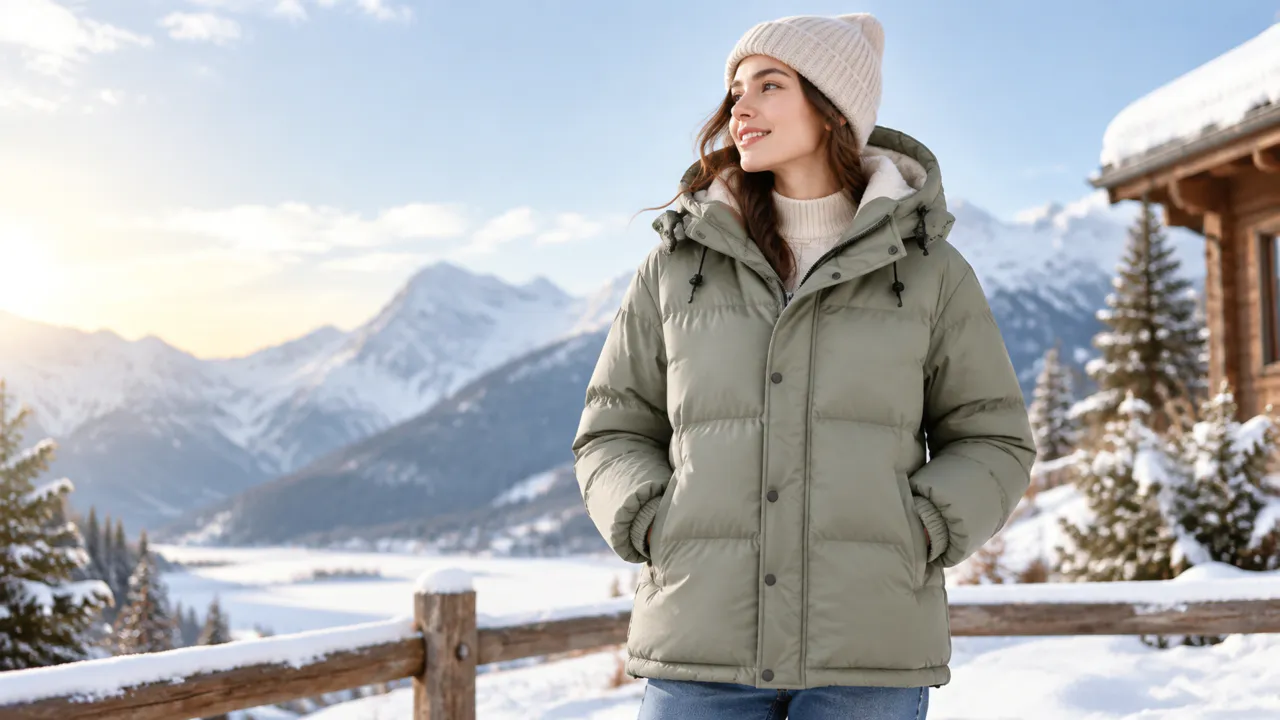
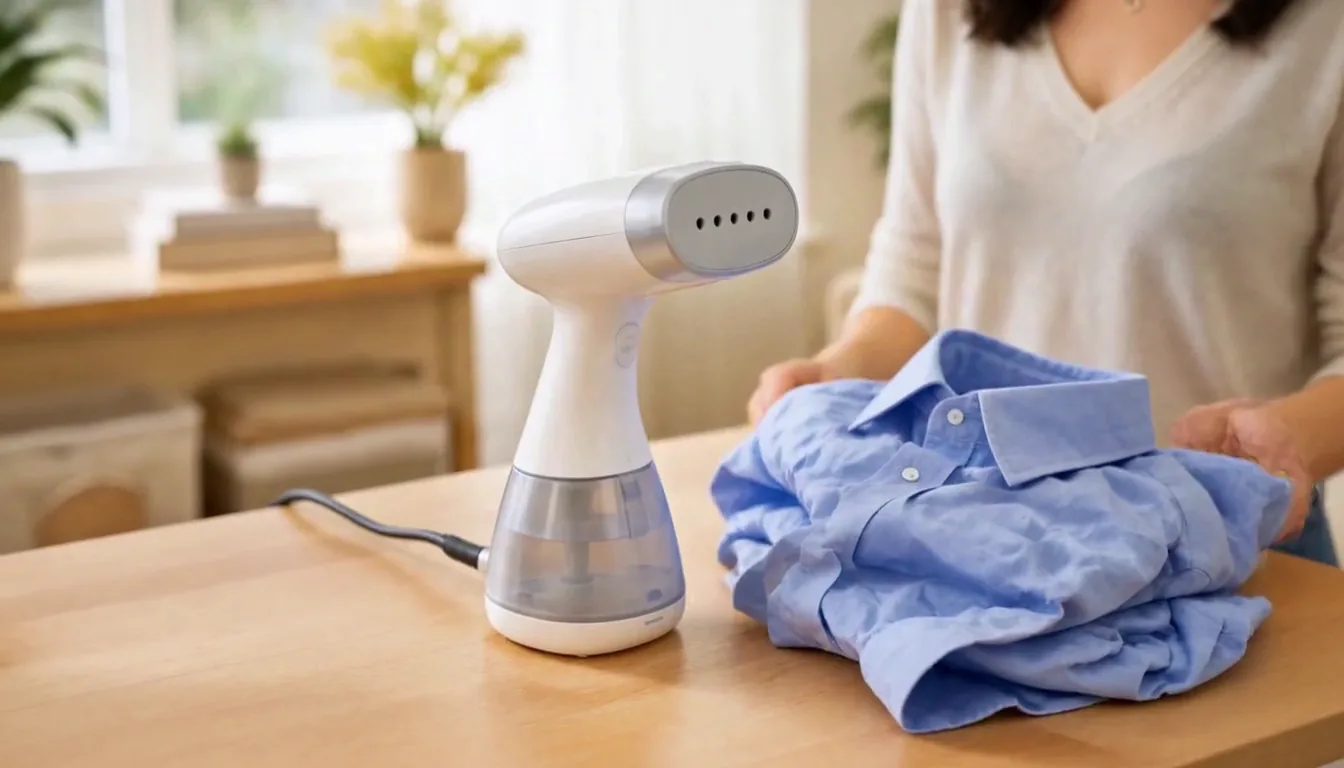
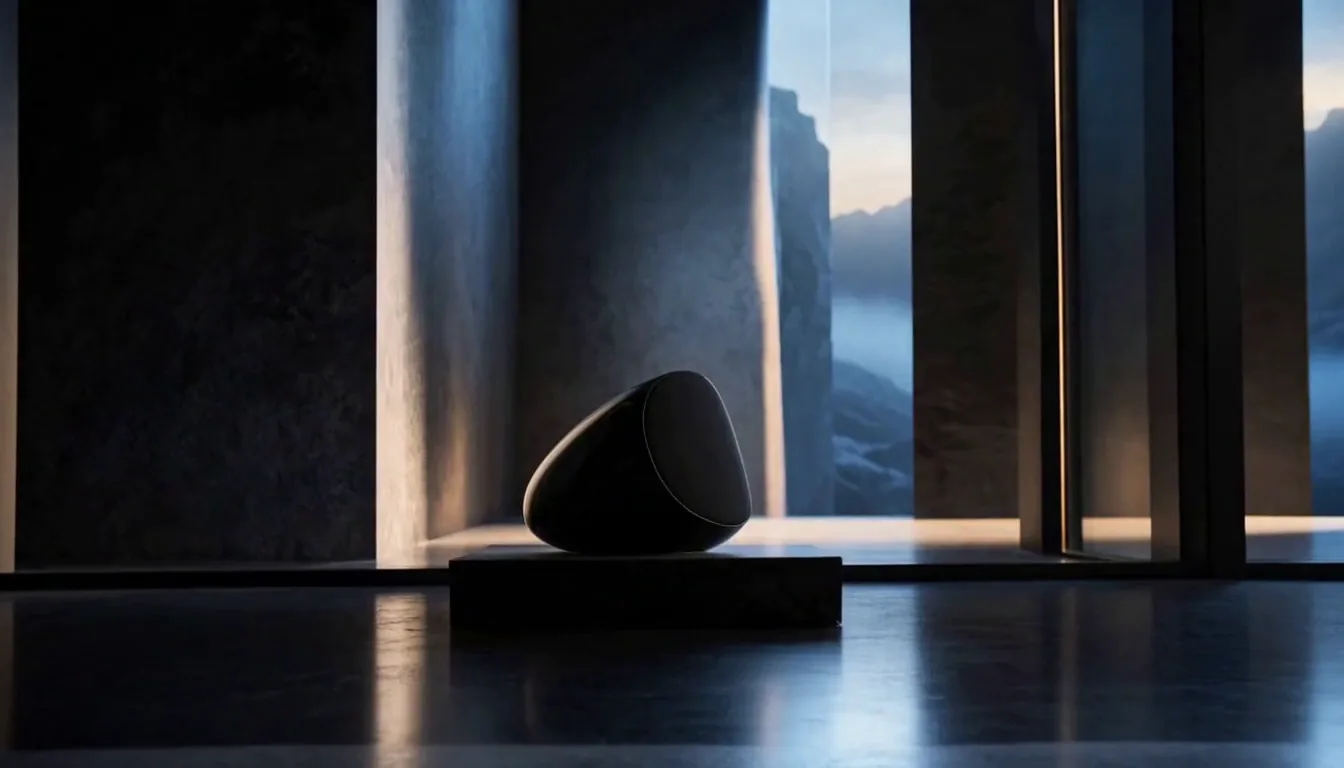
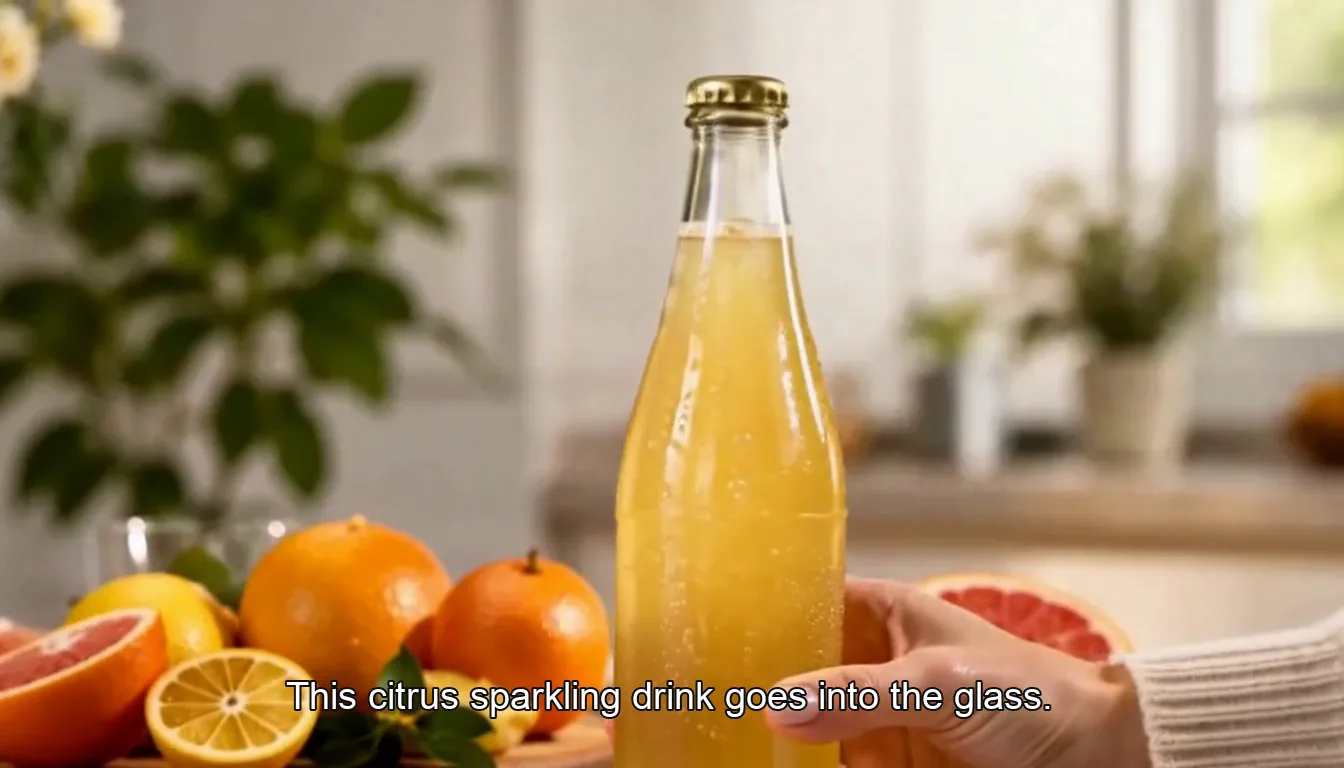
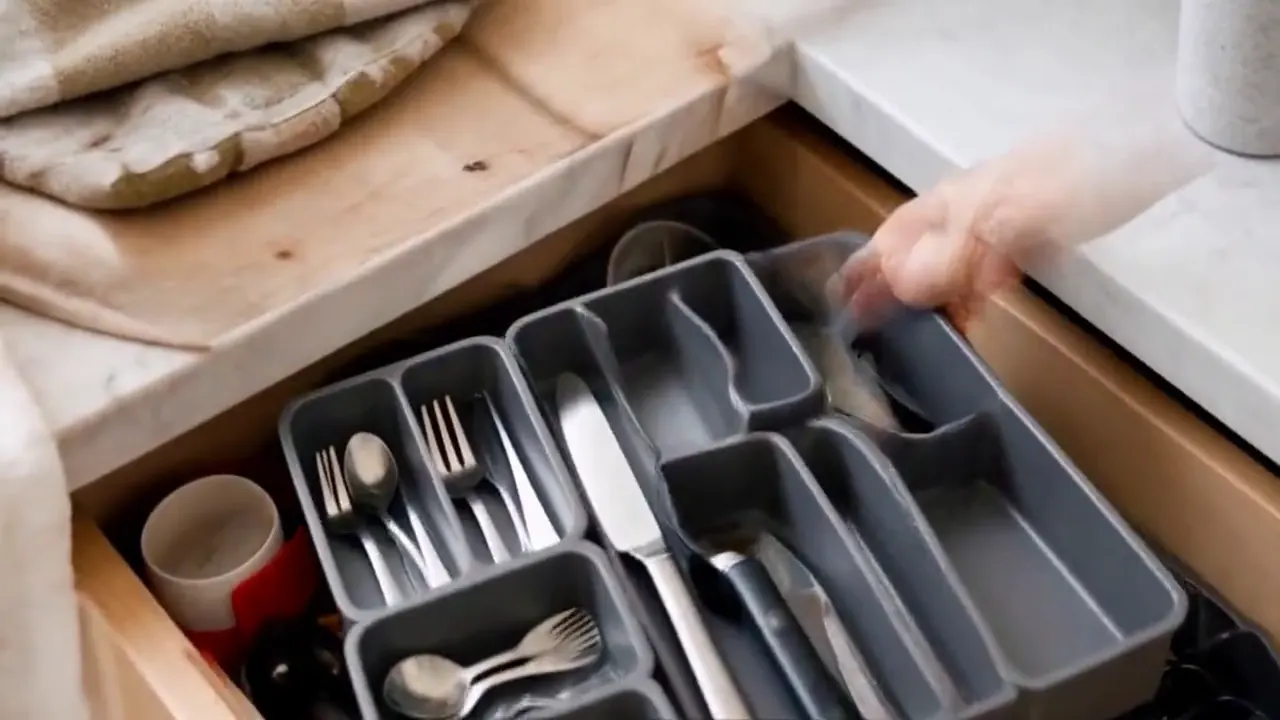
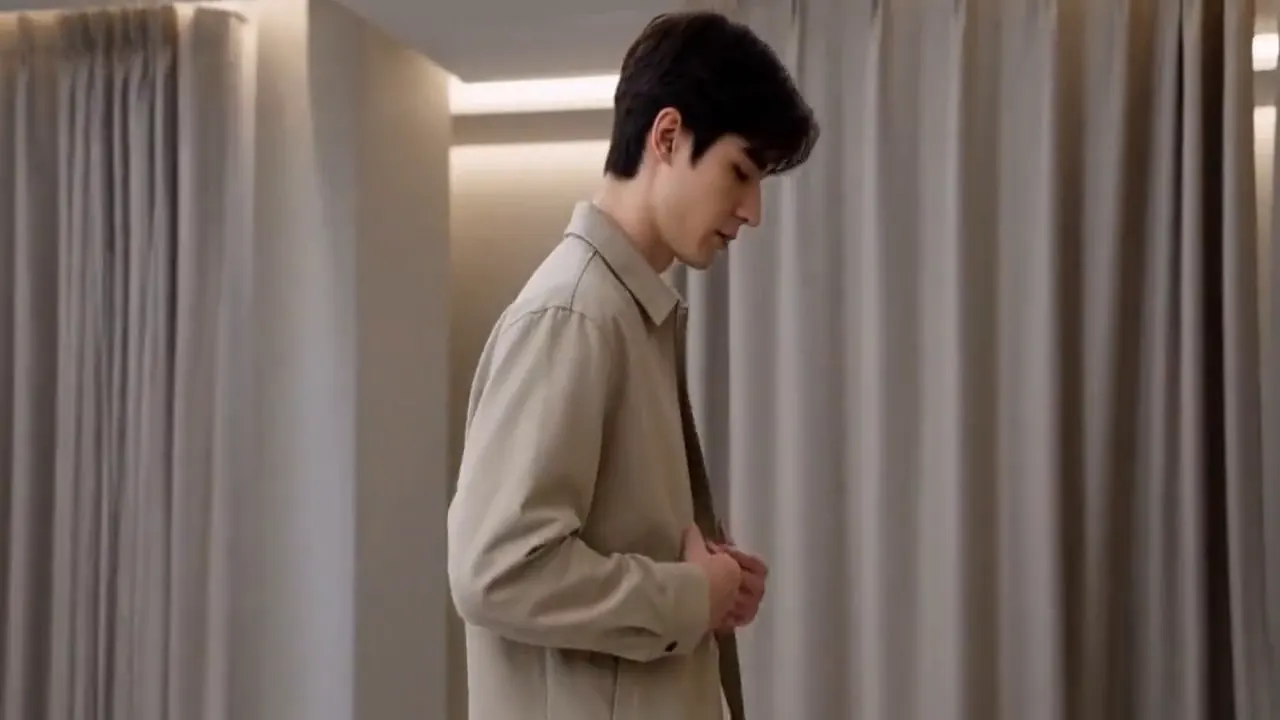
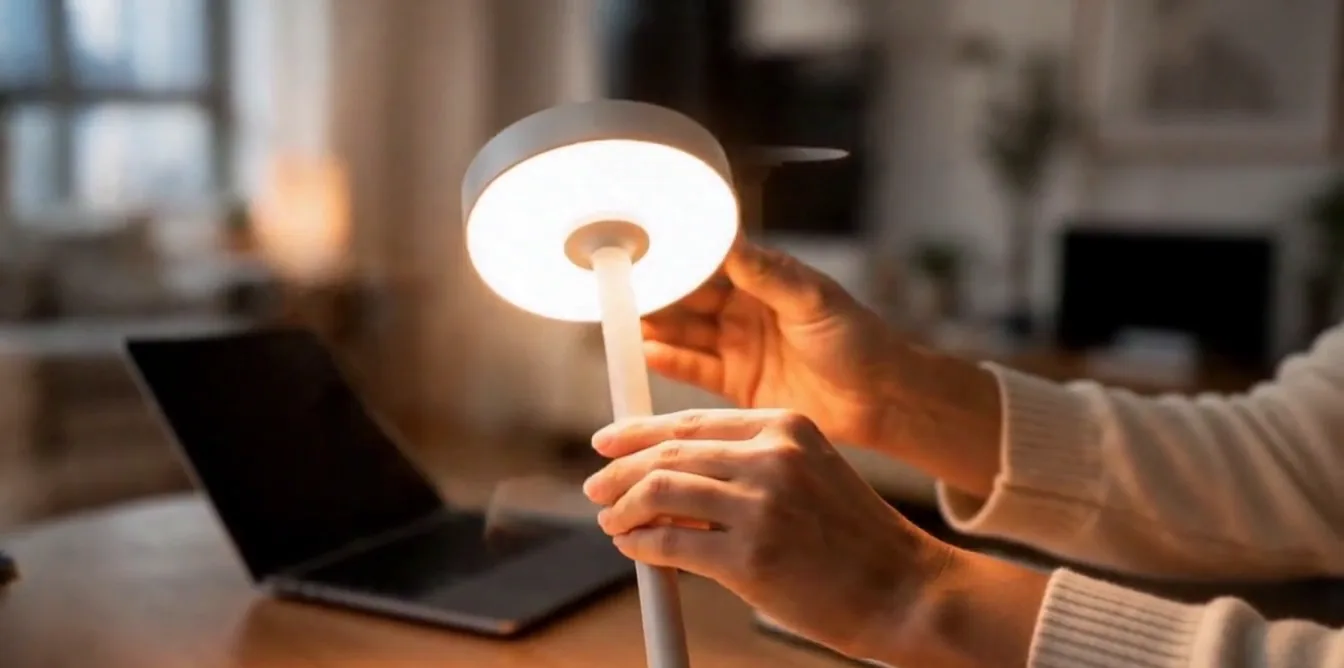
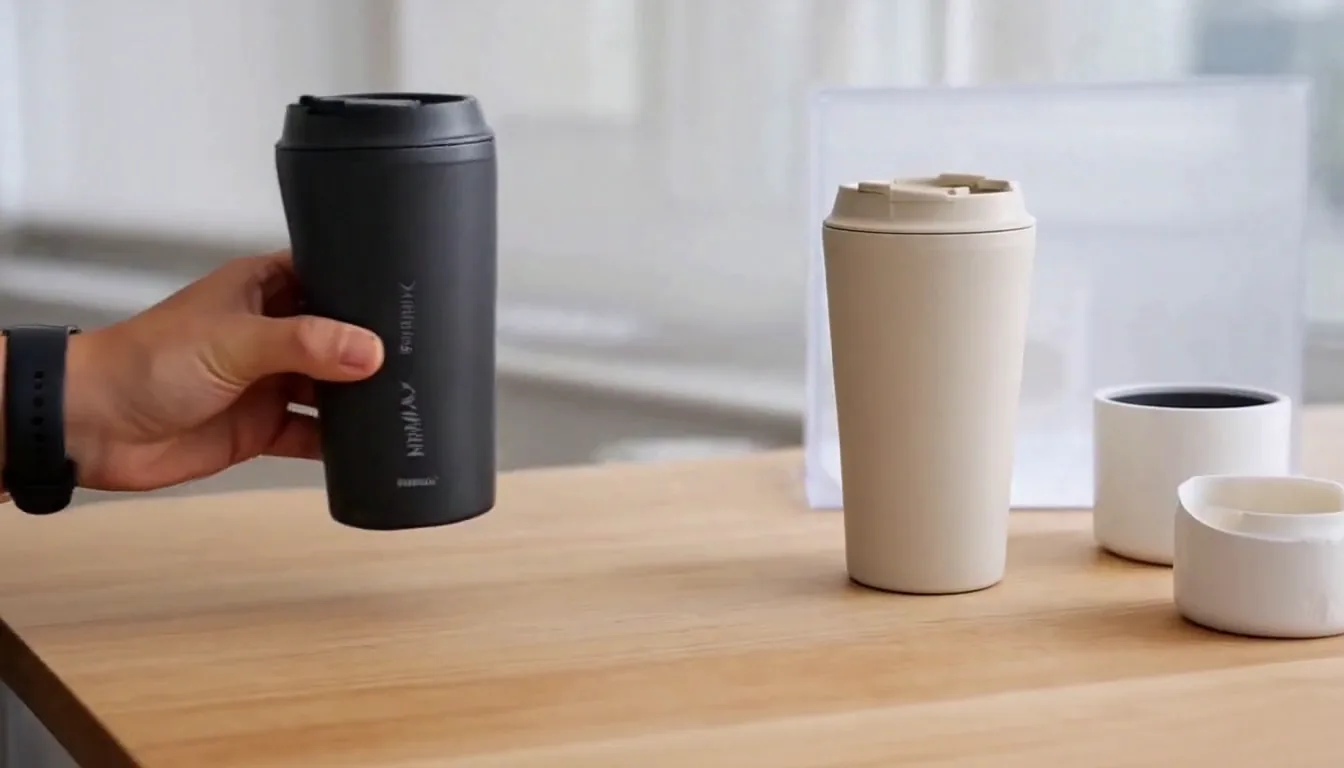
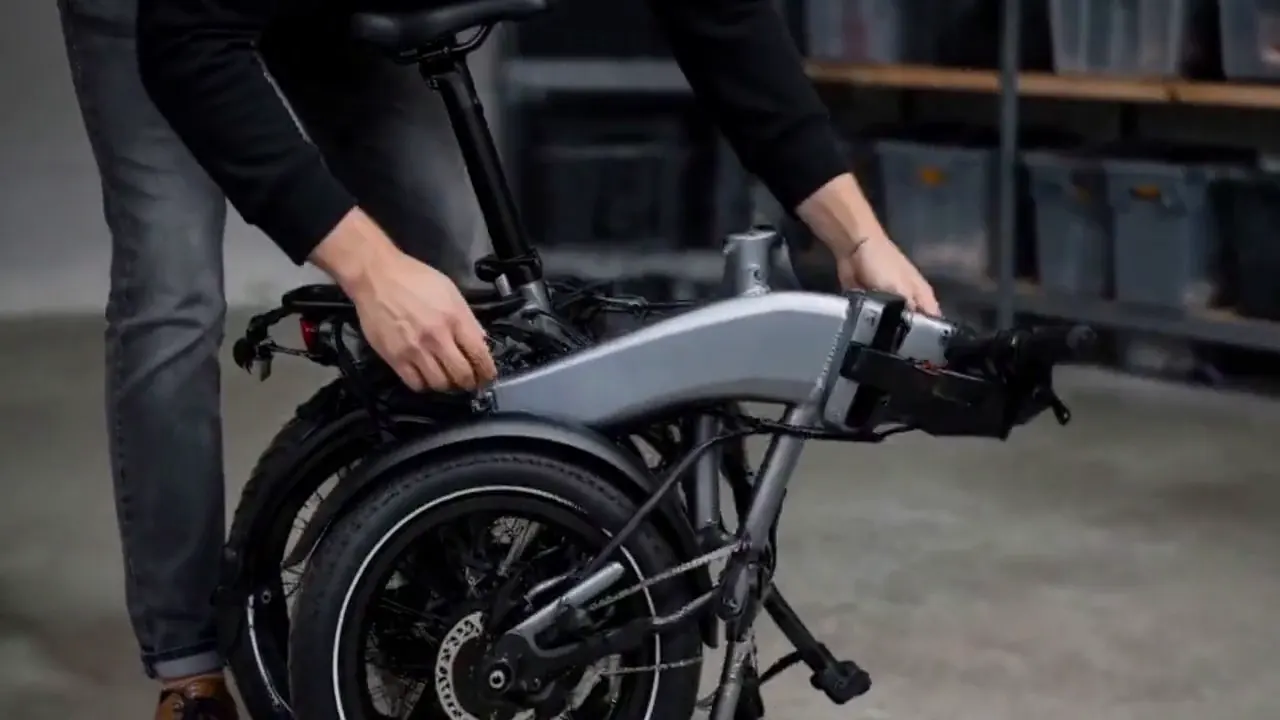

Upload a sharp product photo and describe the action, setting, and crop you need. Templates set a starting composition; review each result for product drift.
Yes. Add a line of text, like "on a marble counter" or "soft evening light," and the result leans that way while keeping the template's overall look.
Choose by the buyer moment you need: white background for a listing, lifestyle for context, demo for use, or a creator-style ad with an AI-generated person.
Upload one product photo, choose any template and see the cost before you start.
Plans from $24.50 a month. You see the credit cost before every job, and if a job fails its credits go back to your balance.