Comparison video template

Make a Product Comparison Video of Your Own Options

A product comparison video helps shoppers choose between your own colors, sizes, or models. Upload a photo of both, say what sets them apart, and get a short side-by-side clip.

Drop your product photo hereJPG, PNG or WebP · any clear photo works
Size 1:1 · Product listingLength 15 secondsAlso try 16:9 · Widescreen
Make my comparison video →See the cost before you start

Plans from $24.50 a month. You see the credit cost before every job, and if a job fails its credits go back to your balance.
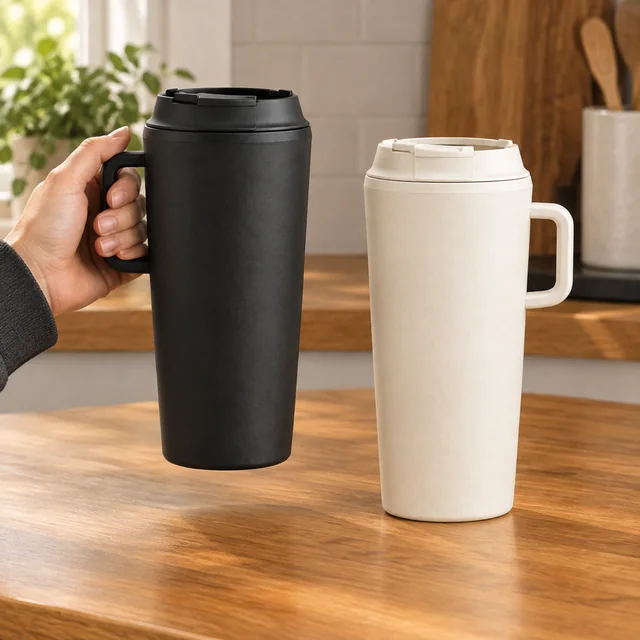

Tip: Shoot both products together in one photo, then spell out the difference in plain words, like "black tumbler on the left, cream on the right, same size."
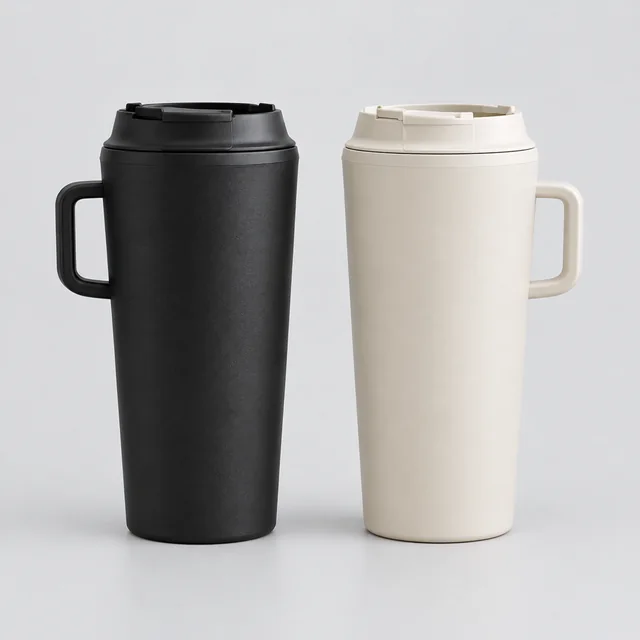
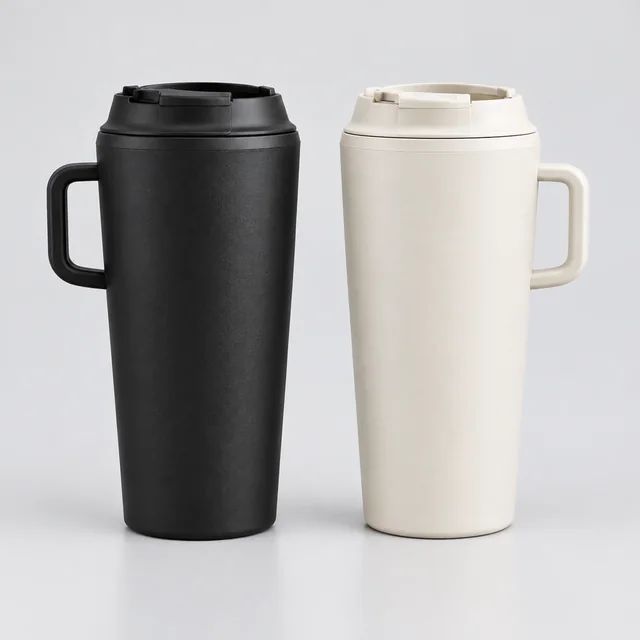
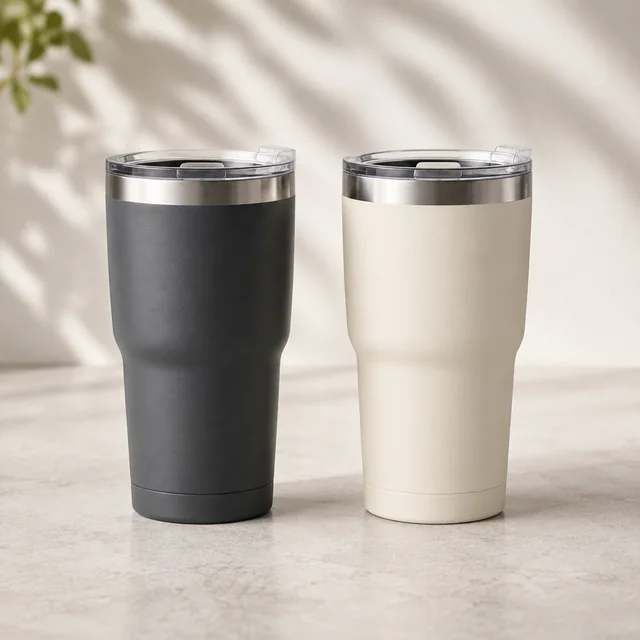
Matte black and cream insulated tumblers shown side by side on a clean surface.
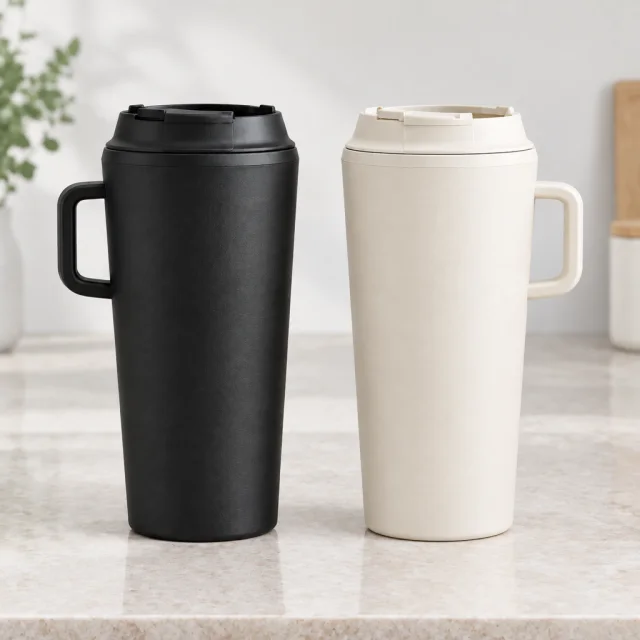
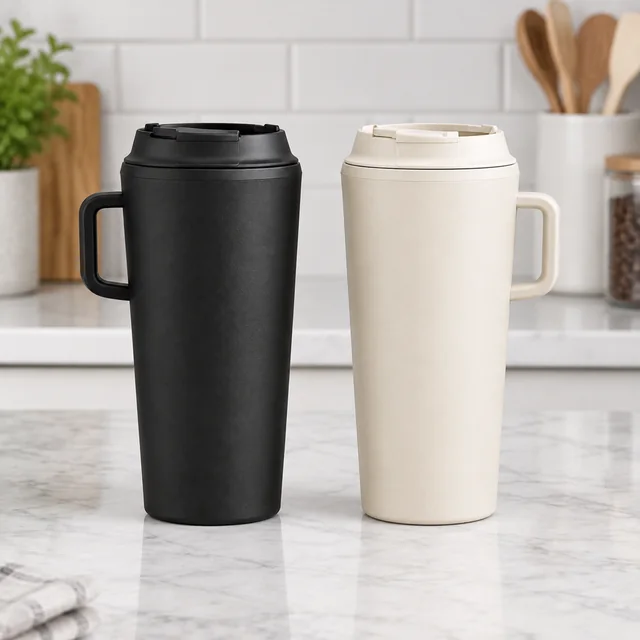
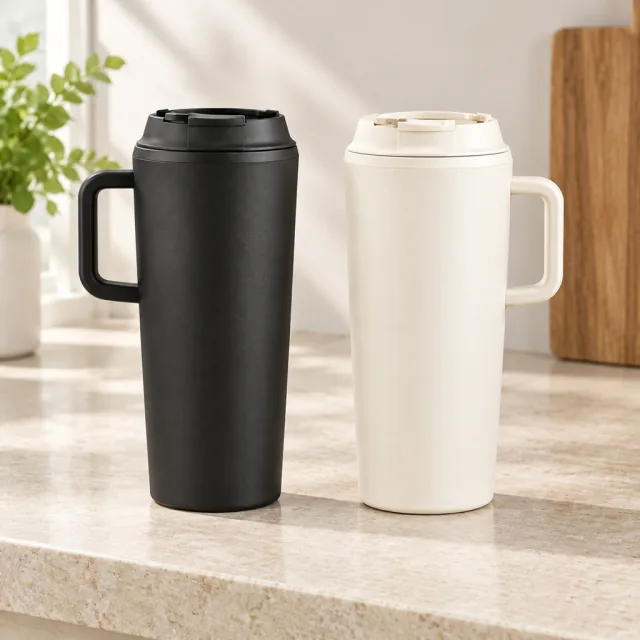
Matte black and cream insulated tumblers shown together on a kitchen counter.
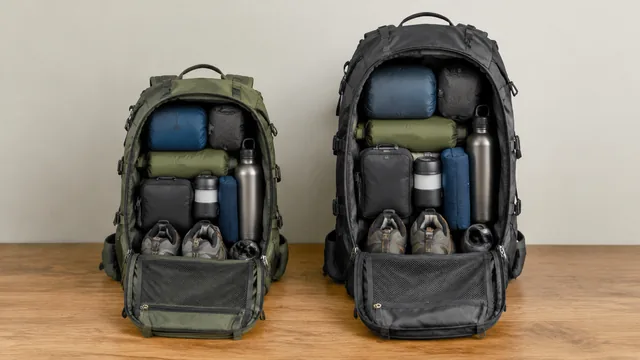
Person using the backpack at a desk
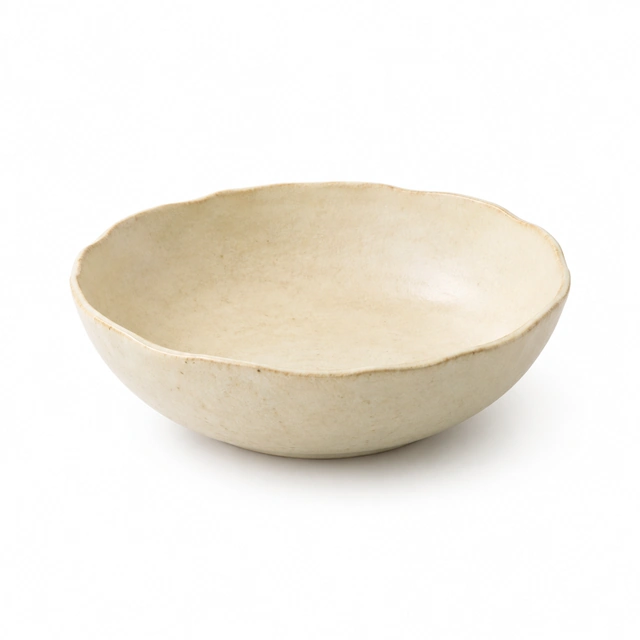
Cream stoneware serving bowl shown alone on seamless white.
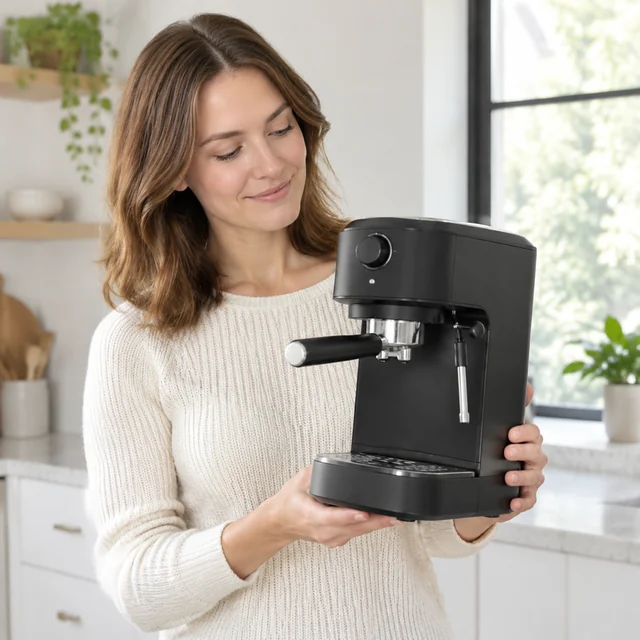
Presenter holding a compact espresso maker at chest height, looking at the product.
The same matte black and warm cream insulated tumblers on a pale stone countertop.

A product comparison video gives shoppers a clear view of two options at once. Keep the products side by side and name one visible difference, such as size, color, or finish.

How it works

Make a product-comparison video from one photo

Matte black and cream insulated tumblers shown side by side on a clean surface.
Two product optionsPlace both options side by side on one surface.
Step 01

Upload both options in one photo

Set the two products side by side on a plain surface so the video keeps them at the right scale.

Move across these matte-black and cream insulated tumblers, pausing with both visible.
Size 1:1 · Product listingLength 15 secondsAlso try 16:9 · Widescreen
Cost60 credits
Step 02

Name the difference

Describe what sets them apart: color, size, lid, or finish. Use 6 seconds for a fast glance or 15 for a slow pan across both.

Matte black and cream insulated tumblers shown together on a kitchen counter.
Step 03

Label each side

Add names, sizes, and prices above each product in Canva or CapCut after you download.

Choose a scene

Choose a product-comparison video scene

Pick one difference shoppers can see without extra explanation.
Where to use it

Use comparison videos on product pages and social

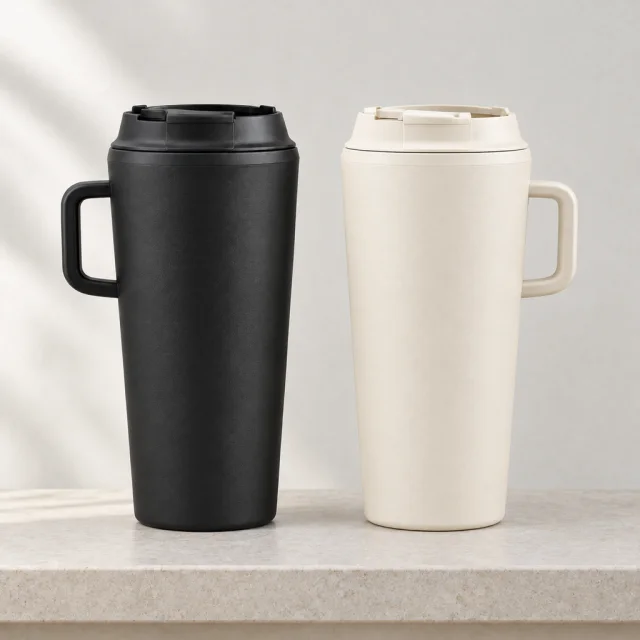
The same matte black and warm cream insulated tumblers on a light stone shelf.

Add a comparison video to a product page

Place the clip near the variant selector so shoppers can see the visible difference between options.
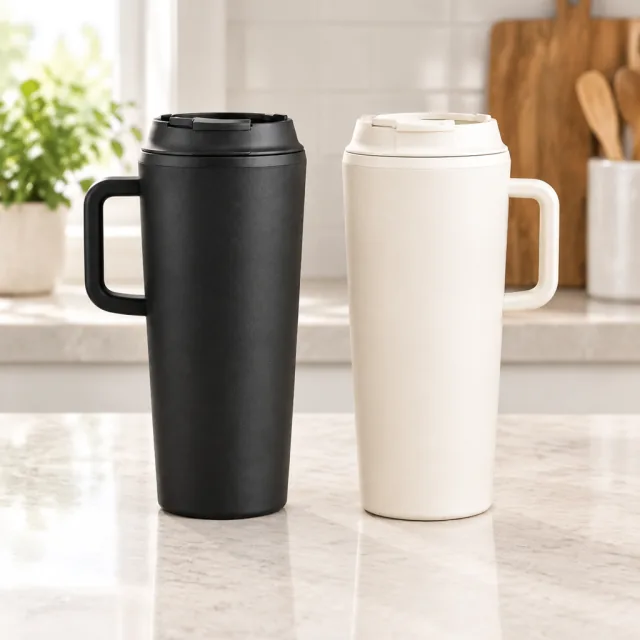
Matte black and warm cream insulated tumblers standing side by side on a counter.

Use a comparison video in a social post

Show both options together, then add variant names and current prices as text.
Start with a clear photo

Start a product-comparison video with a clear image

✓
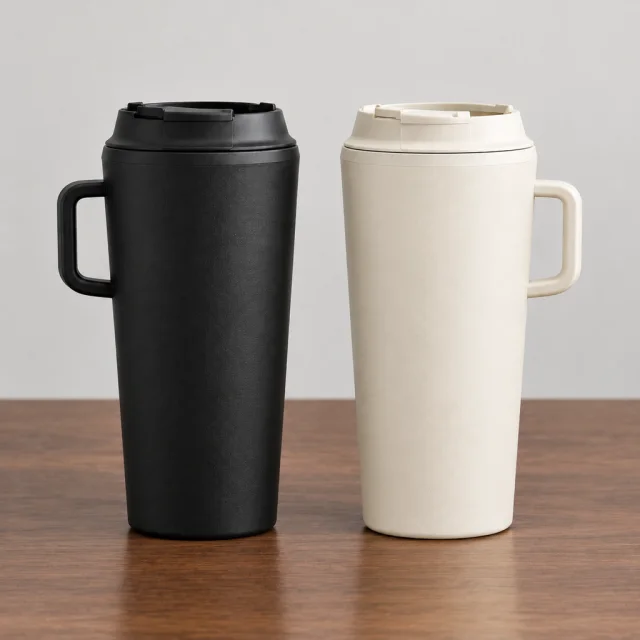
The same matte black and warm cream insulated tumblers standing on a walnut desk.
Product shape and details stay sharp
✕
Matte black and warm cream tumblers softened by blur so their lids and finish are hard to inspect.
Soft focus hides small product details
✓
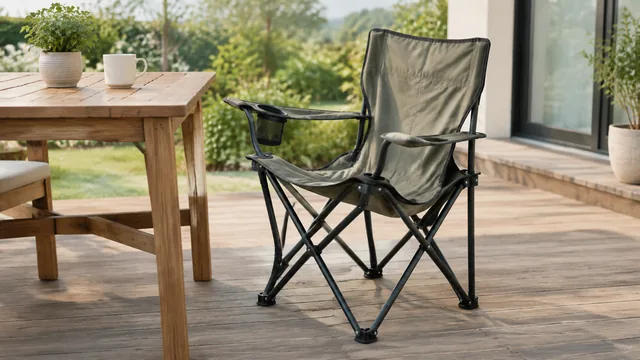
Folding camp chair half open beside a wooden patio table.
Whole product fits inside the frame
✕
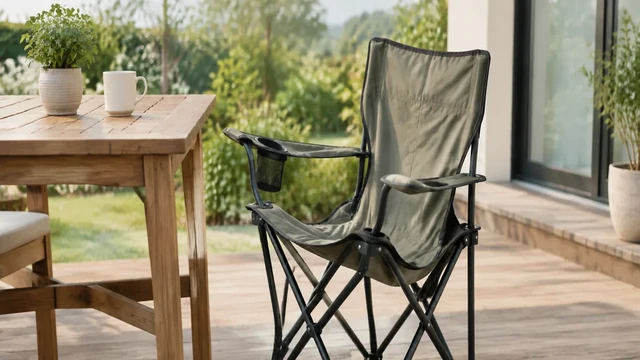
Tight crop of a camp chair with one foot cut off.
Tight framing cuts off a product edge
Your result

Choose a square product-comparison video format

Matte black and cream insulated tumblers standing side by side on a kitchen counter.
1:1 product-comparison video1:1 video · 15 s · 60 credits
Matte black and cream insulated tumblers standing side by side on a pale studio surface.
1:1 product-variant video1:1 video · 15 s · 60 credits
After download

Add variant names and prices after download

Matte black and warm cream insulated tumblers standing side by side on a stone shelf.
Variant namesPriceProduct link

These details are added in your editor after download.

  • Add each variant name and price as editable text after download.
  • Link the comparison to the product page with both options available.
More templates

More comparison video templates

Choose another everyday scene, then add your product photo.
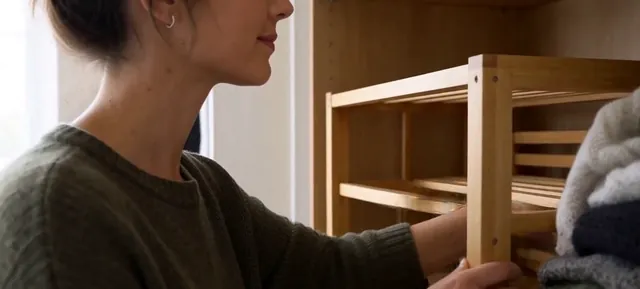
Person fitting a wooden shelf organizer into a wardrobe

Before & After

The difference, side by side

Home & LivingTikTokFacebook
Use this template →
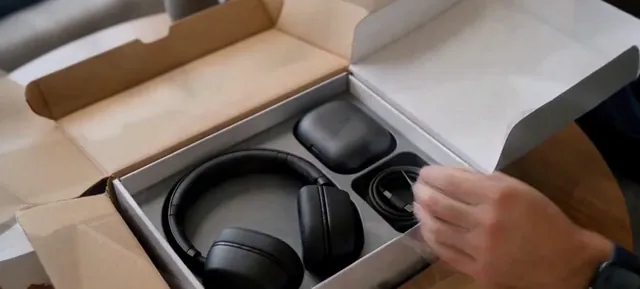
Over-ear headphones and a charging case inside an open gray box

Unboxing

Open the box, reveal the product

ElectronicsTikTokYouTube Shorts
Use this template →
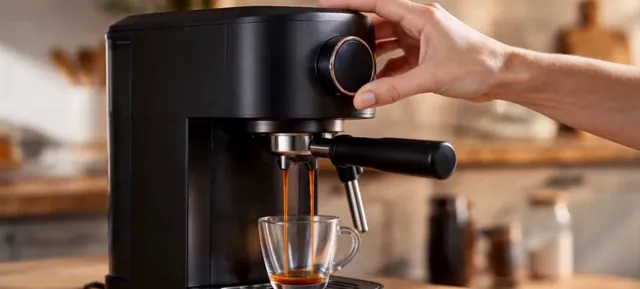
Espresso running from a compact black machine into a glass cup

Product Demo

Show it working, start to finish

Home & LivingYouTube ShortsShopify
Use this template →
Examples

Product comparison video examples

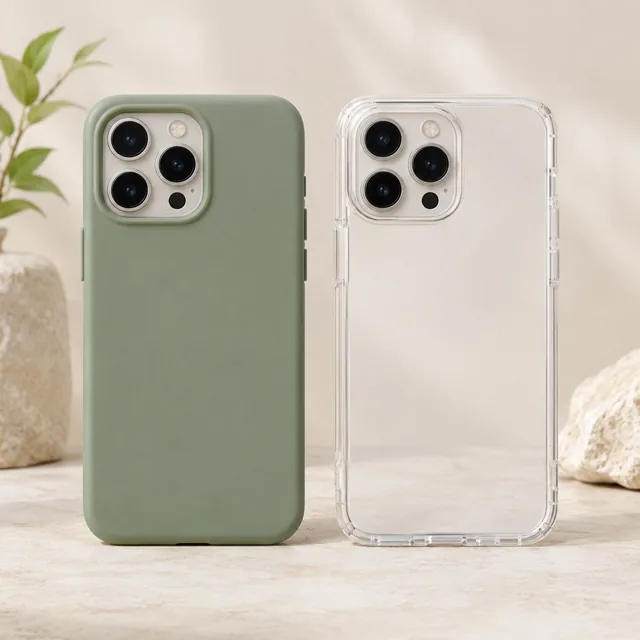
Two versions in one frame, so shoppers can see the difference for themselves.
FAQ

Questions about product-comparison videos

Can I compare my product with another brand's?

No. Use this template to compare options from your own range, like two colors or two sizes. Requests that include other companies' logos or trademarks may be refused.

Can the video show capacity, weight, or price?

Add specs like these as text in your editor after downloading. Generated numbers aren't always accurate, so it's safer to type them yourself.

Which aspect ratio should I choose?

Square 1:1 works well in product galleries and feeds. Widescreen 16:9 suits a video in your product description. Vertical 9:16 is for YouTube Shorts and other phone-first feeds.

Keep reading

Guides and articles

Try Side-by-Side Video with your product

Upload one photo that shows both options. See the cost before you start.