Beauty & skincare

AI Product Videos and Photos for Beauty Brands, From Swatch to Shelf

AI product videos and photos for beauty brands show the texture, the packaging, and where your product fits in a morning or evening routine, starting from one photo of your bottle, jar, or tube.

Drop your product photo hereJPG, PNG or WebP · any clear photo works
Photo Your product shotScene Café tableSize Square
Make a lifestyle photo →See the cost before you start

Plans from $24.50 a month. You see the credit cost before every job, and if a job fails its credits go back to your balance.
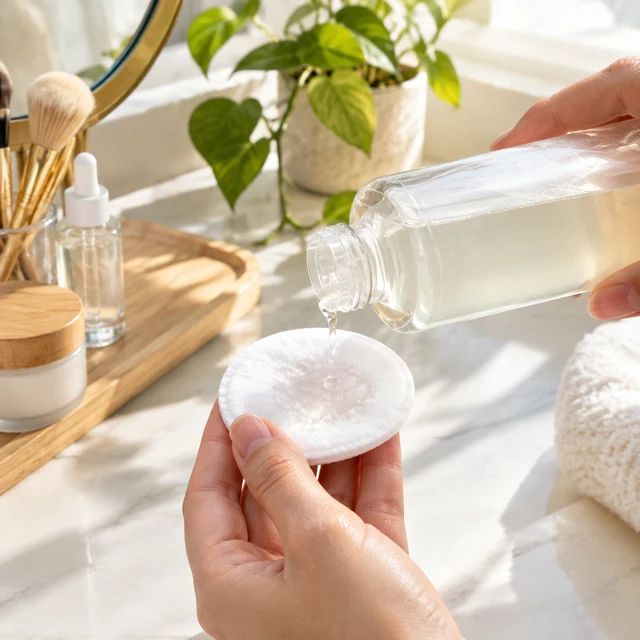
Hydrating toner patted onto a cotton pad at a sunny vanity.
Photo
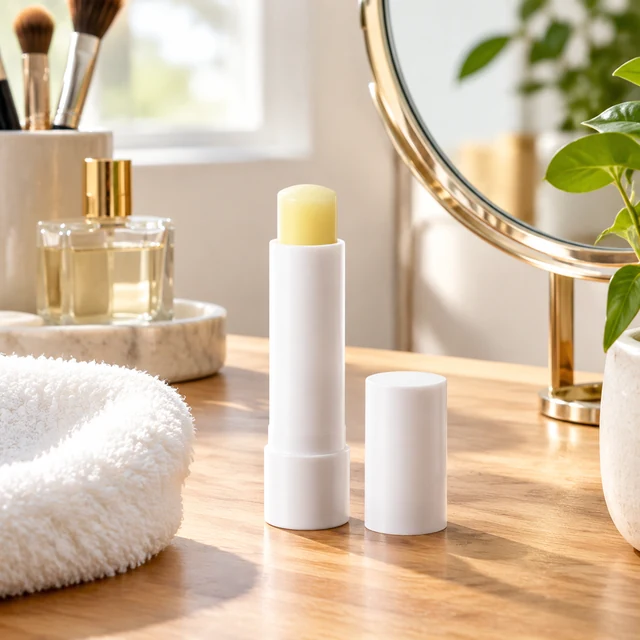
Lip balm tube on a vanity next to a round mirror, morning routine.
Photo
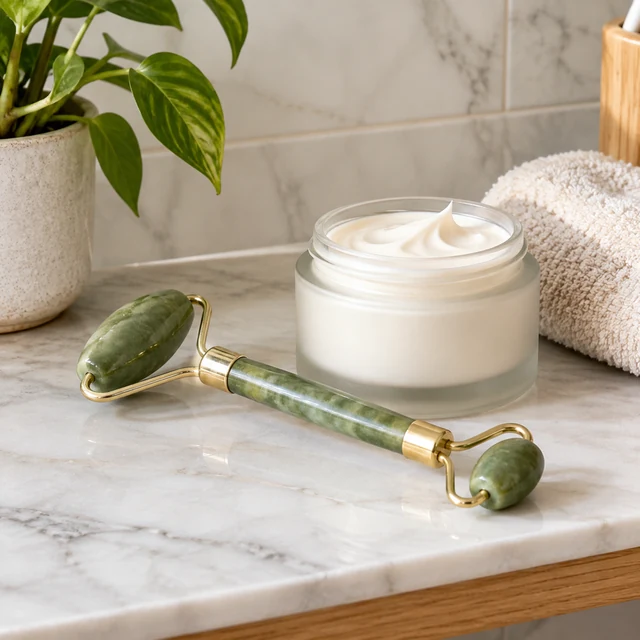
Jade face roller resting beside a jar of cream on a bathroom shelf.
Photo
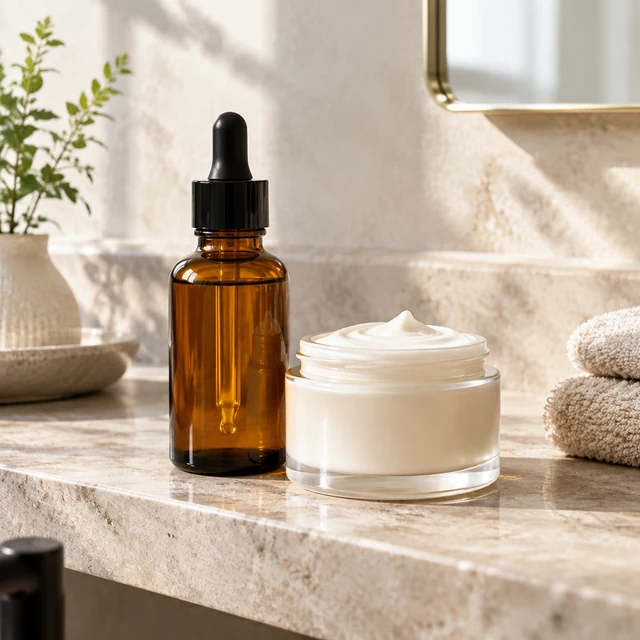
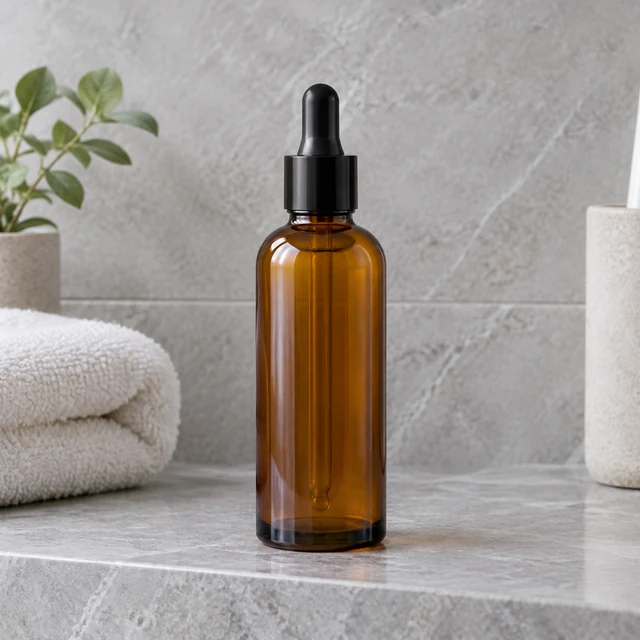
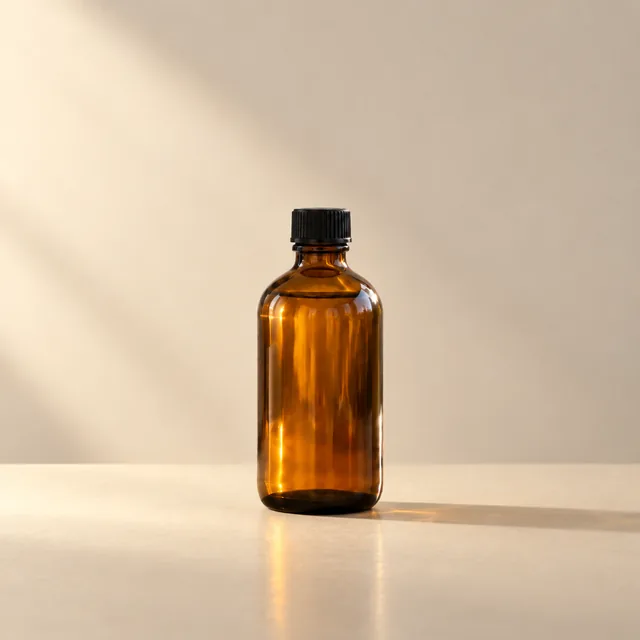
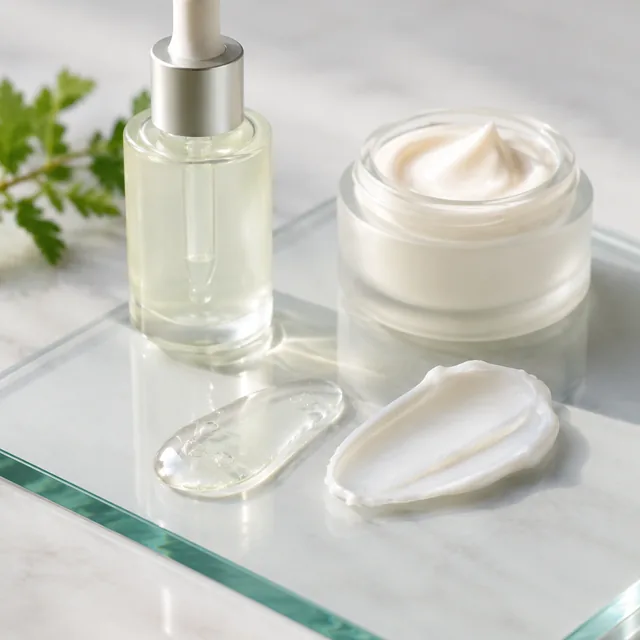
Amber dropper serum bottle and a cream jar on a stone bathroom shelf in soft morning light
Photo
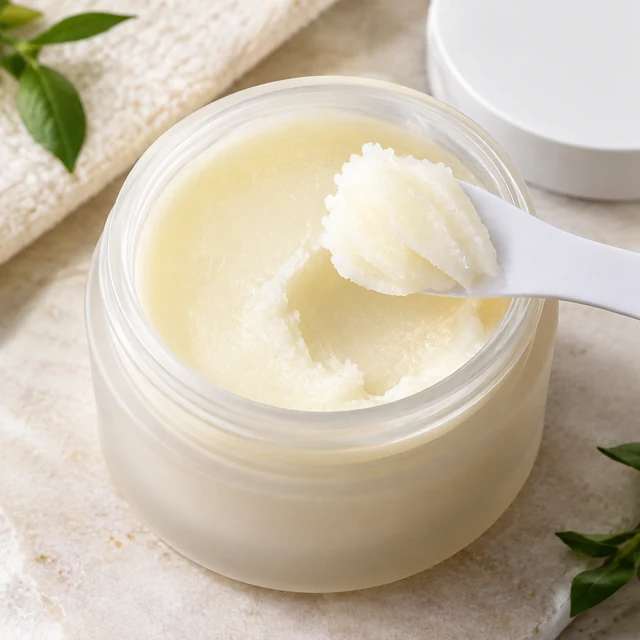
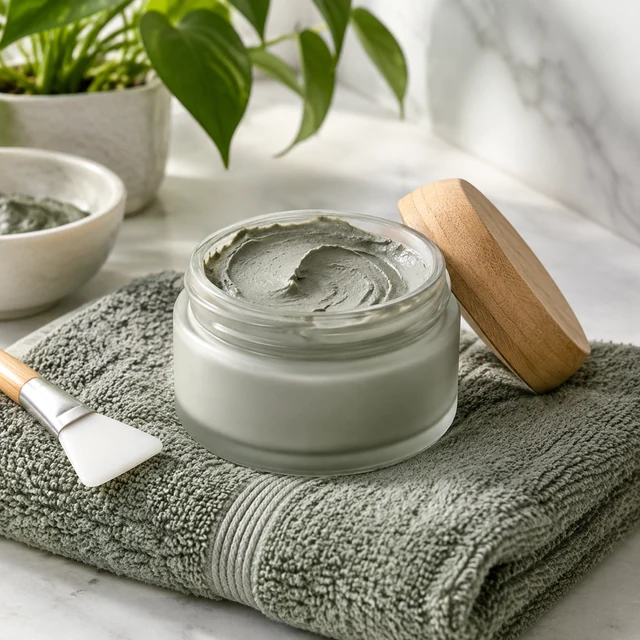
Cleansing balm scooped from its jar with a small spatula.
Photo
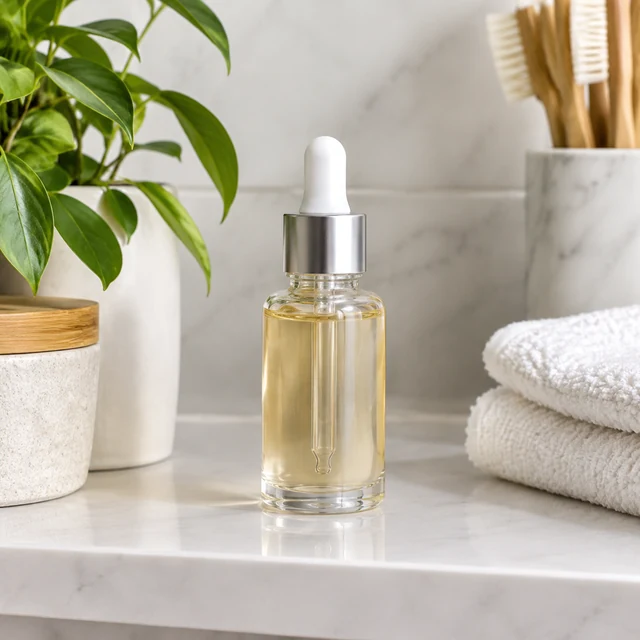
Amber skincare bottle on a pale stone bathroom shelf.
Photo

Beauty shoppers look at the package, shade, texture, and place in a routine. Use clear product photos for the listing, then add a vanity, shelf, or travel scene for context.

How it works

Show a lipstick color beside its shade swatch

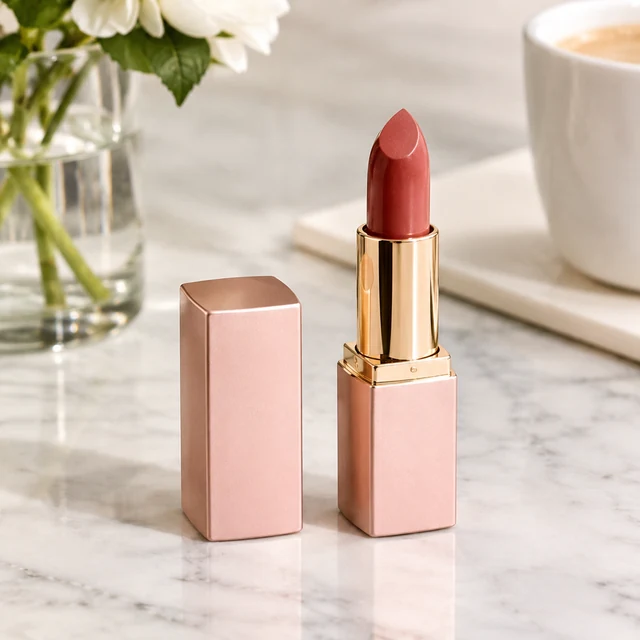
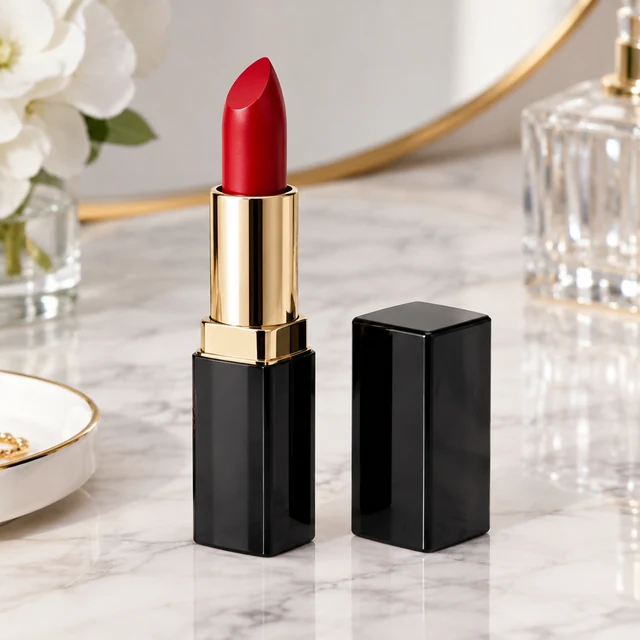
Coral lipstick and its cap on a marble vanity.
Drop your product photo hereJPG, PNG or WebP · any clear photo works
Step 01

Upload a clear product photo

Show the whole bottle, jar, or tube in good light, with the label and package shape visible.

Place the coral lipstick upright on a white marble vanity beside a pink flower and round mirror, with the tube and cap visible.
Template Lifestyle photoSize Square
Cost24 credits
Step 02

Choose a routine or display scene

Name the surface, light, and one simple action while keeping the package and shade easy to see.
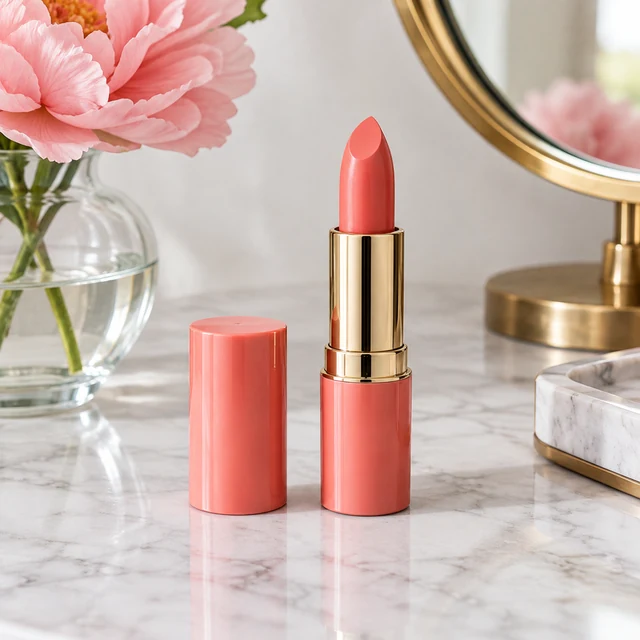
Coral lipstick and its cap on a white marble vanity beside a pink flower in a glass vase and a round brass mirror
Step 03

Download and add the shade name

Type the shade name and key ingredients as text in your editor, so small print stays sharp.

Choose a scene

Choose a scene for your beauty product

Pick whether shoppers should see the shade, the texture, or where the product sits in a routine.
Where to use it

Use beauty photos on listings and social

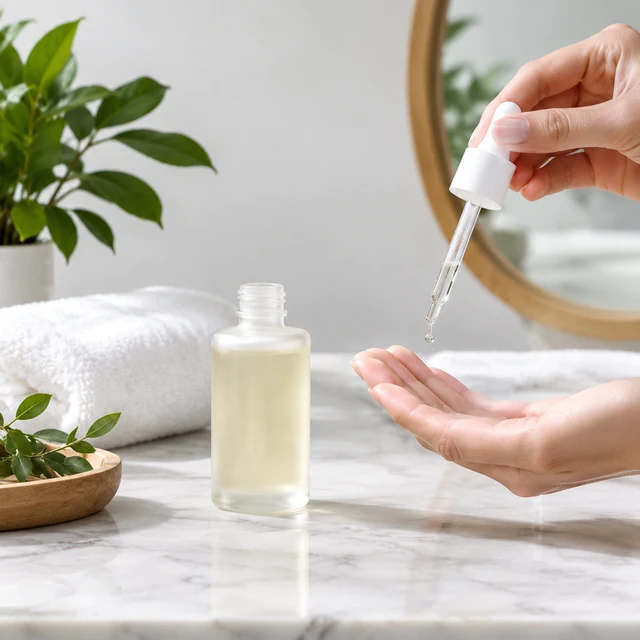
Hand applying serum beside a glass bottle at a bathroom vanity.

Add a routine photo to a product page

Show the serum or cream where it is used, next to the plain pack shot on your listing.
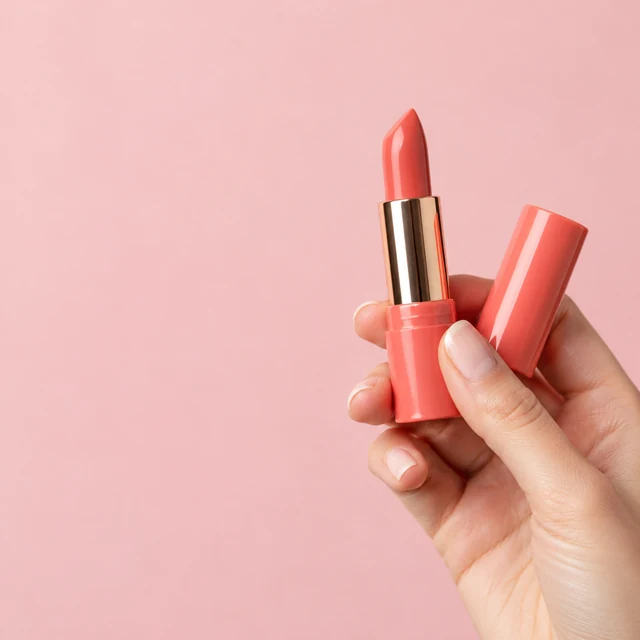
Hand holding a coral lipstick and its cap against a soft pink backdrop with open space on the left

Show a shade in a social post

A close view of the bullet shows the shade; type the shade name over it in your editor.
Start with a clear photo

Start with a photo that shows the package

✓
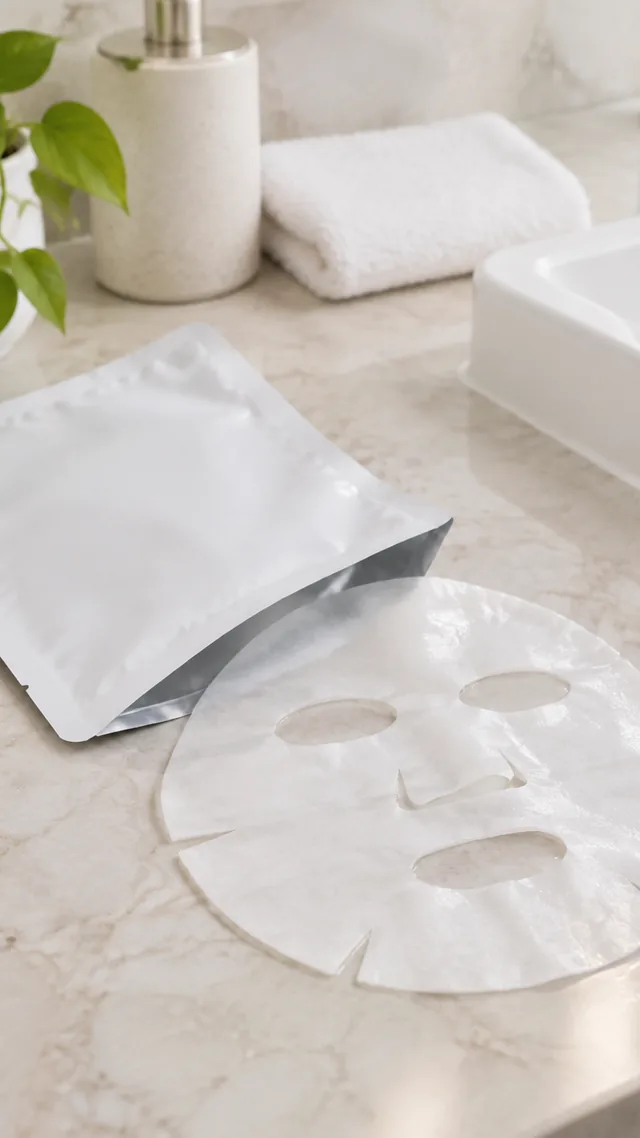
Sheet mask pouch with opened on a bathroom counter.
Sheet mask package stays fully visible
✕
Sheet mask package softly blurred on a bathroom counter.
Package details blur together
✓
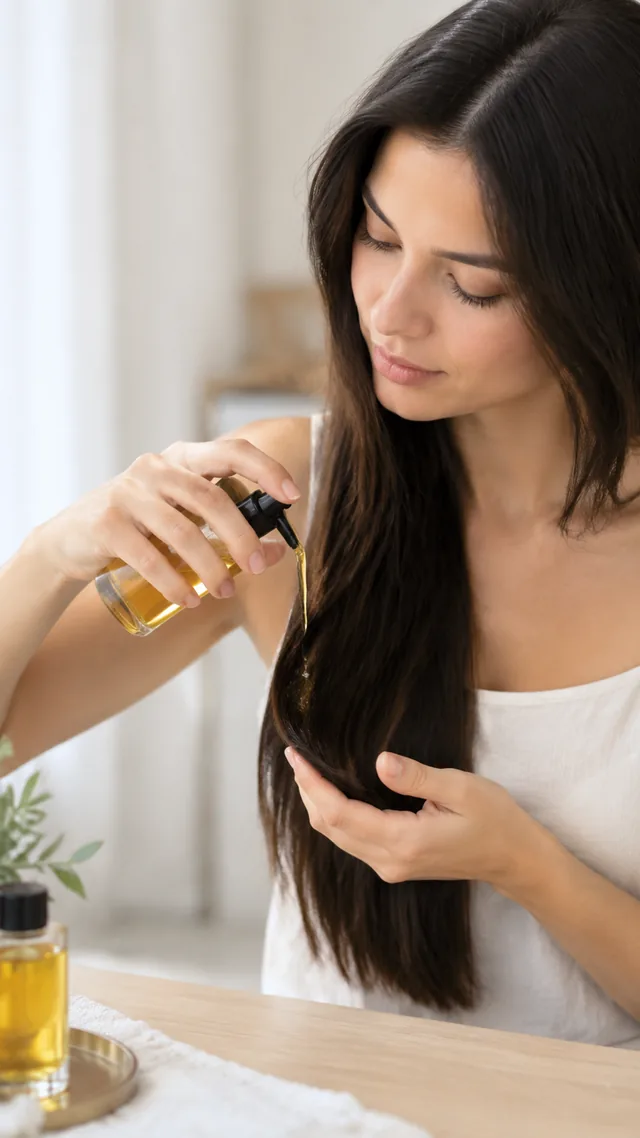
Hair oil worked through the ends of long hair.
Hair oil bottle stays fully in frame
✕
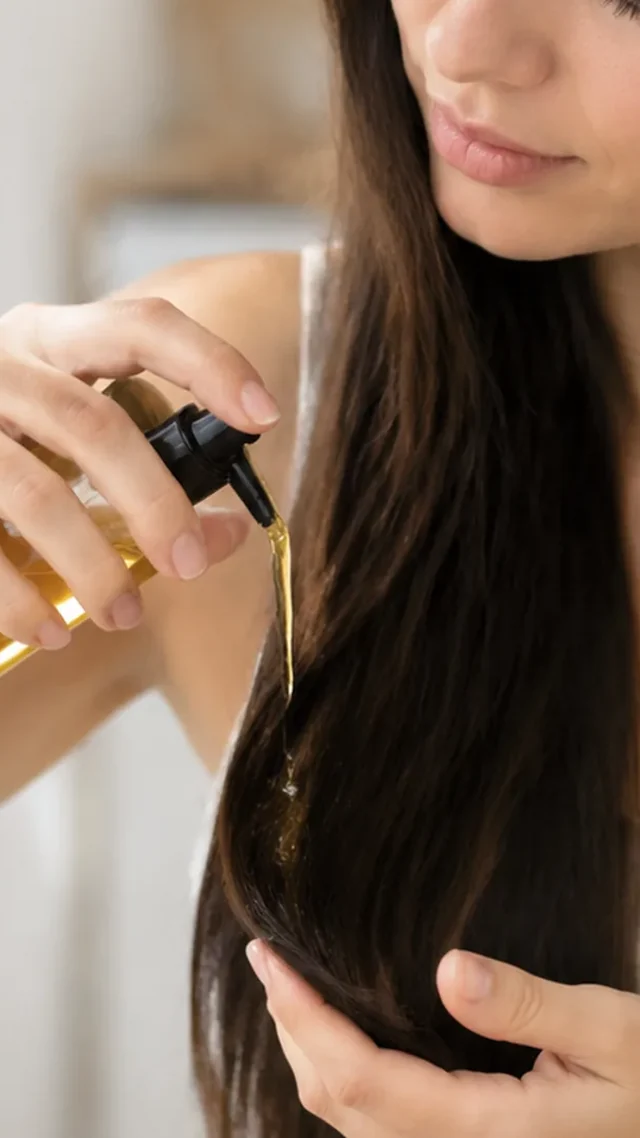
Hair oil application shown in a tight crop.
Bottle is cut off at the frame edge
Your result

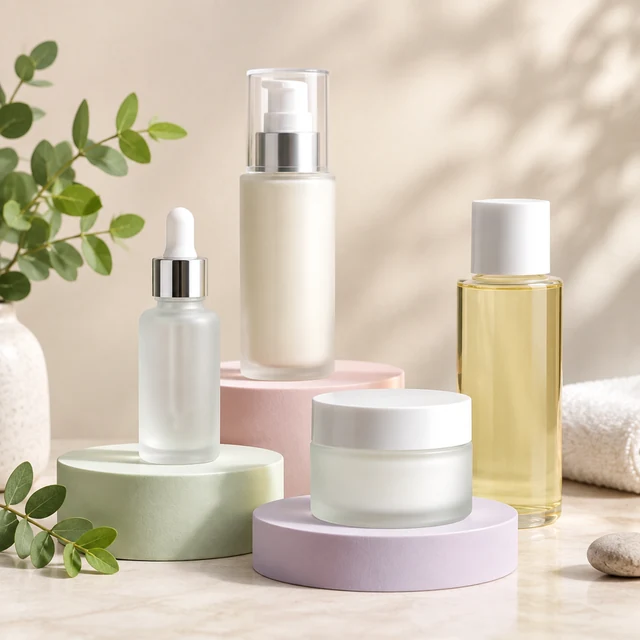
Square skincare photos for sets and single products

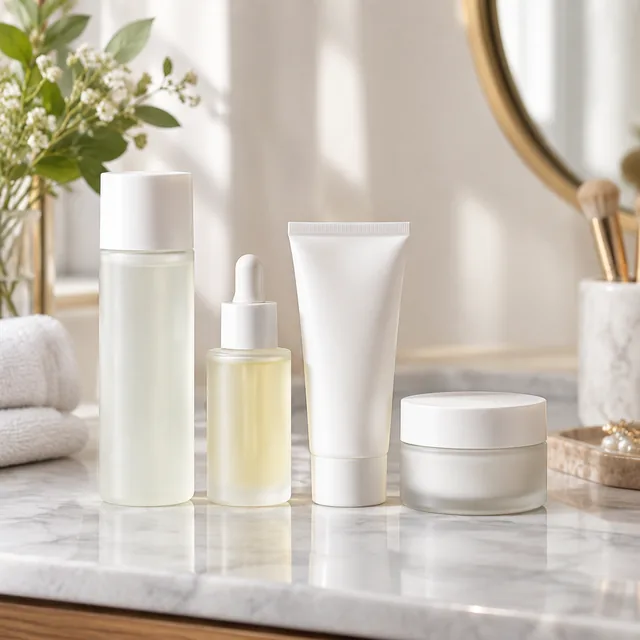
Skincare bottles on pastel podiums, empty headline area.
Square skincare set photoSquare photo · 24 credits
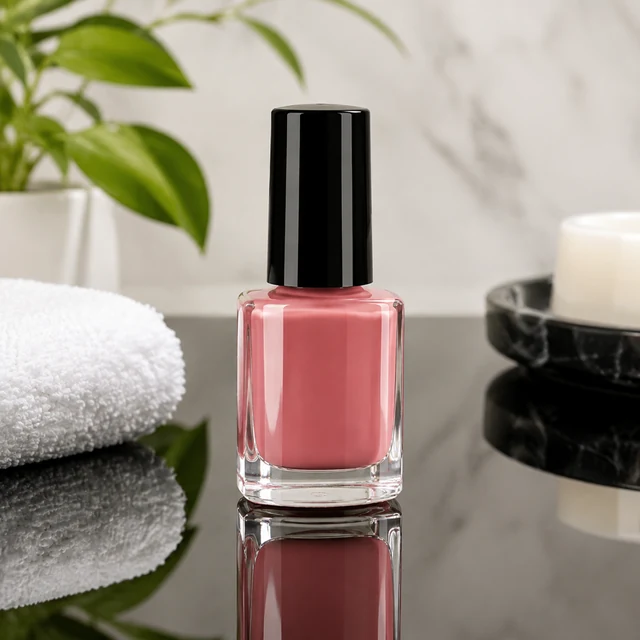
Glossy nail polish bottle on black acrylic with a sharp reflection.
Square single-product photoSquare photo · 24 credits
After download

Add shade names and ingredients after download

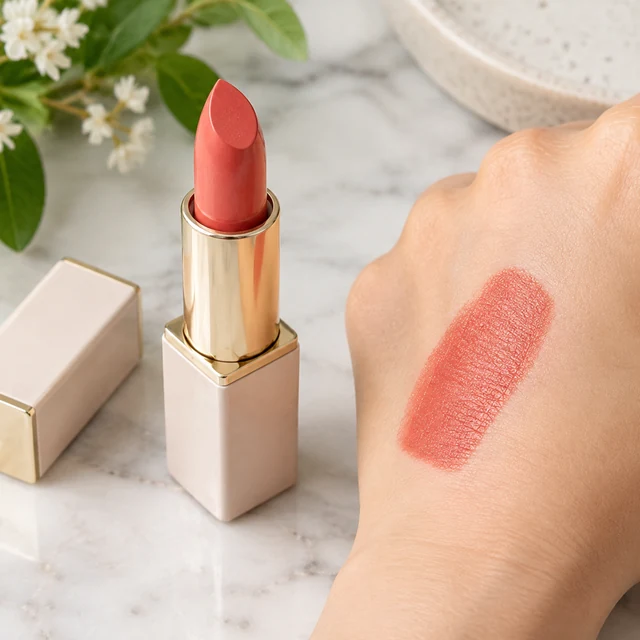
Close-up of coral lipstick beside a swatch of its shade on the back of a hand.
ShadeIngredients

These details are added in your editor after download.

  • Small label text can come out soft, so add the shade name as text instead of relying on the photo.
  • Copy key ingredients from your listing word for word, so the ad and the product page match.
Templates

Beauty & Skincare templates

Choose a serum, jar, or set for your next texture or routine scene.
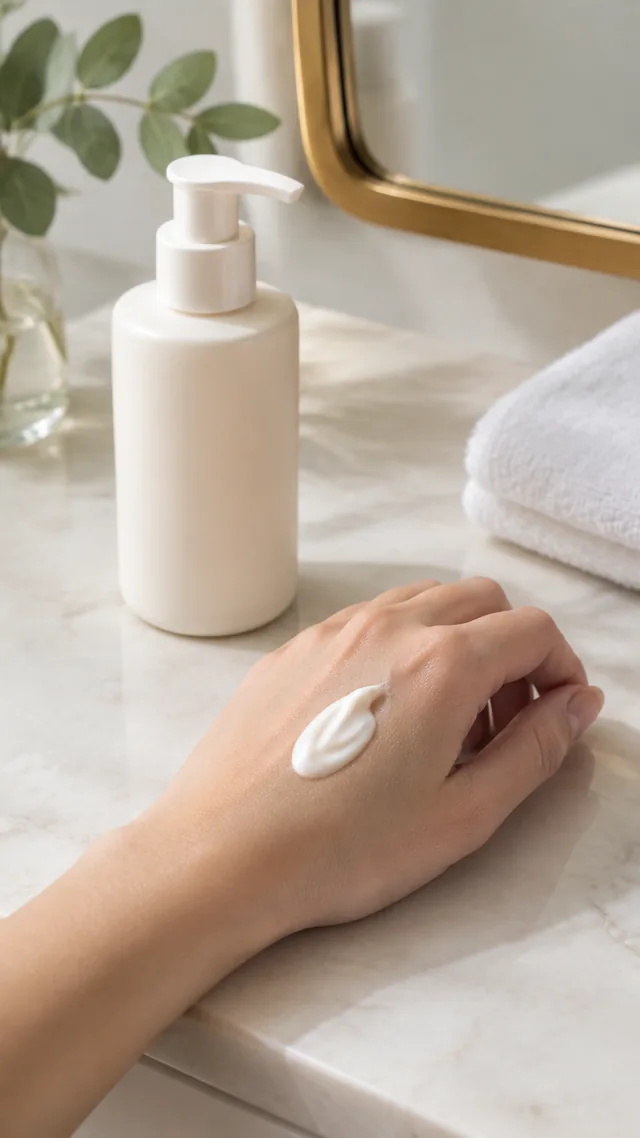
VideoCream pumped onto the back of a hand beside a mirror and folded towel.

Beauty Routine

Your product in a daily routine

Beauty & SkincareTikTokInstagram
Use this template →
PhotoEvery item in the skincare set shown together

What's in the Box

Show the full set or bundle

Beauty & SkincareAmazonShopify
Use this template →
PhotoAmber glass bottle in warm side light.

Studio Lighting

Turn a flat photo into a studio shot

Beauty & SkincareAmazon
Use this template →
Examples

More beauty and skincare examples

Textures, sets and everyday shelf moments for beauty listings.
Tools

Tools that fit

Video AdsShort ads for TikTok, Reels and Shorts
Lifestyle PhotosYour product in a real-life scene
White Background PhotosReady for Amazon and Shopify
Product PhotosStudio-quality shots from any photo
FAQ

Questions about beauty product photos

Can I make before-and-after videos for a skincare product?

We’d steer away from it for skin results. A generated face is not evidence of what your product does, and a visible change in skin can read as a promise. Show application, texture, and packaging instead, and leave claims about results out of your request and the claims you use in an ad.

Will the video match my exact foundation or lipstick shade?

Color comes from your photo and your wording, so shoot in daylight and name the shade plainly, like "warm beige liquid" or "brick red matte." If the tone still drifts, generate another version; the credit cost is shown before each one.

Can I add my price or a promo code to the image?

Type prices, promo codes, and product names on afterward in Canva or CapCut. Lettering made by AI can come out misspelled, so keep the image clean and add the words yourself.

What kind of product photo should I upload for skincare?

A straight-on shot with the label toward the camera, on a plain surface, with no hands or clutter in the frame. Glossy tubes and clear glass pick up glare, so shoot beside a window rather than using flash.

Keep reading

Guides and articles

Make Beauty & Skincare content today

Choose the next view for your serum, jar, or skincare set.