AIVideosUGC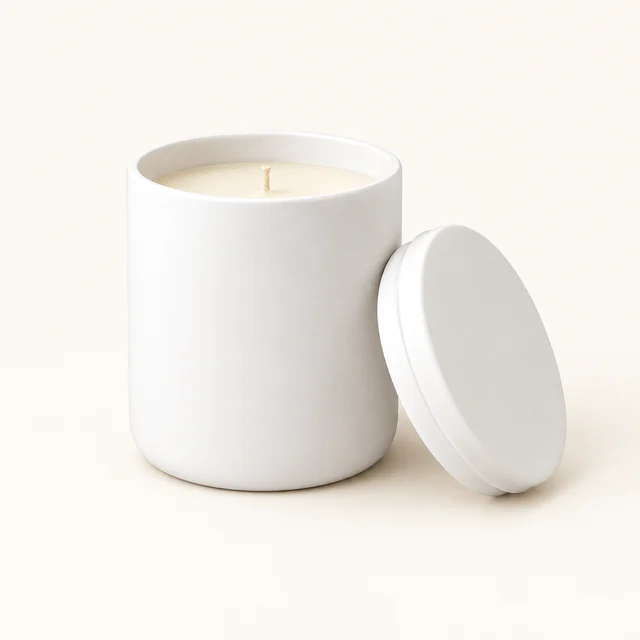
Drop your product photo hereJPG, PNG or WebP · any clear photo works
Step 01
Choose the gift-ready product
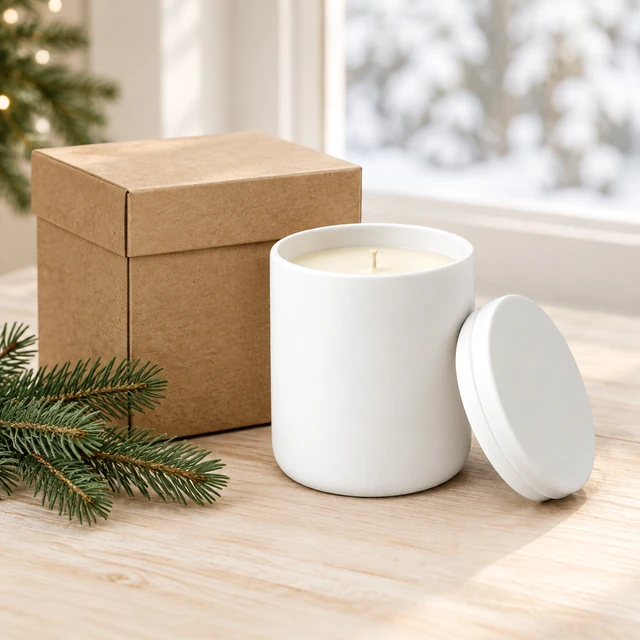
Start with a clear photo of the candle, set, or item you plan to feature.
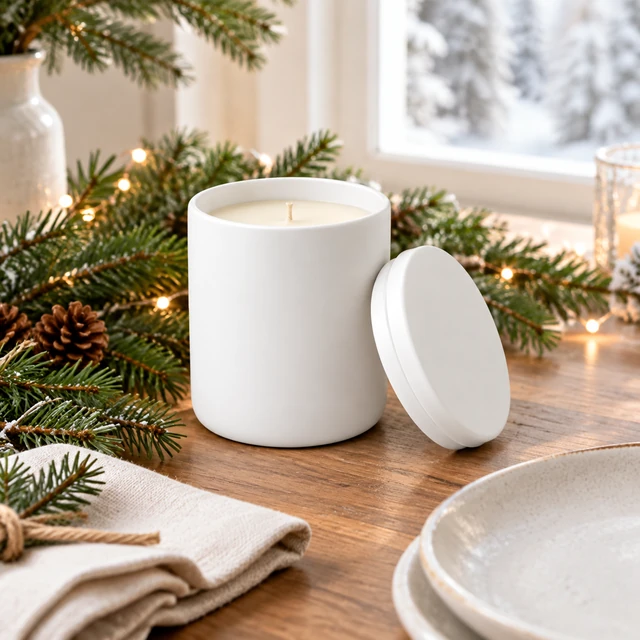
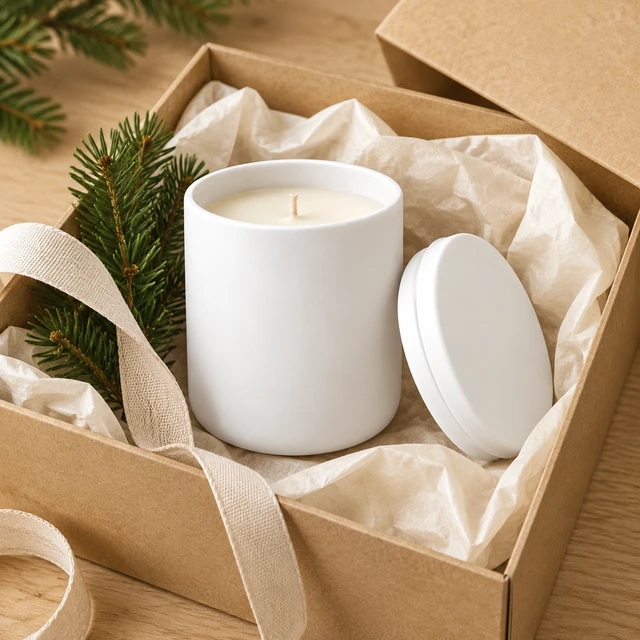
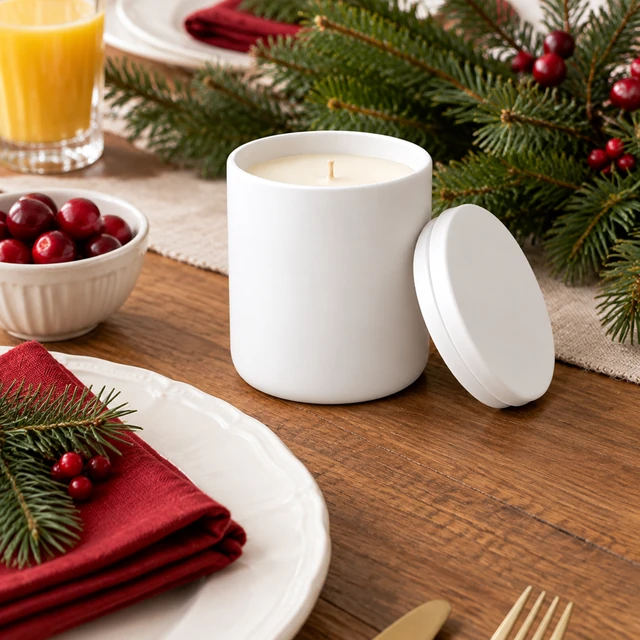
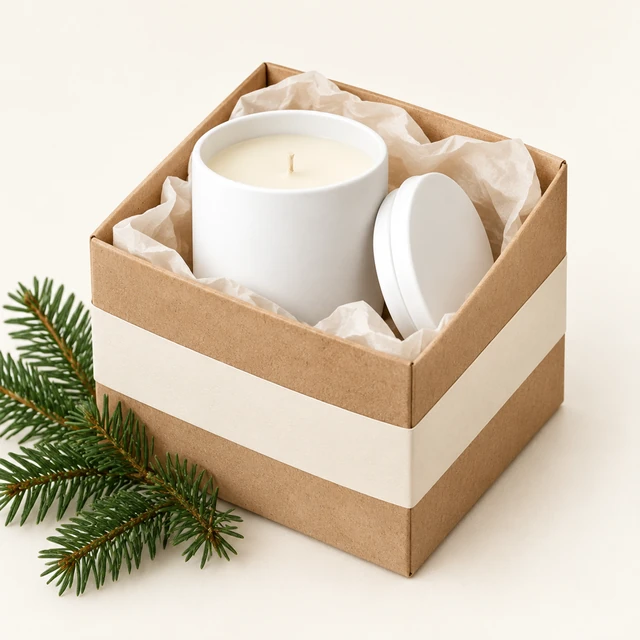
Holiday ad photos and videos put your product in a gift-ready scene, from a winter table to a spring brunch, and you add your shipping cutoff or offer yourself before it goes live.
Plans from $24.50 a month. You see the credit cost before every job, and if a job fails its credits go back to your balance.
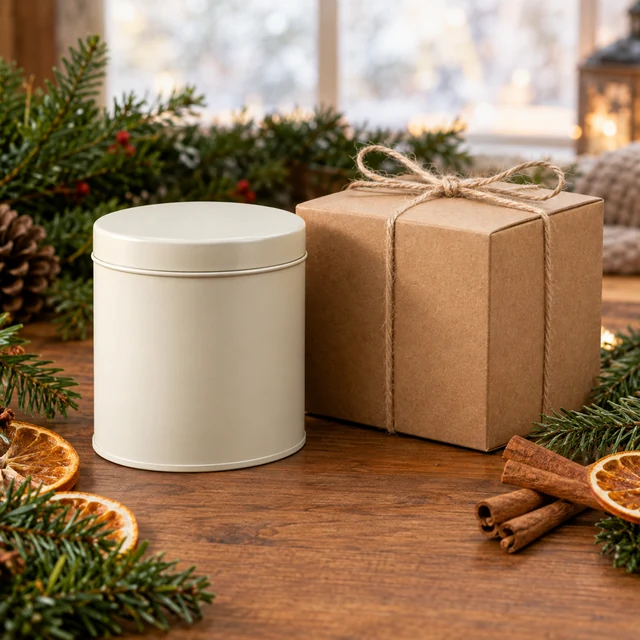
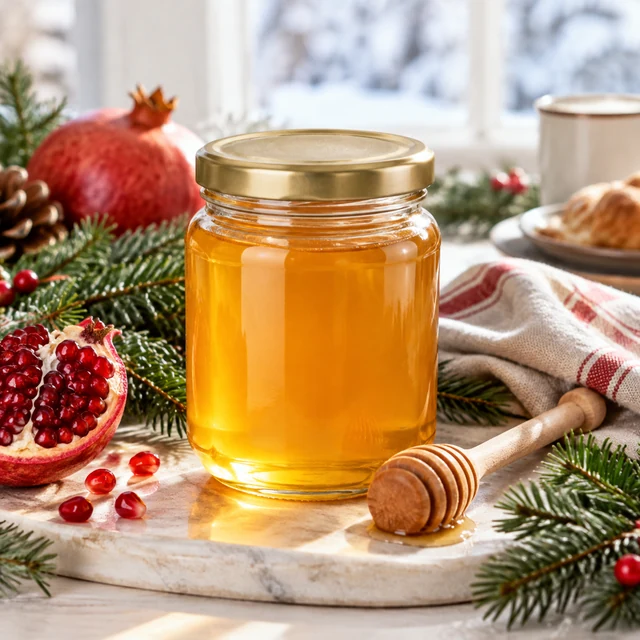

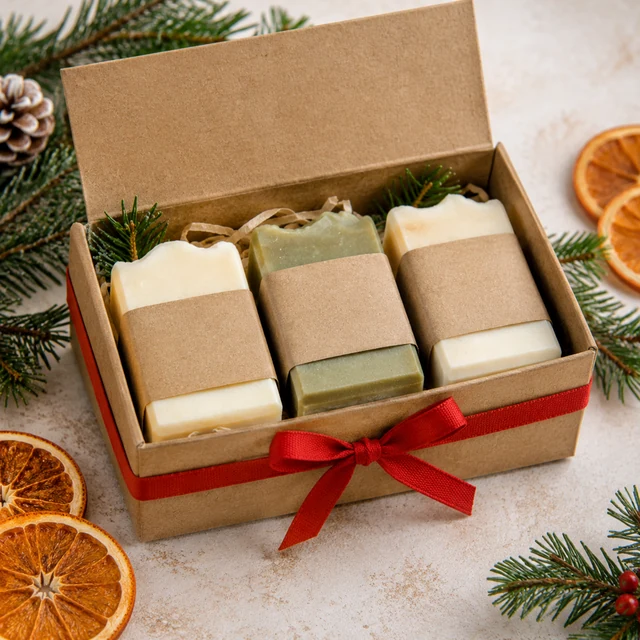
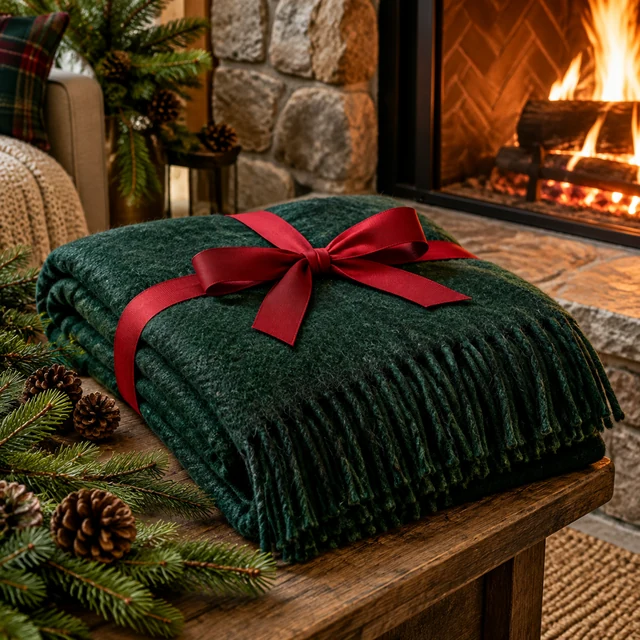
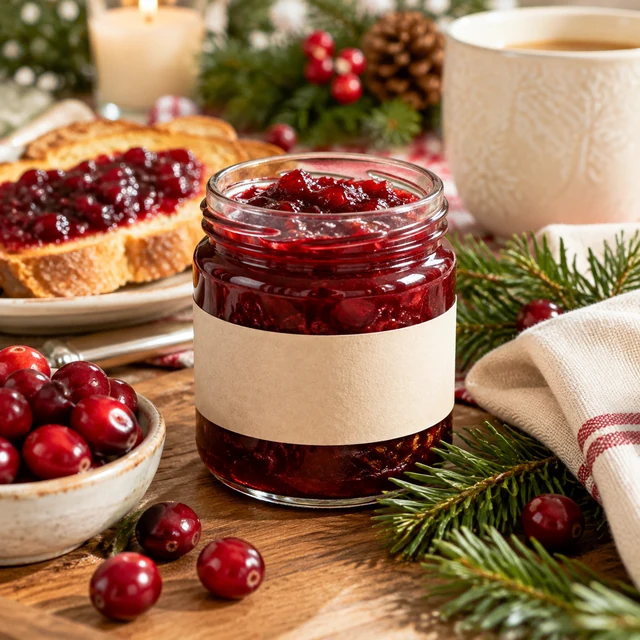
Build holiday product photos around one clear gift moment, then add dates or offers once those details are ready.
Choose your most giftable products and make the gift guide and product page photos first, since those stay up all season.
Create Story clips and feed ads, and add your shipping cutoff and gift offer in your design app.
Bring in fresh scenes so repeat viewers see something new, and update the shipping message as each cutoff passes.
Start with a clear photo of the candle, set, or item you plan to feature.
Name a table, mantel, or wrapped-gift scene and keep the product easy to see.

Add the delivery cutoff, offer, and seasonal message in your editor.
Pick a setting that helps shoppers picture the item as a seasonal gift.

Wool mittens, ribbon, and evergreen create a seasonal feed image with clear gift cues.
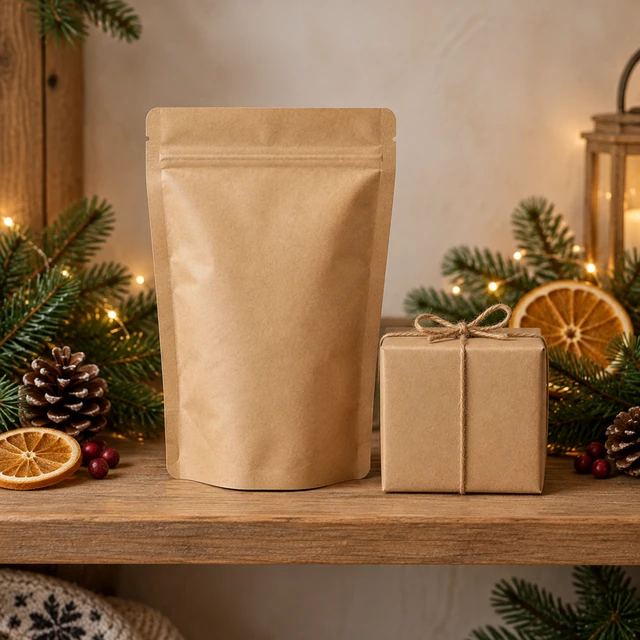
A plain cocoa pouch beside a small gift box helps shoppers picture a seasonal set.


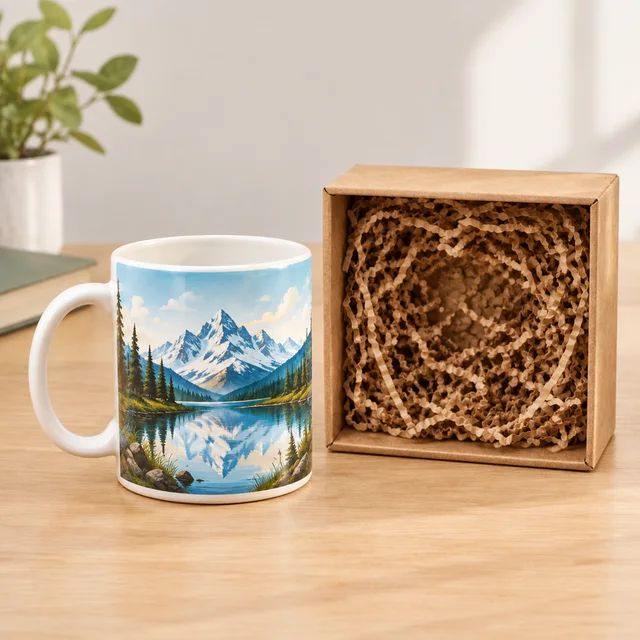

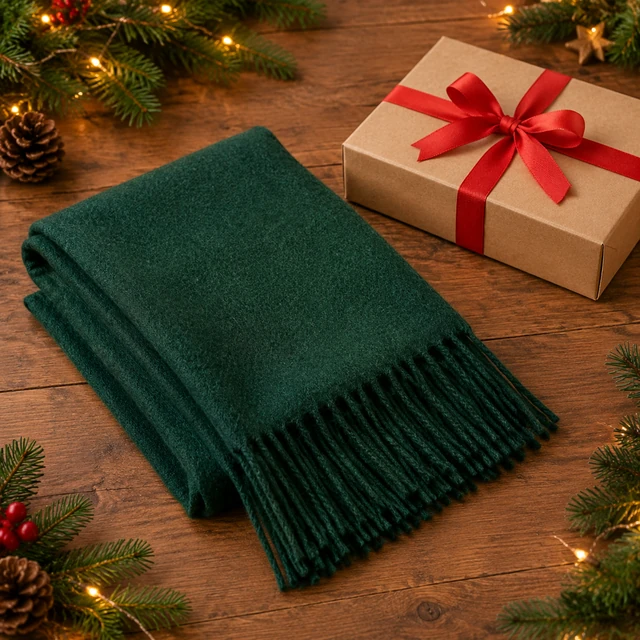
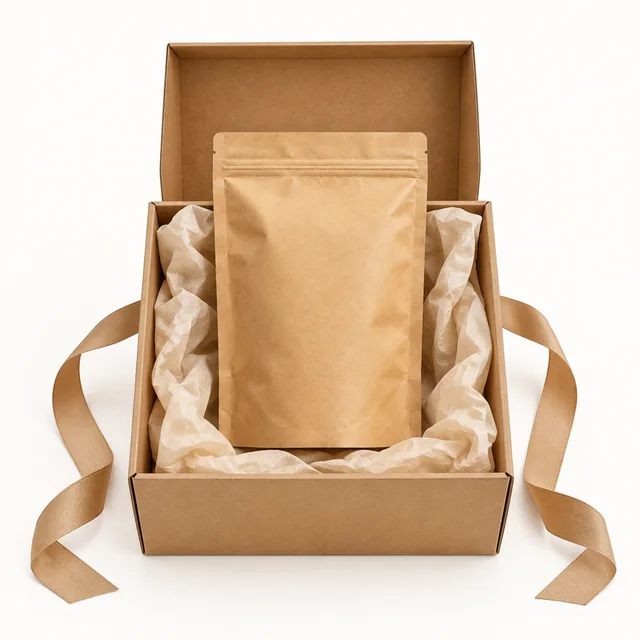
These details are added in your editor after download.
Pick a gift setting, seasonal table, or unwrapping scene for the product.







Seasonal tables, gift moments and spring scenes for year-round holidays.



Yes. Upload the photo you already use and describe the scene, such as a wrapped box on a snowy windowsill. Your original stays as it is.
Type them in Canva, CapCut or Ads Manager after download. Keeping dates off the generated image means you can change them quickly as cutoffs approach.
Requests involving celebrities, public figures, or characters and logos owned by other brands may be declined. Generic seasonal touches like ornaments, snow and wrapping paper are fine to describe.
Start with a clear product photo, name the holiday setting, and keep the product identity unchanged. Add dates and shipping cutoffs after download.
Choose the seasonal moment, then add shipping dates and offers after download.