AIVideosUGC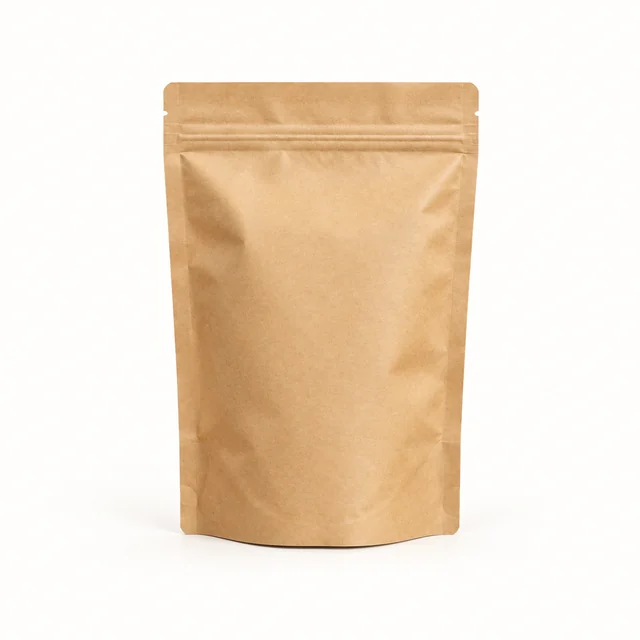
Drop your product photo hereJPG, PNG or WebP · any clear photo works
Step 01
Upload a clear pouch photo
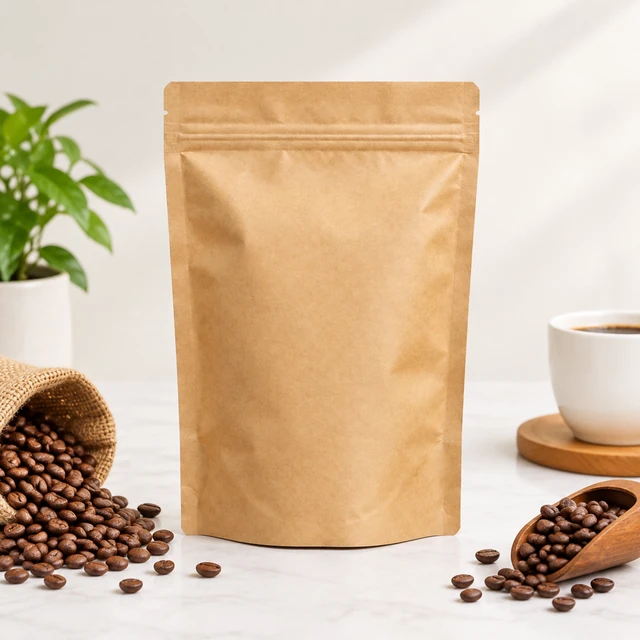
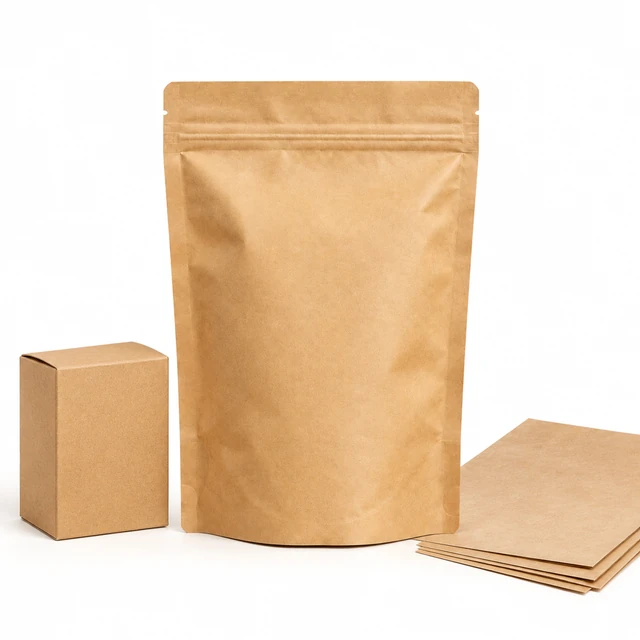
Show the whole coffee pouch and its sealed top against a plain background.
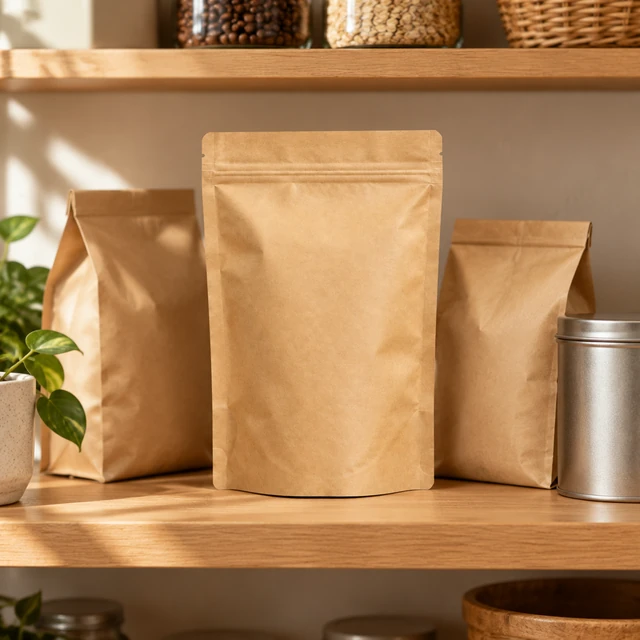
Use this packaging mockup generator to preview your box or pouch artwork on a sunny shelf, a coffee shop counter, or a kitchen table before you choose a setting to share.
Plans from $24.50 a month. You see the credit cost before every job, and if a job fails its credits go back to your balance.
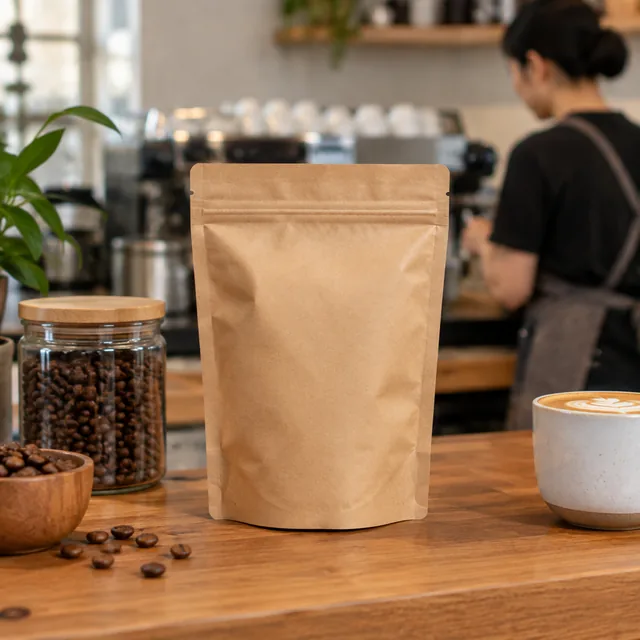
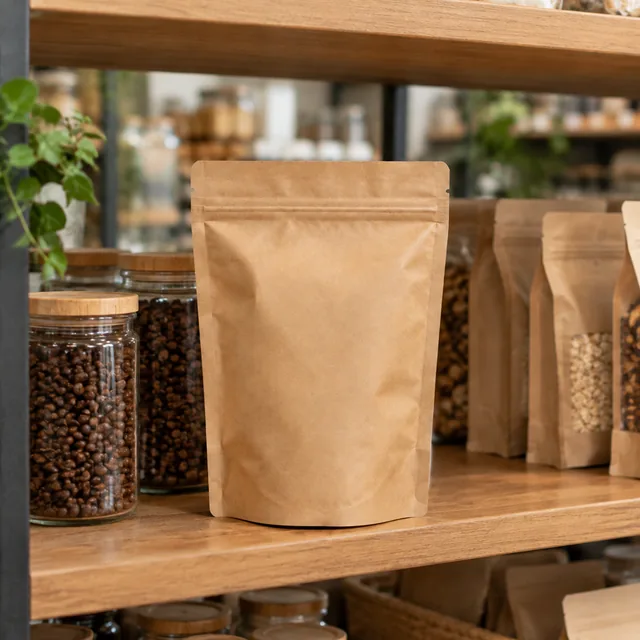
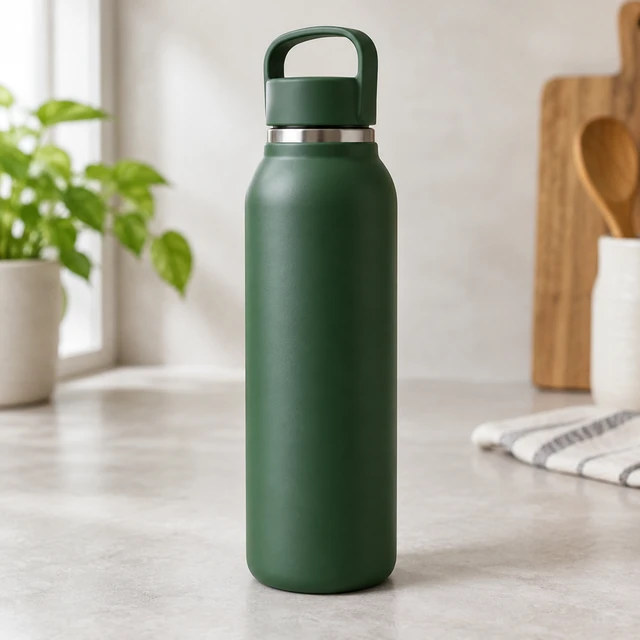
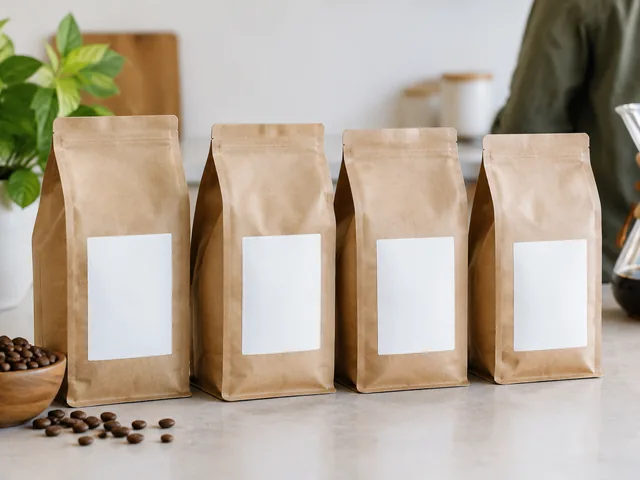
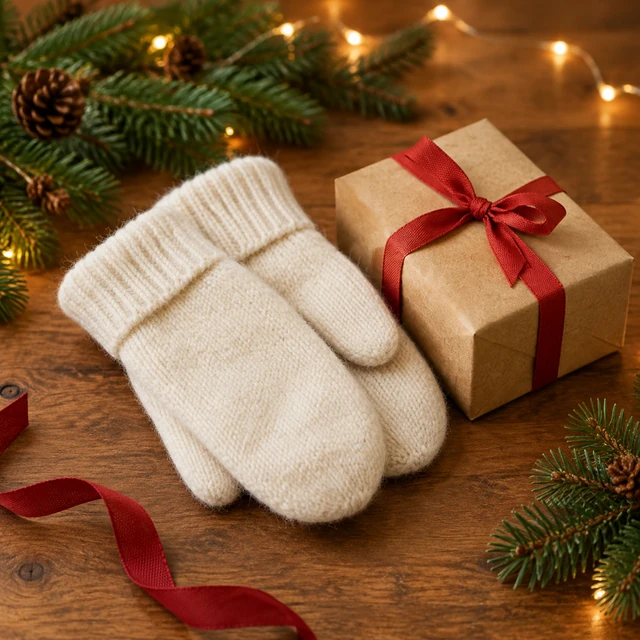
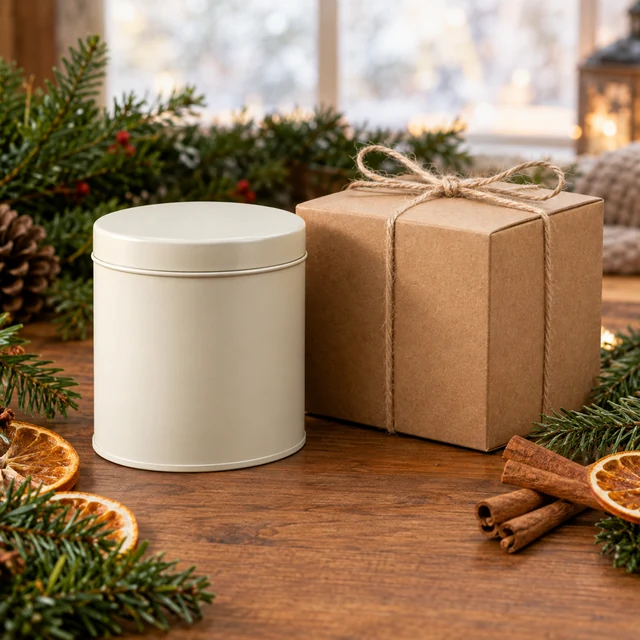
Packaging preview images place a product design into a setting before you prepare final artwork. Upload a clear package photo, describe the shape and scene, then add exact label text in your design file.
Show the whole coffee pouch and its sealed top against a plain background.
Describe the surface, nearby items, and light while keeping the package front easy to see.
Add the finished label wording and required product information in your design file.
Choose a product context that helps shoppers picture where the package belongs.
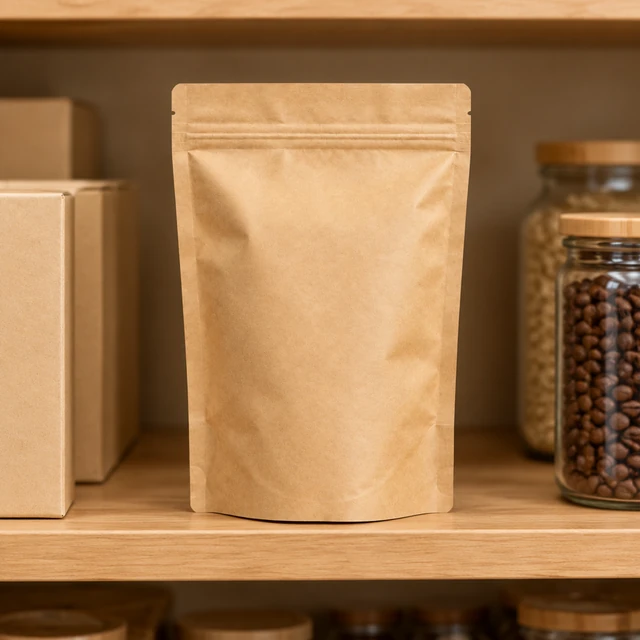
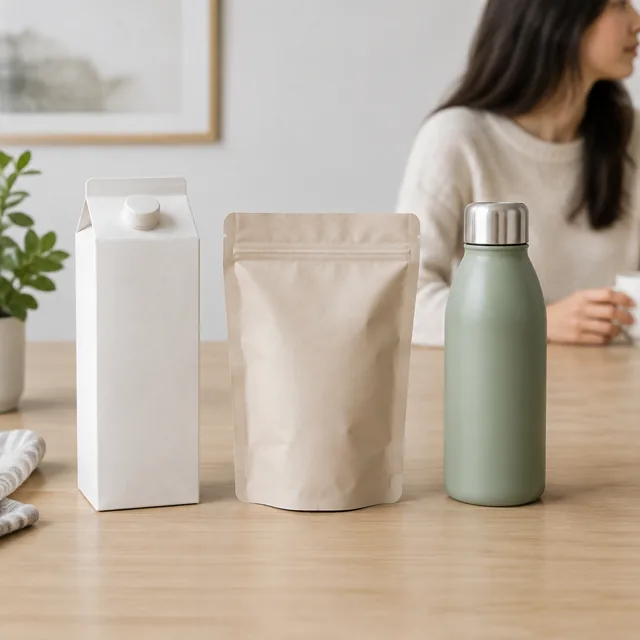
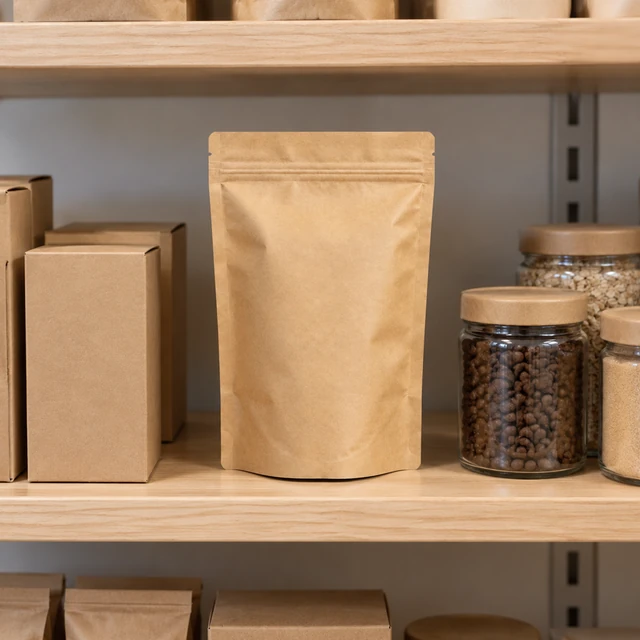
A simple shelf scene helps shoppers see how this plain package stands beside similar goods.
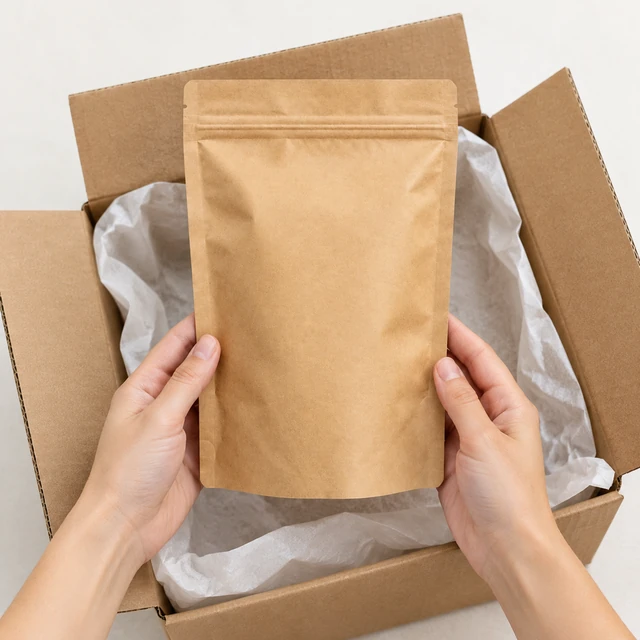
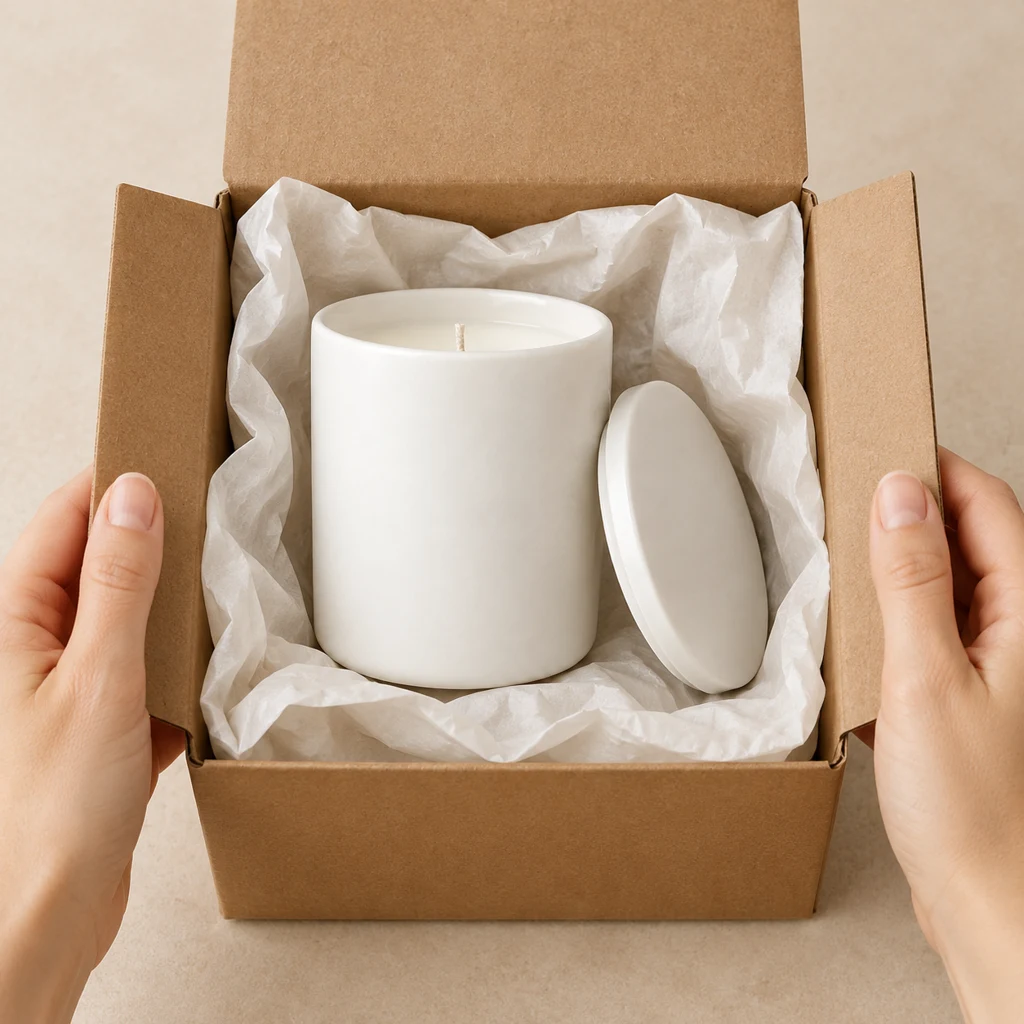
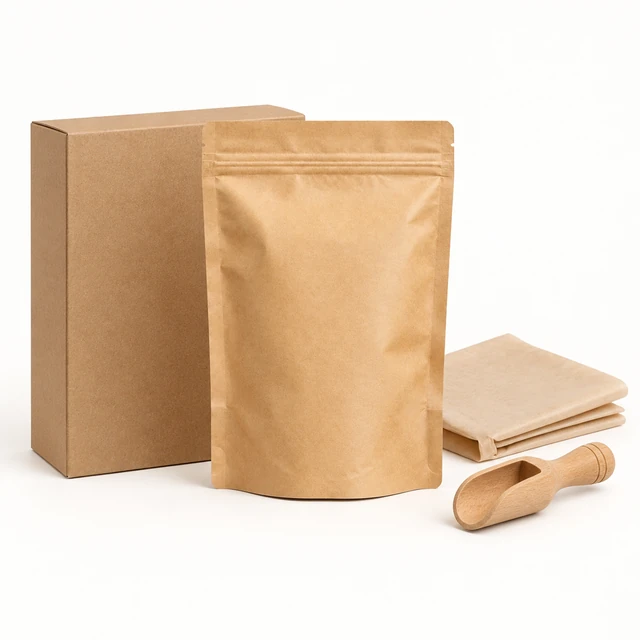
An open carton and protective tissue give a clear view of how the pouch arrives.
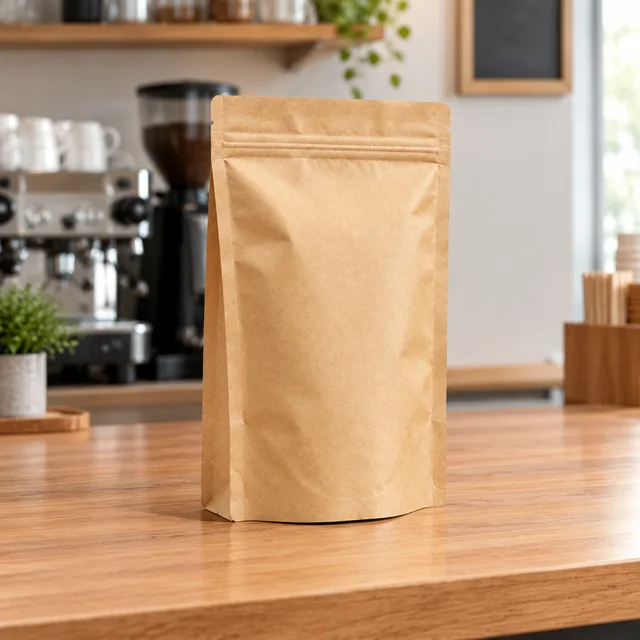
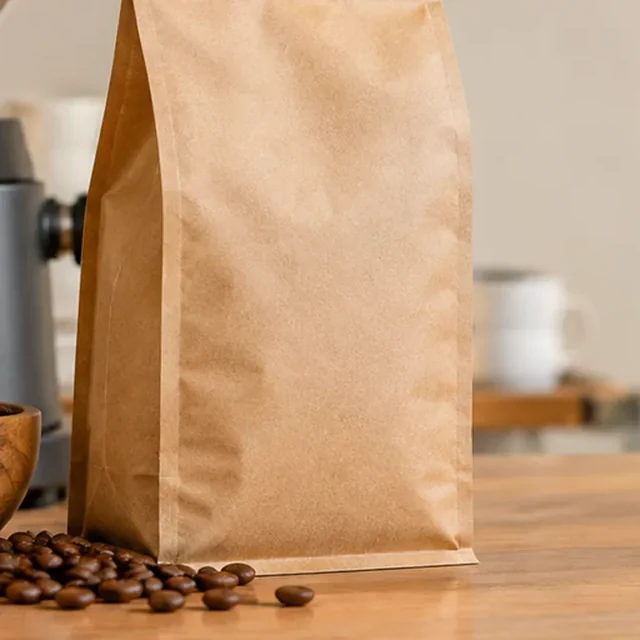
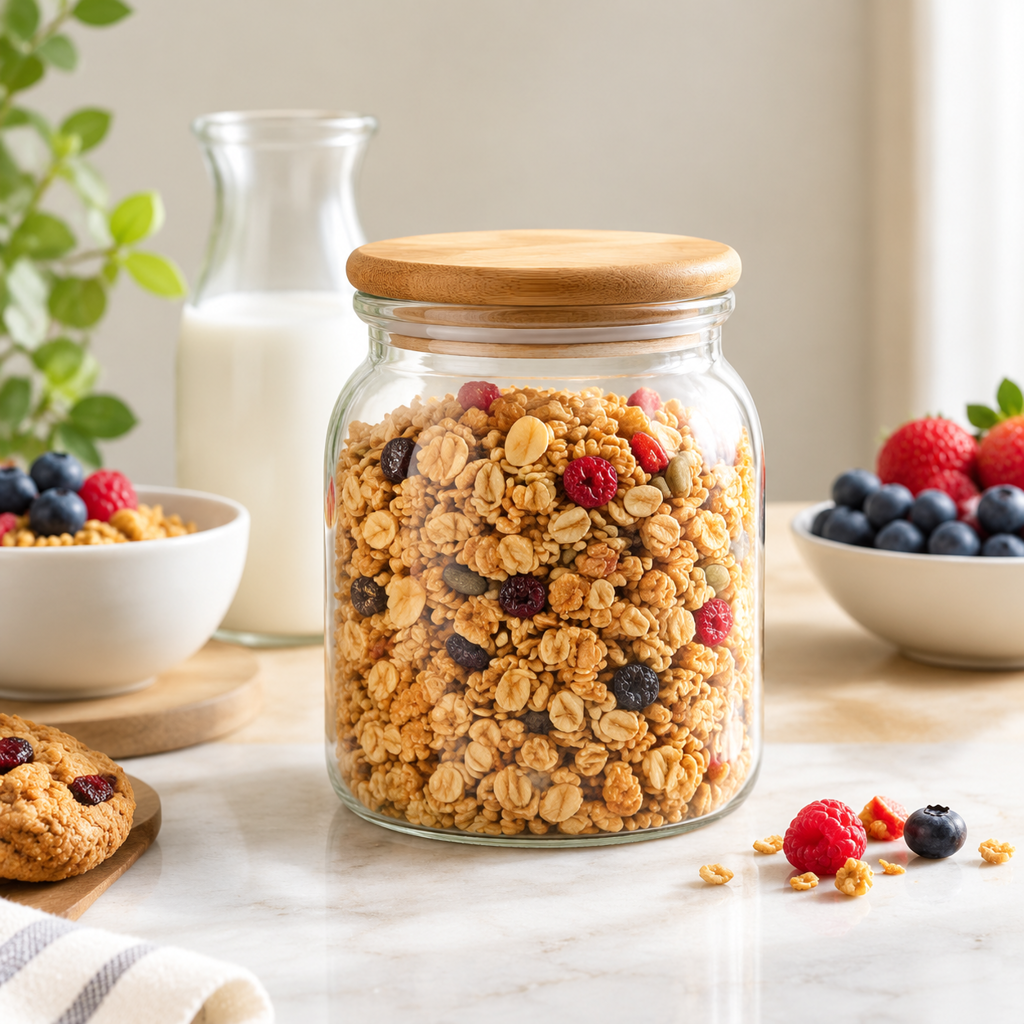
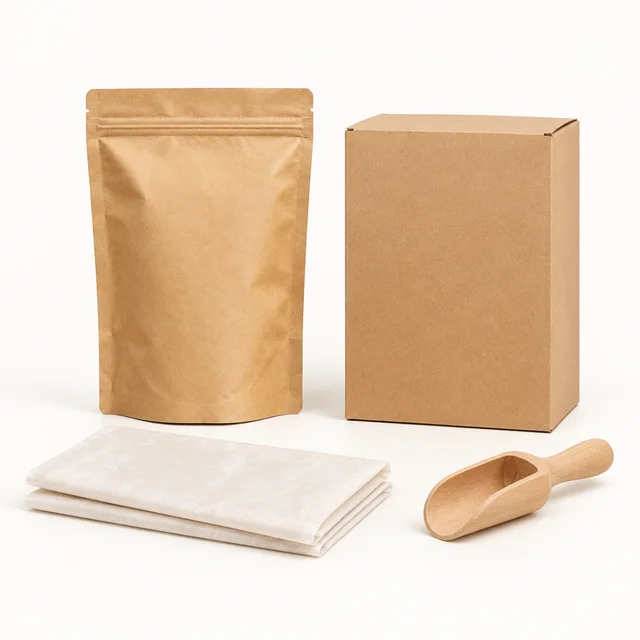
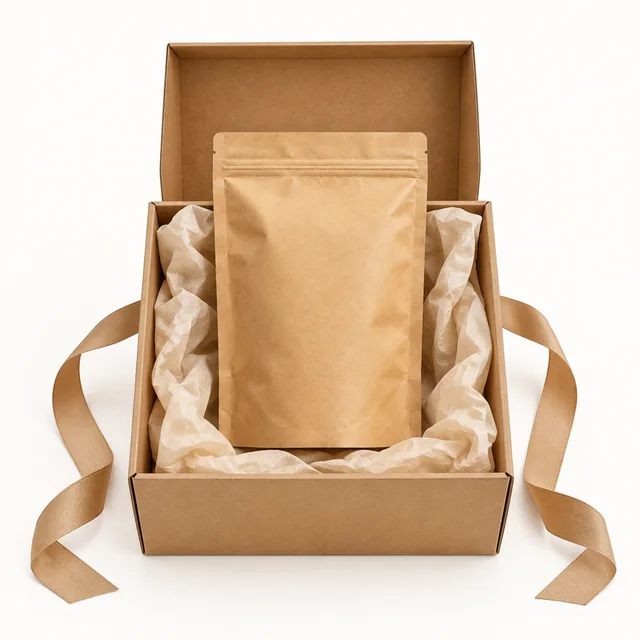
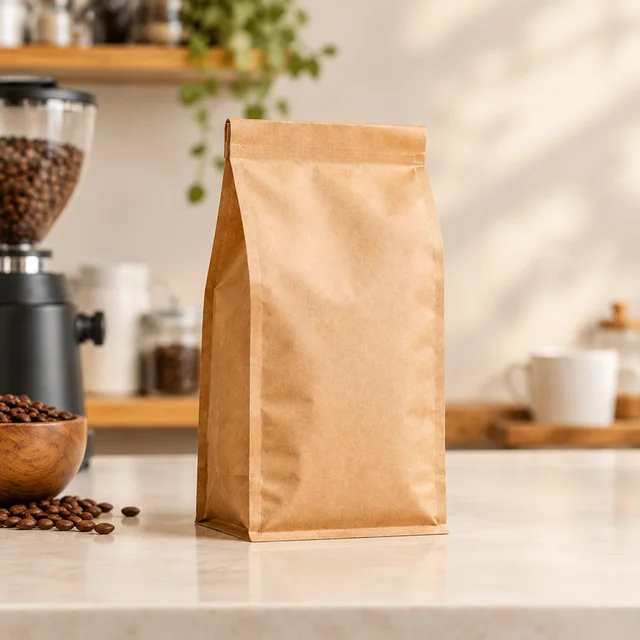
These details are added in your editor after download.
Choose another everyday scene, then add your product photo.
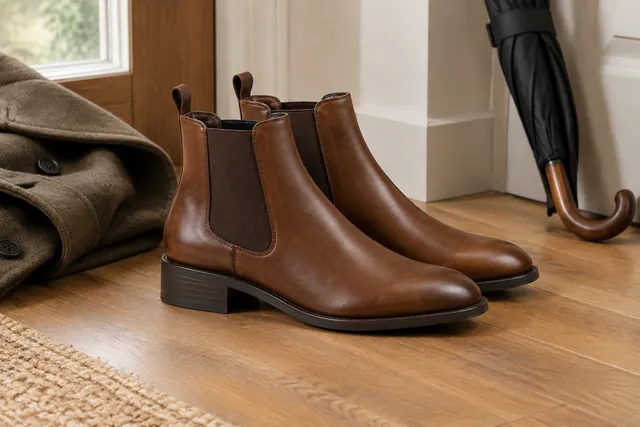
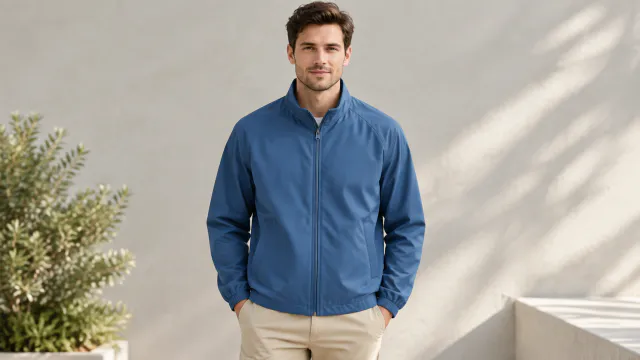
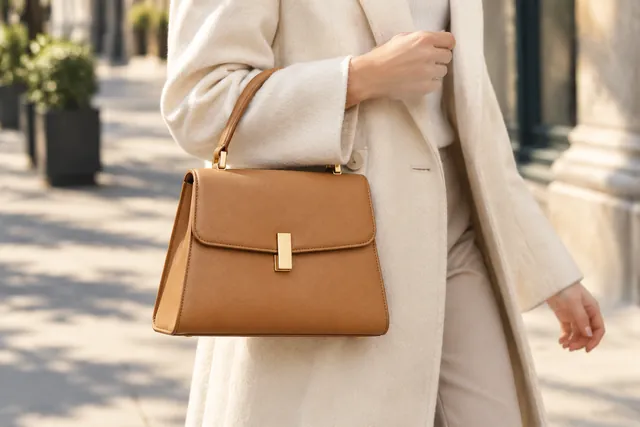
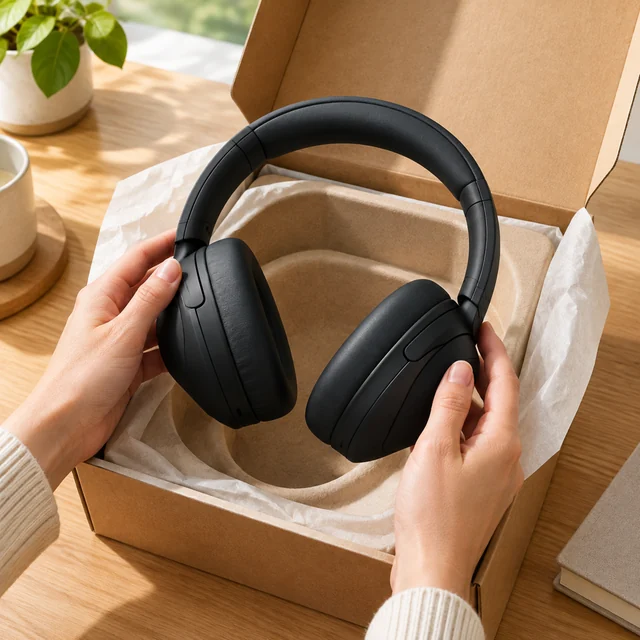
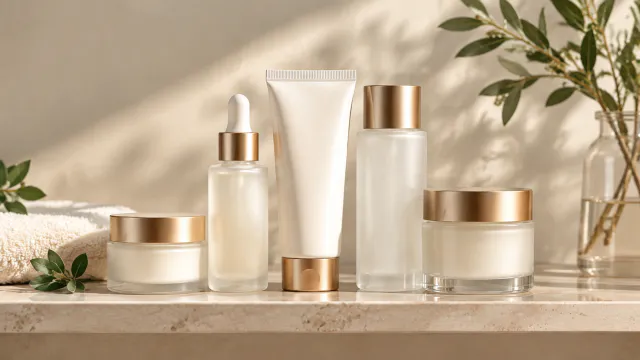
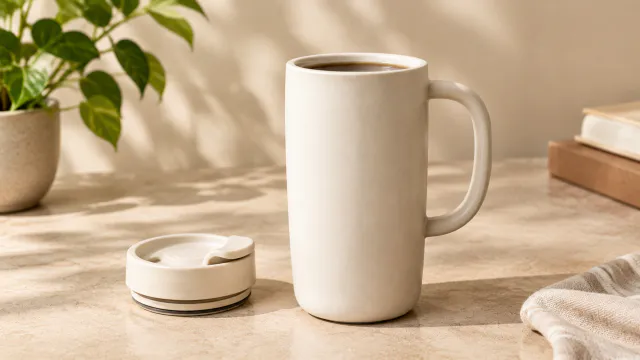
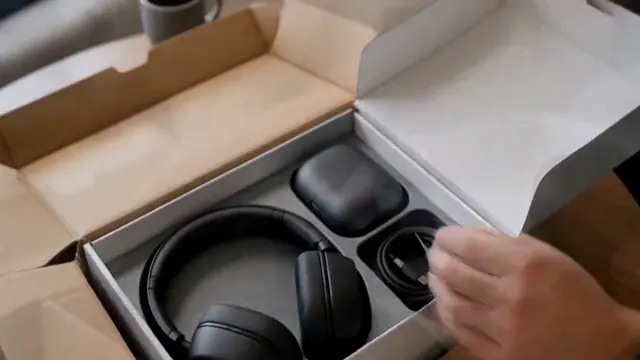
Explore different package types and settings before you prepare artwork for print.
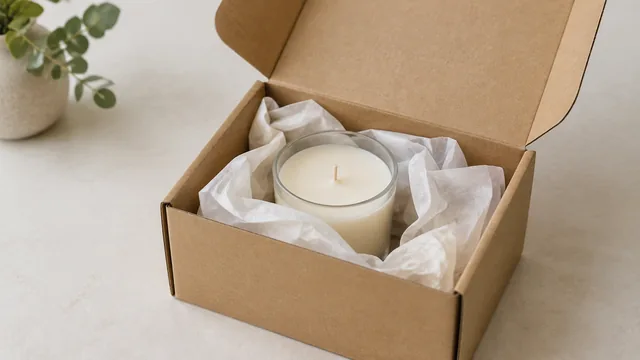
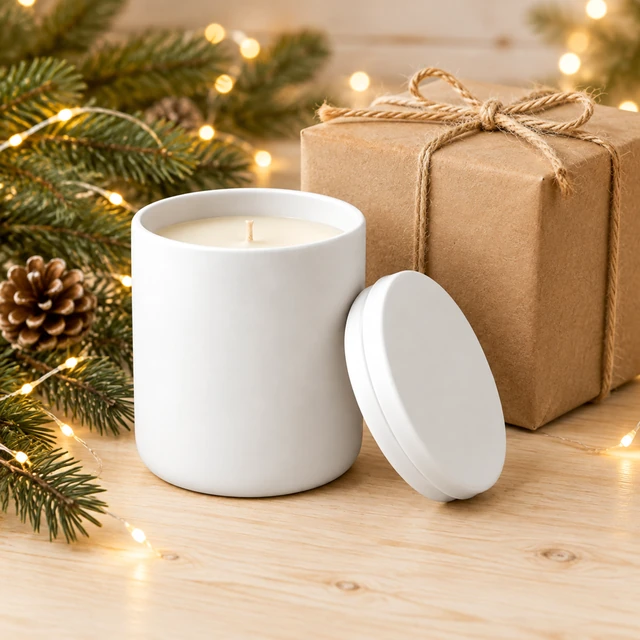
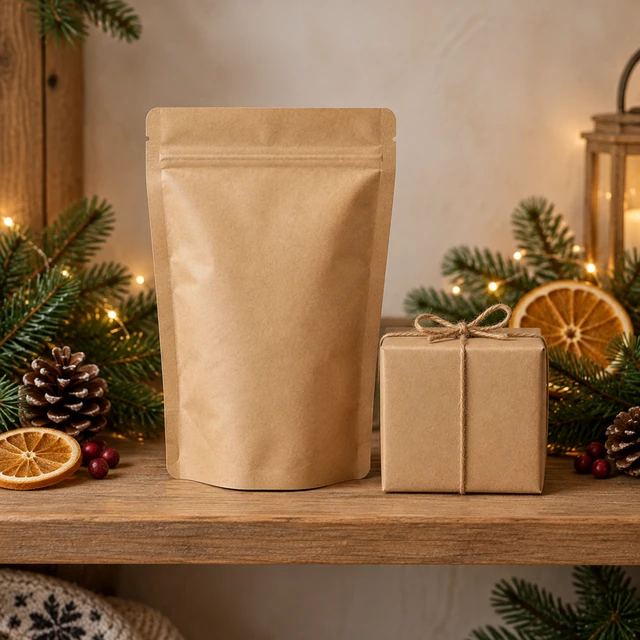
Ask your printer for a printed sample before you place a full order.
Dense text such as ingredient panels or nutrition facts can blur or change in the result. Keep the front of your artwork simple, and show fine print in a separate photo of the real pack.
Boxes, pouches, tins, jars, bottles, and paper bags are all common choices. Name the shape when you describe the scene so your design is placed on the right form.
Use the mockup to show a setting or concept. Use a clear photo of the real package for ingredients, measurements, or other details a buyer must verify.
Upload one product photo. See the cost before you start.