AIVideosUGC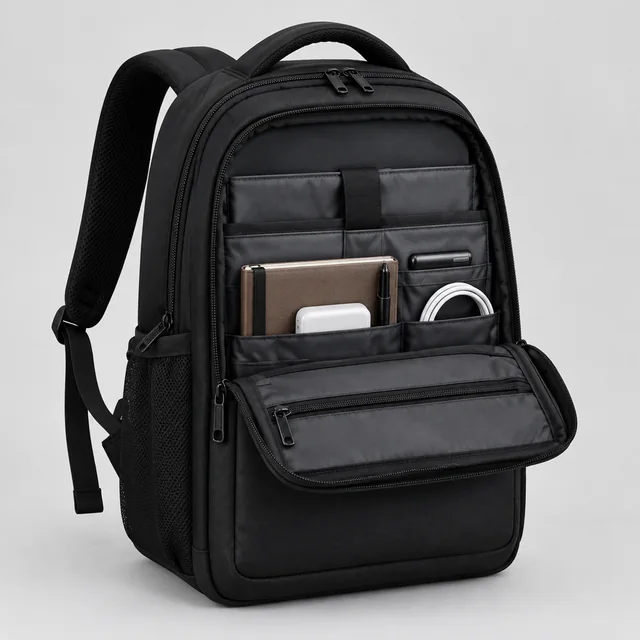
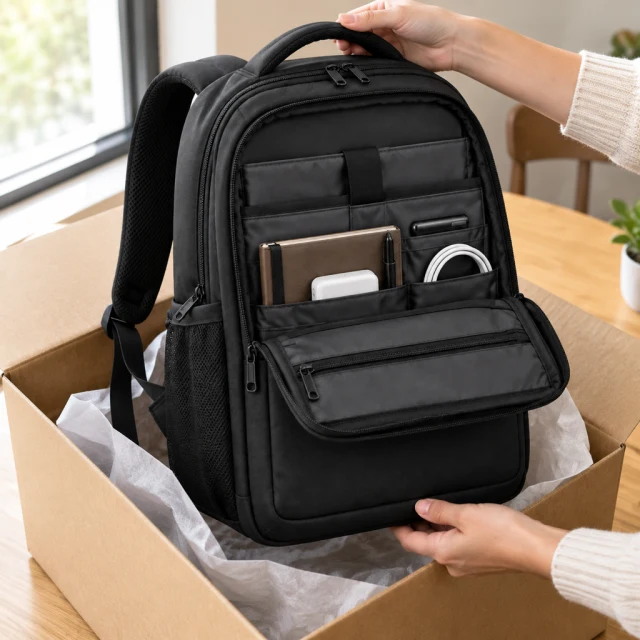
Product photoShow the whole backpack and its main compartments.
Step 01
Pick the story beats
Choose the product photo and outline three or four moments, such as open, reveal, use, and finish.
This template creates one product-story video from a few short scenes, not a published carousel post. Upload one product photo, describe the sequence, then review the video before adding prices and product details.
Plans from $24.50 a month. You see the credit cost before every job, and if a job fails its credits go back to your balance.
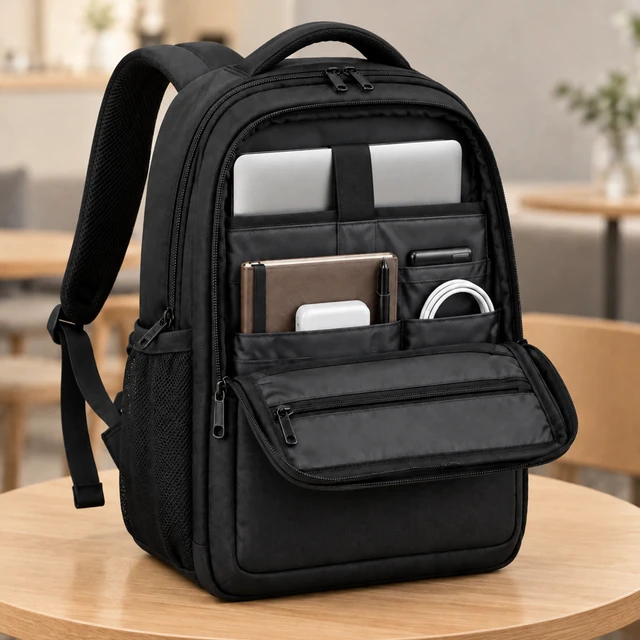



A carousel video ad uses a short sequence to answer one shopper question at a time. Keep the product in view from the opening reveal through the final scene.
Choose the product photo and outline three or four moments, such as open, reveal, use, and finish.
Say where each beat happens and how the camera moves, keeping the product and action simple.
Place your headline, price, dimensions, and call to action in your editor after reviewing the rendered clip.
Choose a moment that helps shoppers understand the product.
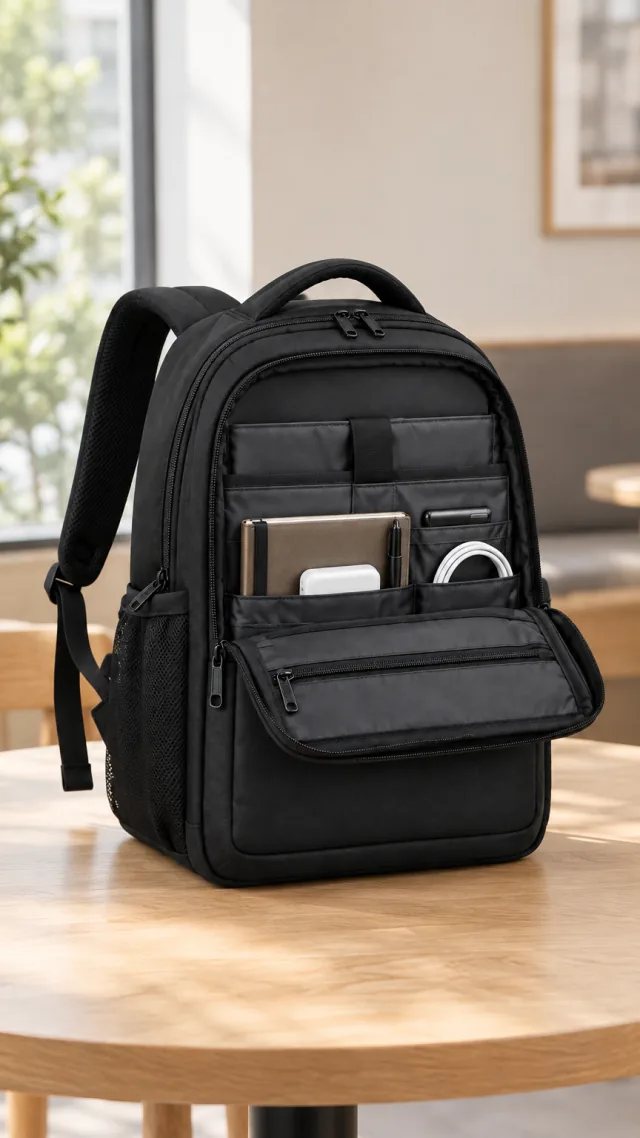
Show the backpack compartments and how it fits a daily commute.
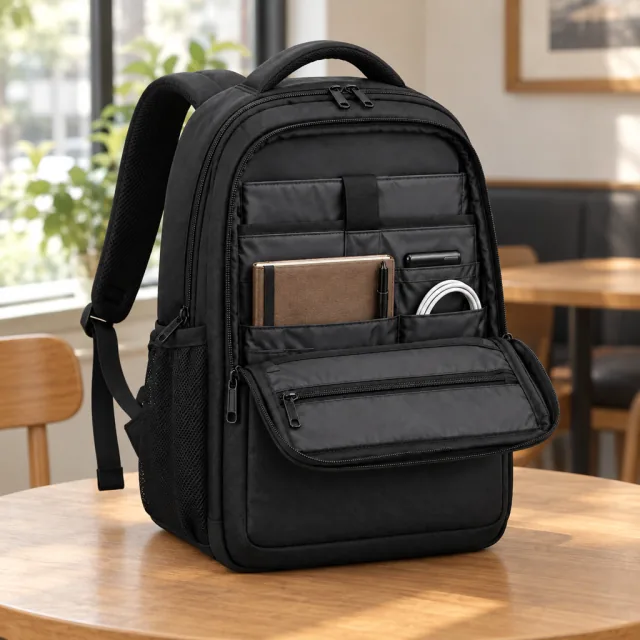
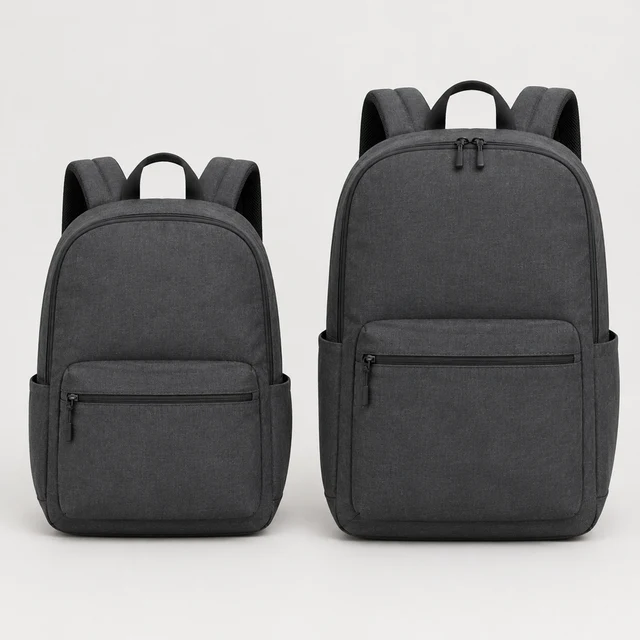
Pair the clip with listing photos so shoppers can see the backpack compartments before choosing a size or color.
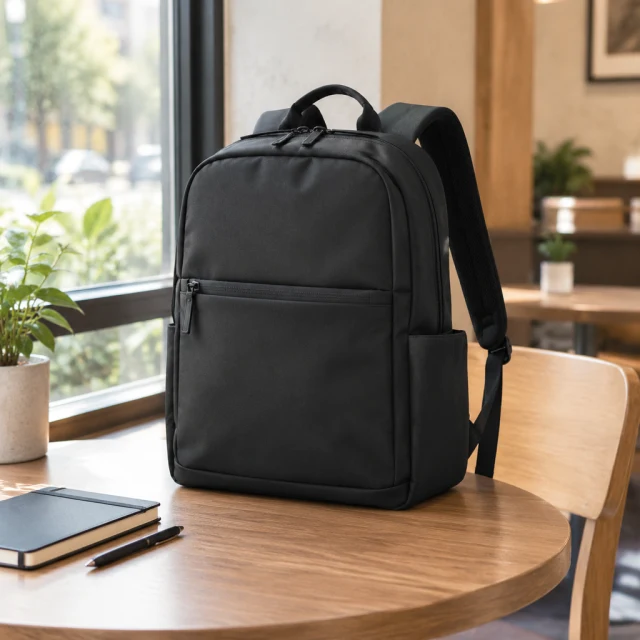

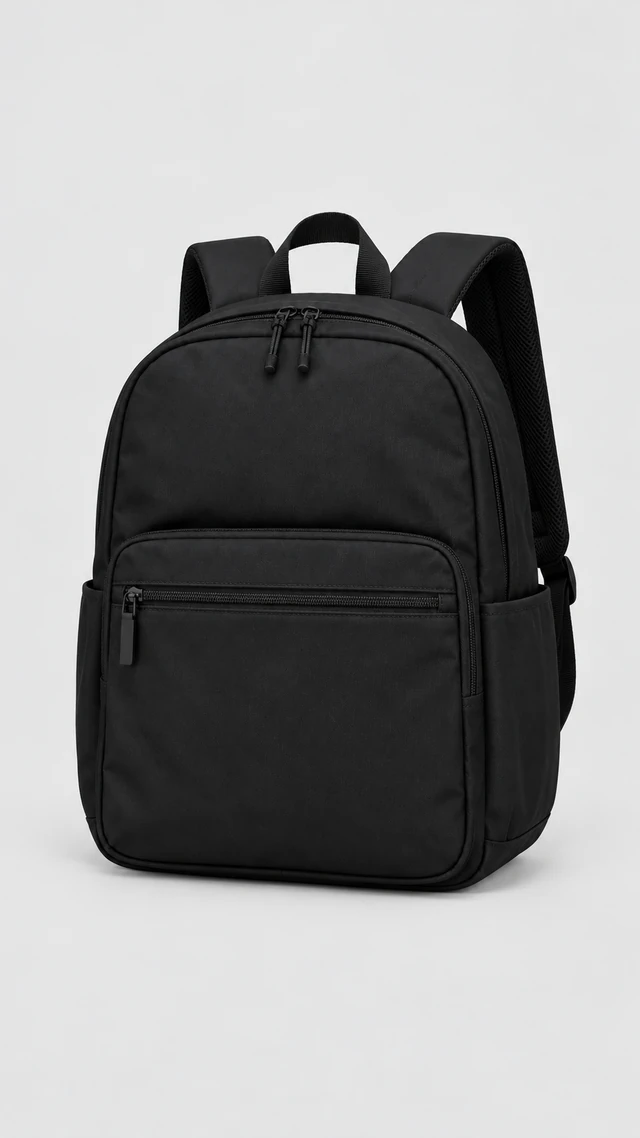
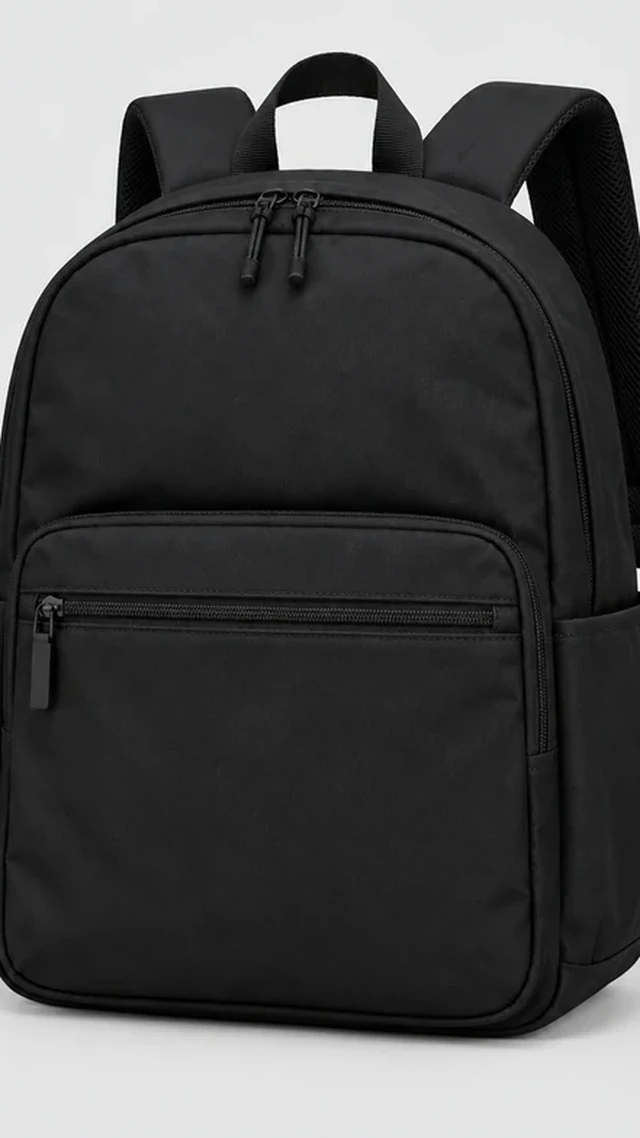
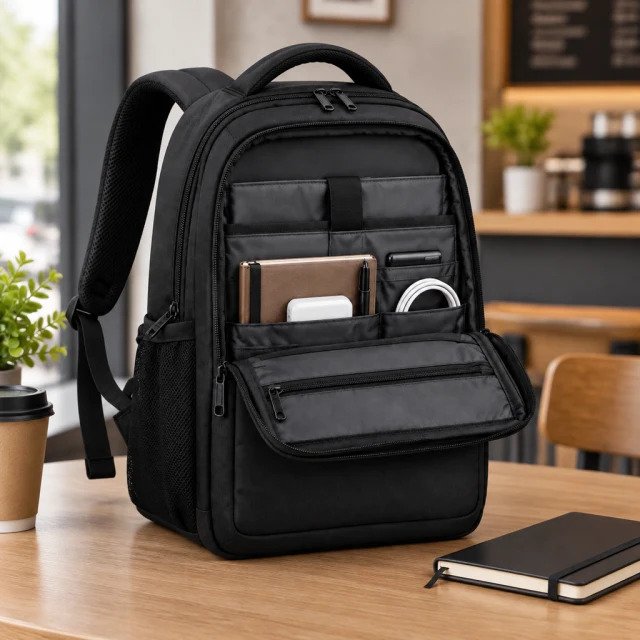
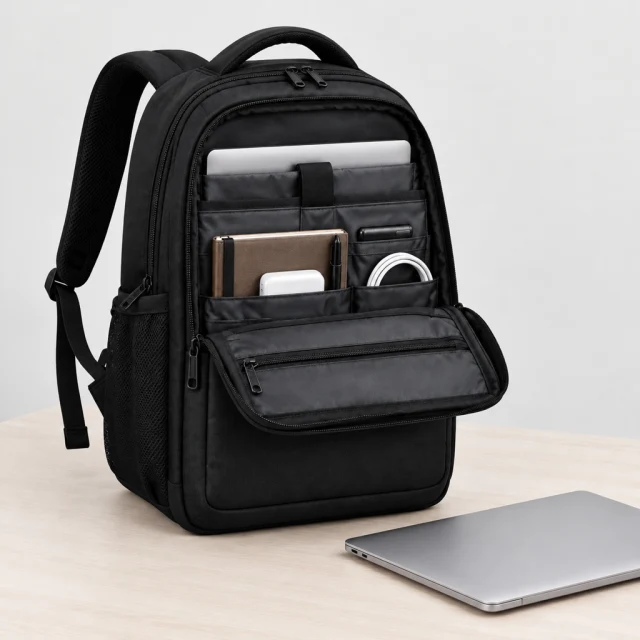

These details are added in your editor after download.
Choose another everyday scene, then add your product photo.




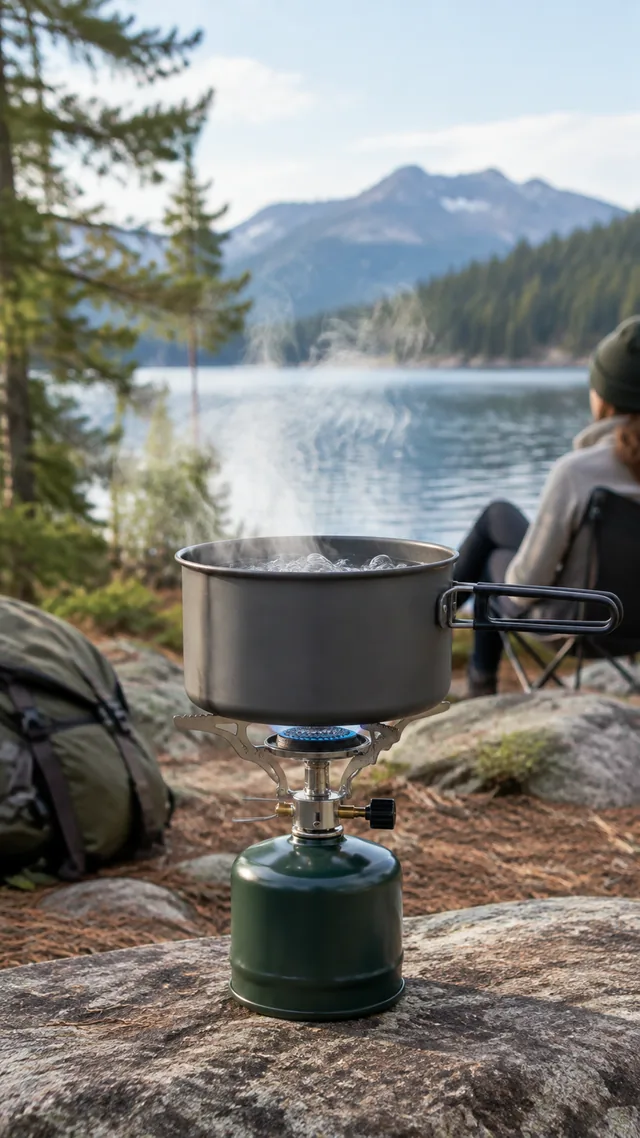


Short product stories that move from box, to use, to the finished look.

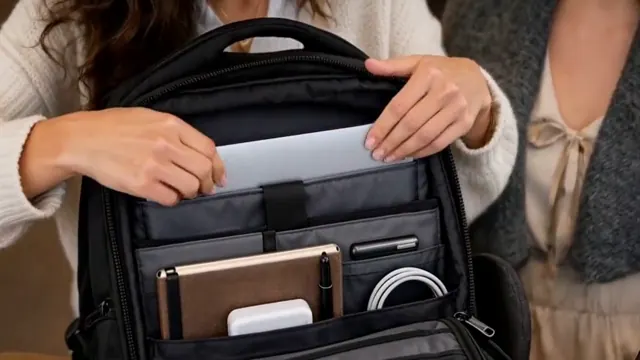
No. A swipe-through post needs separate cards assembled and uploaded through your ad platform.
Yes. AI-generated scenes can shift the product’s position, scale, or details. Review the video and simplify the sequence if a steadier composition matters.
This template exports one downloadable video file; it does not create or publish a platform post. For a swipe-through carousel, create separate cards in your editor or ad platform.
Upload one product photo. See the cost before you start.