AIVideosUGC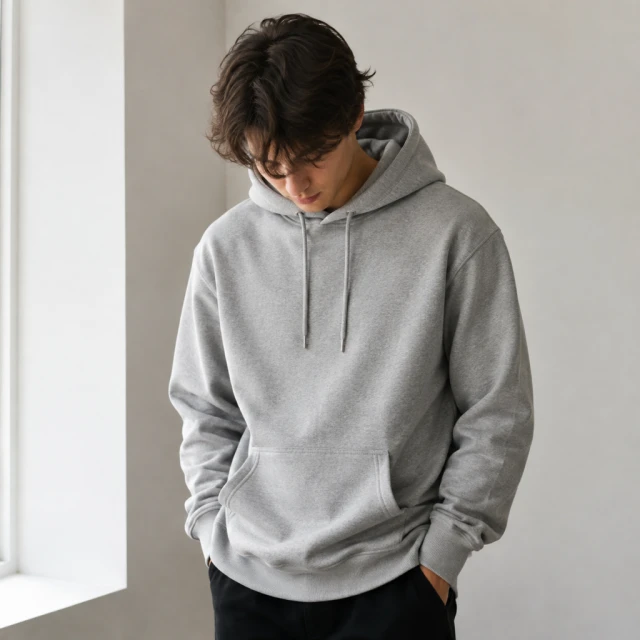
Drop your product photo hereJPG, PNG or WebP · any clear photo works
Step 01
Upload the item
Lay it flat or hang it, with the whole garment, strap or clasp in frame.
See your clothes, bags and jewelry on a model, starting from one flat product photo. No model booking, no studio.
Plans from $24.50 a month. You see the credit cost before every job, and if a job fails its credits go back to your balance.
 Result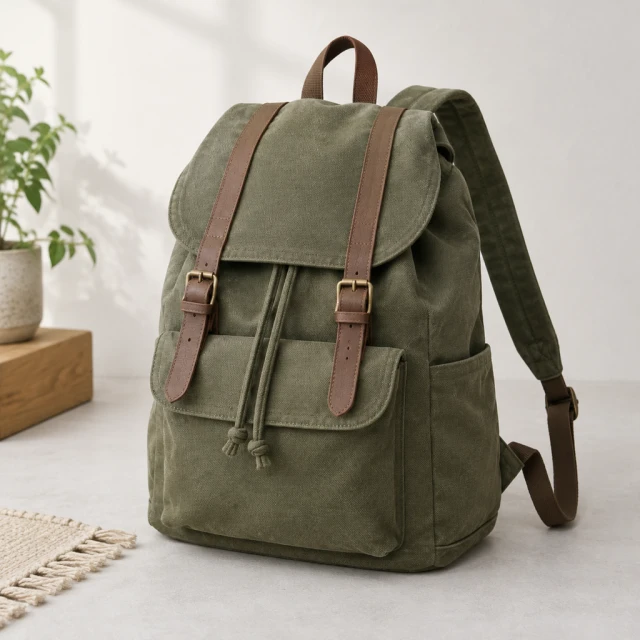

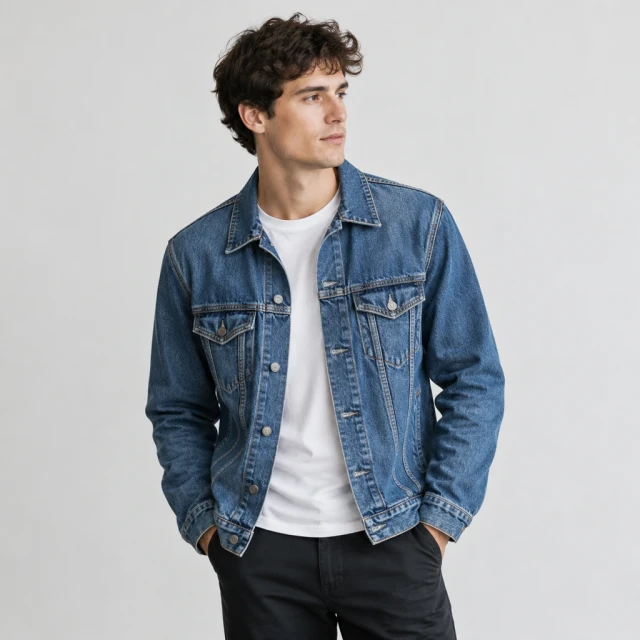
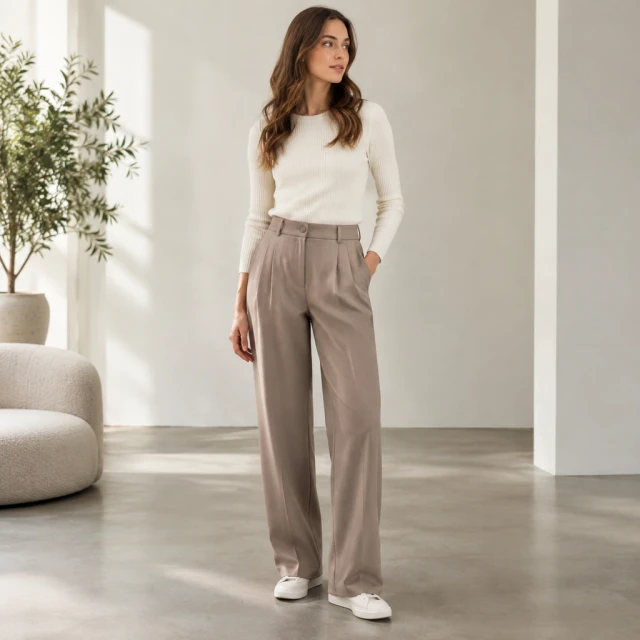
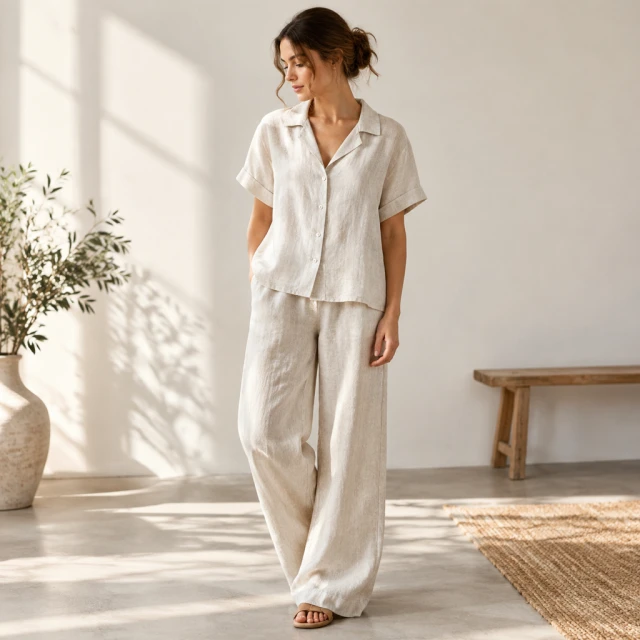
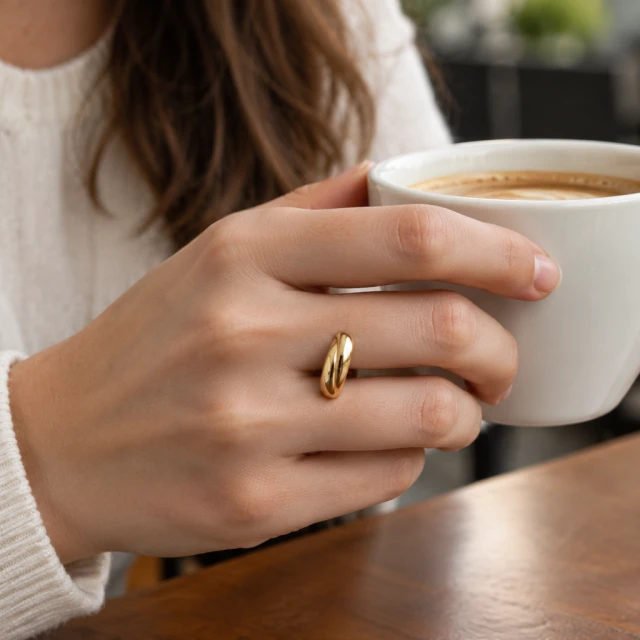
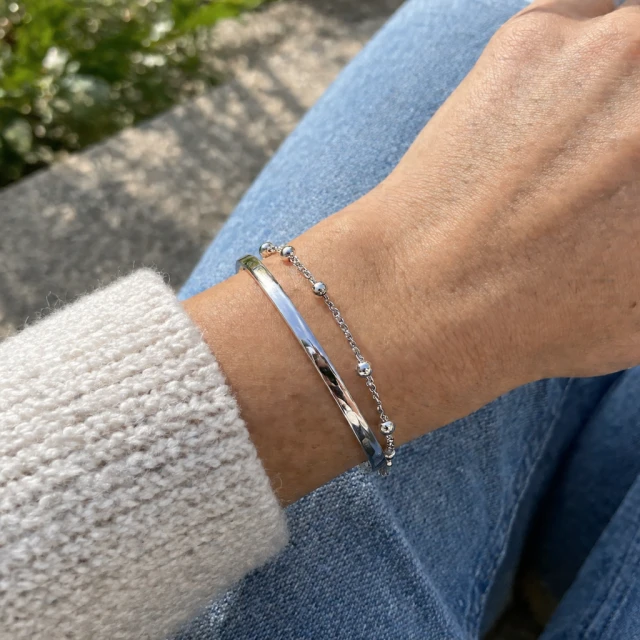
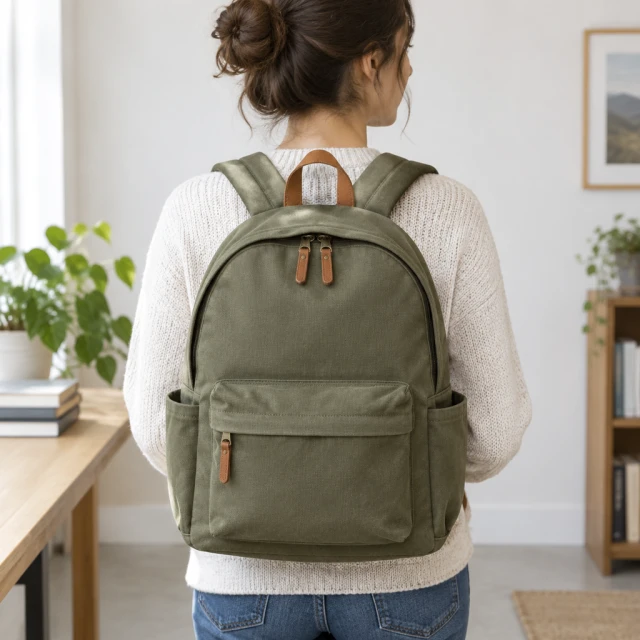
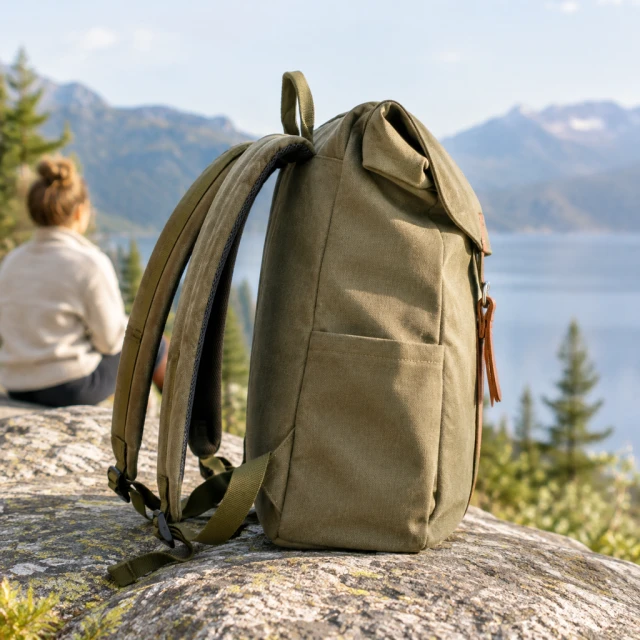
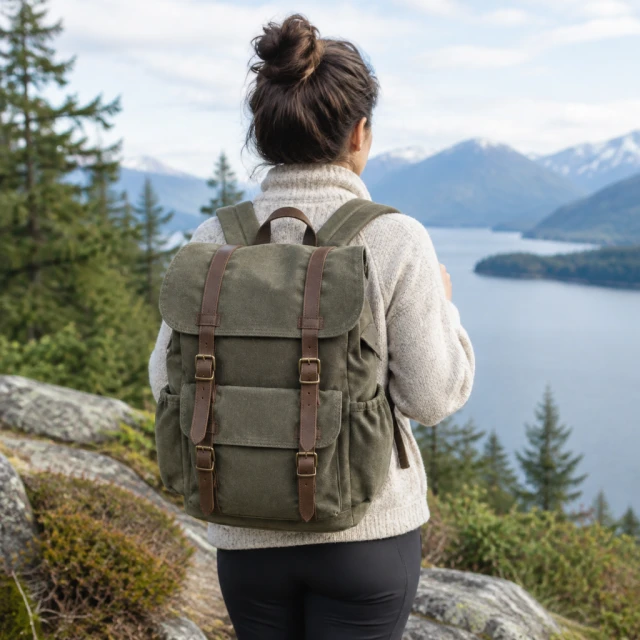
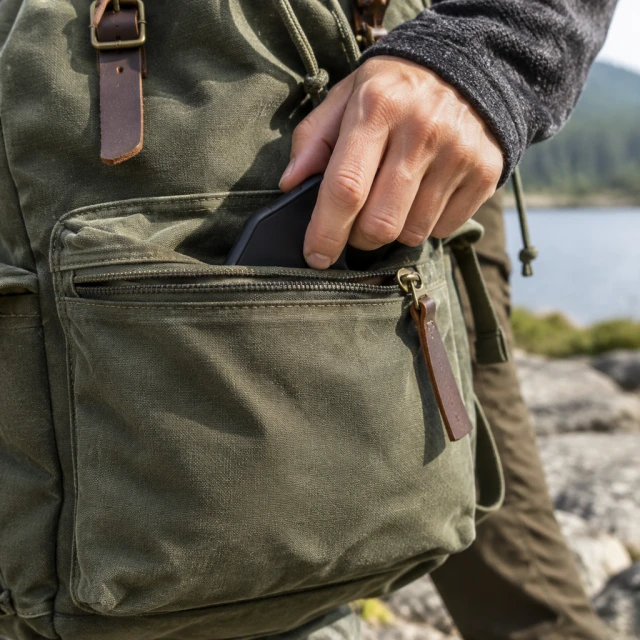

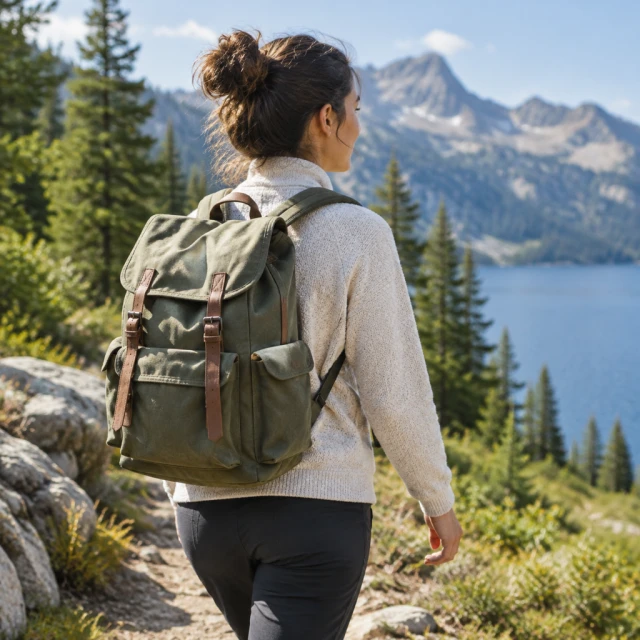
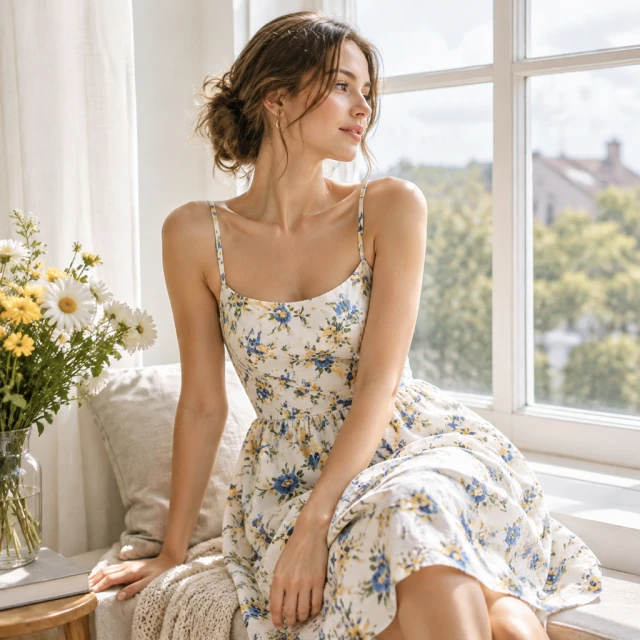
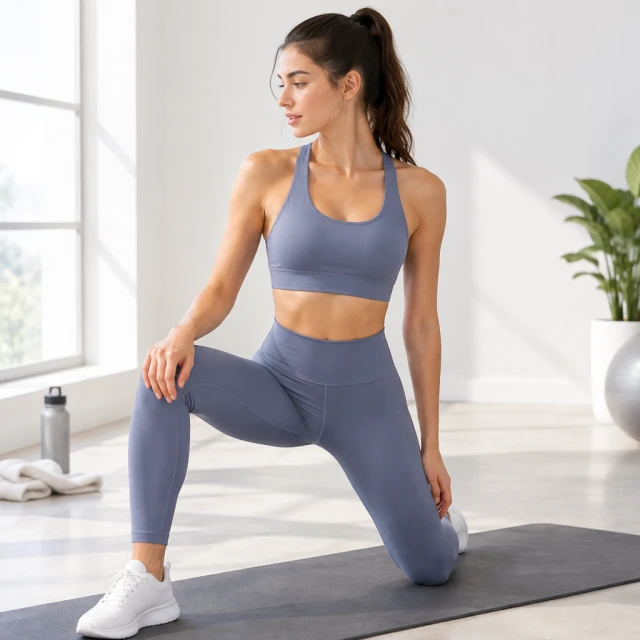
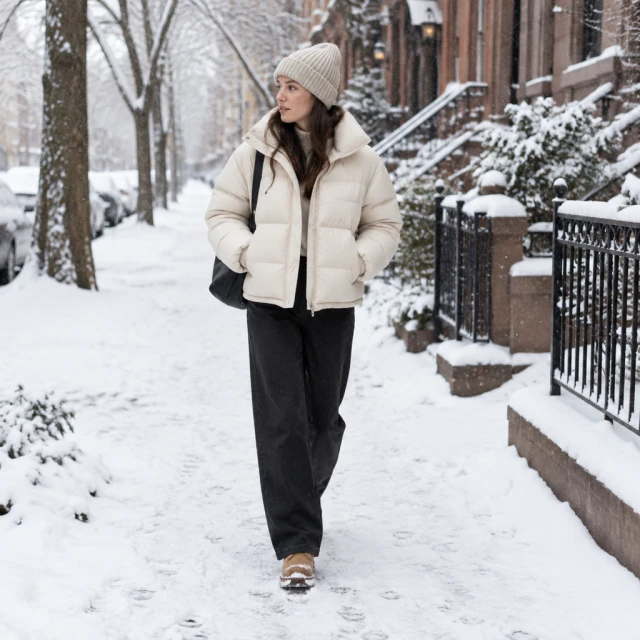
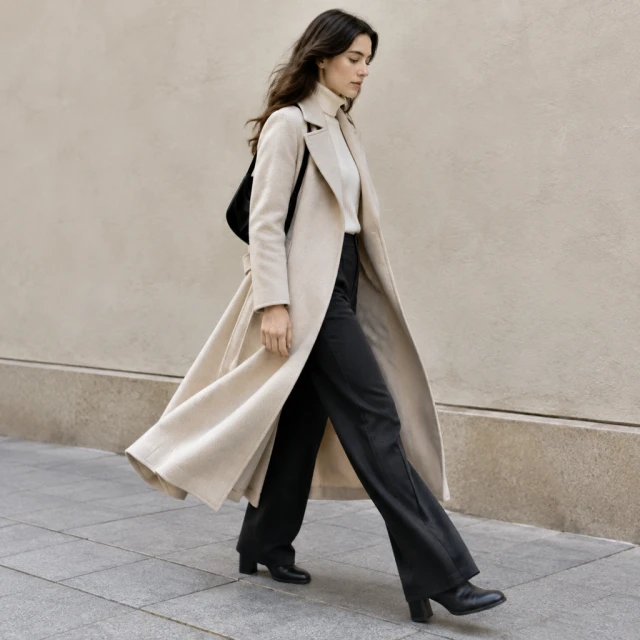
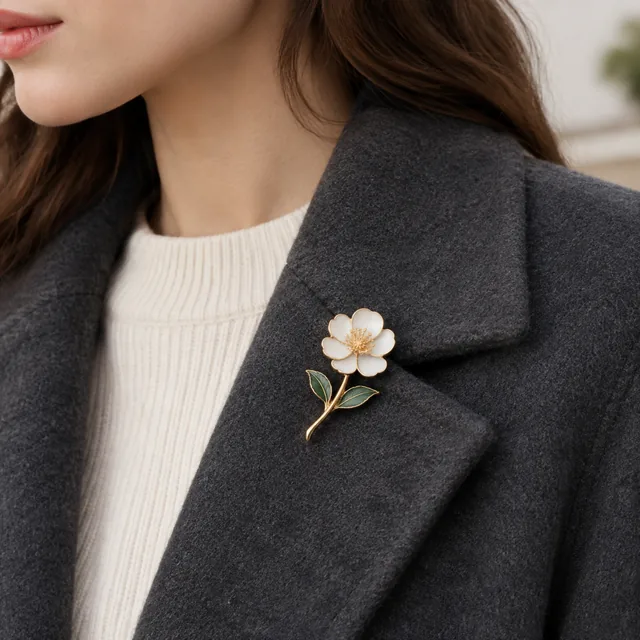
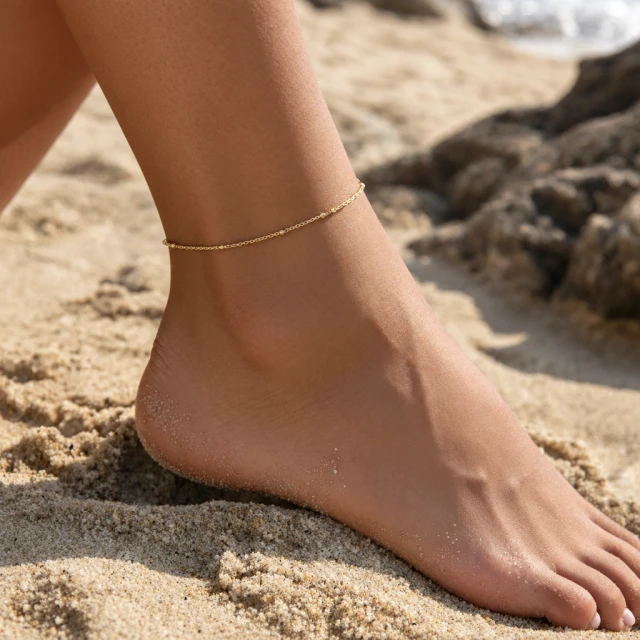
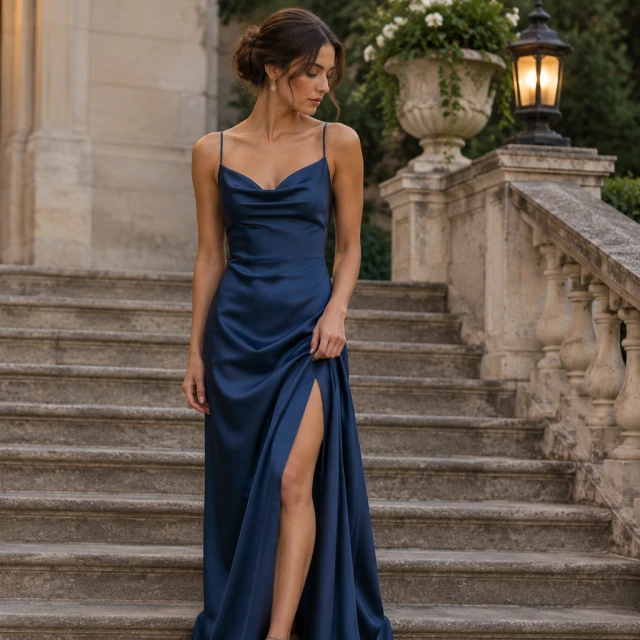
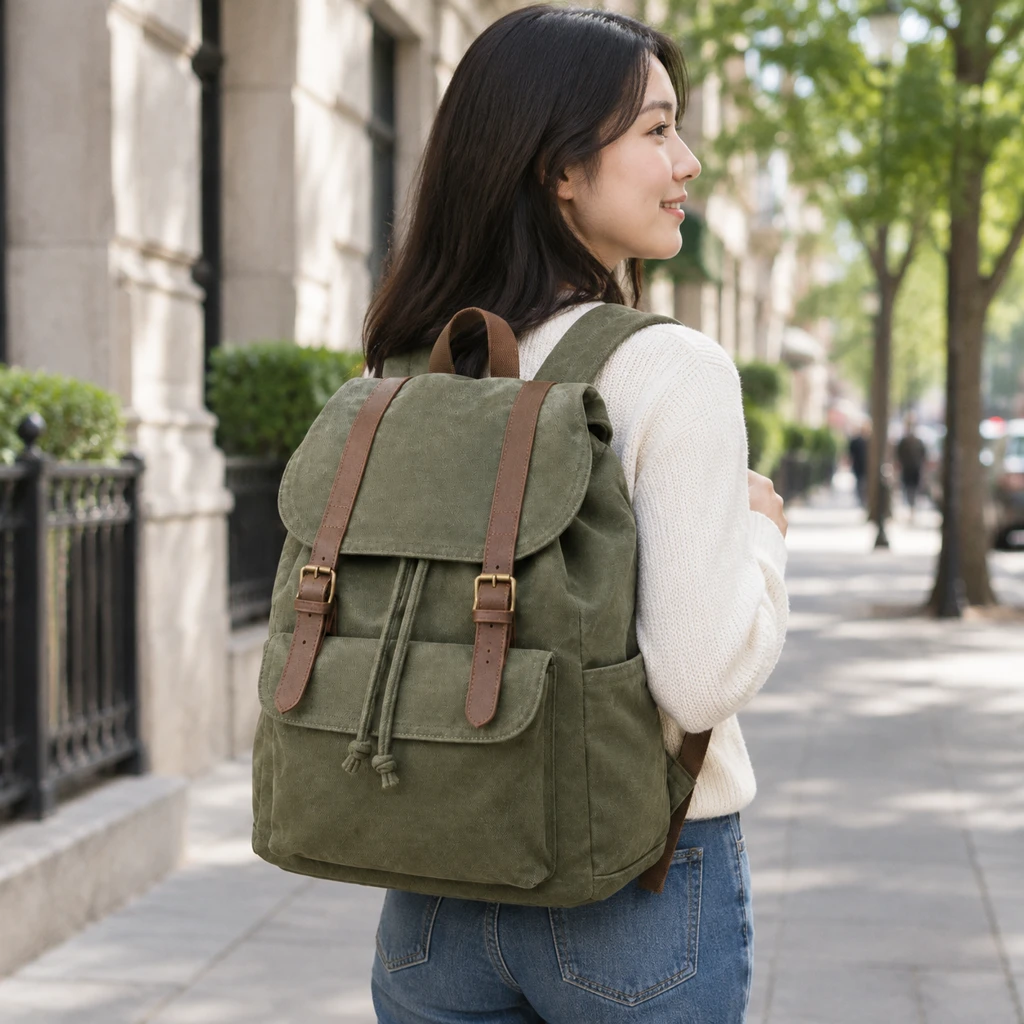
A model photo shows clothing or an accessory in a styled look. Upload a flat garment photo or a clear accessory shot, then describe who wears it, what it is paired with and where. Use the result to show a styling idea; put verified measurements and material details in the listing.
Lay it flat or hang it, with the whole garment, strap or clasp in frame.
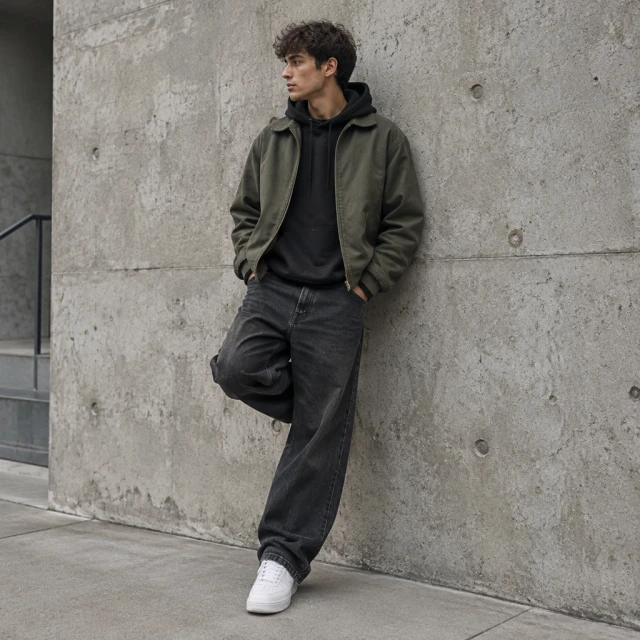
Who wears it, what it's paired with and where, like "jeans, autumn street, face turned away".

The photo shows the style, not the exact fit. Put measurements and the size chart in the listing.
Choose an item category and keep the garment or accessory easy to see.
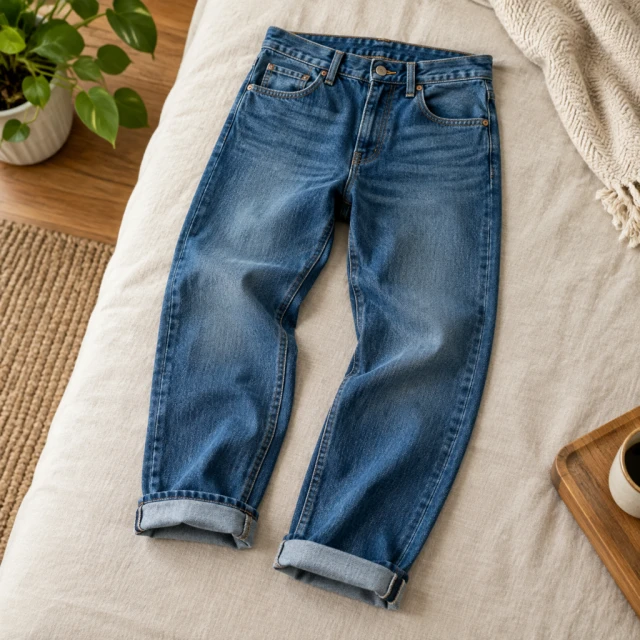
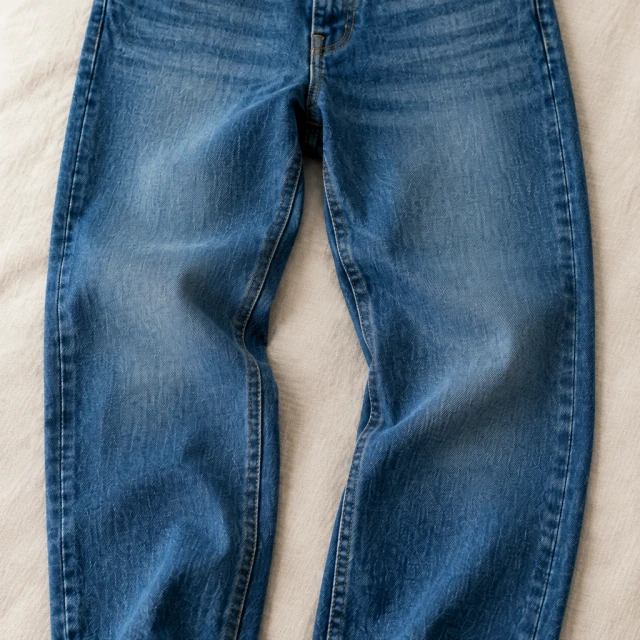
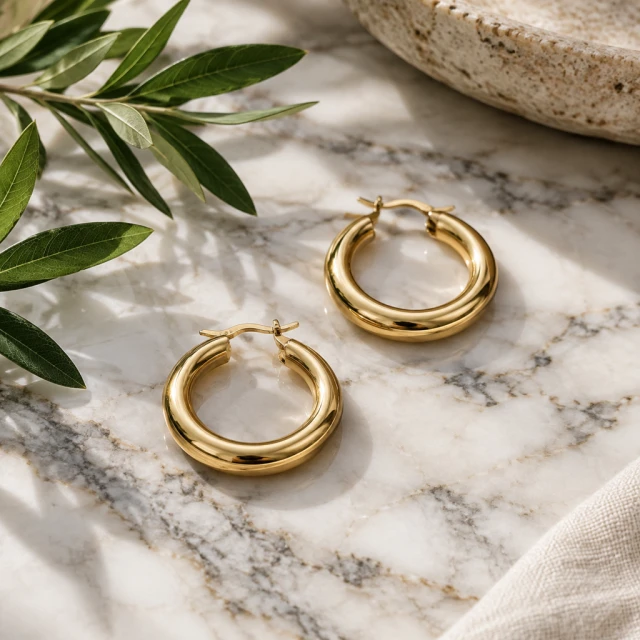
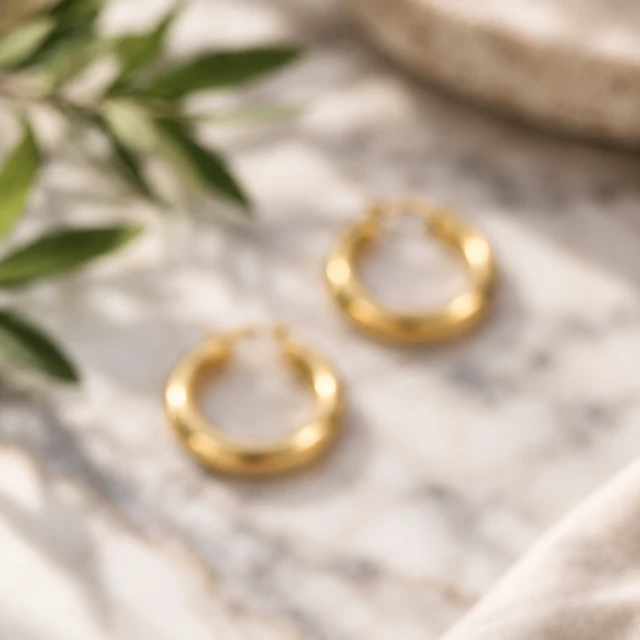
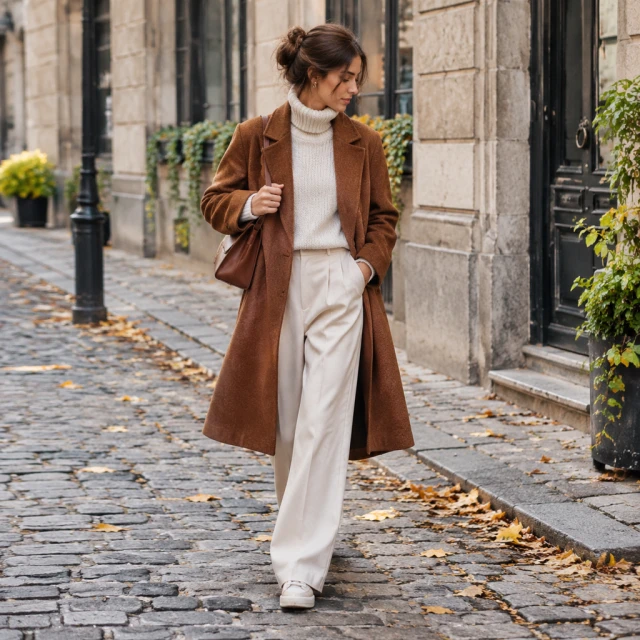
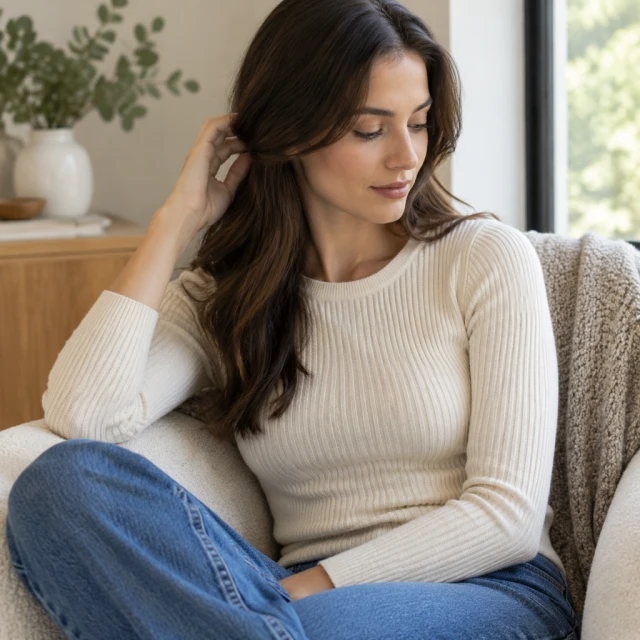
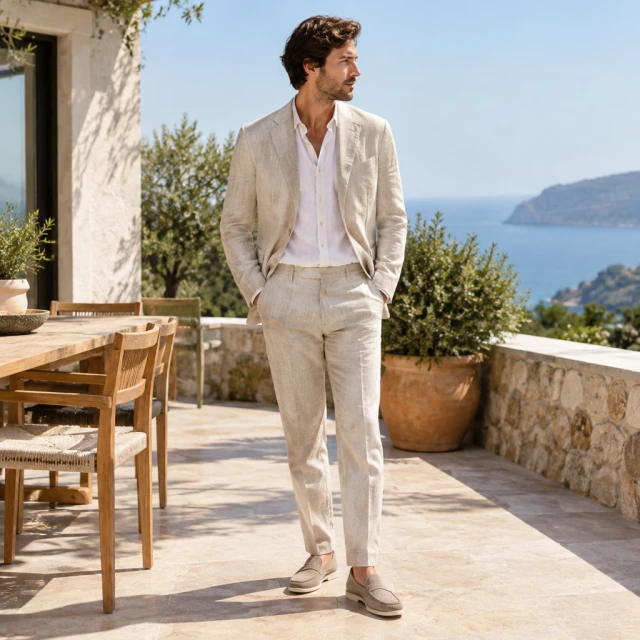
Add a worn view next to the flat photo so shoppers see the length and how it hangs.
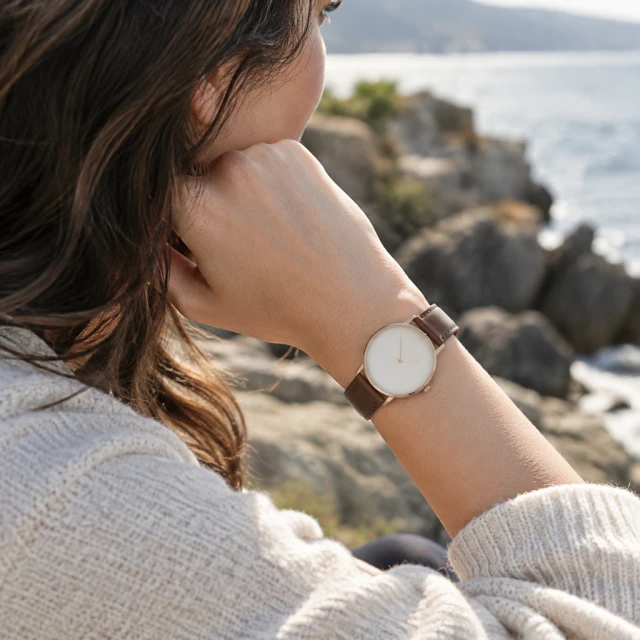
Show the watch on a wrist, then put the band size and material in the caption.
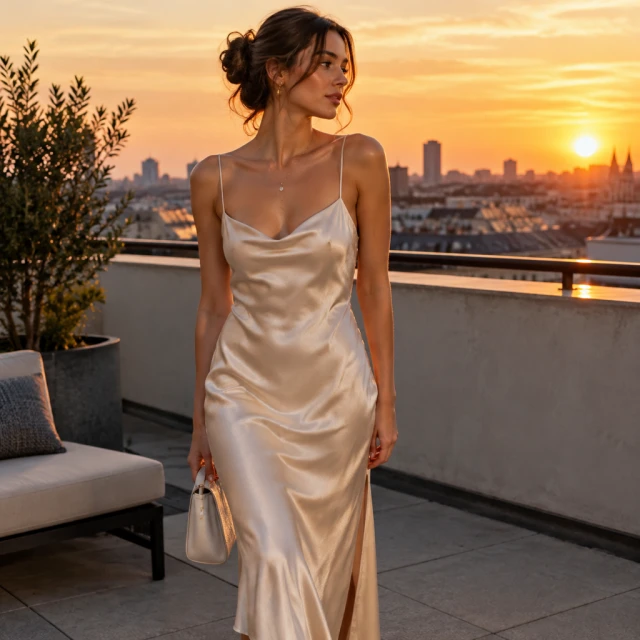
These details are added in your editor after download.
Choose a worn look that keeps the garment or accessory easy to see.
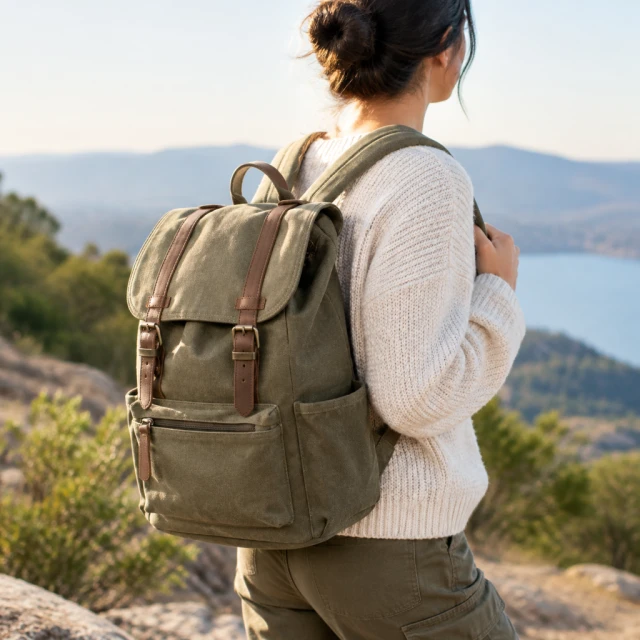

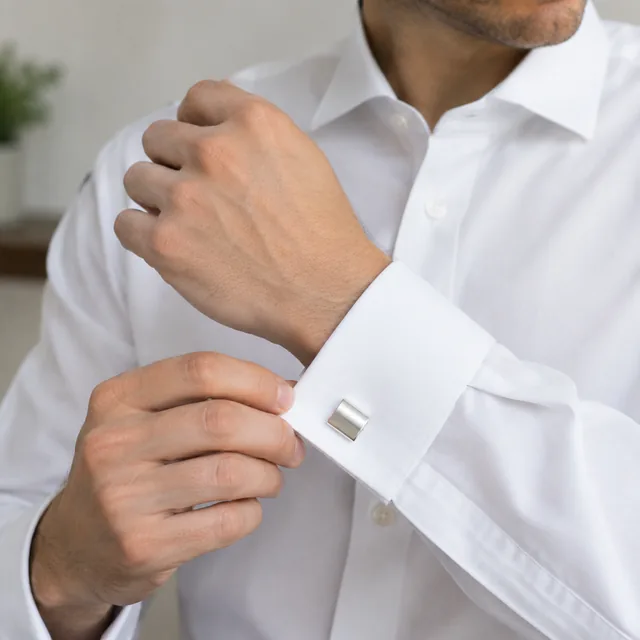
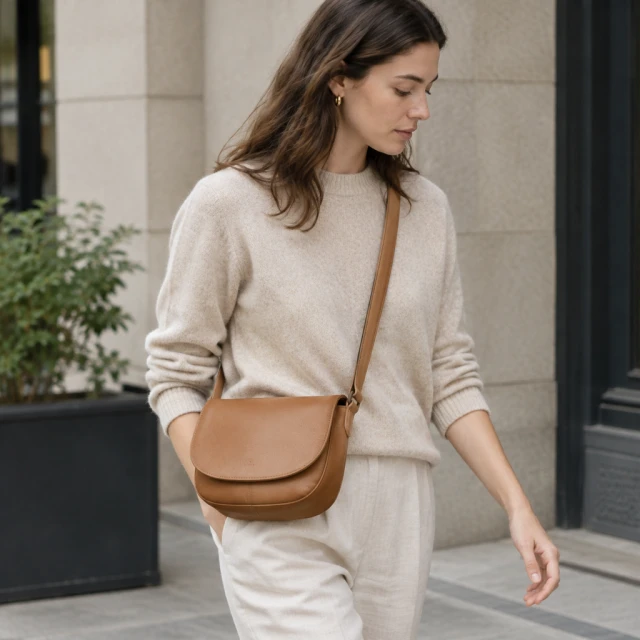
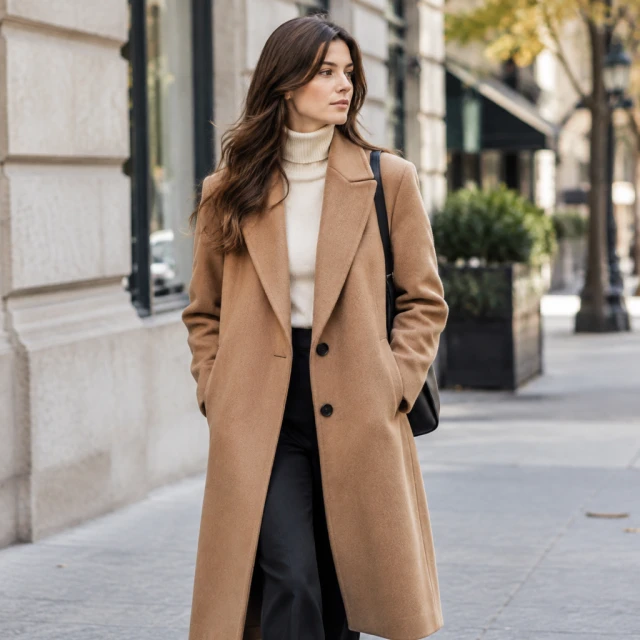
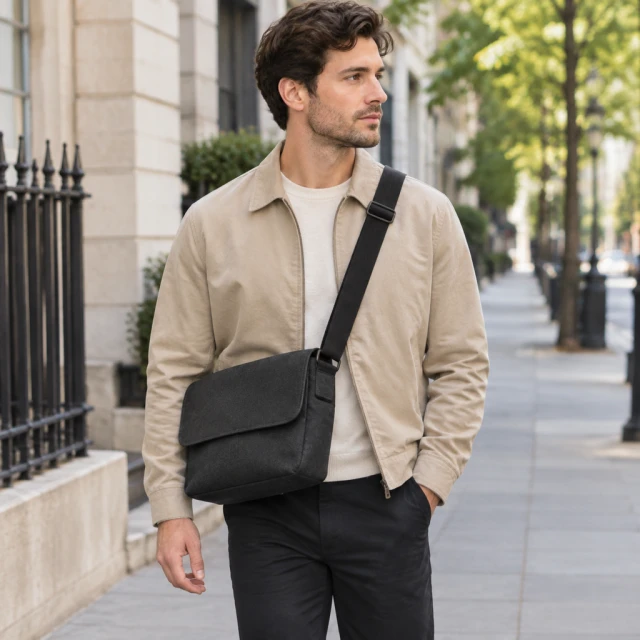
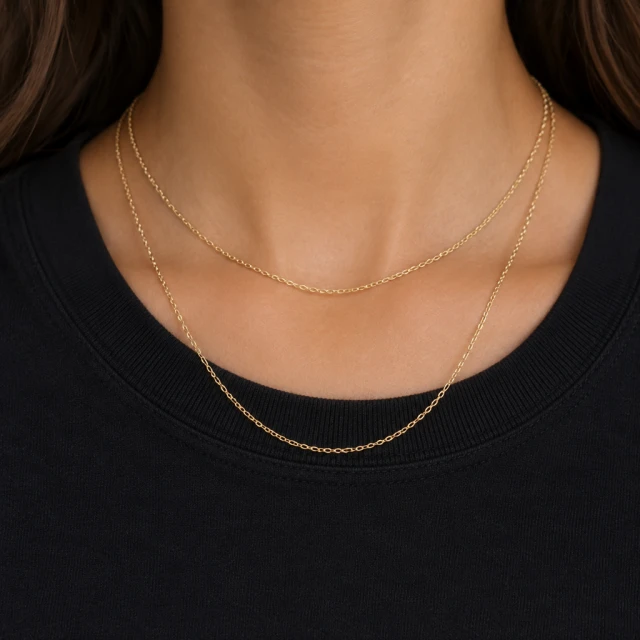
See hoodies, sunglasses, boots and earrings worn in a studio, on a street or in context.
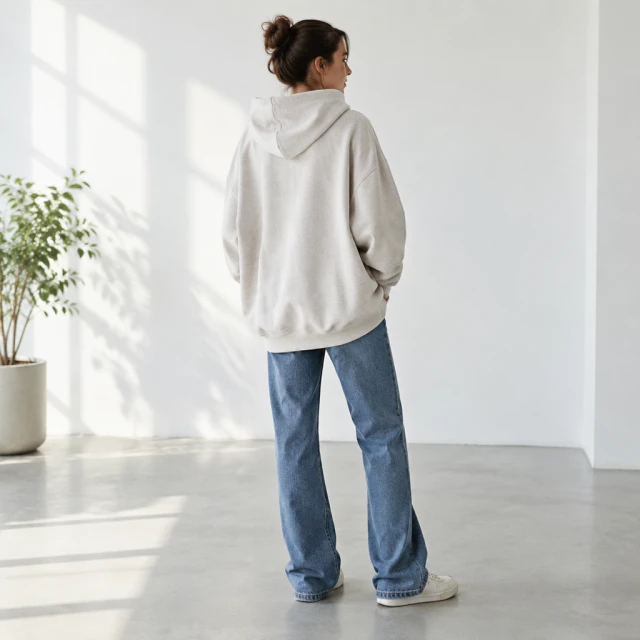
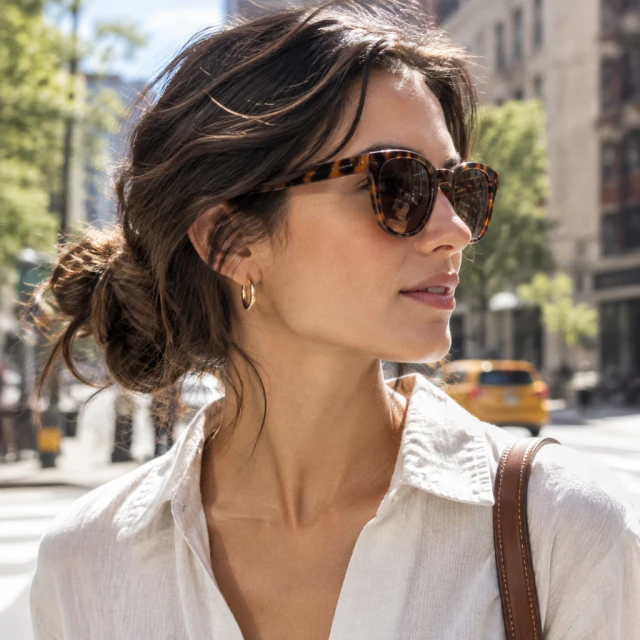
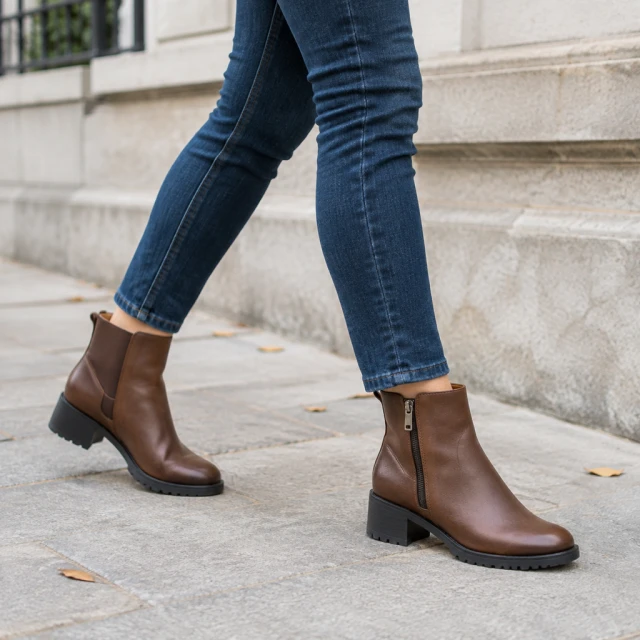
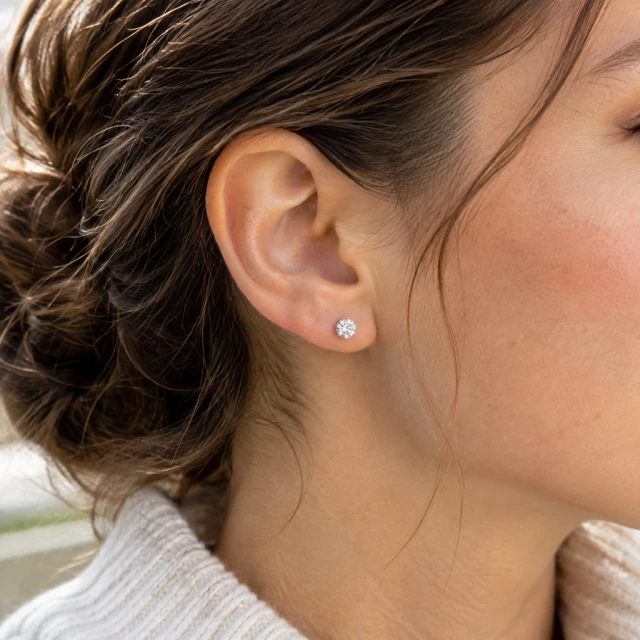
The tool suits clothing and accessories such as tops, dresses, outerwear, bags, watches and jewelry. A flat garment or clear accessory photo gives the preview a useful reference.
No. It presents a styled look, not a garment fitting or measurement session.
Yes. Use a worn view on a product page or social post, with a separate clear product photo available for close details.
Describe a general look, pose and setting instead of requesting a real person or suggesting a public figure endorses your product.
Upload a product photo and see the cost before you start.