AIVideosUGC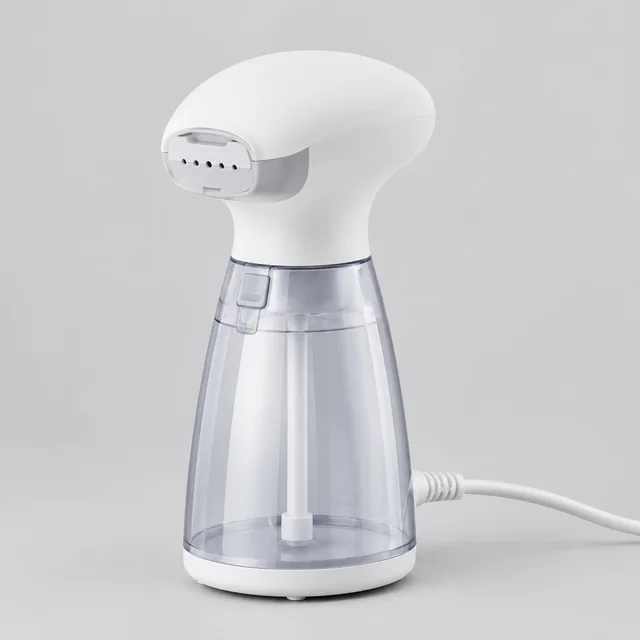
Your productShow the full tool and the surface it works on.
Step 01
Upload the product on its own
A clear photo of the steamer, frother, or tool against a plain background helps it keep its shape in the video.
Use this AI how-to video maker to show shoppers how your product works in 10, 15 or 30 seconds. Upload a photo, describe the task, and get a vertical or widescreen video for your store and YouTube Shorts.
Plans from $24.50 a month. You see the credit cost before every job, and if a job fails its credits go back to your balance.
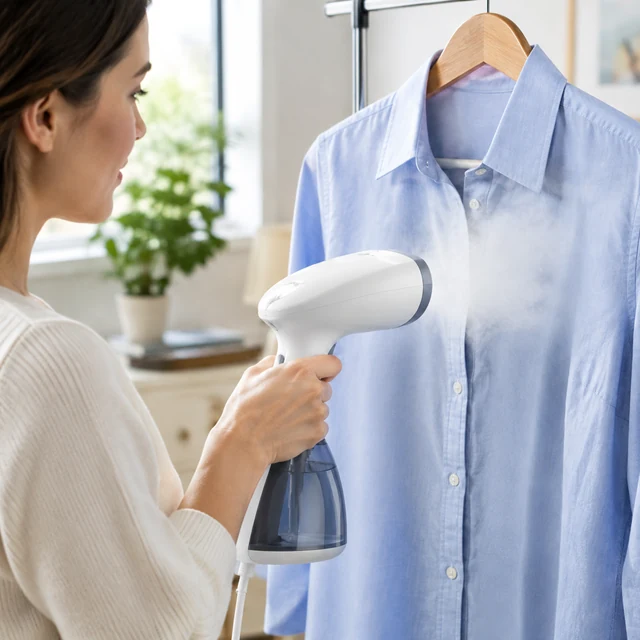




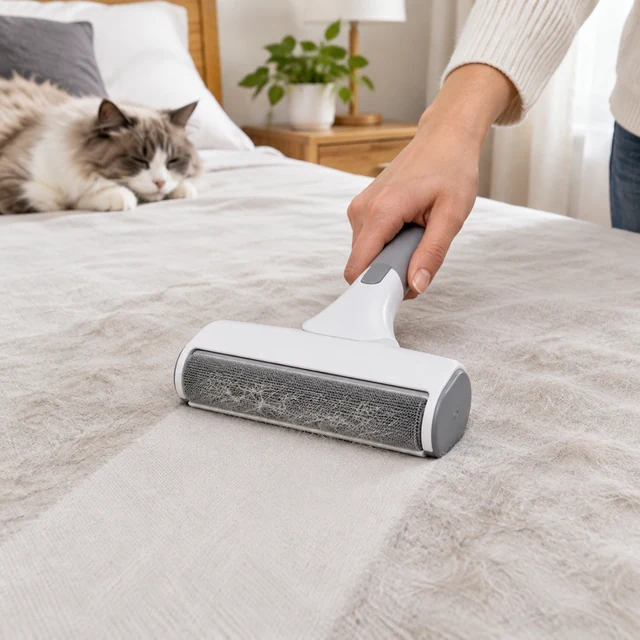
A how-to video is easiest to follow when it shows one task from setup to result. Keep the tool and the part being worked on visible throughout the clip.
A clear photo of the steamer, frother, or tool against a plain background helps it keep its shape in the video.
Name one action, then show the steamer passing over a blue shirt.

Type short labels like "Fill," "Heat," and "Steam" in CapCut or Canva so the order is easy to follow.
Pick a short action that viewers can follow from start to finish.

Keep the tool and action in the vertical frame, then add a short label for each step.
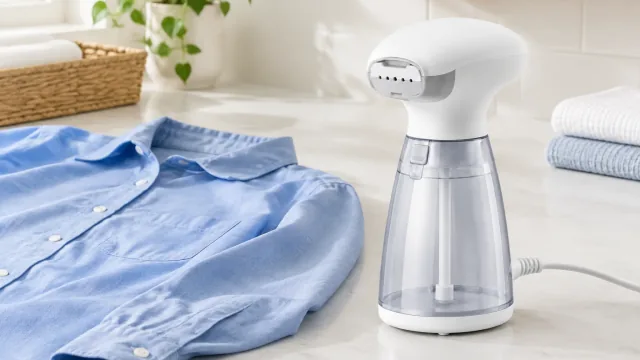
Place the demonstration near the instructions so shoppers can see the tool in use.


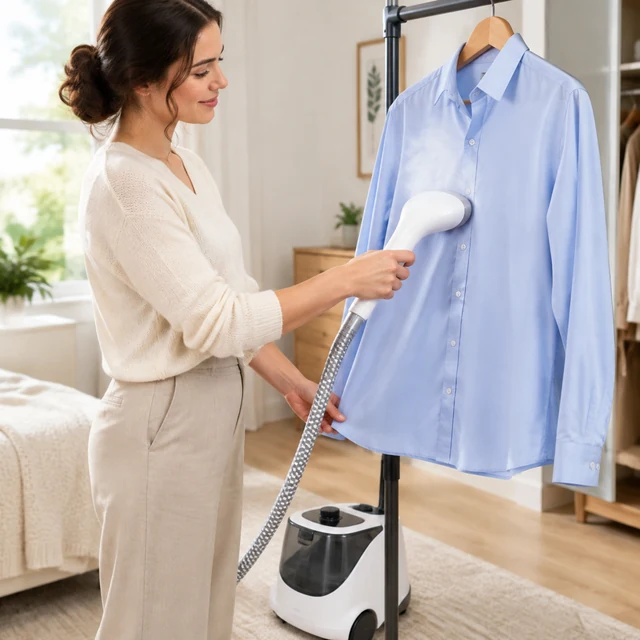

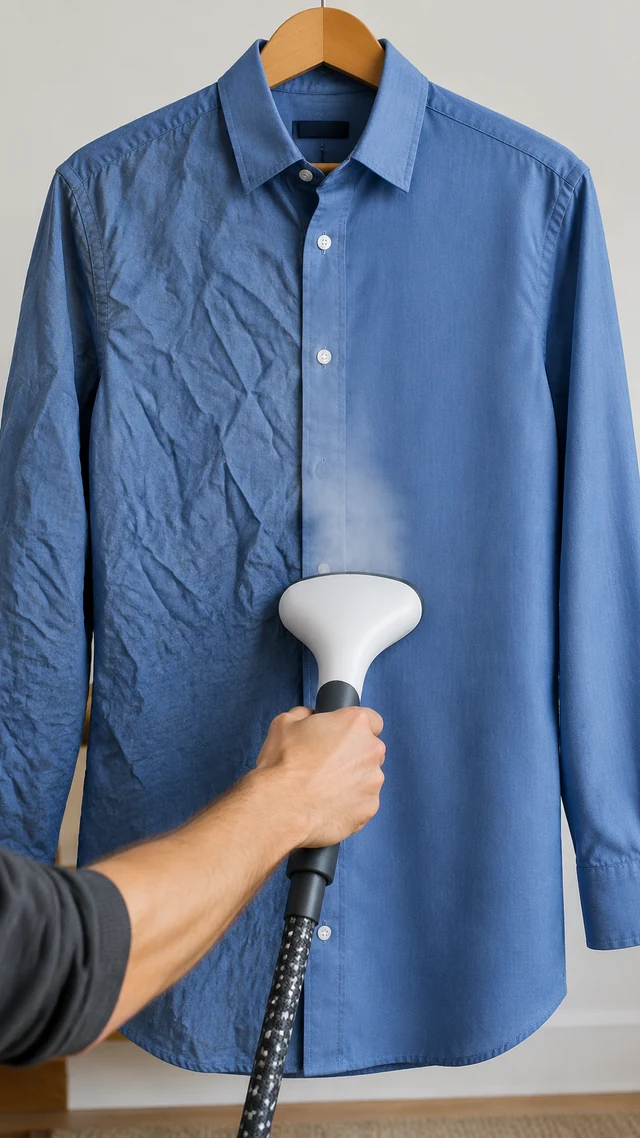

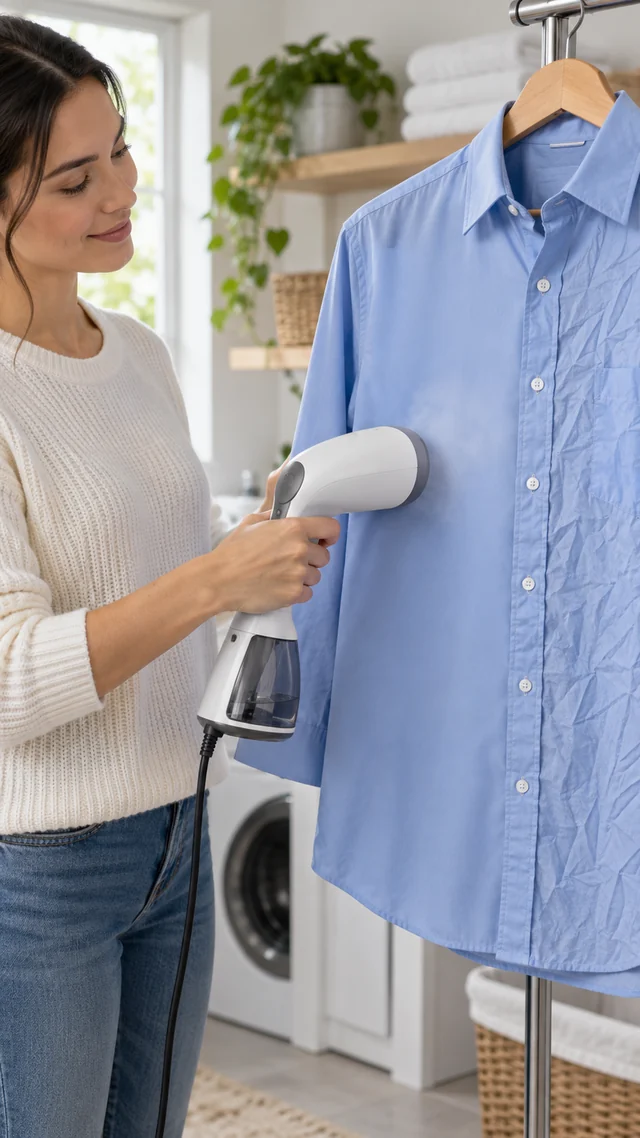
These details are added in your editor after download.
Choose another everyday scene, then add your product photo.

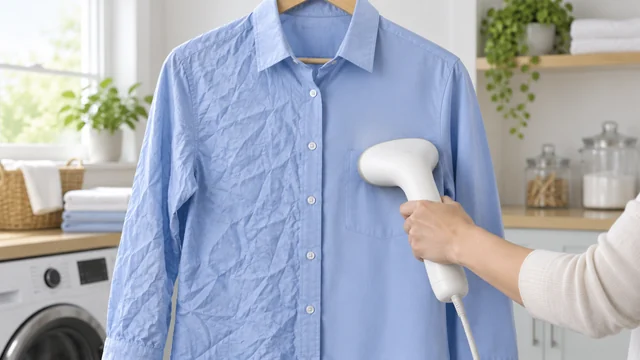

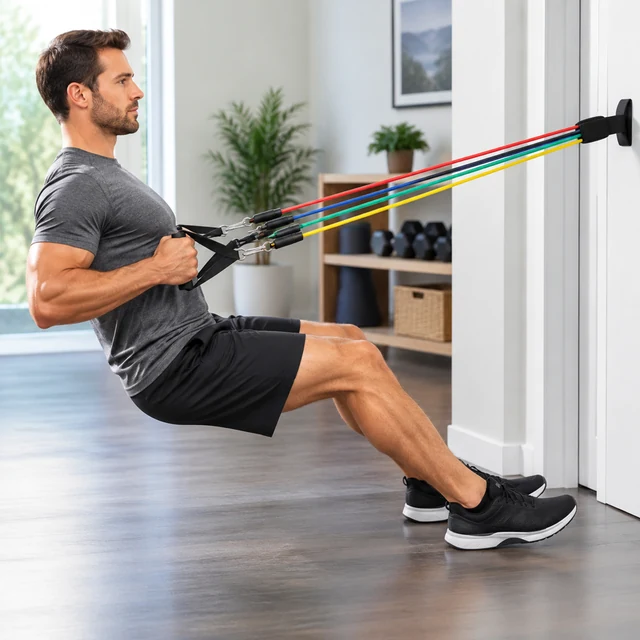



Step-by-step ideas where each action is easy to follow on a small screen.

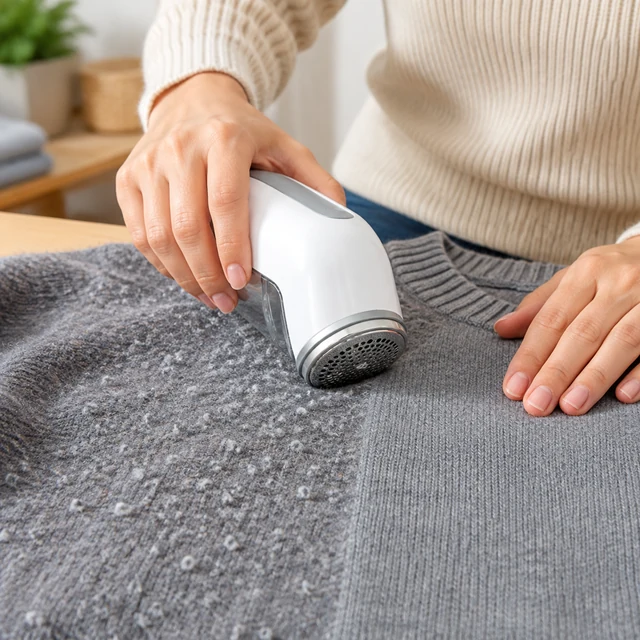

Keep it to one clear task. At 10, 15 or 30 seconds, steaming a single shirt reads better than a full laundry routine. For a longer guide, make a few clips and join them in your editing app.
AIVideosUGC does not add voiceover, music, or captions. Record your narration and add it with step text in your editor after download.
Yes. Describe the real way your product is used and watch the clip before you post it. If it shows something your product can't do, generate it again with a clearer description.
Upload one product photo. See the cost before you start.