Team photo template

AI Team Headshots That Match, from Founder to New Hire

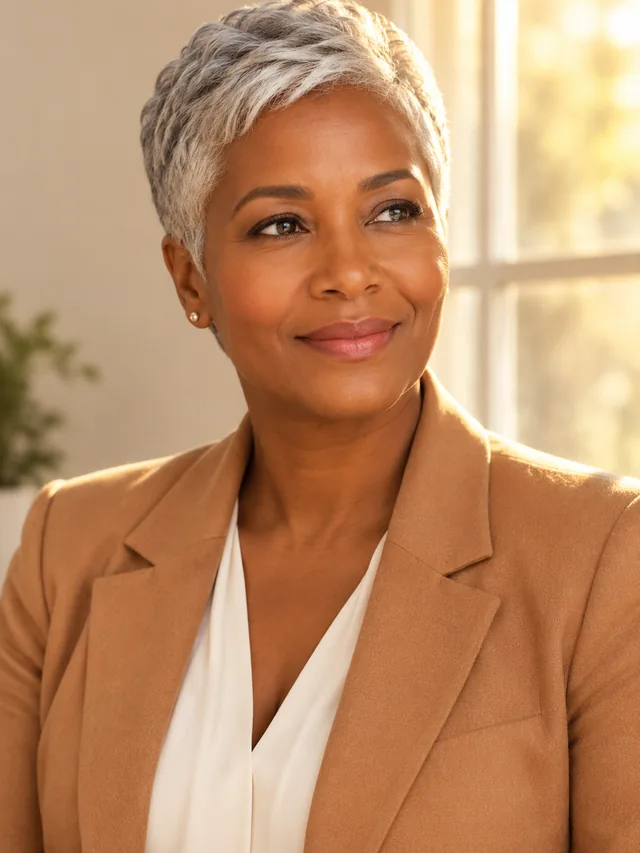
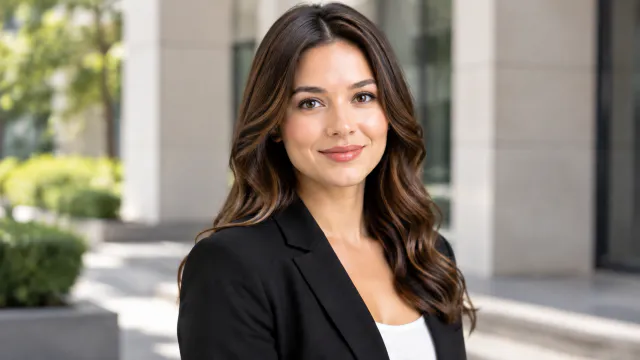
Give everyone on your team a polished headshot in the same bright office setting, each one made from that person's own photo.

Drop a photo of the person hereJPG, PNG or WebP · any clear photo works
Template Team HeadshotsSize Square by defaultUpload Each person's own photo
Make a team headshot →See the cost before you start

Plans from $24.50 a month. You see the credit cost before every job, and if a job fails its credits go back to your balance.

Tip: Ask each person for a front-facing photo in daylight with nothing covering their face, and paste the same setting description for every headshot.
Square headshot of an adult South Asian man with salt-and-pepper hair against a pale blue-gray office wall.
Photo
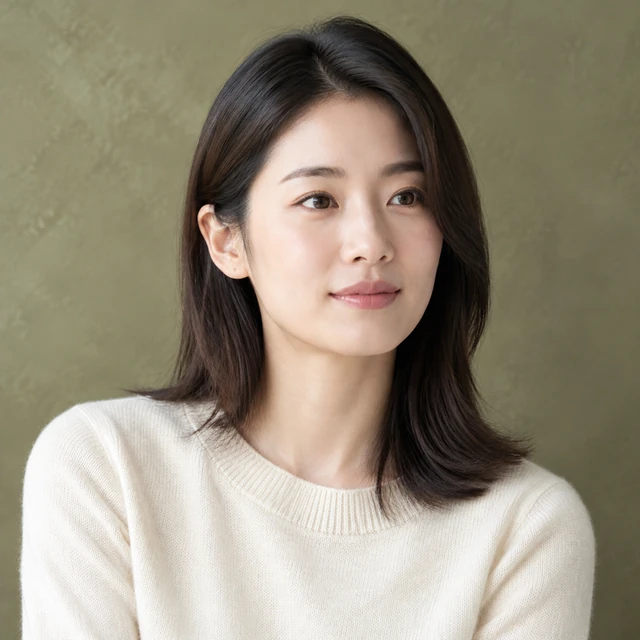
Square headshot of an adult East Asian woman with shoulder-length dark hair against an olive plaster backdrop.
Photo
Square headshot of an adult white woman with a silver-blond bob against a charcoal studio background.
Photo
Square headshot of an adult Latino man with wavy dark hair in a brick-and-wood workspace.
Photo
Square headshot of an adult Black man with a trimmed beard against a dusty blue wall.
Photo
Square headshot of an adult Middle Eastern woman with dark curls against a pale blush studio backdrop.
Photo

A team headshot set feels connected when each person has a clear, recent portrait and consistent backdrop and light. Ask each teammate to provide their own photo.

How it works

Create square team headshots from each person’s photo

Adult professional portrait as the starting photo
Drop your product photo hereJPG, PNG or WebP · any clear photo works
Step 01

Collect a clear photo from each person

Ask each teammate for a recent portrait with their face and shoulders visible.

Create a polished square team headshot of this adult against a soft light-gray office background, with a relaxed expression and shoulders in frame.
Template Team HeadshotsSize Square 1:1Upload Each person’s own photo
Cost24 credits
Step 02

Choose one backdrop style

Describe the light, clothing, and setting once so the portraits feel like a set.
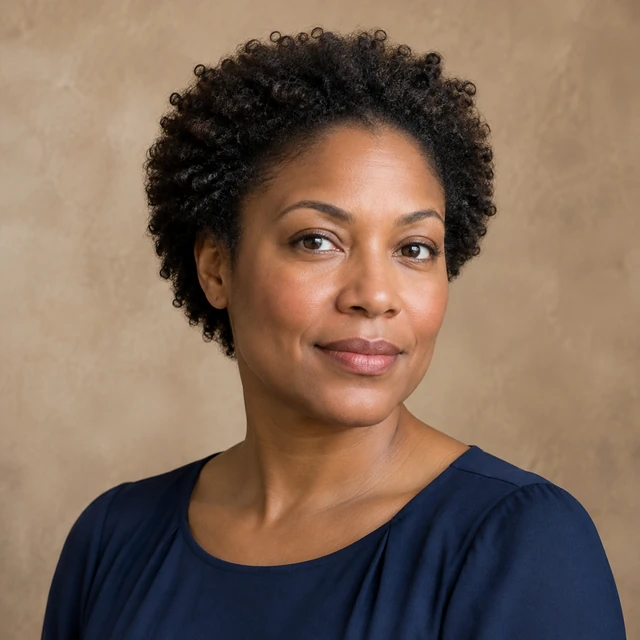
Square headshot of an adult Black woman with short natural curls against a warm taupe studio backdrop.
Step 03

Arrange the portraits on your page

Download each headshot, then add names and roles beside the photos.

Choose a scene

Choose a consistent team headshot setting

Pick a backdrop that feels consistent across the team page.

Where to use it

Use team headshots on an about page

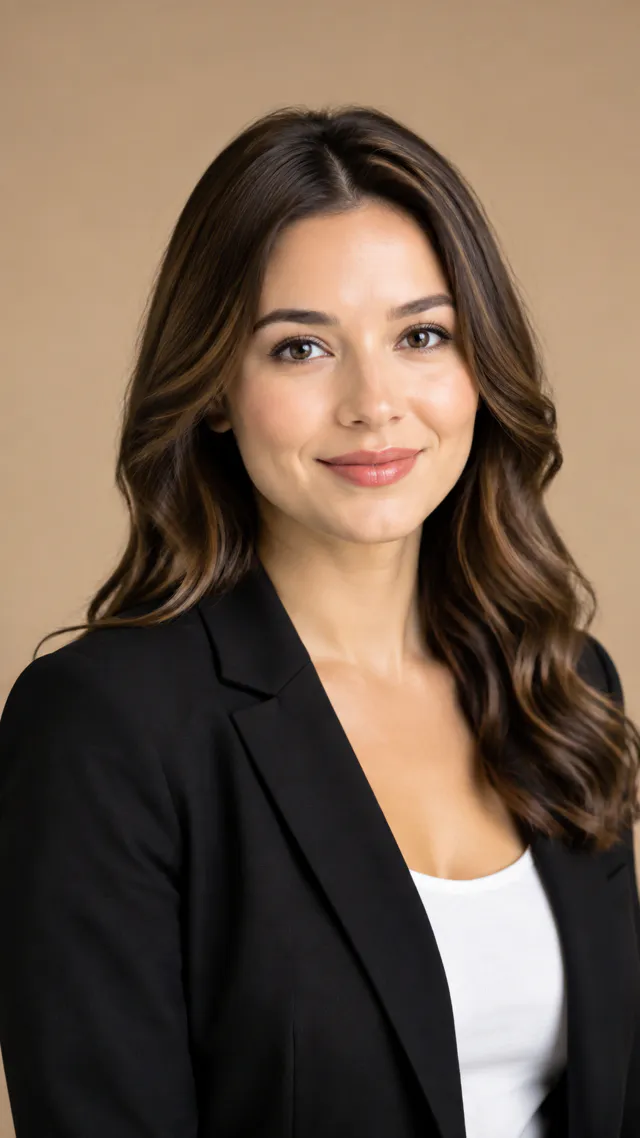
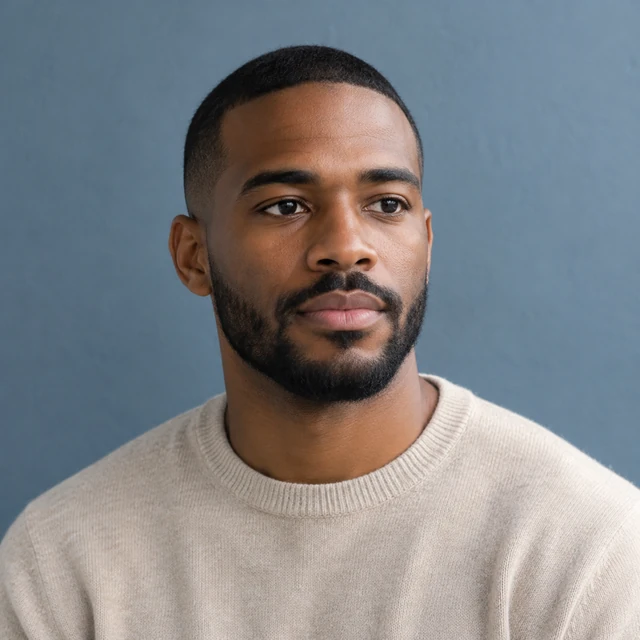
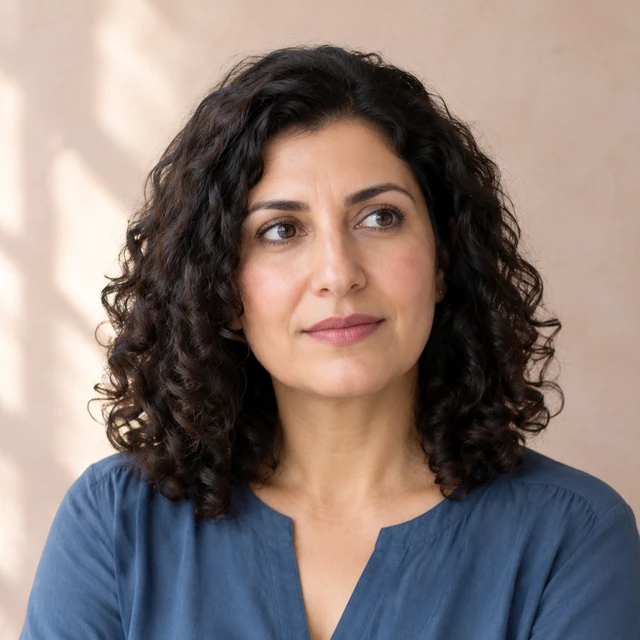
Four distinct professionals in head-and-shoulders portraits against neutral office backgrounds.

Build a consistent team page

Keep a consistent head-and-shoulders crop, neutral background, and soft light for each teammate.

Three-quarter professional portrait

Show a portrait on a professional profile

Use a clear three-quarter portrait beside the team introduction when a wide crop fits the page.

Start with a clear photo

Start with a clear face and shoulders photo

✓
Professional headshot in a dark blazer
Head and shoulders stay sharp
✕
Professional headshot with facial features softened by visible blur.
Headshot loses focus around the face
✓
Professional headshot in a casual shirt
Face and shoulders fit the frame
✕
The same approved portrait framed too tightly across the face and shoulders.
The crop cuts across the face
Your result

Square team headshot example

Square headshot of an adult white man with wavy brown hair against an olive office wall.
Square team headshot against a warm studio backdropSquare photo · 24 credits
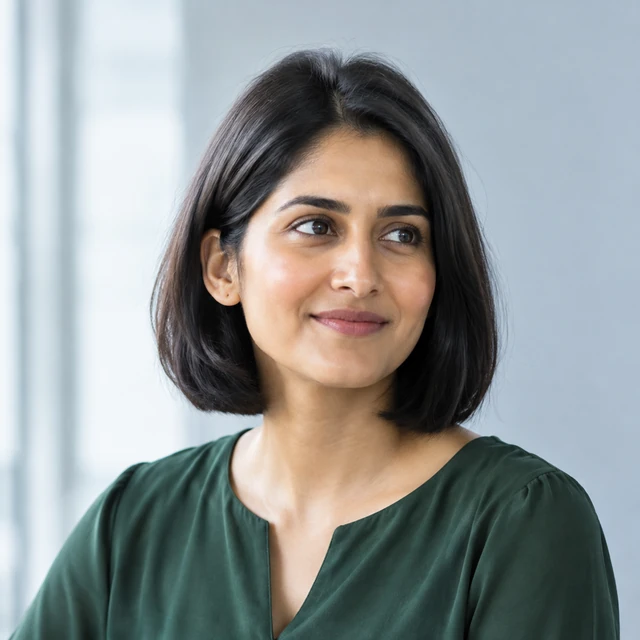
Square headshot of an adult South Asian woman with a dark bob against a pale gray-blue office background.
Square team portrait in a softly lit officeSquare photo · 24 credits
After download

Add names and roles after download

Square profile crop of the headshot
NameRole

These details are added in your editor after download.

  • Add each teammate’s name and role as text beside the downloaded portrait.
  • Use consistent framing and light across the team page.
More templates

More creator-style photo templates

Choose another everyday scene, then add your product photo.

PhotoBottom view showing the speaker base and grip

Every Angle

Front, side, back and top views

ElectronicsAmazonShopify
Use this template →
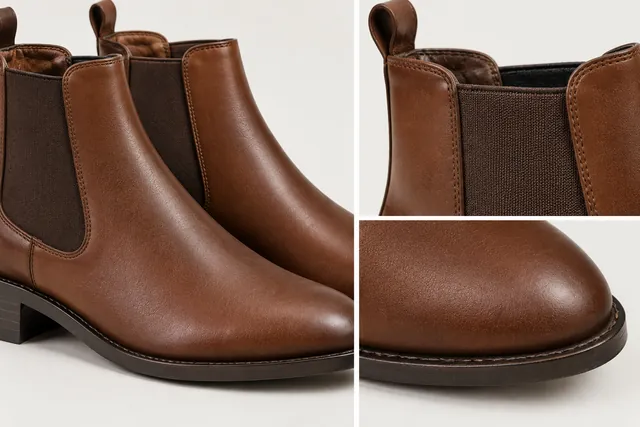
PhotoClose-up of brown leather Chelsea boots showing the elastic side panel, the pull tab and the toe

Close-Up Details

Show materials and finish up close

Jewelry & AccessoriesAmazonShopify
Use this template →
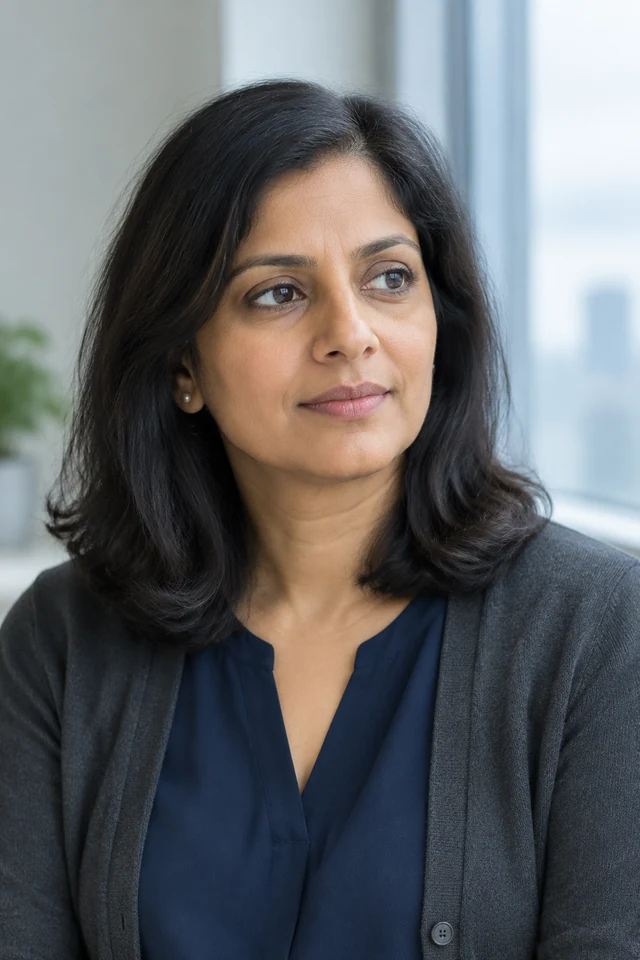
PhotoSupport lead in a square head-and-shoulders portrait beside a quiet office window.

What's in the Box

Show the full set or bundle

Beauty & SkincareAmazonShopify
Use this template →
FAQ

Questions about team headshots

What should each teammate upload?

Use a recent photo of that person’s face and shoulders with even light and no hat or sunglasses.

How can a team page feel consistent?

Reuse the same backdrop and outfit description while letting each person keep their own portrait.

Can I add names in the headshot?

Add names and job titles as editable text beside each image on your page.

Keep reading

Guides and articles

Try Team Headshots with your product

Upload one clear photo of the person. See the cost before you start.