 AIVIDEOSUGC
Make Your Video Ad in Minutes
Paste the link and the video starts from that page. You do not write a script from scratch or book an edit before the first draft.
Turn a product link into an AI video for ads, social posts, and product demos. You get that clip without a shoot and without the wait.
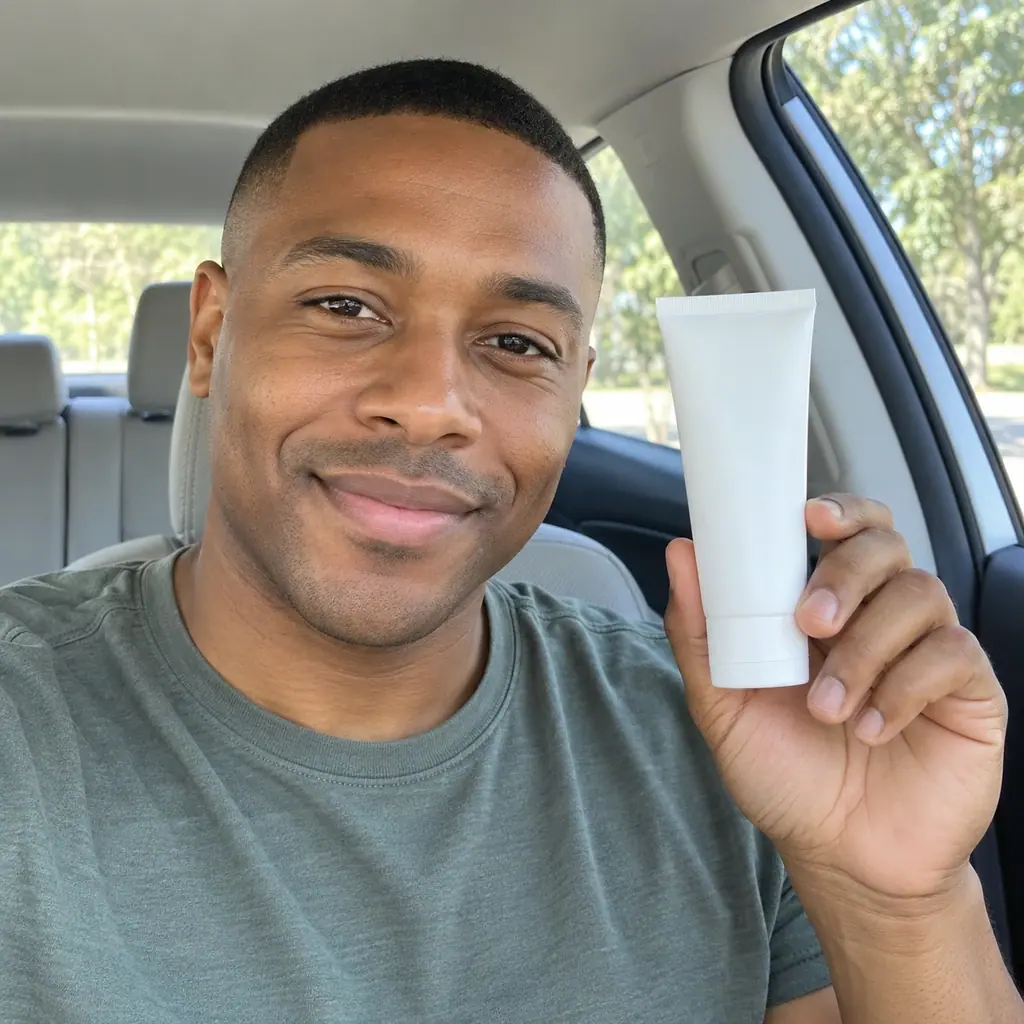
Paste the link. The hours of writing, editing, and shooting do not have to happen first.
Paste the link and the video starts from that page. You do not write a script from scratch or book an edit before the first draft.
The script and the video come back from the link. You drop the URL in and approve the result, instead of building each piece by hand.
Make a clip for several product links in minutes. A launch, a demo, and a social post do not each need their own shoot.
If the page already has a shopper note, the clip can say it. You do not hunt for that line or type it into a new brief.
A public product page is the only link you need.
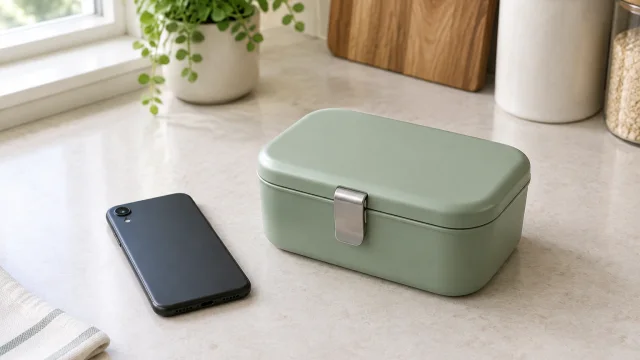
Turn my lunch box page into a video
Paste the public product page. The photo and the facts on it come into the project.
Pick an AI actor who fits the buyer, or stay with one you already saved for the shop.
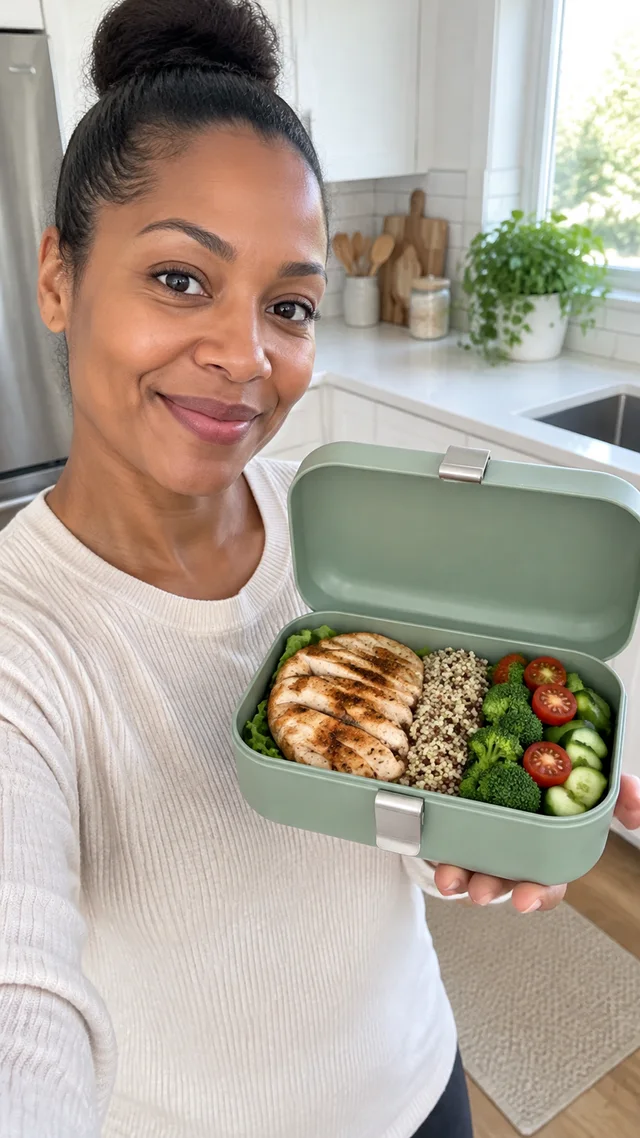 00:15
Generate a script from your product page, edit any claim that needs work, then make the video.
Paste the page once. The draft script, the pictures, and a voice come back, and you approve them before the clip runs.
The link pulls in the images and the product facts for you. There is no separate edit and no shoot before you have an ad you can post.
The draft is written from the product link, using the facts already on the page. Ask for the language you sell in, then fix any line before it runs.
Pick from 53 AI actors so the ad can face the buyer you already sell to. The delivery stays steady from the first clip to the next.
Skip the crew and get more versions of the same product out faster. The time and the money stay in the ad, not in a studio day.
Change the script, the voice, the actor, and the frame before you export. One product link can feed every placement you sell on.
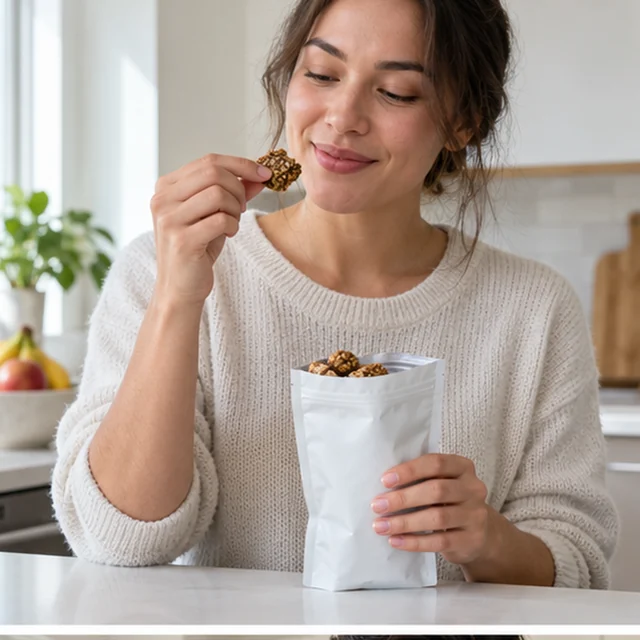
Turn the product page into a short ad that names one feature and the current price. The clip uses that page's image as the product.
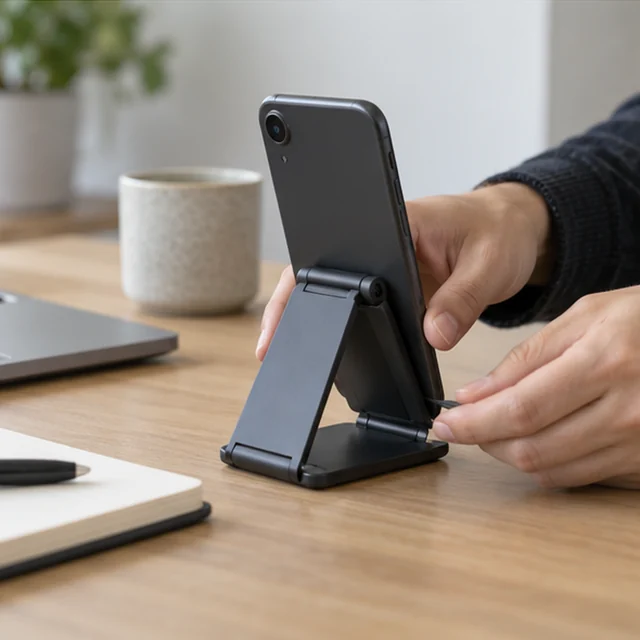
Show one action, such as opening a latch, with an actor and a voice. You do not need to film it.

Build the ad from the link, with captions on the clip. Post it on TikTok, Facebook or Instagram, or download it to use somewhere else.
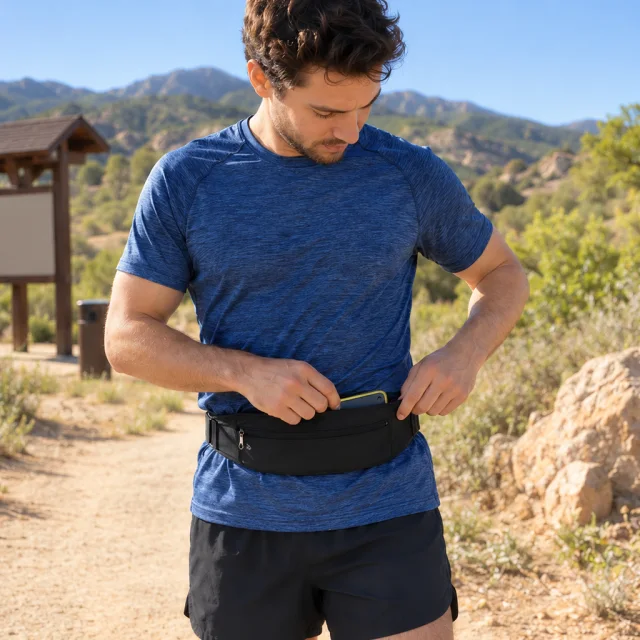
Make a tall 9:16 clip for TikTok, Instagram or YouTube Shorts. A voice and captions are already in the file.
One public page can feed more than the single clip you export today.
Keep the same product page and swap the AI actor when you want a second opening for the test.
Start from a template that already has a place for the product. Pick the voice that reads the line. You are not booking a booth.
The product does not change. The spoken line can use the other language already written on that page.
If you already have a photo, or you want a presenter-led clip, start in one of these tools.
Four sellers paste a public product page and post the clip that comes back.
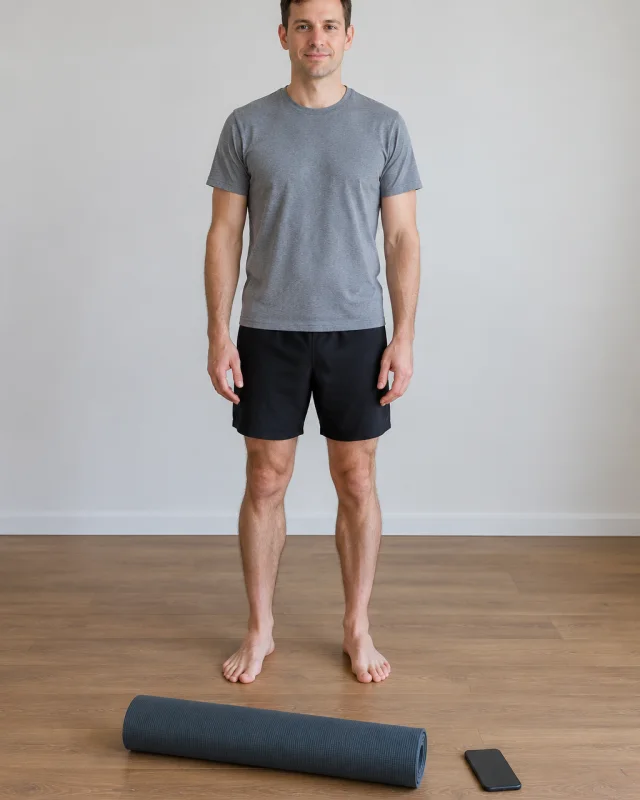
They paste the public yoga-mat page and get a listing clip that uses that page's photo of the rolled mat. They skip gathering files into a folder first.
Fitness seller
They paste the sage-green lunch box page and have an actor open the latch once so a buyer sees the seal. They put that demo on the product page and skip filming a kitchen.
Lunch-box seller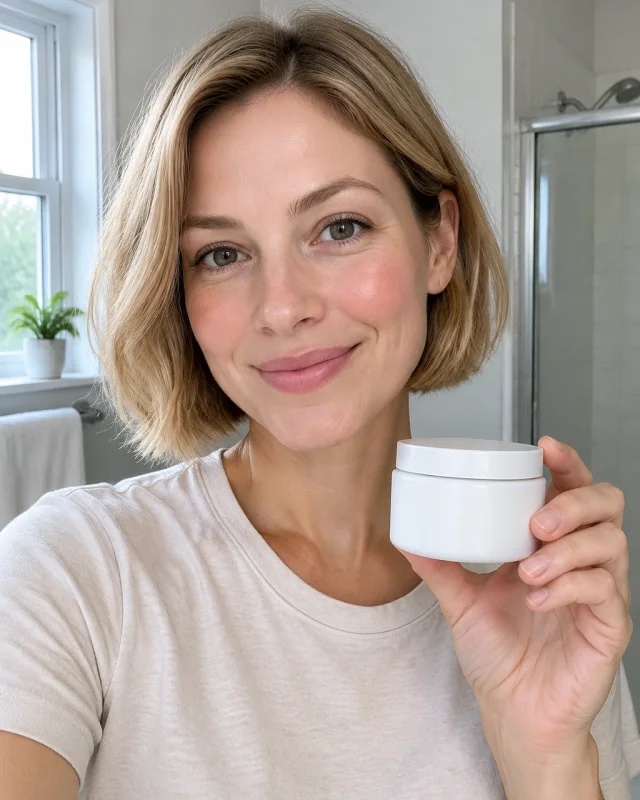
They paste the face-cream page, approve the spoken line, and run the file as a paid ad. Captions sit in the clip, and they skip a studio for that jar.
Skincare seller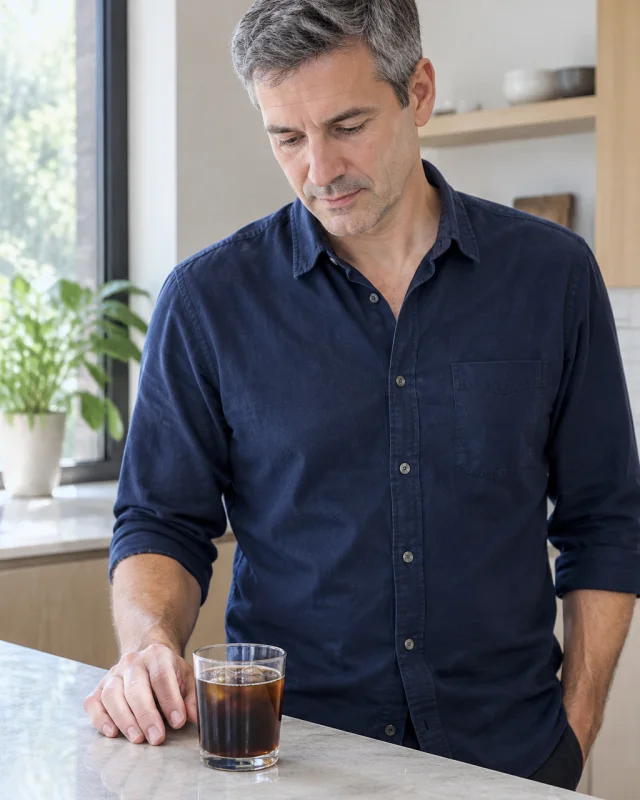
They paste the cold-brew page and make a tall clip of a pour for a phone feed. They approve the script first and skip a cafe shoot.
Drink sellerPaste the product link, choose your message and actor, then make the video. Download the ad in a few minutes.
Paste your product URL, choose a vertical or square size, and make the ad. Download it without a watermark for paid campaigns.
Yes. Change the suggested script to match your product and offer before making the video. You can try another opening later.
You get a suggested script, product visuals, and choices for actor and voice. Check the details before making the video.
A product URL already holds your photos and details, so you can make an ad faster. There is no separate filming or file gathering.
Download videos in 9:16, 1:1, 16:9, 4:3, or 3:4. Choose 15 or 30 seconds for your ad.
Yes. Use the watermark-free video in paid ads, on product pages, or in social posts. Choose the size each placement needs.
A product-link video usually takes a few minutes. Start with a clear page, then choose the message and actor.
Paste a public product link, choose an AI actor, and add your message. You can download the finished video in minutes.
Use public product pages with a clear image and details shoppers can see. Private pages need a product photo upload instead.
A 15-second video uses 20 credits; and a 30-second video uses 40. Failed jobs return credits.
No. Paste your link, choose an actor and message, and make the video. You can create it without editing software.
Make product demos, listing videos, social posts, and paid ads from one product link. Try different messages without another shoot.
Paste a public product page. You see the credit cost before the clip starts.