AIVideosUGC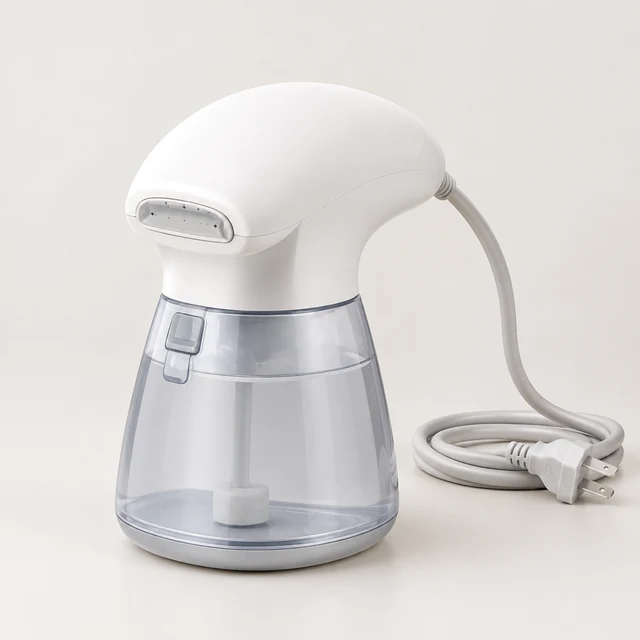
Drop your product photo hereJPG, PNG or WebP · any clear photo works
Step 01
Upload one clean product photo
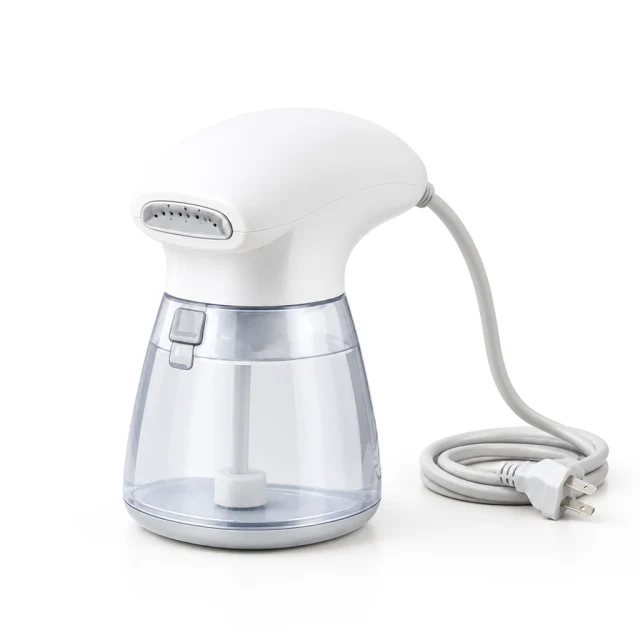
Show the white steamer, water reservoir, and cord against a plain background.
YouTube Shorts ads play full screen on a phone. Turn a product photo into a vertical clip that shows what the product does before the viewer moves on.
Plans from $24.50 a month. You see the credit cost before every job, and if a job fails its credits go back to your balance.

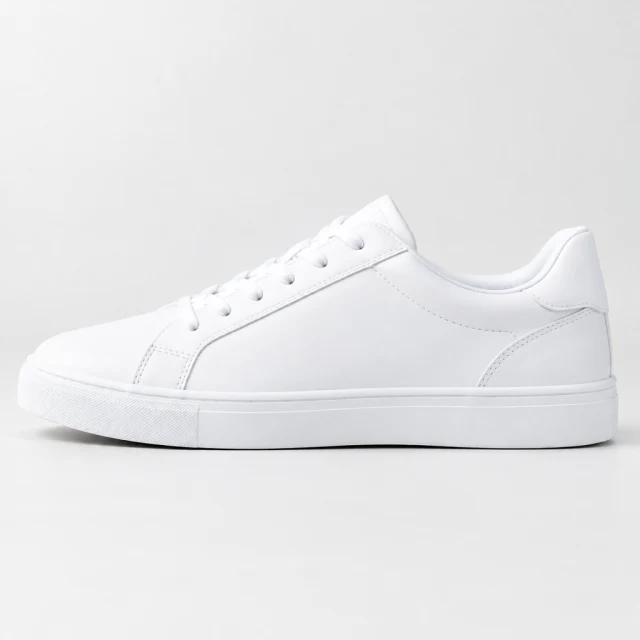

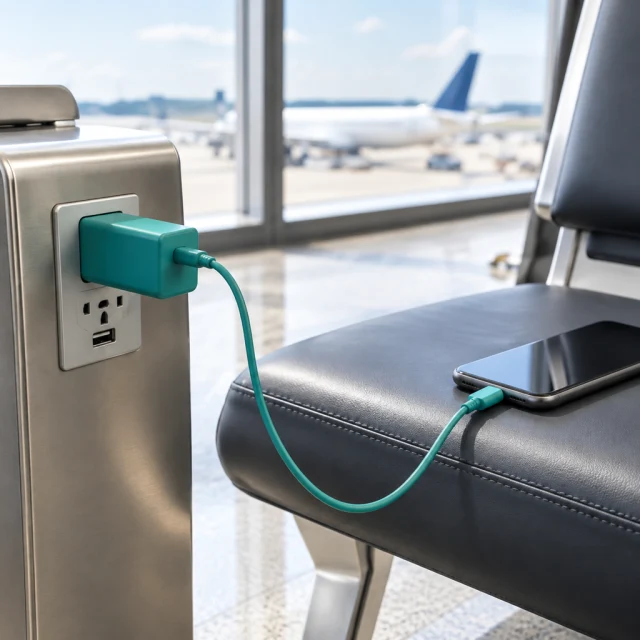
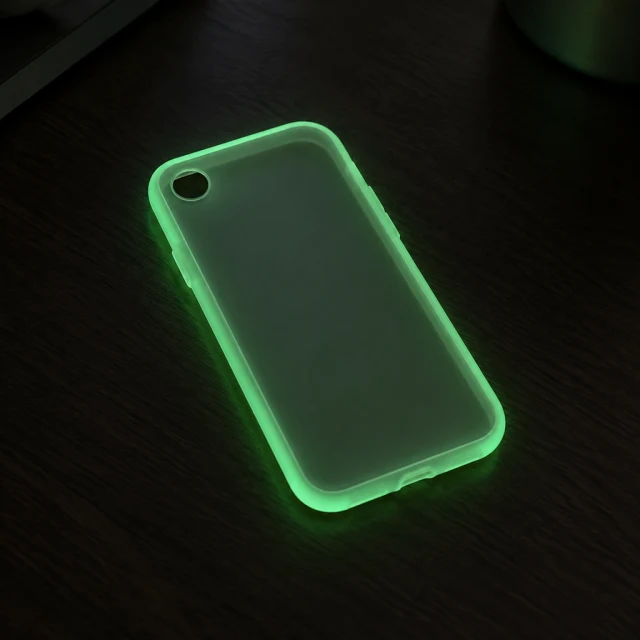
YouTube Shorts ads work best when one product action reads quickly on a phone. Keep the object near the center and leave room around the frame edges for app controls.
Show the white steamer, water reservoir, and cord against a plain background.
Press this steamer across a blue shirt in a bright, uncluttered room.
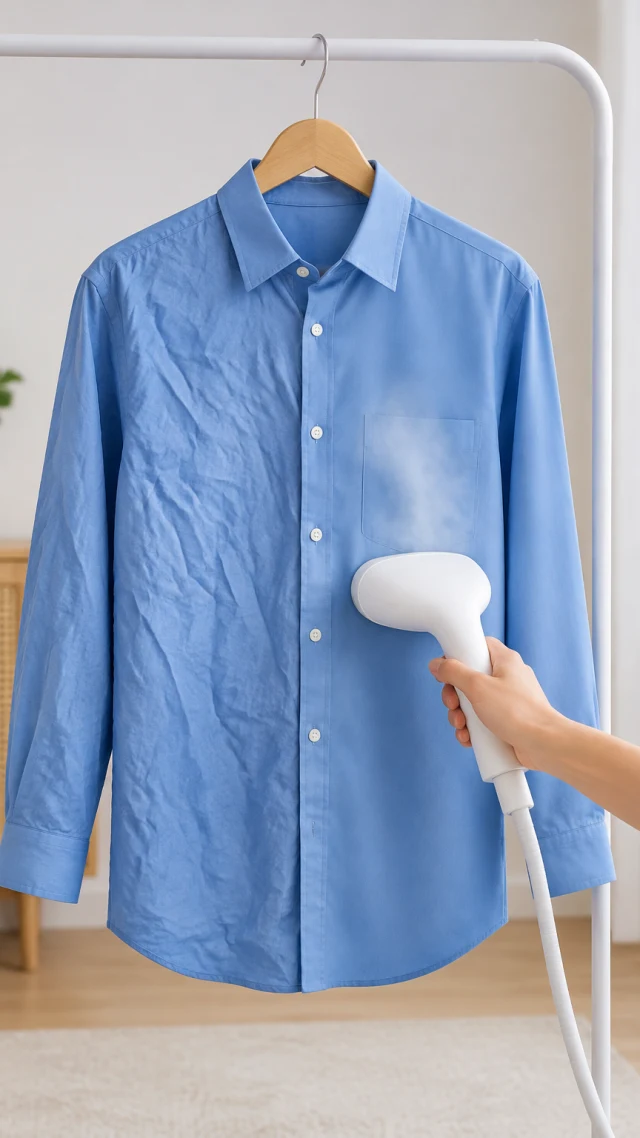
After download, add music, captions, or the product link in your editor.
Pick one quick product action that reads on a phone screen.
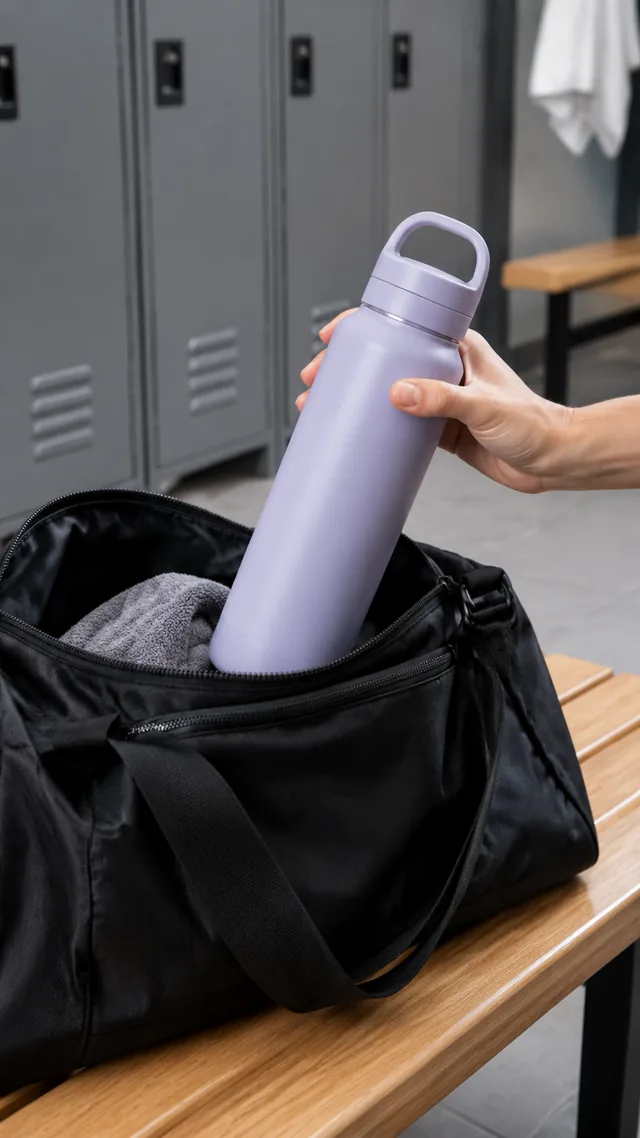
A water bottle lifted from a gym bag makes a quick opening moment.
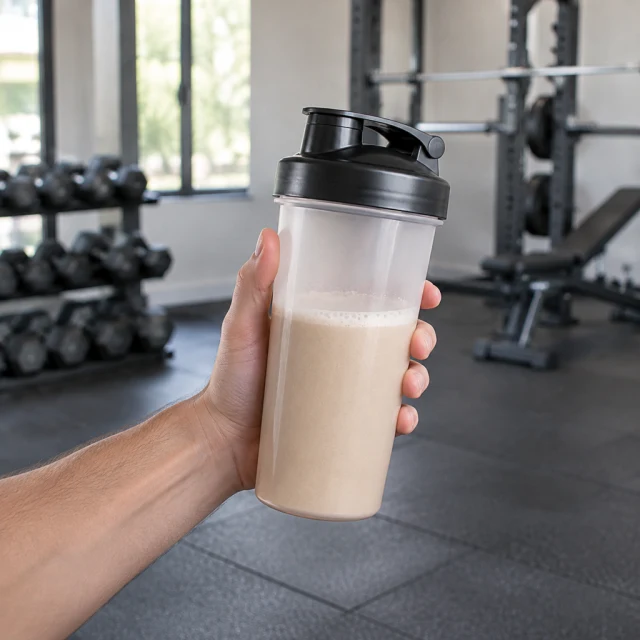
A protein shaker in a gym gives a short use scene without a long explanation.
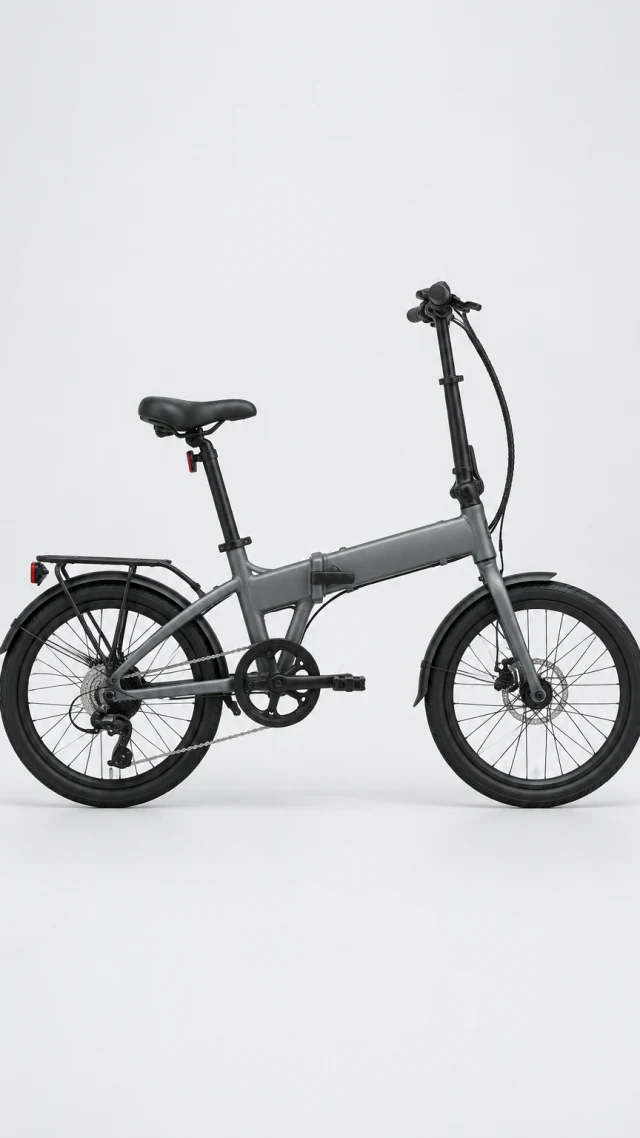
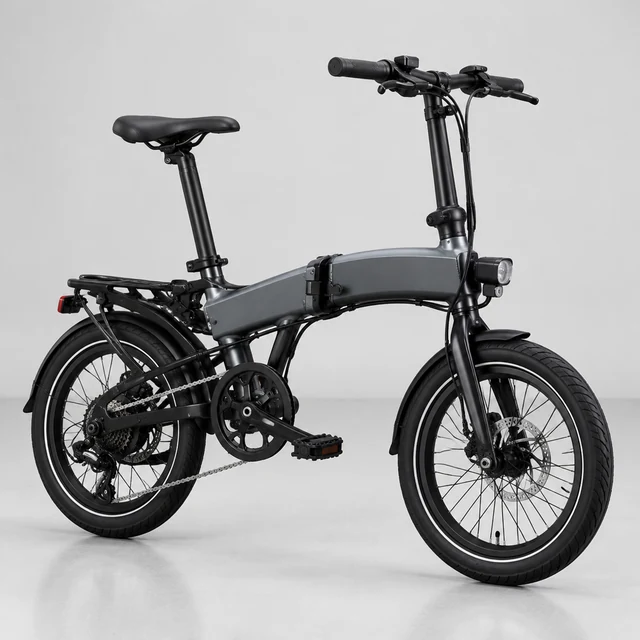
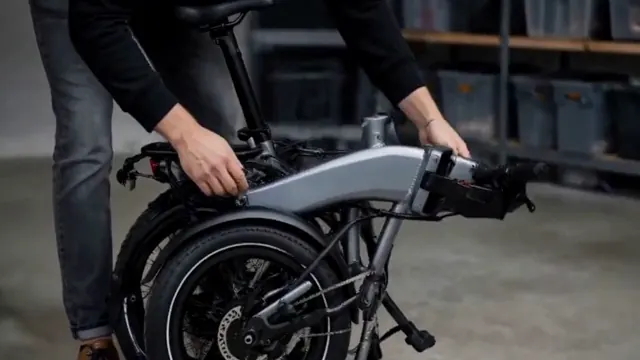
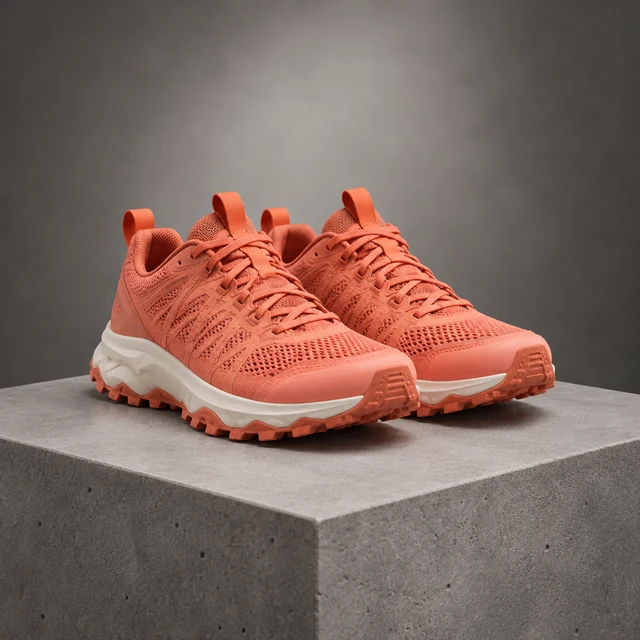
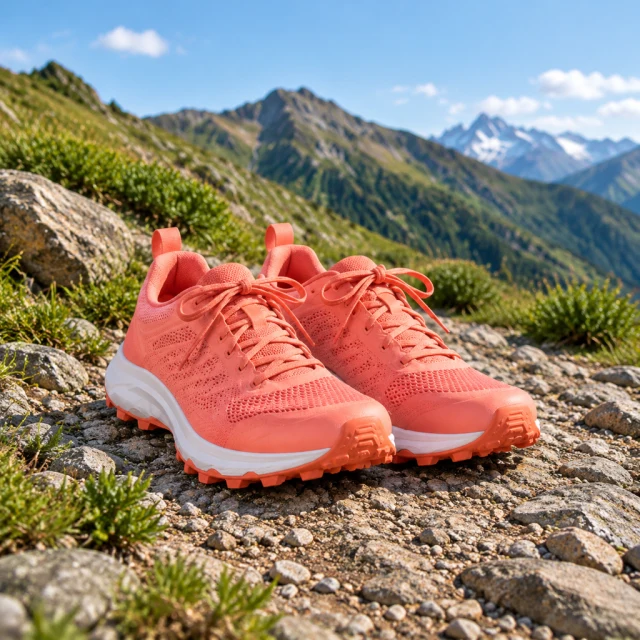
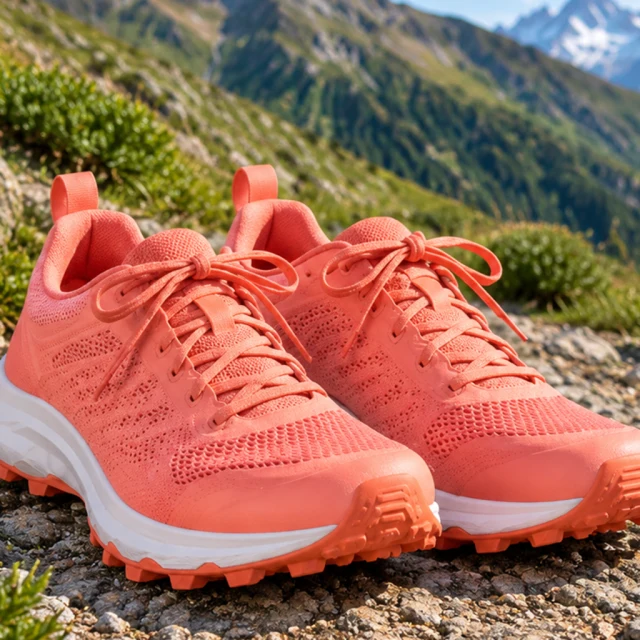
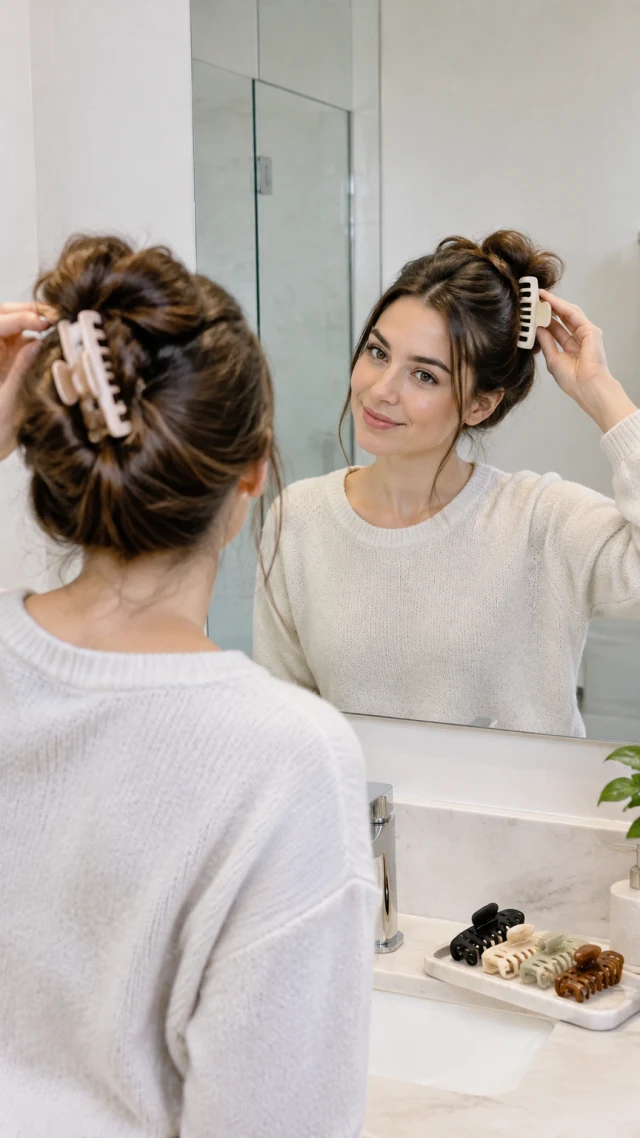
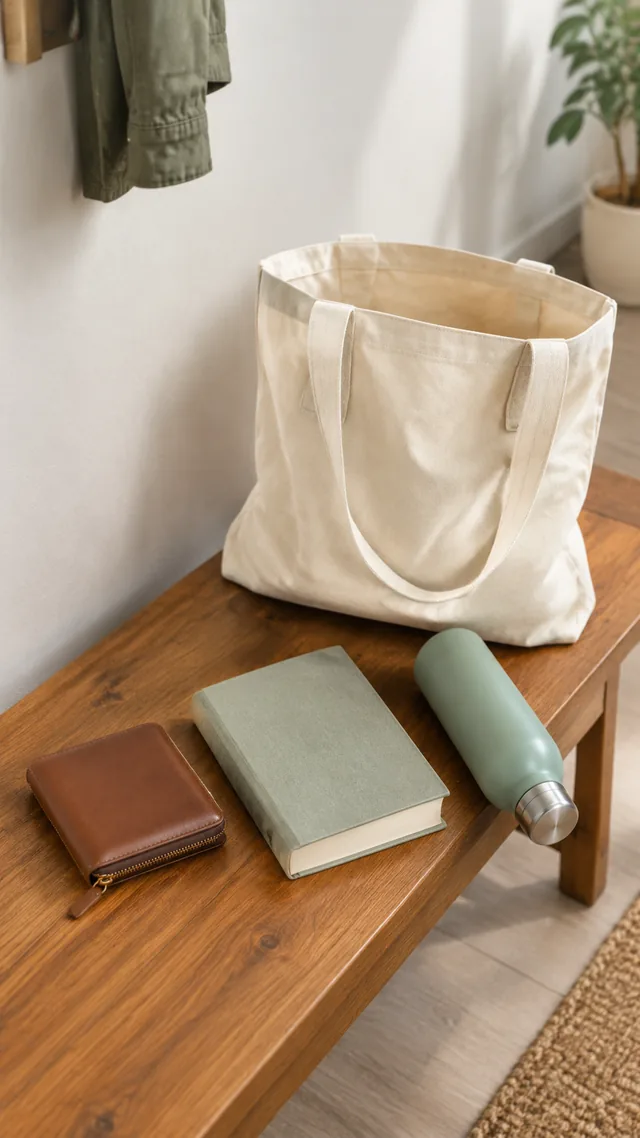

These details are added in your editor after download.
Choose a template that shows one useful product action from the opening frame.
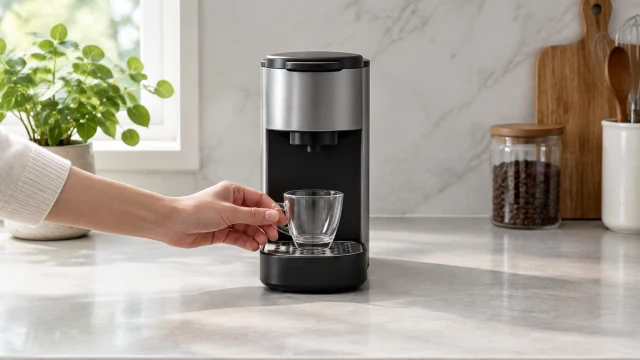
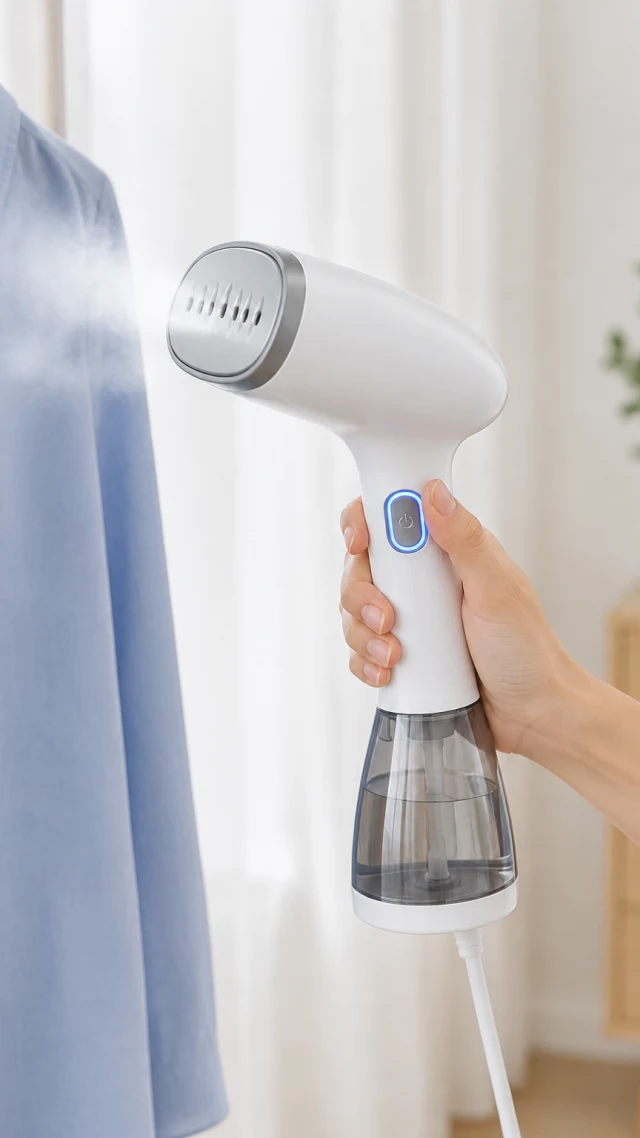
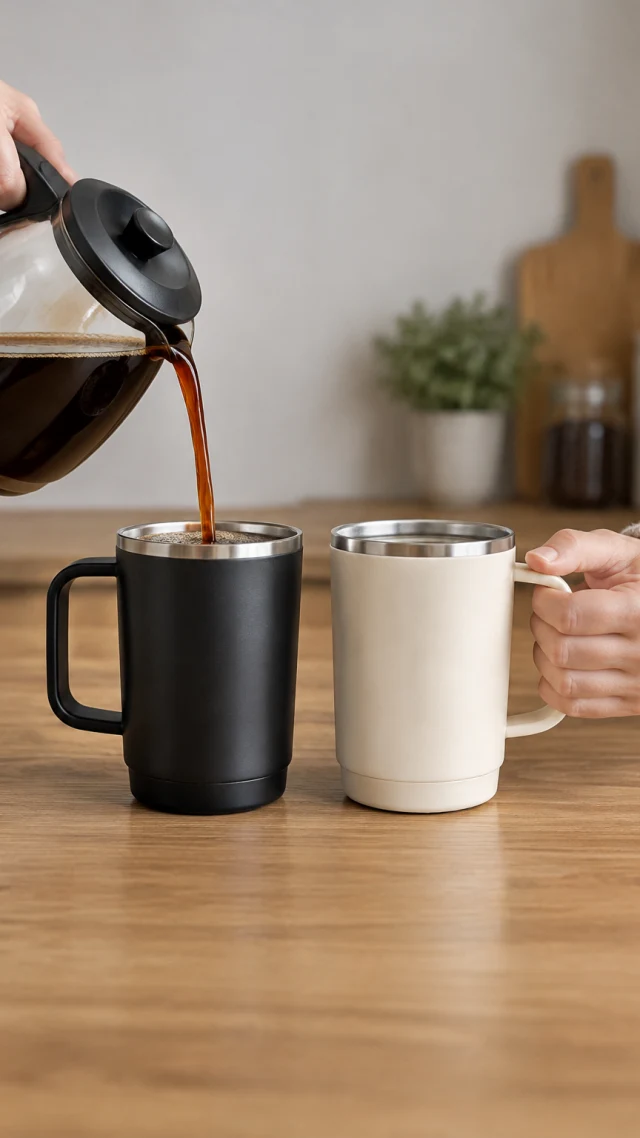
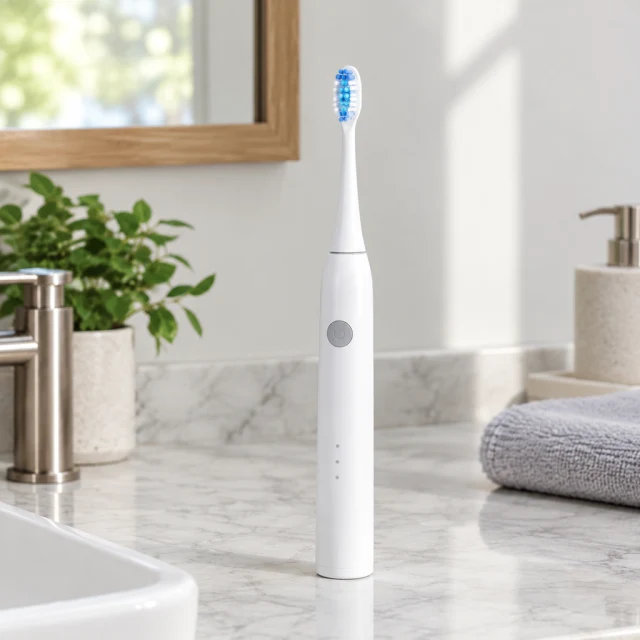
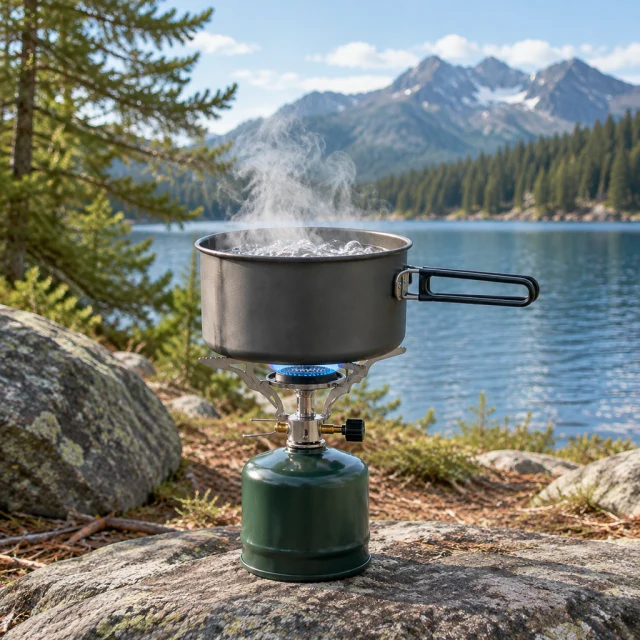
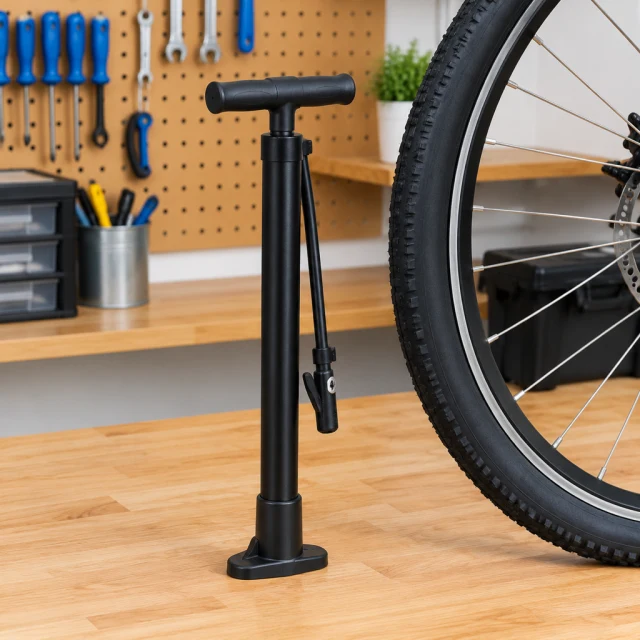
Vertical product moments with one clear start and finish.
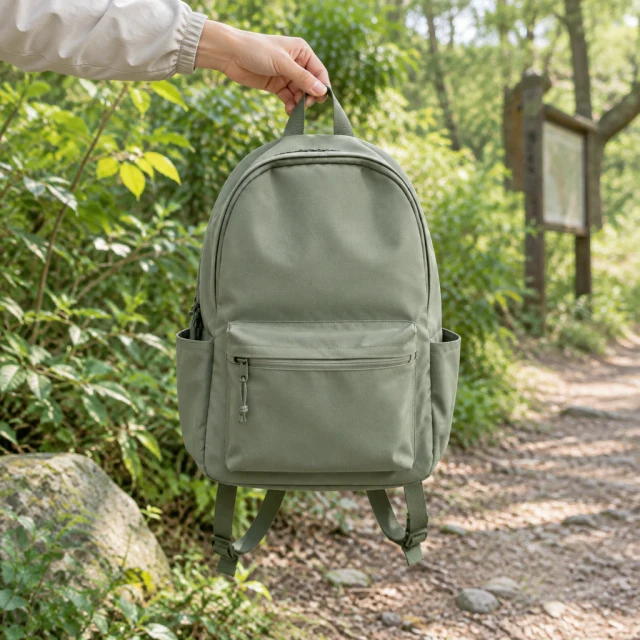
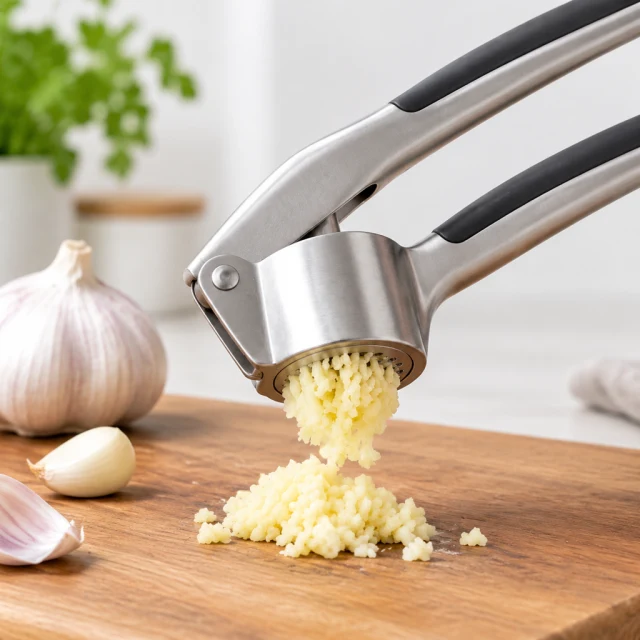

Yes, the same 9:16 file works on both. Watch it in the Shorts player before you run it, to make sure nothing important hides under the buttons.
Yes, after download. Add music in CapCut or another editor, or pick audio inside YouTube, before the clip goes live. We don't add sound ourselves.
For one clear product moment, six seconds can work. Ten or fifteen seconds leaves more room for a demonstration from start to finish.
Google recommends a vertical 9:16 frame for Shorts. Keep the product near the middle of the screen and choose a short length that fits the action.
Start with one product action, then shape a clip for your YouTube Shorts placement.