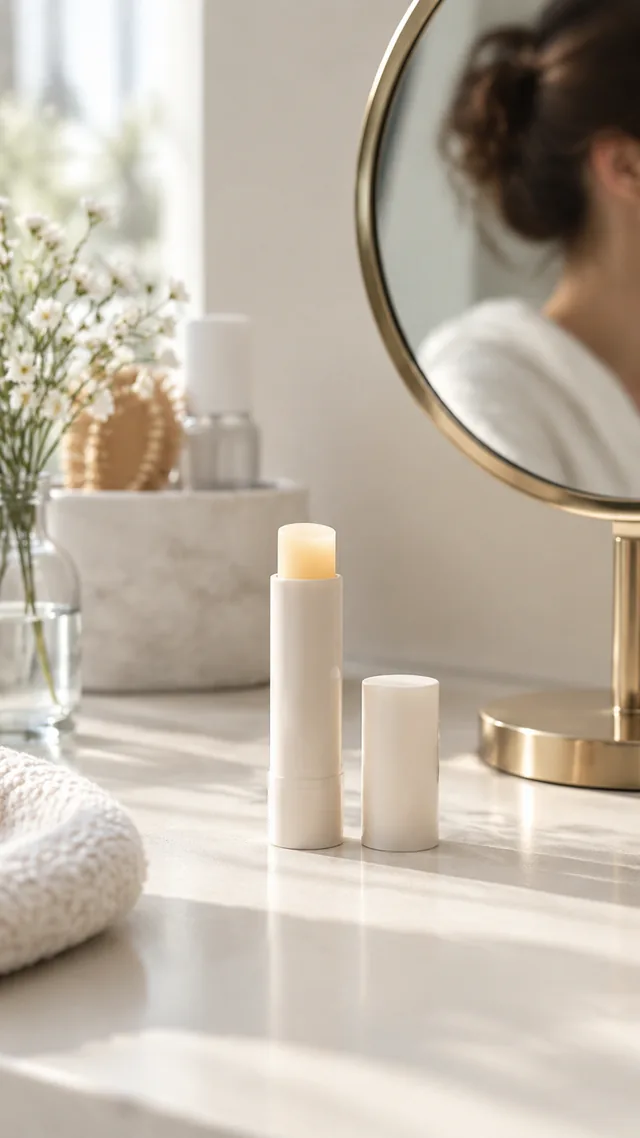
Photo to video

Turn a Product Photo Into Motion With AI Image to Video

Turn one product photo into a short video: steam rising from a mug, light sliding across a bottle, a slow push-in on a shoe.

Drop your product photo hereJPG, PNG or WebP · any clear photo works
Size 9:16 · Reels & StoriesLength 6 secondsStart from Your product photo
Animate my photo →See the cost before you start

Plans from $24.50 a month. You see the credit cost before every job, and if a job fails its credits go back to your balance.
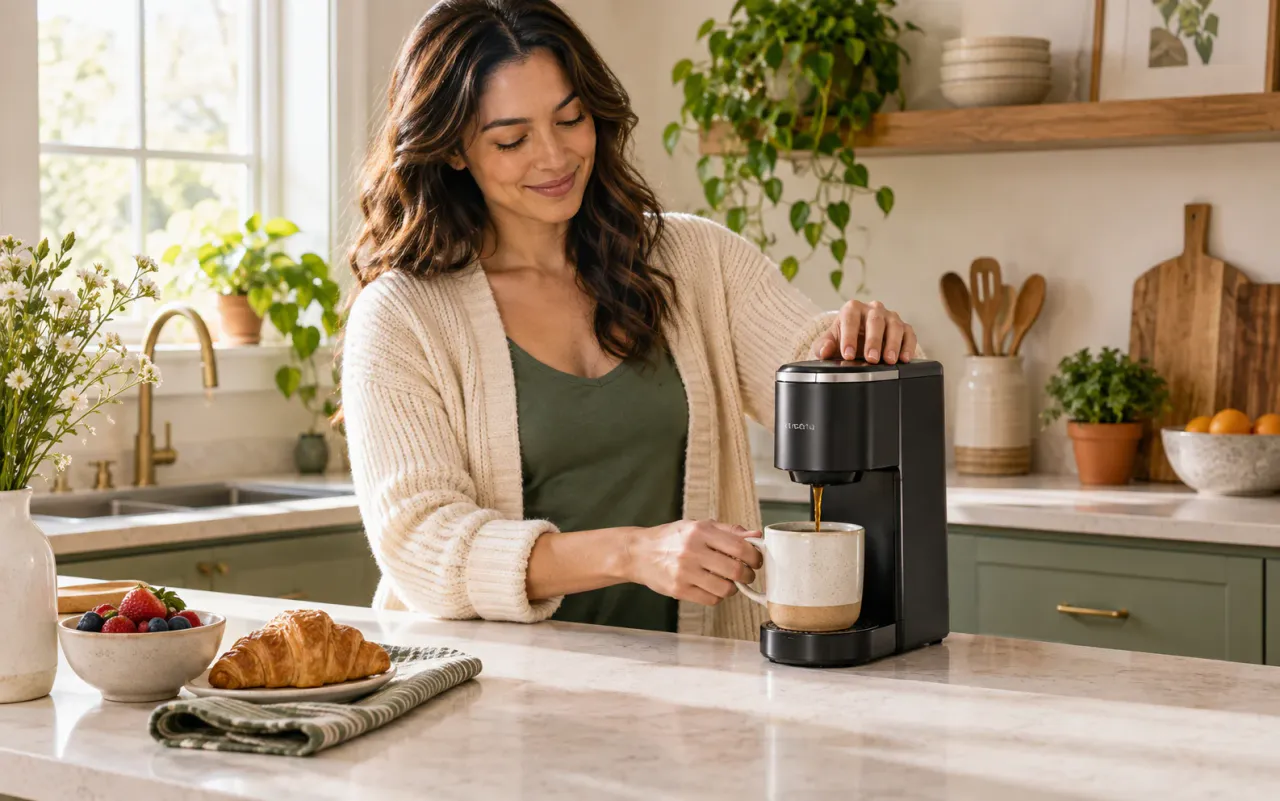

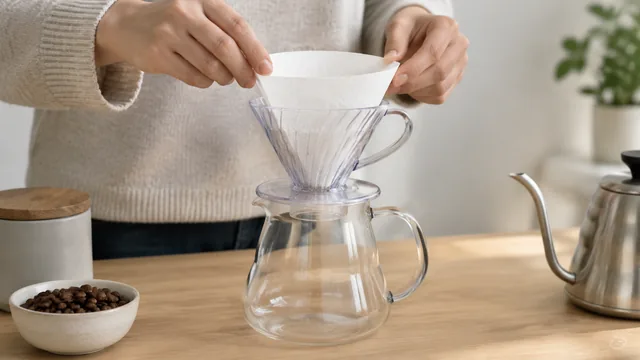
Creator making coffee with a compact coffee maker and showing it in a kitchen
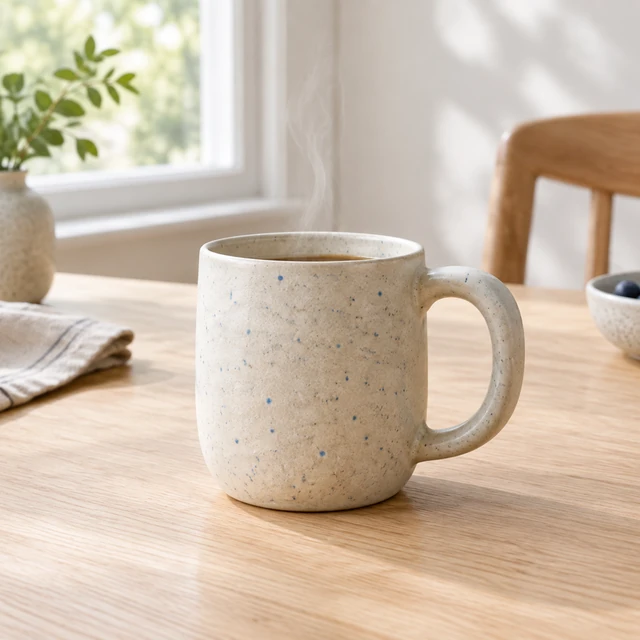
Cream ceramic mug with blue flecks on a wooden kitchen counter.
Photo
Speckled ceramic mug with a curl of steam in morning light.
Photo
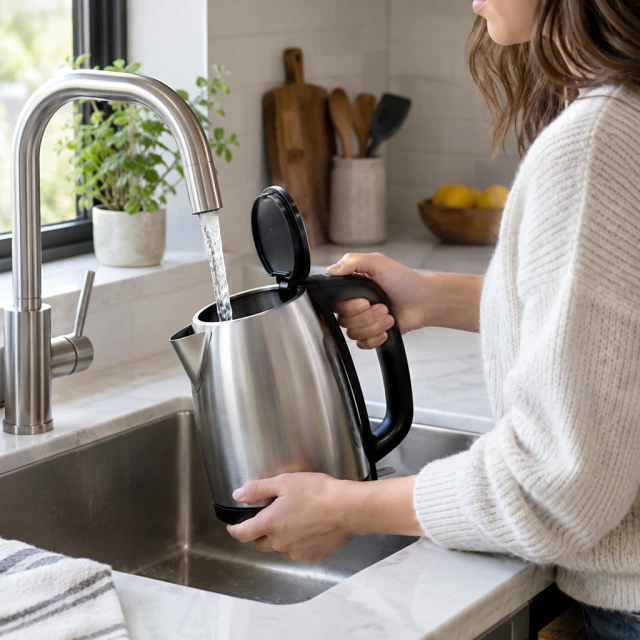
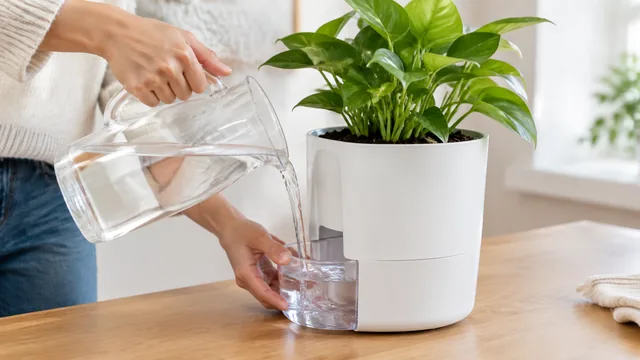
Electric kettle being filled at a kitchen tap.
Photo
Rounded amber fragrance bottle on a mirrored tray with a soft band of light across the glass.
Photo
Headphones resting on a matte pedestal in side light.
Photo
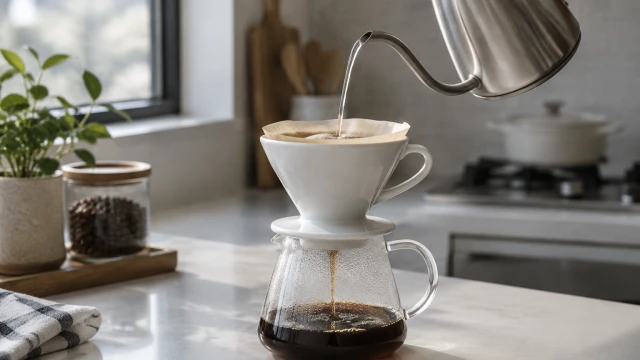
Speckled cup being filled from a carafe.
Photo

Start with the photo you already use, then add one camera or scene movement. A restrained push, pour, opening or light shift gives the clip motion while leaving the item easy to recognize.

How it works

How to turn a product photo into a video in 3 steps

Cream ceramic mug with blue flecks on a wooden kitchen counter.
Drop your product photo hereJPG, PNG or WebP · any clear photo works
Step 01

Upload one product photo

Sharp, with a little space around the product and nothing crossing it.

Push in slowly on this speckled mug while a thin ribbon of steam rises. Keep the shape, handle and glaze as they are.
Size 9:16 · Reels & StoriesLength 6 secondsStart from Your product photo
Cost24 credits
Step 02

Describe one movement

One motion per clip, like "slow push-in" or "steam rising". Pick 6, 10 or 15 seconds.

Speckled ceramic mug with a curl of steam in morning light.
Step 03

Download, or try another motion

If a label or edge shifts, ask for a simpler movement and make another.

Choose a scene

Image to video ideas: one motion per clip

Each idea uses one short action, from pouring water to switching on a light.
Start with a clear photo

What photo works best for image to video

✓
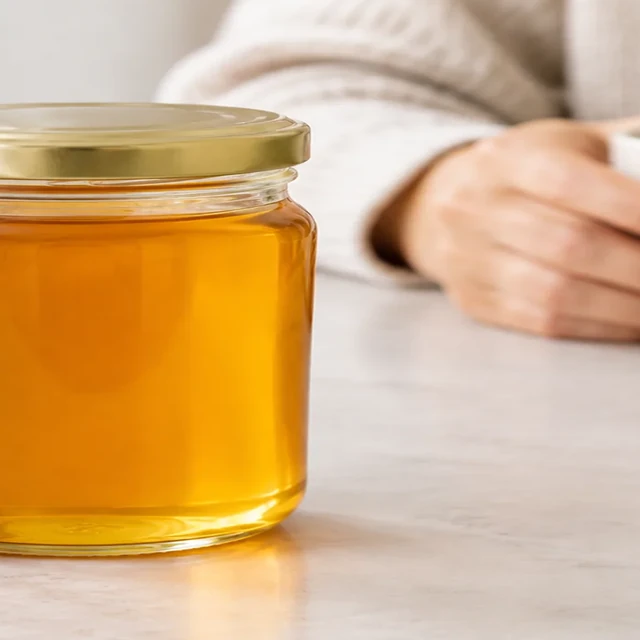
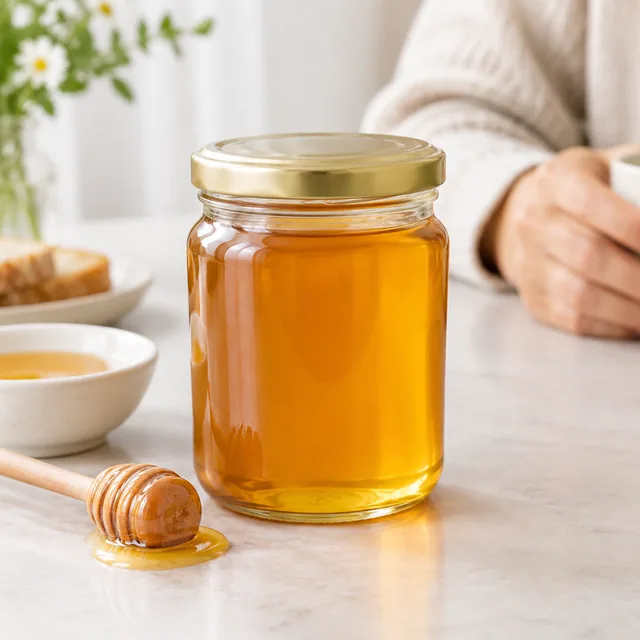
Glass honey jar with soft, even highlights.
Honey jar fully in frame with soft highlights
✕
Honey jar partly cropped at the left frame edge.
Honey jar cut off at the left edge
✓
Speckled ceramic cup in a clean square frame.
Speckled cup sharp in a square frame
✕
Ceramic cup in soft focus, with the handle hard to see.
Soft focus hides the cup handle
Your result

Image to video length, size and credits

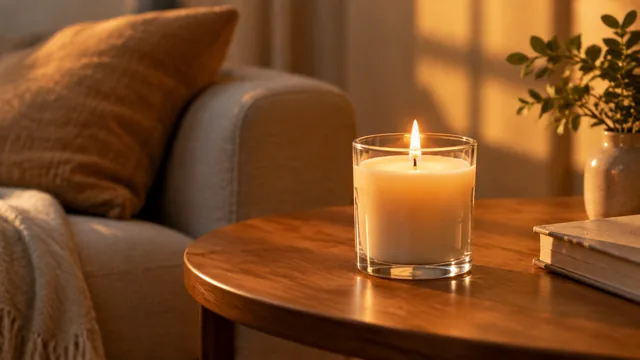
Lit glass candle on a wooden side table in warm evening light.
Candle in warm evening light16:9 video · 6 s · 24 credits
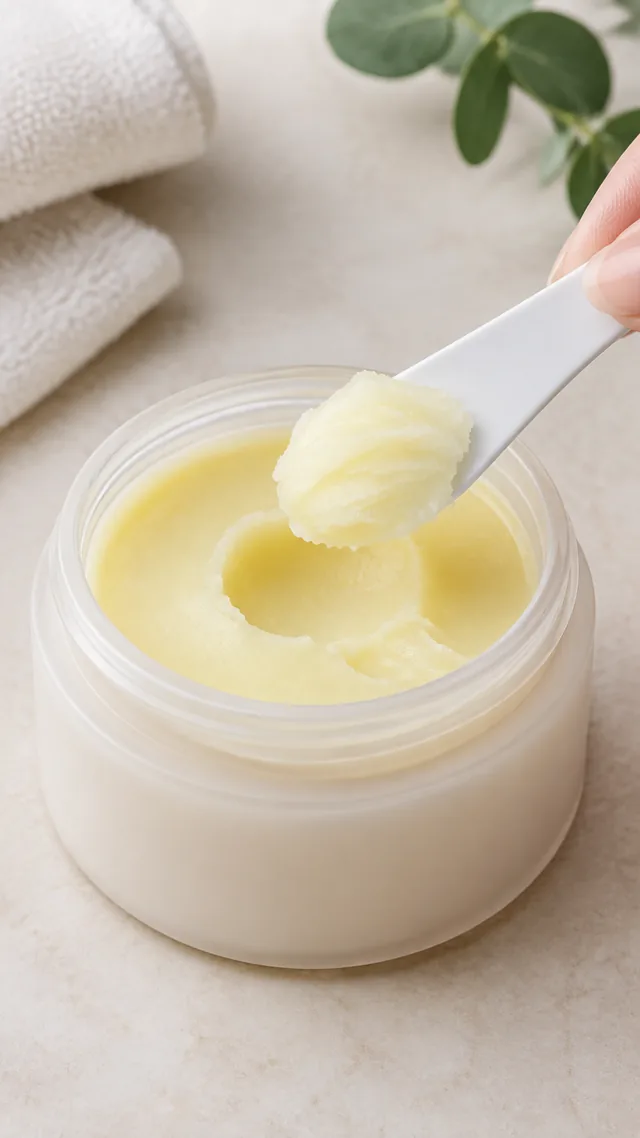
Cleansing balm scooped from its jar with a small spatula.
Balm lifted from a jar9:16 video · 6 s · 24 credits
Where to use it

Where image to video clips help you sell

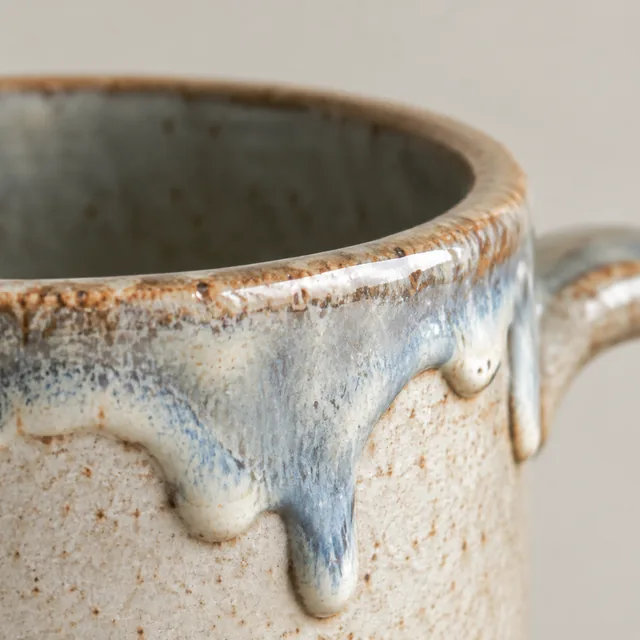
Macro close-up of glaze drips on a handmade ceramic mug rim.

Product page

A 6-second clip next to your photos shows how the glaze catches the light.

Amber glass bottle in cool, even light.

Feed post

A slow light sweep turns a still product shot into a post that moves.
After download

Add captions after download

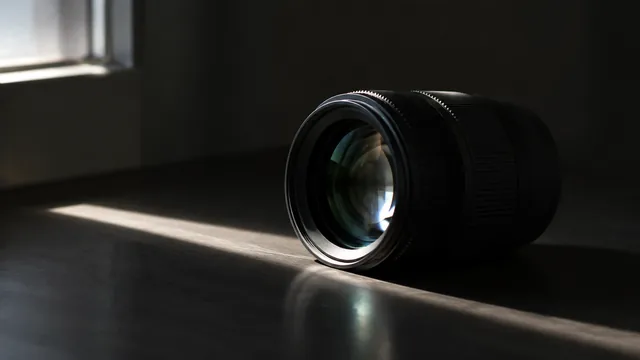
Camera lens catching a thin strip of window light in a dark room.
Product nameCaption

These details are added in your editor after download.

  • Add captions and prices in CapCut or Canva. AI-made letters can come out wrong.
  • Watch the clip once next to your product: labels, color and shape.
  • Check it where it will run: feed, product page or story.
Templates

Templates for Image to Video

Pick one, add your product photo and get the same look.
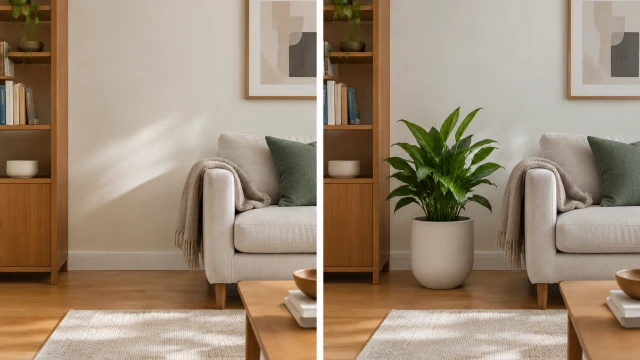
VideoBefore-and-after still frame of a tidy living room after a plain ceramic planter is moved into place.

Before & After

The difference, side by side

Home & LivingTikTokFacebook
Use this template →
VideoClose view of a black marble speaker with a glowing blue edge in a dark room

Brand Film

A cinematic clip for launches

ElectronicsYouTube ShortsFacebook
Use this template →
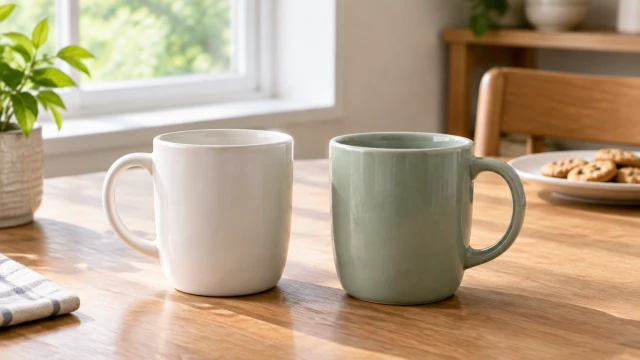
VideoTwo plain ceramic mugs side by side on a wooden table under balanced window light.

Side-by-Side Video

Help buyers pick the right one

Home & LivingAmazonYouTube Shorts
Use this template →
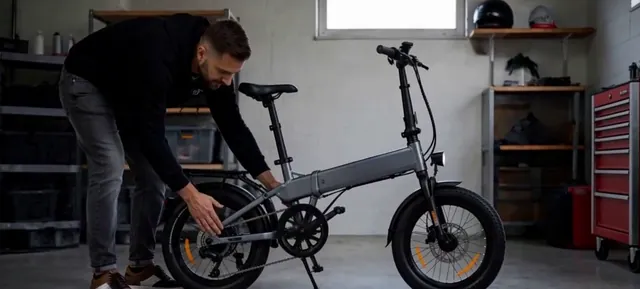
VideoPerson crouching to unfold a gray folding electric bike in a garage

Black Friday Video

Holiday sale clip, add your price later

ElectronicsFacebookInstagram
Use this template →
Examples

More product motion ideas

Ideas for bringing one product photo to life: a slow push-in, rising steam, light moving across a surface.

FAQ

Questions about Image to Video

What kind of photo works for image to video?

A sharp, well-lit photo with the product fully in frame. Leave some background around it, because tight crops give the camera nowhere to go.

Can I choose how the camera moves?

Yes. Describe one move, such as a slow push-in, a pan across the table or a gentle orbit around a bottle. Each generation can vary, so simple directions are easiest to follow.

Will the product stay close to my photo?

Motion can shift fine details such as label text, buttons or edges while the product moves through the scene. A simpler movement leaves fewer details changing at once.

Can I make several clips from the same photo?

Yes. Change the movement or clip length for each run. The editor shows the credit cost before generation.

Keep reading

Guides and articles

More tools

You might also need

URL to VideoPaste a product link, get a video
Video AdsShort ads for TikTok, Reels and Shorts
Product VideosShow how your product looks and works
Unboxing VideosThe first-look moment, no filming
Before & After VideosShow the difference your product makes
Spokesperson VideosA presenter shows your product on camera

Make your first video today

Upload a product photo and see the cost before you start.