 AIVideosUGC
An Ecommerce Product Content Blog for Small Shops
This ecommerce product content blog offers straightforward advice on product photos, short video ads, and launch content for Shopify, Amazon, and Etsy sellers who make their own visuals.
Learn how to prepare a product photo, plan a launch video, and review AI-generated images and videos before publishing. These articles cover source photos, scene descriptions, launch clips, model photos, and product checks for sellers who manage their own listings and ads. UGC-style video ads use AI-generated creator-style visuals, not real customer reviews or endorsements.
New to AI product content? Start with our guide to AI product photography to see how one photo becomes listing and social images, then read the checklist for AI content so you know what to check before anything goes live.
Selling clothing or jewelry? Model photos without a photoshoot shows how a flat lay becomes an on-model image. Planning a release? Unboxing videos for product launches lays out the clips, and what makes a creator-style video ad work covers creator-style ads for TikTok, Reels and Shorts.
For step-by-step tasks, such as getting a white background photo ready for Amazon or testing two versions of an ad, see our how-to guides.
All articles
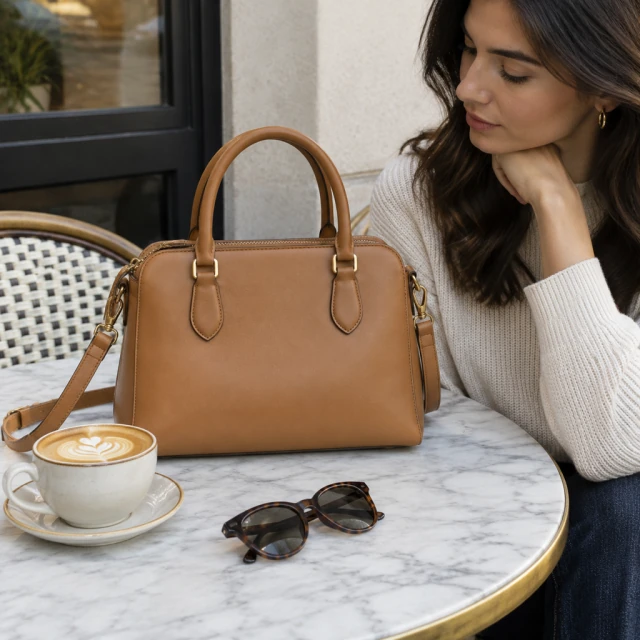
AI Product Photography: Getting Usable Shots From One Photo
How to turn one product photo into listing and social images, and what to check before you use them.
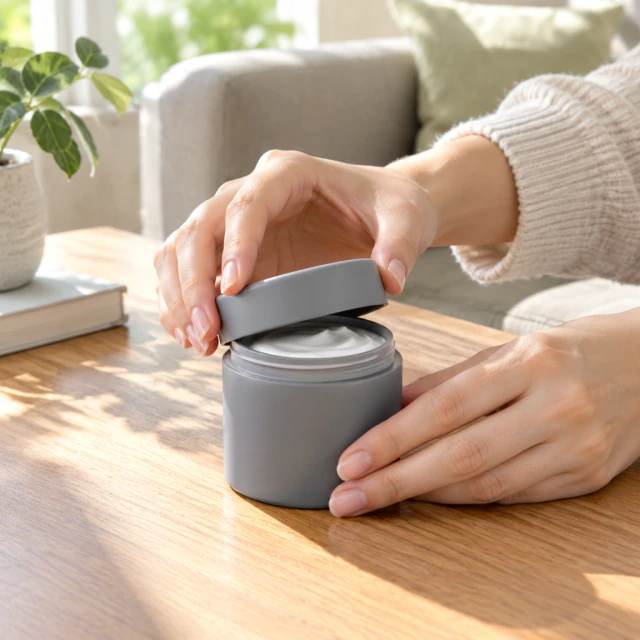
AI UGC Video Ads Guide: Creator-Style Clips for Your Shop
A plain-English walkthrough of creator-style video ads: the opening shot, the scene description, length, size, and finishing touches.
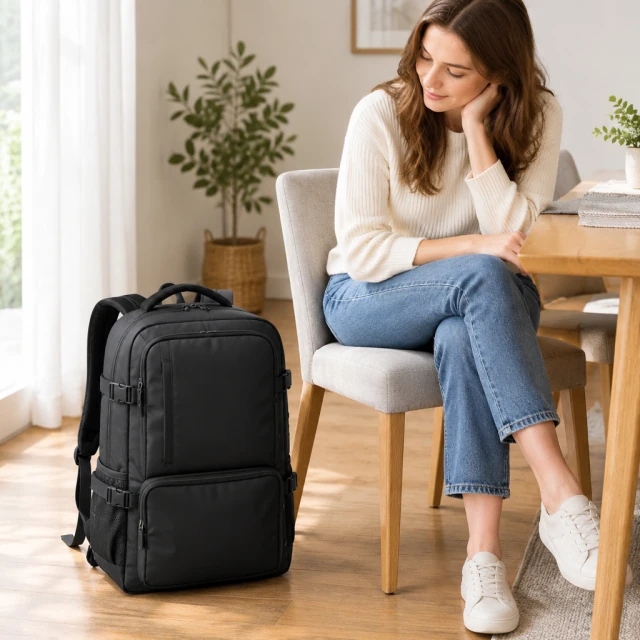
An AI Content Checklist for Product Photos and Video Ads
What to look at before an AI photo or video goes live: product accuracy, text and prices, rights, and platform labels.
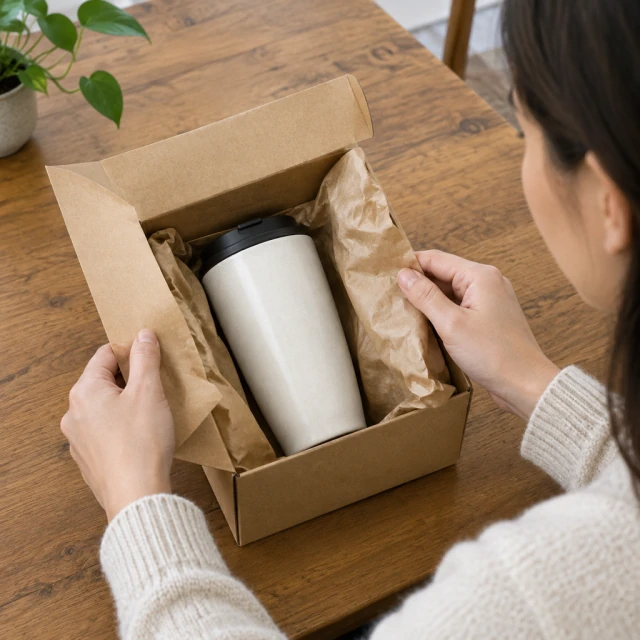
How to Use Unboxing Videos for Product Launches
How to plan short unboxing clips before, during, and after a launch, with example scene descriptions for different products.

How to Get Model Photos Without a Photoshoot
How small clothing and jewelry brands can turn flat product photos into on-model images, plus the fit details to look over first.
Questions
How do I start making ecommerce product content?
Start with a clear product photo, make one 6-, 10-, or 15-second video or square photo, then review the output before adding text and publishing.
How do I use AI product photography tips with my own tool?
Use the same basics anywhere: upload a sharp, evenly lit source photo, describe one scene, and compare the result with the real product before publishing.
What should I review before using an AI product asset?
Check product shape, color, parts, text, and claims against the real item. Add prices, captions, and music yourself after download.
Where can I find platform-specific answers?
Start with the platform guides for TikTok, Meta, Amazon, Shopify, and YouTube Shorts. Each guide points to the official specification page used for the numbers.
Try it with your own product
Upload one product photo and turn it into a video ad or store-ready photos.
Plans from $24.50 a month. You see the credit cost before every job, and if a job fails its credits go back to your balance.