Fashion video template

AI Fashion Reels That Show the Whole Look, Head to Toe

AI fashion reels put your jacket, jeans, or full outfit on a model, head to toe. Upload your clothing photo, describe the look and the pose, and receive a 9:16 reel ready for TikTok and Instagram.

Drop your product photo hereJPG, PNG or WebP · any clear photo works
Size 9:16 · TikTok & ReelsLength 15 seconds
Make my outfit reel →See the cost before you start

Plans from $24.50 a month. You see the credit cost before every job, and if a job fails its credits go back to your balance.
Tip: Photograph the outfit laid flat or on a mannequin in one well-lit shot, then describe the model and pose, like "man in his 20s, hands in pockets, light gray studio."
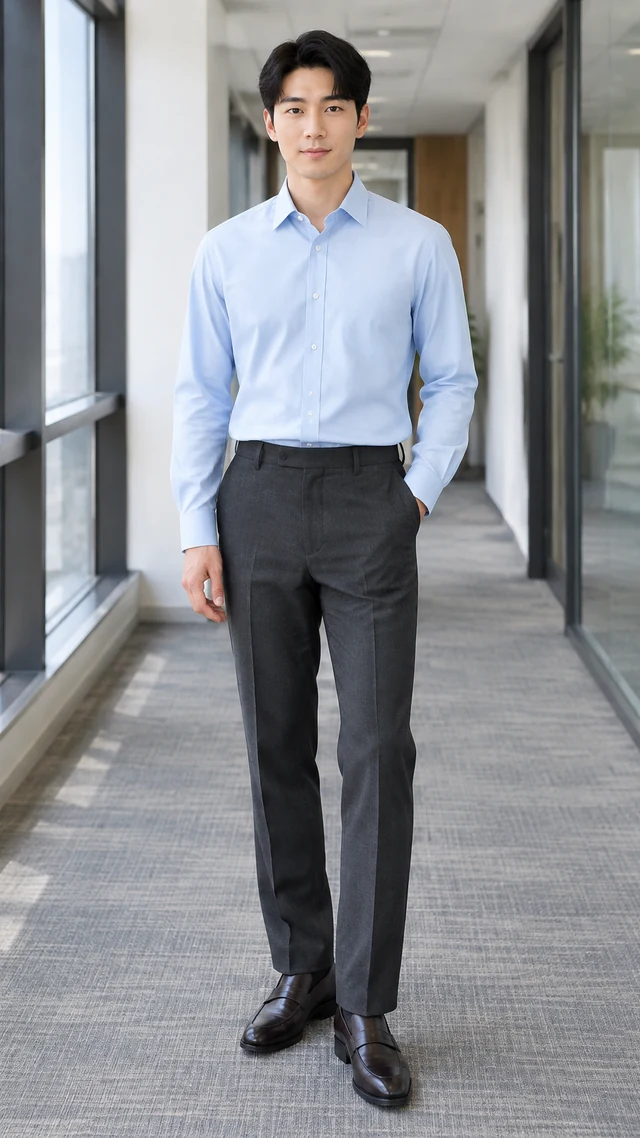
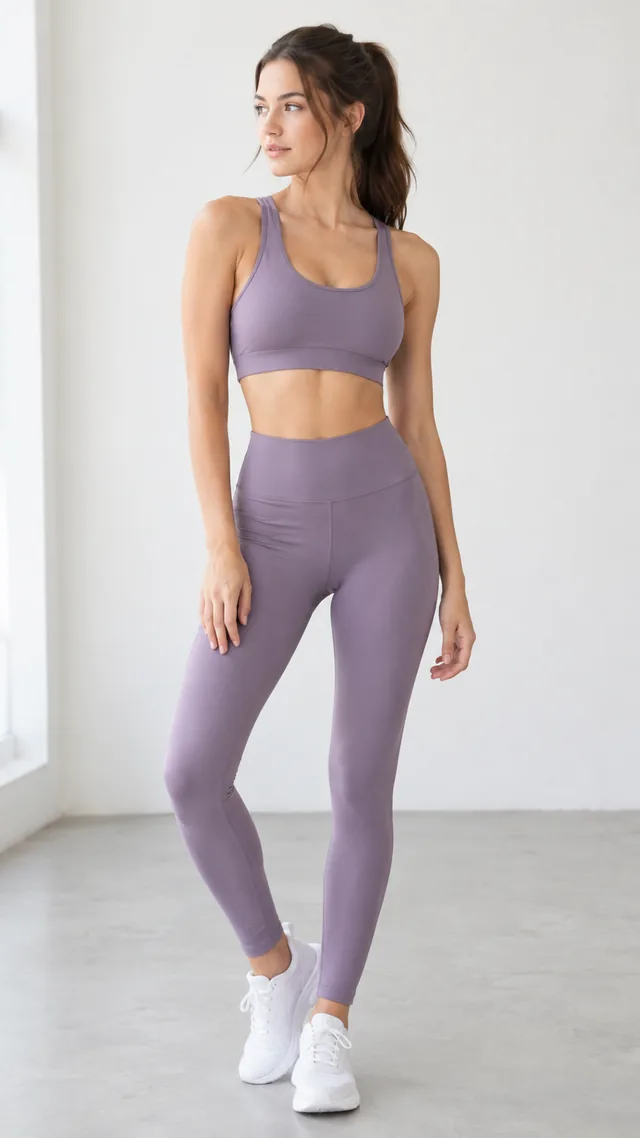
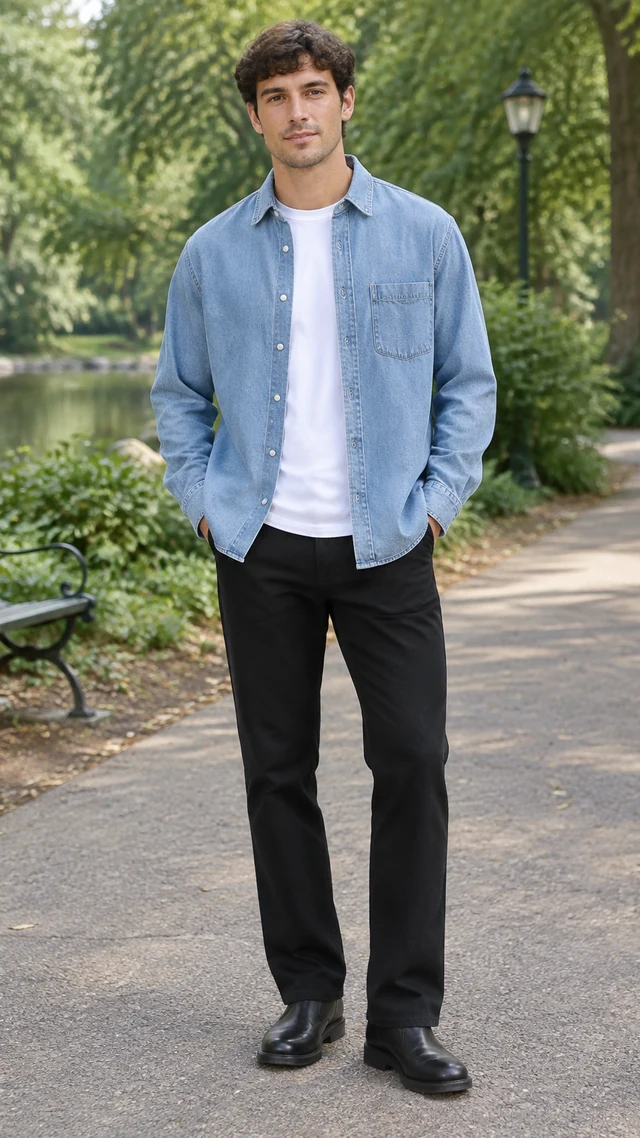
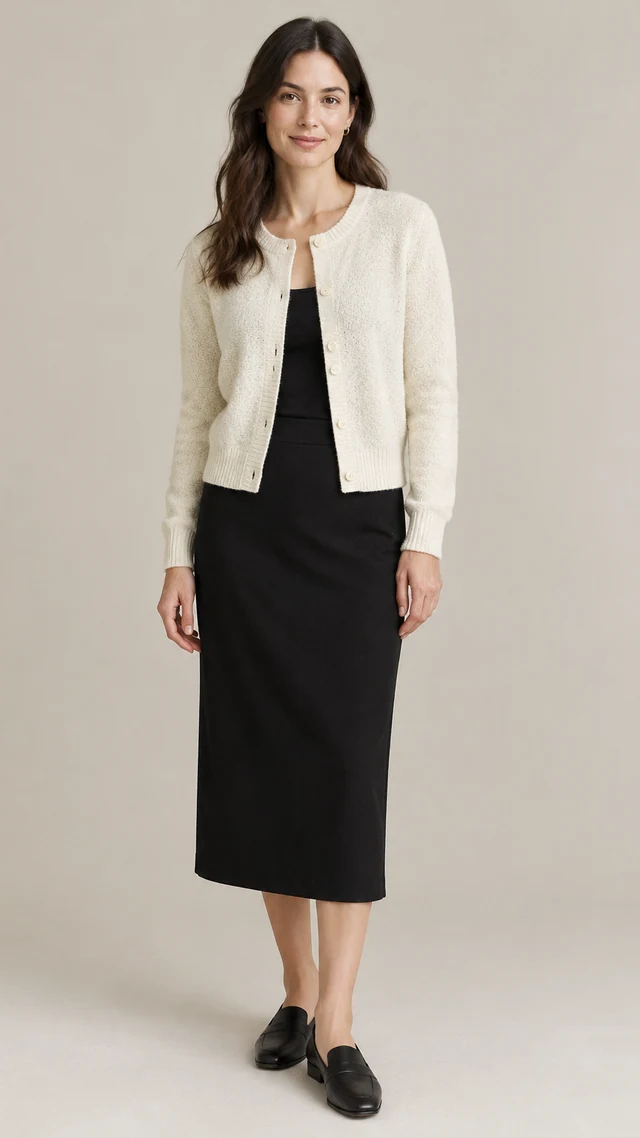
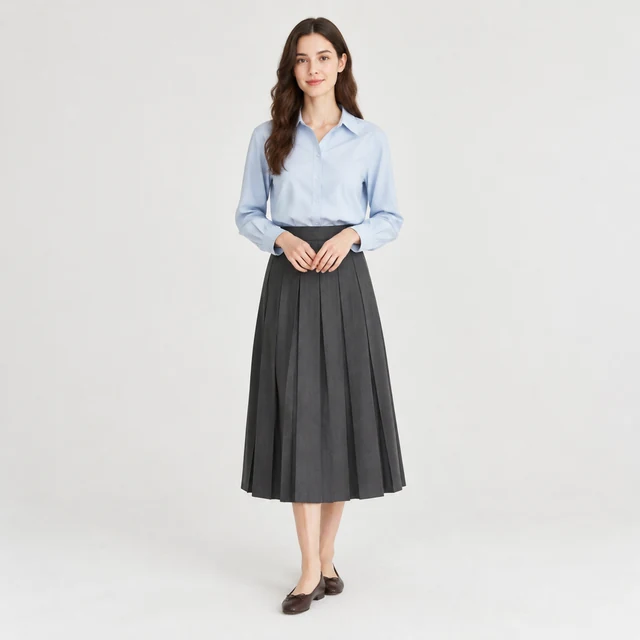
Adult model in a plain pale blue blouse and charcoal pleated midi skirt with dark brown leather flats.
Photo
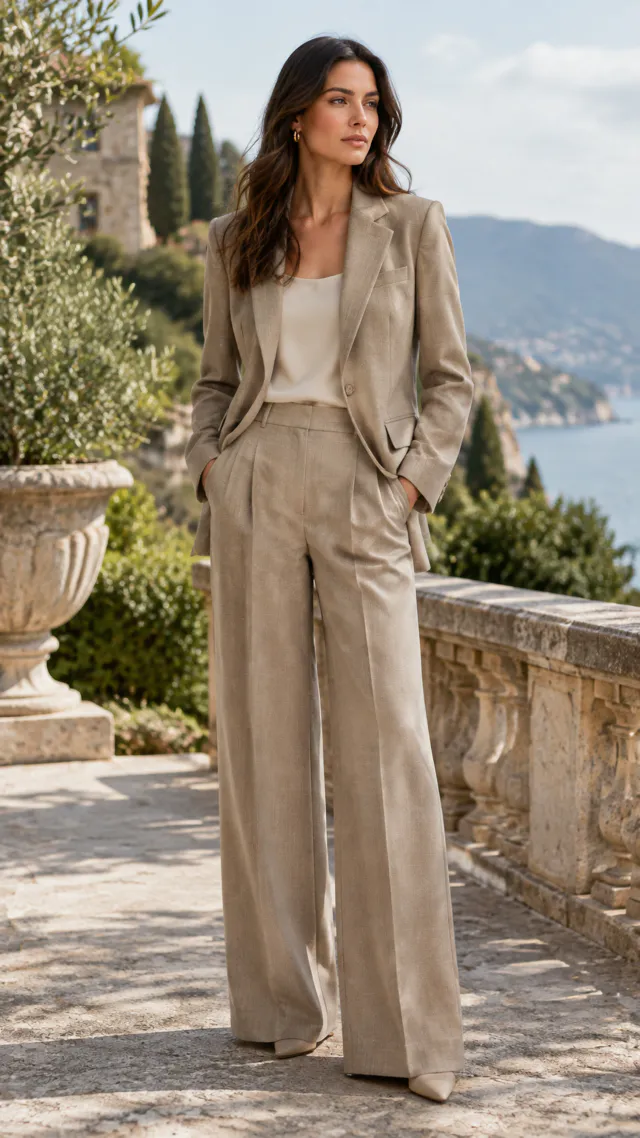
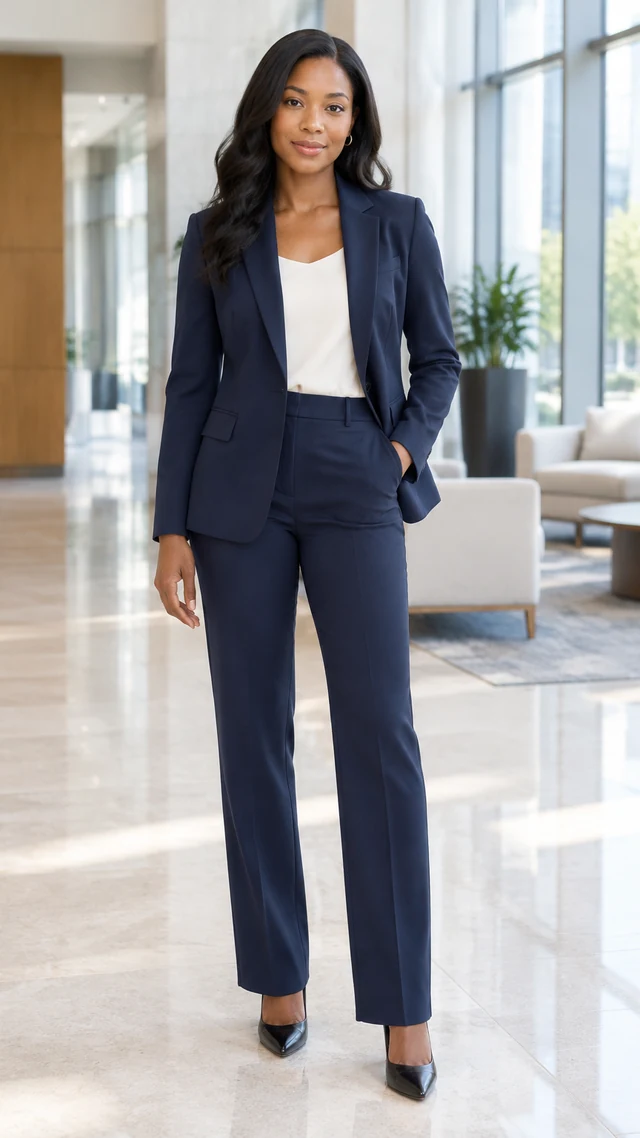
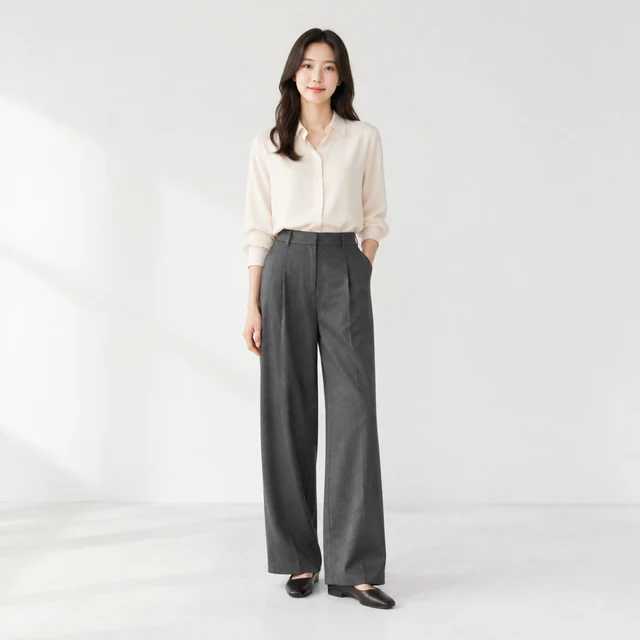
Adult model in a plain cream blouse and charcoal trousers, full outfit visible in a neutral studio.
Photo
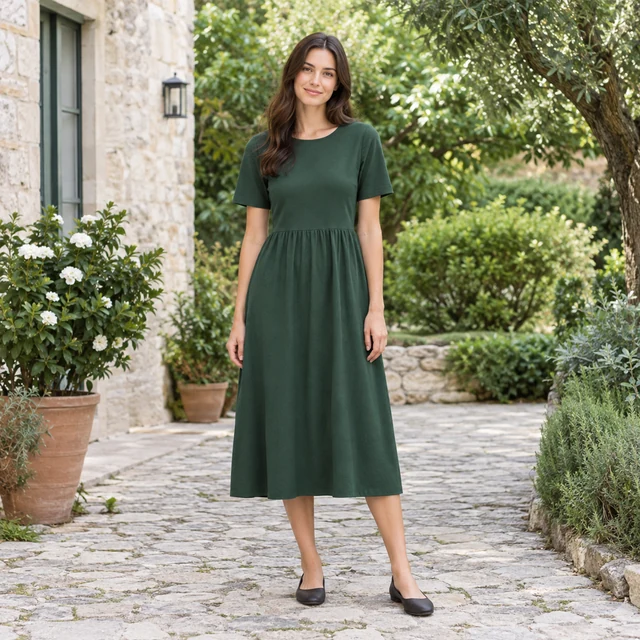
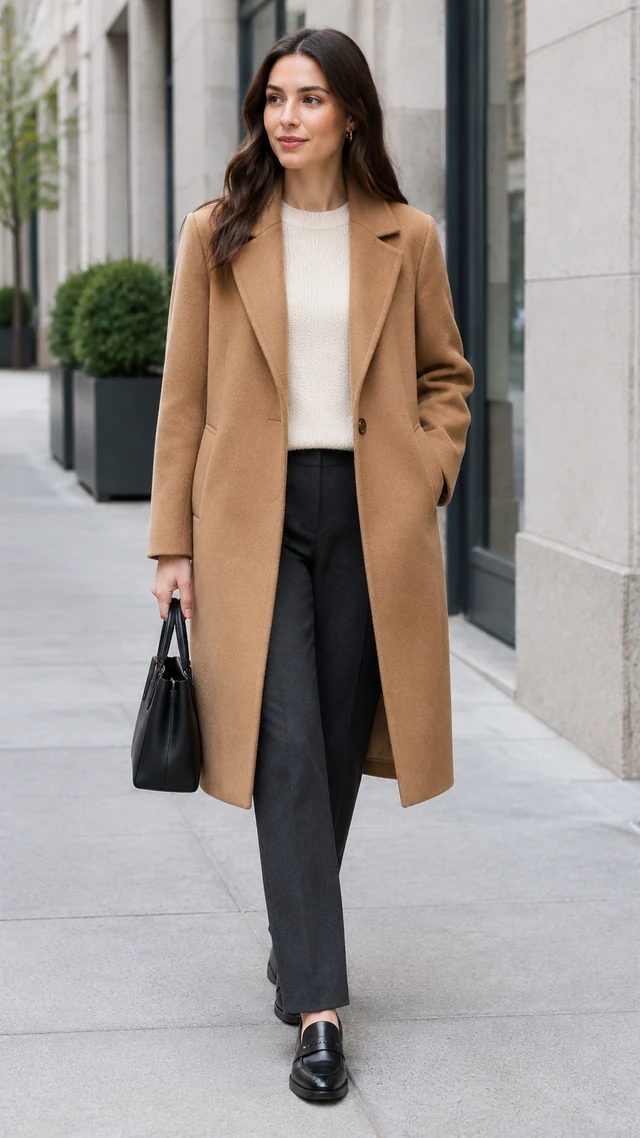
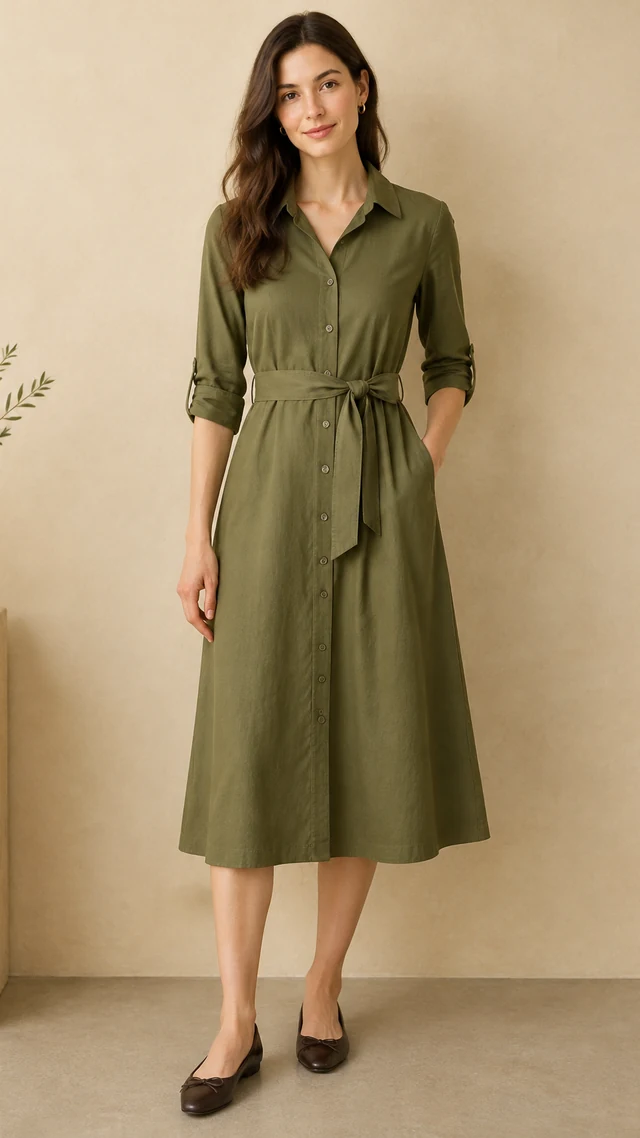
Adult model in a plain muted green midi dress in a courtyard.
Photo
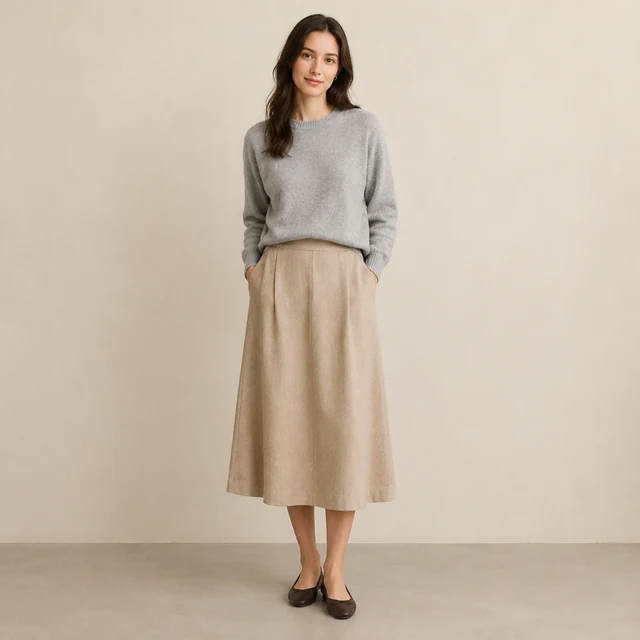
Adult model in a plain light gray knit sweater and sand midi skirt in a studio.
Photo
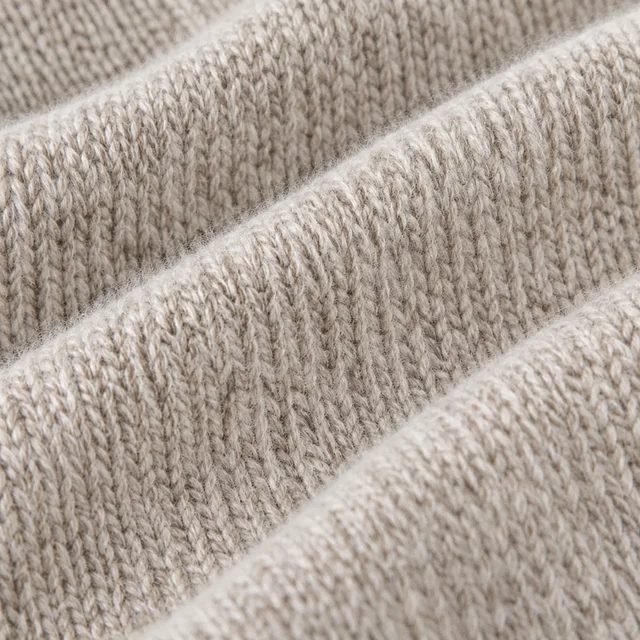
Close view of the knit texture of a merino sweater.
Photo
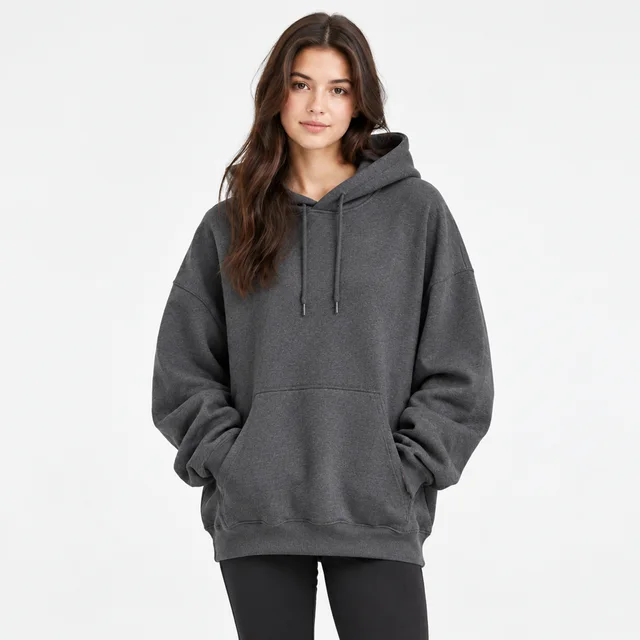
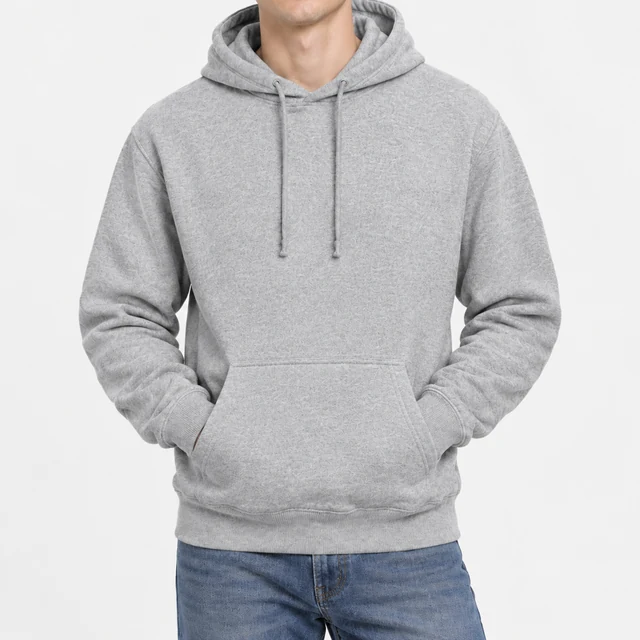
Adult wearing a plain charcoal oversized hoodie against a light background.
Photo

An AI outfit reel places clothing on a model and gives shoppers a better sense of the full look. Upload a clear garment photo, describe the wearer and setting, then use the vertical result in a social post or product story.

How it works

See an outfit reel take shape in three steps

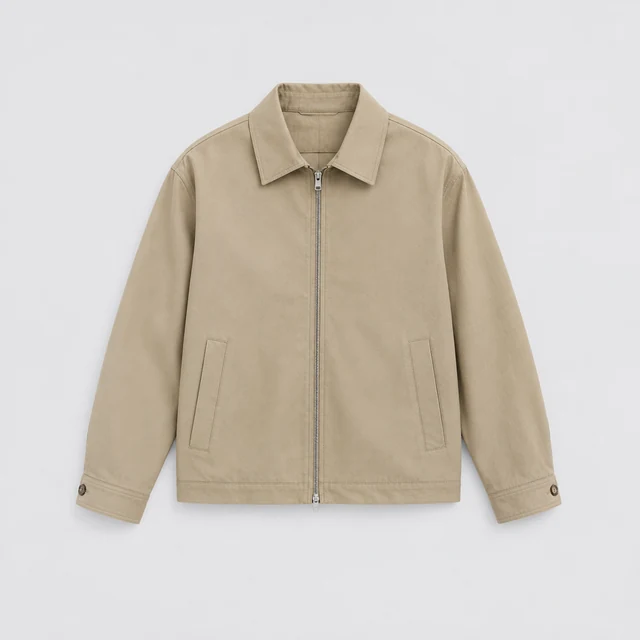
Beige zip jacket laid flat on a light background with its full outline visible.
Drop your product photo hereJPG, PNG or WebP · any clear photo works
Step 01

Upload the clothing photo

A full garment with even light gives the model room to show its cut and color.

Show this beige zip jacket on an adult model in a bright neutral studio, with the full jacket and outfit visible.
Size 9:16 · TikTok & ReelsLength 15 seconds
Cost60 credits
Step 02

Describe the model and backdrop

Describe the wearer and pose. Pick 6 seconds for a quick look, 10 for a guided detail pass, or 15 for a full outfit sequence.
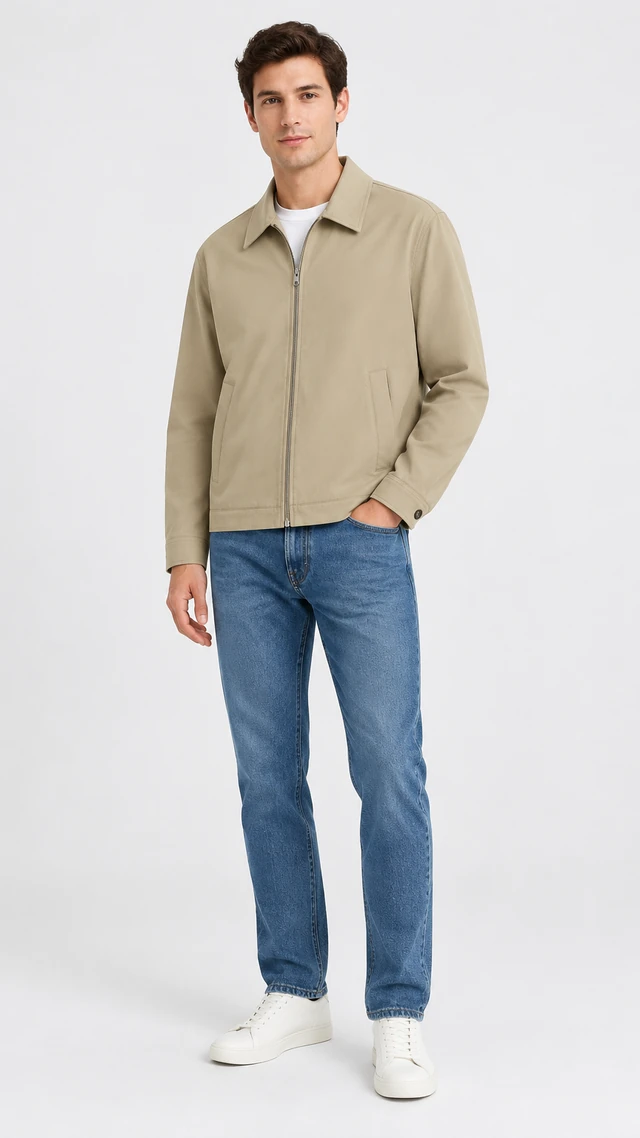
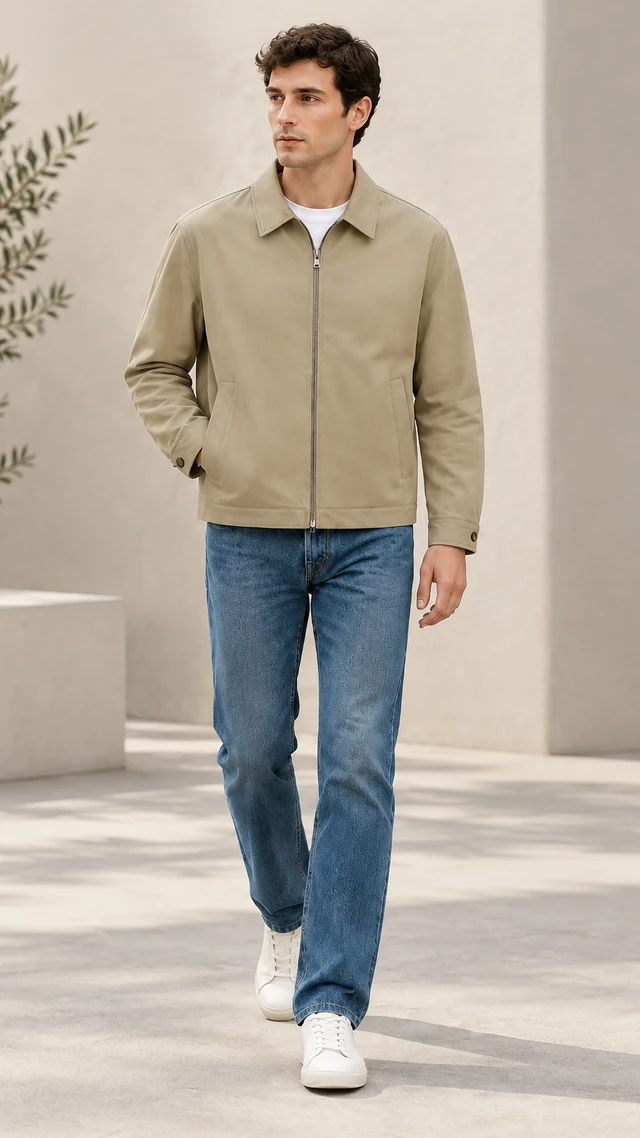
The same beige zip jacket worn by an adult model with a white shirt and blue jeans in a full-length studio portrait.
Step 03

Add captions and sizing notes

After download, add captions, price, and sizing notes in your editor or social app.

Where to use it

Use fashion outfit reels in a feed or listing

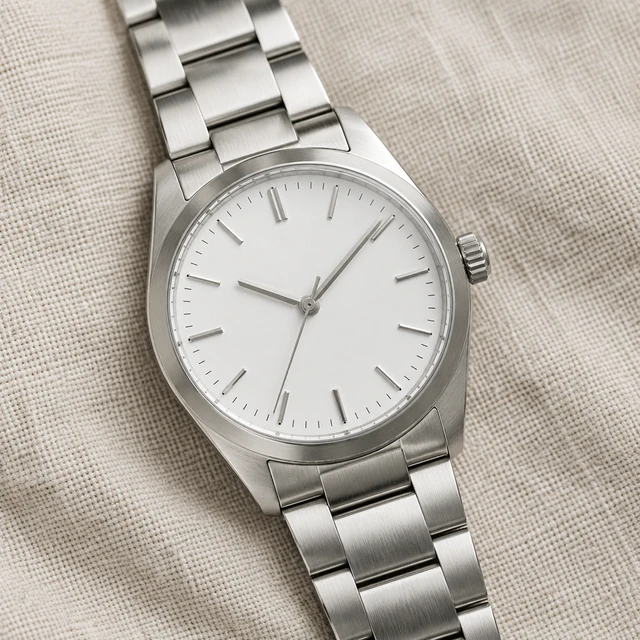
Unbranded analog steel watch with a silver bracelet and white dial on linen.

Show a steel watch as an outfit detail

A close view of the unbranded steel watch adds a clear accessory detail beside a full outfit reel.
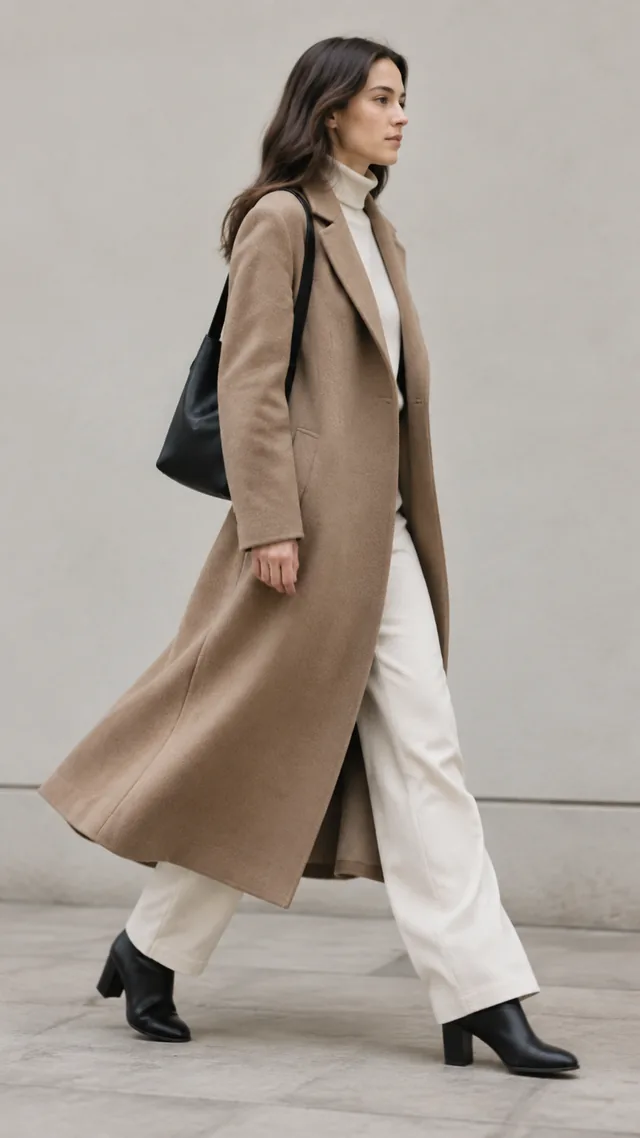
Long coat hem swinging as the wearer walks past a neutral wall.
A
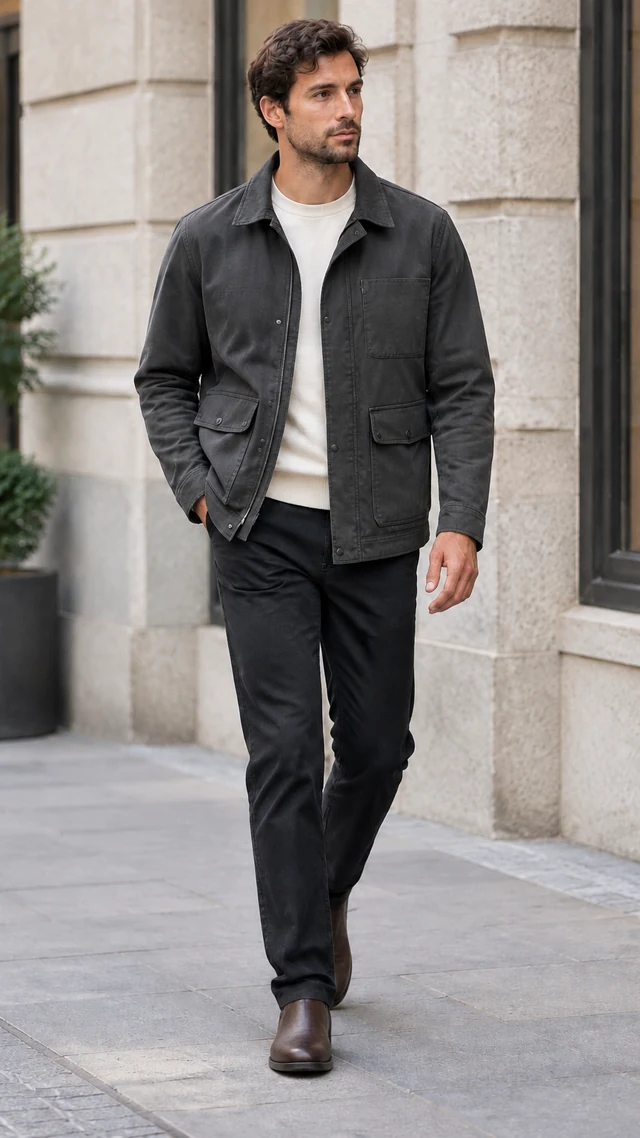
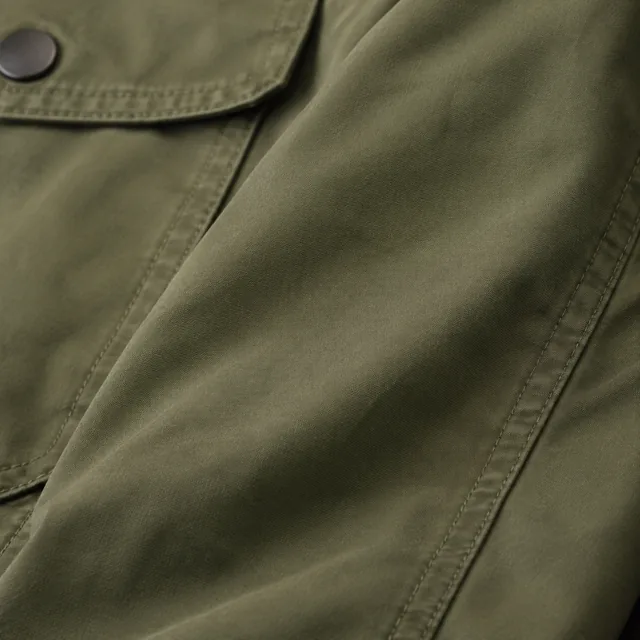
Close-up of the field jacket's fabric texture.
B

Compare two full outfit silhouettes

A long coat and a slip dress show how different silhouettes read in vertical product reels.
Start with a clear photo

Start an AI outfit reel with a clear clothing photo

✓
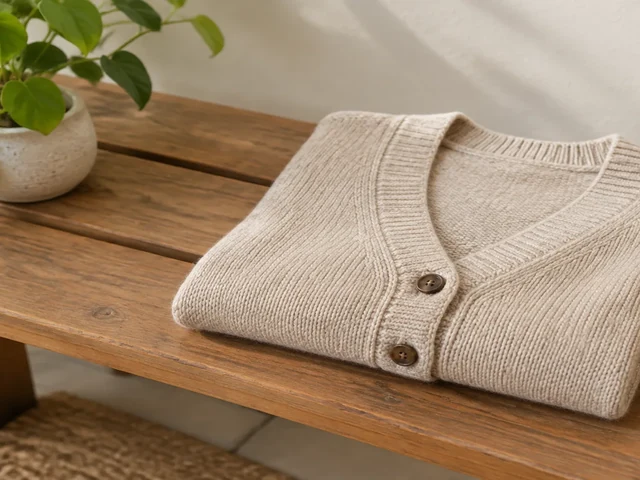
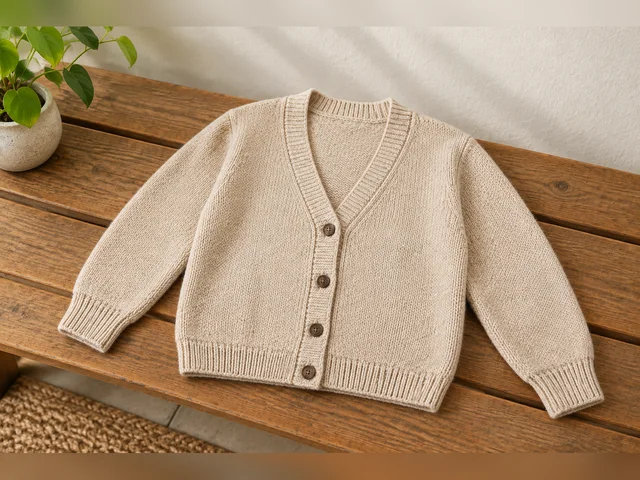
Cream cardigan laid flat with the full outline and cuffs visible.
Full cardigan and cuff visible
✕
Cream cardigan enlarged so its right cuff and lower hem leave the frame.
Right cuff leaves the frame
✓
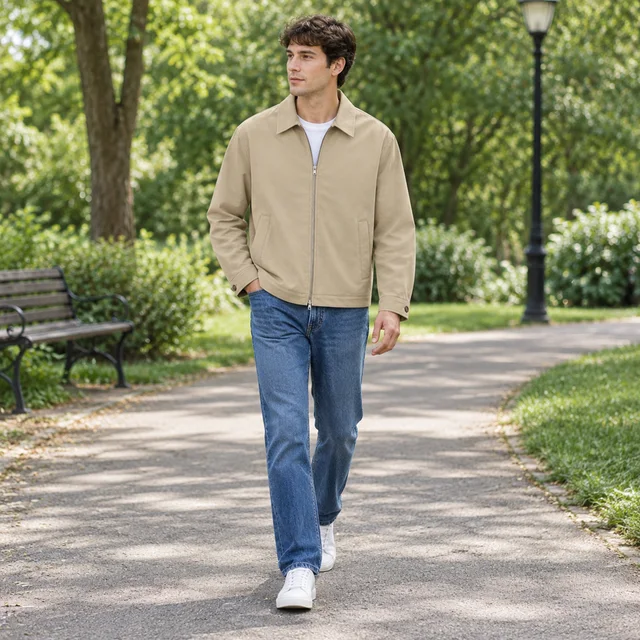
Adult wearing the same beige zip jacket while walking through a quiet park.
Jacket shape and seams stay sharp
✕
Field jacket front and pocket seams softened out of focus on a neutral background.
Jacket front and seams blur together
Your result

AI outfit reels in the 9:16 format

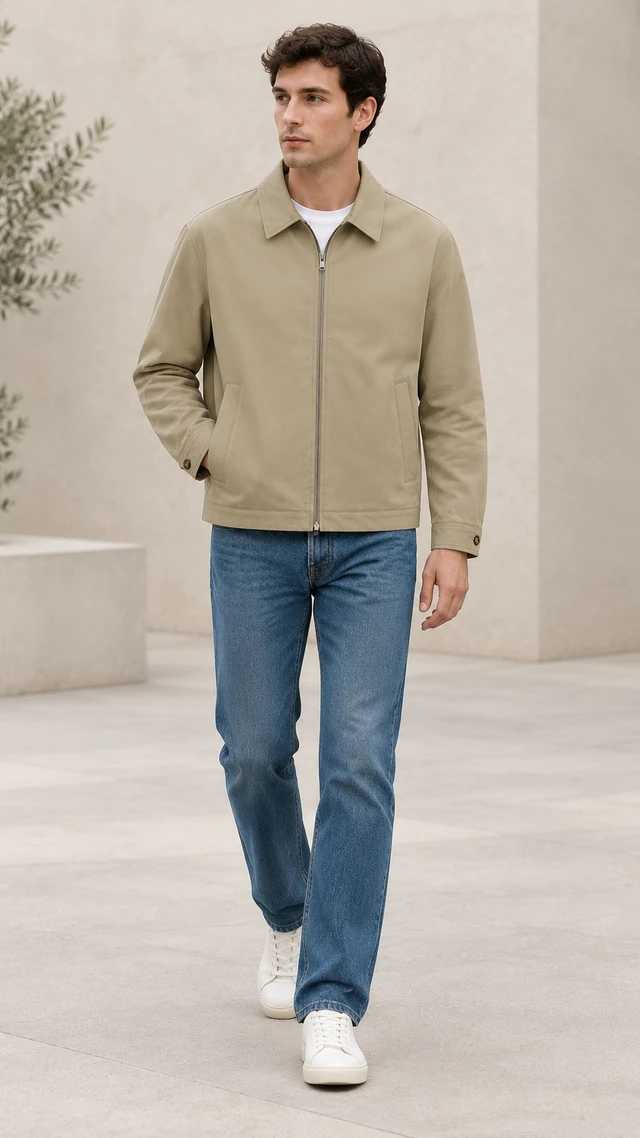
The same beige zip jacket worn by an adult model walking through a quiet stone courtyard.
Beige jacket movement reel9:16 video · 15 s · 60 credits
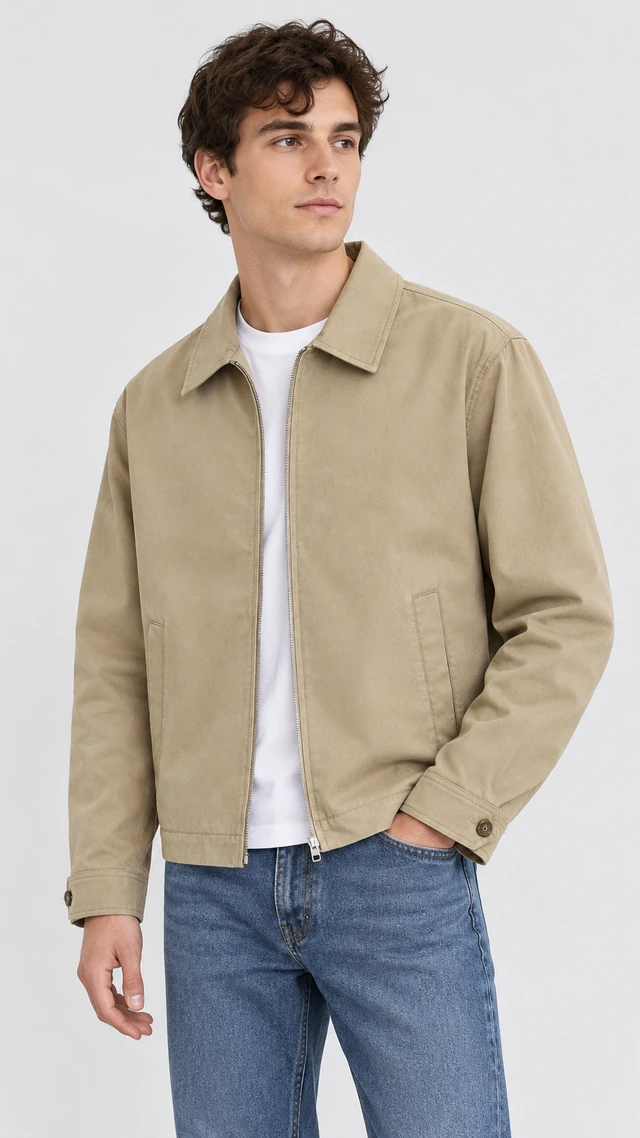
Close on-model view of the same beige zip jacket showing its zipper, lower pockets, and cuff.
Beige jacket waist-up reel9:16 video · 15 s · 60 credits
After download

Finish your outfit reel in an editor

Adult model wearing a beige zip jacket in a full-length vertical outfit reel frame.
Your size noteYour product name

These details are added in your editor after download.

  • Add the product name and size notes in an editor after downloading.
  • Keep captions and price away from the garment details.
More templates

More templates for AI outfit reels

Choose another everyday scene, then add your product photo.

VideoGlass bottle of golden sparkling citrus drink and a tall iced glass with an orange slice on a sunny kitchen counter

Drink Pour

Fresh pour and serve moments

Food & DrinksTikTokInstagram
Use this template →
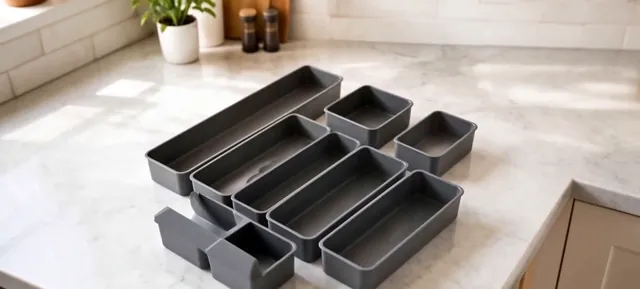
VideoSet of gray drawer organizer trays on a white marble counter

Home Organizing

Your product making a space tidy

Home & LivingTikTokInstagram
Use this template →
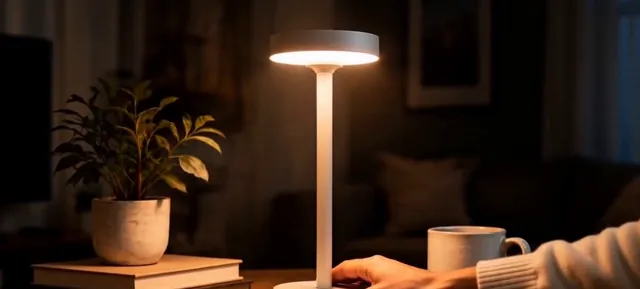
VideoWarm portable table lamp glowing in a dim living room beside a plant

Launch Promo

Announce something new

Home & LivingFacebookInstagram
Use this template →
Examples

More outfit moments

See clothes and accessories in everyday scenes before planning your next reel.
FAQ

Questions about AI outfit reels

Can one model appear in every reel?

There's no saved model to pick from. Each reel is made on its own, so the model's face and build can change between videos, even when you reuse a description.

Will the clothes look exactly like mine?

The video follows your photo, but small details like buttons, stitching, or prints can shift. Watch each clip before you post, and generate a fresh one if a detail looks off.

Which clothes come out well?

Garments with a strong outline and solid color, such as jackets, denim, knitwear, and dresses. Very fine patterns or tiny logos may lose sharpness, so shoot close and in good light.

What length works for an AI fashion reel?

Use 6 seconds for one outfit reveal, 10 or 15 seconds for a turn or walk, and 30 seconds only when the public option is available. Choose 9:16 for Reels.

Keep reading

Guides and articles

Try Outfit Reel with your product

Upload one product photo. See the cost before you start.