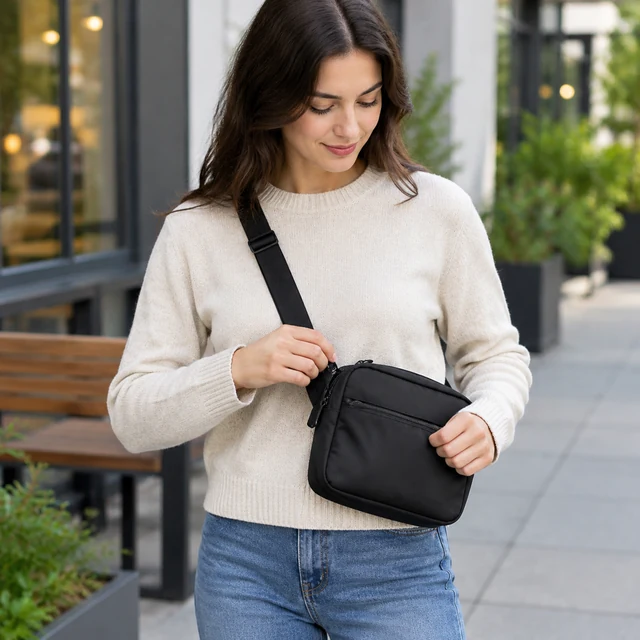
Ad photo template

Sale Banner Maker with Open Space for Offer Text

Use this sale banner maker to create a seasonal image of your product with a clear patch of sky, wall, or snow where your discount and dates can go once you add them.

Drop your product photo hereJPG, PNG or WebP · any clear photo works
Template Sale BannerSize Square by defaultSpace Open area for your offer
Make my sale image →See the cost before you start

Plans from $24.50 a month. You see the credit cost before every job, and if a job fails its credits go back to your balance.

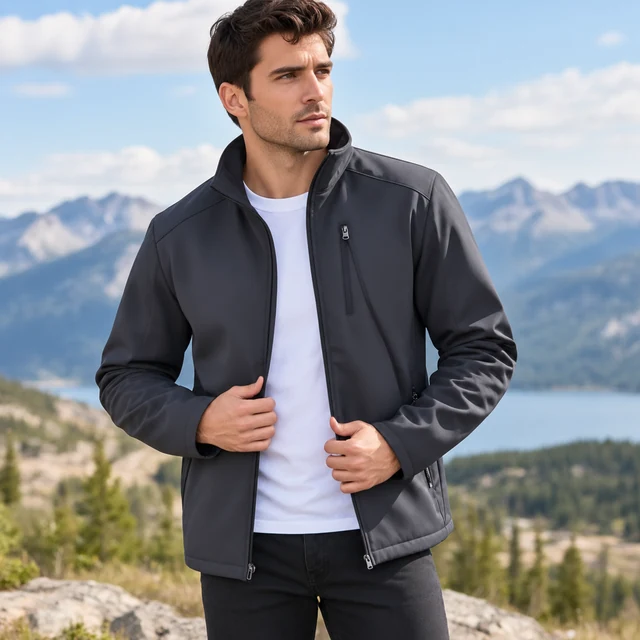
Tip: Say where you want the empty space, for example "open sky across the left third," so your offer text has a calm area to sit on.
Adult applies a face mist
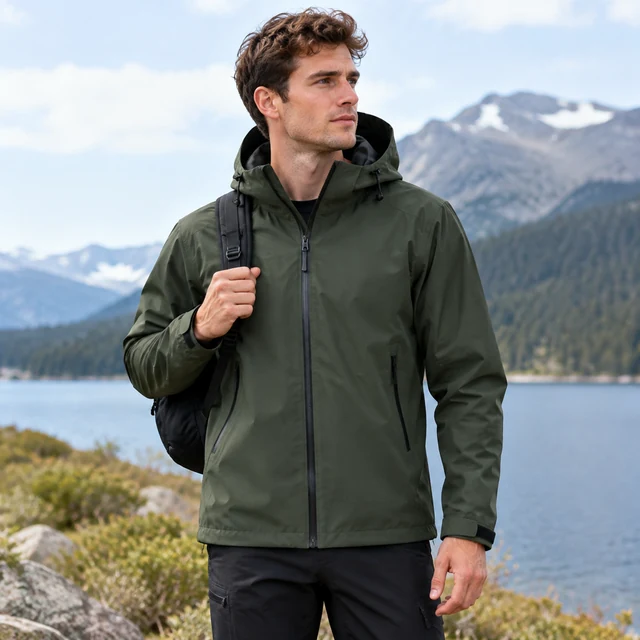
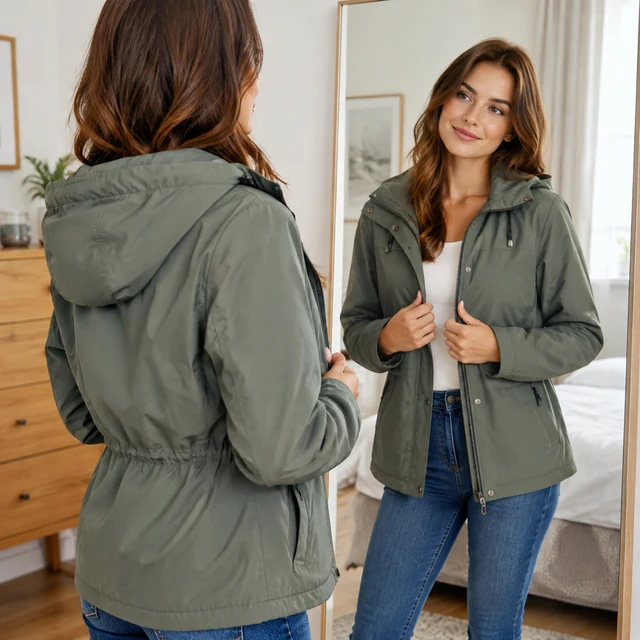
Athletic jacket fit check
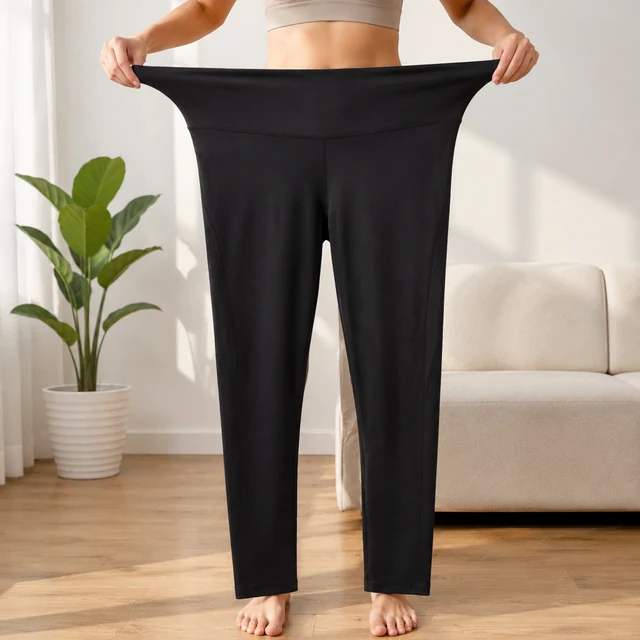
Leggings stretch test
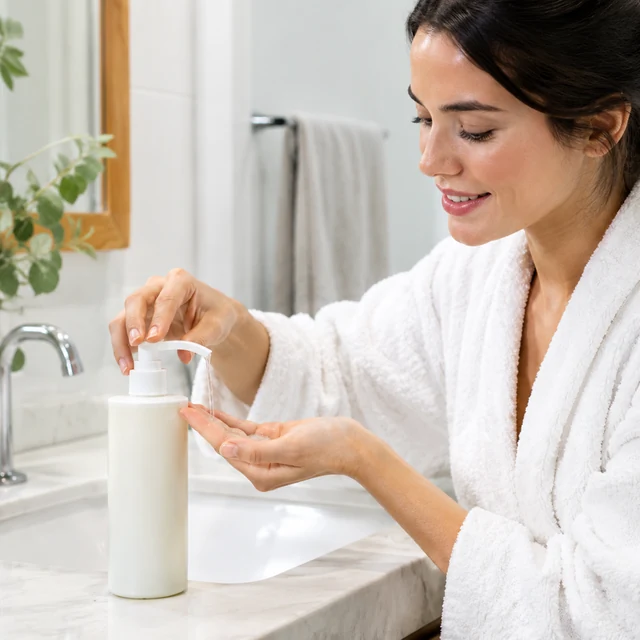
Cleanser pump routine
Gold earrings from a box
Adult models a jacket and checks its fit in a mirror.

Create sale product photos with room for the current offer, using a clear source and a scene that fits the item.

How it works

Make sale product photos in three steps

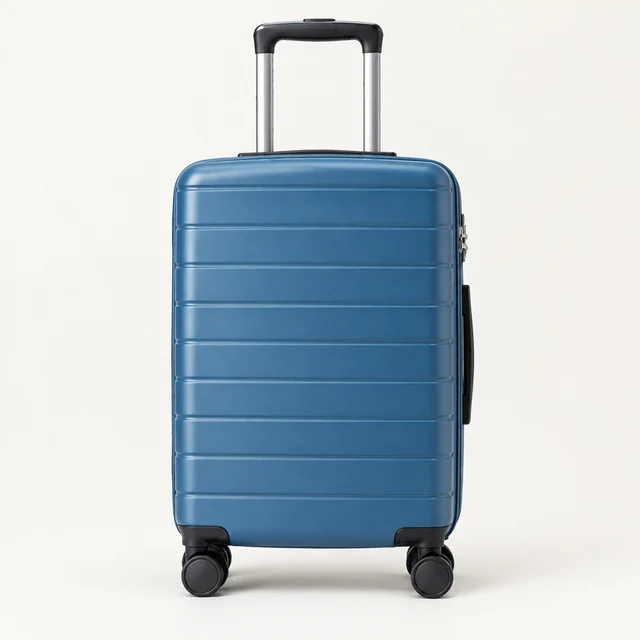
Blue hard-shell suitcase shown alone with its handle and wheels visible.
Drop your product photo hereJPG, PNG or WebP · any clear photo works
Step 01

Choose the item for the sale

Use a clear product photo that shows the full shape, color, and main details.

Place this blue hard-shell suitcase beside a pale wall and a small leafy plant, with all wheels visible.
Template Sale product photoSize Square 1:1Use Feed or product page
Cost24 credits
Step 02

Set the scene and open area

Place the product to one side if the offer needs a clear space beside it.

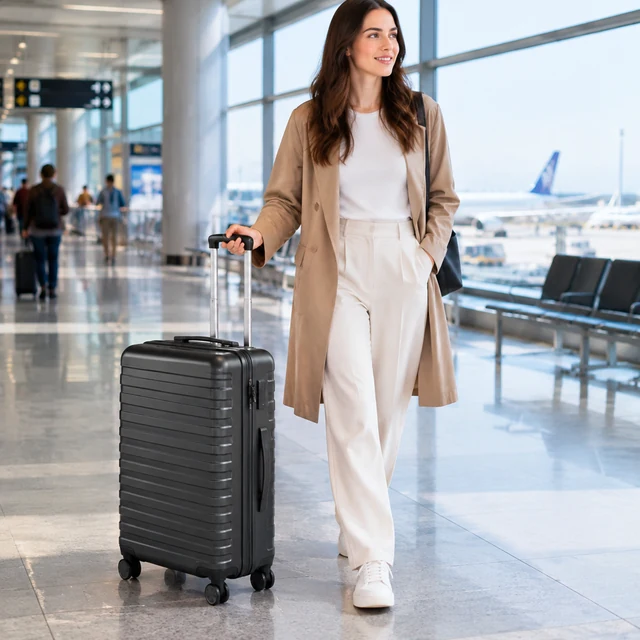
Adult pulls a hard-shell suitcase through an airport terminal.
Step 03

Download and add the deal

Enter the discount, code, and end date in your editor.

Where to use it

Use sale photos in a feed or product page

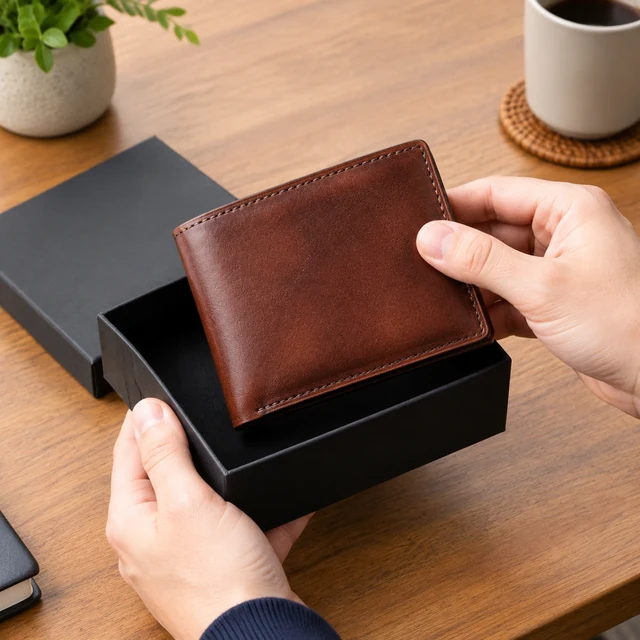
Wallet lifted from box

Show a leather wallet in a sale post

Keep the brown wallet and gift box visible, then add the current offer as editable text.
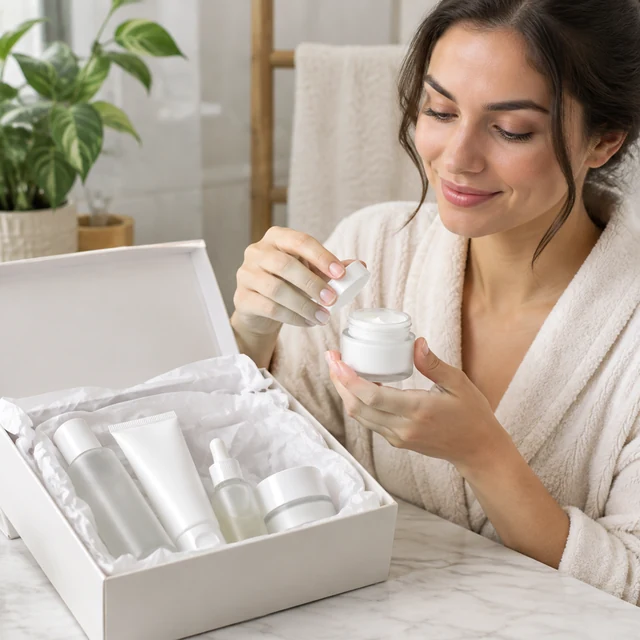
Skincare set tissue reveal

Connect a skincare set to its product page

Match the promotion image to the set shown in the product listing.
Start with a clear photo

Start a sale photo with the whole product in view

✓
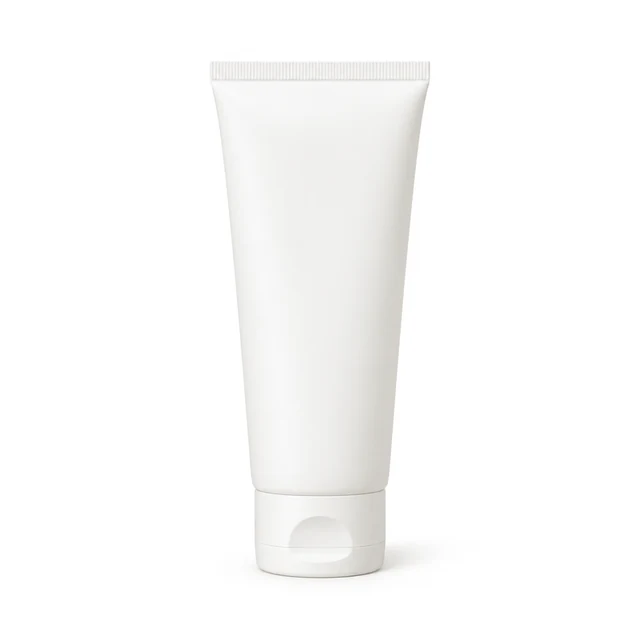
Plain sunscreen tube with its full silhouette on a white background.
Complete sunscreen tube stays in view
✕
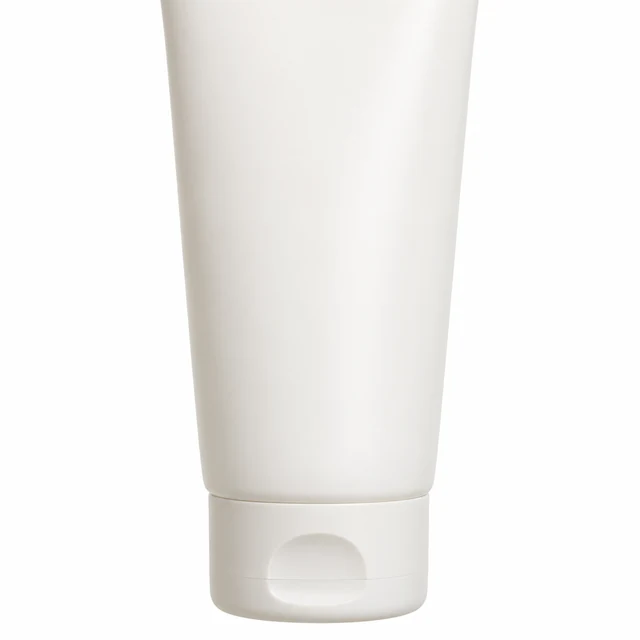
Sunscreen tube is cut off by the top edge in an incomplete product upload.
Sunscreen tube is cropped at the top edge
✓
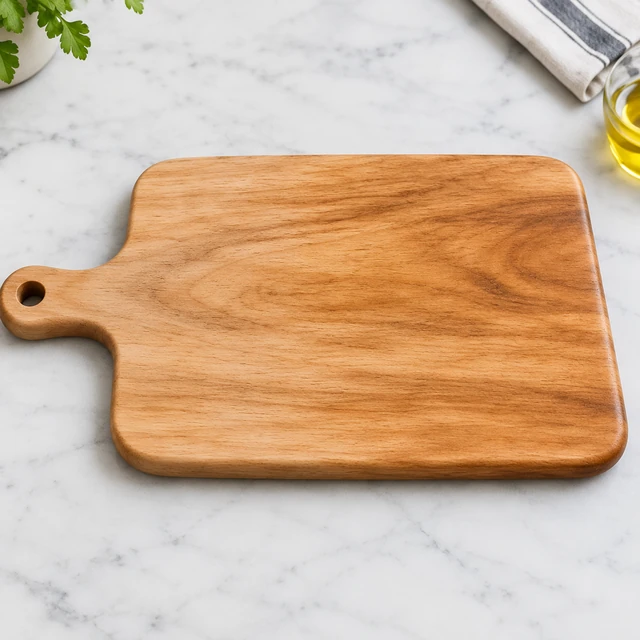
The complete light wooden cutting board with its full handle and grain sharply visible on a pale counter.
The whole board, handle, and grain stay clear
✕
Light wooden cutting board softened out of focus with its handle and outline still discernible.
Board grain and edge soften into blur
Your result

Square sale photos for social and listings

Sunscreen bottle with full silhouette
White-background sunscreen bottle with full silhouetteSquare photo · 24 credits
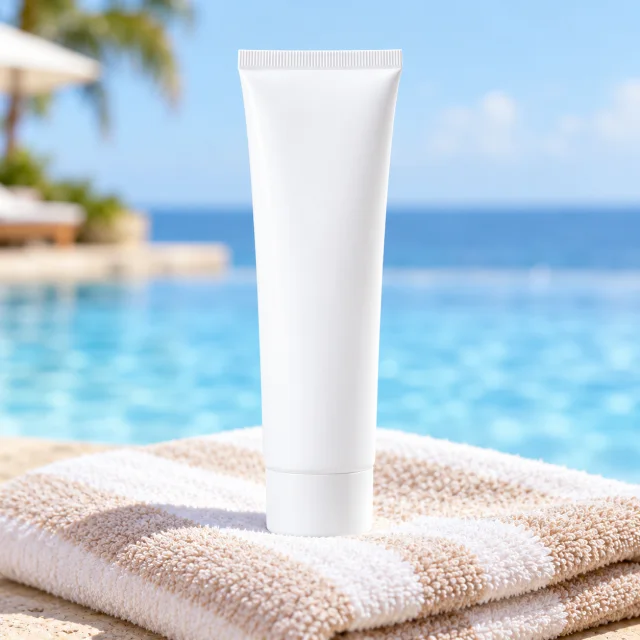
A white sunscreen tube standing on a folded beach towel.
White sunscreen tube in a poolside sceneSquare photo · 24 credits
After download

Add the sale offer after download

An adult holds a white skincare jar and touches the cream.
OfferEnd date

These details are added in your editor after download.

  • Add the discount, code, and end date as editable text.
  • Update or remove the offer when the sale ends.
More templates

More sale product photo templates

Choose another everyday scene, then add your product photo.
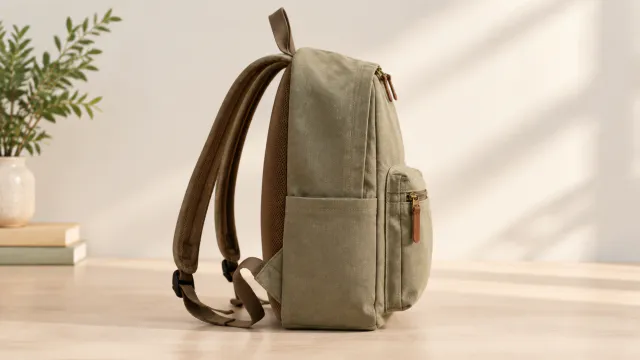
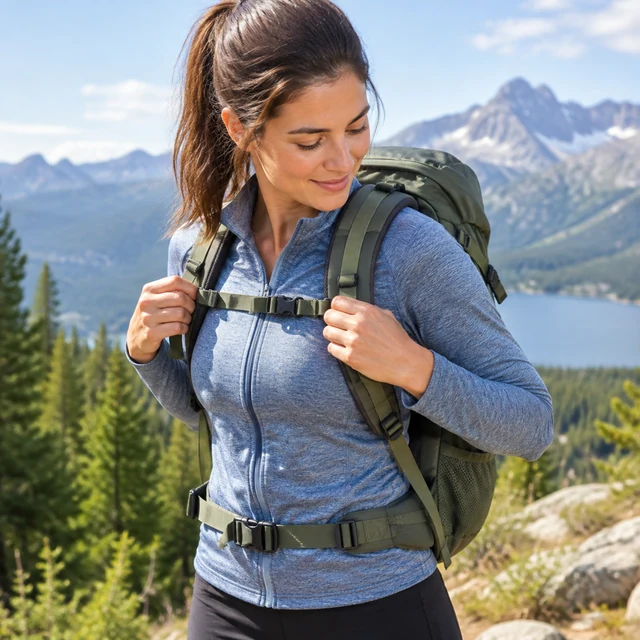
Side view showing the shoulder straps

On a Model

Your product shown on an AI-generated model

Fashion & ClothingInstagramShopify
Use this template →
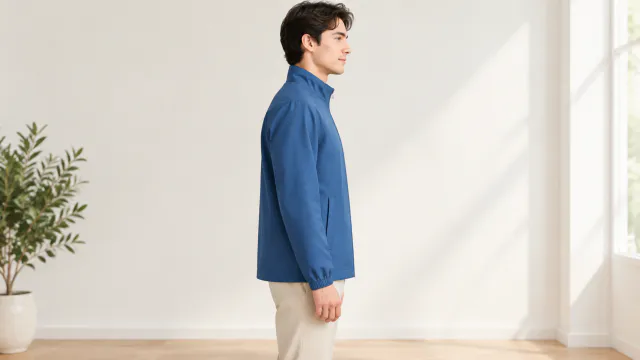
Side view showing the jacket length

Clothing Try-On

See a piece worn before the shoot

Fashion & ClothingShopify
Use this template →
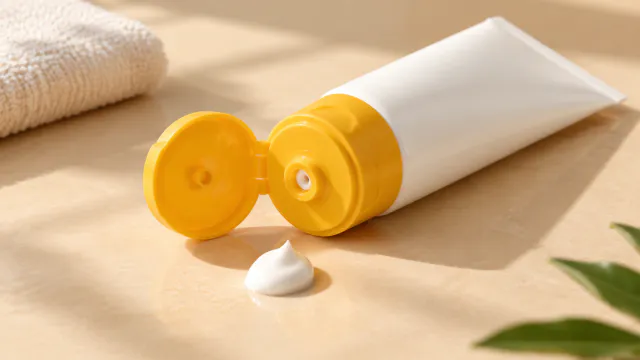
Close view of the sunscreen cap and bottle shape

Story Ad

Square product photo for a Story layout after cropping

Beauty & SkincareInstagramFacebook
Use this template →
Examples

More sale key visuals

Each scene keeps a clear area for your offer, placed where it suits the product.
FAQ

Questions about sale product photos

Why doesn't the banner include my discount text?

AI-made lettering sometimes garbles words and digits, and a wrong price on a sale ad causes real trouble. Adding the text yourself keeps every figure exact.

What size is the sale image?

Square by default, which fits Facebook and Instagram feed posts. For a wide website header, set the image on a wider canvas in your design tool.

Can I reuse one image for different offers?

Yes. Since the offer is added afterward, this image can carry a percent-off headline in one ad and a free-shipping line in another.

Can I make a sale banner in a vertical format?

The sale template produces a square image by default. Add a 9:16 canvas in your design tool after download if you need a Story or Reel placement.

Keep reading

Guides and articles

Try Sale Banner with your product

Upload one product photo. See the cost before you start.