AIVideosUGC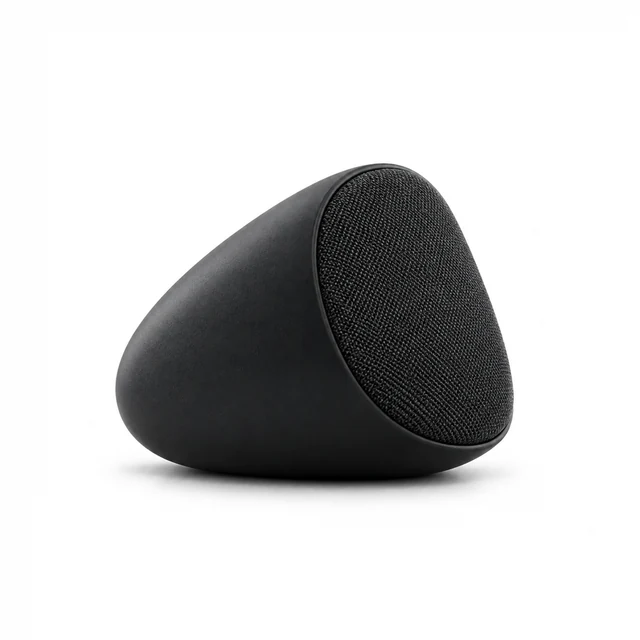
Drop your product photo hereJPG, PNG or WebP · any clear photo works
Step 01
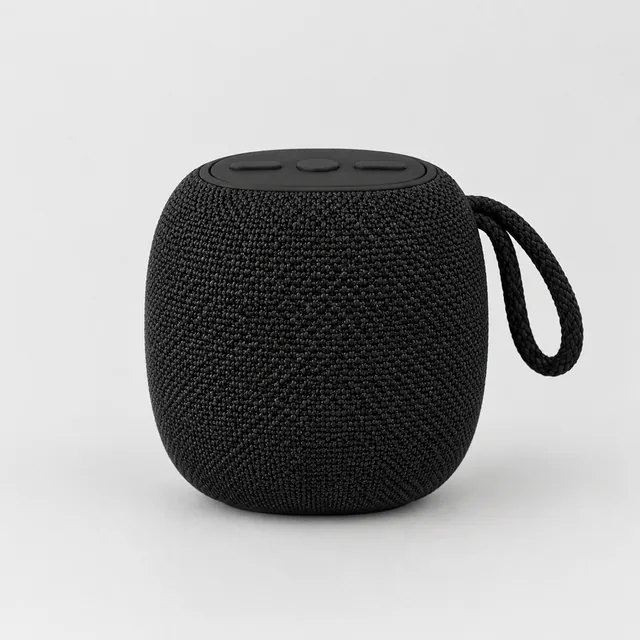
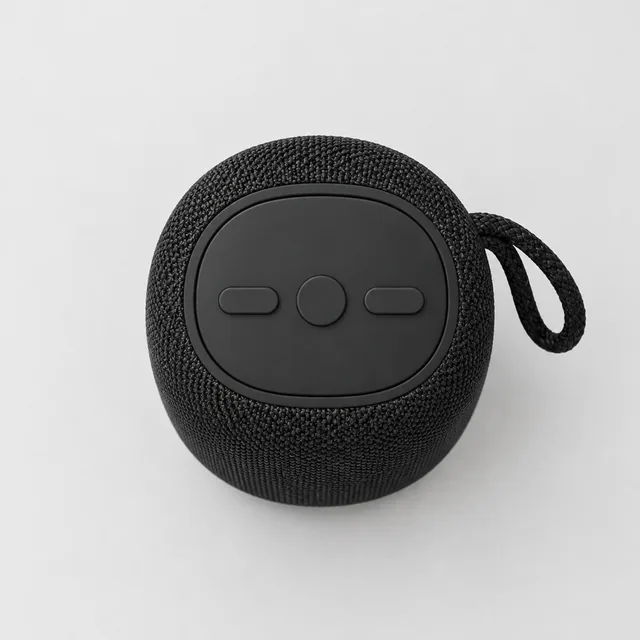
Upload one clear speaker photo
Include the woven grille, top controls, and full side profile in the source image.
AI product videos for electronics start with one clear product photo; upload more views when a scene needs another side or small detail.
Plans from $24.50 a month. You see the credit cost before every job, and if a job fails its credits go back to your balance.

Electronics shoppers need to see the shape, ports, controls, and scale of a device. Start from a clean product shot, then describe one movement that makes a feature easy to understand.
Include the woven grille, top controls, and full side profile in the source image.
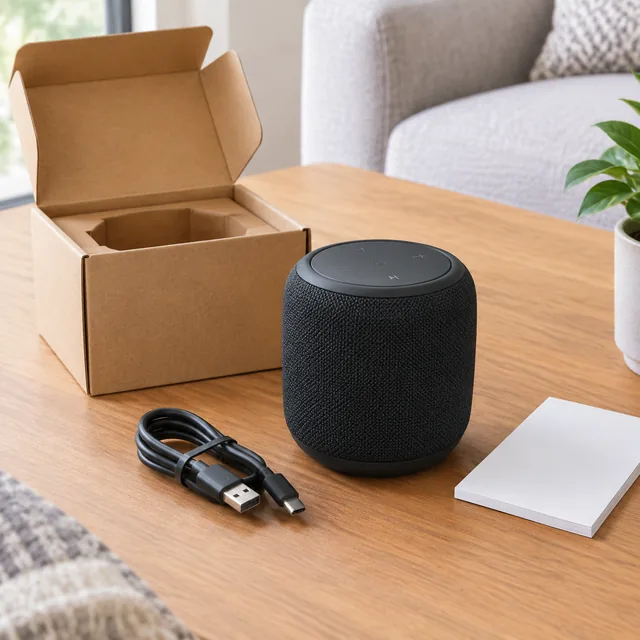
Show this speaker on a table as soft window light travels across its grille.
After download, place the feature name, price, or web address in your editor.
Choose a device moment that makes one feature easy to see.
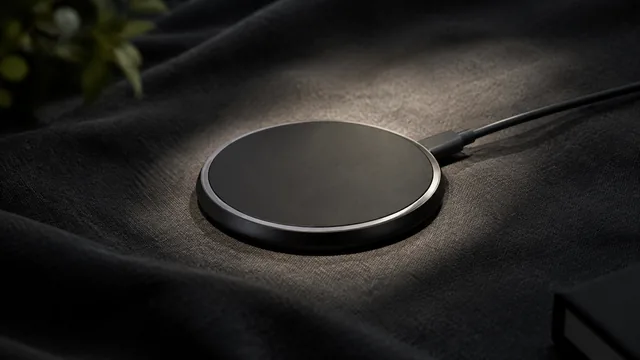
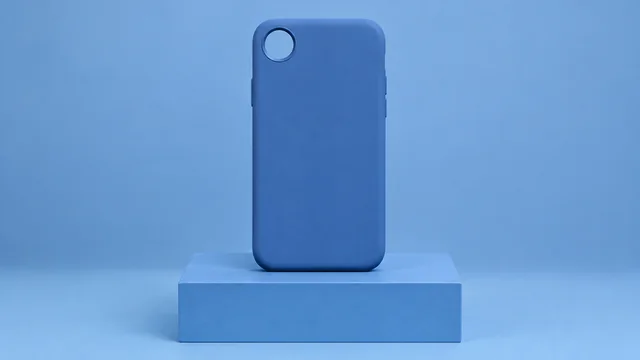
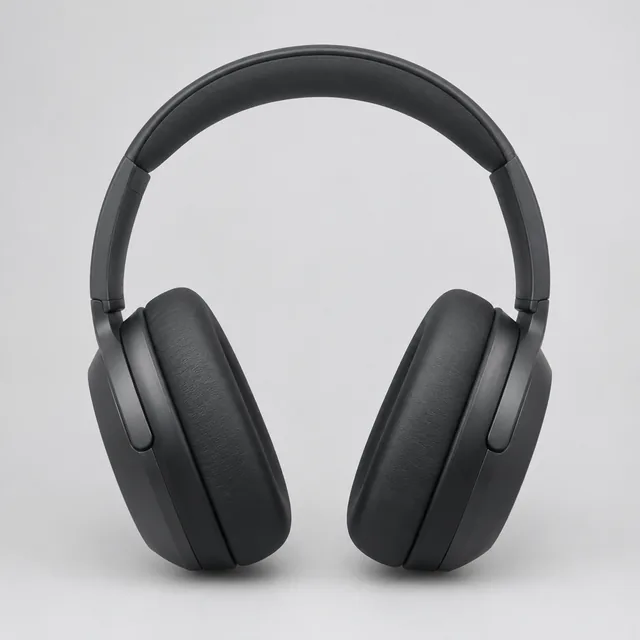
The isolated pad keeps its circular surface and outline easy to see.
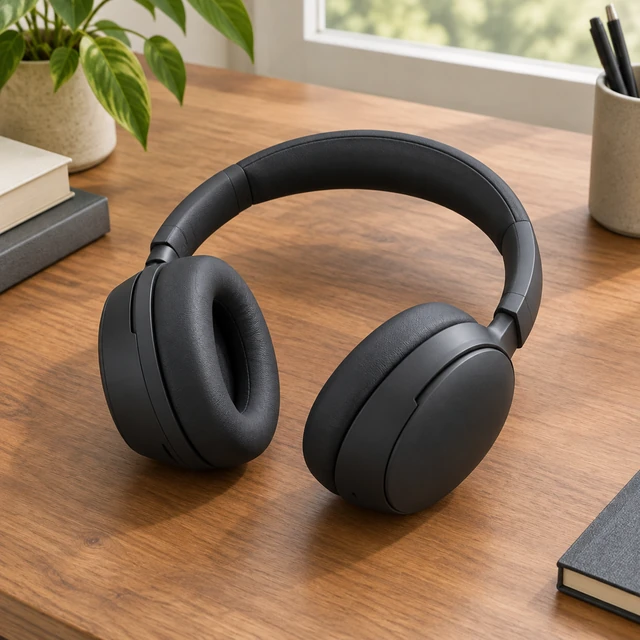
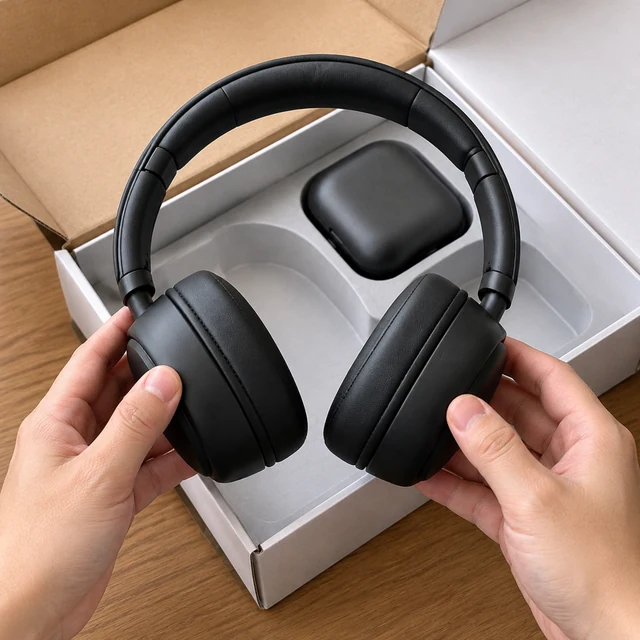
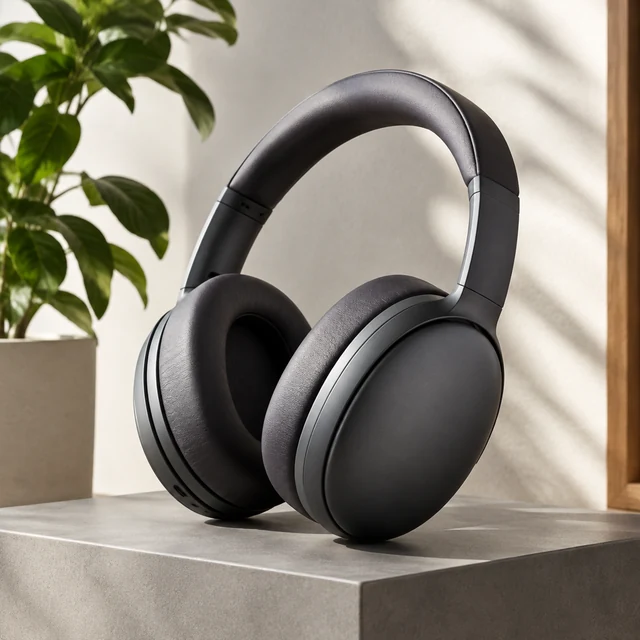
Over-ear headphones on a desk by the window show how they look in a real workspace.
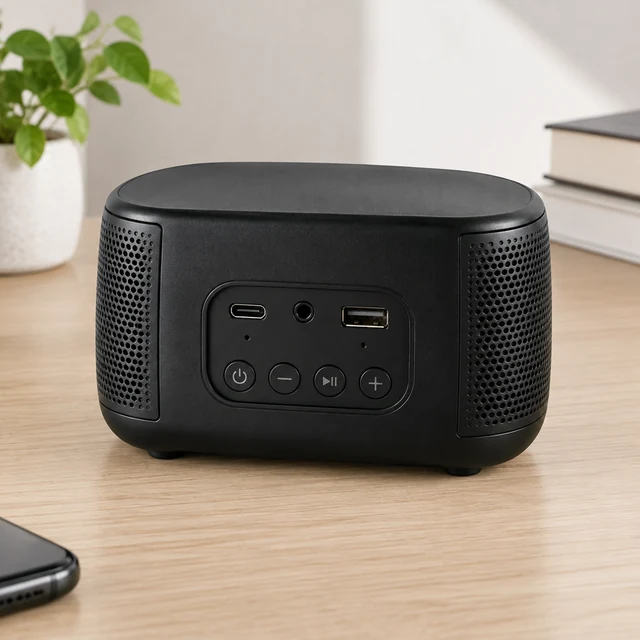

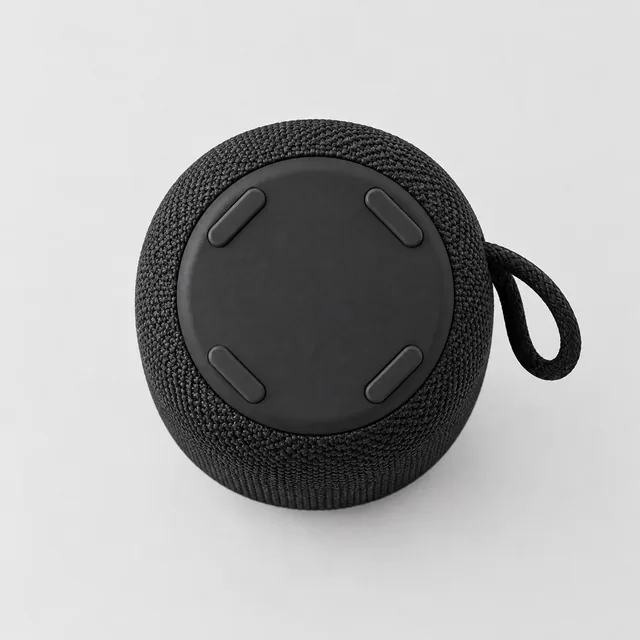
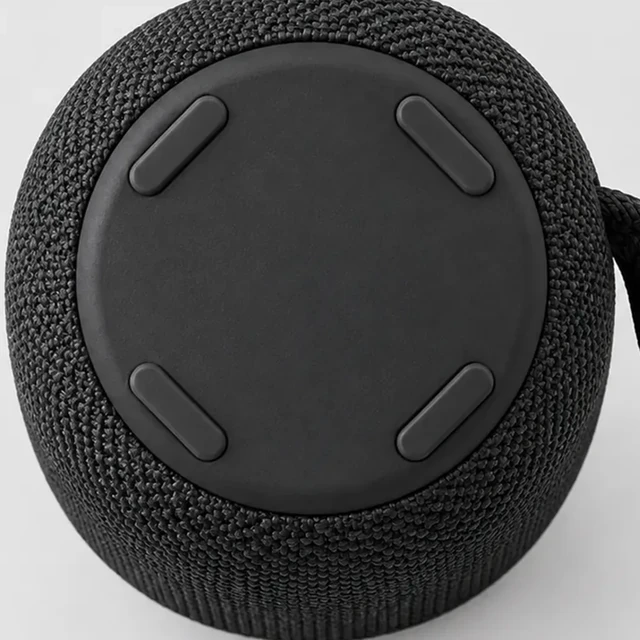

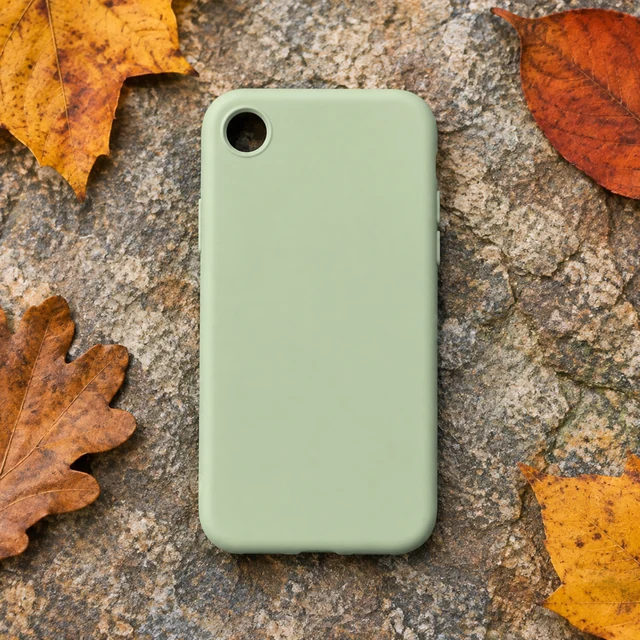
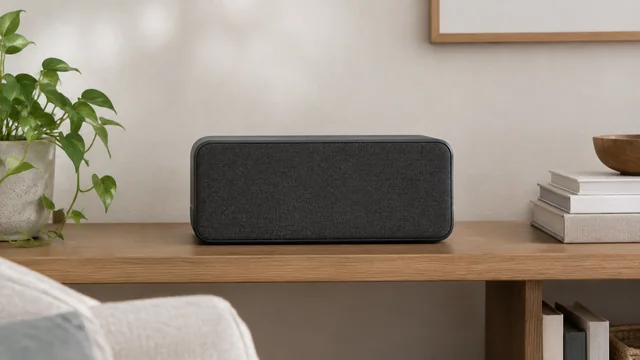
These details are added in your editor after download.
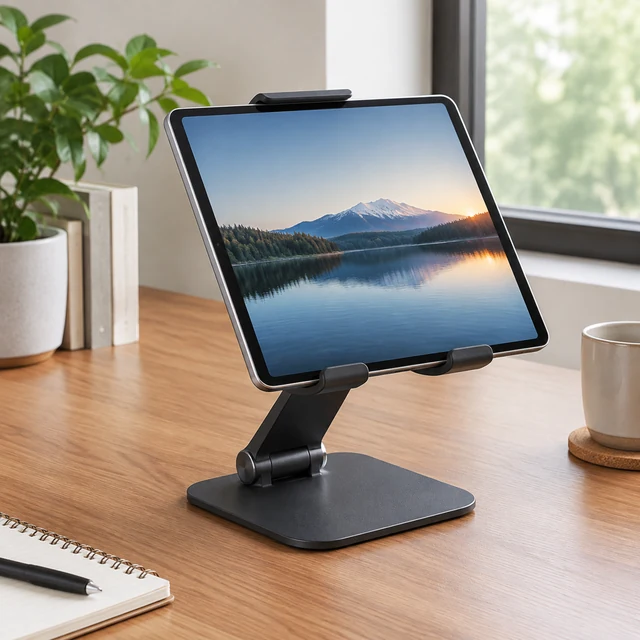
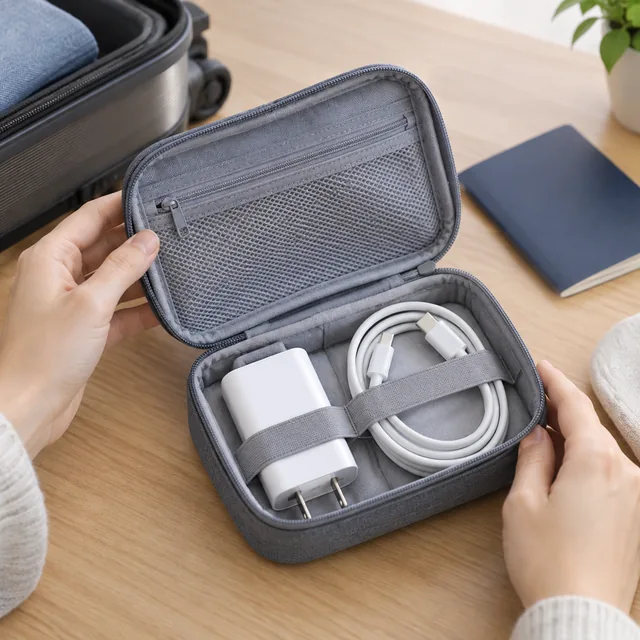
Choose an unboxing, desk, or travel scene that shows your device’s physical details.
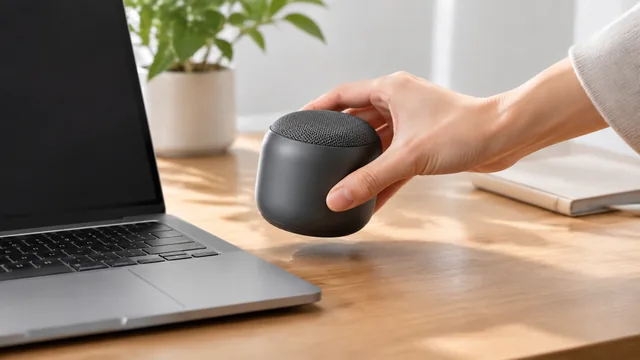
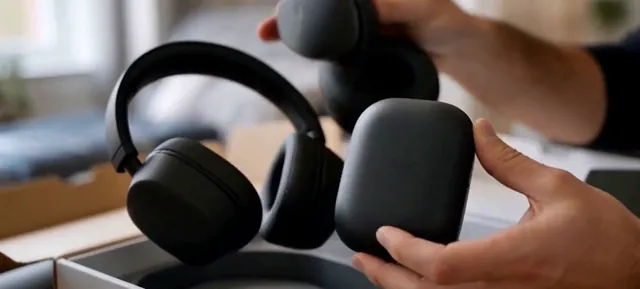
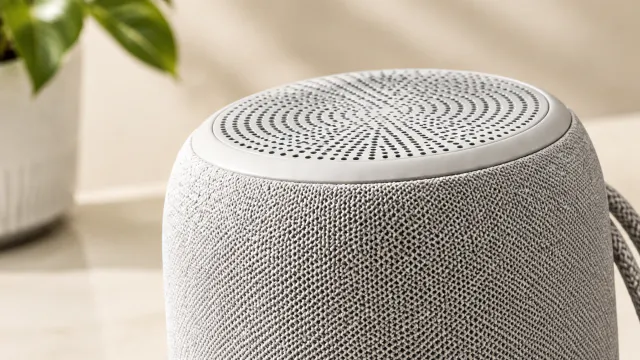
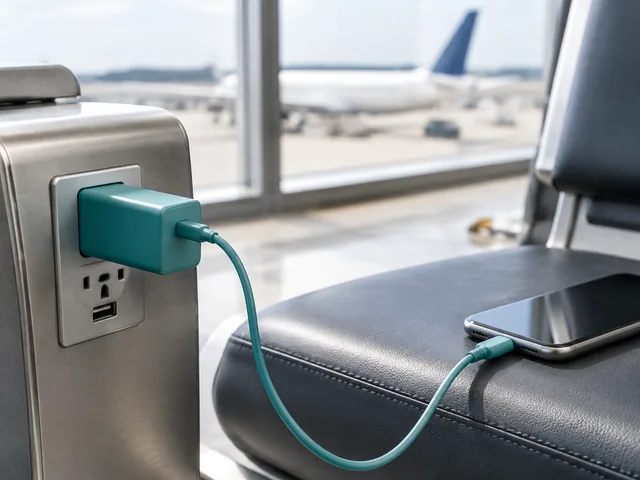

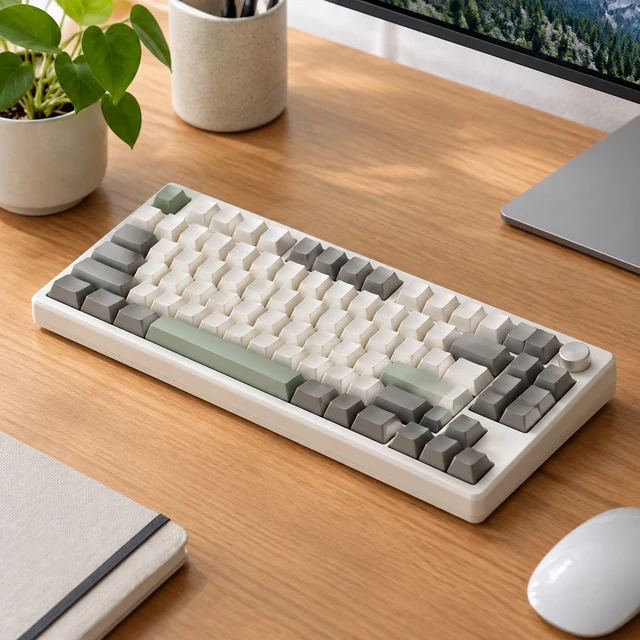
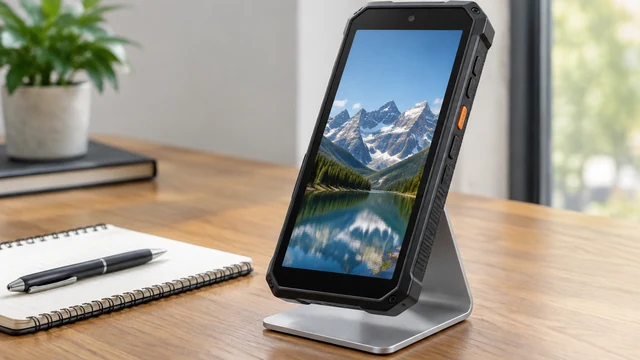
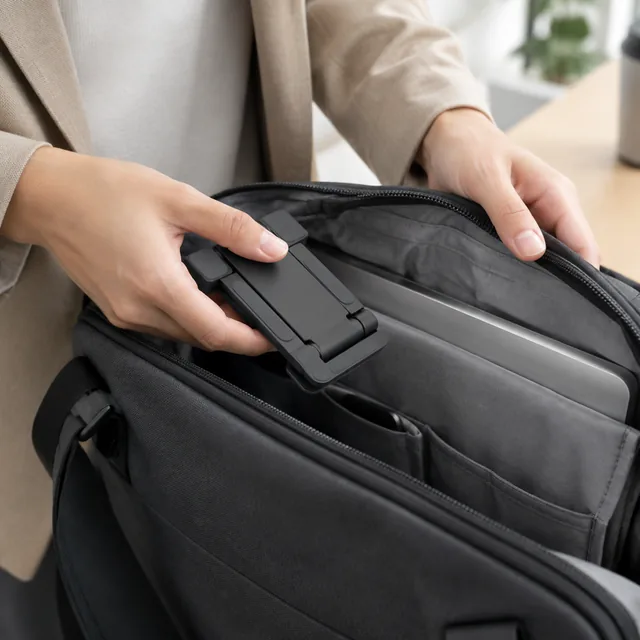
Speaker, device, and travel-accessory views for product listings and social ads.
Another company's logo or trademark can get a request declined, so describe a generic device instead, like "a black smartphone on a nightstand." The scene still makes the use clear.
On-screen text and app layouts tend to come out garbled. Ask for a dark screen or a soft glow instead, then place real screenshots over it in CapCut or Canva.
16:9 is the usual choice for a video on a product page, and 1:1 also sits well in a listing gallery. Choose 9:16 if the same clip will run on TikTok or YouTube Shorts.
Wipe off dust and fingerprints, peel away any shipping film, and shoot at a slight angle so the device's depth shows. Switch off overhead lights that leave hot spots on glossy cases.
Select one device action or setting to show beside the visible hardware.