New product launch

Product Launch Video and Photos, Ready Before Launch Day

Plan teaser clips, a reveal video, and product-page photos around each launch milestone, with final dates and prices added after download.

Drop your product photo hereJPG, PNG or WebP · any clear photo works
Photo Your product shotScene Soft pink backdropSize Square
Make a social ad photo →See the cost before you start

Plans from $24.50 a month. You see the credit cost before every job, and if a job fails its credits go back to your balance.
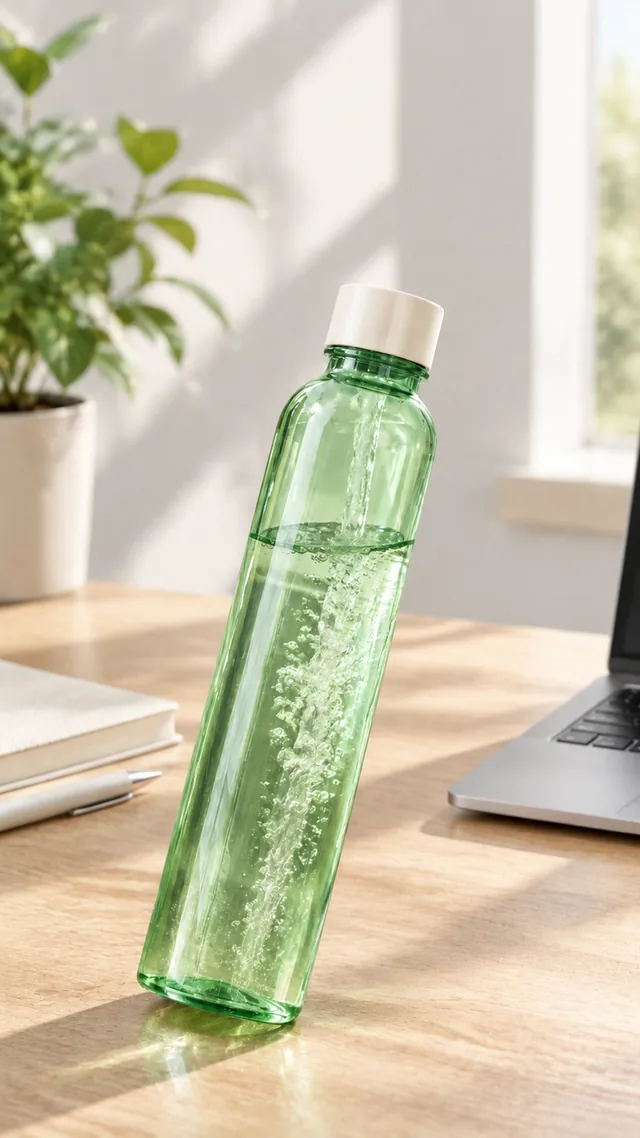

The same green glass water bottle on a desk in afternoon light.
Photo
Person holding a small handbag at chest height against a plain wall.
Photo
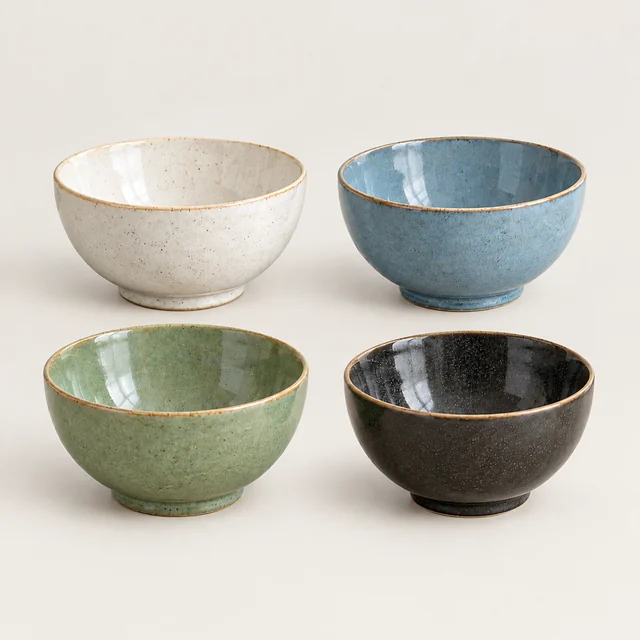
Four coordinated ceramic bowls grouped together in a square product image.
Photo
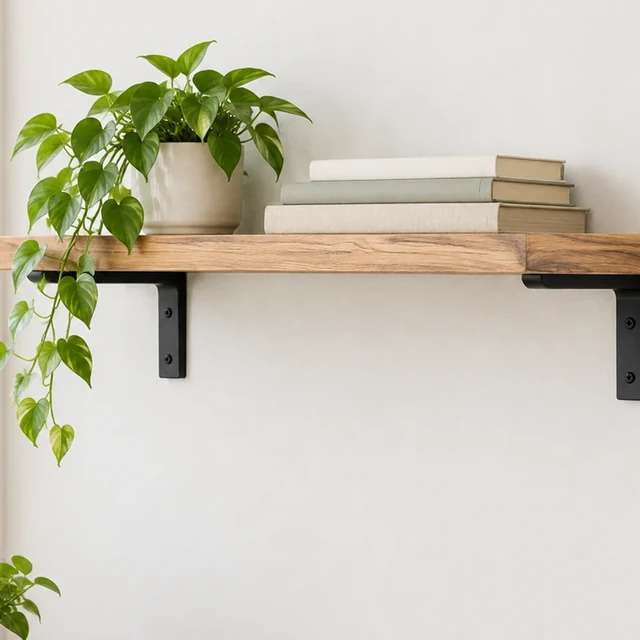
Simple wall shelf with a small plant and plain-spined books, square crop.
Photo
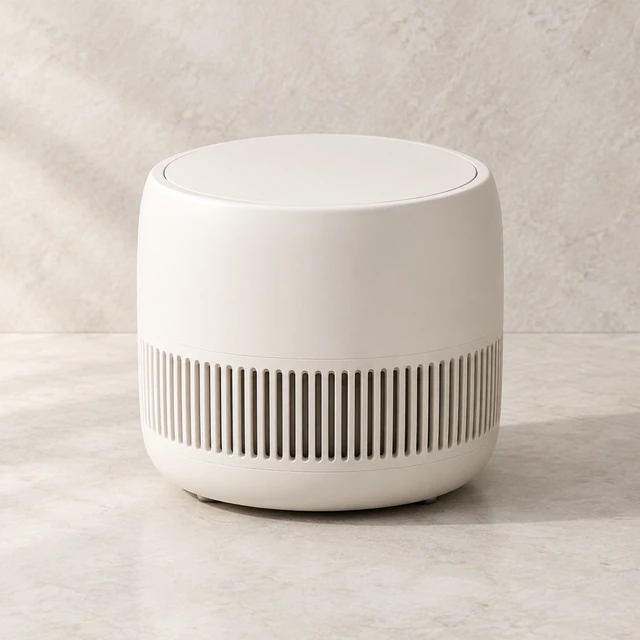
Unbranded matte ivory compact countertop air purifier with a rounded cylindrical body and vented base.
Photo
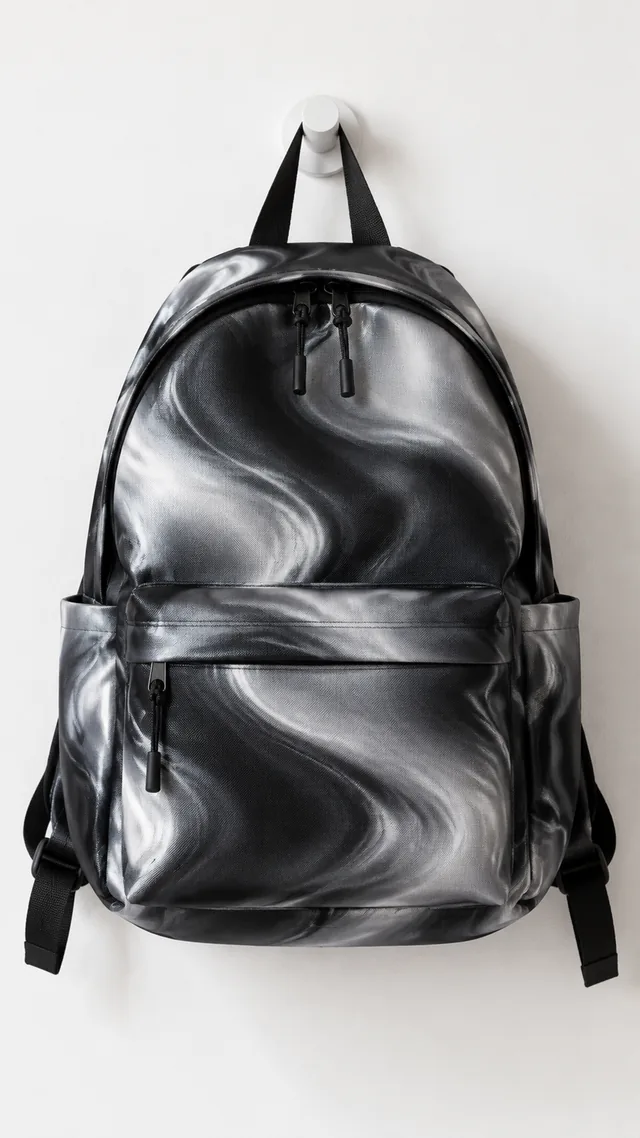
New backpack hanging alone on a white wall hook.
Photo

Plan a product launch from a clear sample photo, with separate scenes for packaging, first use, and the store listing.

Plan your campaign

When to prepare your product launch photos and clips

1

Four to six weeks before

Pick the photo you'll work from, make the white-background and lifestyle images for the product page, and decide which channels need video or square stills.

2

Two to three weeks before

Make the teaser and reveal clips, try a couple of different openings, and add the launch date in your editing app.

3

Launch week

Do a last check of every file, load your ads and posts, and keep a spare version ready in case one isn't getting attention.

How it works

Prepare a product launch photo in three steps

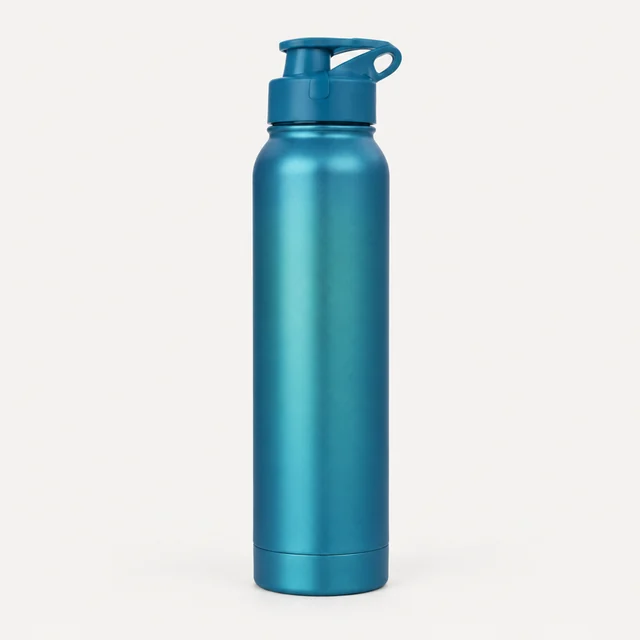
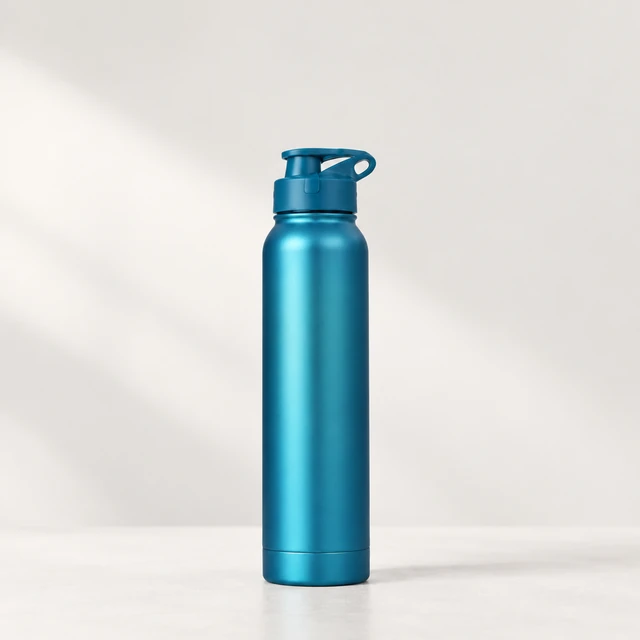
Matte blue water bottle standing alone on a pale studio background.
Drop your product photo hereJPG, PNG or WebP · any clear photo works
Step 01

Choose the current product sample

Use a clear photo of the sample customers will recognize when it launches.

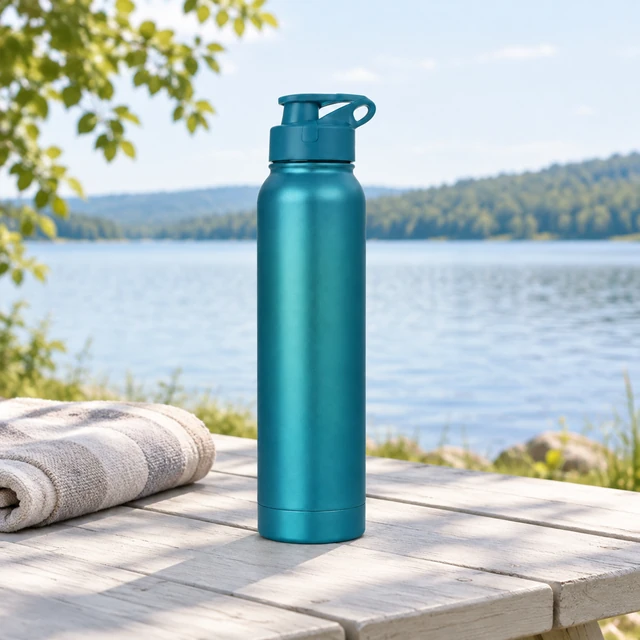
Show this matte blue water bottle upright on a pale stone ledge beside one folded towel.
Template Product launch photoSize Square 1:1Use Reveal or product page
Cost24 credits
Step 02

Pick a teaser or reveal scene

Describe one action, surface, and light direction for each launch placement.
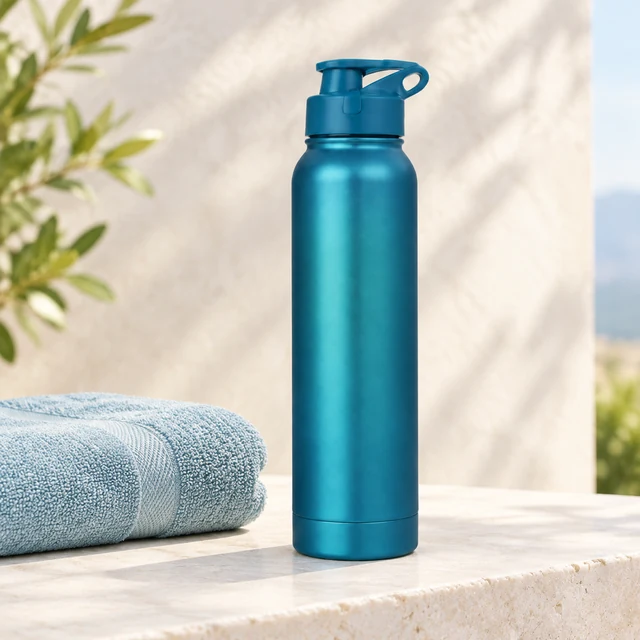
Matte blue water bottle upright on a pale stone ledge beside a folded towel.
Step 03

Download and add launch details

Add the product name, date, and final price in your editor.

Where to use it

Use launch photos in a listing or retail preview

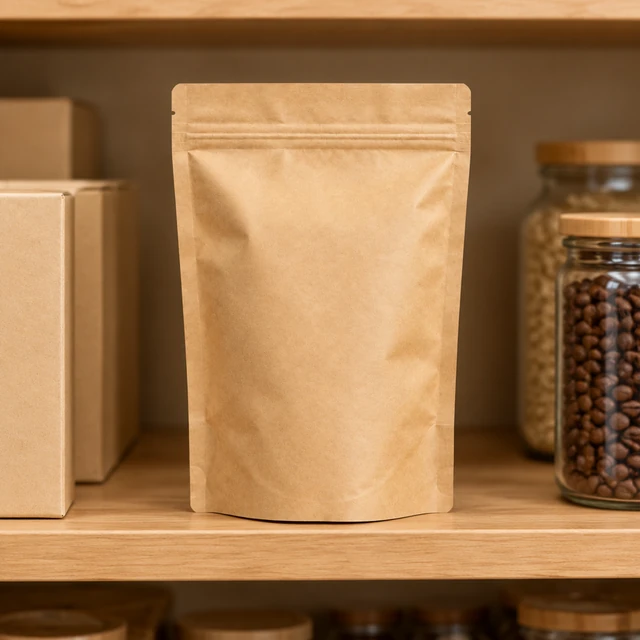
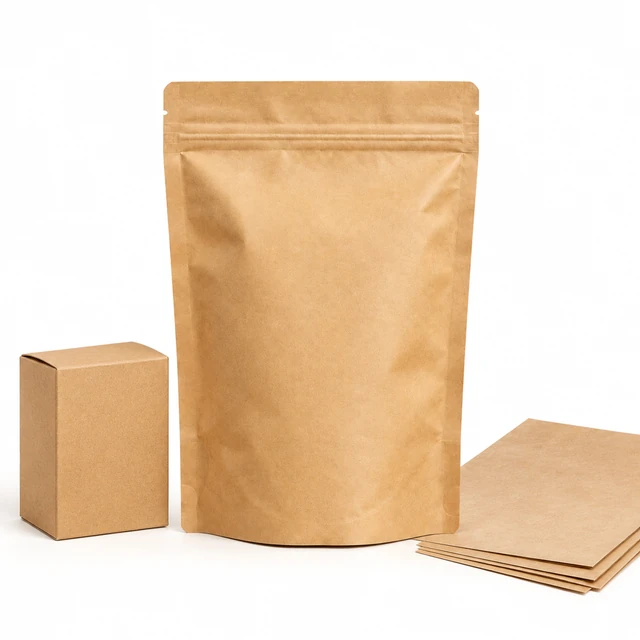
The same plain kraft coffee pouch stands on a grocery shelf beside plain cartons and jars.

Preview a product in its retail setting

A shelf view can help a launch team discuss how a package reads beside related goods.
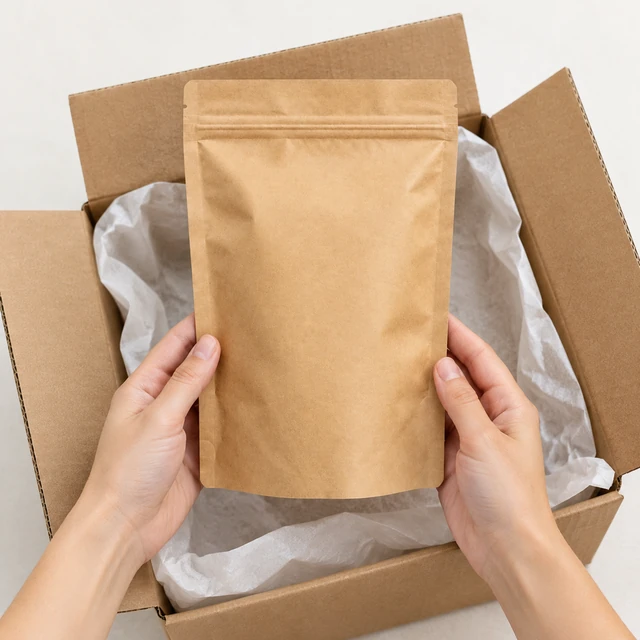
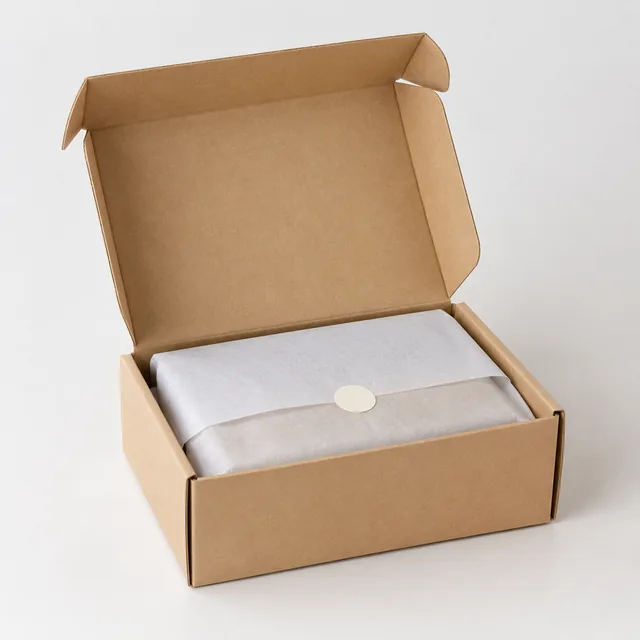
Hands lift the same plain kraft coffee pouch from an open carton lined with tissue.

Add a launch image to a store page

Place a clear product view near the listing details shoppers will use to decide.
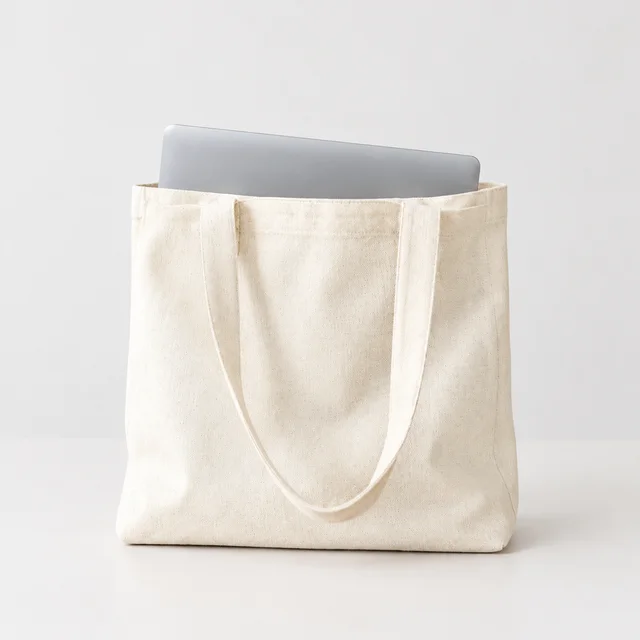
Start with a clear photo

Start a product launch with a clear sample photo

✓
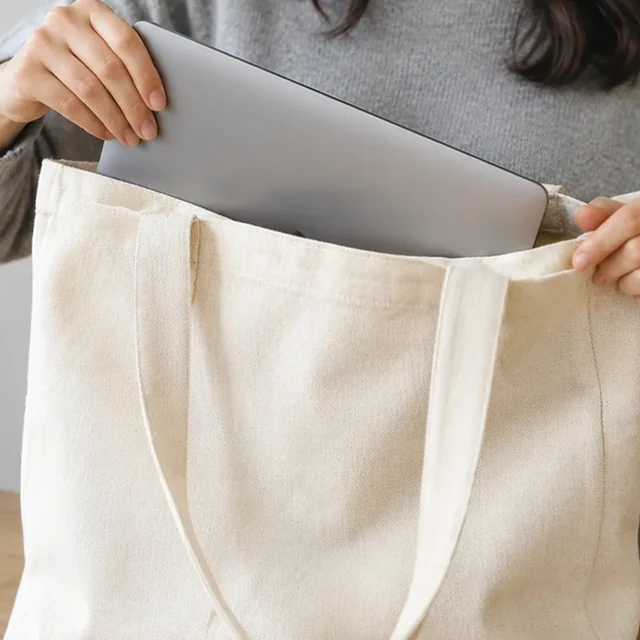
Natural canvas tote holding a laptop, shown fully on a pale background.
Tote body and handles fit the frame
✕
Canvas tote enlarged until its handles and lower edge are clipped.
Tote handle and lower edge are clipped
✓
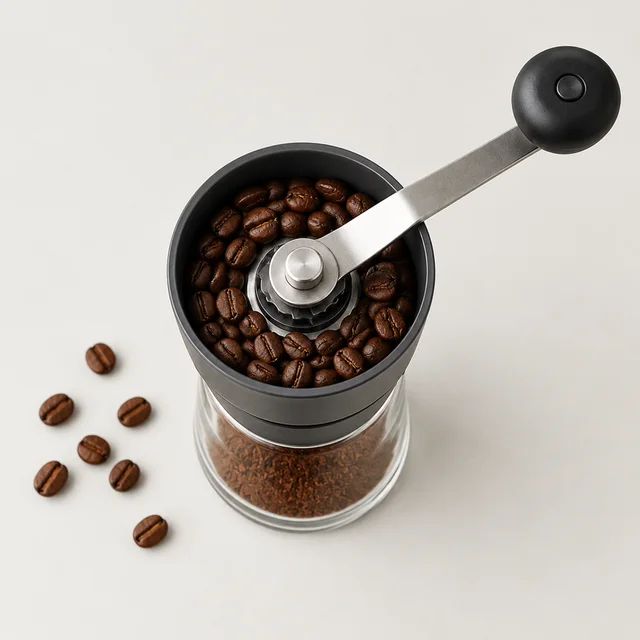
Compact burr coffee grinder viewed from above on a studio surface.
Grinder handle and beans stay clear
✕
Coffee grinder and beans softened out of focus on a pale counter.
Grinder details turn soft
Your result

Square product launch photos for a store page

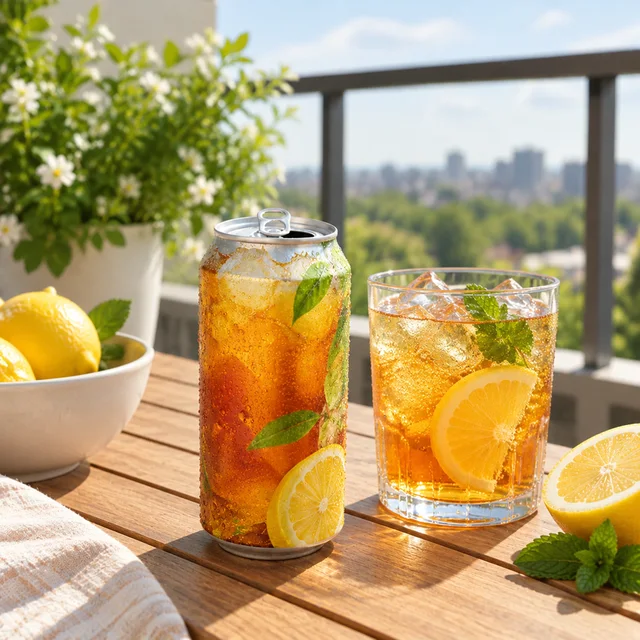
Plain iced tea can opened on a sunny balcony table.
Square new-drink product photoSquare photo · 24 credits
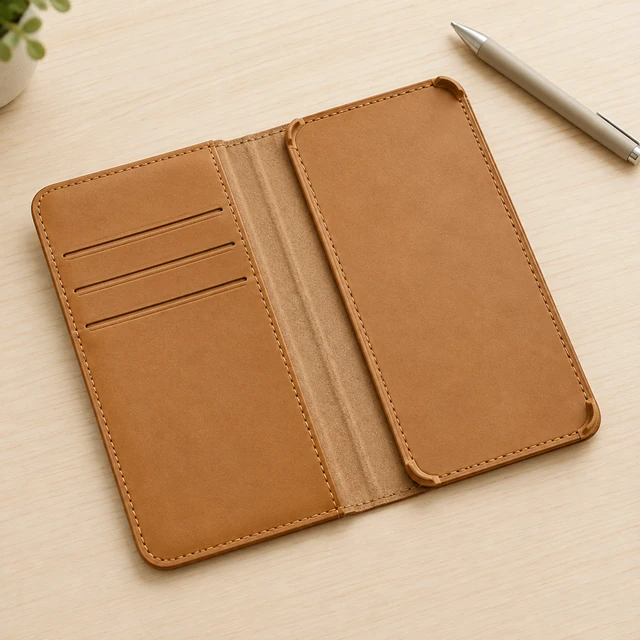
Empty unbranded tan leather phone folio case with card slots and stitching on a light desk; no device inside.
Square leather-folio product photoSquare photo · 24 credits
After download

Add product launch details after download

The same matte blue water bottle on a clean studio surface, ready for a product-release image.
Product nameLaunch date

These details are added in your editor after download.

  • Add the launch date and final price after download.
  • Keep the product name and availability in a separate editable text layer.
Templates

New Launch templates

Choose a teaser, reveal, or product-page scene for the launch stage.
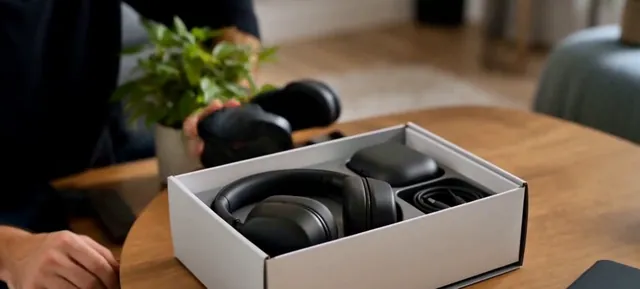
VideoOpen box with headphones and a charging case on a wooden table

Unboxing

Open the box, reveal the product

ElectronicsTikTokYouTube Shorts
Use this template →
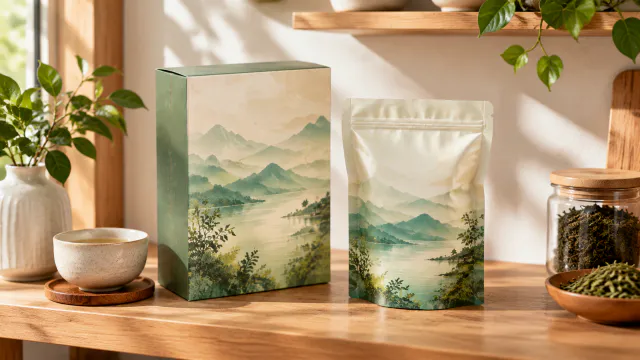
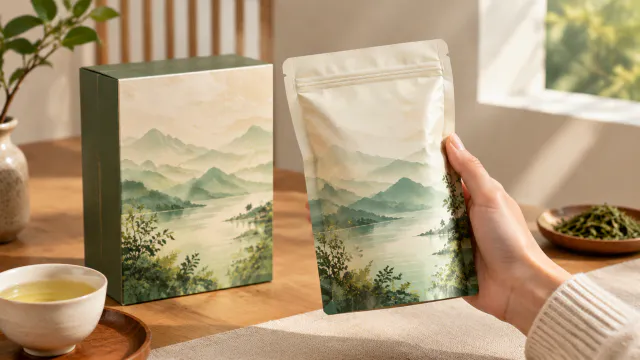
PhotoTea packaging arranged on a realistic kitchen shelf.

Packaging Preview

See your box or bag before printing

Food & DrinksShopify
Use this template →
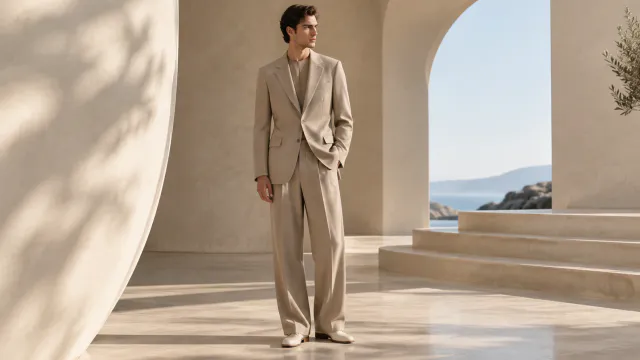
PhotoFashion editorial image of an adult wearing a tailored neutral outfit in a sculptural space.

Lookbook

Editorial photos for your collection

Fashion & ClothingInstagram
Use this template →
Examples

More product launch examples

Teasers, packaging previews and first-use shots for launch week.
Tools

Tools that fit

Video AdsShort ads for TikTok, Reels and Shorts
Social Ad PhotosImages for Facebook and Instagram ads
Unboxing VideosThe first-look moment, no filming
FAQ

Questions about product launch photos

Can I make launch content before my product is finished?

A video can start from a written description alone. Every product photo requires one uploaded photo, such as a clear image of a sample or prototype.

Can I change launch details after making a video?

Yes. Add the date, price, or code as editable text after download so you can update confirmed details without regenerating the scene.

Will anyone see my unreleased product before I announce it?

No. Your uploads and the results stay in your own account and are never made public, so the product stays under wraps until you share it.

What video size should a product launch use?

Use 9:16 for Stories, Reels, and TikTok; 1:1 for feeds; and 16:9 for a wide product page or YouTube placement. Make each size as its own job.

Keep reading

Guides and articles

Make New Launch content today

Plan the teaser or reveal first, then add launch details after download.