 AIVIDEOSUGC
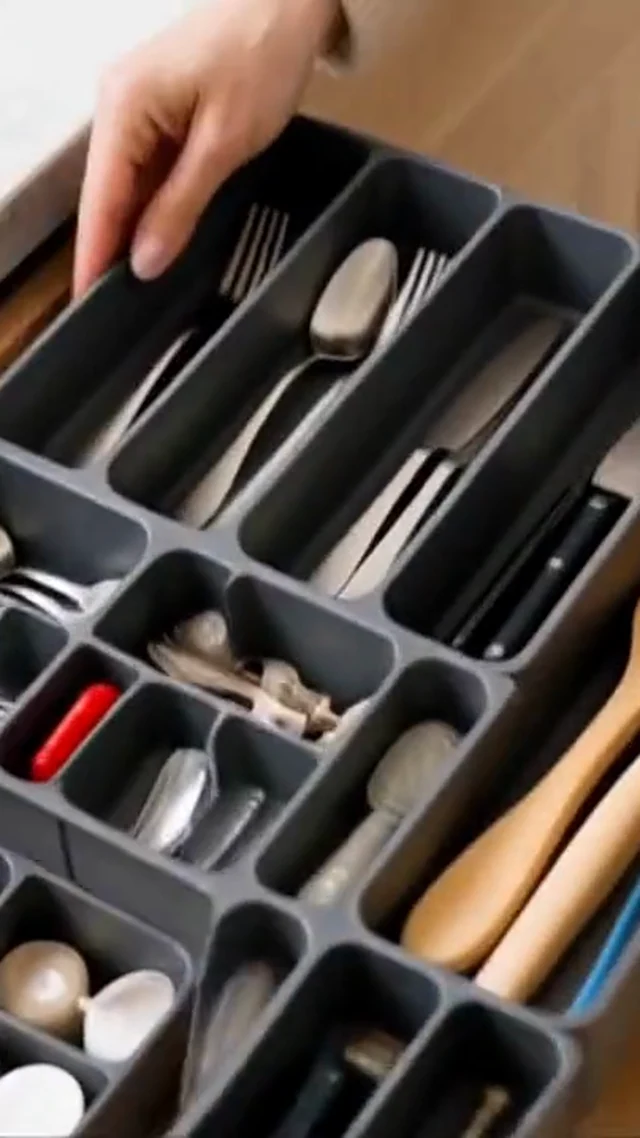
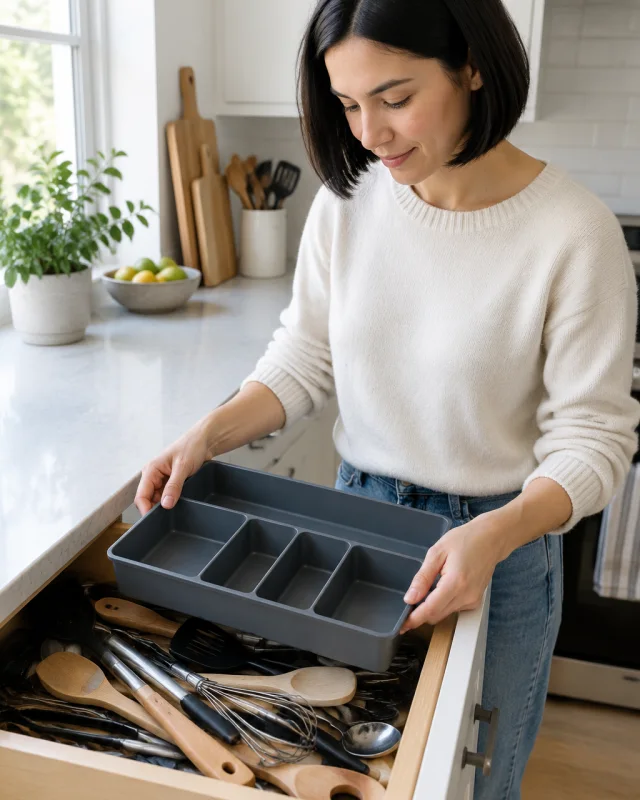
One Crowded Drawer
They slide the gray divider into a kitchen drawer and end on the neater row. The clip goes on the product page, and they skip filming the whole kitchen.
Drawer organizer sellerShow what your organizer does in a real room. Add your product photo to a ready-made scene and create a video without filming at home.
Packages from $24 for one month. You see the credit cost before every job, and if a job fails its credits go back to your balance.
Open a calm home or kitchen scene, then add the organizer you sell.
A before-and-after, a how-to, a promo, and the home industry page sit next to this scene.
Four sellers use the same drawer divider photo to show storage in action.
They slide the gray divider into a kitchen drawer and end on the neater row. The clip goes on the product page, and they skip filming the whole kitchen.
Drawer organizer seller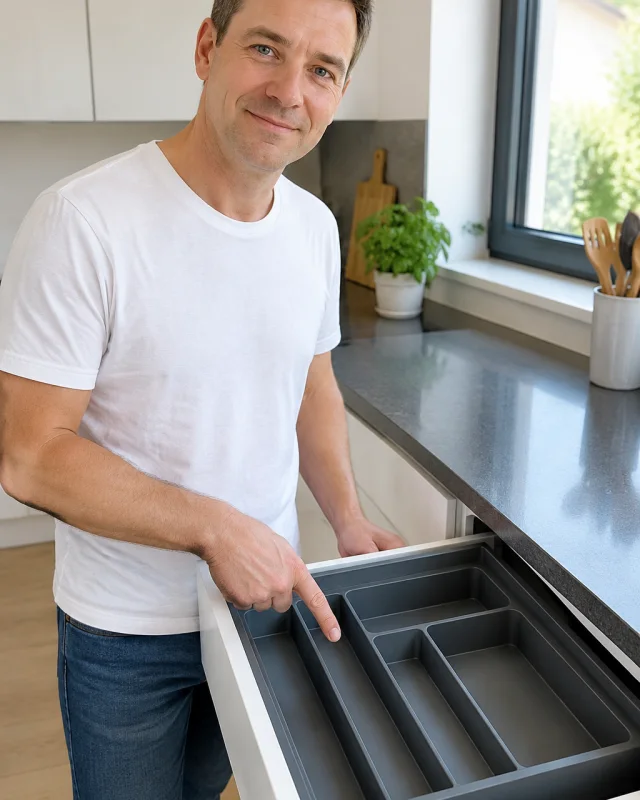
An AI actor points at the lanes, and they still use the same divider photo. That second cut is a test, not a new shoot.
Home storage seller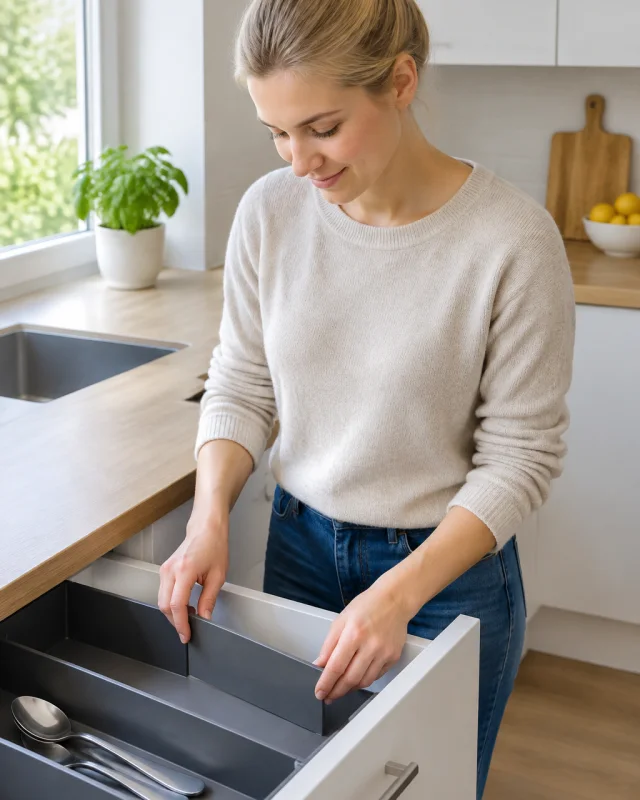
A voice reads which lane holds the spoons while the divider slides in. They post the tall clip and skip a studio day.
Small-shop organizer seller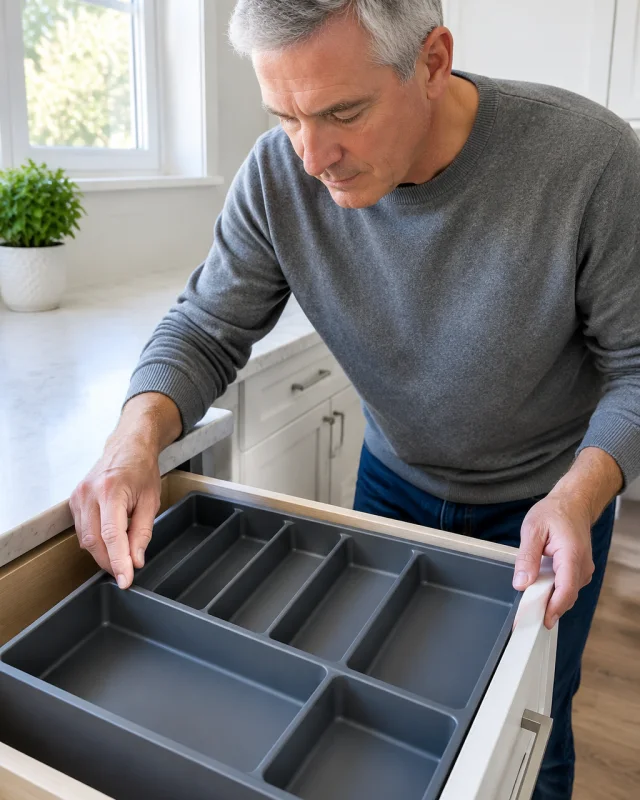
They post the divider clip on TikTok and on the product page. The tray edges stay visible, and they check them against the listing photo.
Organizer sellerYes. Add a voice, captions, or music to explain the change. You can make another version without filming again.
Yes. Paste a product link or upload your image or clip. Review the result against the item you sell.
Upload your organizer photo and describe the change to show. The template turns it into a video without filming inside a home.
No. Use a product photo and choose a room scene. You can make the video without a camera crew or set.
A 15-second video uses 20 credits; and a 30-second video uses 40. Failed jobs return credits.
A template gives you the room scene and video pace, so you can make an ad faster. Focus on showing the product’s benefit.
Yes. Use the watermark-free video in paid ads, on your store, or for client work. Check the product before posting.
Storage bins, dividers, shelves, and other organizers fit these templates. Show the visible change your product makes in a room.
Yes. Show the clutter first and the organized space with your product afterward. Buyers can see the change quickly.
Choose 9:16 for Stories and Reels, 1:1 for square posts, or 16:9 for a wide placement.
A home organization video template is a ready-made scene showing your product solving a storage problem. Add a photo to make an ad in minutes.
Show your product at work in a home scene without hiring a creator or borrowing a room.