AIVideosUGC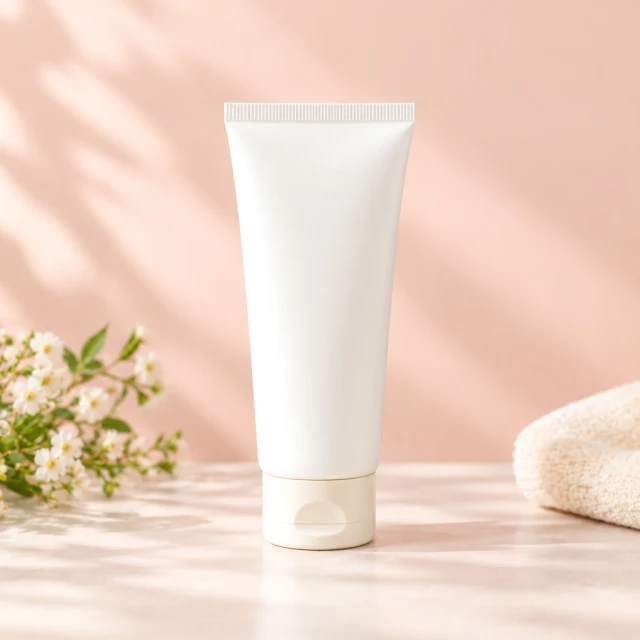
Drop your product photo hereJPG, PNG or WebP · any clear photo works
Step 01
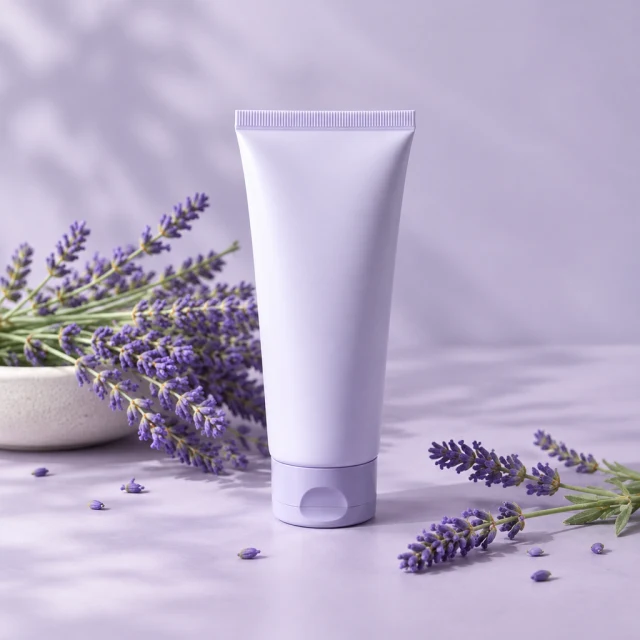
Photograph the full tube
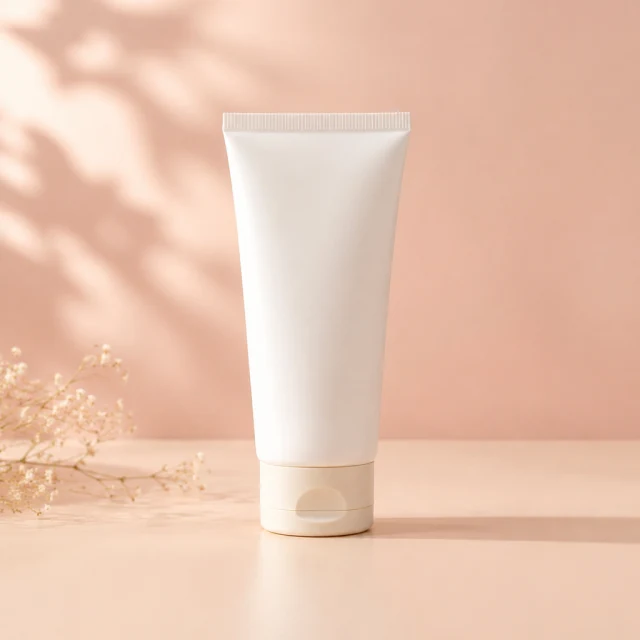
Upload one hand-cream tube with its cap and package visible.
Turn one photo into a vertical clip for Reels and Stories or a square post for the feed, then add your caption and offer in Instagram or Ads Manager.
Plans from $24.50 a month. You see the credit cost before every job, and if a job fails its credits go back to your balance.
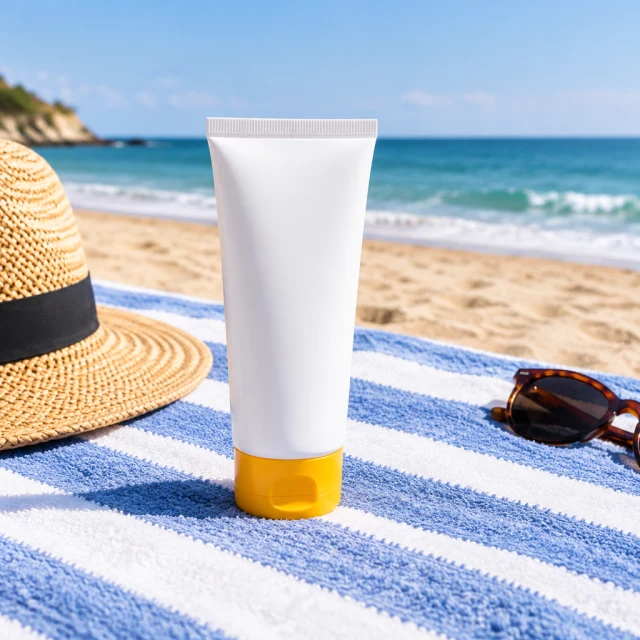

Instagram supports product photos, Stories, and Reels. Show the package first, then match the frame to the placement and leave breathing room for the interface.
Upload one hand-cream tube with its cap and package visible.
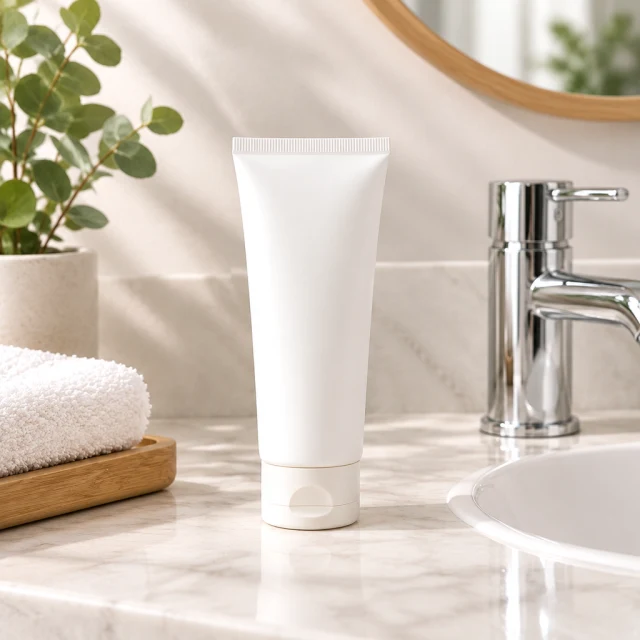
Set this tube beside a bathroom sink in soft morning light.
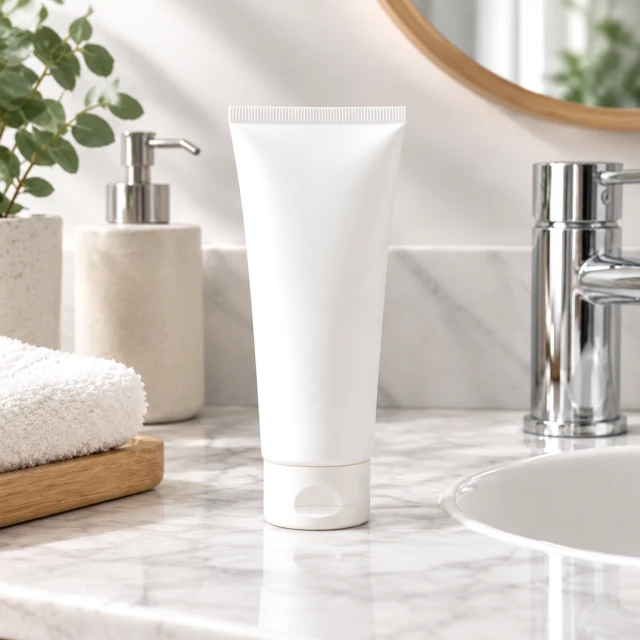
Add the price or offer in your editor after downloading the image.
Pick a view for the product, setting, and Instagram placement.
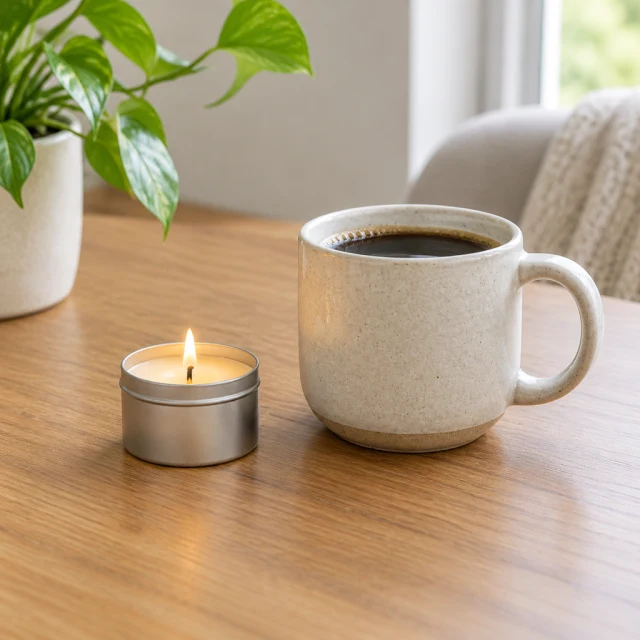
A travel candle beside a cup gives a small item a familiar scale.
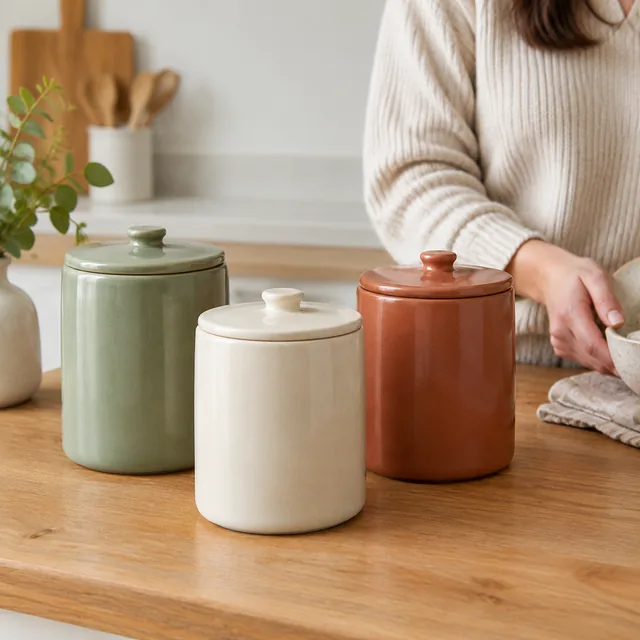
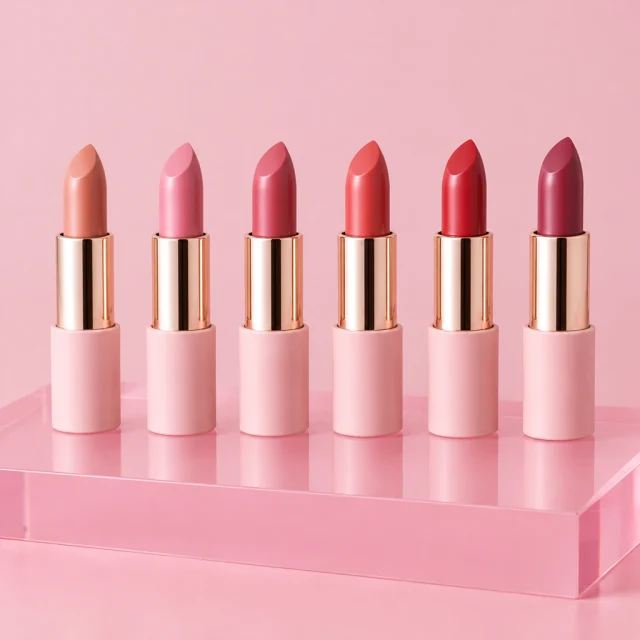
Three ceramic jars make a simple sequence of color choices.



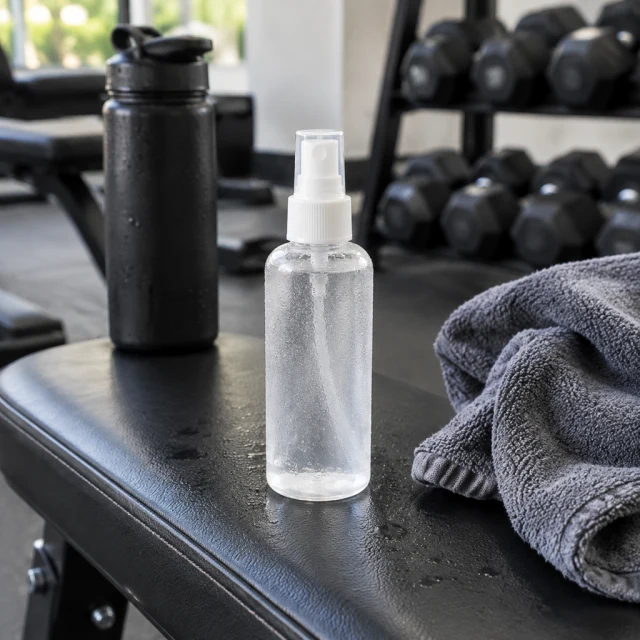
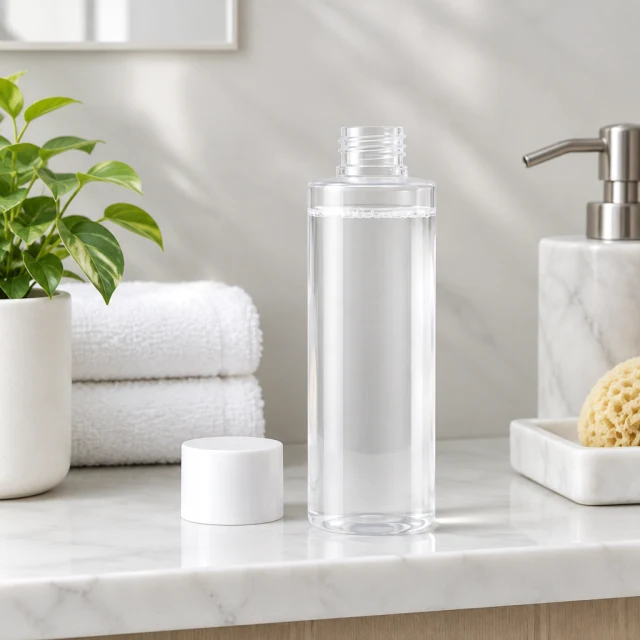
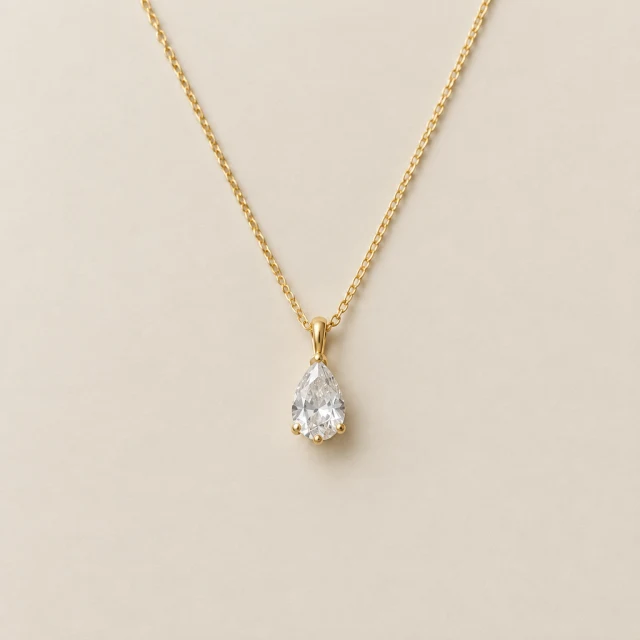
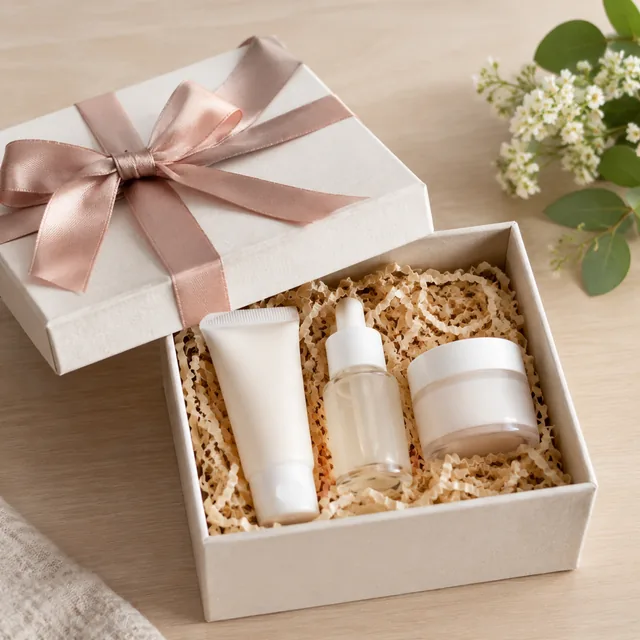
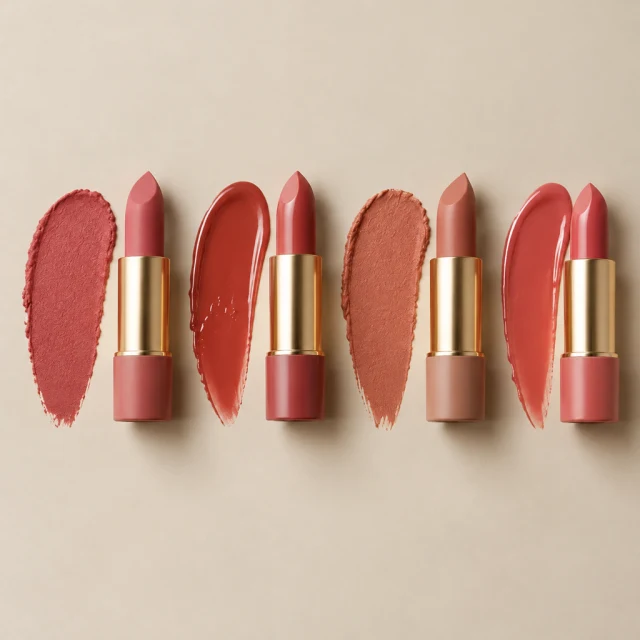
These details are added in your editor after download.
Choose a look for a Reel, Story, or square feed post featuring your product.
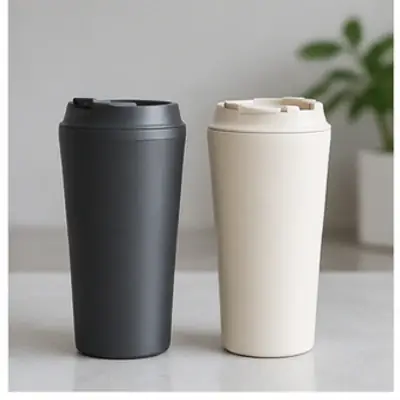
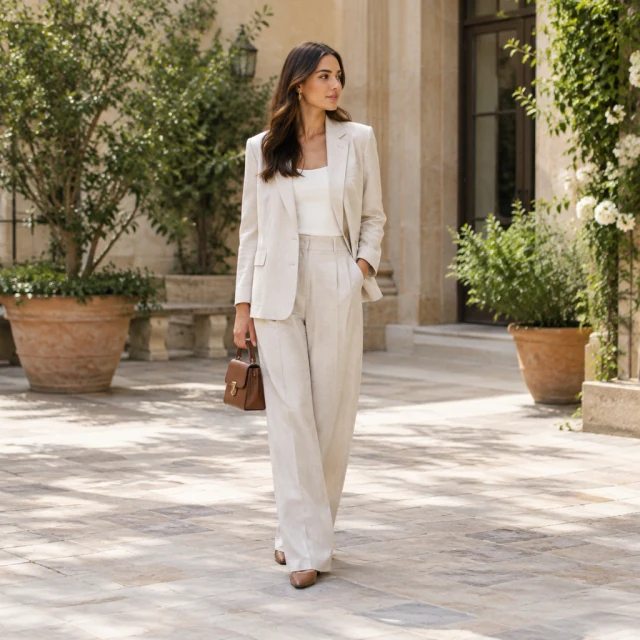
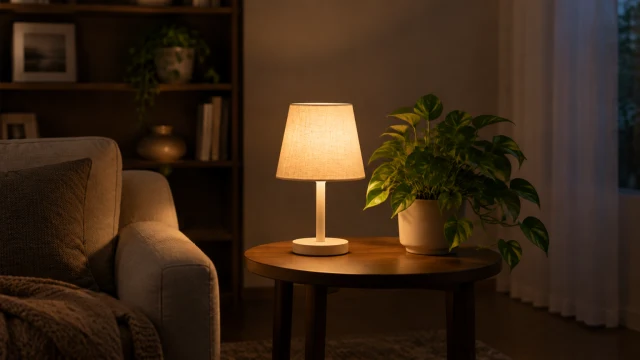
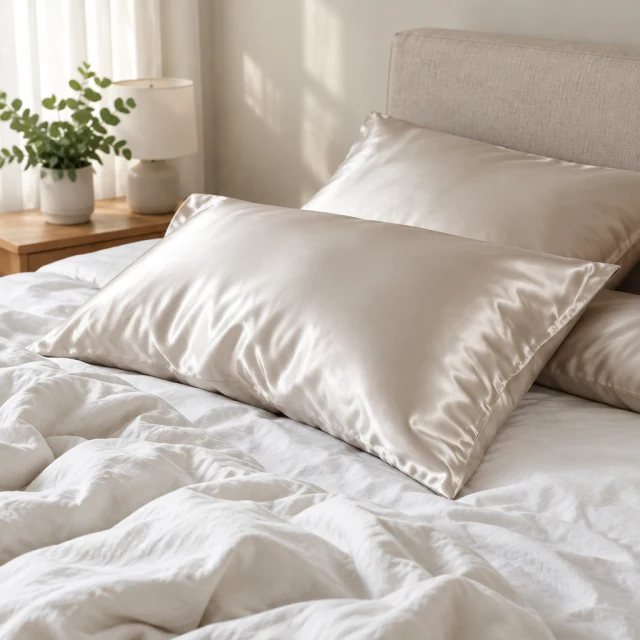
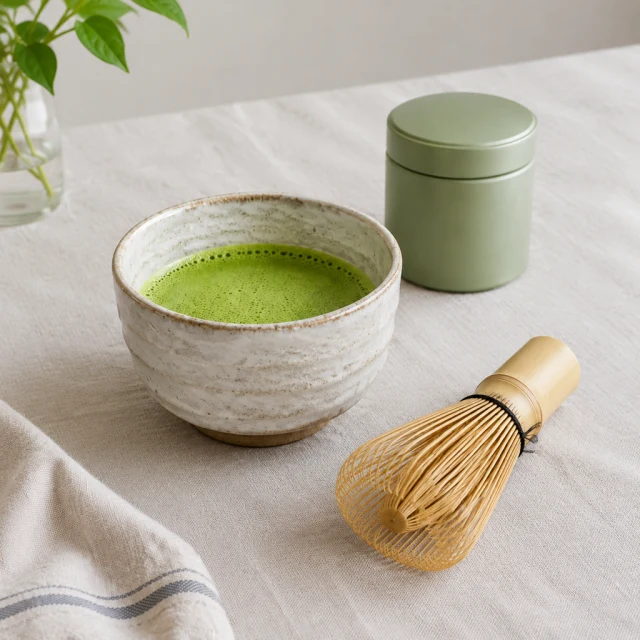
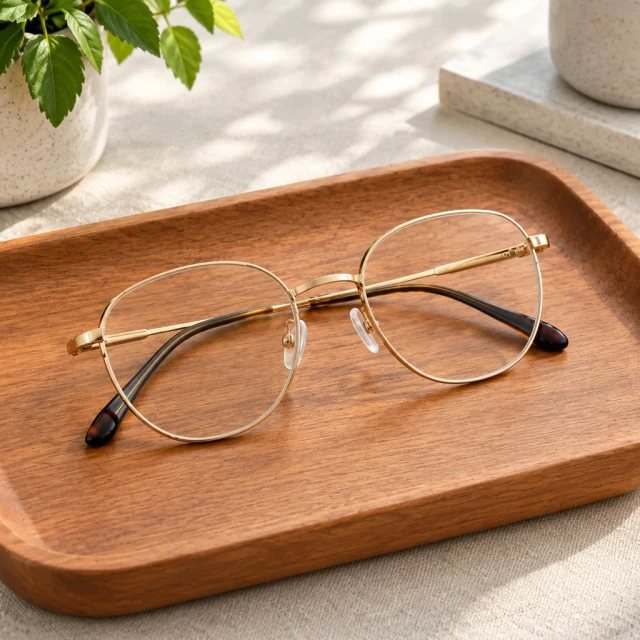
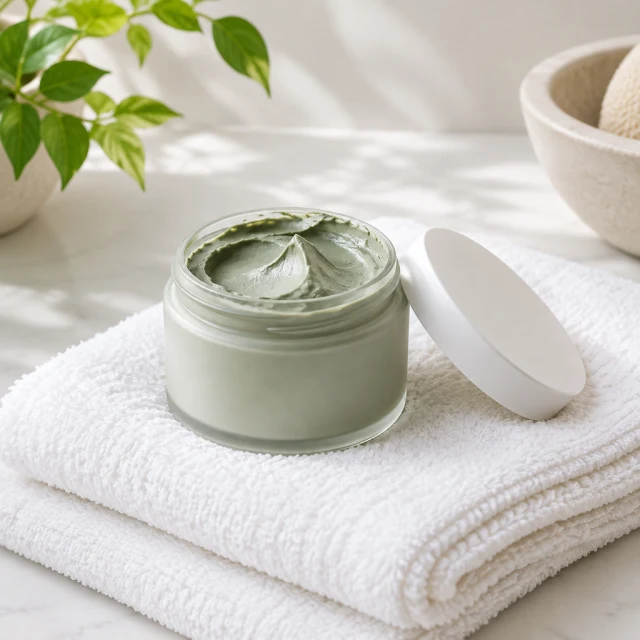
Square skincare details, a routine image, and a two-card carousel with one product.
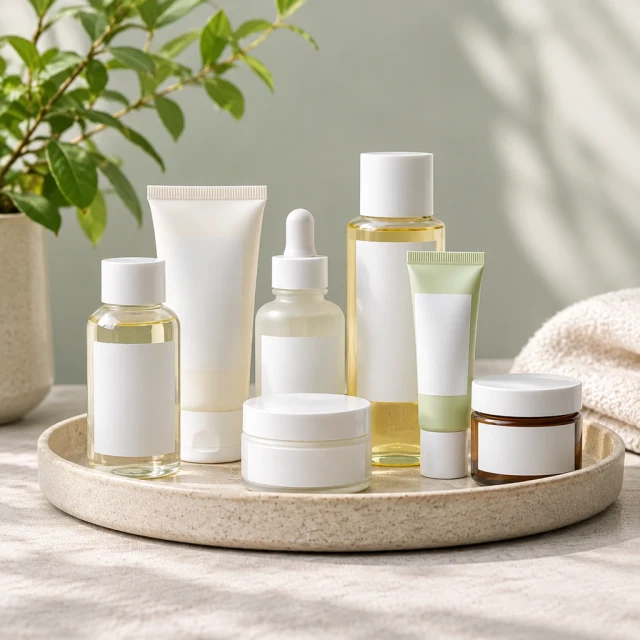
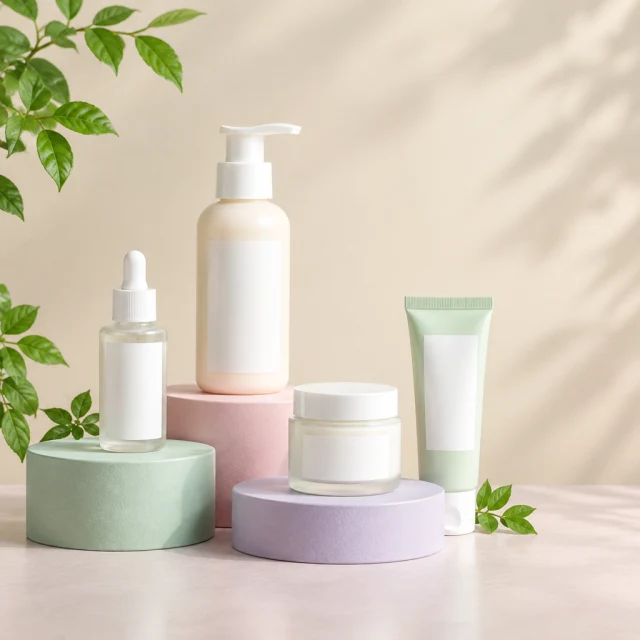
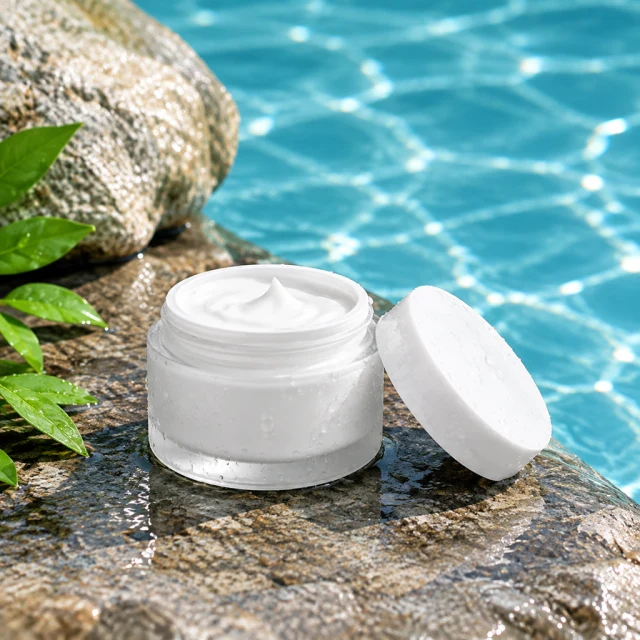
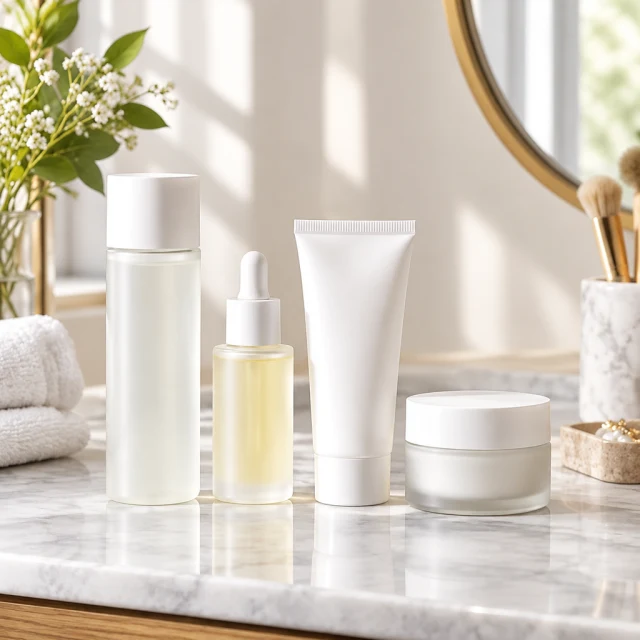
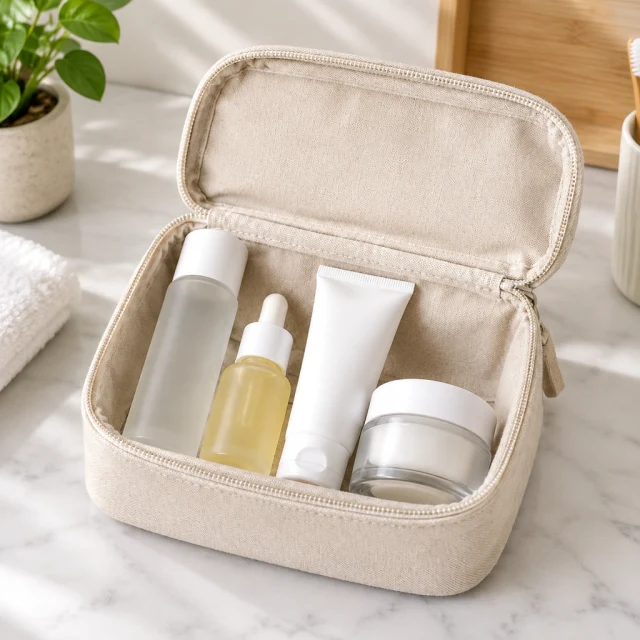
Preview the asset in its intended placement and check that captions, reply areas, and profile controls do not cover key product details.
Yes, both use the full vertical screen. Keep the product near the middle, because each placement covers the edges in slightly different ways.
Add them yourself after download in Canva, CapCut or Ads Manager. Lettering drawn by AI can come out misspelled, so placing it yourself is safer.
No. Everything you upload or create is kept private in your account. Nothing goes on Instagram unless you post it.
Choose the Instagram placement first, then make an image or clip that fits it.