AIVideosUGC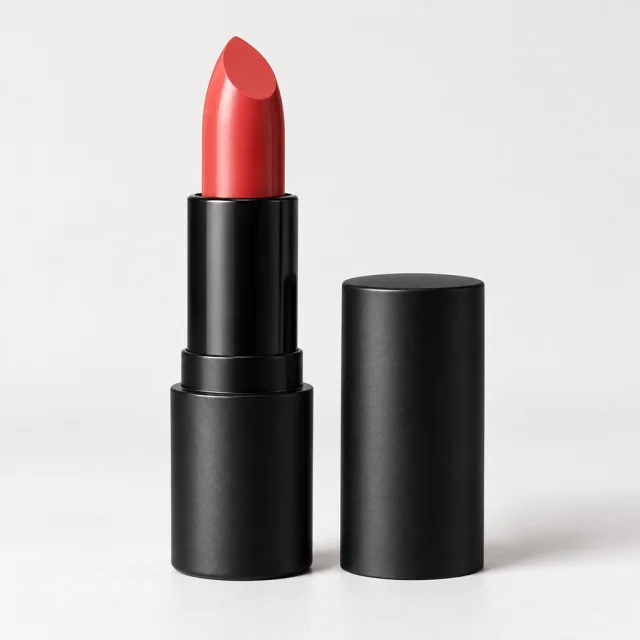
Drop your product photo hereJPG, PNG or WebP · any clear photo works
Step 01
Upload one product photo
Clear and in focus. The product has to read at thumbnail size.
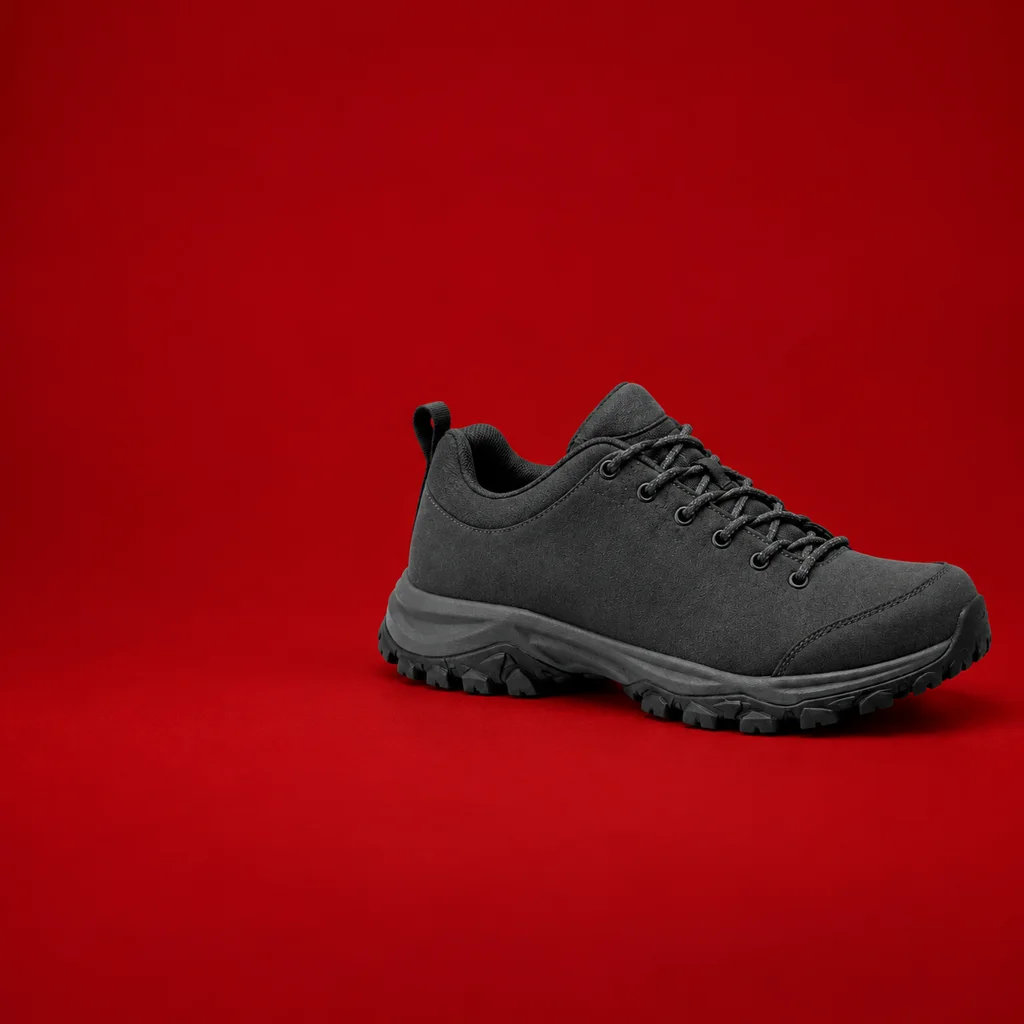
Make square ad images for Facebook and Instagram from one product photo, with room left for your headline. Type the offer in Ads Manager or Canva.
Plans from $24.50 a month. You see the credit cost before every job, and if a job fails its credits go back to your balance.
 Result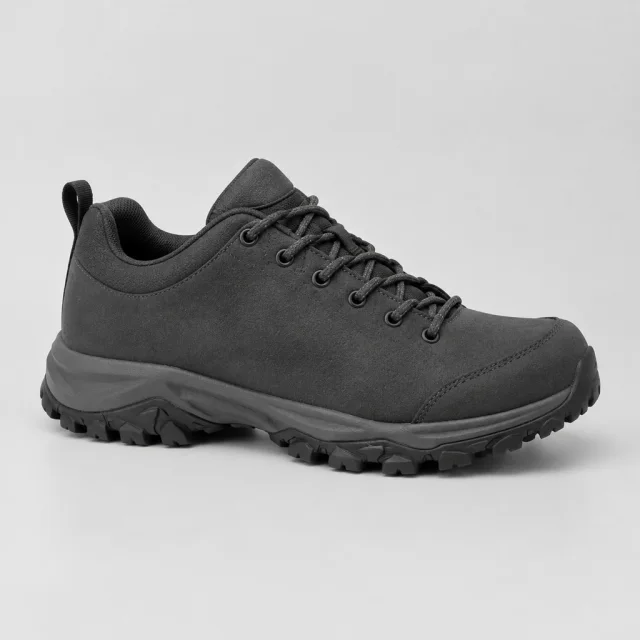
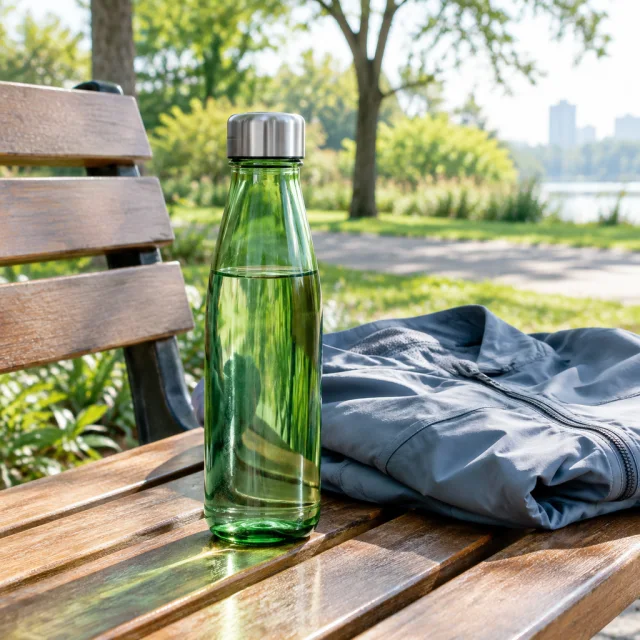
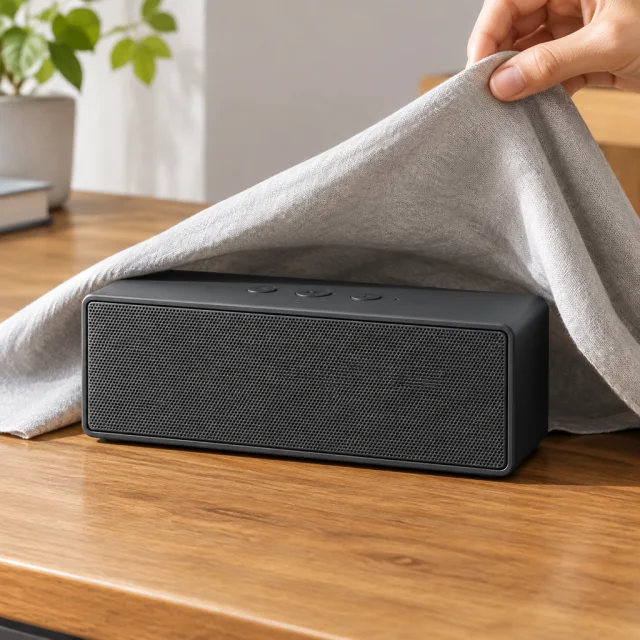
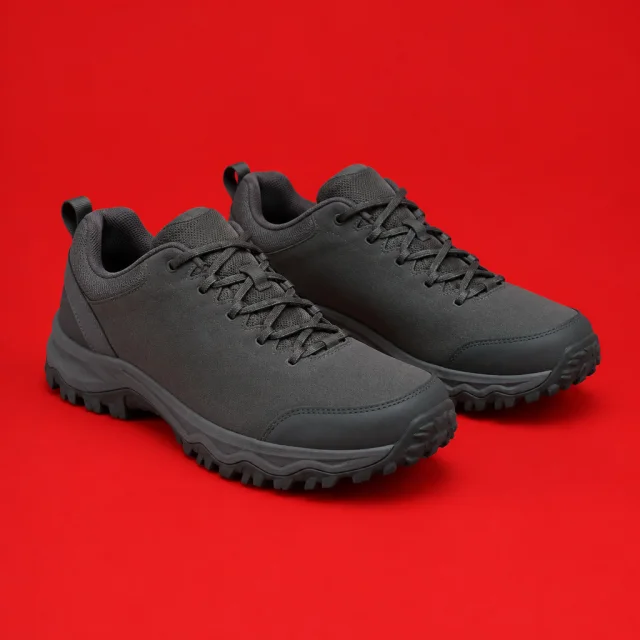
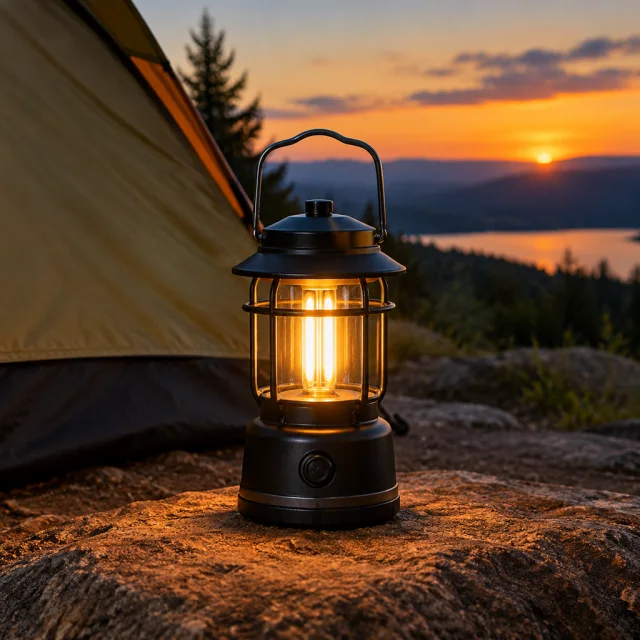
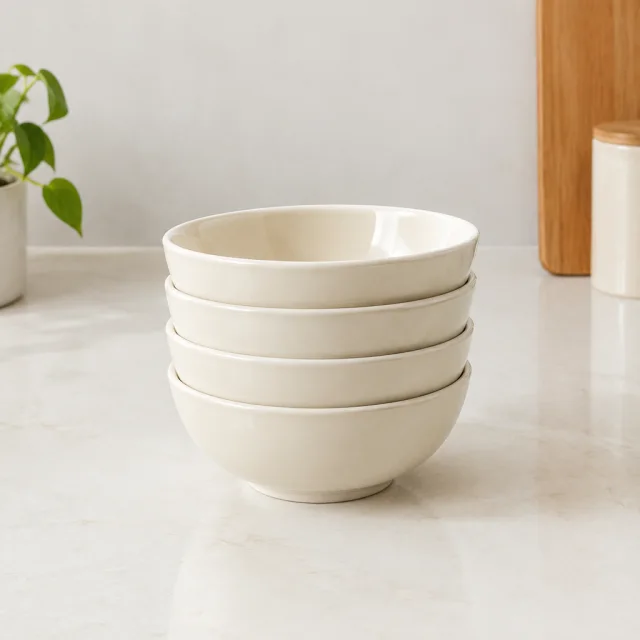
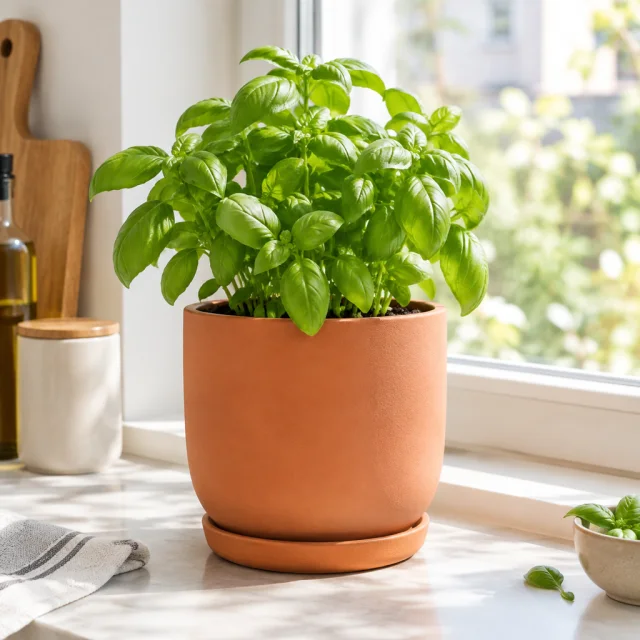
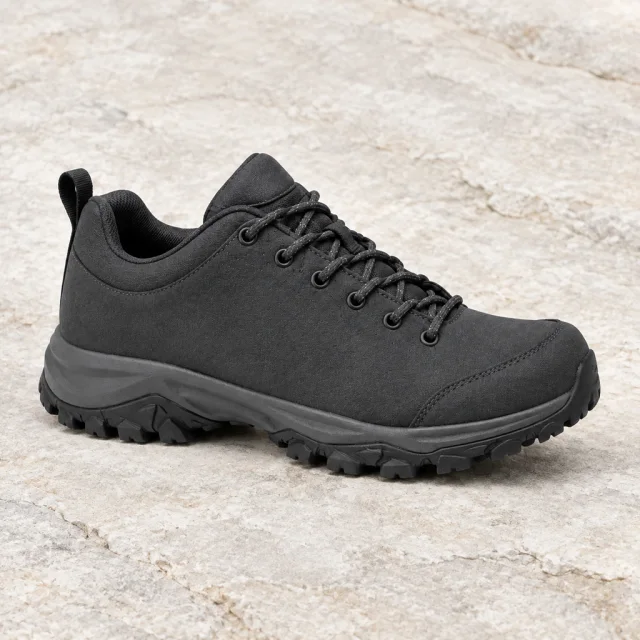
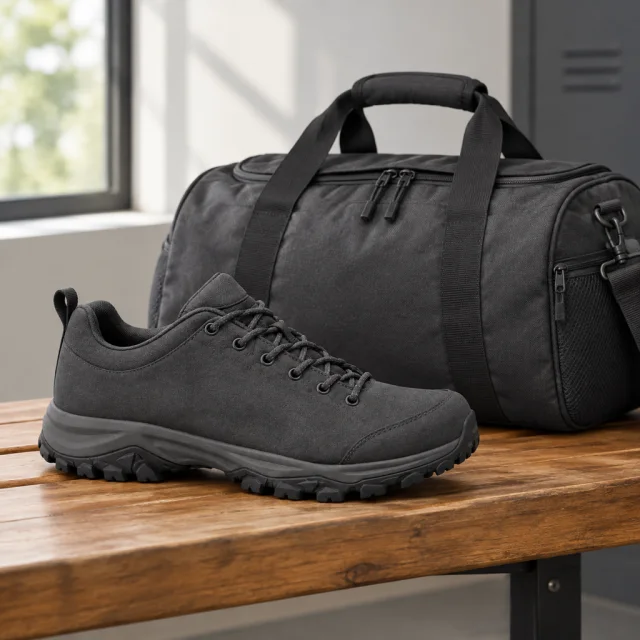
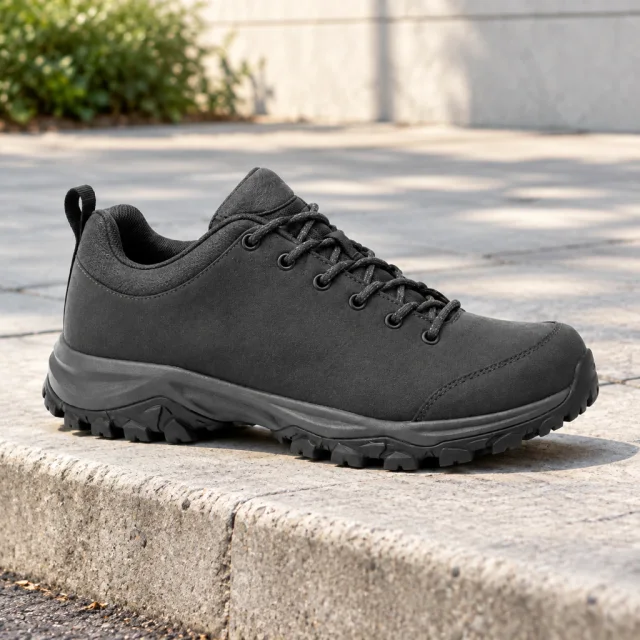
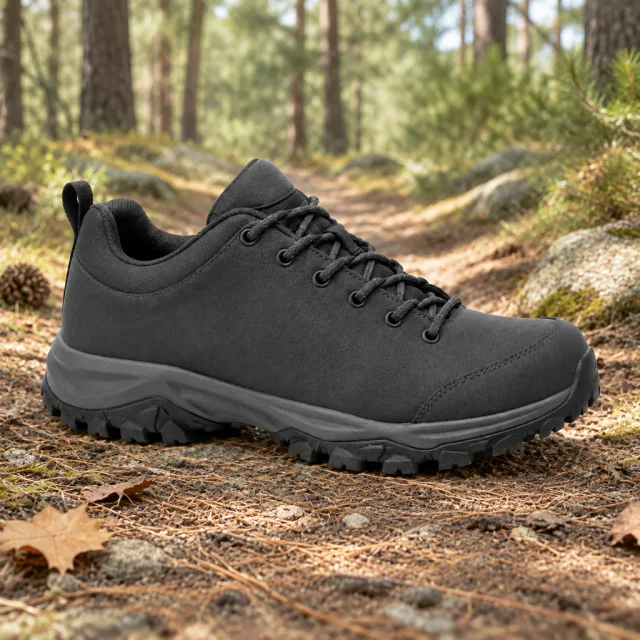
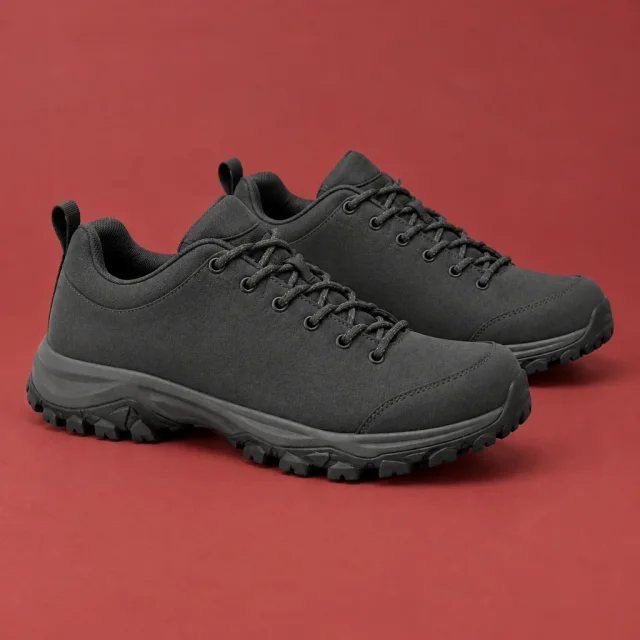
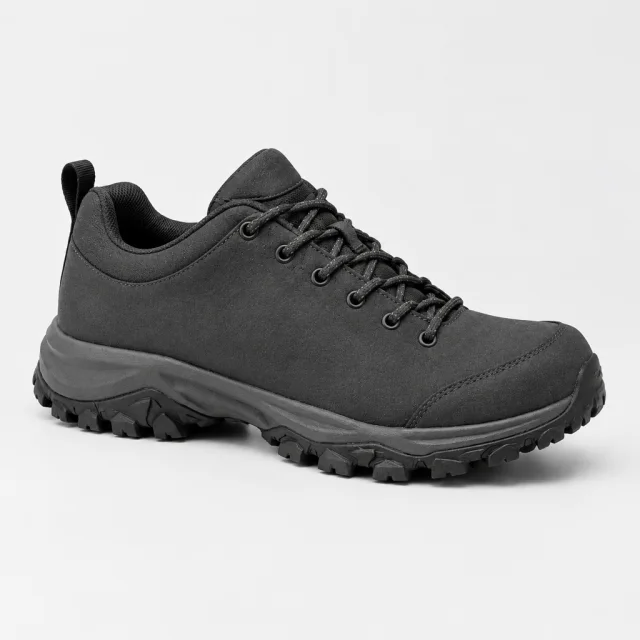
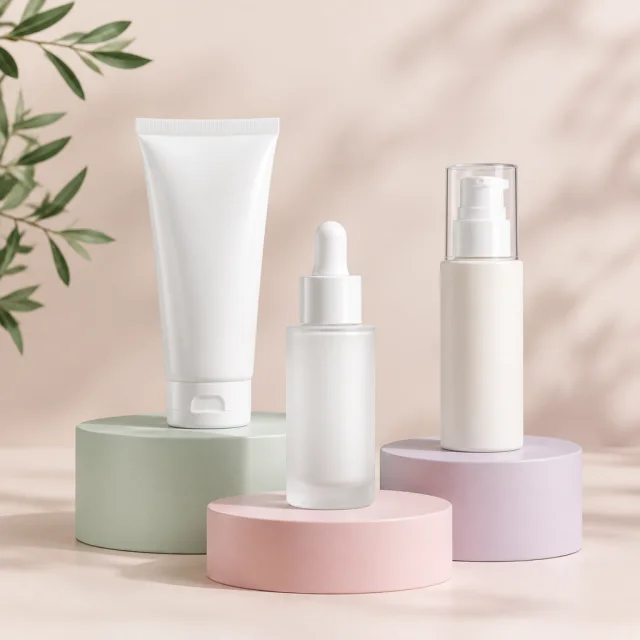
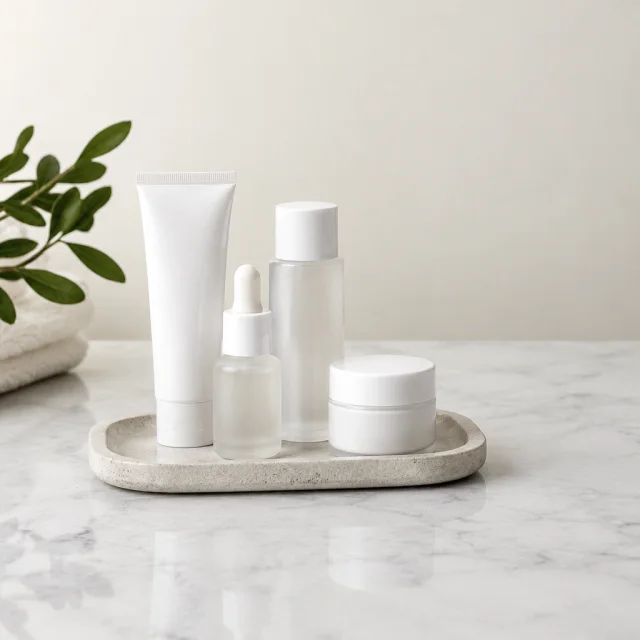
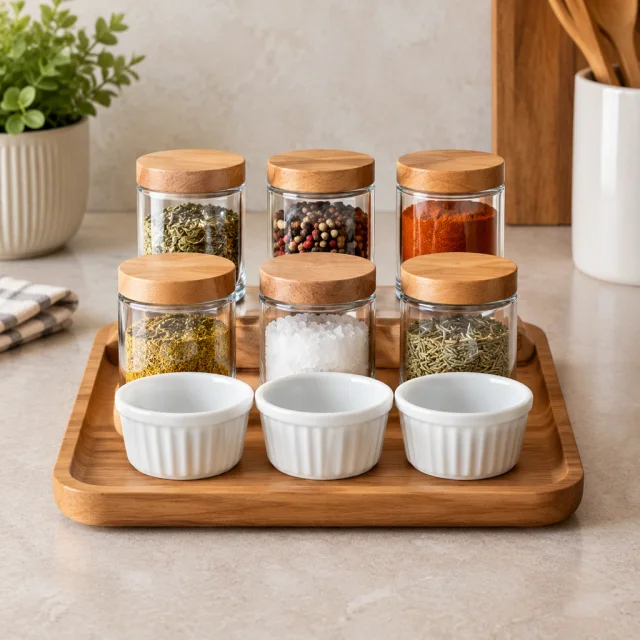
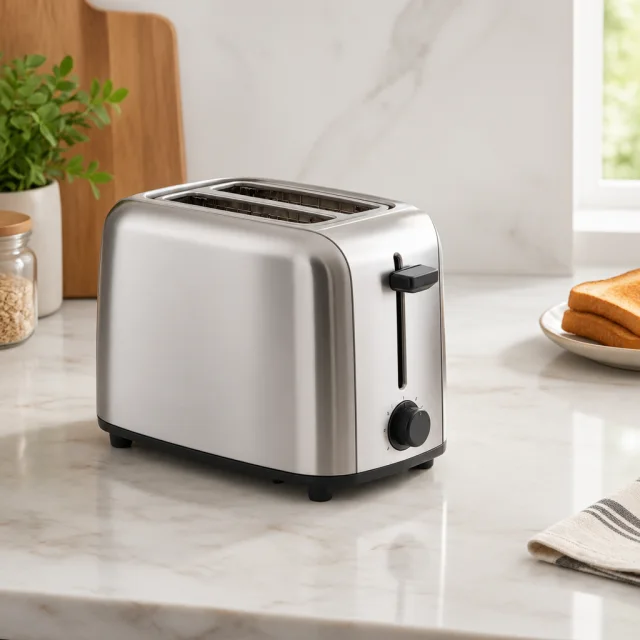
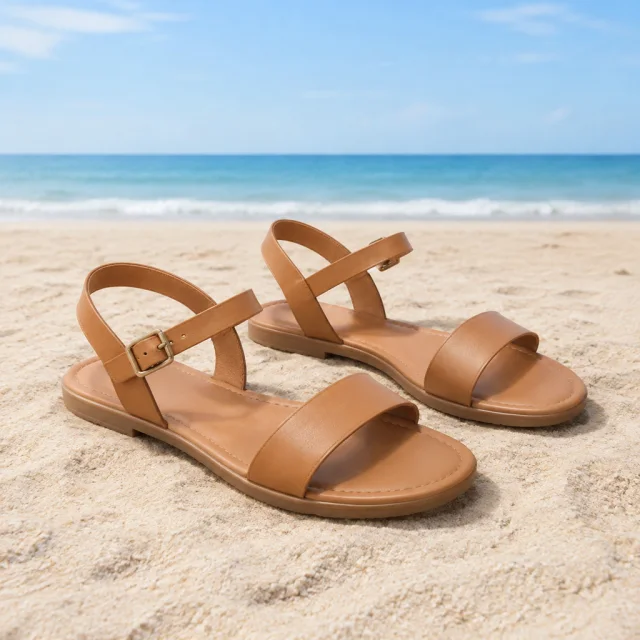
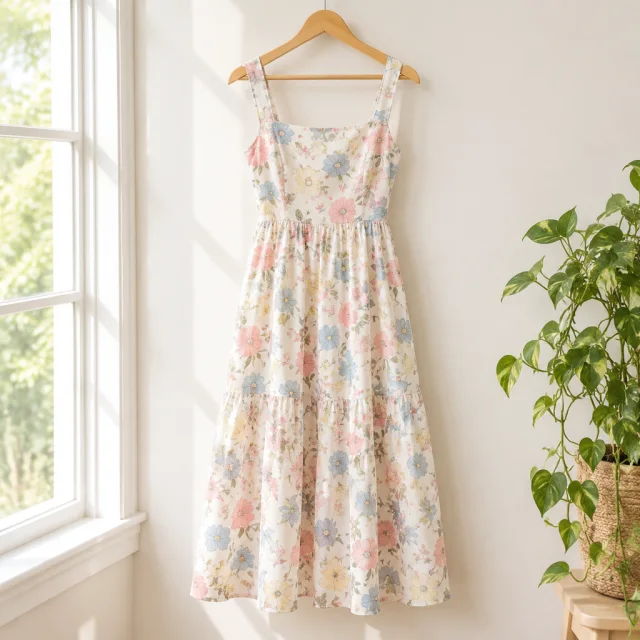
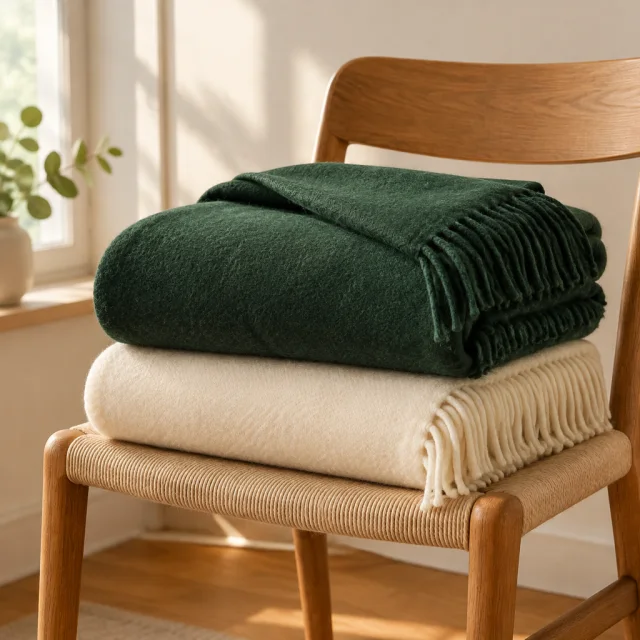
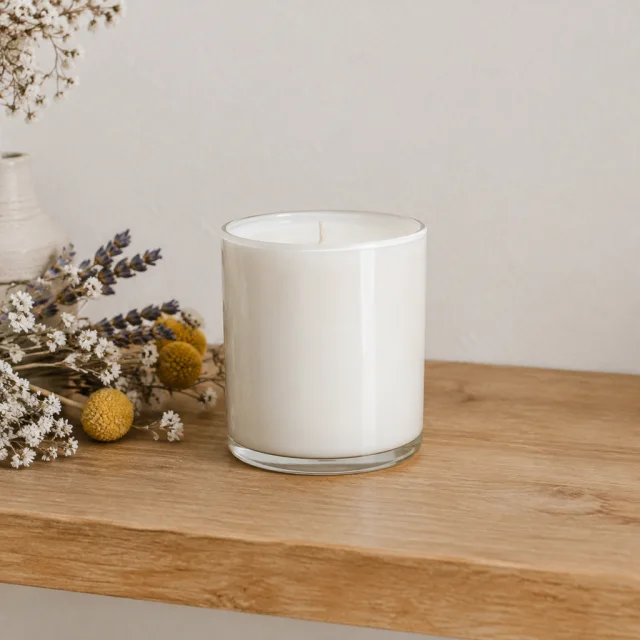
Square product visuals give a feed concept a clear focal point while people scroll. Start with one product photo, choose one scene and leave part of the frame open. Product claims and offers come from your approved campaign details.
Clear and in focus. The product has to read at thumbnail size.
One backdrop or setting, and where the headline goes, like "open space on the left".
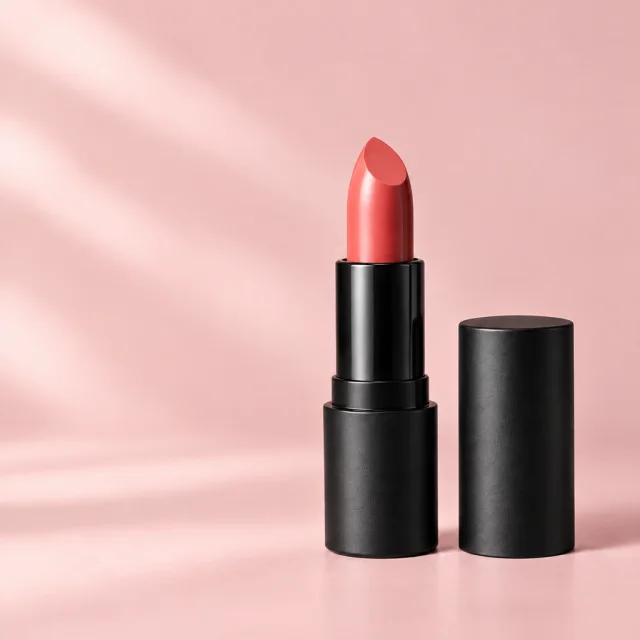
Type the price and offer in Ads Manager or Canva so every word is spelled right.
Choose an item and leave clear space for your headline.
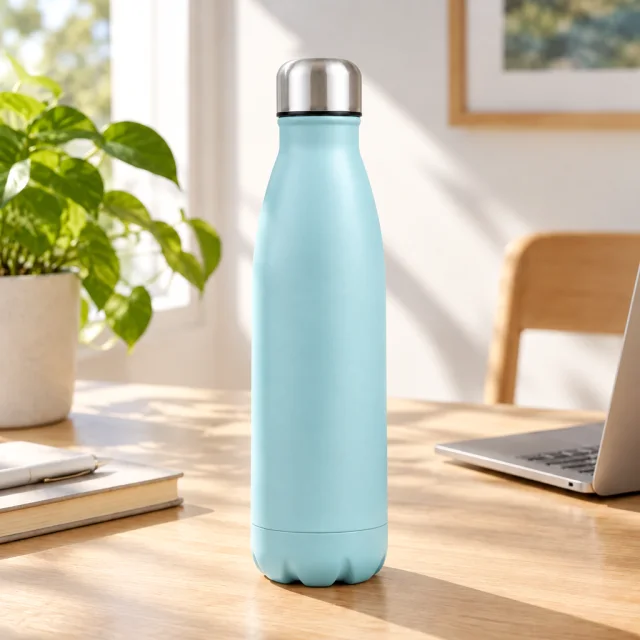
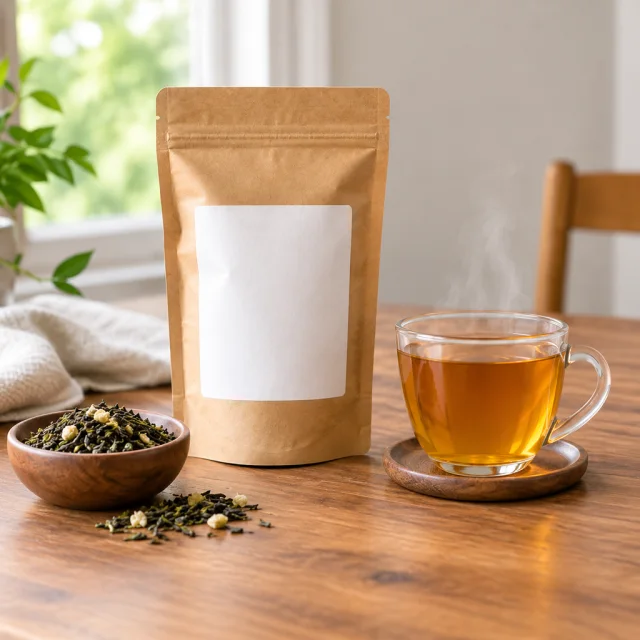
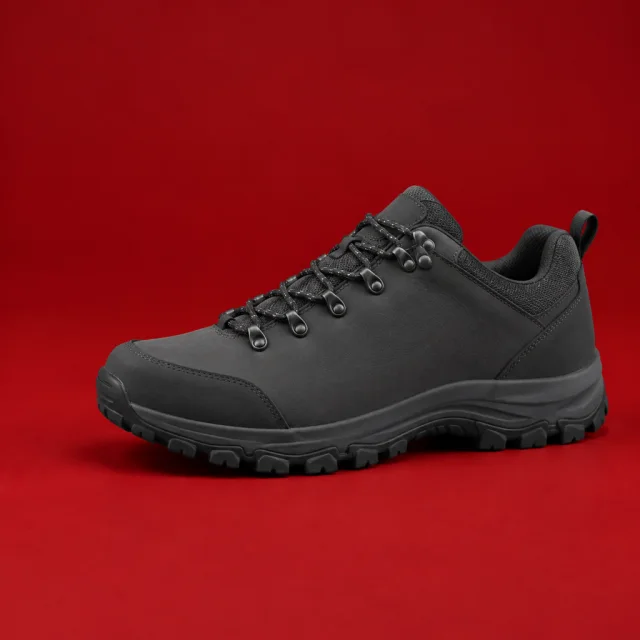
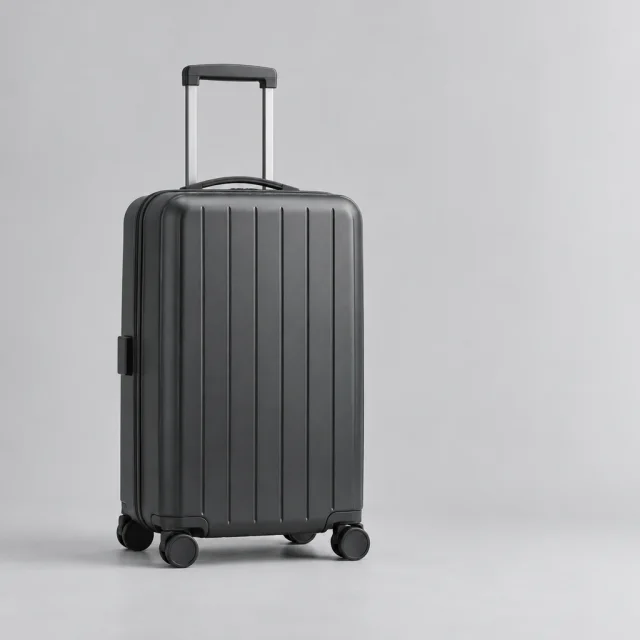
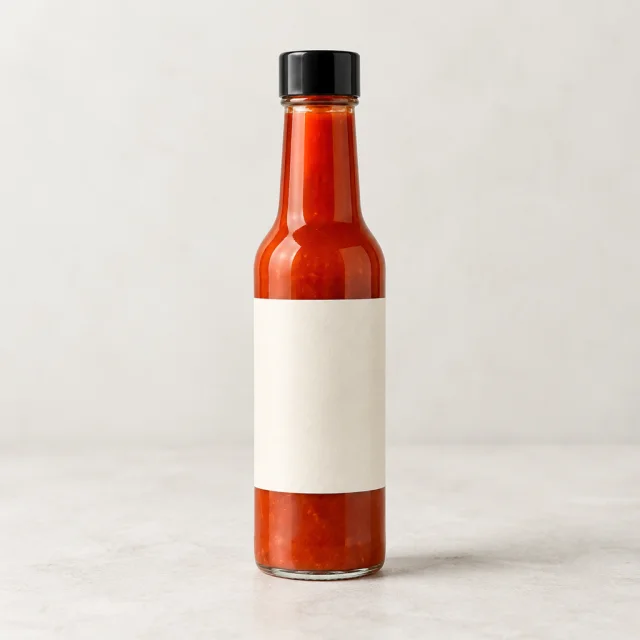
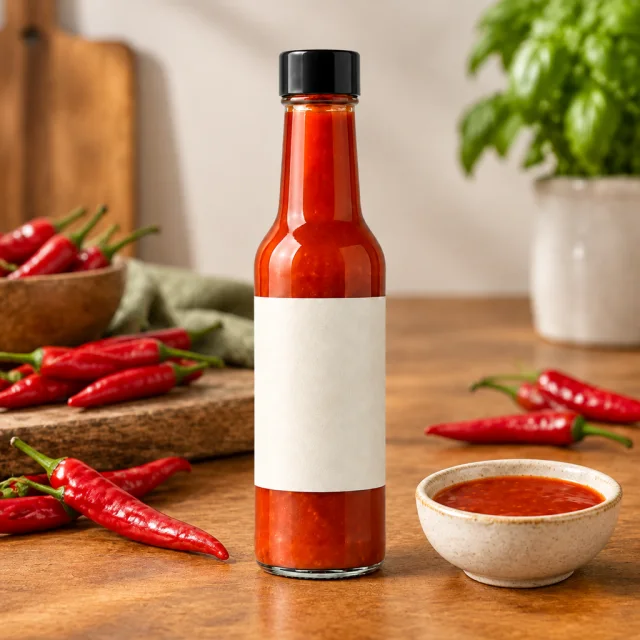
Hold the offer steady, test two scenes, and compare which gets more clicks.
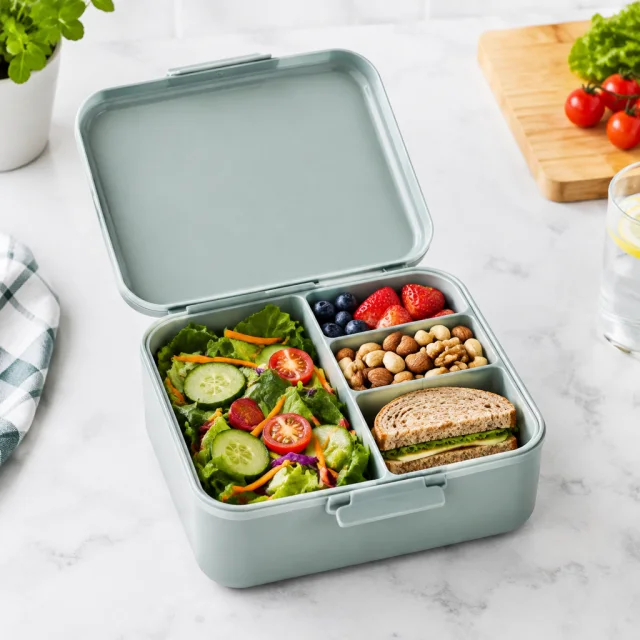
Check the square on a phone screen before you launch. Small products need a tighter crop.
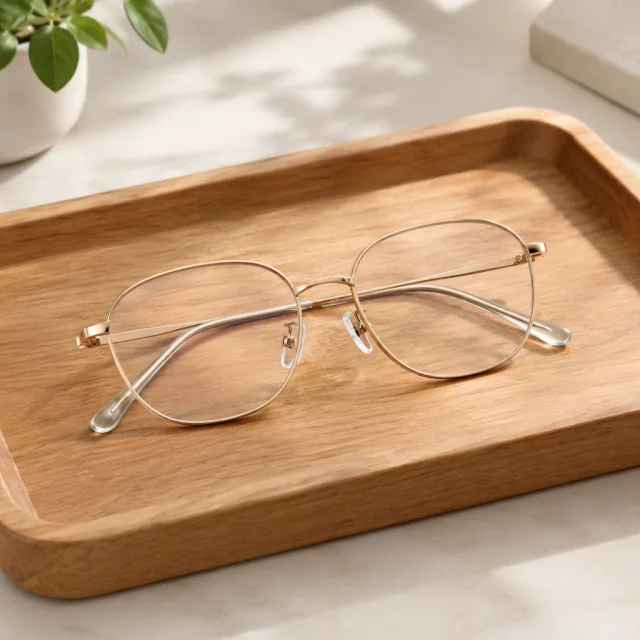
These details are added in your editor after download.
Choose a square product scene that leaves a clear area for your campaign headline.
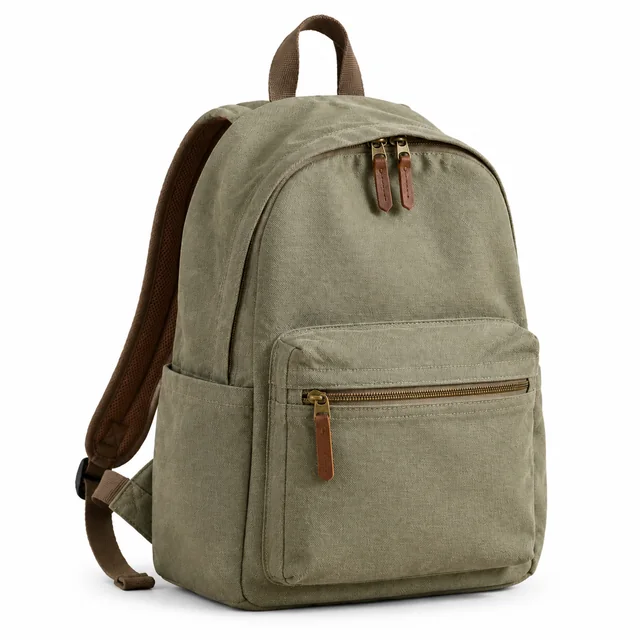
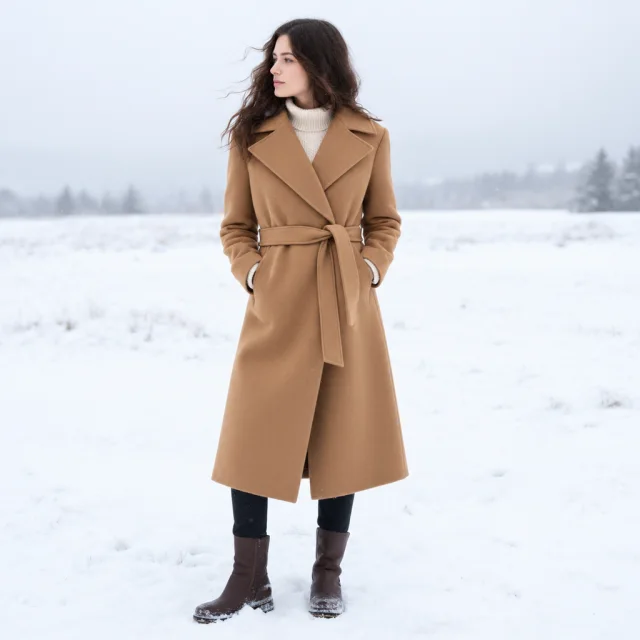
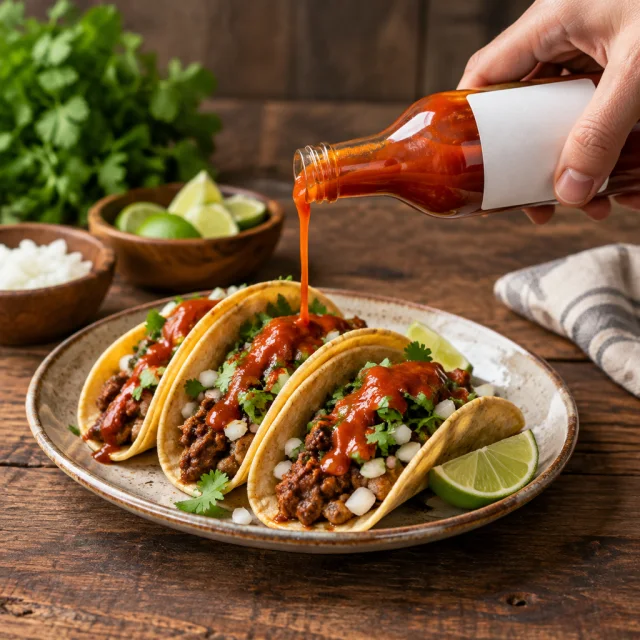
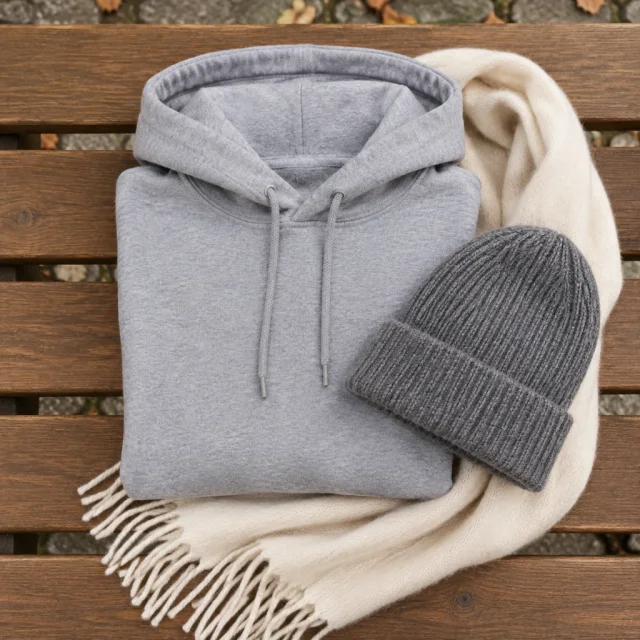
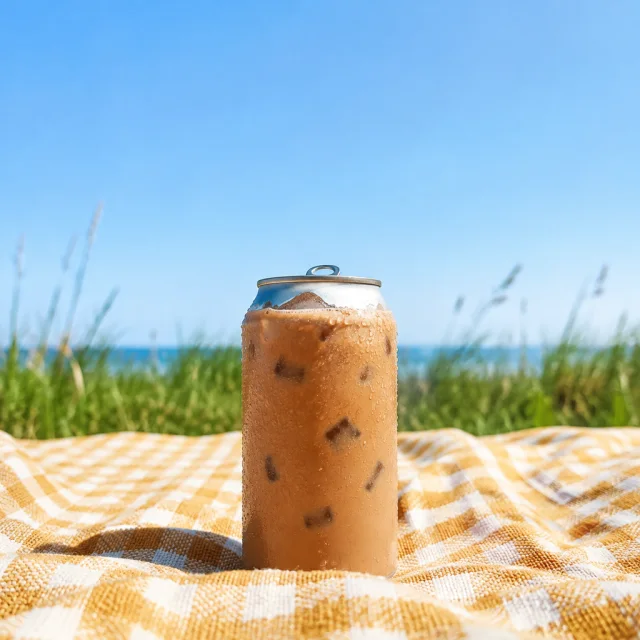
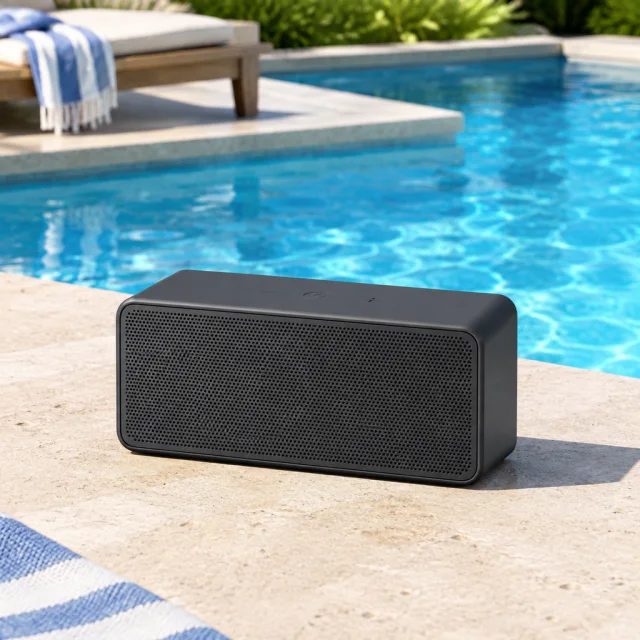

See product scenes that leave clear space for a headline or offer added in your ad editor.
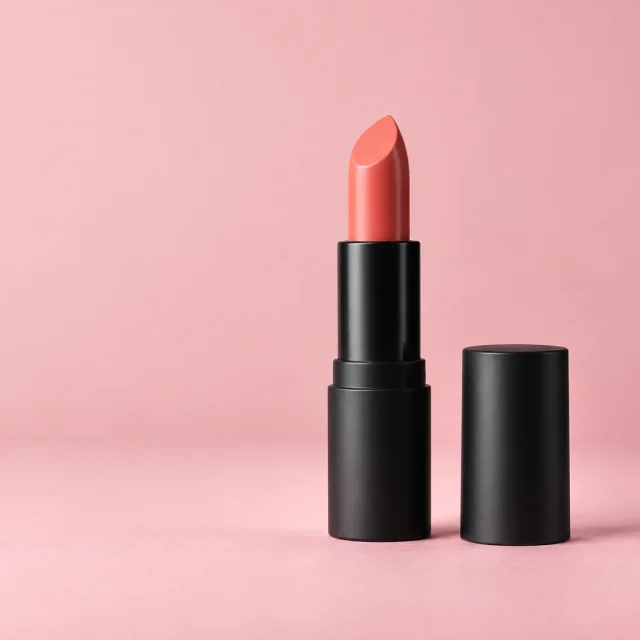
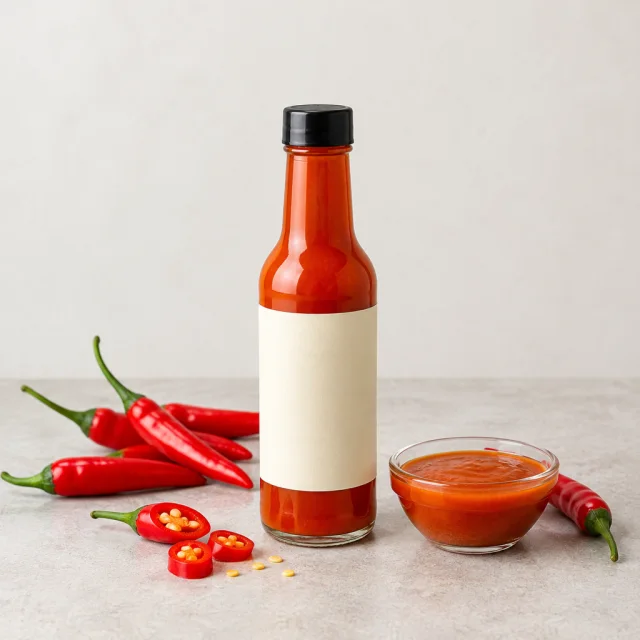
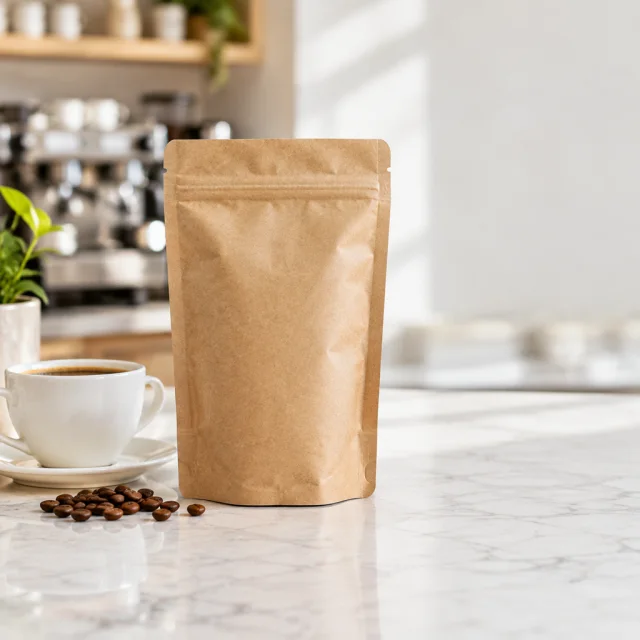
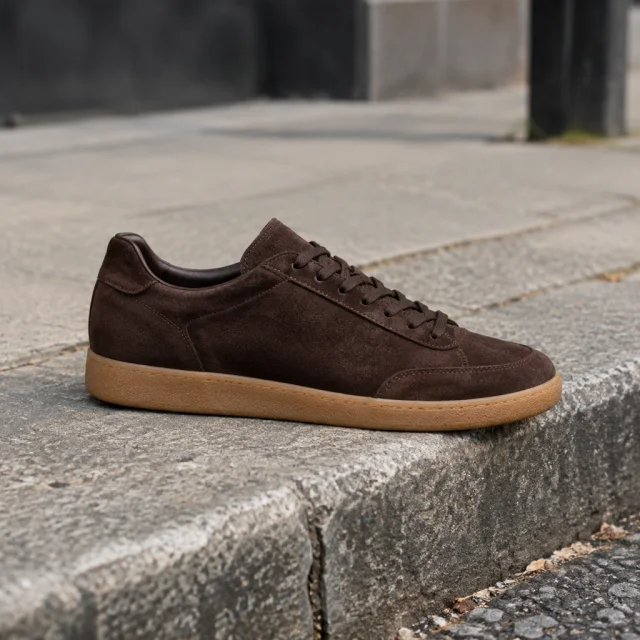
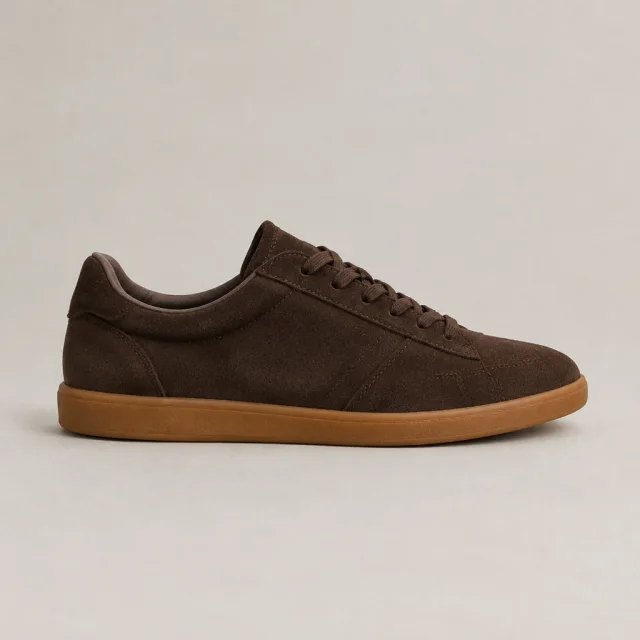
No. It creates the product scene with open space but does not render readable campaign text.
The examples on this page use square feed images. Other placements may use different dimensions or crops.
Yes. Keep the audience and offer consistent so the scene is the main change between versions.
Disclosure rules vary by platform, location and use. Follow the guidance shown in the ad tool for your campaign.
Upload a product photo and see the cost before you start.