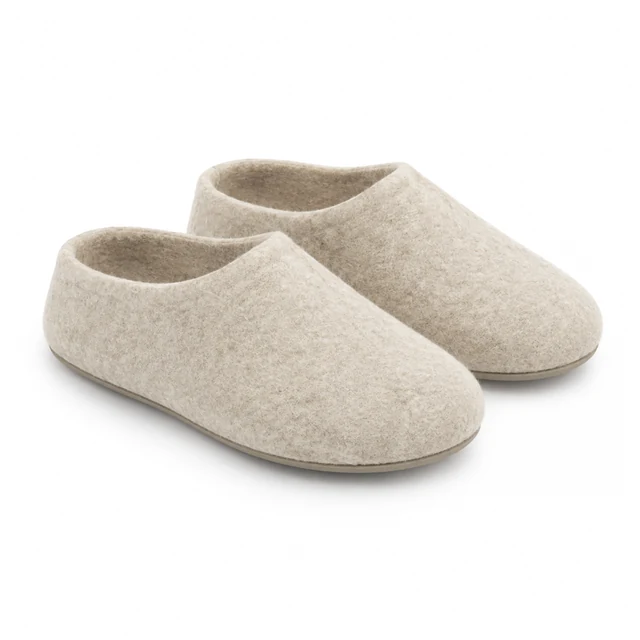
Product photo template

Product Size Reference Photo Next to Objects Shoppers Know

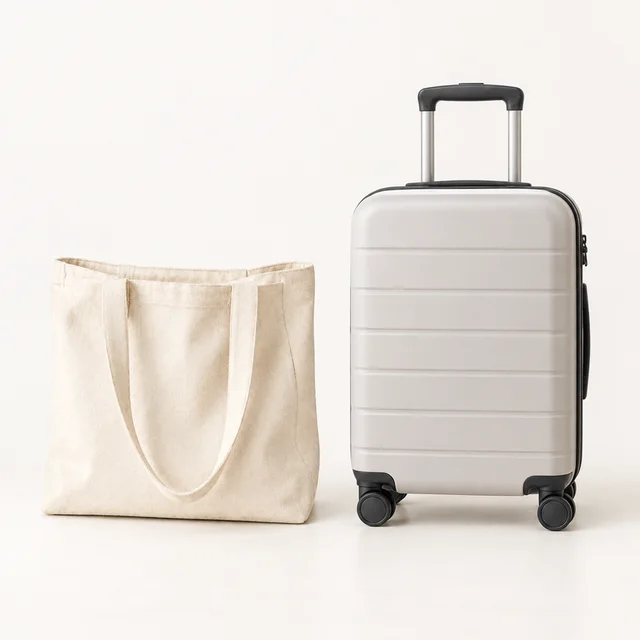
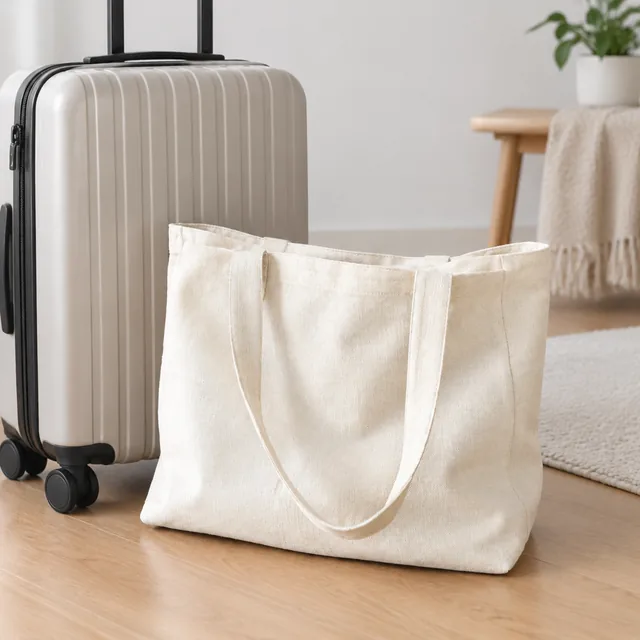
A product size reference photo starts with a clear picture of your item and pairs it with a familiar object, giving shoppers a visual sense of scale before they read exact measurements.

Drop your product photo hereJPG, PNG or WebP · any clear photo works
Template Size ComparisonSize Square 1:1Next to An object you name
Make my size photo →See the cost before you start

Plans from $24.50 a month. You see the credit cost before every job, and if a job fails its credits go back to your balance.
Tip: Name the comparison object in your description, such as "next to a carry-on suitcase" or "held in an adult hand," and choose one your buyers already own.
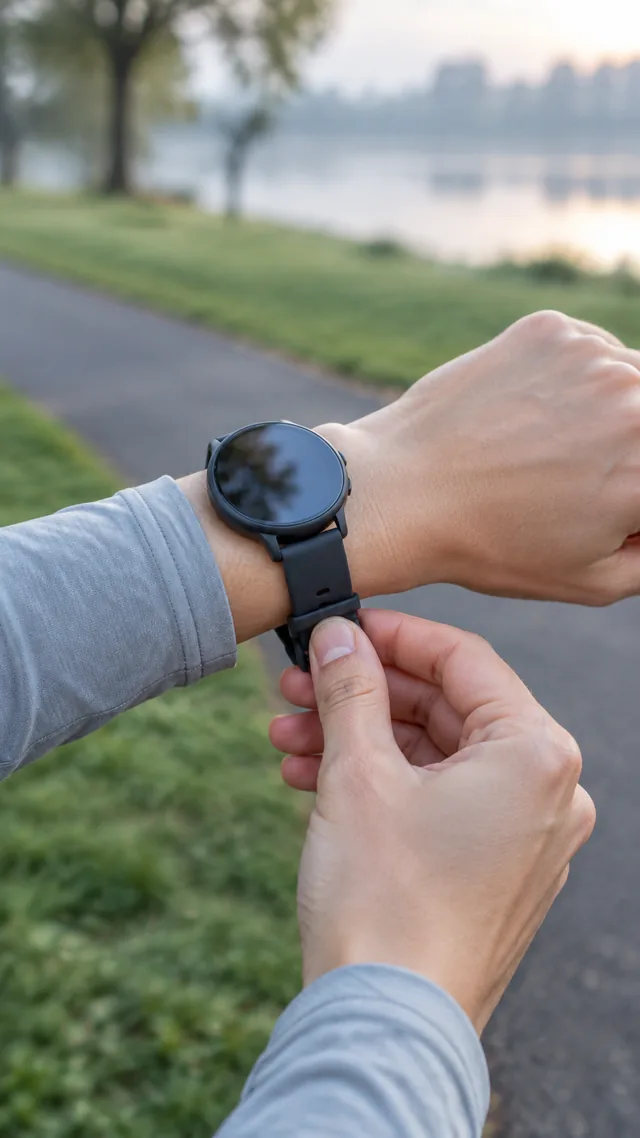
Smartwatch strapped on before a run.
Photo
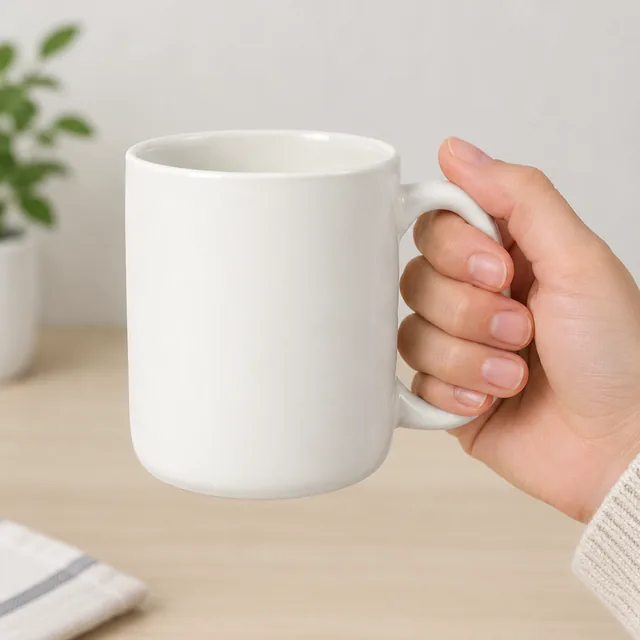
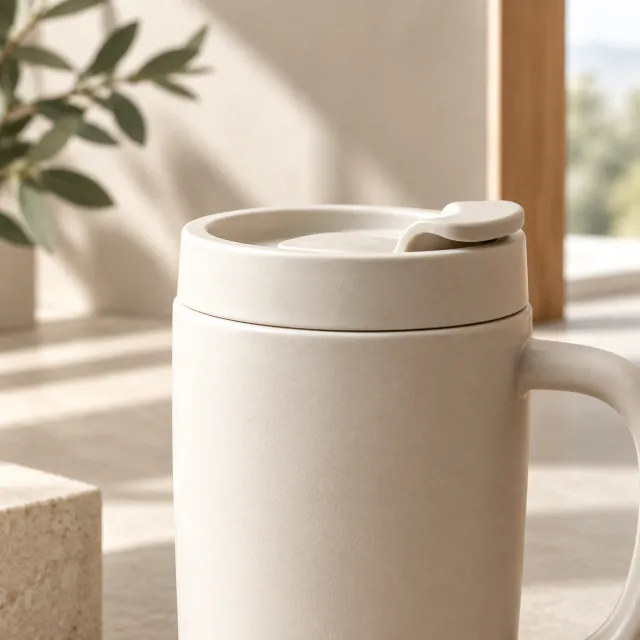
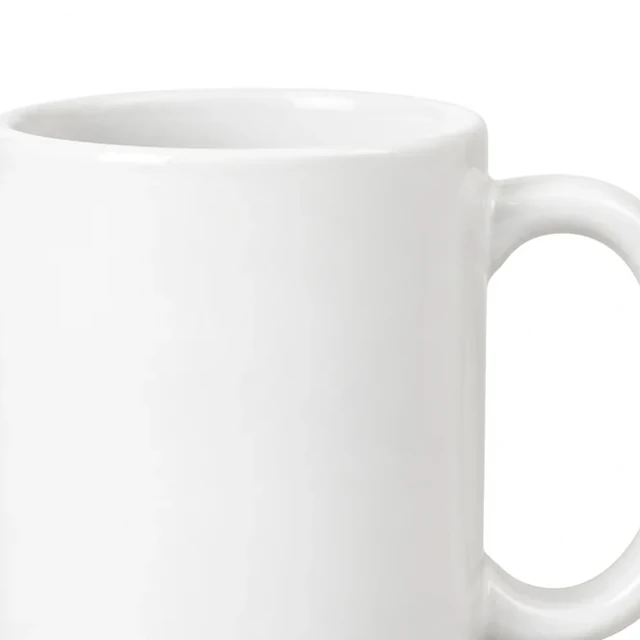
Close crop of the plain white ceramic mug rim and opening, with part of its handle at the edge.
Photo
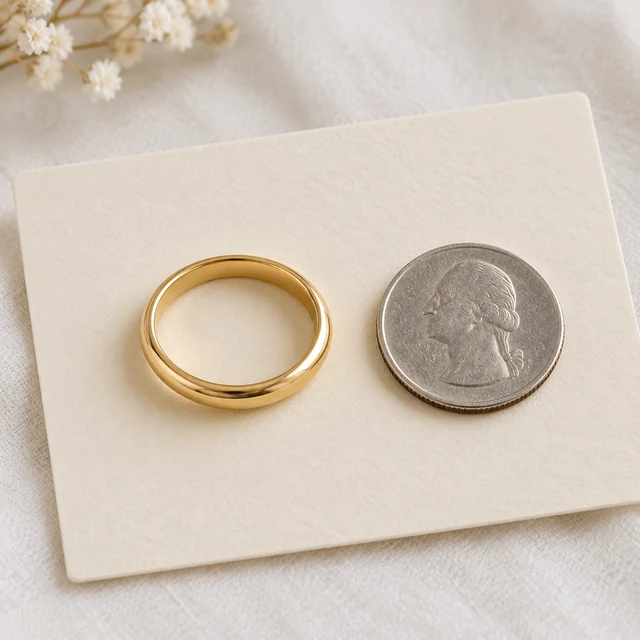
Polished gold band on an ivory display card beside a small coin.
Photo
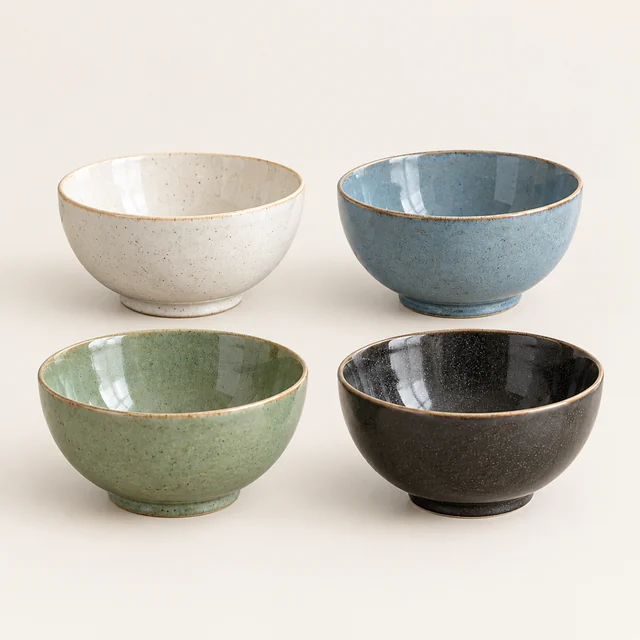
Four ceramic bowls in cream, blue, green, and charcoal glazes on a pale background.
Photo
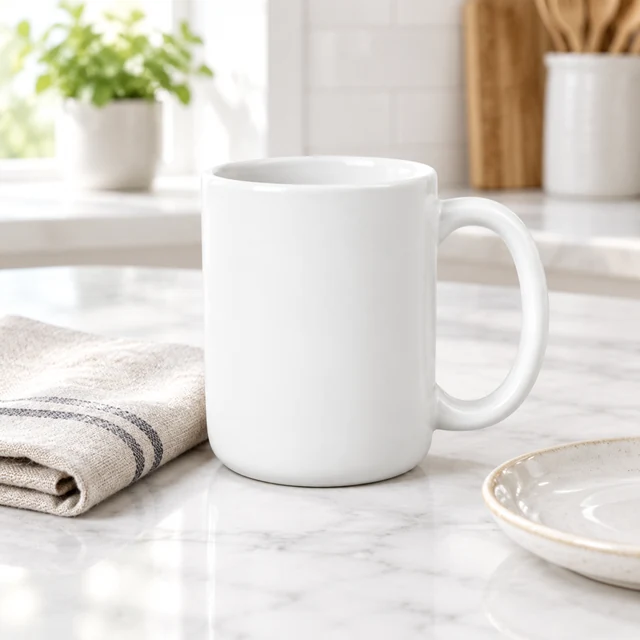
White ceramic mug beside a folded linen napkin and plate on a bright kitchen table.
Photo
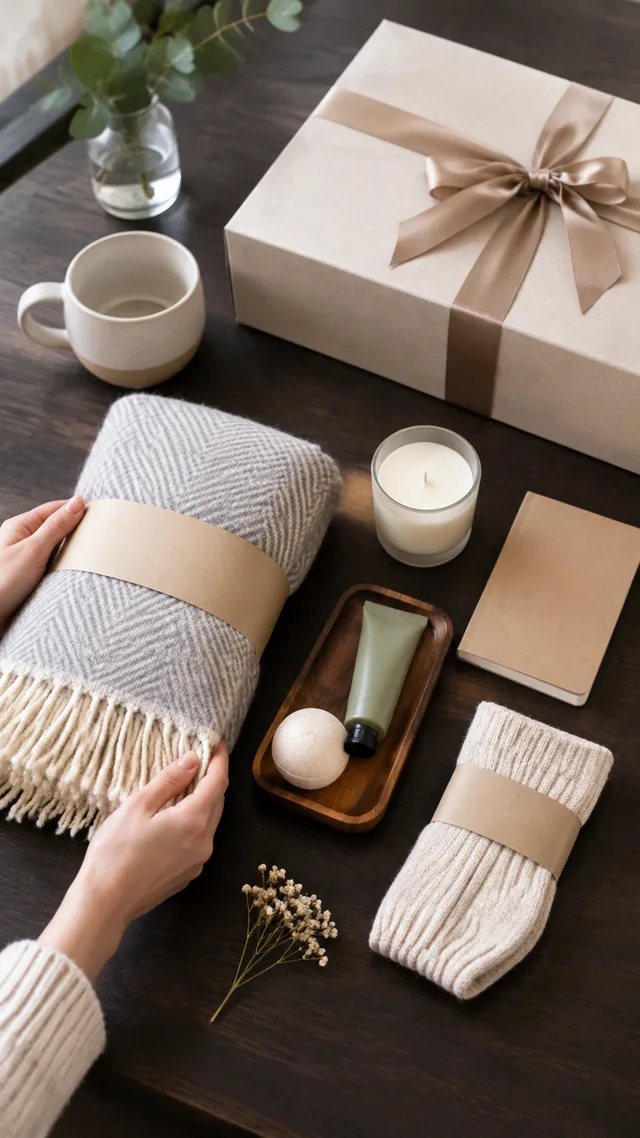
Gift set arranged piece by piece on a dark table.
Photo

A size guide image works best when the complete product appears beside a familiar object or in a clear everyday setting.

How it works

Make a product size guide in three steps

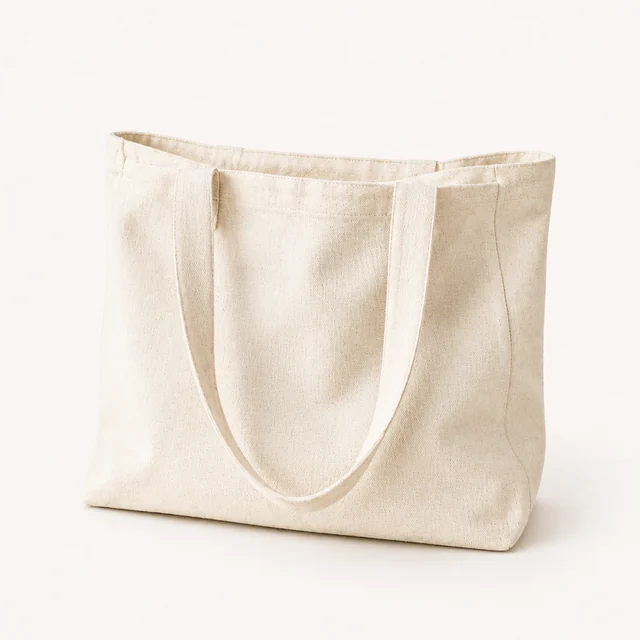
Natural canvas tote bag standing alone on a pale studio background.
Drop your product photo hereJPG, PNG or WebP · any clear photo works
Step 01

Upload the item you will measure

Photograph the whole product, including handles, closures, and attached parts.

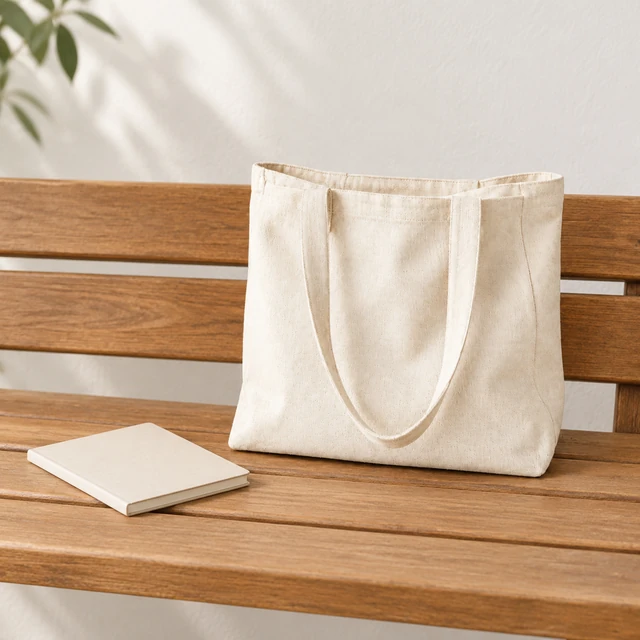
Set this natural canvas tote upright beside a closed notebook on a light wooden bench.
Template Product size photoSize Square 1:1Use Product page or listing
Cost24 credits
Step 02

Add a familiar size reference

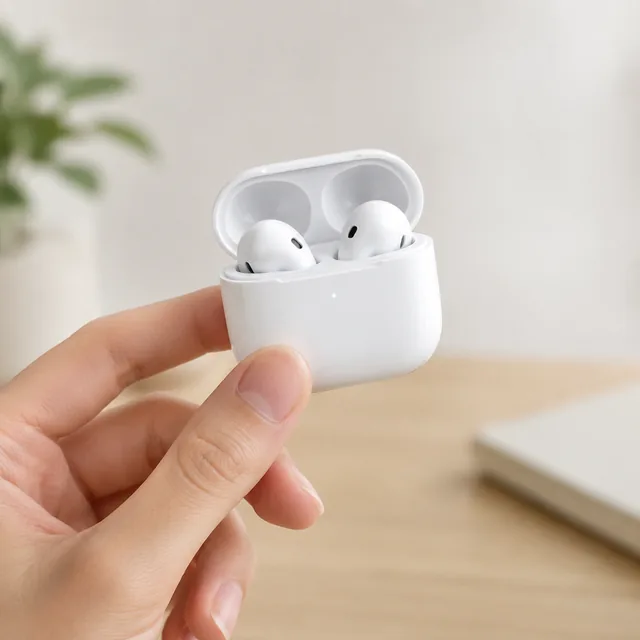
Place it beside a common object or show it in a person’s hand.
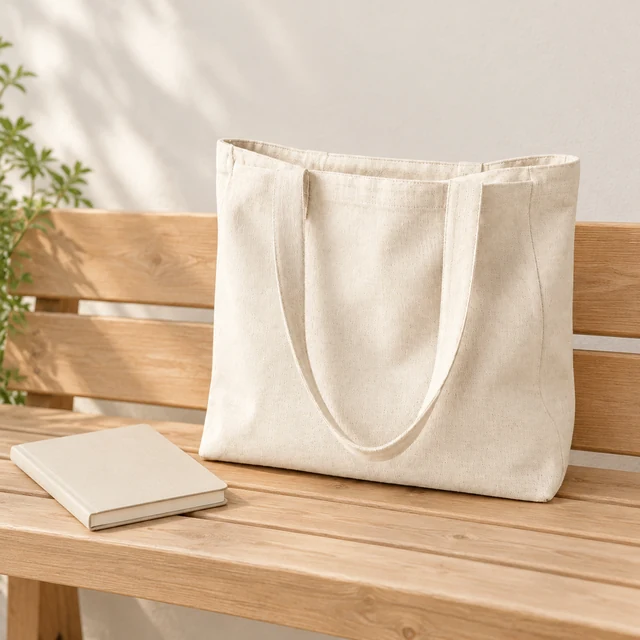
Natural canvas tote upright on a wooden bench beside a closed notebook.
Step 03

Download and add real dimensions

Type the measurements and units in your product listing.

Choose a scene

Choose a product size scene

Show the item beside something familiar so its size feels easier to picture.
Where to use it

Use size photos beside listing measurements

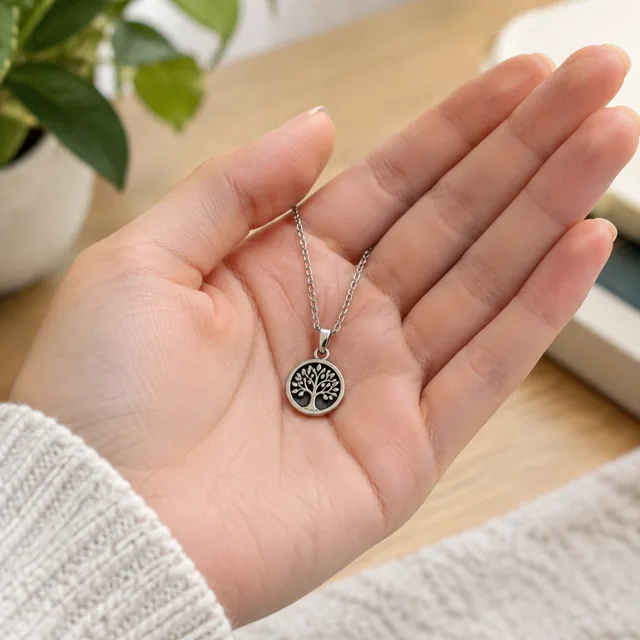
Small pendant resting on an open palm.

Show a pendant at wearable scale

A small pendant on an open palm gives shoppers a familiar size cue beside exact dimensions.

Side neckline view with the necklace visible

Show a necklace at the neckline

A side view keeps the necklace visible while shoppers compare its length and position.
Start with a clear photo

Start a size guide with the whole item in frame

✓
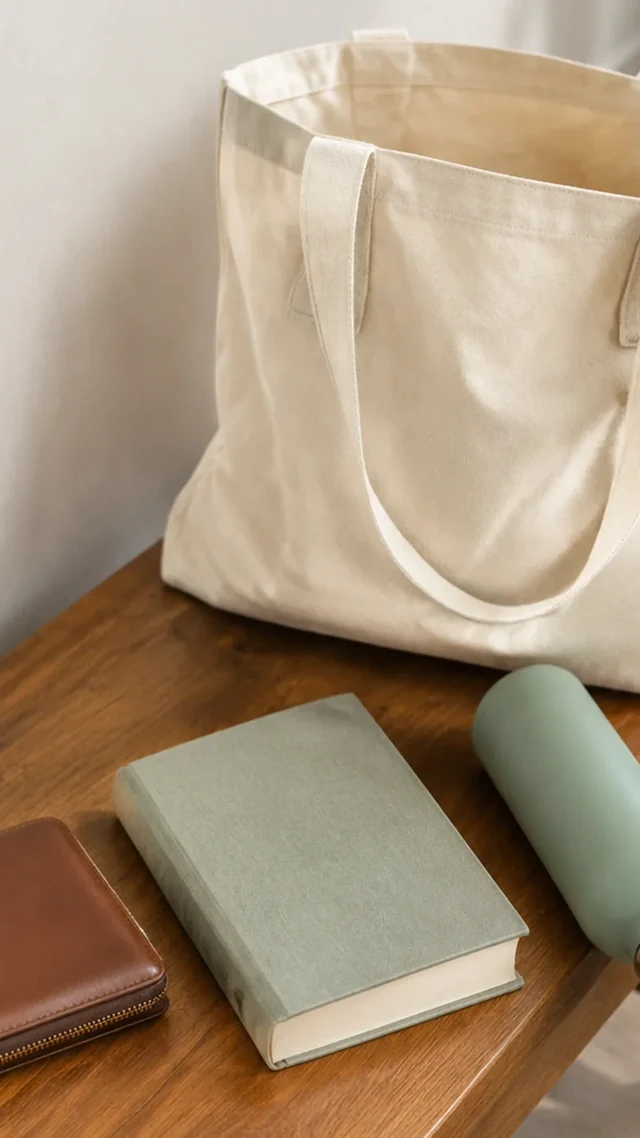
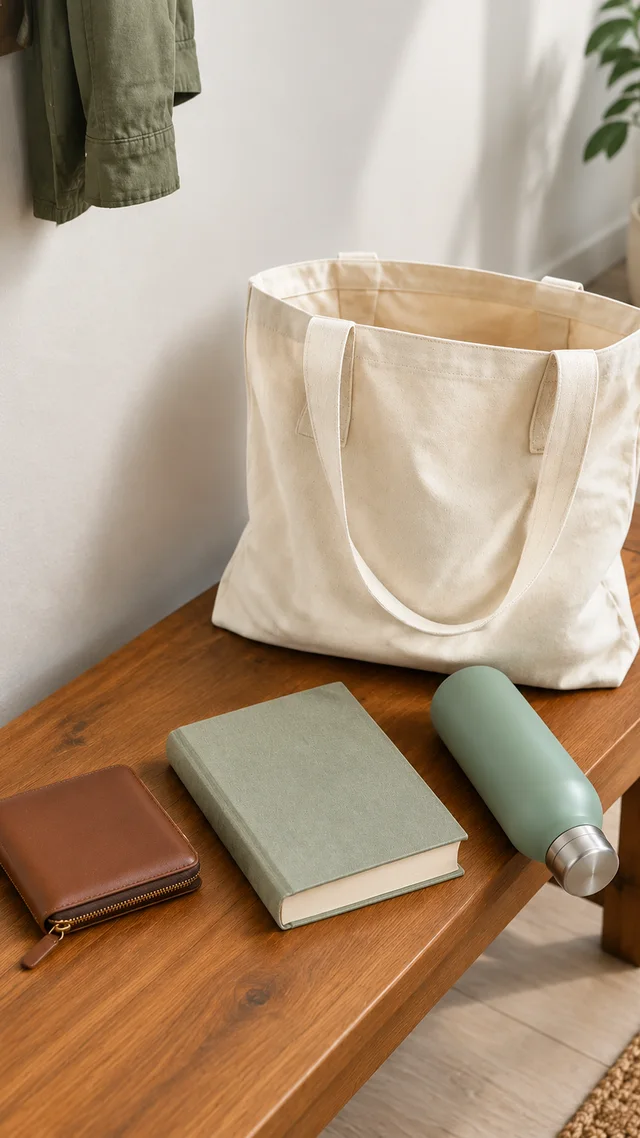
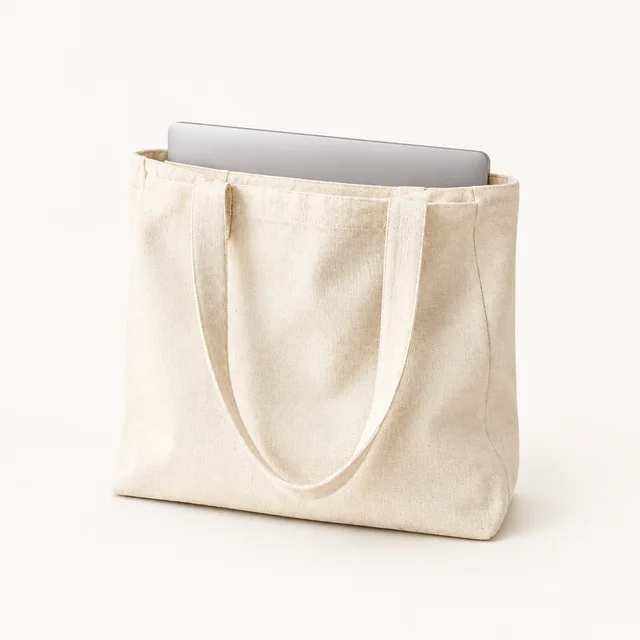
Canvas tote packed with everyday items, shown fully from handles to base.
Tote, handles, and contents fit the frame
✕
Canvas tote enlarged until its handles and packed items are clipped.
Tote handles and contents are clipped
✓
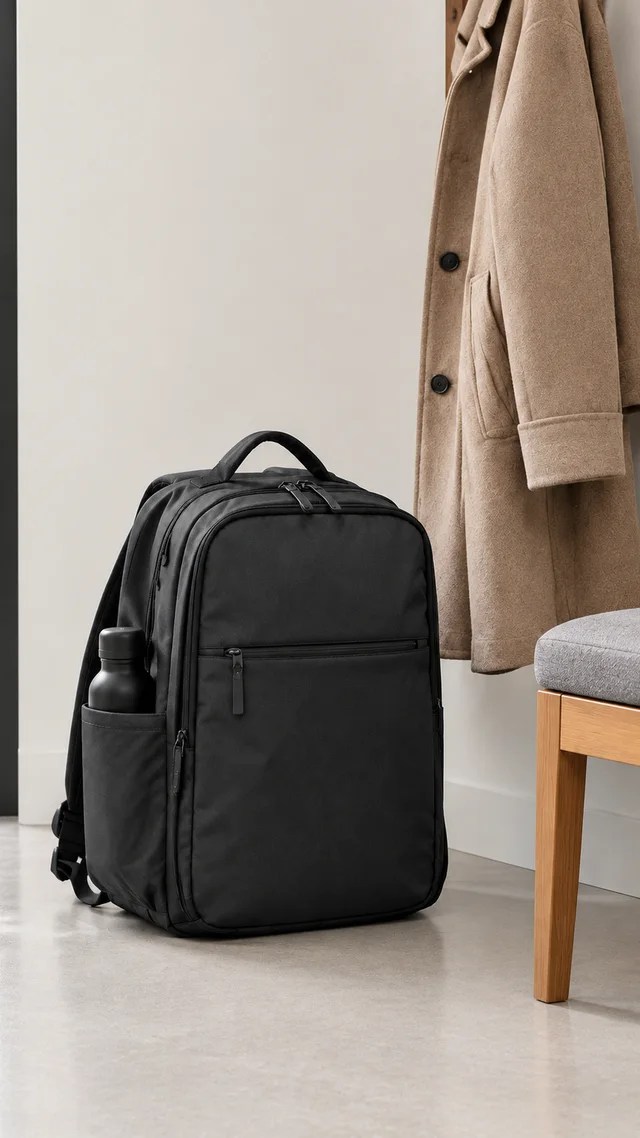
Commuter backpack shown fully from the front with its straps visible.
Backpack shape and straps stay sharp
✕
Backpack and packing details softened out of focus beside a coat.
Backpack seams and straps soften into blur
Your result

Square product size photos for listings

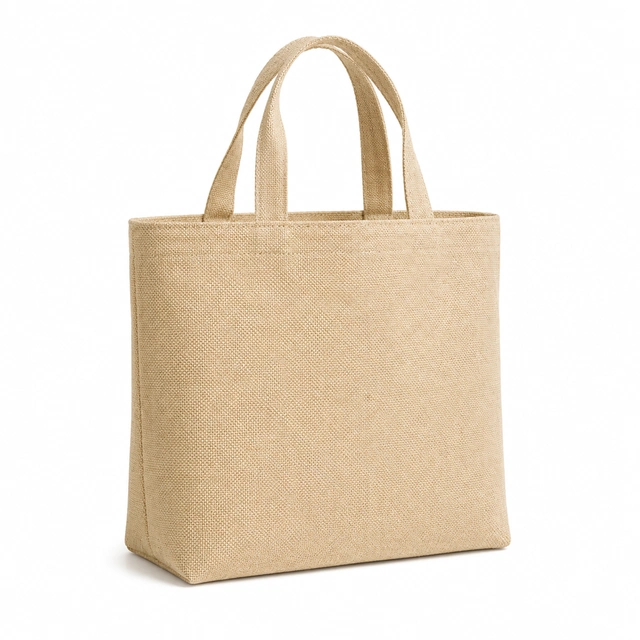
Natural canvas tote bag shown upright on seamless white.
Square canvas tote size photoSquare photo · 24 credits
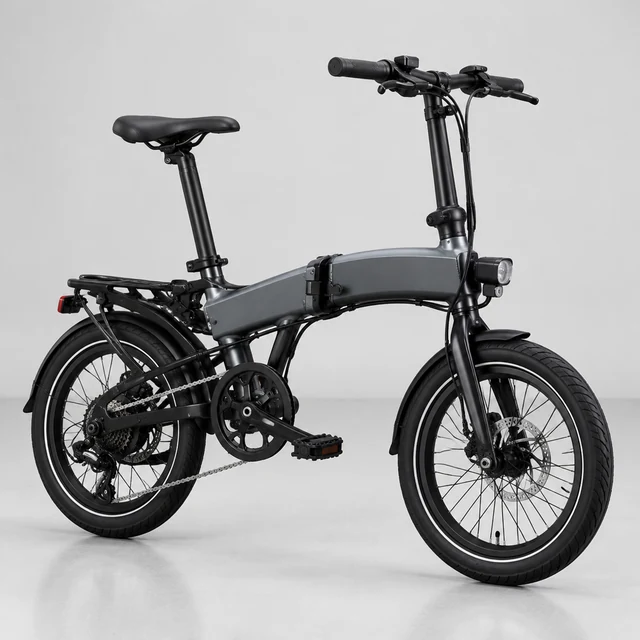
Black folding electric bicycle in side view on a light studio floor.
Square folding e-bike photoSquare photo · 24 credits
After download

Add real measurements after download

The same natural canvas tote fully visible on a wooden bench beside a plain closed notebook.
Product dimensionsUnit

These details are added in your editor after download.

  • Type real measurements and units in the product listing after download.
  • Use one unit system in every size note.
More templates

More product size guide templates

Choose another everyday scene, then add your product photo.
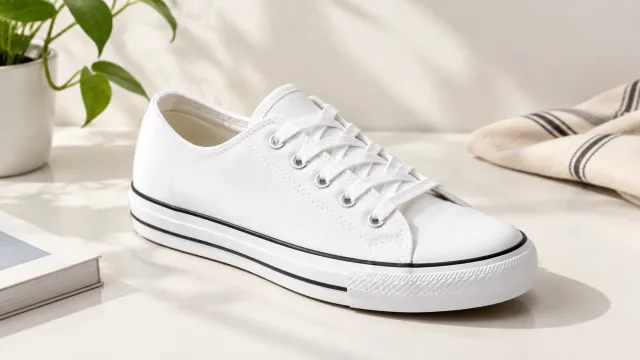
PhotoWhite canvas sneaker color option

Color Variants

Every color you sell, same style

ShoesShopifyAmazon
Use this template →
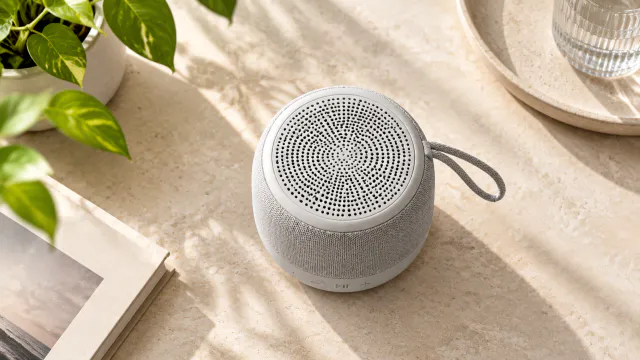
PhotoTop view of the wireless speaker with simple controls

Every Angle

Front, side, back and top views

ElectronicsAmazonShopify
Use this template →
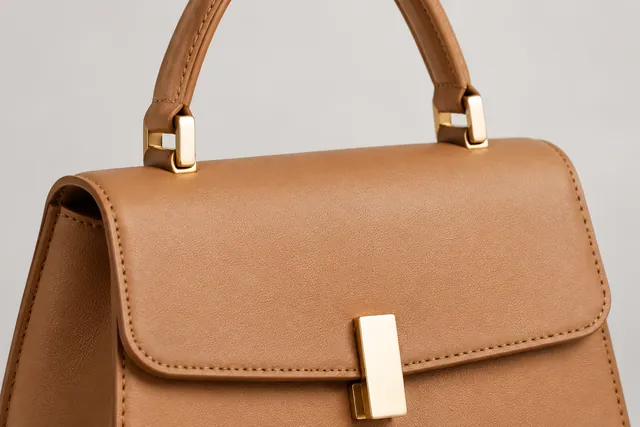
PhotoClose-up of a tan leather handbag showing the stitched handle and the gold clasp

Close-Up Details

Show materials and finish up close

Jewelry & AccessoriesAmazonShopify
Use this template →
Examples

More size reference examples

Hands and everyday objects make size easy to read. List exact measurements in your product text.
FAQ

Questions about product size guide photos

Is the size in the photo exact?

No. The photo is a visual guide, and the scale between objects can be slightly off. Always write the real measurements in your product description so buyers have the exact numbers.

Can I use this as an Amazon listing image?

Yes, as one of the extra images in your gallery. A scale shot placed right after the main image helps buyers picture the size before they scroll to the details.

What object should I use to show a product’s size?

Choose a familiar object with a stable size, such as a standard card or common bottle. Generated scale may vary, so include exact measurements in your product description.

Keep reading

Guides and articles

Try Size Comparison with your product

Upload one product photo. See the cost before you start.