AIVideosUGC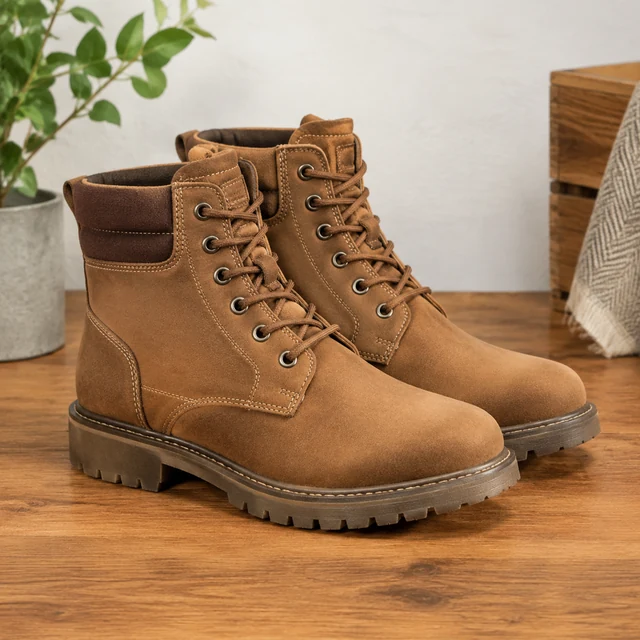
Drop your product photo hereJPG, PNG or WebP · any clear photo works
Step 01
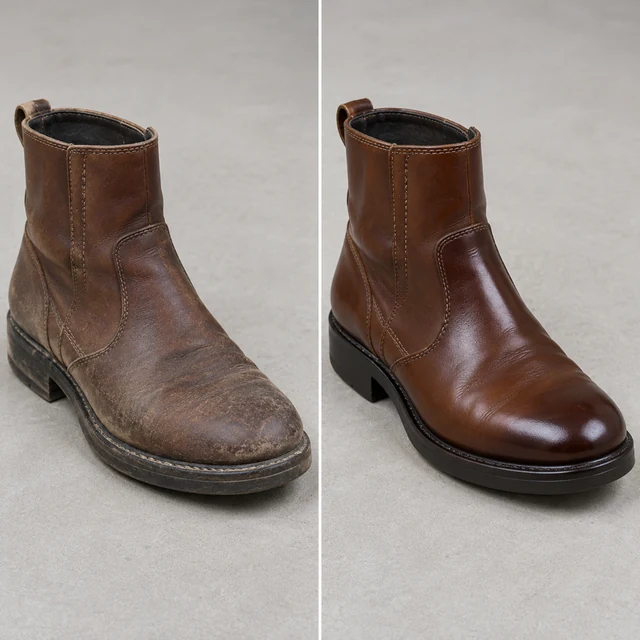
Start with both boots
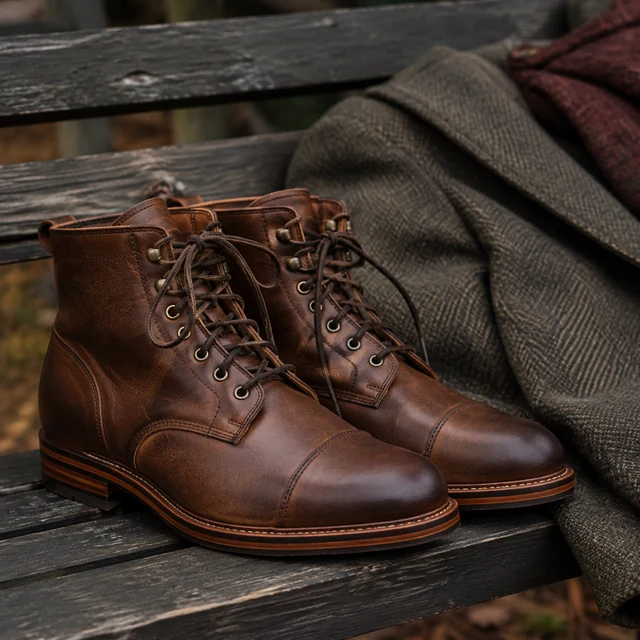
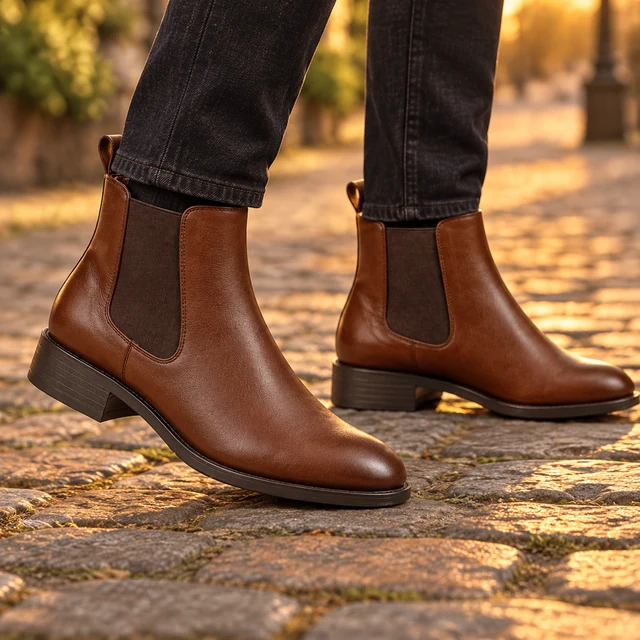
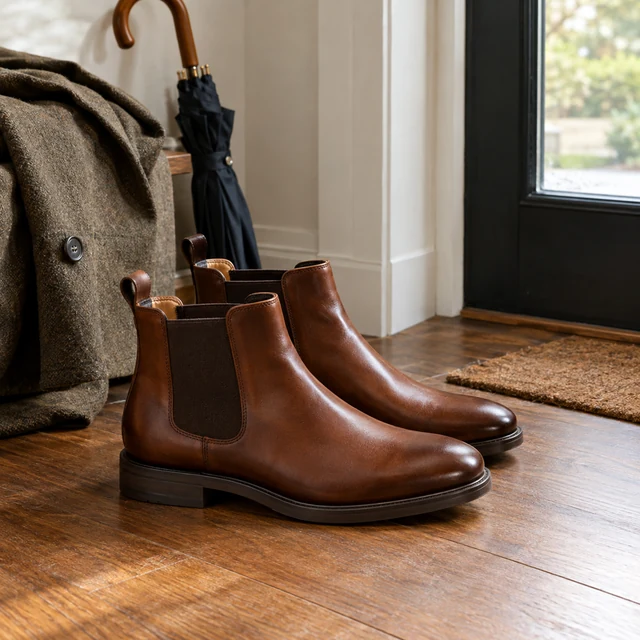
Photograph the brown Chelsea boots together so each toe and sole stays visible.
AI product photos for shoe brands cover what buyers zoom in on: the sole, the heel, and how a pair looks on a foot. Start from your own photos and fill in the shots your listing is missing.
Plans from $24.50 a month. You see the credit cost before every job, and if a job fails its credits go back to your balance.
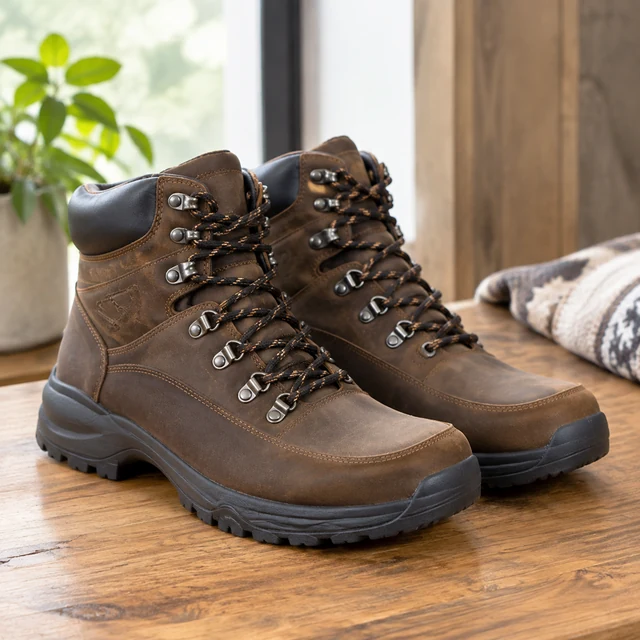
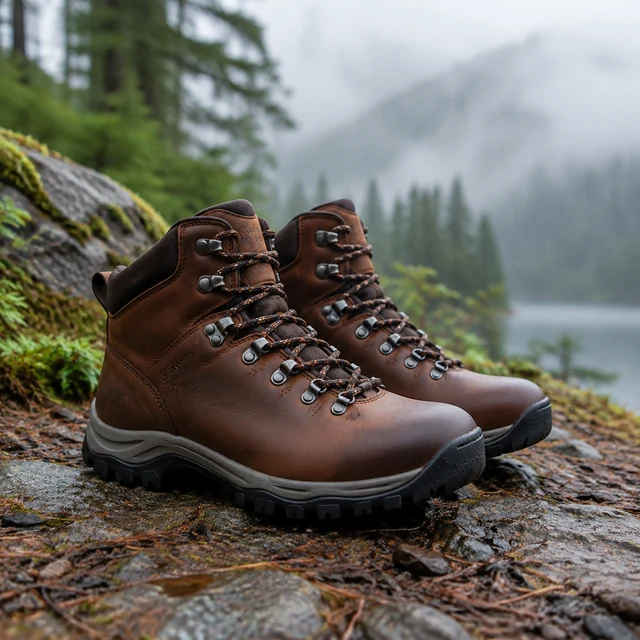
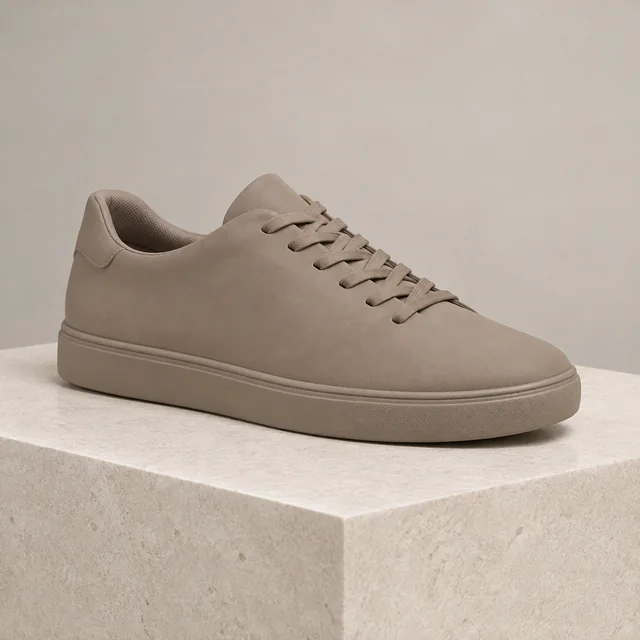
Shoe shoppers look for the toe shape, heel, sole, and fit on foot. A clean product shot gives the pair a baseline; separate angles show details that one side view cannot.
Photograph the brown Chelsea boots together so each toe and sole stays visible.
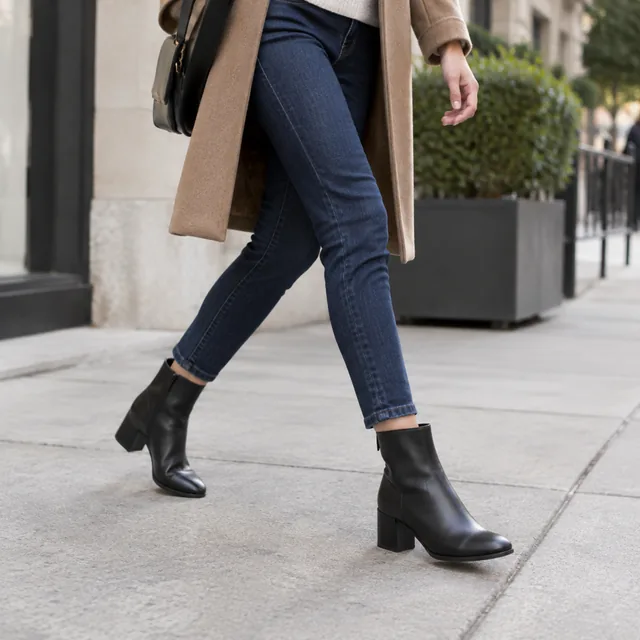
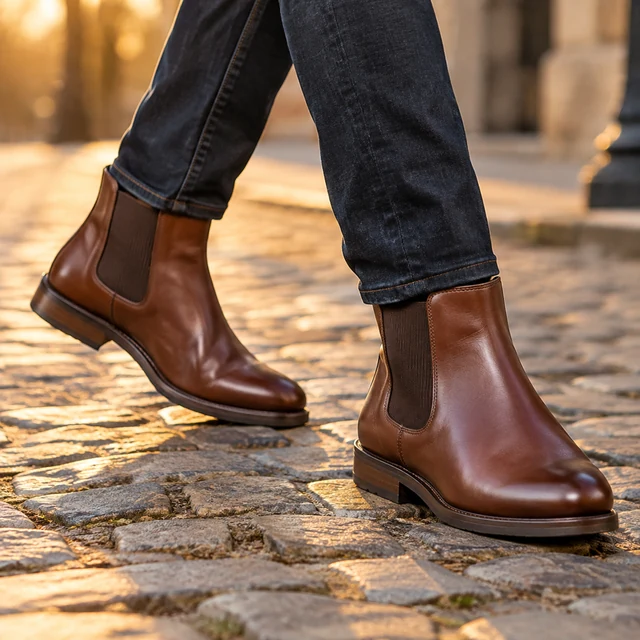
Frame these boots on a cobblestone path, cropped below the knees.
Add sizes, material, and care information after downloading the photo.
Choose an angle that shows fit, finish, or how a pair is worn.
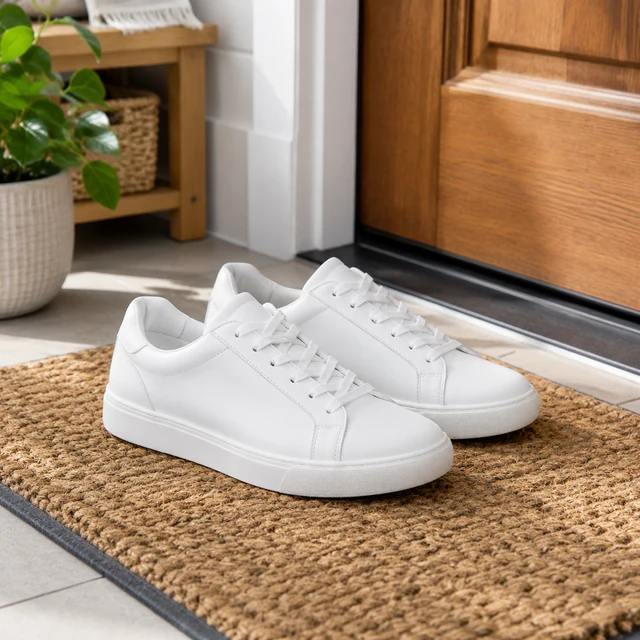
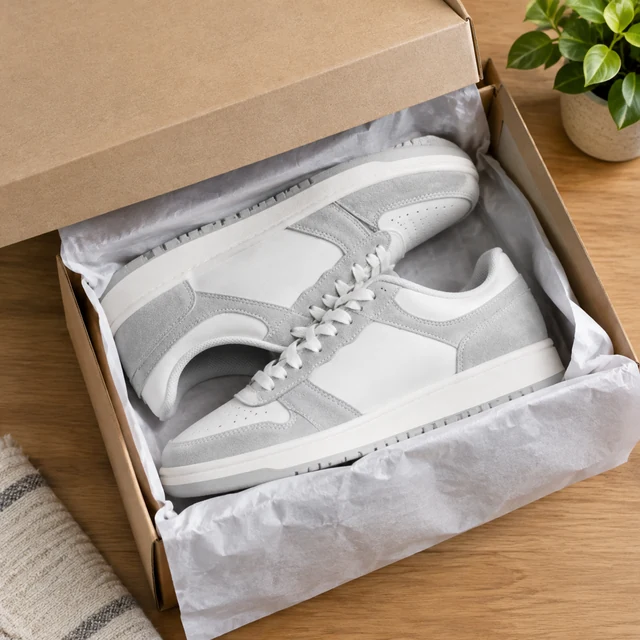
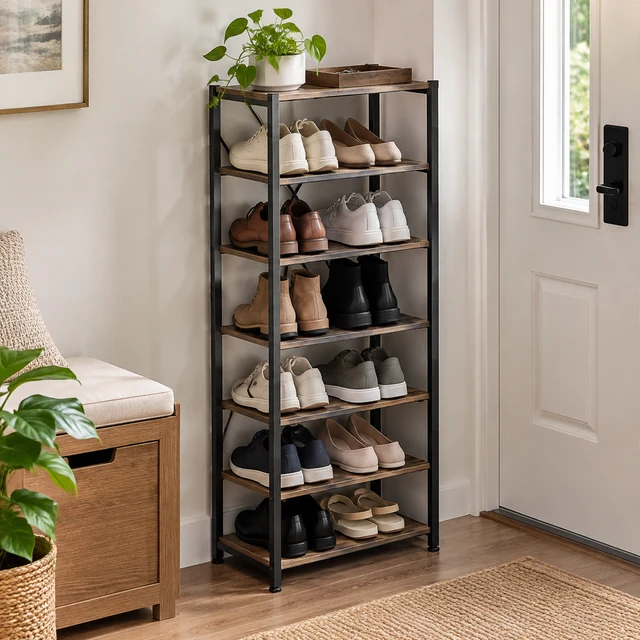
A pair by the front door suggests where shoppers might wear it.
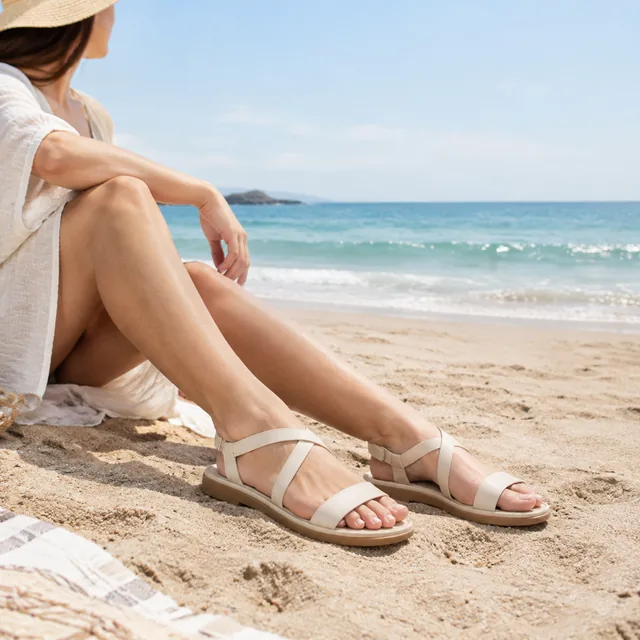
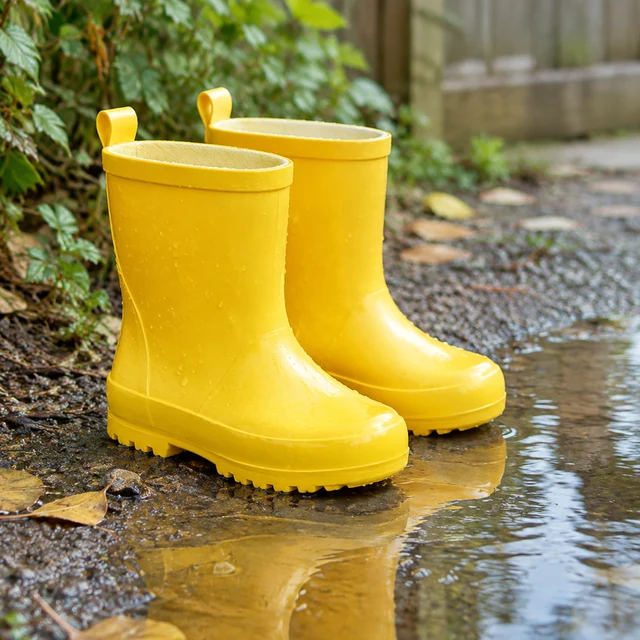
The sand and open sky give the pair a warm-weather setting.
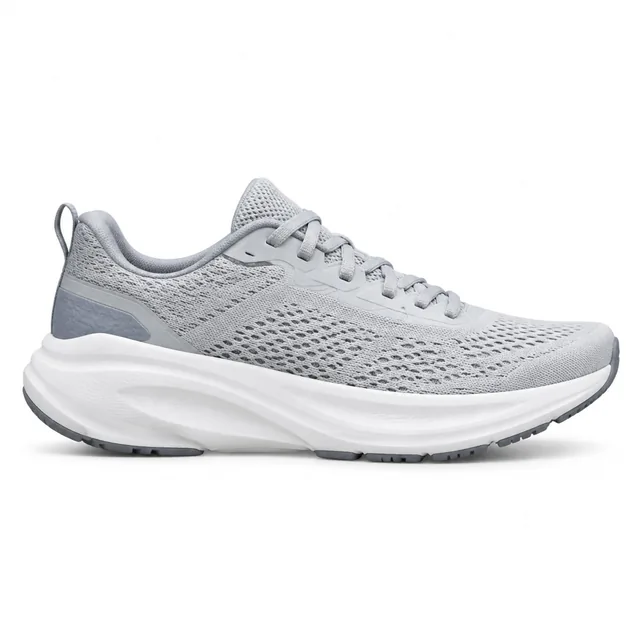
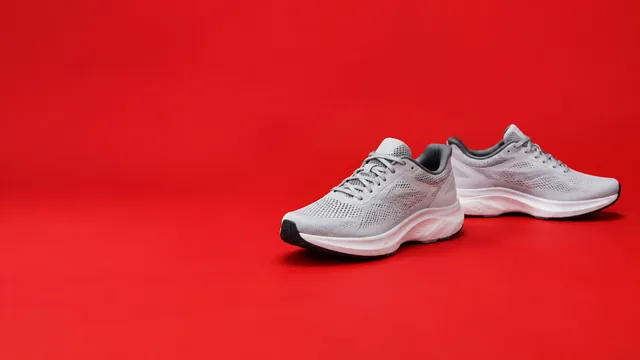
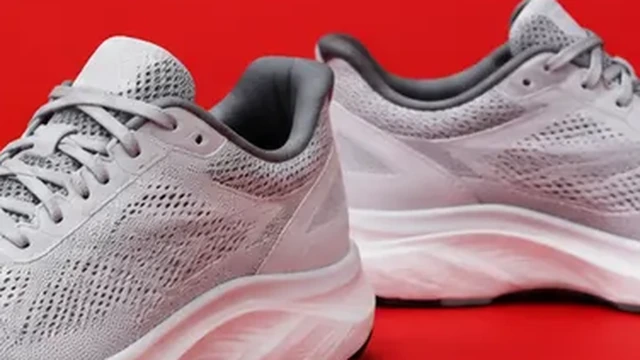
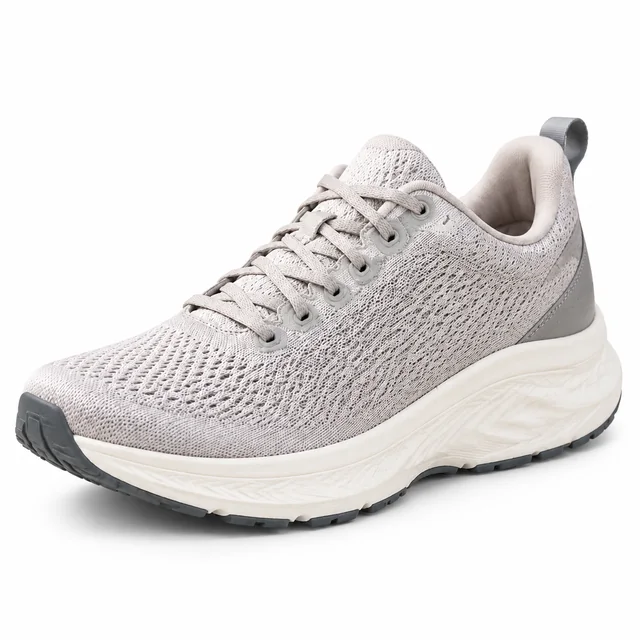
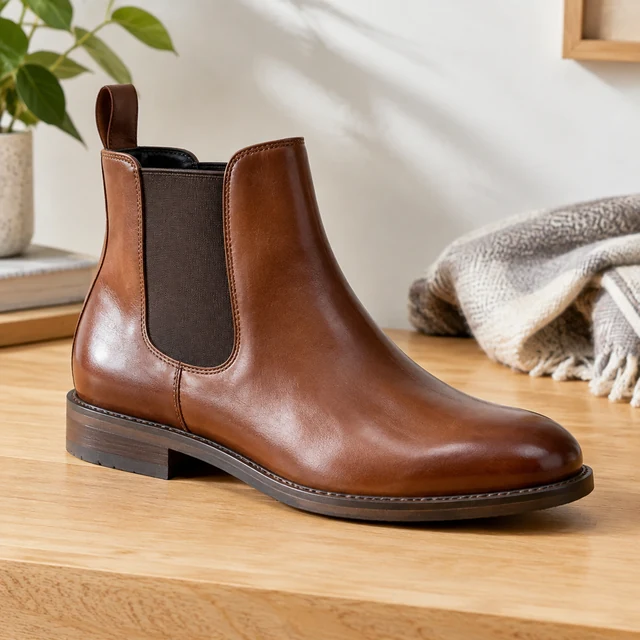
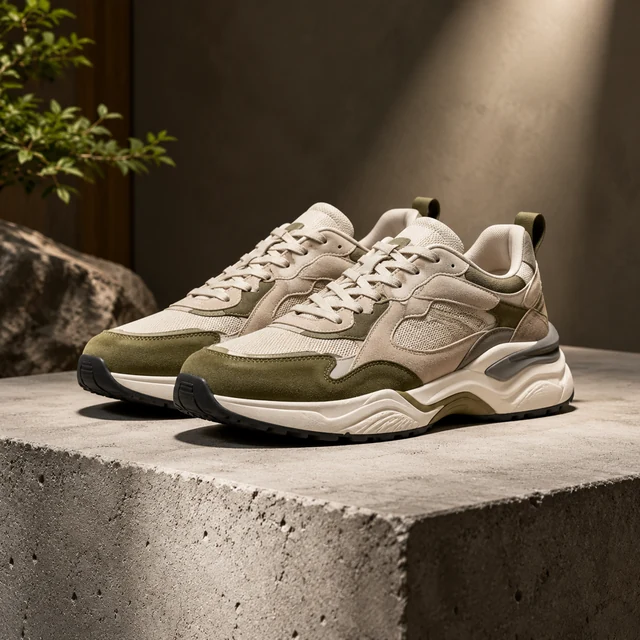
These details are added in your editor after download.
Compare side profiles, color options, and on-foot scenes for one pair.

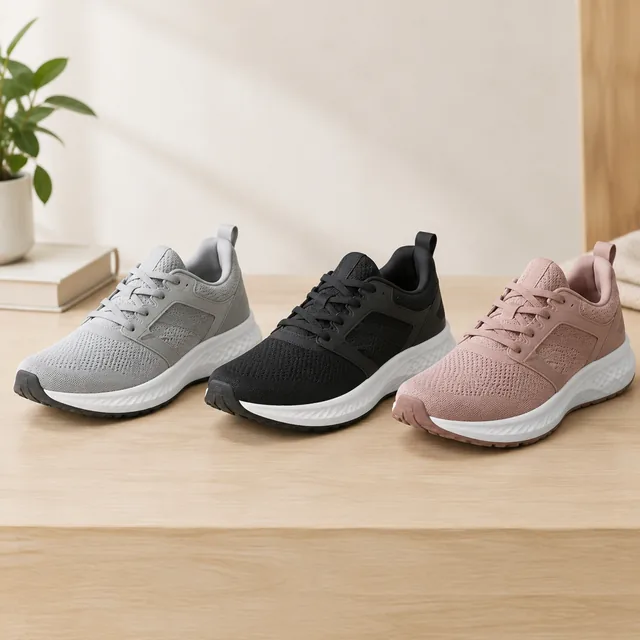
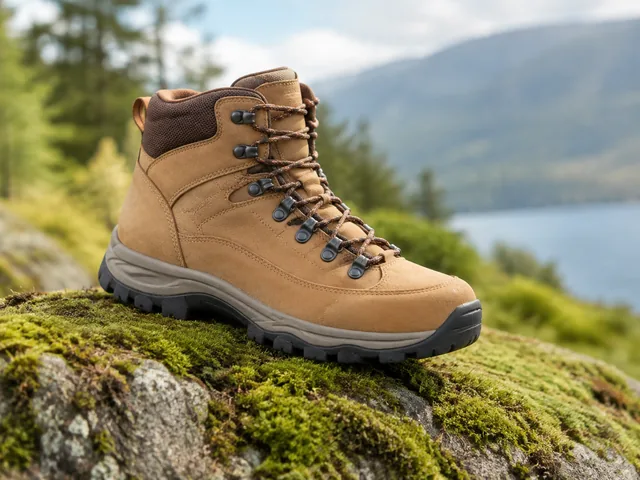
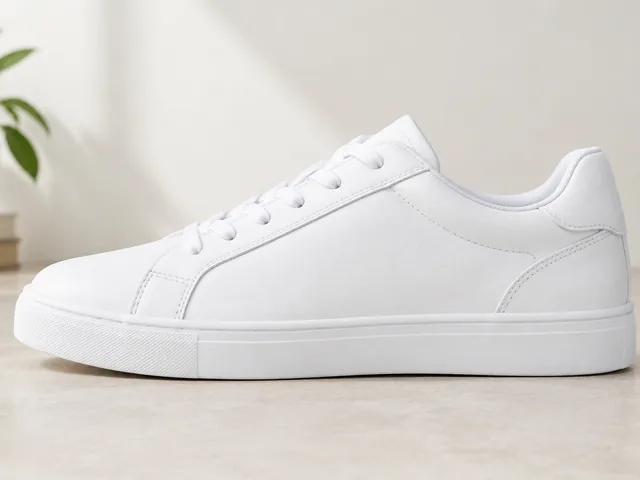
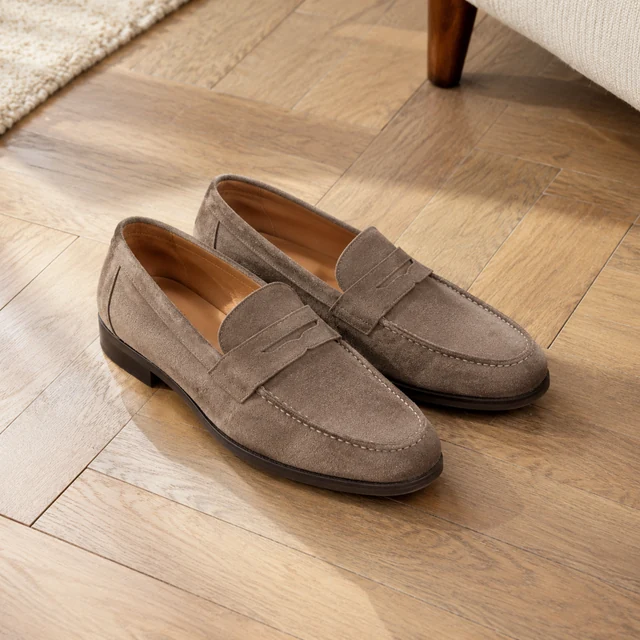
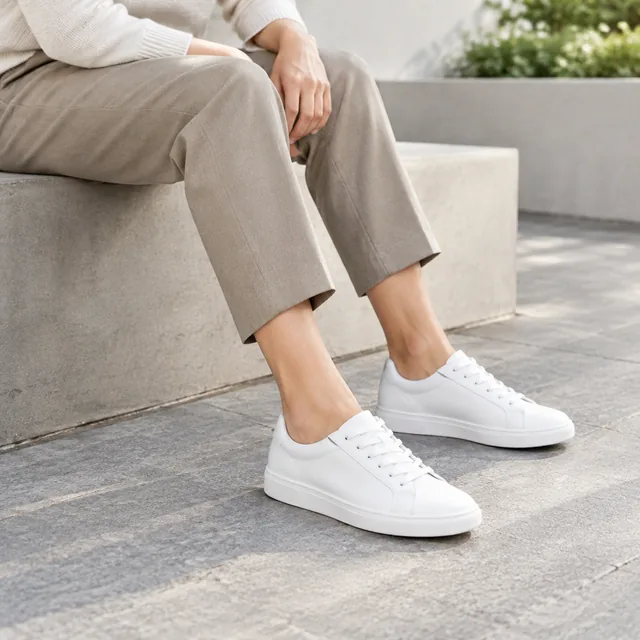
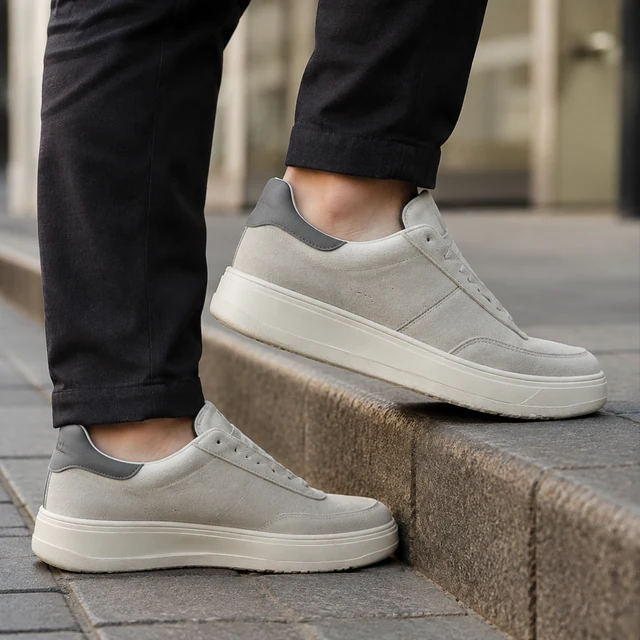
Toe, heel, sole, and on-foot views that help shoppers judge a pair.
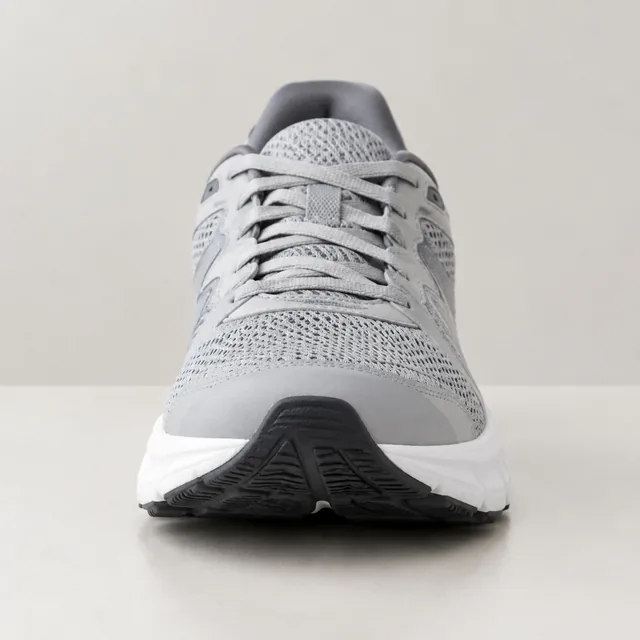
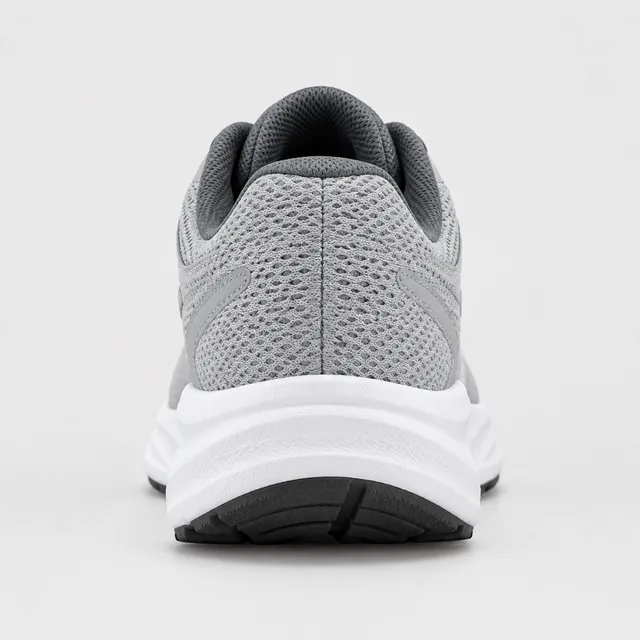
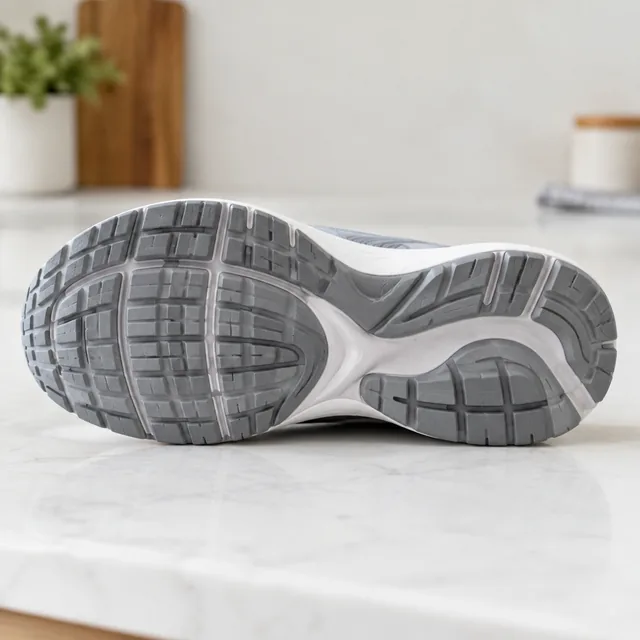
Not reliably. The AI can only show details it can see in your upload, so photograph the outsole, heel, and toe separately and use each one as the starting point for that view.
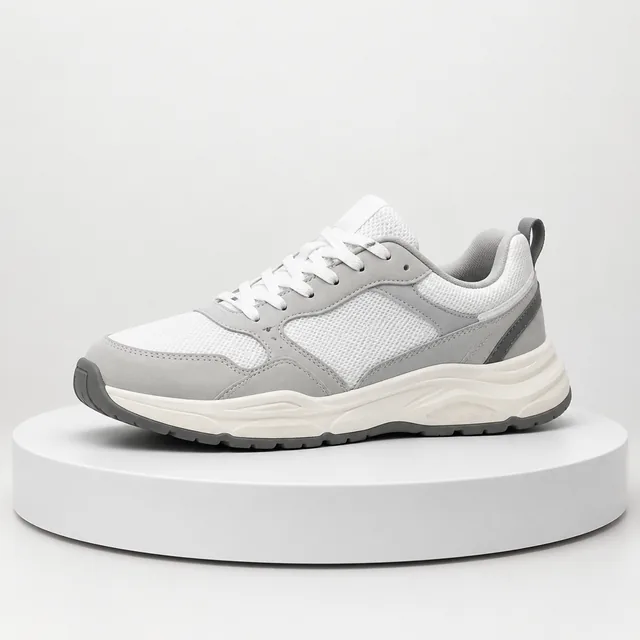
For a main image, ask for the shoe alone on a pure white background, filling most of the frame, with no props or text. Size charts and width notes belong on extra gallery images you build in Canva.
Requests built around a logo or trademark you don't own may be declined. If you resell branded pairs, your own straight product photos are the safer choice for those listings.
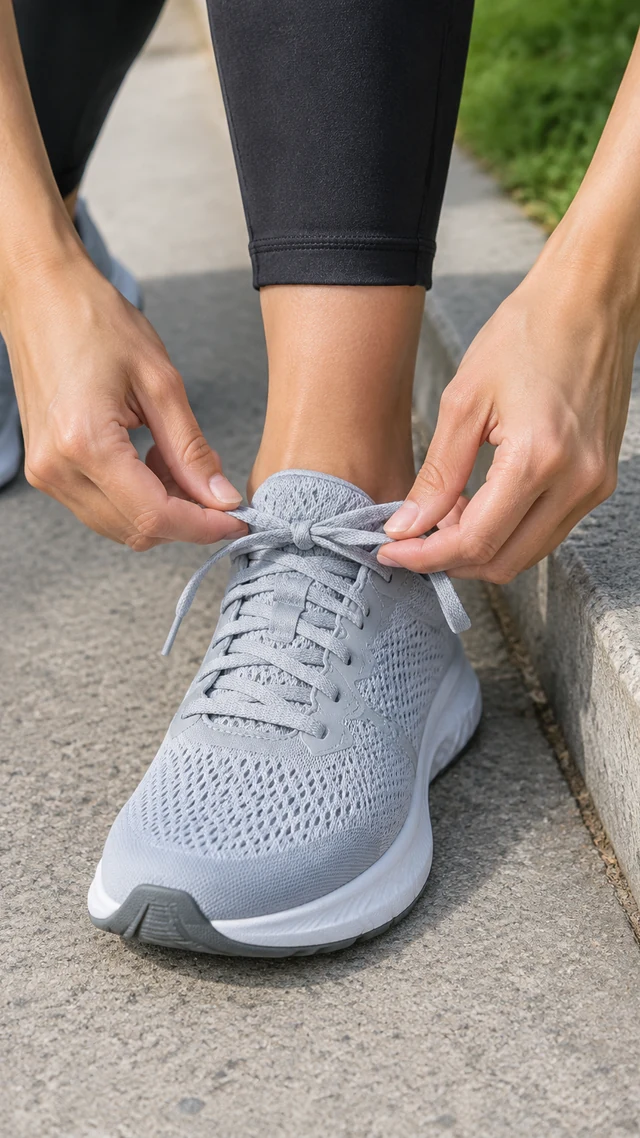
Photograph the laces arranged the way you want them shown, then review the result for loose or uneven laces.
Pick a shoe angle, color option, or on-foot setting to build.