Photo tool

AI Product Background Changer for a New Setting

Took a good photo in a messy room? Keep the product and swap the room for a marble counter, a sunny shelf or a plain color. Check the label and edges against your original before you post.

Drop your product photo hereJPG, PNG or WebP · any clear photo works
Photo Your product shotBackground Color, surface or settingSize Square by default
Change my background →See the cost before you start

Plans from $24.50 a month. You see the credit cost before every job, and if a job fails its credits go back to your balance.
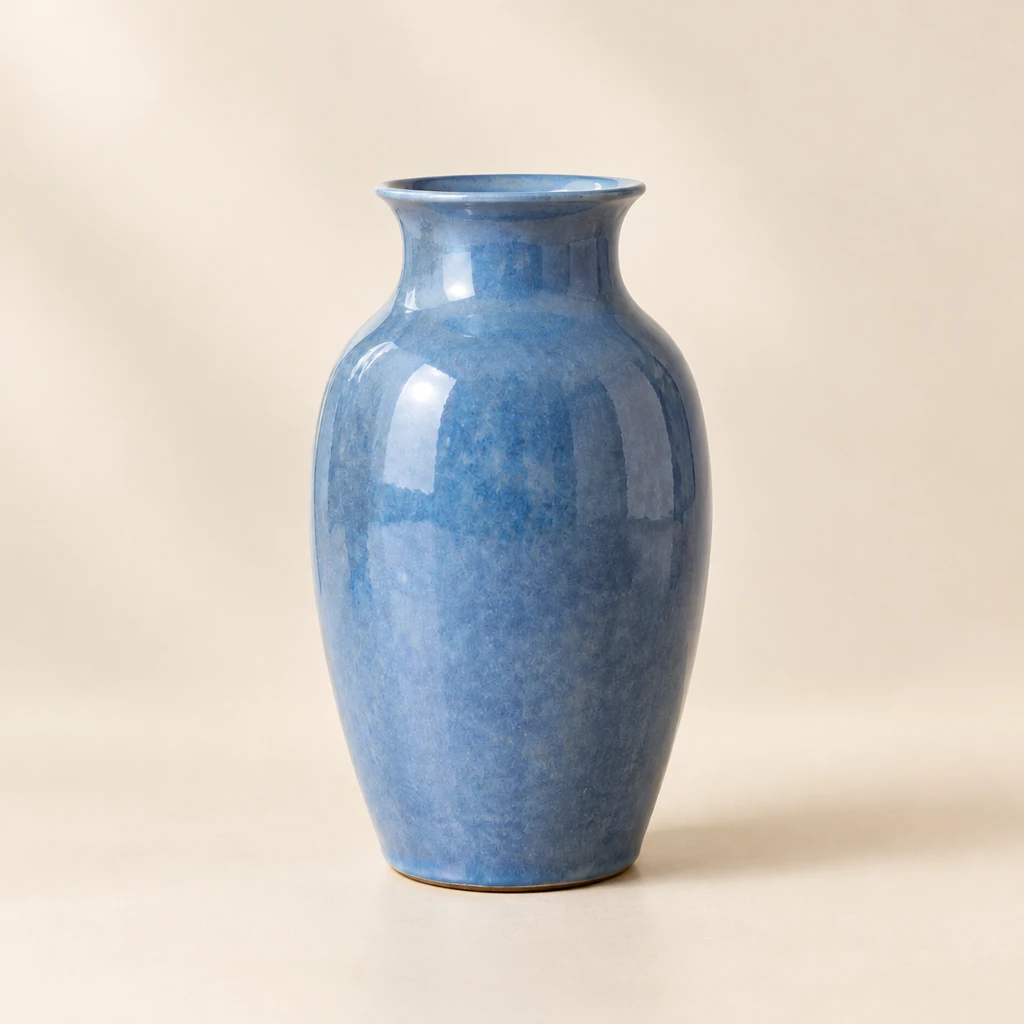
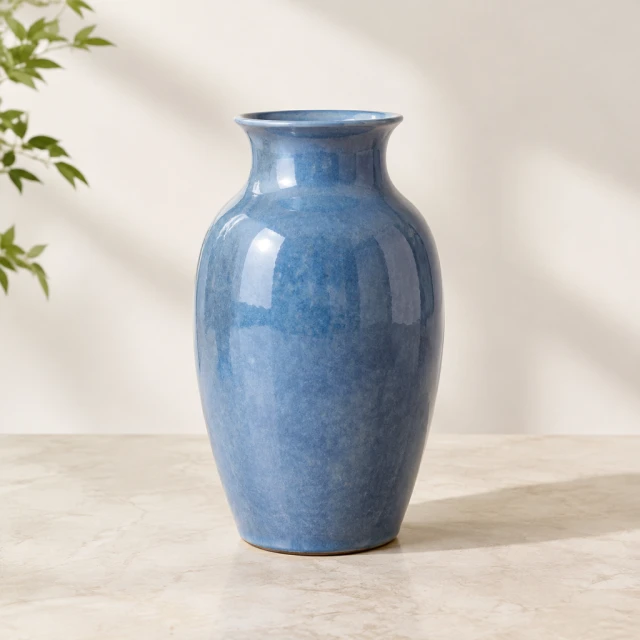
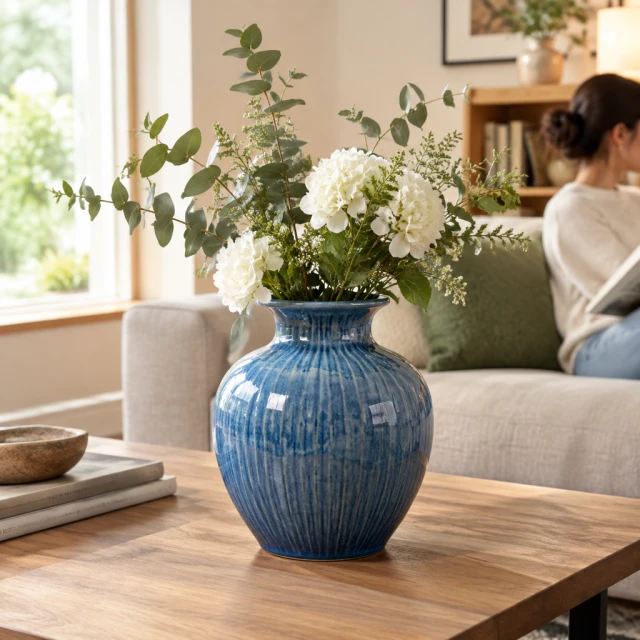
Blue ceramic vase isolated against a clean warm studio background.Result
Your photoBlue ceramic vase alone on a pale studio background, full shape visible.
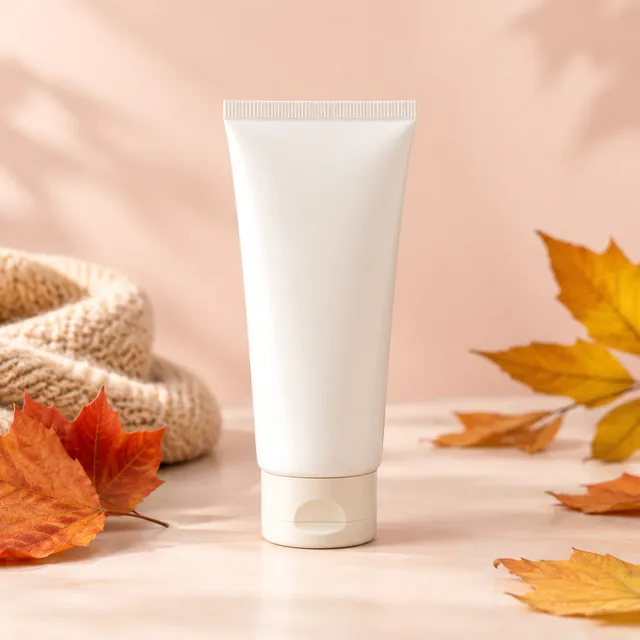
Hand cream tube front view on a pastel backdrop.
Photo
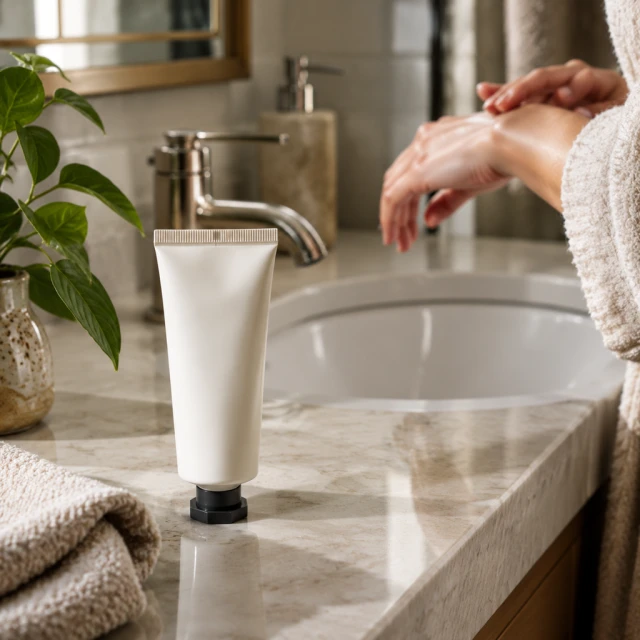
Hand cream tube by a bathroom sink.
Photo
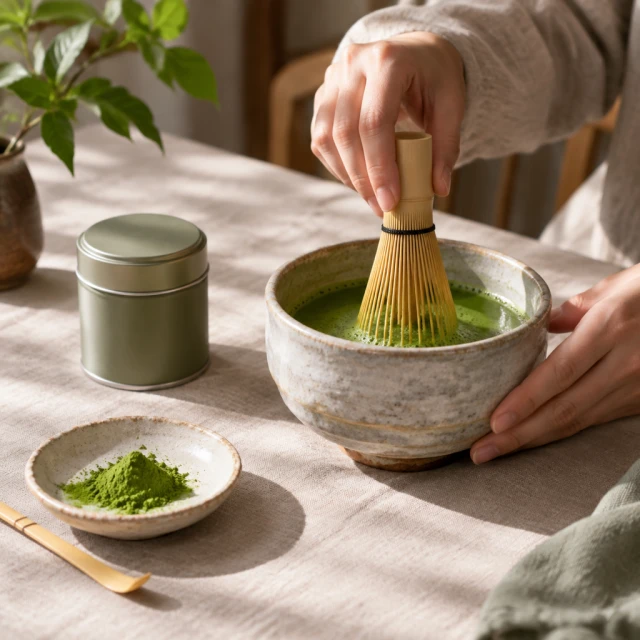
Matcha whisk, bowl and tin arranged on a linen tablecloth.
Photo
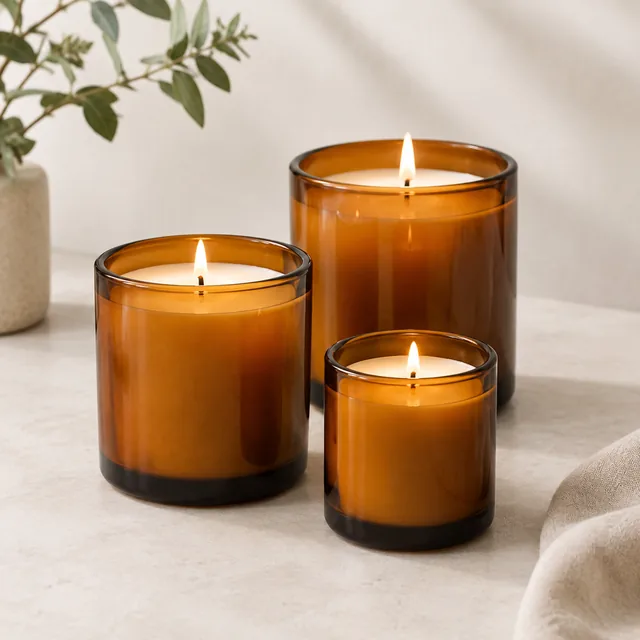
Three candles in amber glass for a collection tile.
Photo
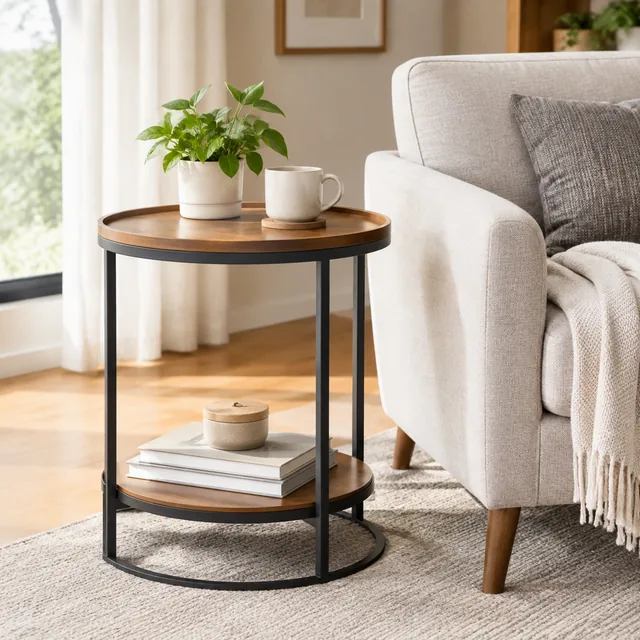
Round side table beside an armchair.
Photo
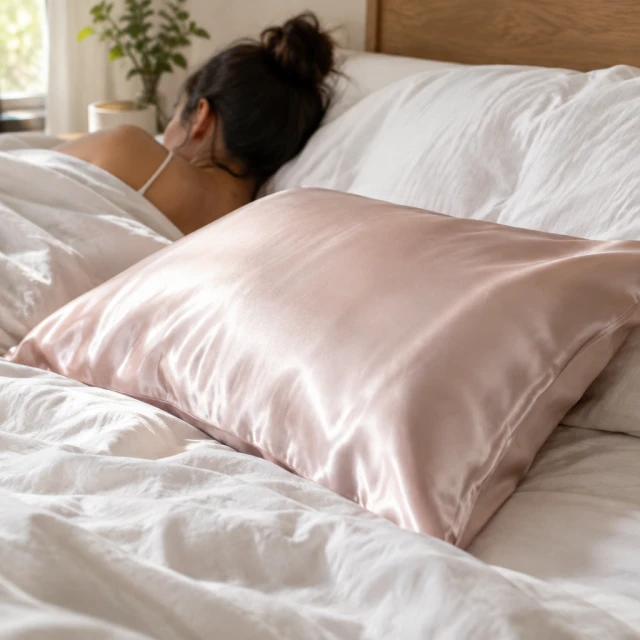
Silk pillowcase on an unmade bed in soft light.
Photo
Examples

AI background changer examples: one vase, five backgrounds

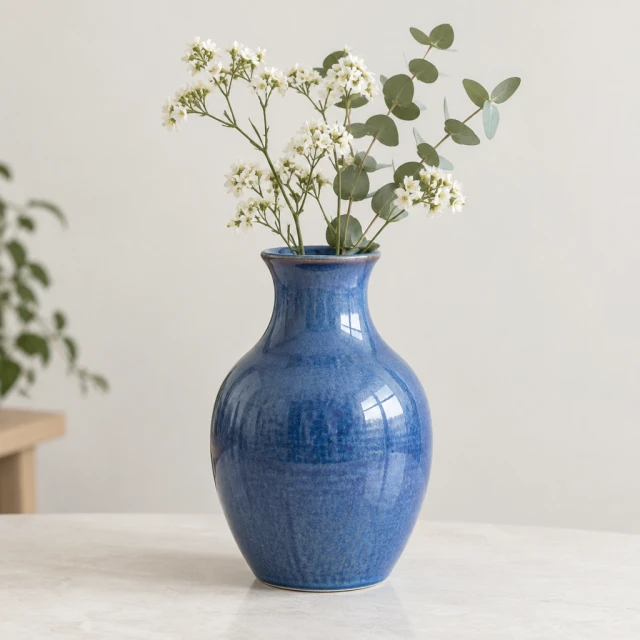
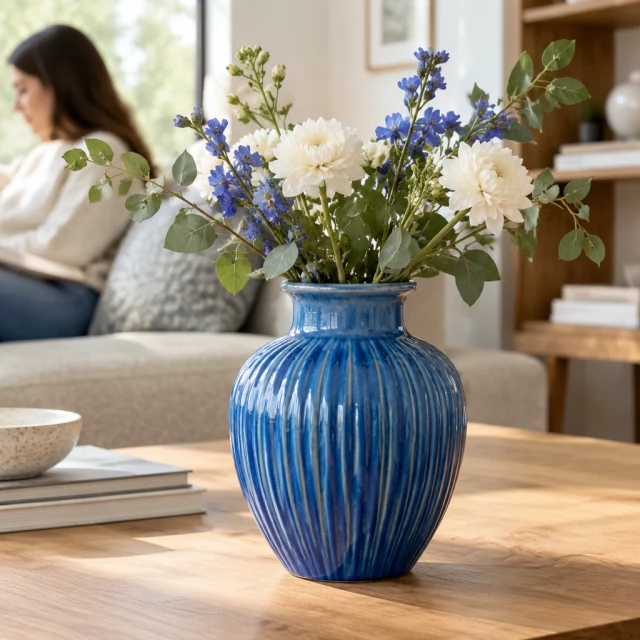
Blue ceramic vase on a simple tabletop with the original room softly visible.
Blue ceramic vase isolated on a plain light background.
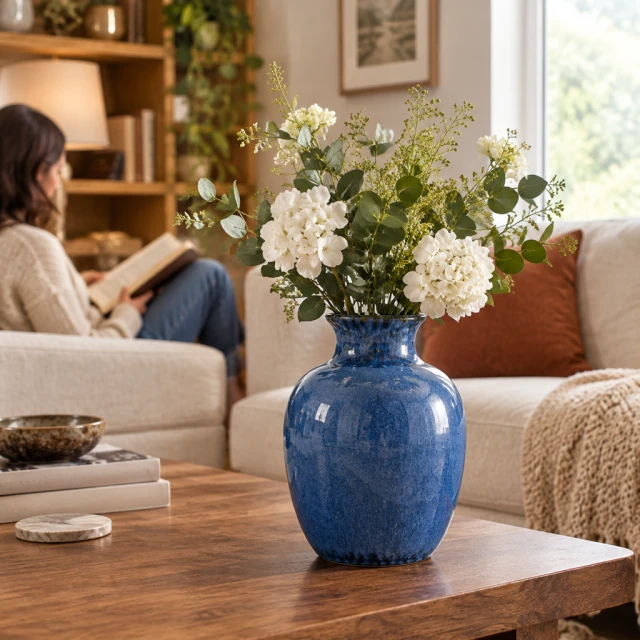
Blue ceramic vase in a warm living room setting.
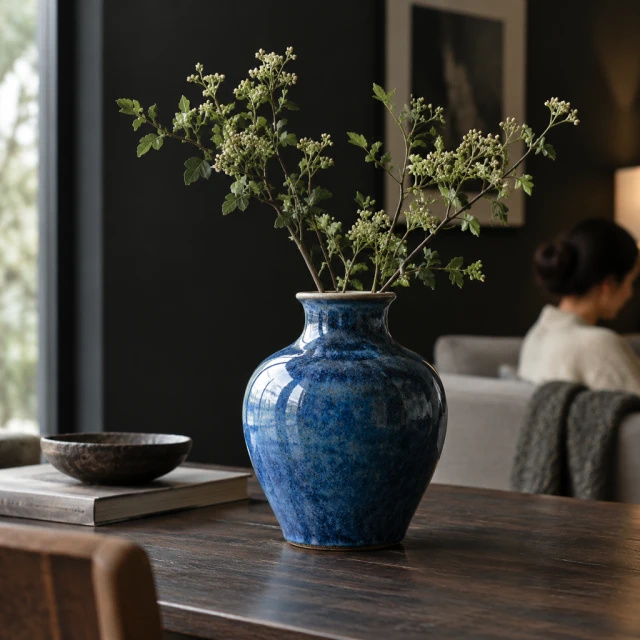
Blue ceramic vase against a dark editorial background.
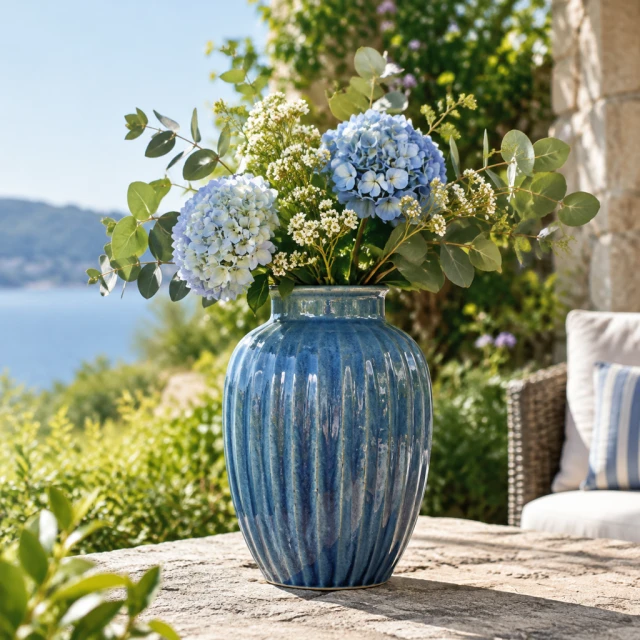
Blue ceramic vase outdoors on a stone surface.
Clean edge detail around a blue ceramic vase.
Before and after

Product photo background, before and after

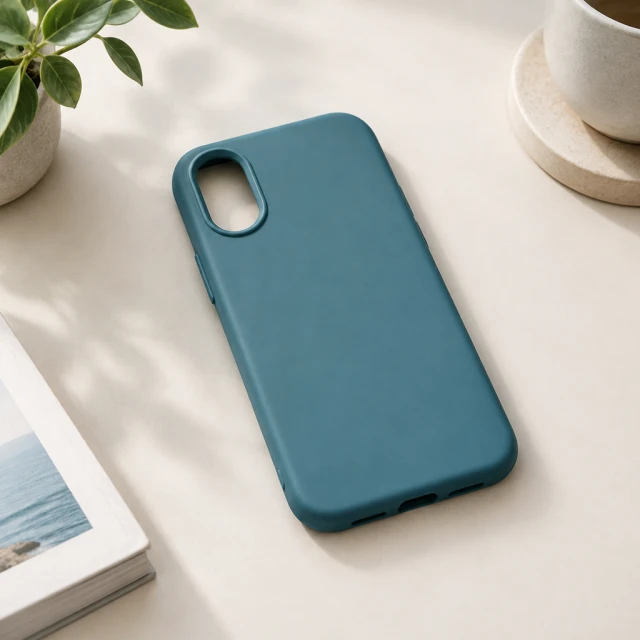
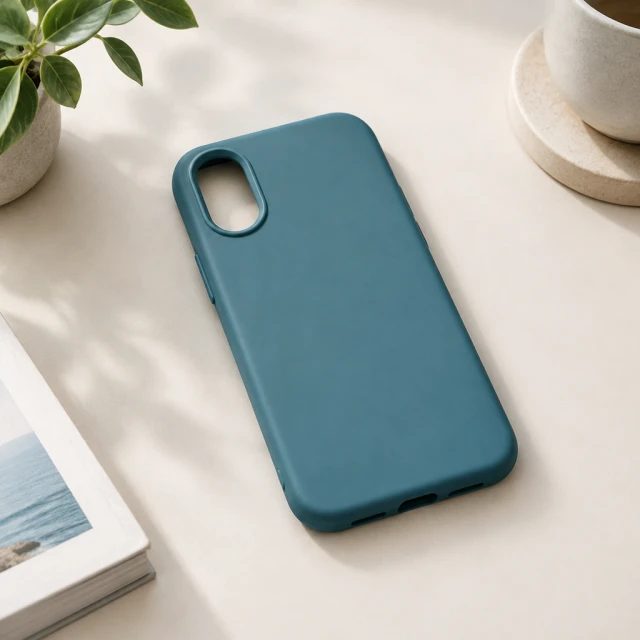
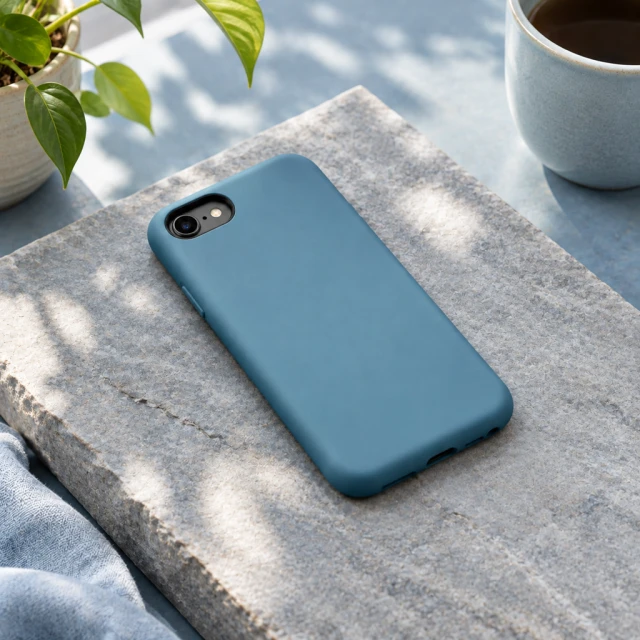
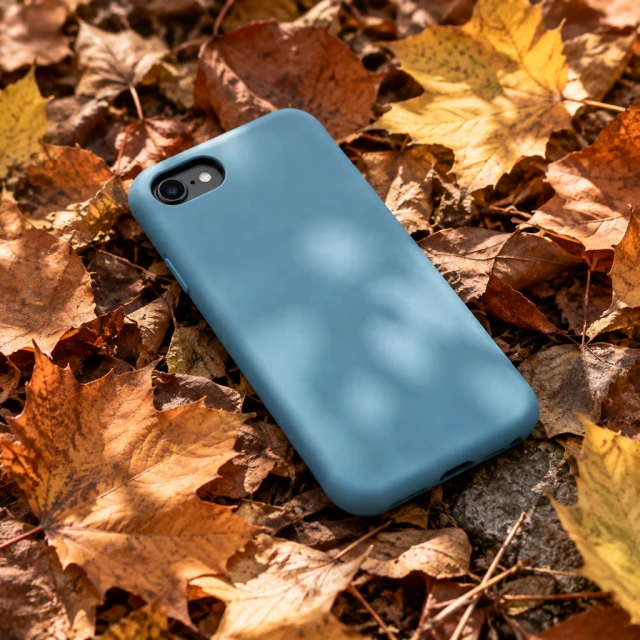
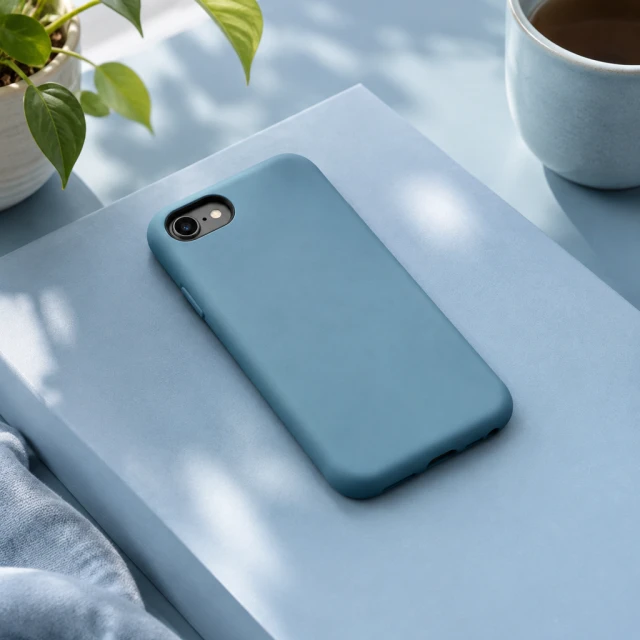
Plain sea-blue protective case with one oval camera opening on a clean pale bathroom counter; no phone visible.Result
Your photoPlain sea-blue protective case with one oval camera opening on a seamless pale surface; no phone visible.
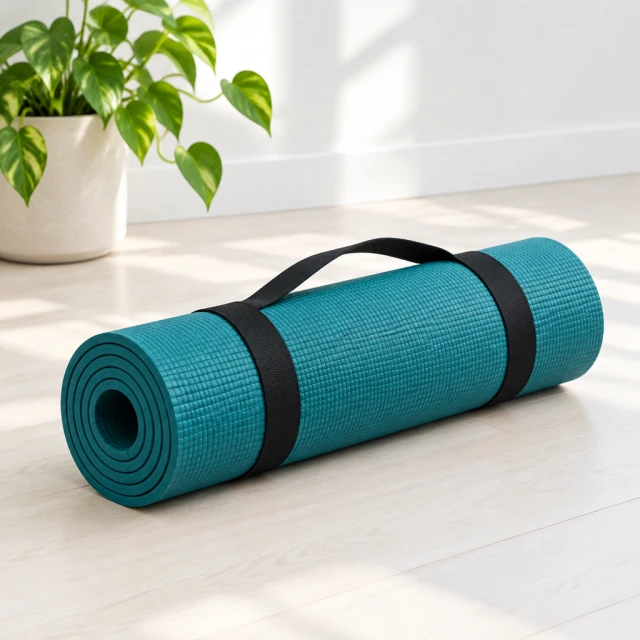
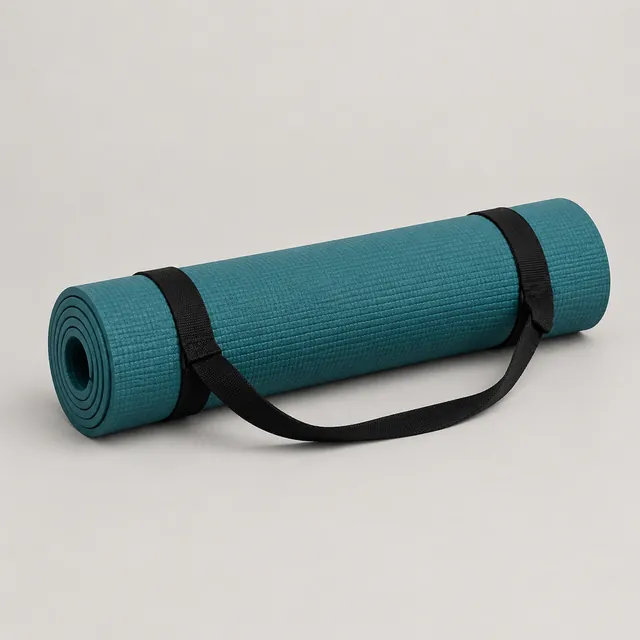
Teal yoga mat in a bright uncluttered roomResult
Your photoTeal yoga mat rolled up with a black carrying strap on a light studio background
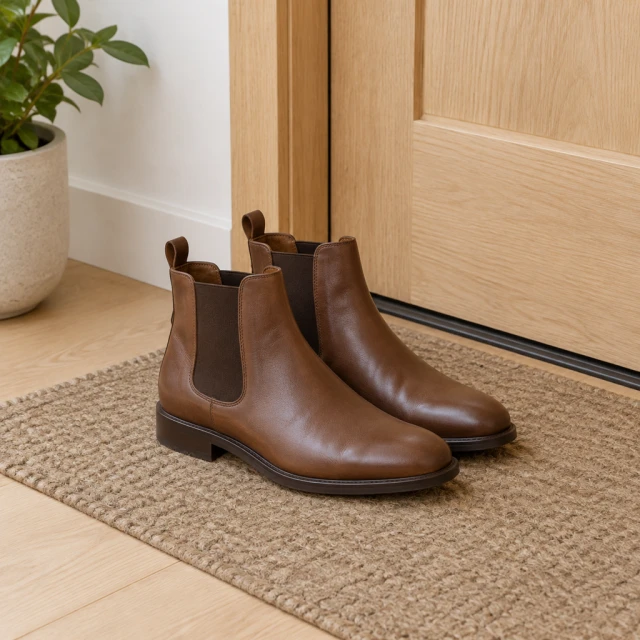
Brown leather boots beside a simple doorwayResult
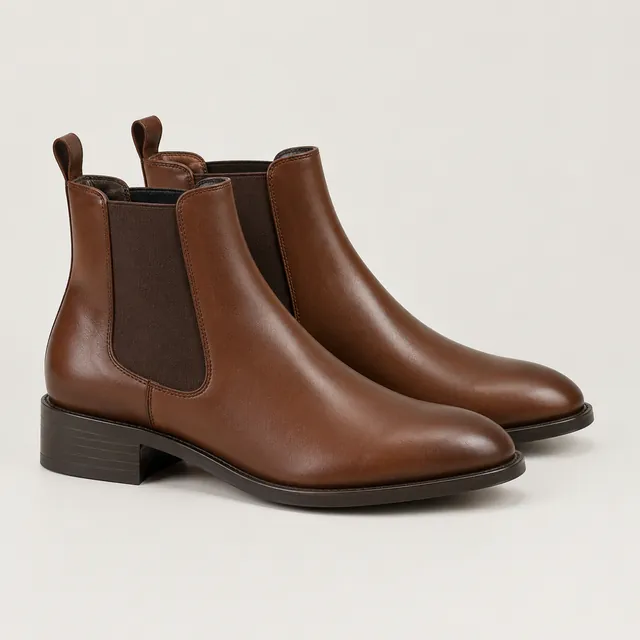
Your photoPair of brown leather Chelsea ankle boots on a light studio background
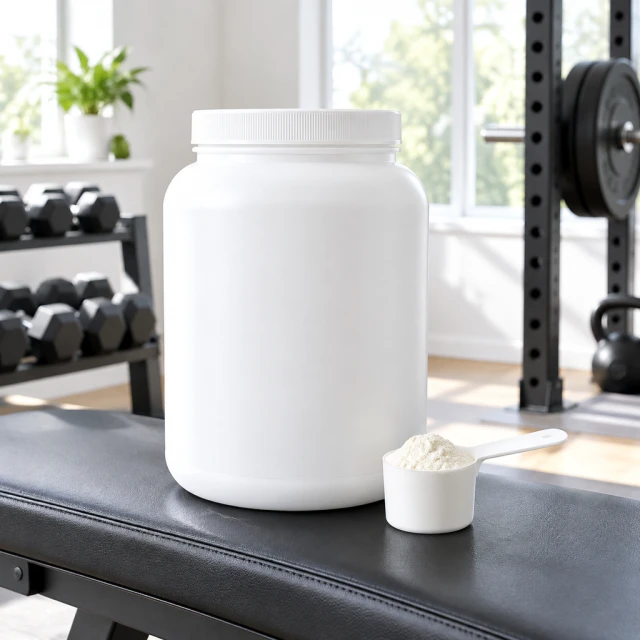
Plain protein powder tub in a quiet home gymResult
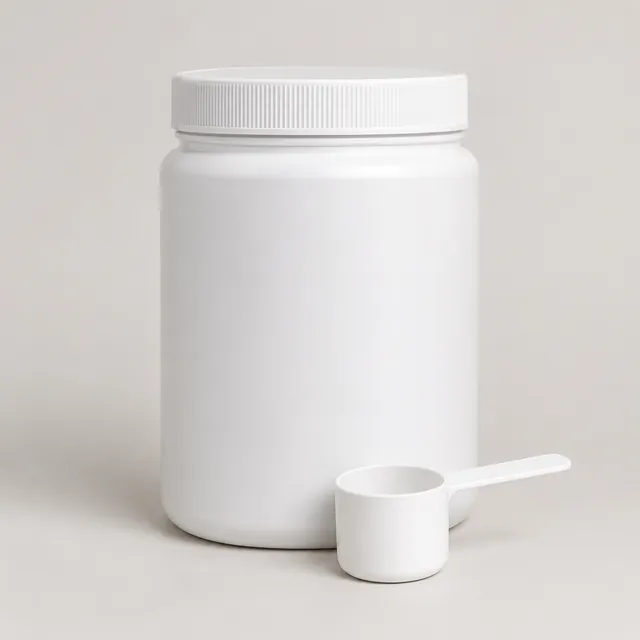
Your photoWhite plastic protein powder tub with a plain front and a scoop on a light studio background

See start-to-finish product examples →

Keep the angle you already like and change only what's behind it. Ask for one thing at a time, like "white marble counter" or "pale sage wall", and compare each result with your original.

How it works

How to change a product photo background in 3 steps

Hand cream tube front view on a pastel backdrop.
Drop your product photo hereJPG, PNG or WebP · any clear photo works
Step 01

Upload the original photo

Whole product in frame and in focus. A messy room behind it is fine.

Move the tube onto a white bathroom sink counter with soft window light. Keep the label straight and readable.
Photo Your product shotBackground Color, surface or settingSize Square by default
Cost24 credits
Step 02

Name the new background

One surface, color or room, or pick a ready-made background.
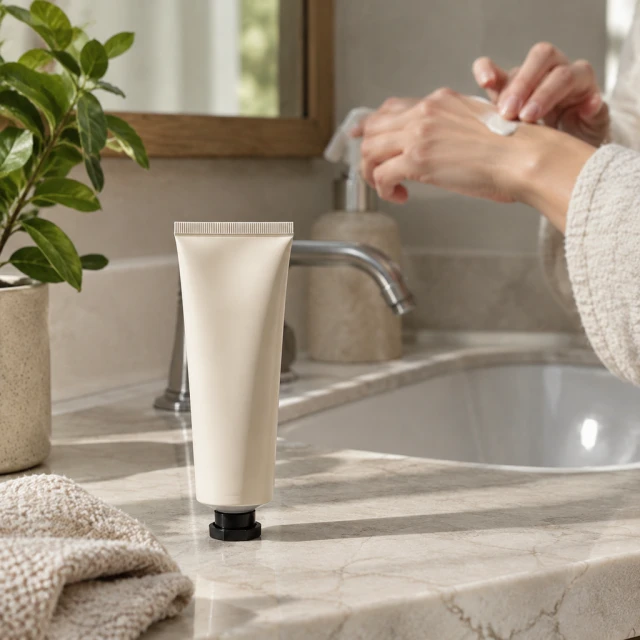
Hand cream tube by a bathroom sink.
Step 03

Download, or try another background

Keep the one that fits your store and try another if it doesn't.

Start with a clear photo

Which photos work best for background replacement

✓
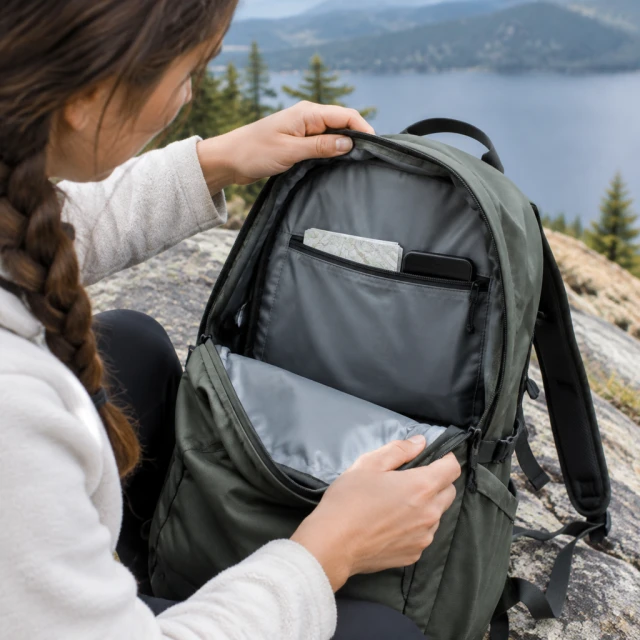
Daypack opened to show its inner pocket.
Open bag, full handle visible
✕
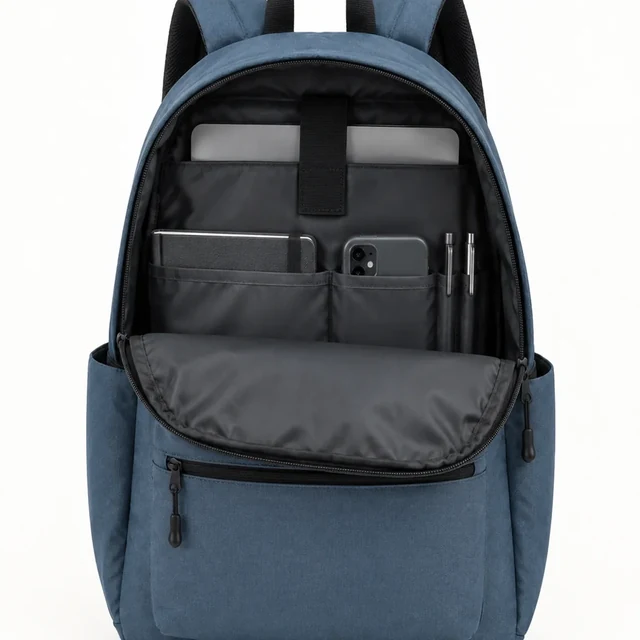
Open blue backpack with its top handle cut off at the frame edge.
Top handle clipped by frame
✓
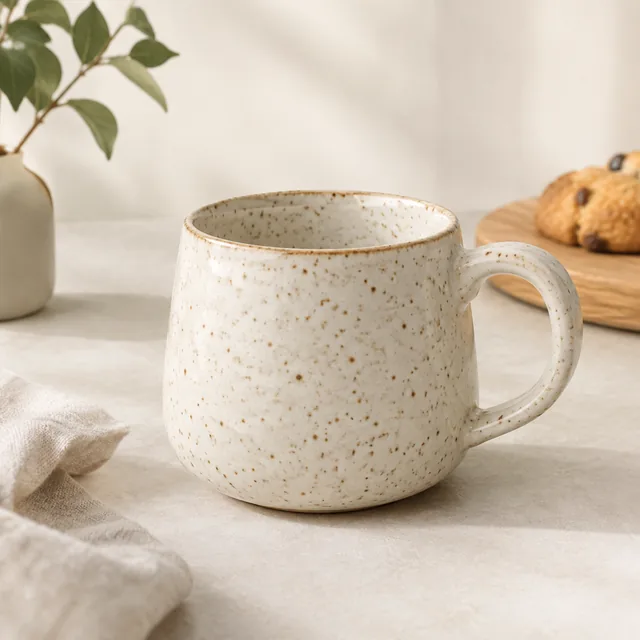
Speckled ceramic cup in a clean square frame.
Whole speckled mug, handle in frame
✕
Close-up of a ceramic mug rim blurred out of focus.
Too close: only the rim, nothing to set on a new background
Your result

Output sizes and credits

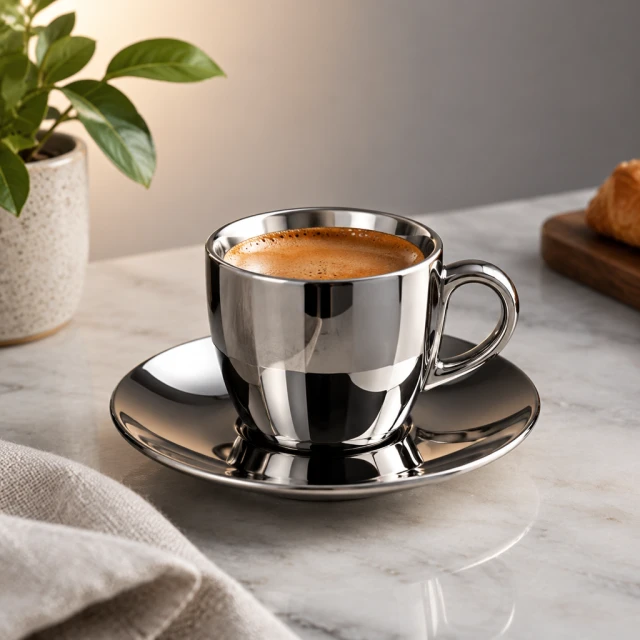
Chrome espresso cup with controlled, clean reflections on a gradient.
Polished product viewSquare photo · 24 credits
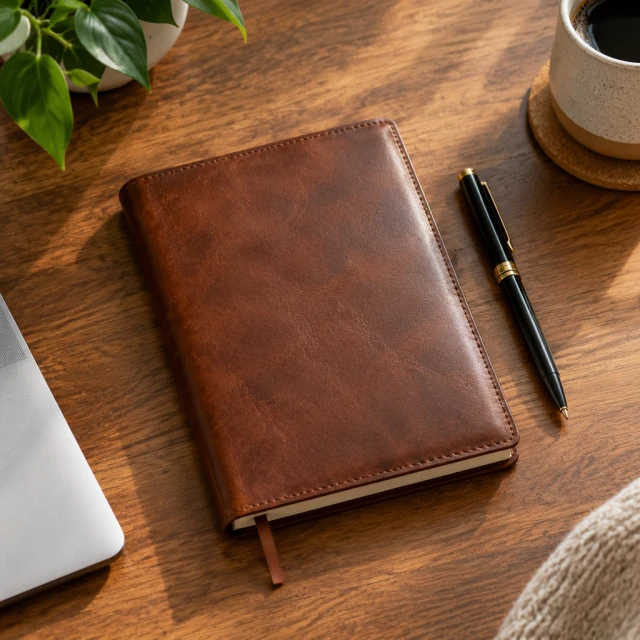
Leather notebook flat lay with a pen on a desk.
Desk settingSquare photo · 24 credits
Where to use it

Where new-background photos help

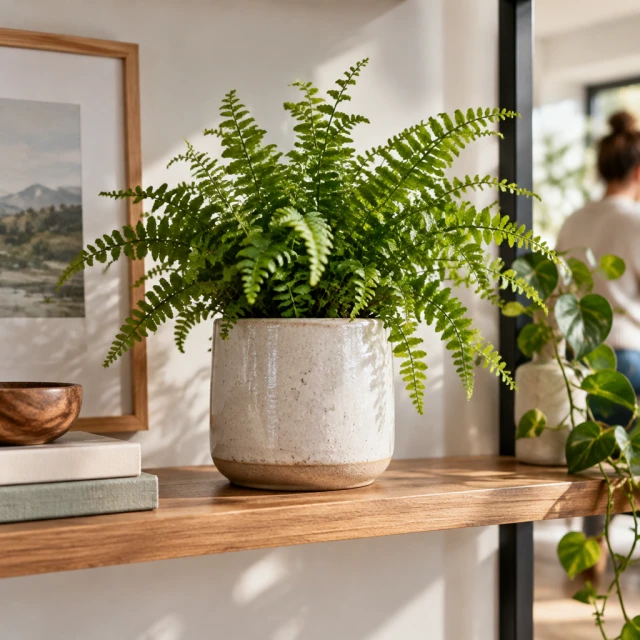
Ceramic planter with a fern on a styled shelf, wide banner framing.

Match a collection page

Products shot in different rooms look like one set when they share a surface or color.
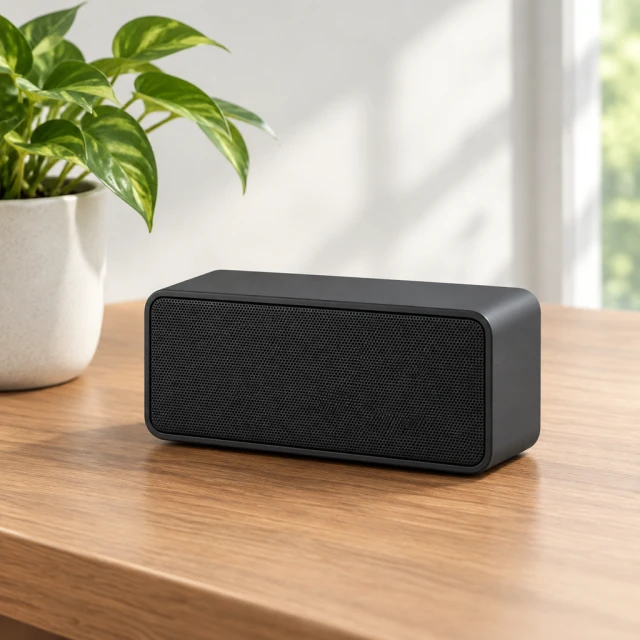
Compact rectangular Bluetooth speaker on a desk

Refresh a seasonal post

Move the speaker to a pool deck in summer or a cabin in winter, then type the offer in your editor.
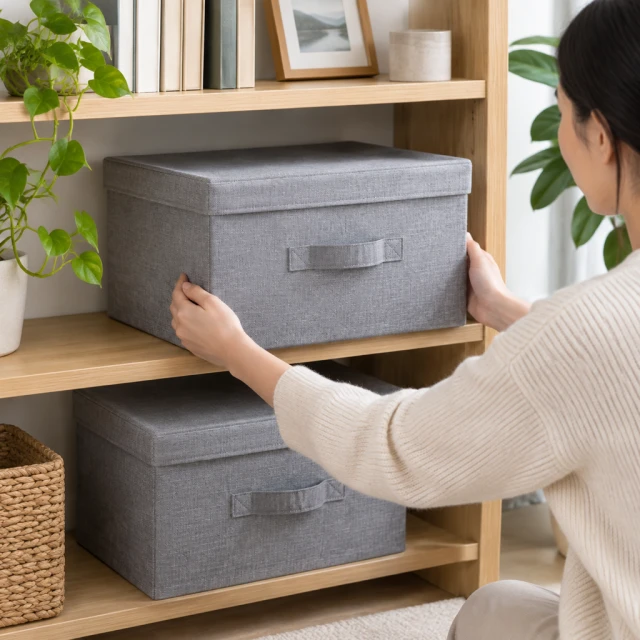
After download

Add price and logo in your editor

Fabric storage boxes on a tidy shelf.
Your priceYour headline

These details are added in your editor after download.

  • Type prices, logos and sale dates in Canva or your editor. AI lettering can come out misspelled.
  • Zoom in on labels, patterns and small buttons and compare them with the real product.
Templates

Background templates

Pick one, add your product photo and get the same look.
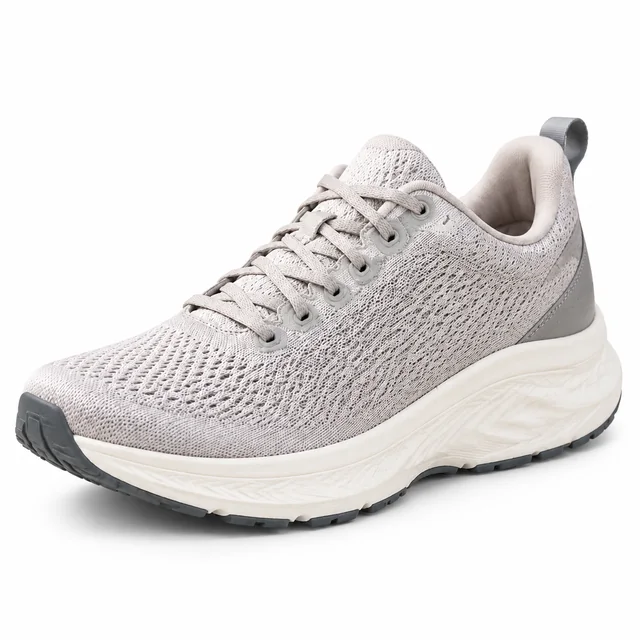
PhotoGray knit running shoe with a cream sole on a pure white background

White Background

Clean main photo for Amazon and Shopify

ShoesAmazonShopify
Use this template →
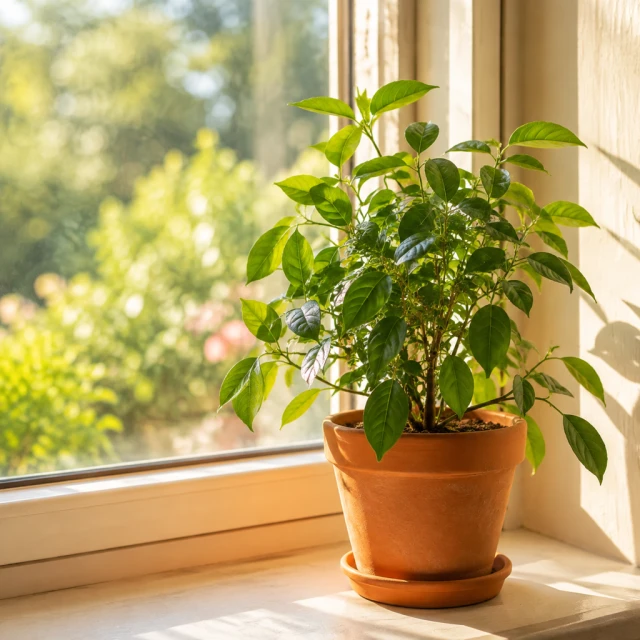
PhotoGreen potted plant on a sunny windowsill

Lifestyle Scene

Your product out in the real world

Fashion & ClothingShopifyInstagram
Use this template →
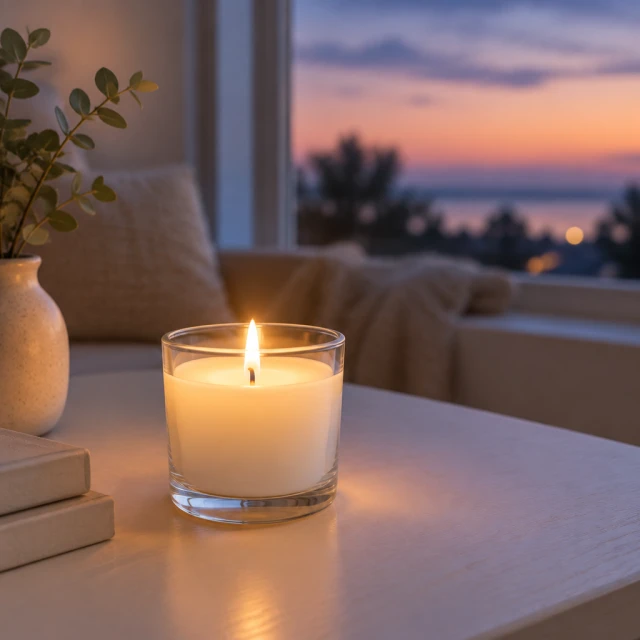
PhotoSmall white candle glowing on a pale table

Studio Lighting

Turn a flat photo into a studio shot

Beauty & SkincareAmazon
Use this template →
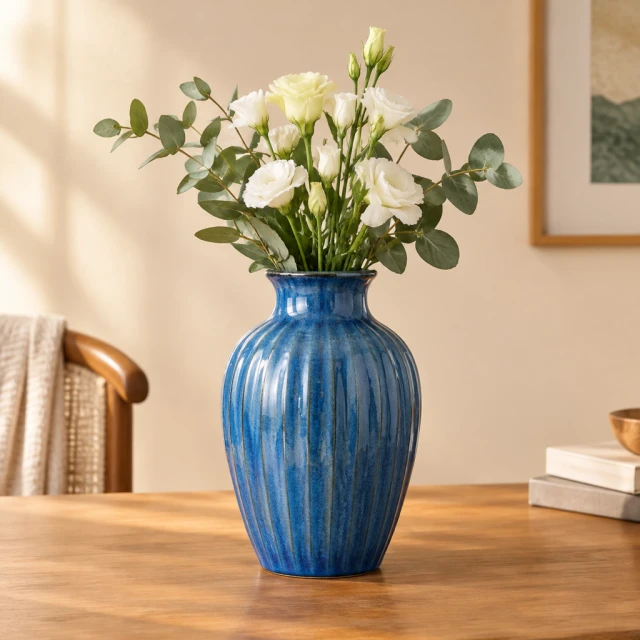
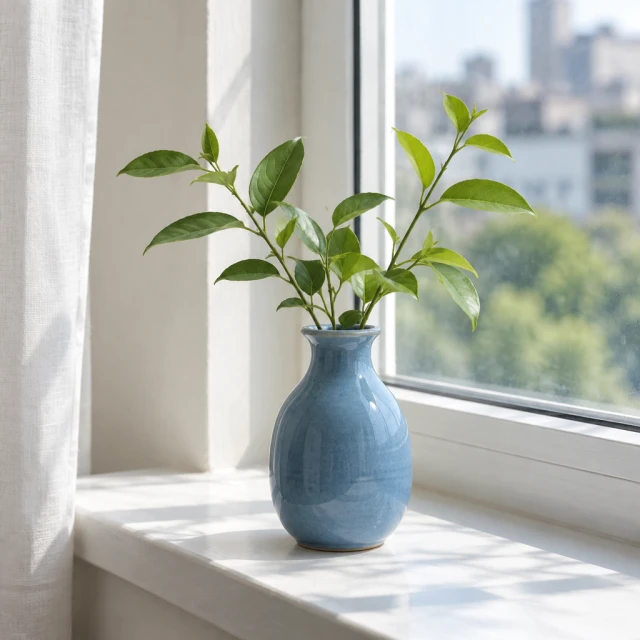
PhotoBlue ceramic vase against a clean warm studio background, framed as a square product image.

New Background

Same product, new setting

Home & LivingShopifyAmazon
Use this template →
Examples

More background swaps

One product shown on different backdrops, from a plain color block to a seasonal scene.
FAQ

Background changer FAQ

Do I get a cut-out with a transparent background?

Not from this tool. It gives you a finished photo with the new background already in place, ready to upload. For a plain white version, use the white background photo tool.

Will my product change when the background changes?

The tool aims to keep your product as it is, but fine details like printed text or small patterns can shift. Look over each result next to the real item before you add it to a listing.

What backgrounds work well for home decor?

Warm neutral walls, light wood, stone or linen surfaces and soft window light suit vases, candles, planters and tableware. Busy patterns can compete with the product, so save them for simple, solid-colored items.

Can I add my logo or a sale message to the background?

Add logos and words afterward in a design tool such as Canva, where they'll look exactly as you set them. Lettering made by AI can come out misspelled or blurry.

Keep reading

Guides and articles

More tools

You might also need

Product PhotosStudio-quality shots from any photo
White Background PhotosReady for Amazon and Shopify
Lifestyle PhotosYour product in a real-life scene
Model PhotosYour clothes and accessories on a model
Social Ad PhotosImages for Facebook and Instagram ads

Make your first photo today

Upload a product photo and see the cost before you start.