 AIVIDEOSUGC
AIVideosUGC guides
Pick the right tool for the product video you want to make.
Start with what you already have: a short idea, product photos, a public product page, or a finished video. Each tutorial follows one example and links straight to its tool.
Choose a tutorial by your starting point
See what to prepare, where to start, and what to check before you move on.
 8 min read
Text to Video: Write a prompt that produces the clip you want
Name the product, setting, action, and look, then generate and review the clip.Read the tutorial → 8 min read
AI Video: Build a video from product references
Add product photos and a scene description, then check the clip against your references.Read the tutorial → 8 min read
AI Image: Create a lifestyle product photo
Use a clear product photo as a reference and inspect the still image at full size.Read the tutorial → 6 min read
Product Links: Save product pages to reuse
Import a public product page, check what was read, and save the product for later use.Read the tutorial →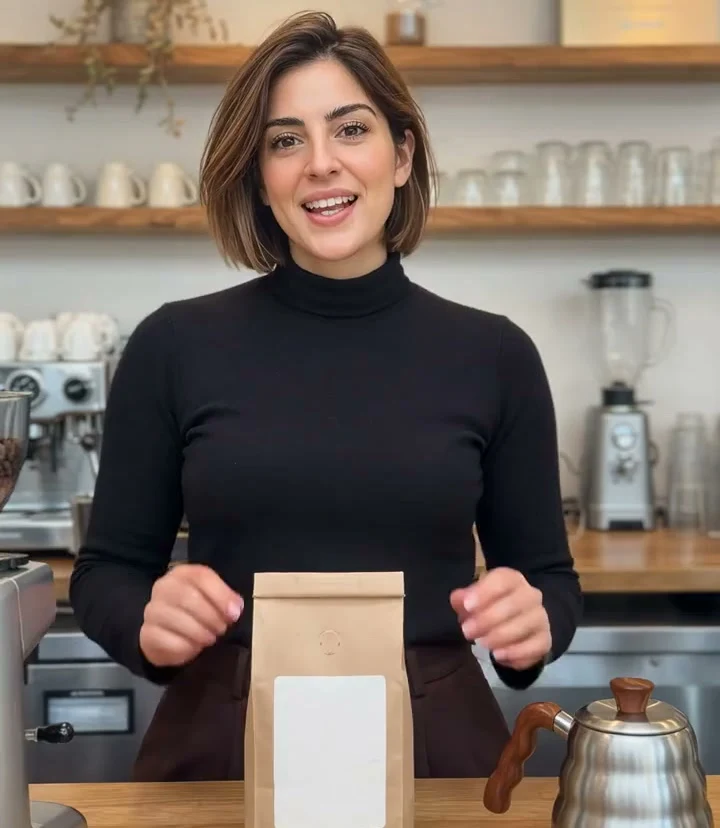 8 min read
AI Avatar: Choose a presenter for your product
Preview available presenters and voices before adding a product and script.Read the tutorial →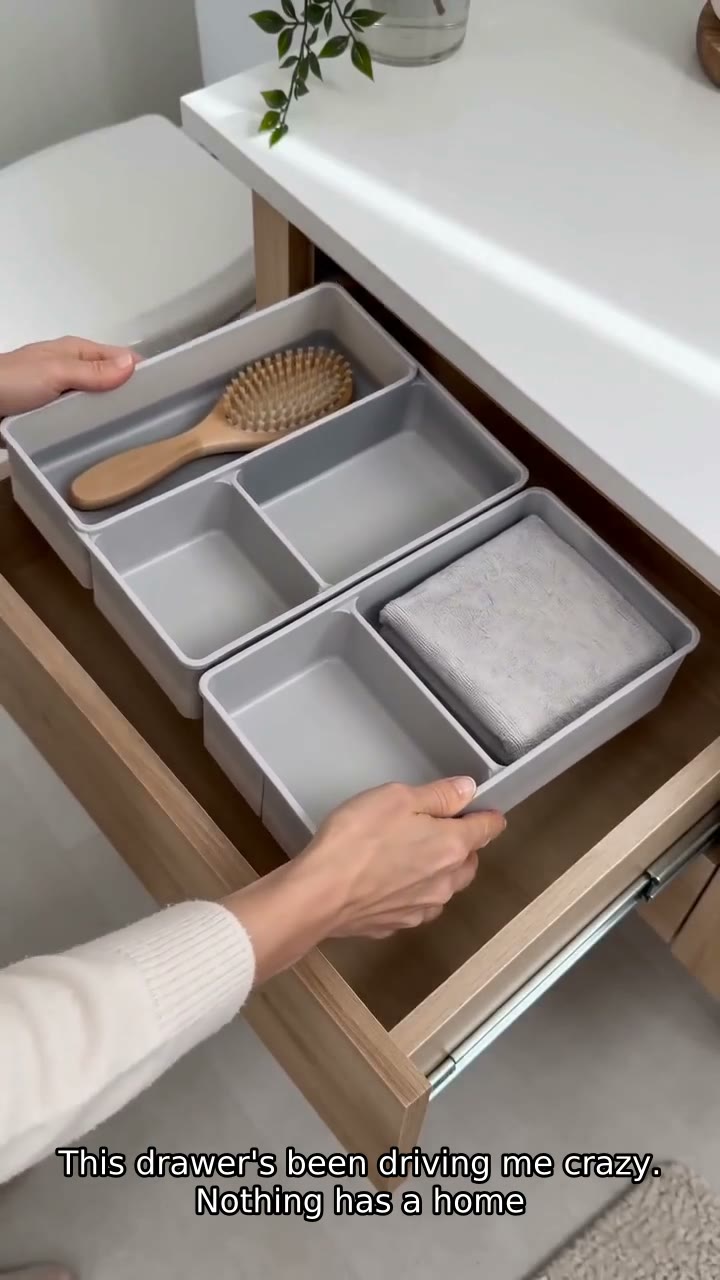 8 min read
Subtitle Studio: Add captions to a finished video
Generate subtitles on a completed clip and compare the new version with the original.Read the tutorial → 6 min read
URL to Video: Import a page into an editable video draft
Review the product details and photos imported from a public product page before generation.Read the tutorial → 6 min read
Image to Video: Animate one product photo
Write one clear motion and check that the clip still looks like the source product.Read the tutorial →Field guides.
Deeper reads on the details that make the difference — shot from your phone, sized for every platform, tested against real ad spend.