AI video ads & product photos for online stores

Turn One Product Photo into Video Ads and Store-Ready Images

Upload one photo of your product and get a short video ad, a clean white-background photo or a lifestyle scene for your online store. You see the cost before anything is made.
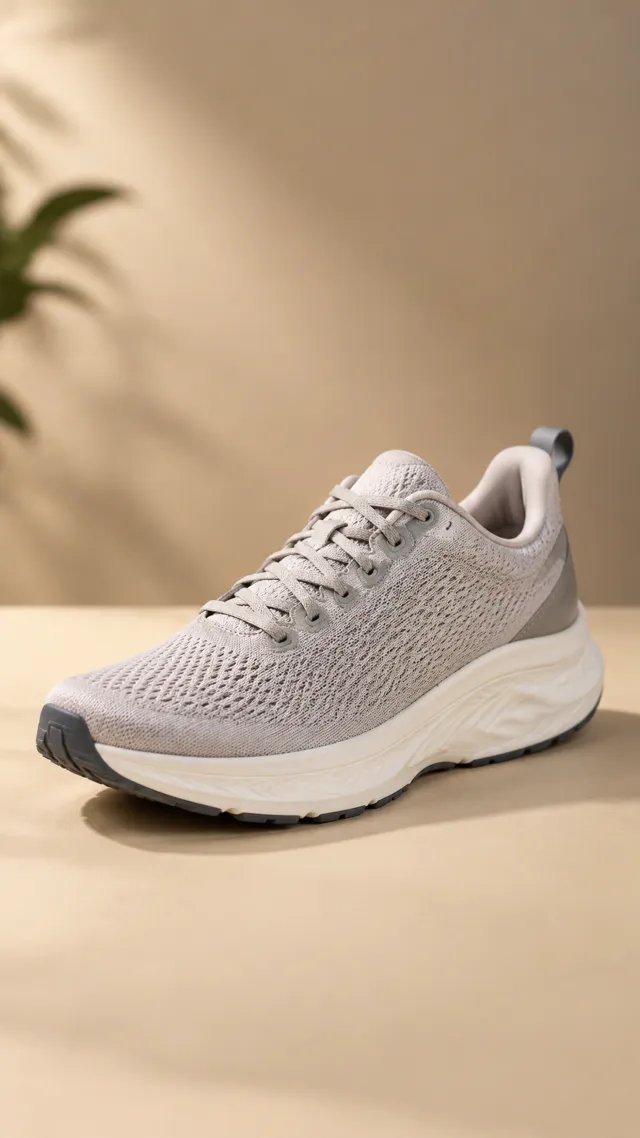
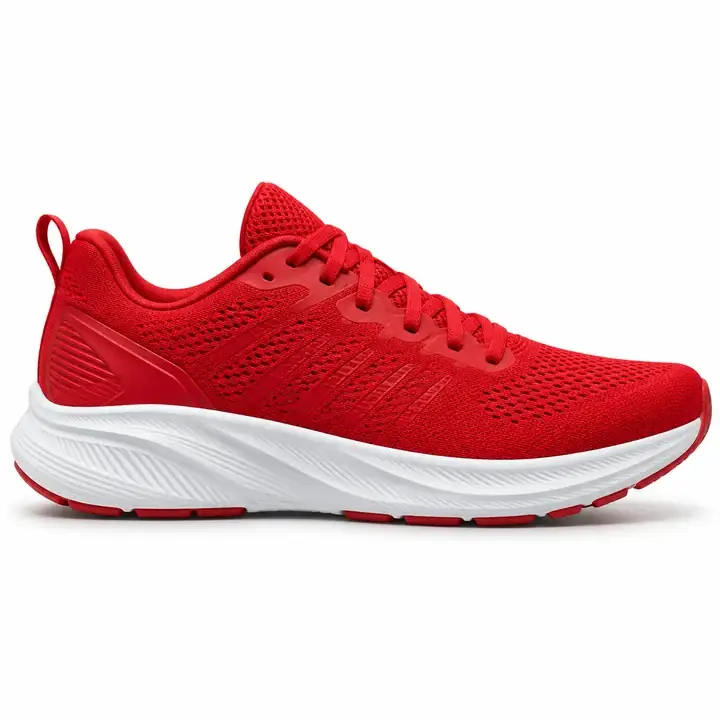
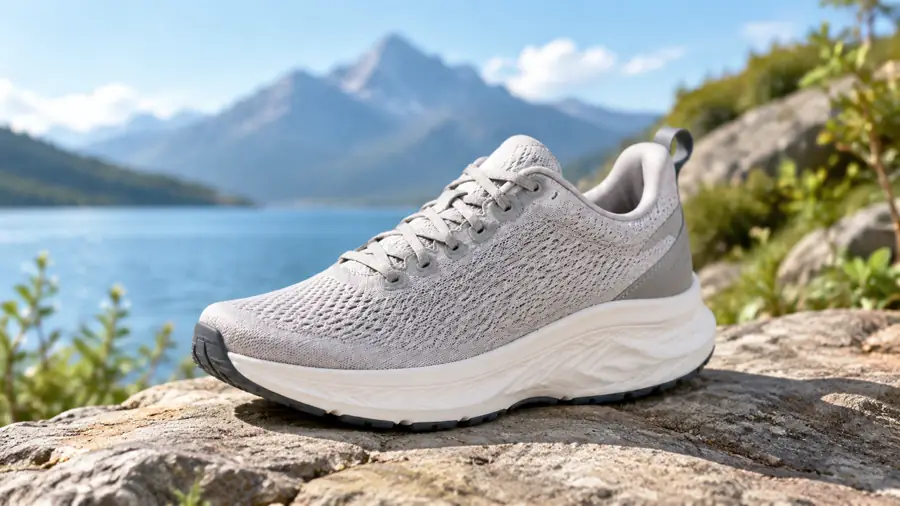
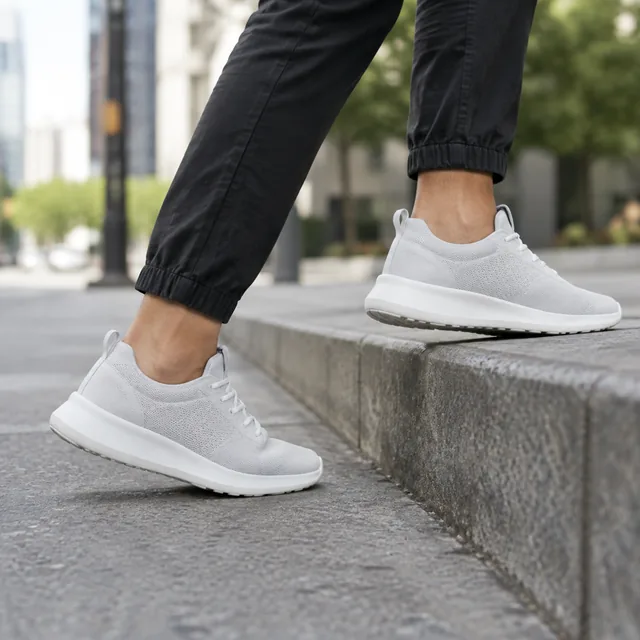
Running shoe as the starting photo
Drop your product photo hereJPG, PNG or WebP · any clear photo works
Size 9:16 · TikTok & ReelsLength 15 secondsTemplate Creator video ad
Make my video →See the cost before you start

Plans from $24.50 a month. You see the credit cost before every job, and if a job fails its credits go back to your balance.
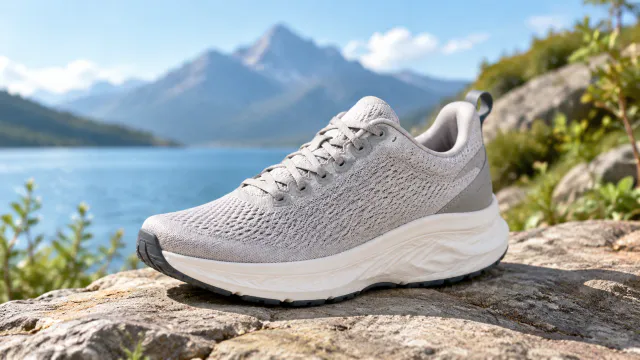
Your product photoRunning shoe as the starting photo
Video ad · 9:16 · 15sRunning shoe centered in a clean vertical feed ad composition
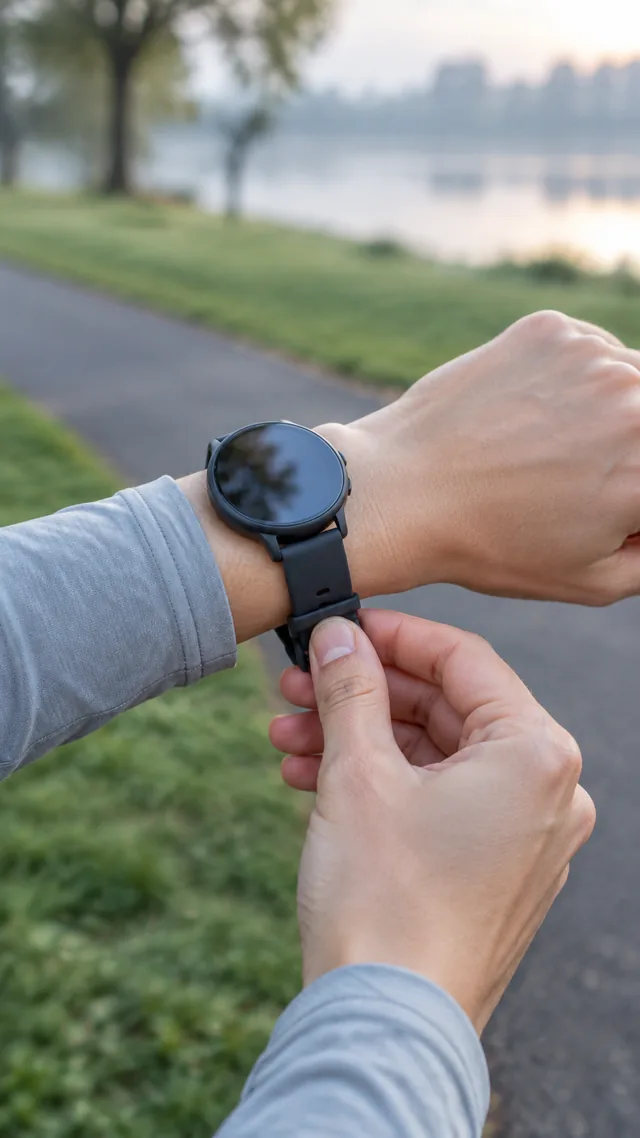
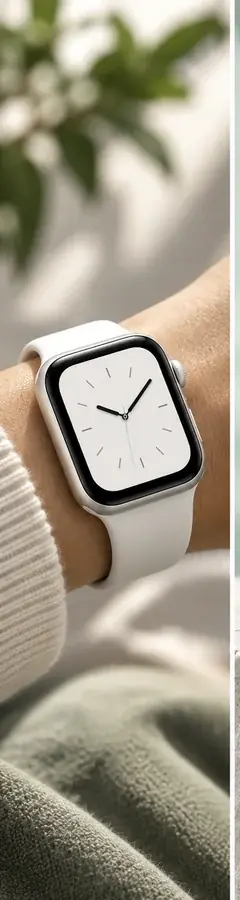
Smartwatch opening version ASmartwatch opening version BSmartwatch opening version CMore versions
Private uploadsCost shown before every job9:16, 1:1 or 16:96, 10 or 15 second videos
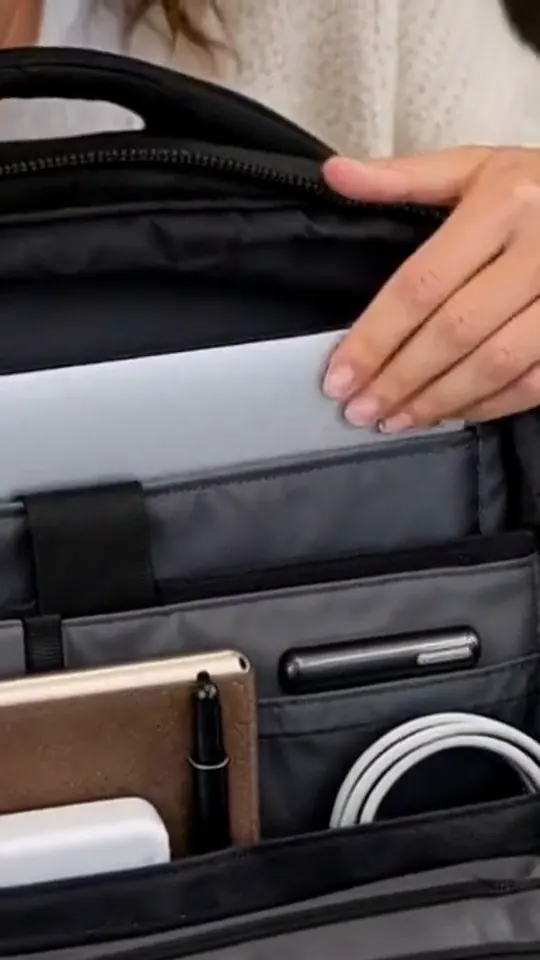
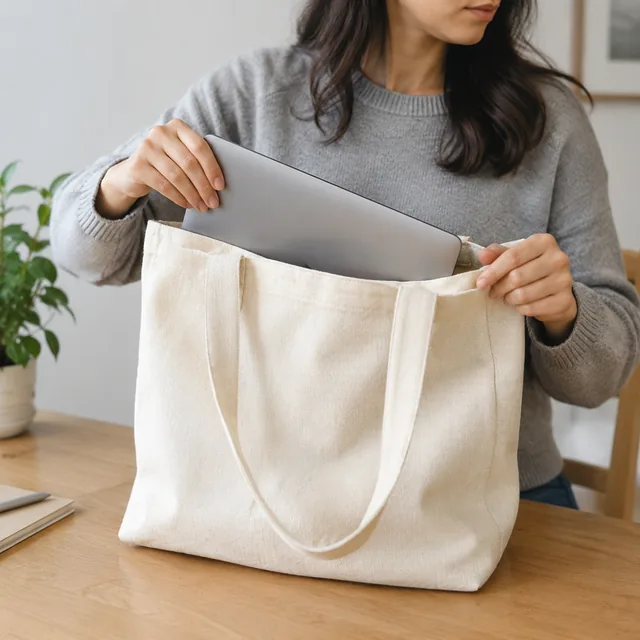
Hands open a black commuter backpack in a cafe, show its compartments, and put it on.
Video · 9:16
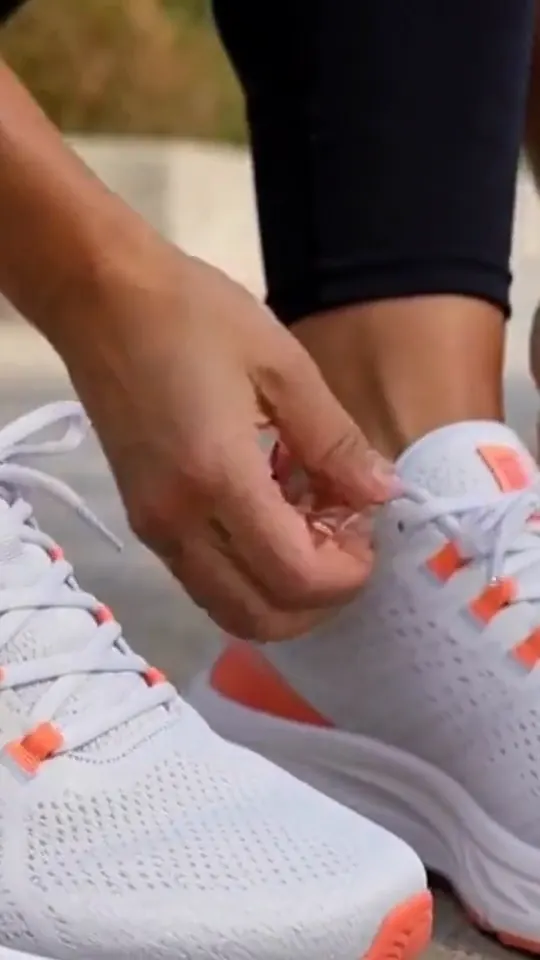
Hands tie white running shoes before feet run and show the soles.
Video · 9:16
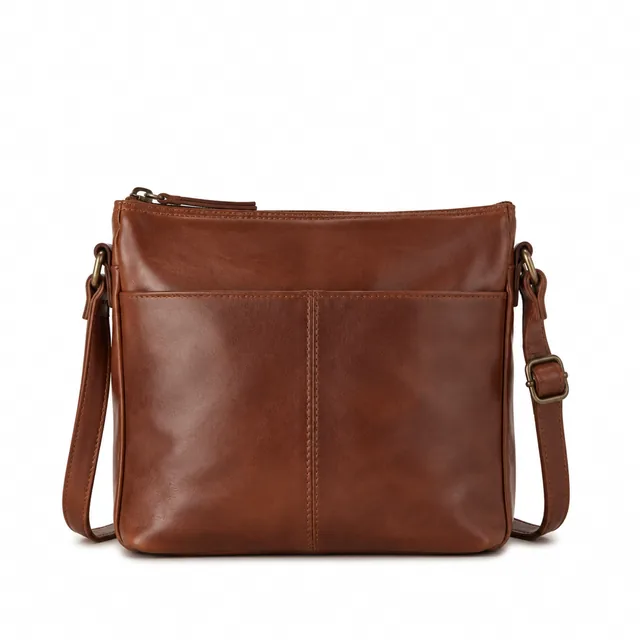
Leather crossbody bag, front view, on a pure white background.
Photo
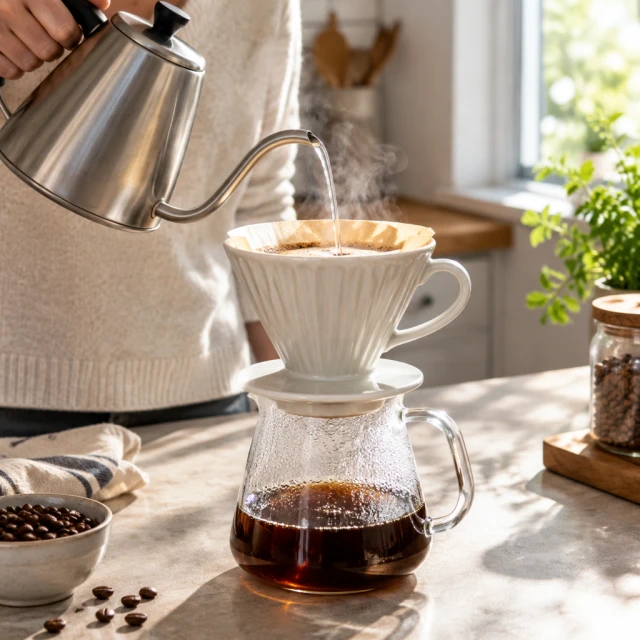
Ceramic pour-over coffee dripper on a sunlit kitchen counter with a little steam.
Photo
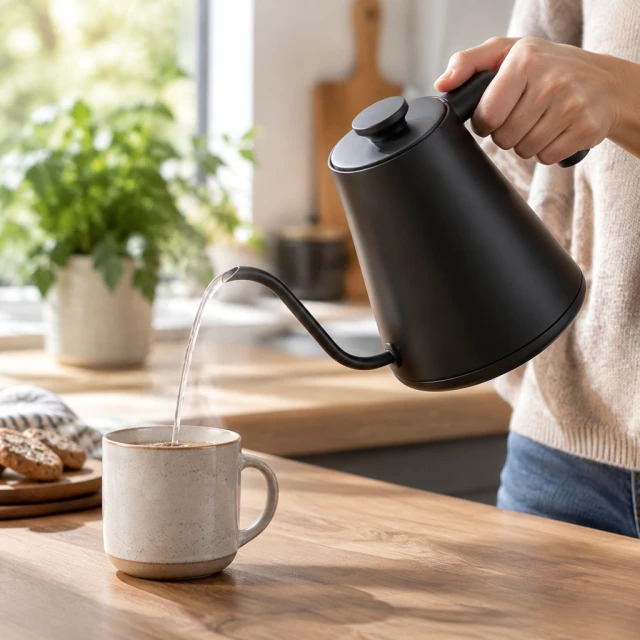
Matte gooseneck electric kettle pouring a slow stream into a mug.
Photo
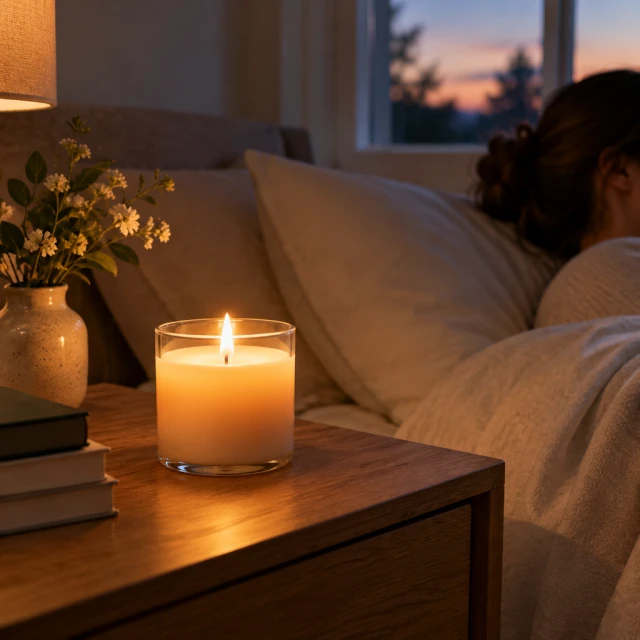
Soy candle glowing on a bedside table at dusk.
Photo
What do you want to make?

Choose a product video or photo

Start with the result you need. Every option begins with your own product photo.

Video

For TikTok, Reels, Shorts and your product page

All video tools →

Video Ads

Short ads for TikTok, Reels and Shorts
Photo

For Amazon, Shopify and social ads

All photo tools →
How it works

How to make AI product photos and videos in 3 steps

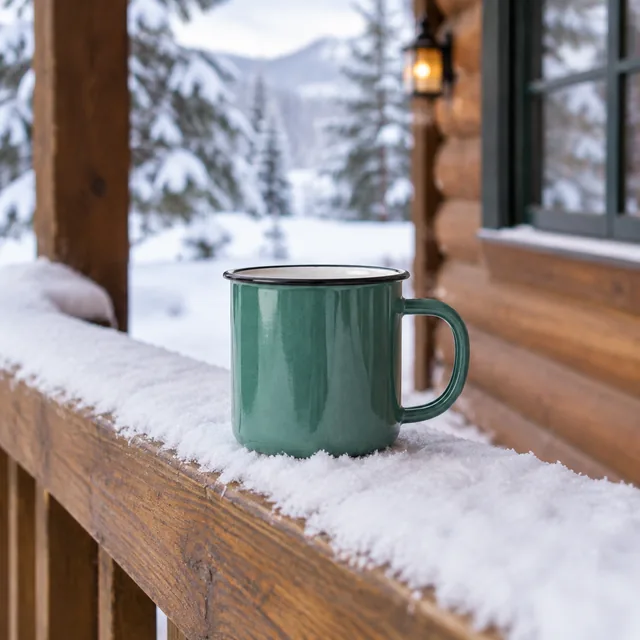
Enamel camping mug on a snowy cabin porch rail.
Drop your product photo hereJPG, PNG or WebP · any clear photo works
Step 01

Upload one product photo

A phone photo works if the whole product is in frame and the label is readable.

Move the mug from the snowy porch to a picnic blanket in bright summer sun. Keep the enamel chips and the handle exactly as they are.
Template Lifestyle sceneSize Square
Cost24 credits
Step 02

Describe the scene and pick a size

Write where the product should be, or start from a template. The credit cost shows before you click.

Enamel camping mug on a summer picnic blanket.
Step 03

Download, then make another version

Keep the one that looks right. Change one thing, like the surface, the light or the size, and compare.

Choose a scene

AI product photo scenes for the kitchen, desk, bathroom and outdoors

Tap a room to see examples. Each card shows one product in one real setting.
Formats

Sizes for TikTok, Reels, Instagram and Shopify

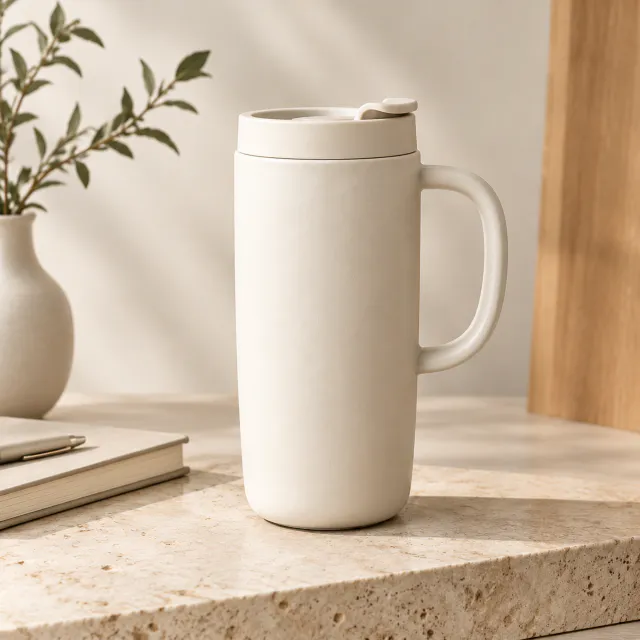
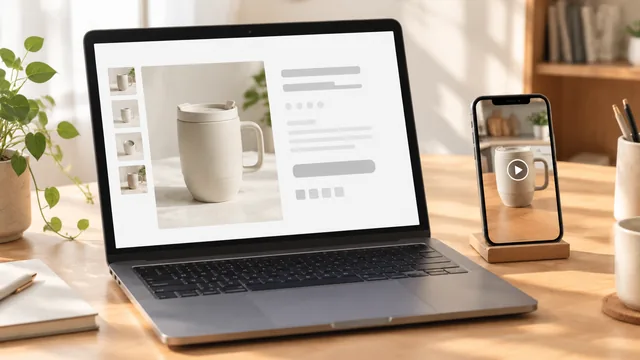
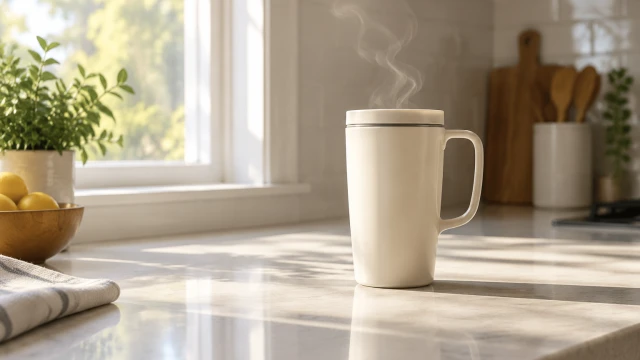
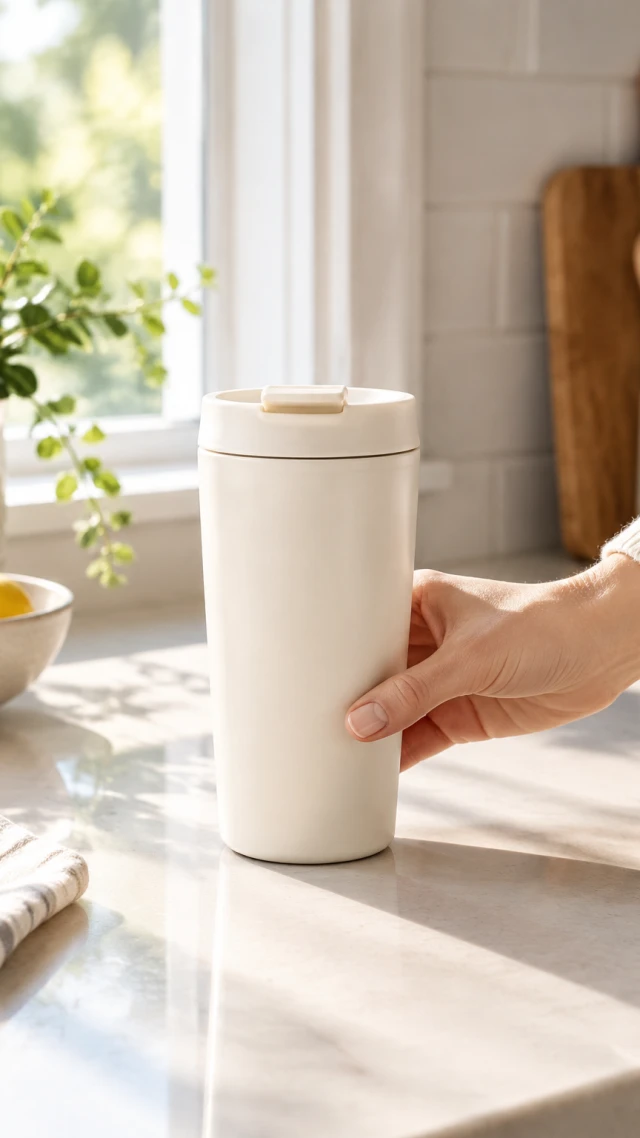
Vertical 9:16 video still of a cream travel mug on a bright kitchen counter
9:16TikTok, Reels and YouTube Shorts
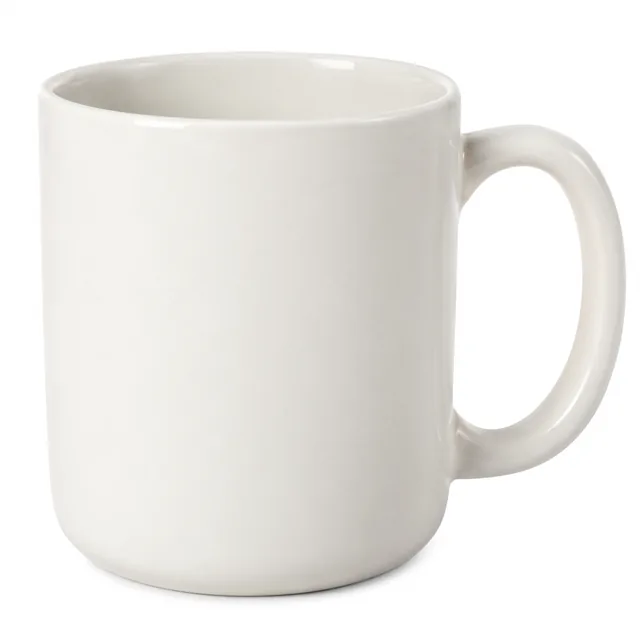
Ceramic mug filling the frame on a pure white background.
1:1Instagram and Facebook feeds, Amazon and Shopify listings
Widescreen 16:9 video still of a cream travel mug on a kitchen counter
16:9YouTube, website banners and product-page video
Start with a clear photo

What makes a good product photo for AI

✓
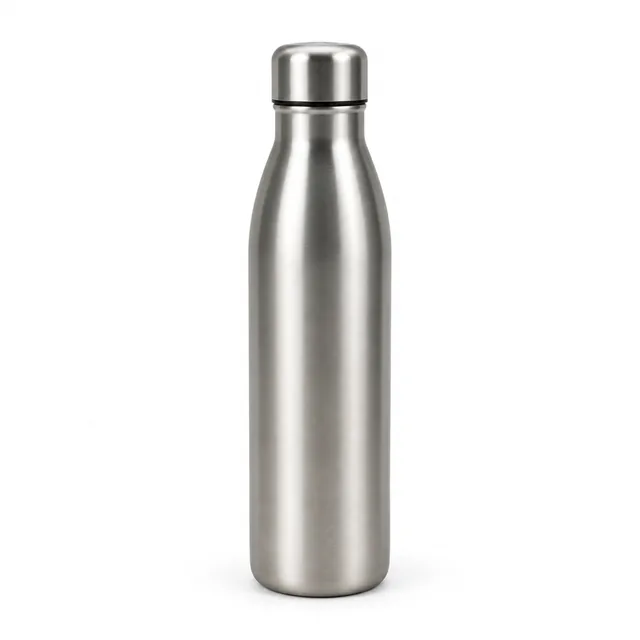
Brushed steel water bottle on a pure white background, soft contact shadow.
Bottle fully inside frame
✕
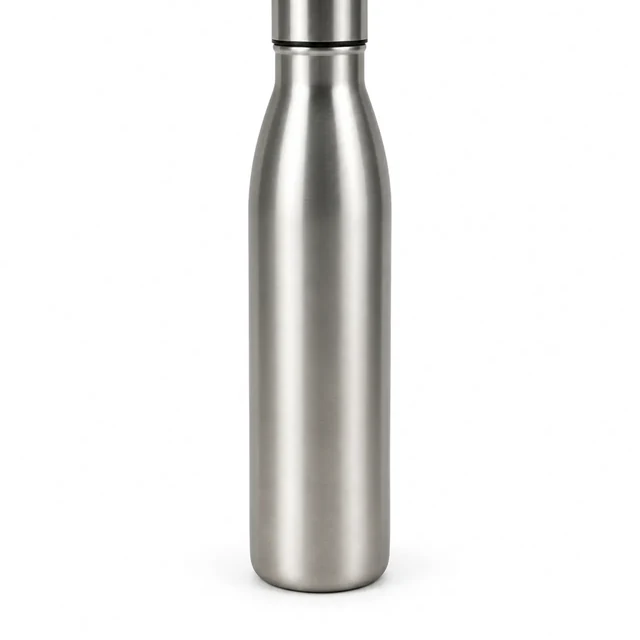
Stainless steel bottle with its cap clipped by the top edge on white.
Bottle cap clipped by top edge
✓
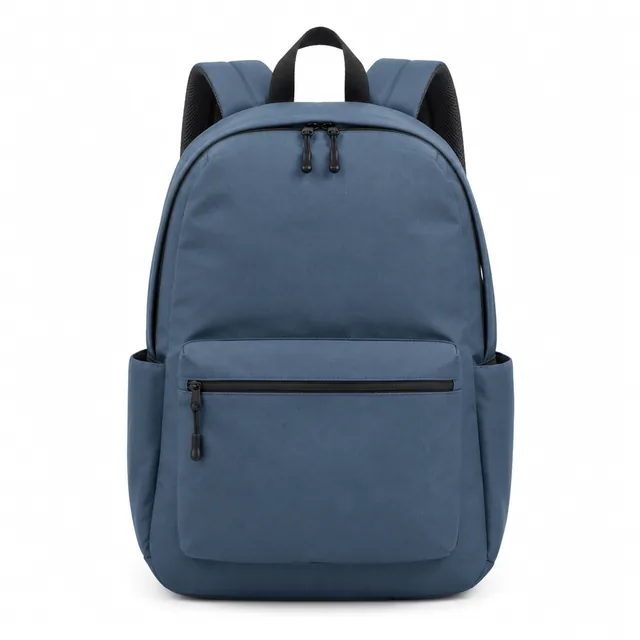
Daypack front view on a pure white background.
Backpack edges stay sharp
✕
Blue daypack in soft focus on a white background.
Backpack details blurred
Your result

What you get and what each one costs

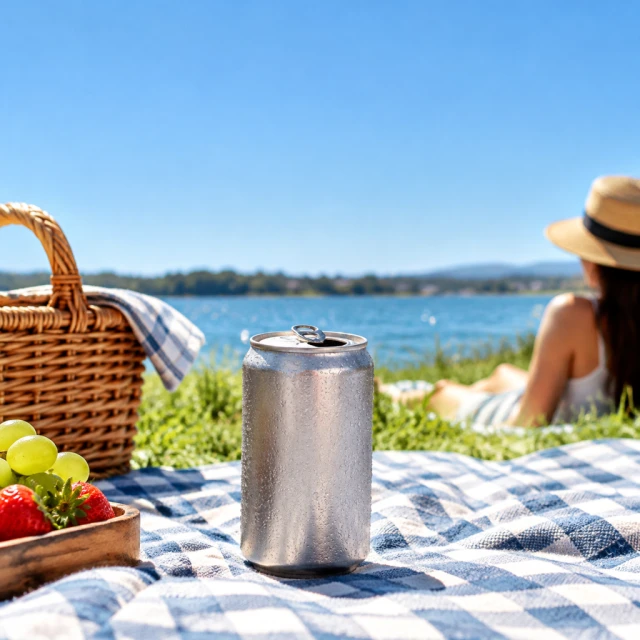
Iced coffee can on a picnic blanket in bright summer light, empty sky at the top.
Feed photoSquare photo · 24 credits
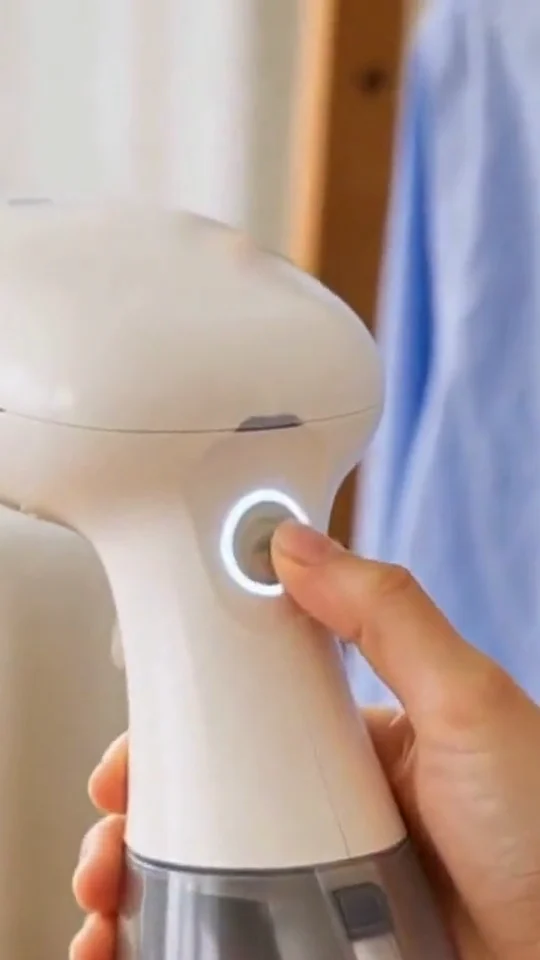
Hand switching on a white handheld garment steamer, its power button lit.
Garment steamer demo9:16 video · 10 s · 40 credits

What AI can't check for you

  • Exact size and fitAdd measurements from your own listing.
  • Parts your photo doesn't showPorts, seams or the back side need a real photo.
  • Proof that it worksA clip of a kettle pouring isn't a test result.
  • Printed words and pricesType them in your editor; AI letters can come out wrong.
  • Exact color and what's in the boxCompare with the real product before you post.
Examples

AI product photo and video examples

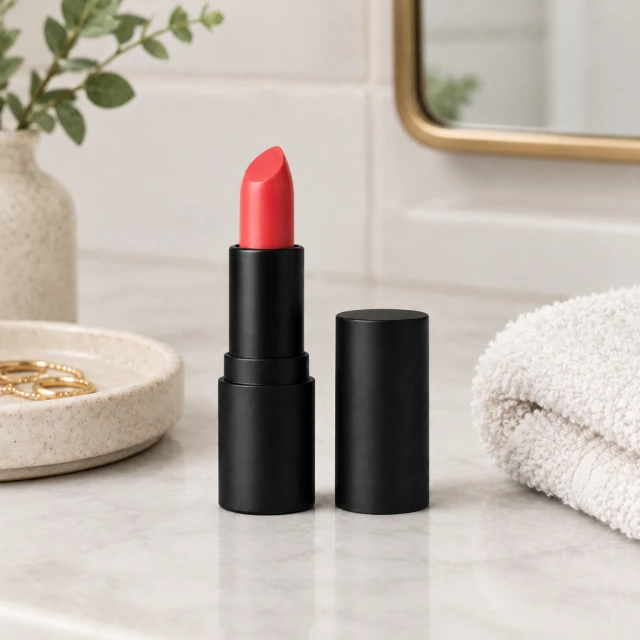
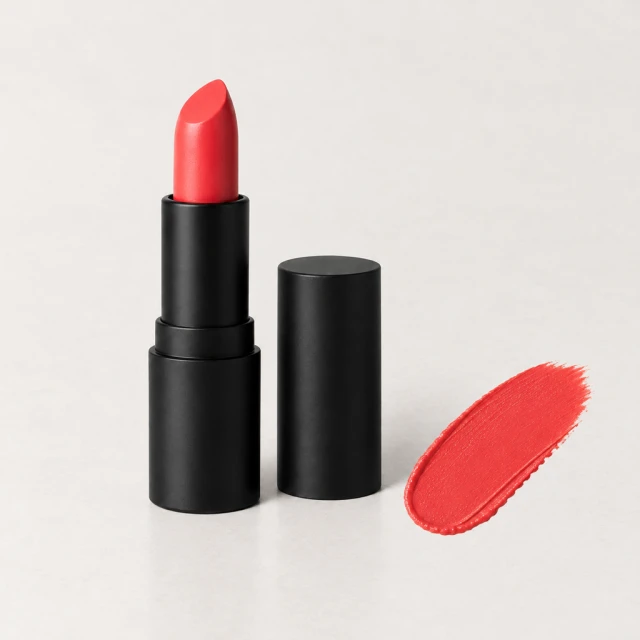
Lipstick: one studio shot becomes a vanity scene and a shade swatch

One lipstick photo became a vanity scene and a close-up beside a matching shade swatch.

Try this with your product →
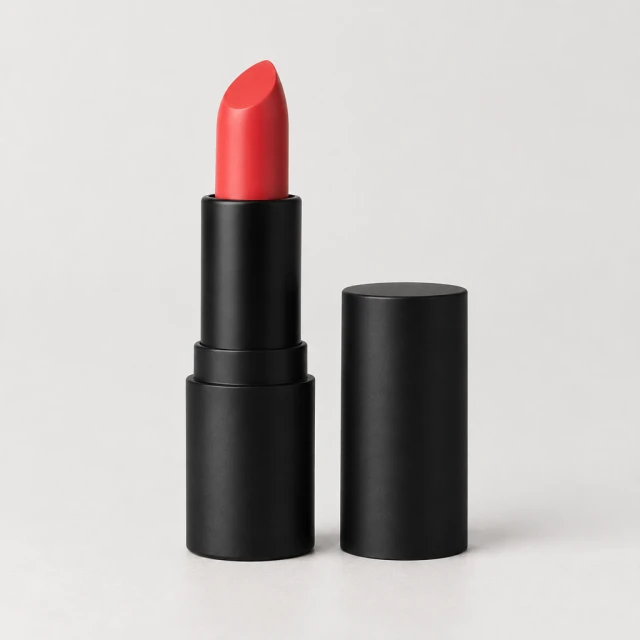
Coral lipstick in a matte black tube on a light studio surface
Product photo
Coral lipstick on a softly lit vanity
On a vanity
Coral lipstick beside a matching color swatch
Shade swatch

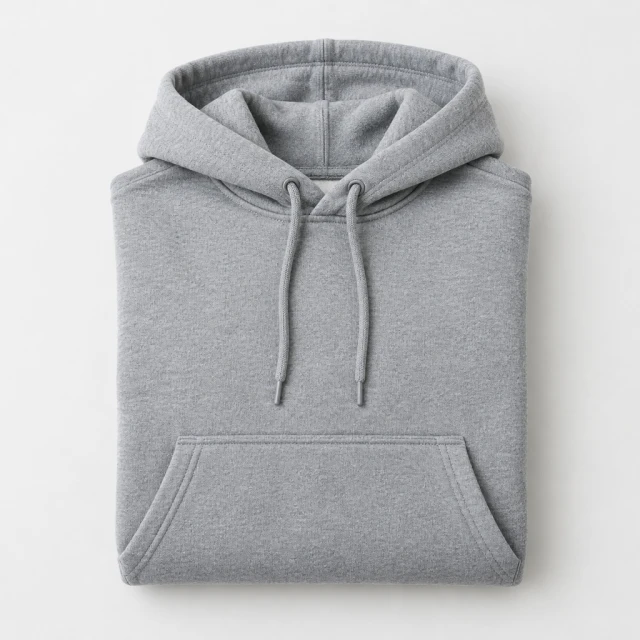
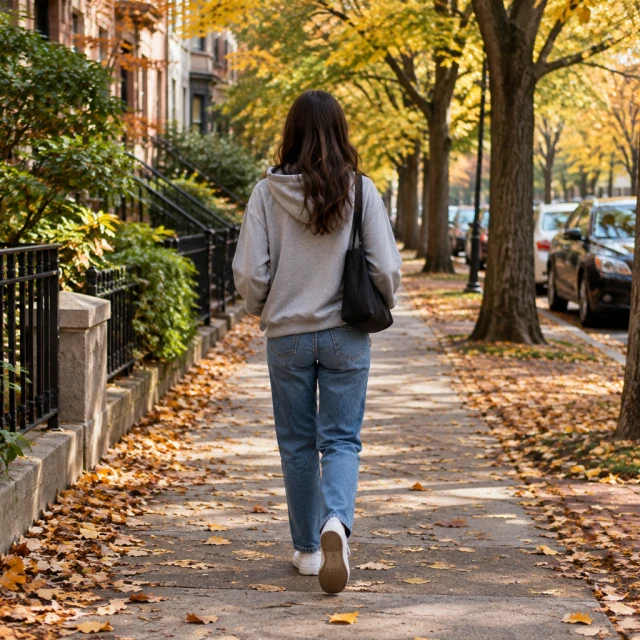
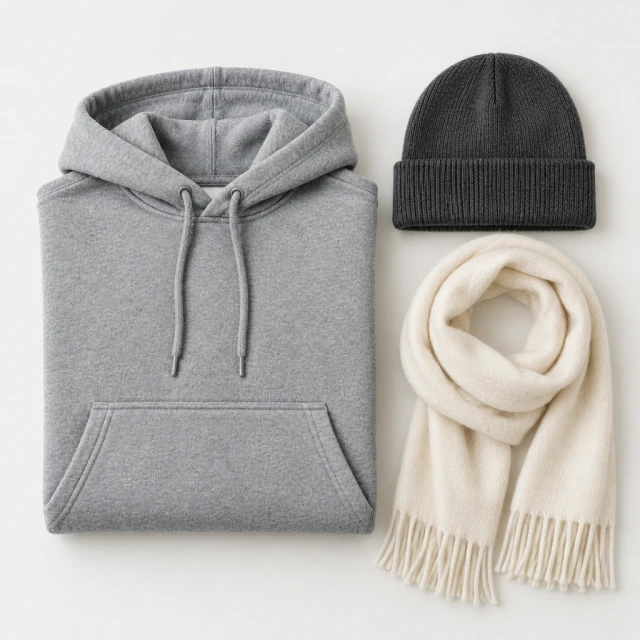
Hoodie: a flat product photo becomes street style and a flat lay

One gray hoodie photo became a street scene and a flat lay with a beanie and scarf.

Try this with your product →
Heather-gray pullover hoodie folded on a light studio surface
Product photo
Person in a gray hoodie and jeans walking along a tree-lined autumn street, face turned away.
Worn outdoors
Folded gray hoodie with a knit beanie and scarf
Flat lay

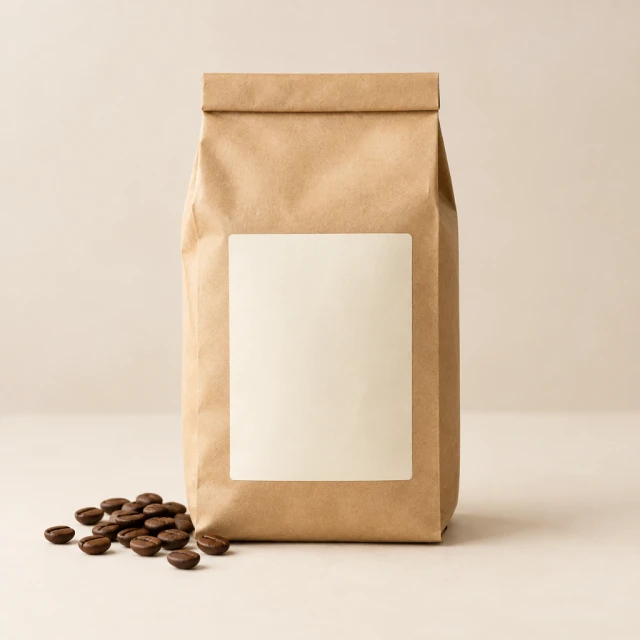
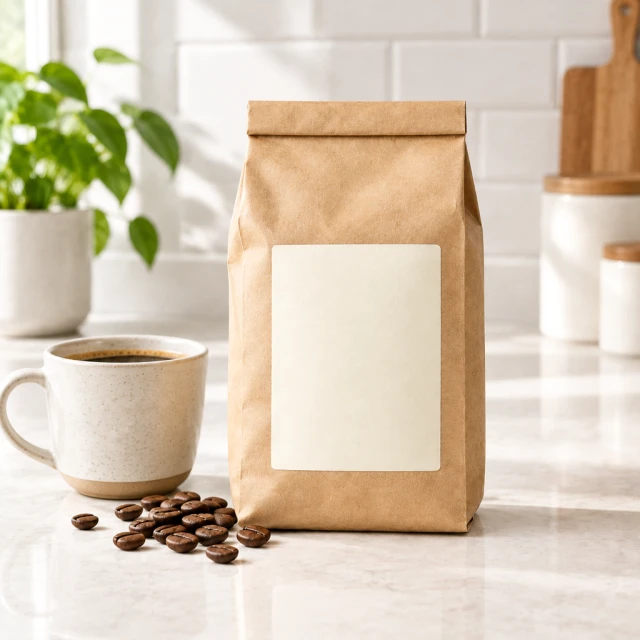
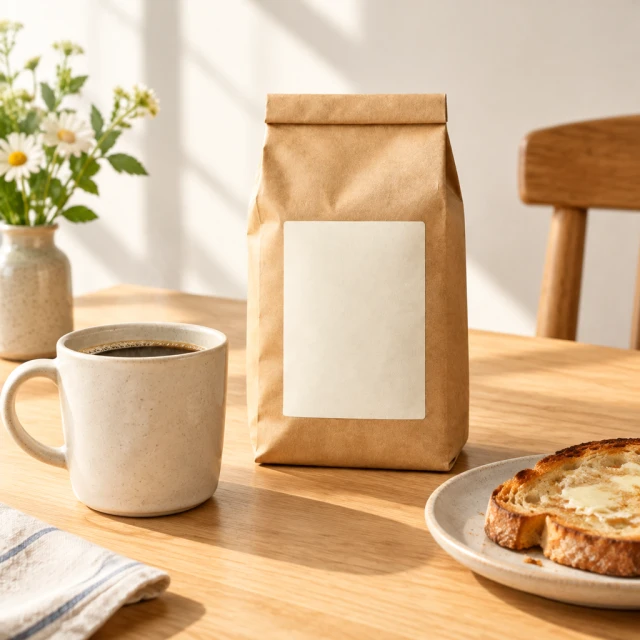
Coffee beans: a plain bag in a kitchen and at a breakfast table

One coffee bag photo became a kitchen-counter scene and a breakfast-table setting.

Try this with your product →
Blank kraft coffee bag with scattered beans on a pale studio surface
Product photo
Blank kraft coffee bag on a bright kitchen counter
Kitchen counter
Blank kraft coffee bag on a simple breakfast table
Breakfast table
Where to use it

Where to use your AI product photos and videos

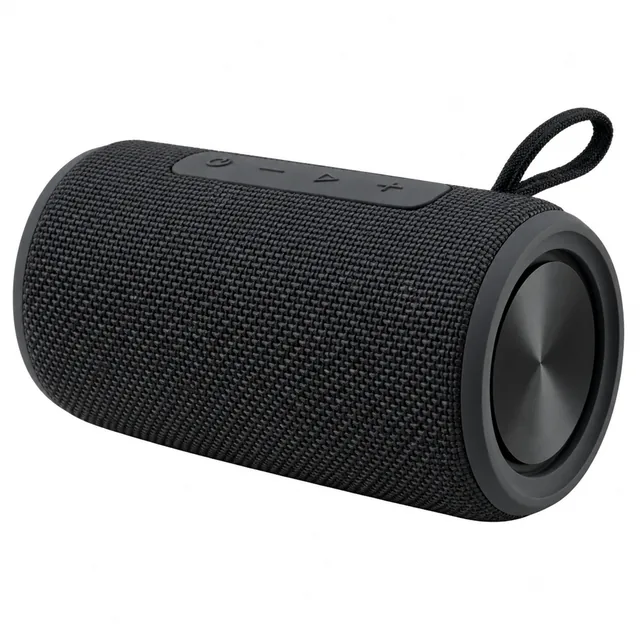
Bluetooth speaker on a pure white background, product fills most of the frame.

Product page

Lead with the clean photo, then add one scene so shoppers see the size and where it goes.
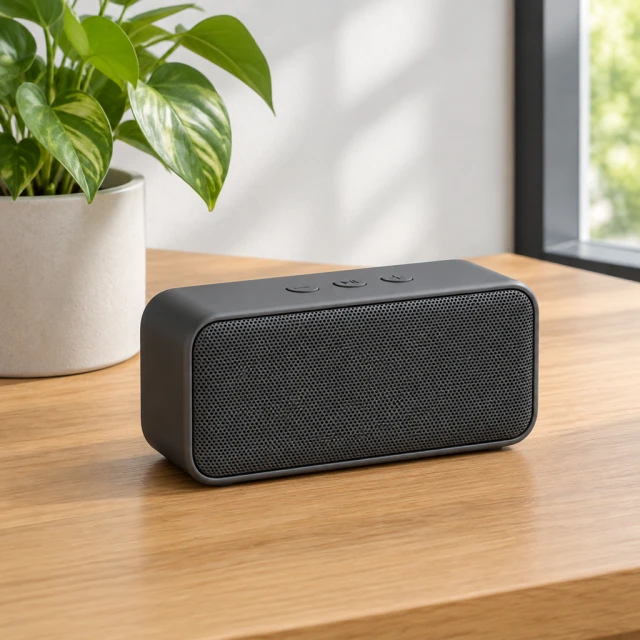
Compact rectangular Bluetooth speaker on a desk

Social post

A product in a real setting gets noticed faster than a cut-out. Type the offer in your editor after download.
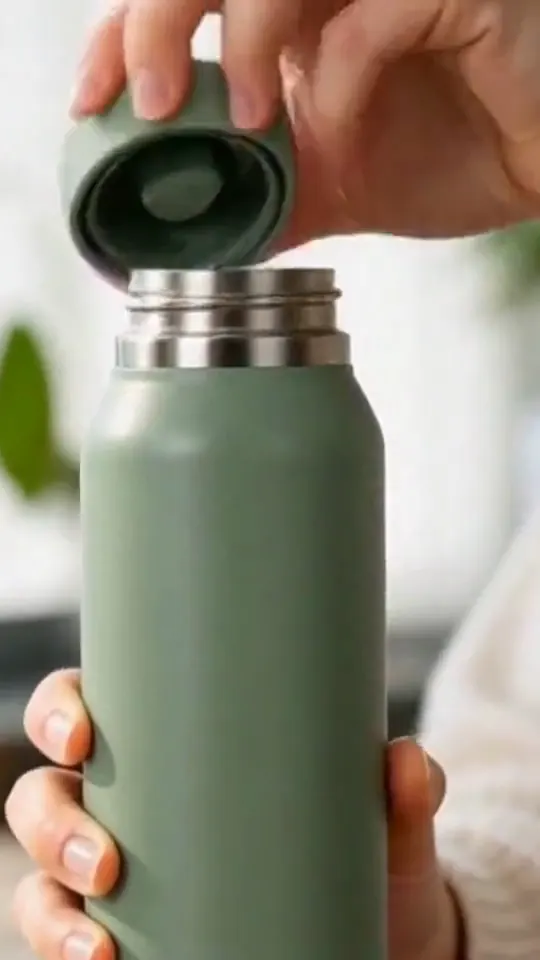
Hands unscrew a sage-green bottle lid and pour water into its open mouth.

TikTok or Reels

A 9:16 clip that shows the product moving: opening, pouring, switching on.
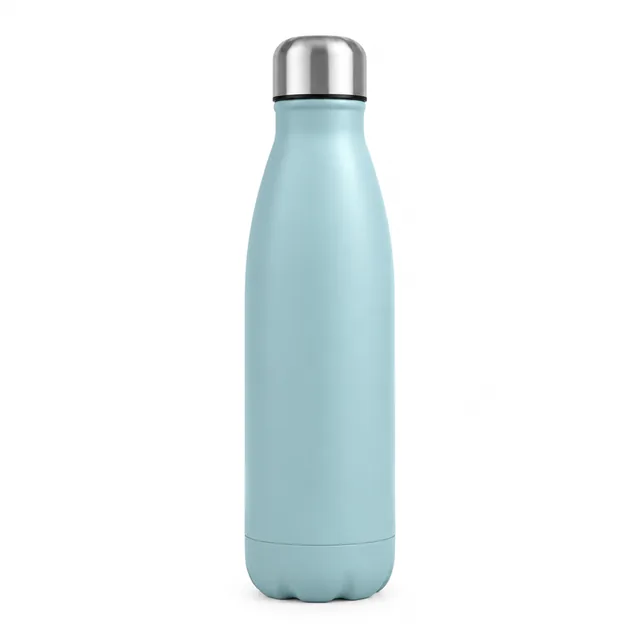
Insulated bottle on a pure white background.
A
Insulated bottle on a sunny desk.
B

Ad test

Make two versions from one photo and keep the one that gets more clicks.

Templates

AI product photo and video templates

Ready-made looks for videos and photos. Choose one, upload your product photo and get the same style with your product.
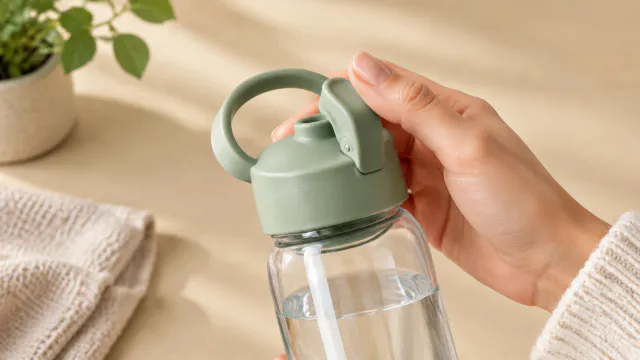
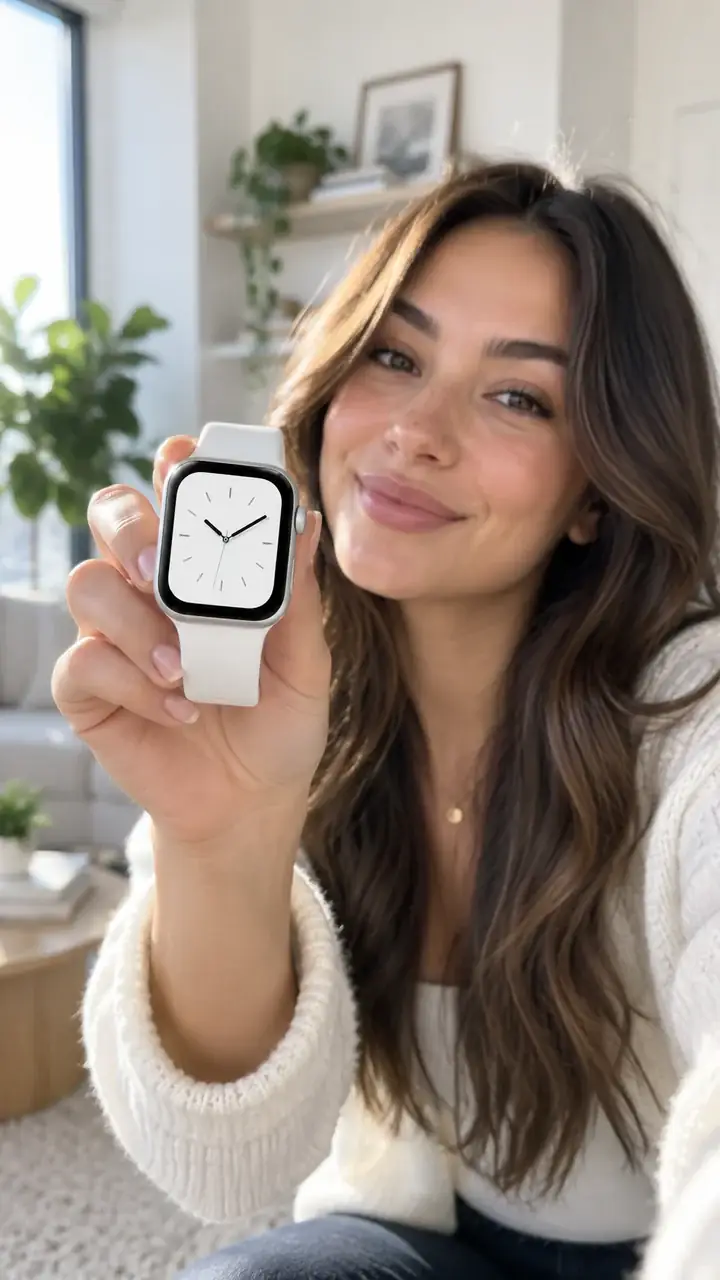
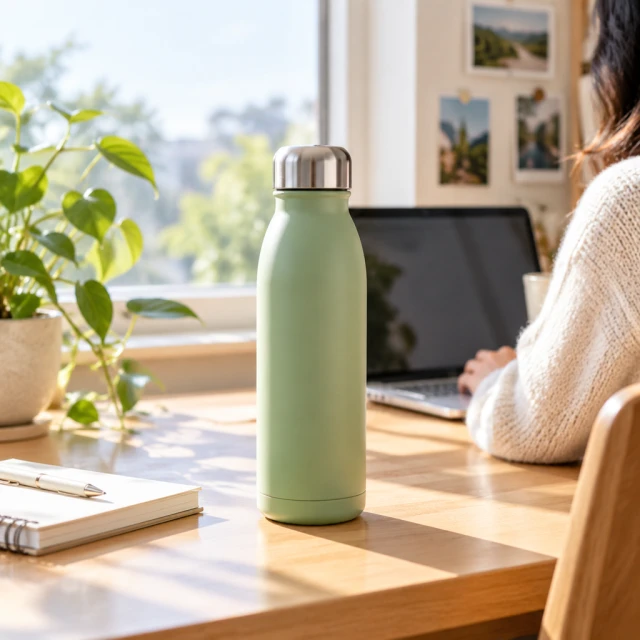
VideoHand holds the pale green lid of a clear water bottle beside a plant.

Creator Video Ad

Someone holding and showing your product

ElectronicsTikTokInstagram
Use this template →
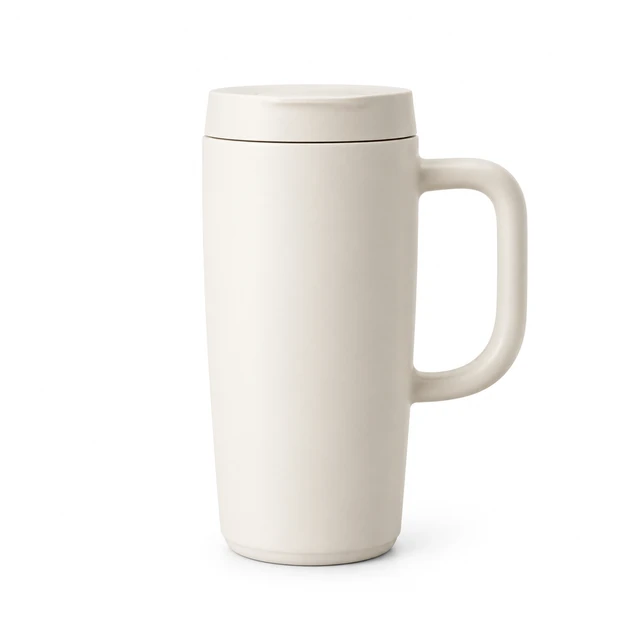
PhotoMatte cream ceramic travel mug with a plain fitted lid on pure white.

White Background

Clean main photo for Amazon and Shopify

ShoesAmazonShopify
Use this template →
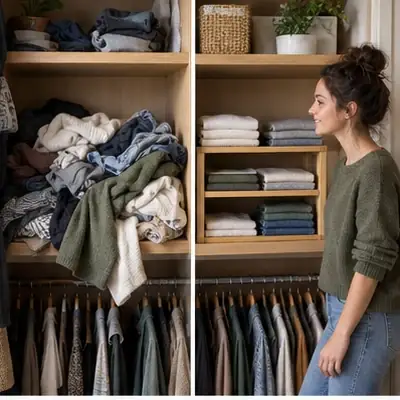
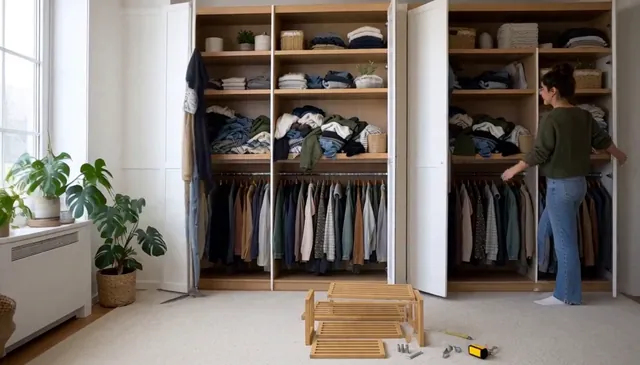
VideoWardrobe shelves of folded clothes with a person standing beside it

Before & After

The difference, side by side

Home & LivingTikTokFacebook
Use this template →
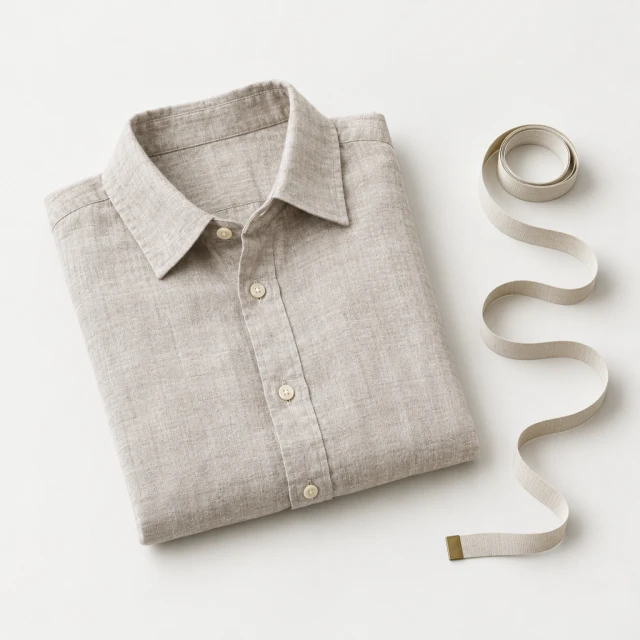
PhotoFolded linen shirt beside a measuring tape

Size Comparison

Help shoppers see the real size

Jewelry & AccessoriesAmazon
Use this template →
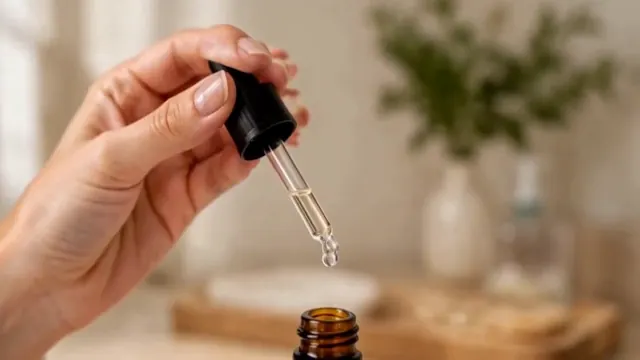
VideoA hand lifts an amber skincare dropper and applies serum to a face in a bathroom.

Beauty Routine

Your product in a daily routine

Beauty & SkincareTikTokInstagram
Use this template →
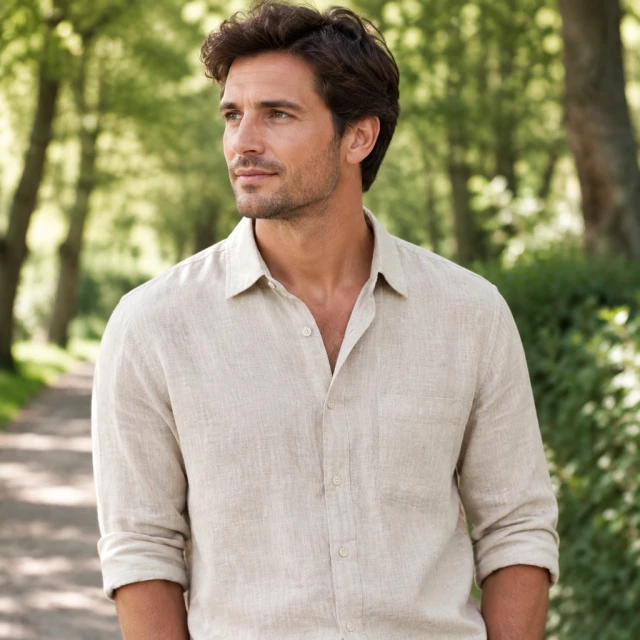
PhotoModel wearing a simple linen shirt outdoors

On a Model

Your product shown on an AI-generated model

Fashion & ClothingInstagramShopify
Use this template →
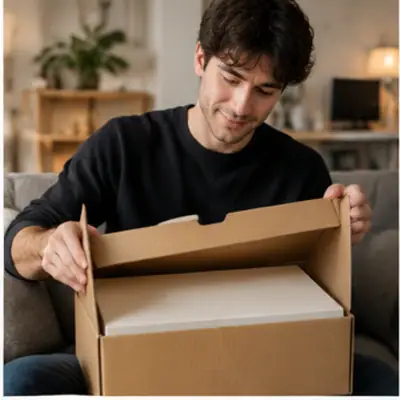
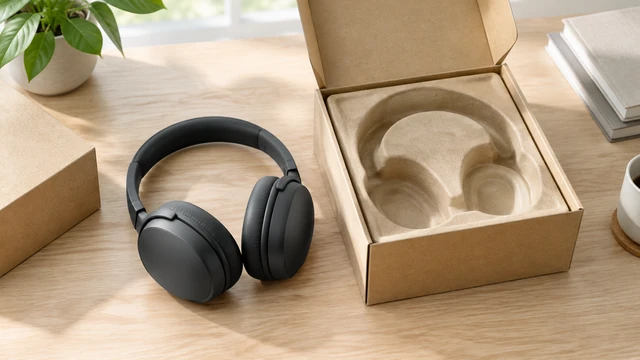
VideoOpen kraft headphone box with over-ear headphones on a light wood desk.

Unboxing

Open the box, reveal the product

ElectronicsTikTokYouTube Shorts
Use this template →
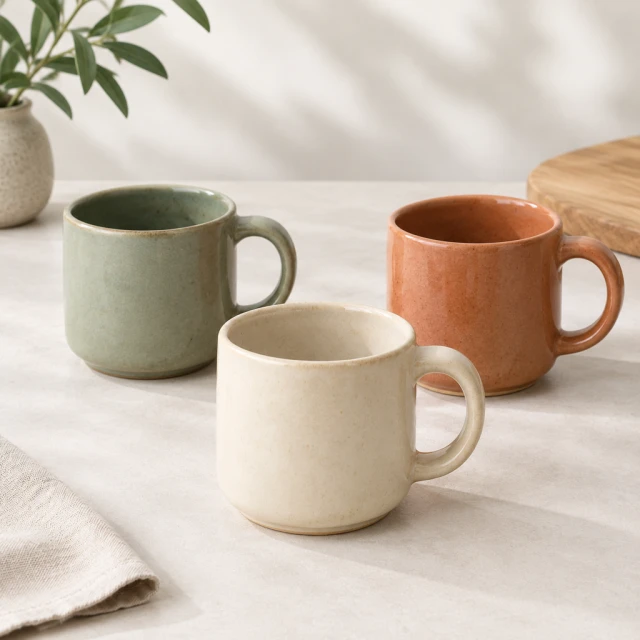
PhotoThree simple ceramic mugs in distinct glaze colors

Color Variants

Every color you sell, same style

ShoesShopifyAmazon
Use this template →
Why stores switch

Skip the photoshoot. Keep testing new ads.

TopicPhotoshoot or creatorAIVideosUGC
What you needModels or creators, a location, shipping the productOne clear product photo
Make another versionBook another shoot or re-editNo booking or product shipment is needed; make another version from the same product photo.
Different platformsRe-crop and re-edit for each onePick 9:16, 1:1 or 16:9 before you start
Knowing the costQuotes, fees and invoicesCost shown before every job
Pricing

Simple monthly plans

Every plan comes with monthly credits. You always see the cost before you make anything.

Starter

$24.50 / month

For trying video ads and product photos.

200 credits / month

  • About 8 product photos or 3 fifteen-second videos a month
  • Videos and photos
  • All templates
  • 9:16, 1:1 and 16:9 video sizes
  • No watermark
Choose Starter
Most popular

Pro

$35 / month

For stores testing new ads every week.

300 credits / month

  • About 12 product photos or 5 fifteen-second videos a month
  • Everything in Starter
  • 100 more credits than Starter
  • Room for weekly ad testing
Choose Pro

Premium

$63 / month

For brands and agencies with many products.

600 credits / month

  • About 25 product photos or 10 fifteen-second videos a month
  • Everything in Pro
  • Twice the credits of Pro
  • Most room for new products
Choose Premium
FAQ

Questions about AI product photos and videos

What can I make with AIVideosUGC?

Short video ads, product and unboxing videos, white-background photos, lifestyle photos, model photos and social ad images. Most start from a photo of your product.

What photo should I upload?

A clear photo of the product you sell. A phone photo on a plain background works well. Only upload photos you own or have permission to use.

Can I use a product page link to start a video?

Yes. Paste the link into URL to Video, choose the size and length, and you'll see the cost before it starts.

How many videos and photos do I get each month?

The amount depends on the plan and the type and length of each job. The tool shows its credit cost before you start.

Is the person in the video a real creator?

No. The people in AI UGC videos are generated by AI, so show the product with them rather than presenting the clip as a customer review. Some platforms ask you to label AI-generated content.

Does AIVideosUGC add narration, music, or captions?

No. AIVideosUGC does not add voiceover, music, or captions. Add them in TikTok, CapCut, or your usual editor after you download, and type prices or offers there so every word is right.

Can I try it for free?

Not right now. There's no free plan, and checkout isn't open yet — the pricing page lists the planned Starter, Pro and Premium offers. Every photo or video shows its credit cost before it's made.

What should I make first for a new product?

A clean white-background photo for the listing first, then one lifestyle photo. Add a short clip if the product opens, pours, folds or switches on.

Which video type should I make first?

An ad if you're launching it, a demo if one feature sells it (a lid, a zipper, a switch), an unboxing if the packaging is part of the gift.

Your next ad starts with one product photo

Upload a photo, pick a template and get a video ad or store-ready photos.