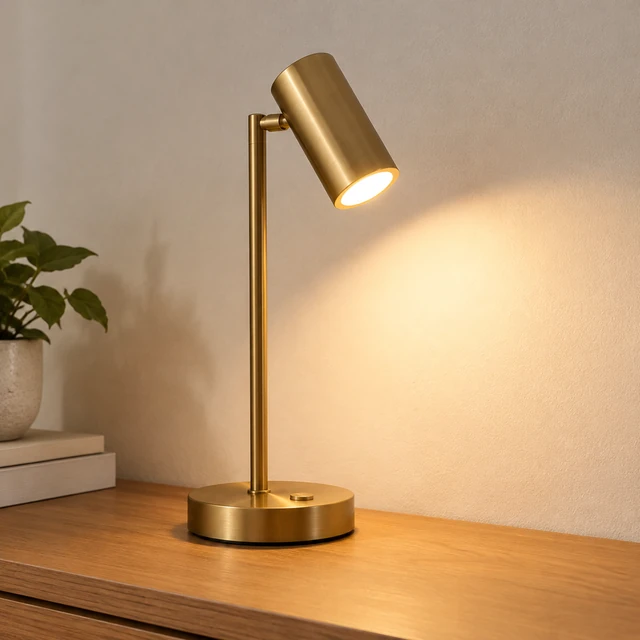
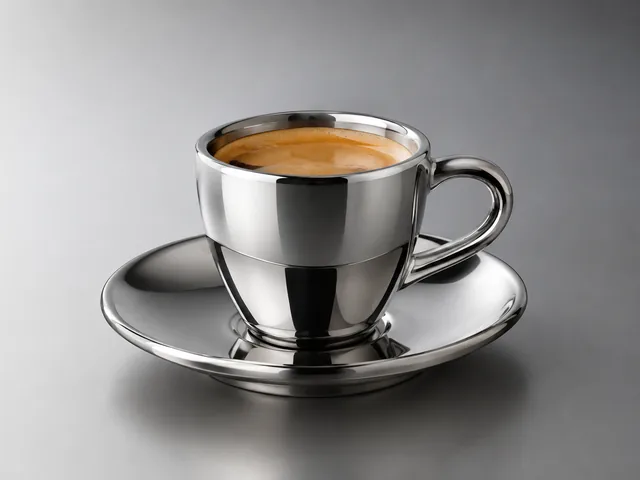
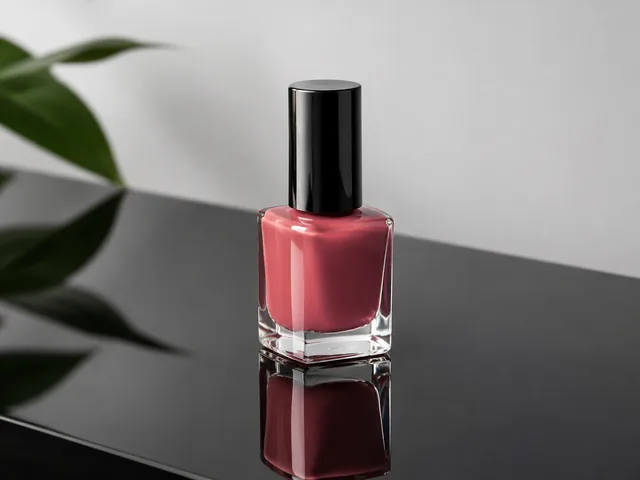
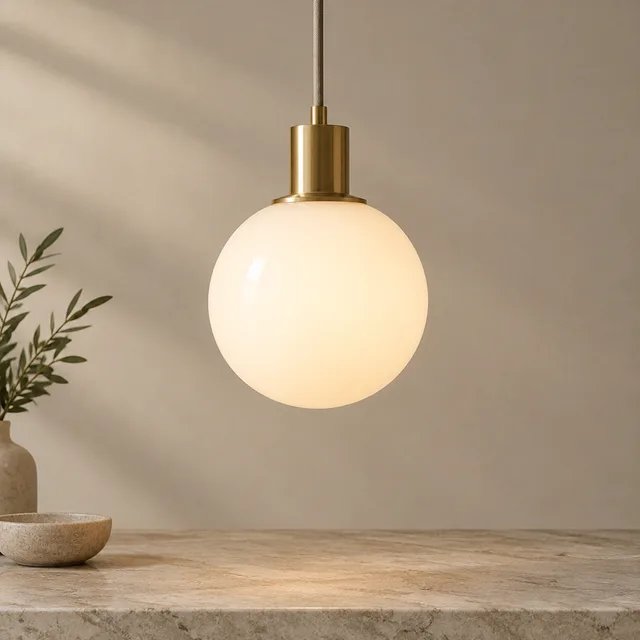
Product photo template

Product Photo Lighting for Glass, Metal, and Glossy Finishes

Product photo lighting usually takes a lighting kit. Upload a plain snapshot and get a square photo with soft, directional light, gentle shadows, and the glow on glass and gold.

Drop your product photo hereJPG, PNG or WebP · any clear photo works
Template Studio LightingSize Square 1:1Light Described in your words
Relight my product →See the cost before you start

Plans from $24.50 a month. You see the credit cost before every job, and if a job fails its credits go back to your balance.
Tip: Photograph your product against a plain wall with no direct sun on it, so harsh glare from the original doesn't carry into the new image.
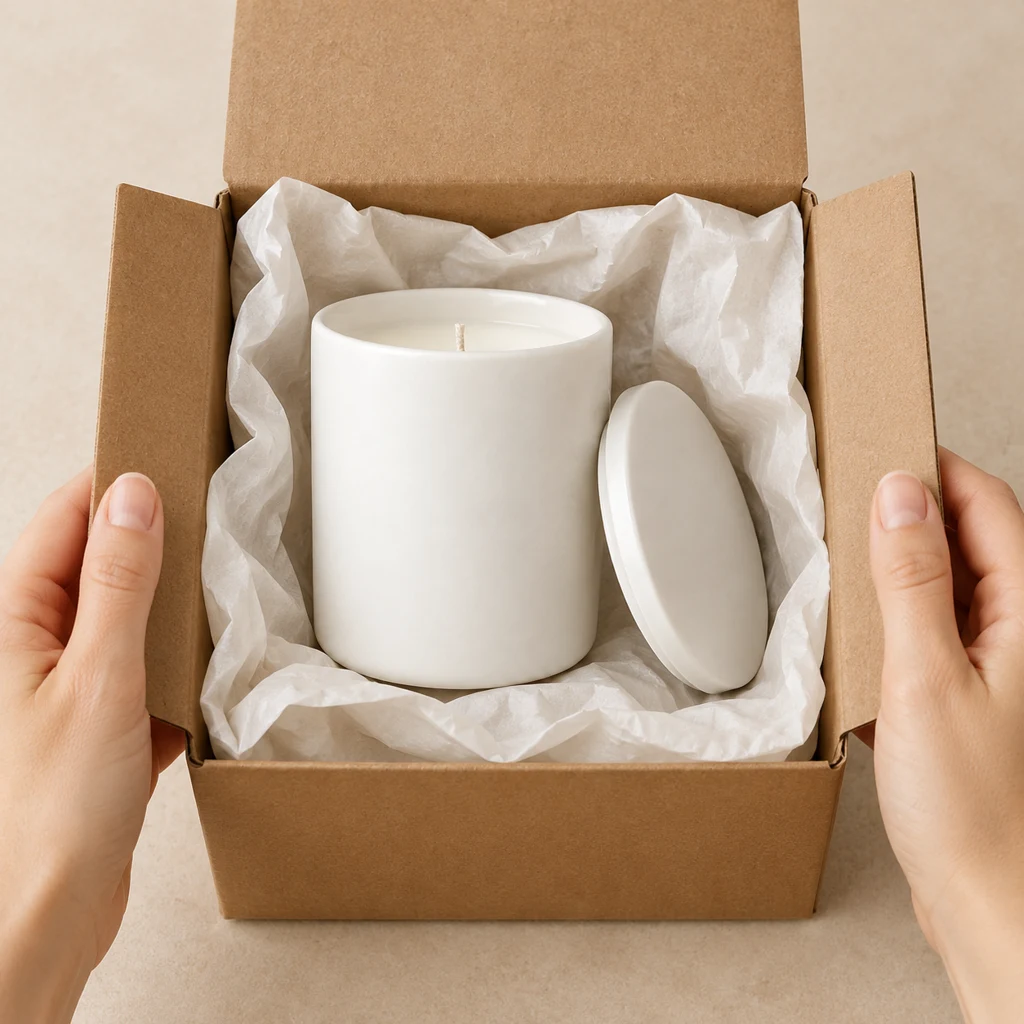
White ceramic candle jar revealed inside an open kraft carton with pale tissue.
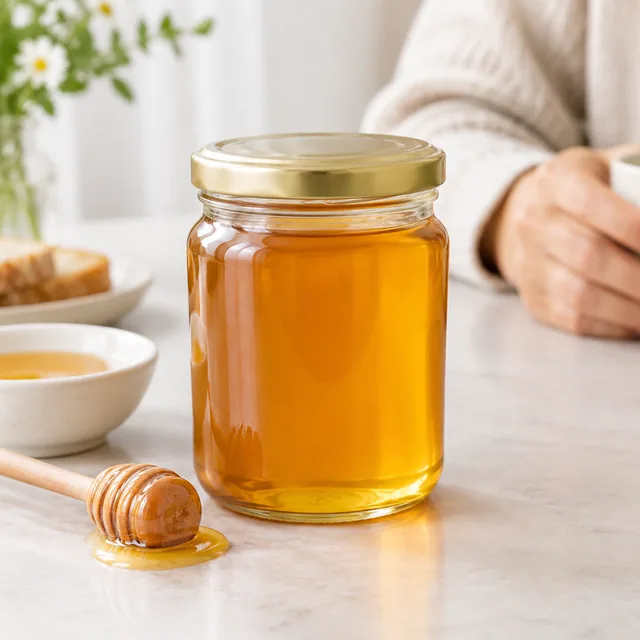
Glass honey jar with soft, even highlights.
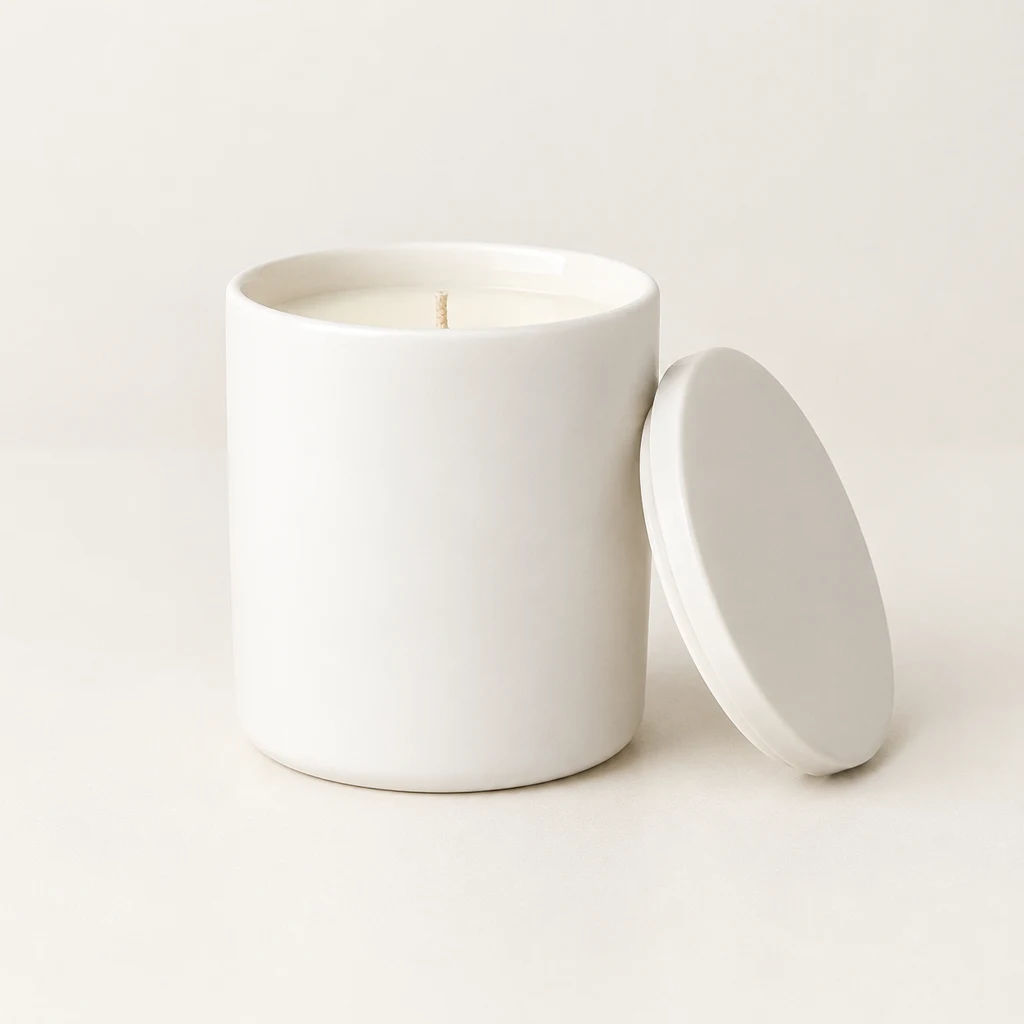
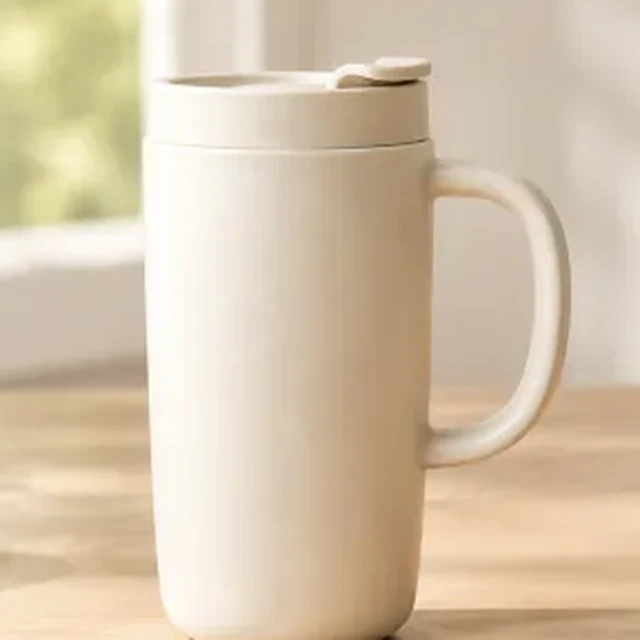
White ceramic candle jar with a matching lid on a neutral surface.
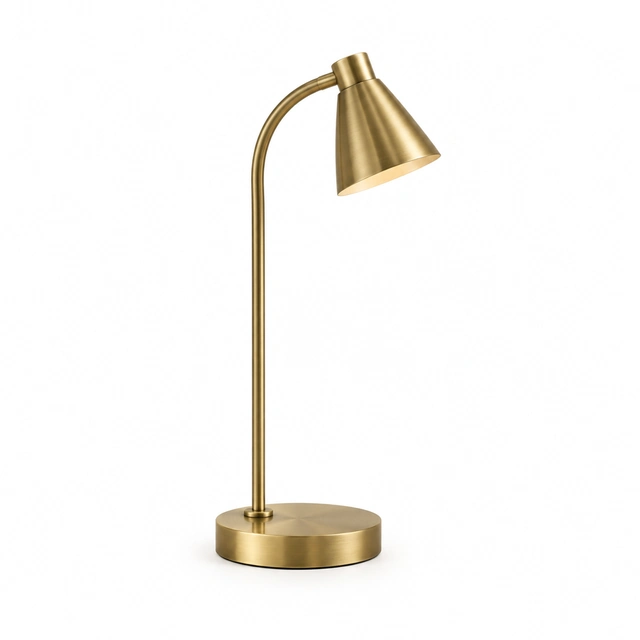
Brass curved desk lamp shown alone on seamless white.
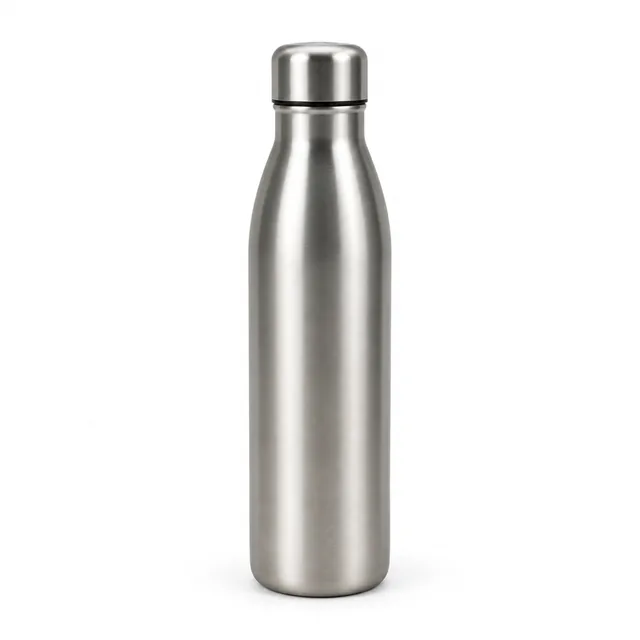
Brushed steel water bottle on a pure white background, soft contact shadow.
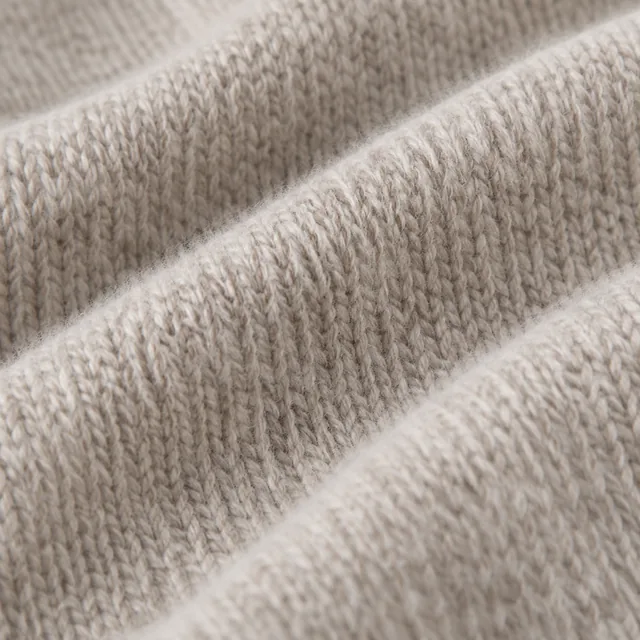
Macro close-up of the knit texture of a merino sweater.

Product lighting changes how glass, metal, and ceramic surfaces read in a photo. Start with the whole product in focus, then describe one light source and direction.

How it works

Relight a product photo without a studio

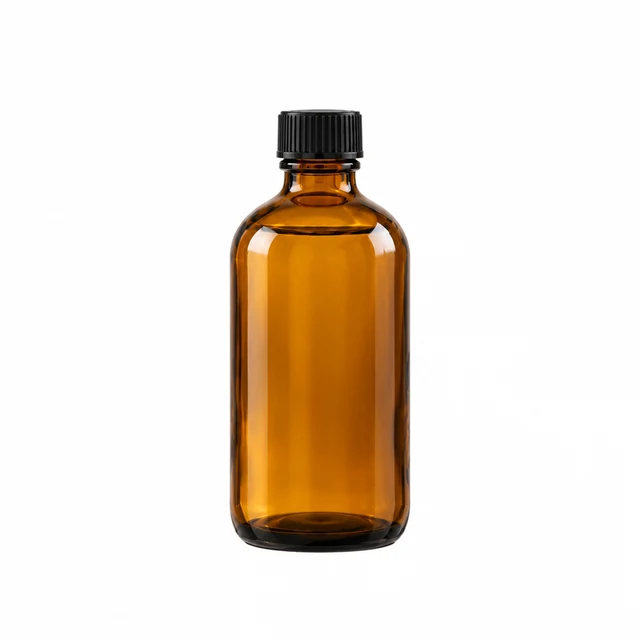
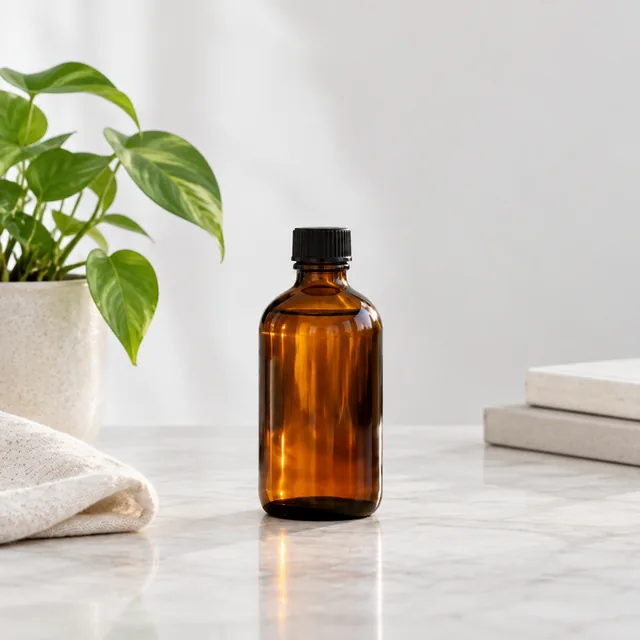
Amber glass bottle with a dark cap on a pure white background.
Drop your product photo hereJPG, PNG or WebP · any clear photo works
Step 01

Upload a clear product photo

Show the whole item in focus and keep strong glare away from its main surface.

Relight this amber glass bottle with warm side light and a soft grounded shadow, keeping its dark cap and cylindrical shape visible.
Template Studio LightingSize Square 1:1Light Described in your words
Cost24 credits
Step 02

Describe the light direction

Name a light source, direction, and surface, such as soft light from the left.
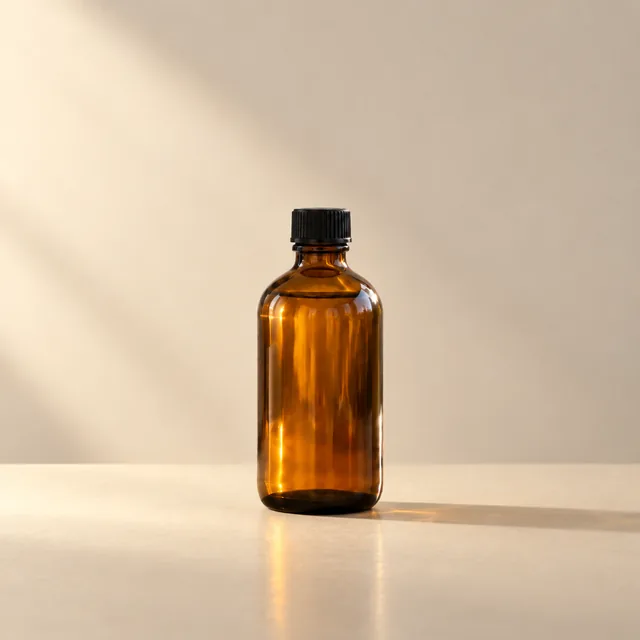
Amber glass bottle in warm side light.
Step 03

Choose a version for your store

Download the photo, then add any product name or finish note in your editor.

Choose a scene

Choose product lighting for glass and metal

Pick the surface and highlight style that suit your item.
Where to use it

Use relit product photos on store pages

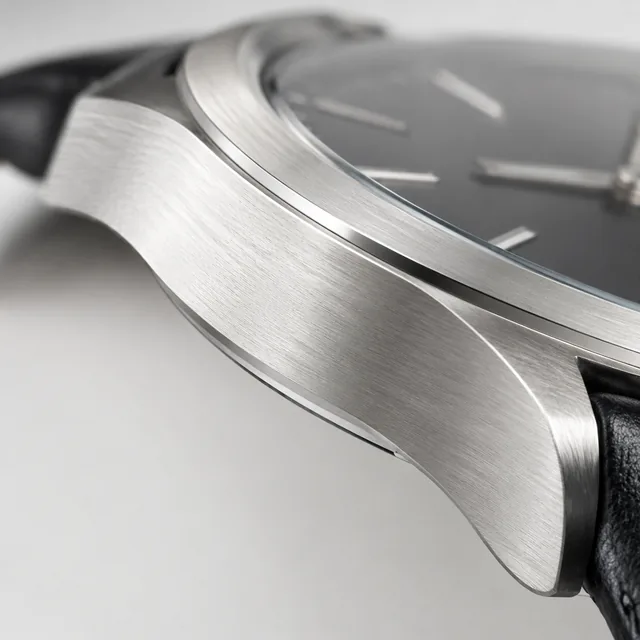
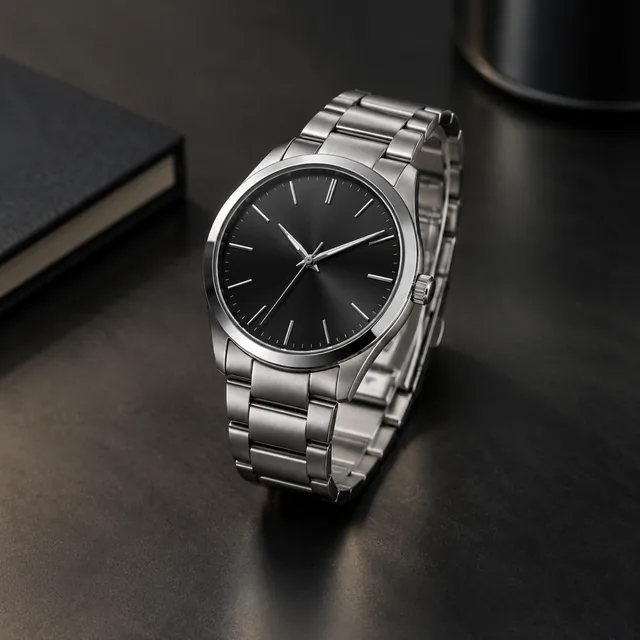
Steel watch with a controlled highlight on a dark surface.

Use a clean relight on a product page

Add a bright product view beside your main image when shoppers need to see the surface finish.
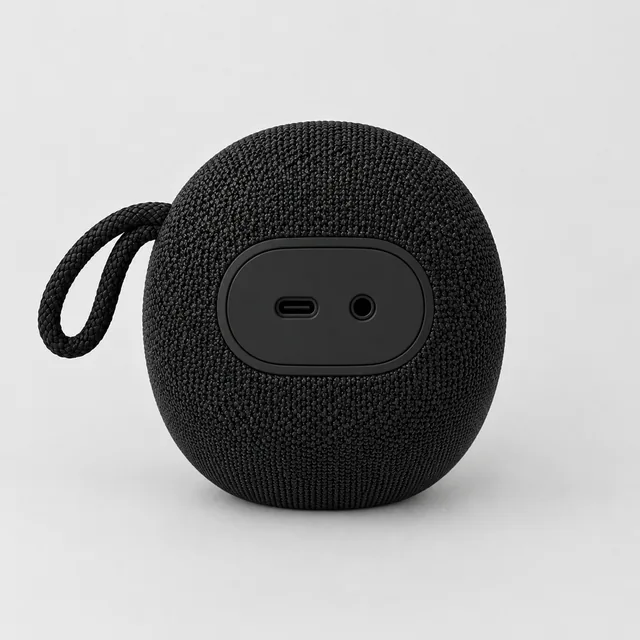
The same portable speaker turned to show the ports on its back.

Show consistent light across a collection

Use a similar highlight direction across related products so the collection page feels connected.
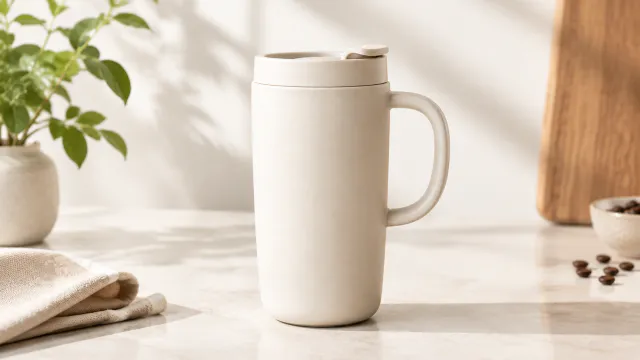

Start with a clear photo

Start with a clear product photo in focus

✓
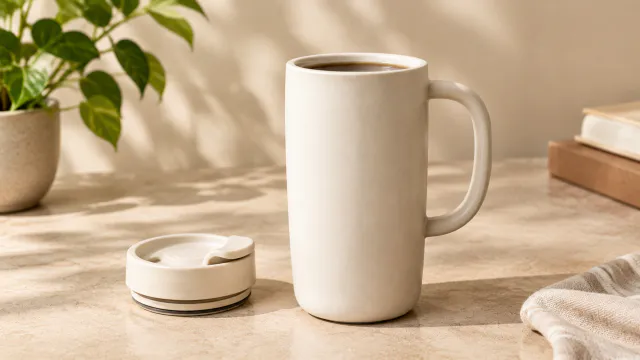
Ceramic travel mug with a soft grounded shadow on a clean studio surface
Soft light keeps the rim clear
✕
Ceramic travel mug softly out of focus on a clean studio surface.
The mug rim loses definition
✓
Bundle image showing the travel mug with its matching lid accessory
Mug and lid show the light
✕
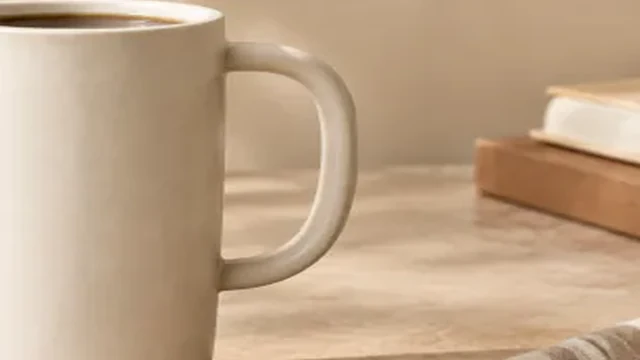
Travel mug cropped tightly with its left edge cut off.
Mug edge is cut off
Your result

Square product lighting photo examples

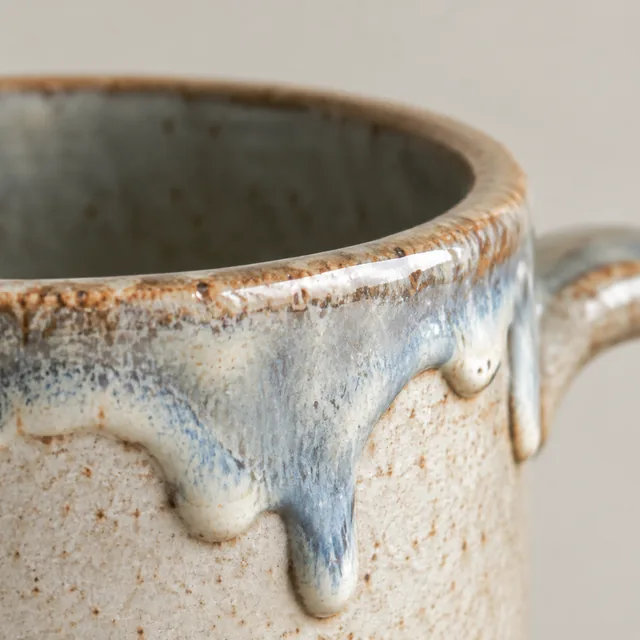
Square crop of a matte cream ceramic travel mug with controlled highlights.
Square ceramic mug with controlled highlightsSquare photo · 24 credits
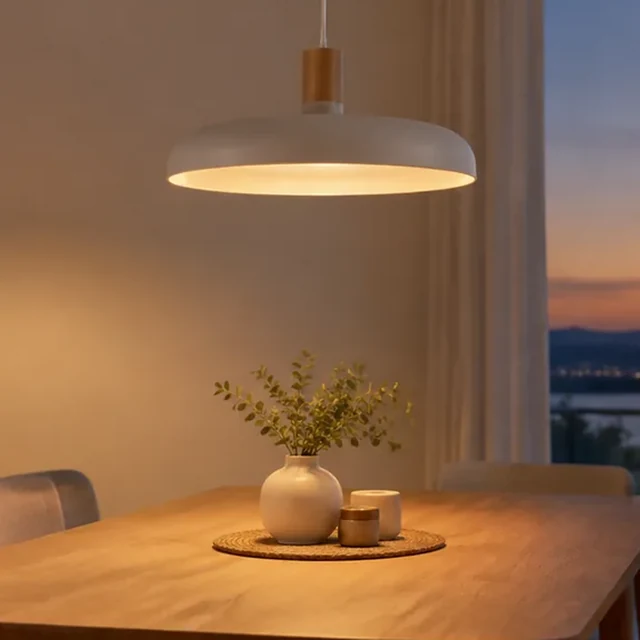
Square crop of a pendant lamp glowing above a dining table.
Square pendant lamp with a controlled highlightSquare photo · 24 credits
After download

Add the product name and material after download

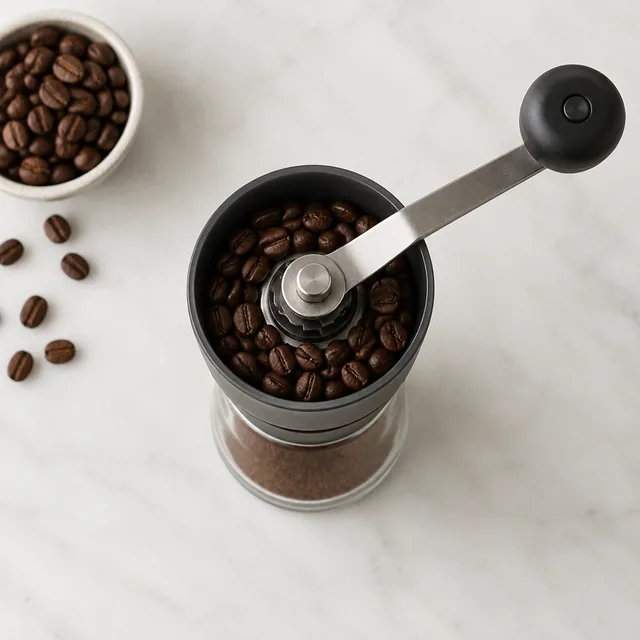
Burr coffee grinder photographed from directly above, studio.
Product nameMaterial

These details are added in your editor after download.

  • Download two lighting versions and choose the one that shows the material clearly.
  • Type any product label or finish name as editable text in your editor.
More templates

More creator-style photo templates

Choose another everyday scene, then add your product photo.
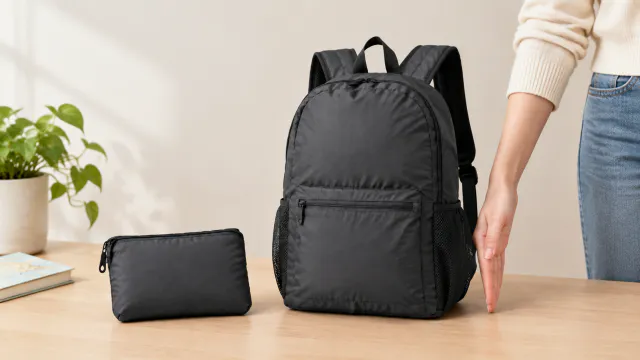
Hand beside the travel backpack showing everyday size

Size Comparison

Help shoppers see the real size

Jewelry & AccessoriesAmazon
Use this template →
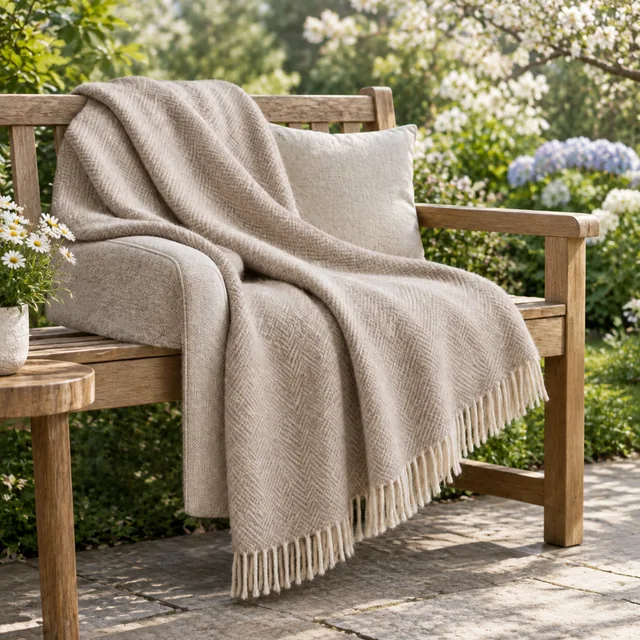
Wool throw styled on a garden bench in spring.

Color Variants

Every color you sell, same style

ShoesShopifyAmazon
Use this template →
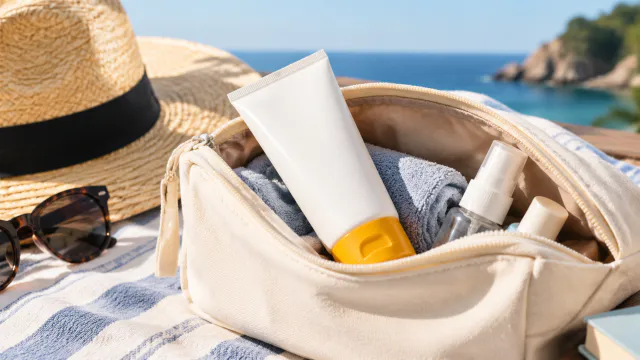
Sunscreen bottle in a travel pouch

Story Ad

Square product photo for a Story layout after cropping

Beauty & SkincareInstagramFacebook
Use this template →
Examples

More product lighting examples

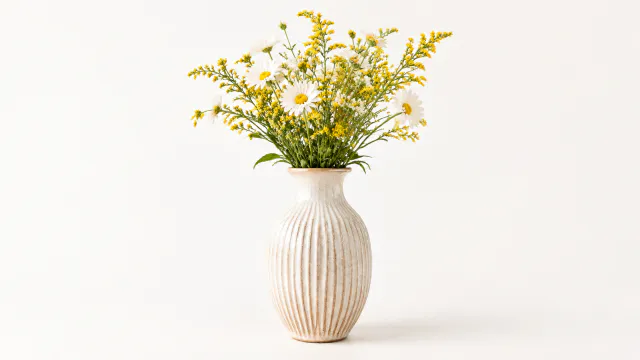
Reflective materials benefit from controlled highlights and a clear product silhouette.
FAQ

Questions about product photo lighting

Which products work well with relighting?

Glass, metal, ceramic, and glossy items can show useful changes in highlight and shadow.

Can I describe a warmer or cooler look?

Name the light color and direction, then keep the product shape and material visible.

Do I need a studio setup?

No. Start with a clear phone photo and describe the lighting look you want to try.

Keep reading

Guides and articles

Try Studio Lighting with your product

Upload one product photo. See the cost before you start.