AIVideosUGC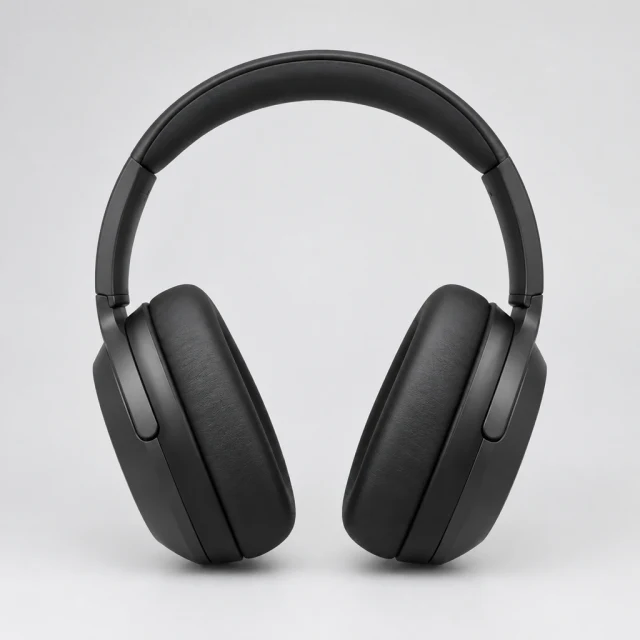
Drop your product photo hereJPG, PNG or WebP · any clear photo works
Step 01
Upload a clear product photo
Keep the product centered and fully in frame so it remains visible in a vertical crop.
Use this AI TikTok ads generator to make a product clip for TikTok In-Feed ads. Describe the action, download the file, then add the caption and sound in TikTok or CapCut.
Plans from $24.50 a month. You see the credit cost before every job, and if a job fails its credits go back to your balance.
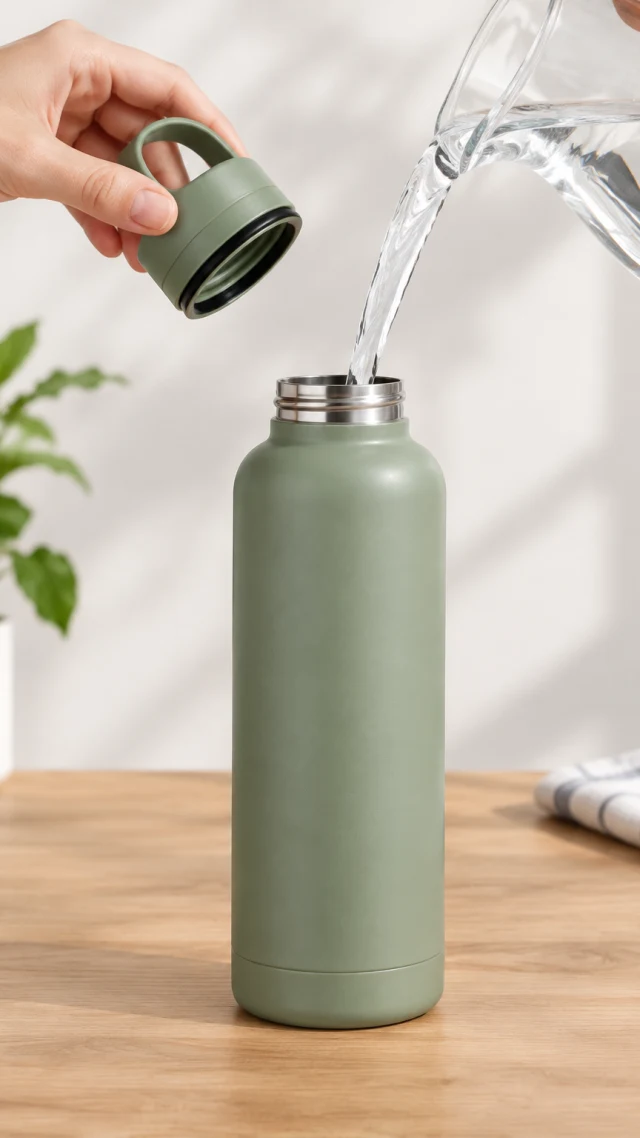
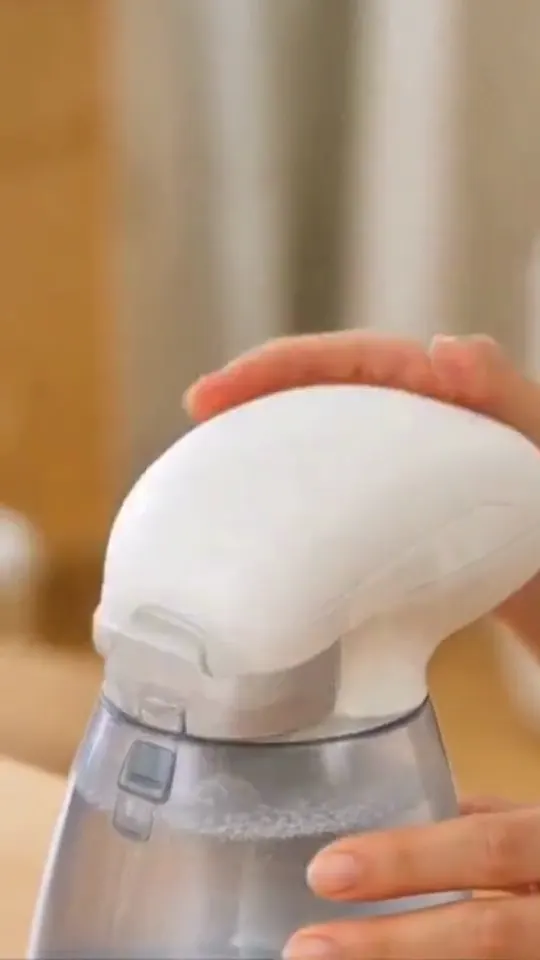
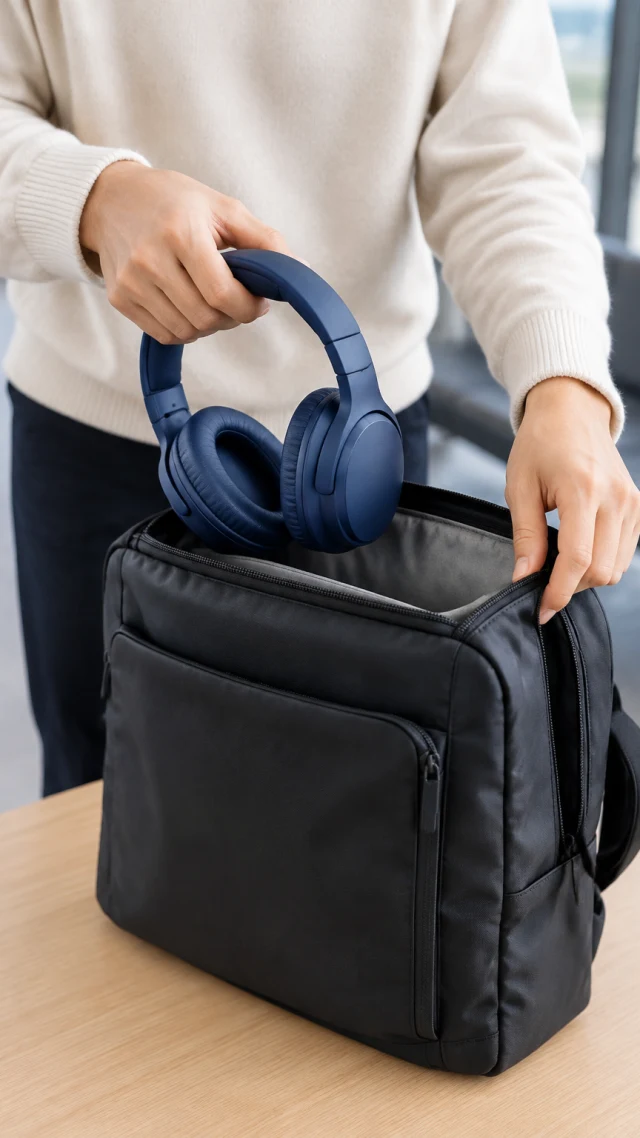
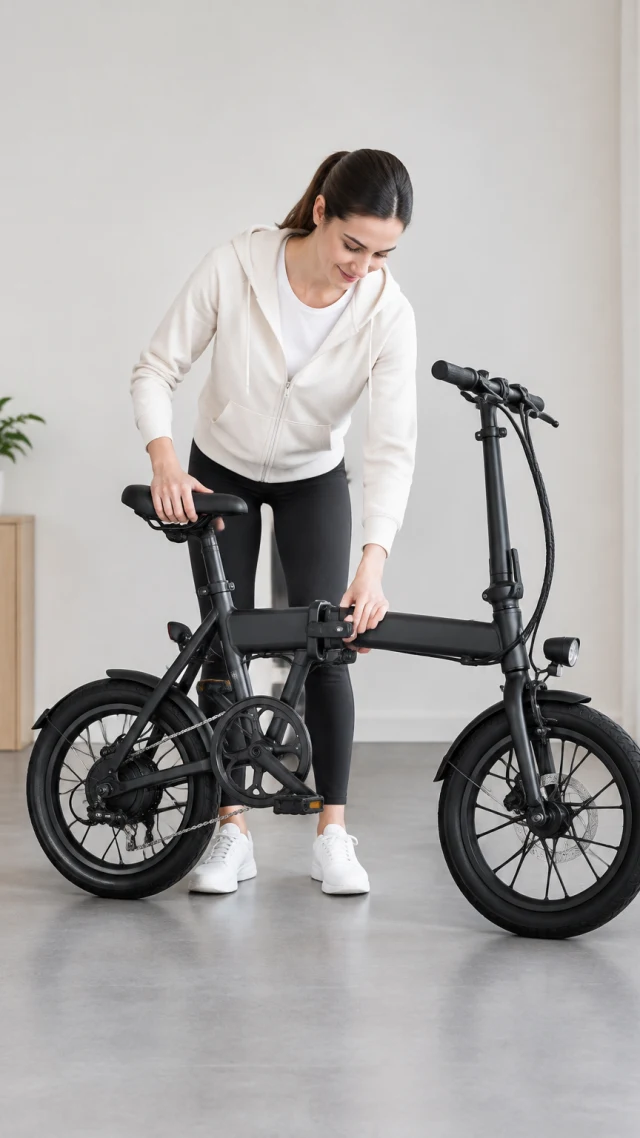
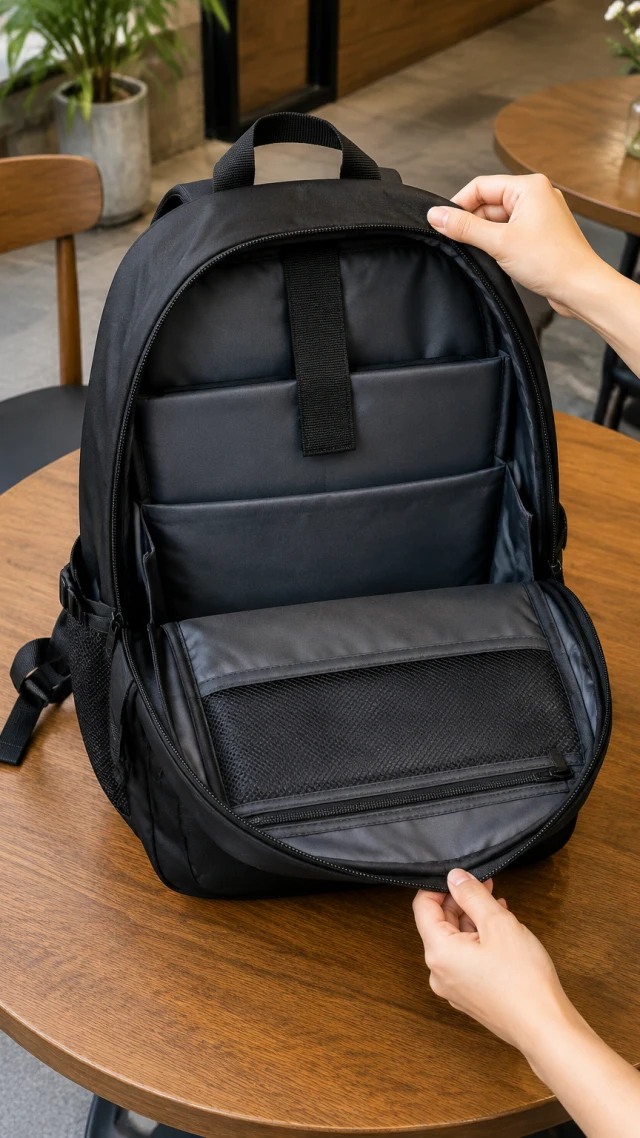
For TikTok In-Feed video ads, 9:16 vertical is the recommended shape; square 1:1 and horizontal 16:9 are also listed. Keep the product visible early and leave room for the app interface. TikTok's current In-Feed ad specifications describe the placements and file requirements.
Keep the product centered and fully in frame so it remains visible in a vertical crop.
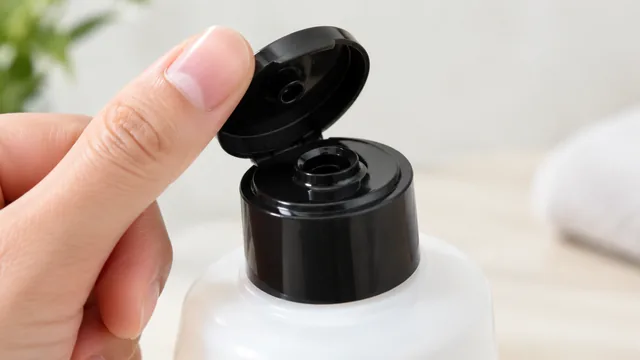
Describe one movement viewers can follow, such as opening a box or turning the product toward camera.
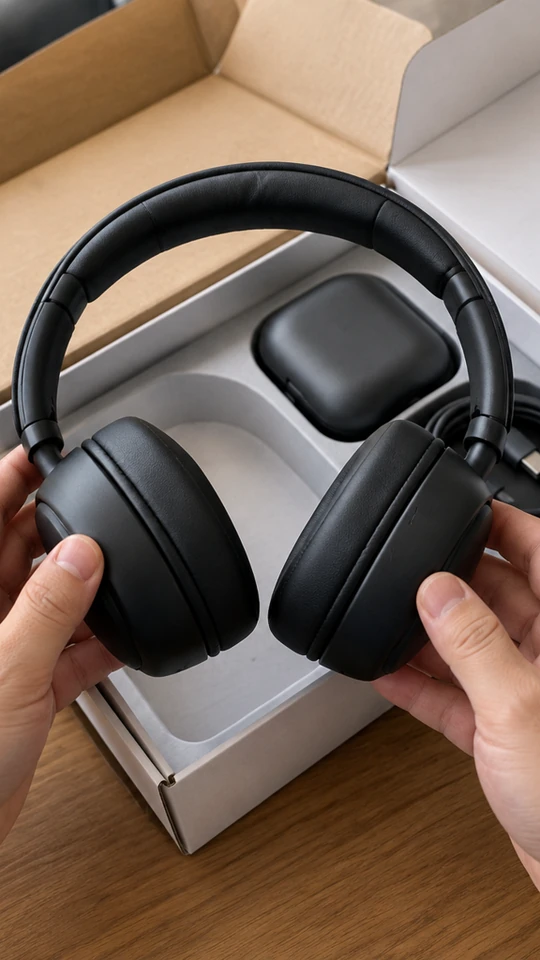
Add a caption, a sound, and any offer in TikTok or CapCut before you post.
Choose a simple movement that reads quickly in a vertical feed.
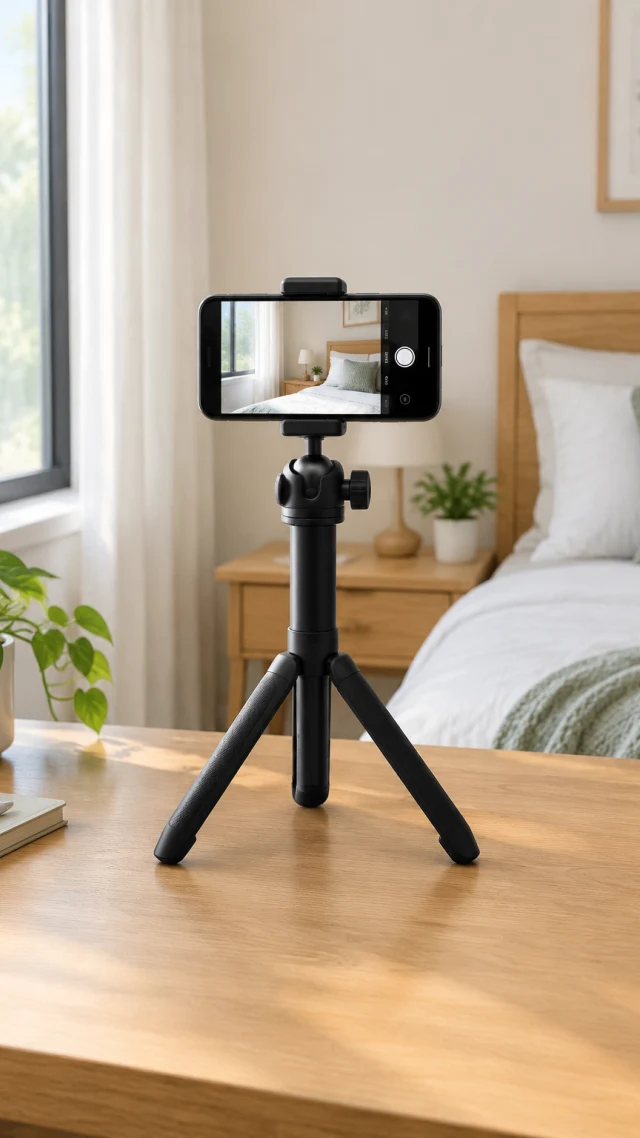
Keep the product in the middle of the frame; TikTok's caption, buttons, and profile icon sit along the bottom and right edges.
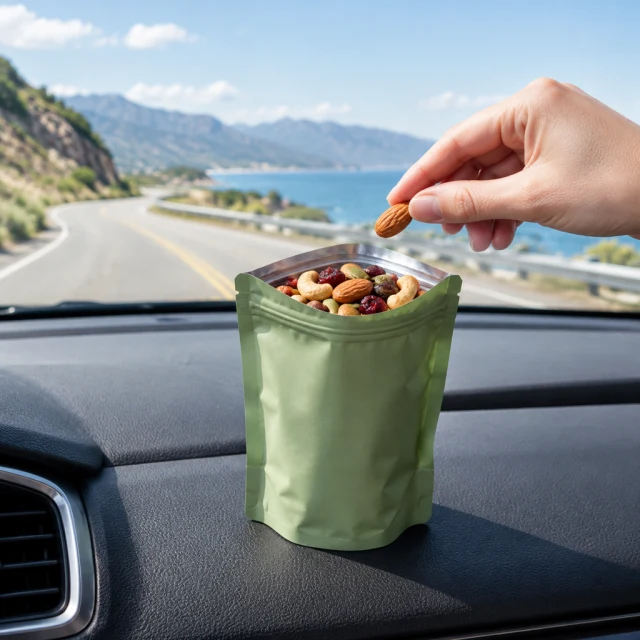
Re-frame the product for a square layout instead of cropping the 9:16 video.
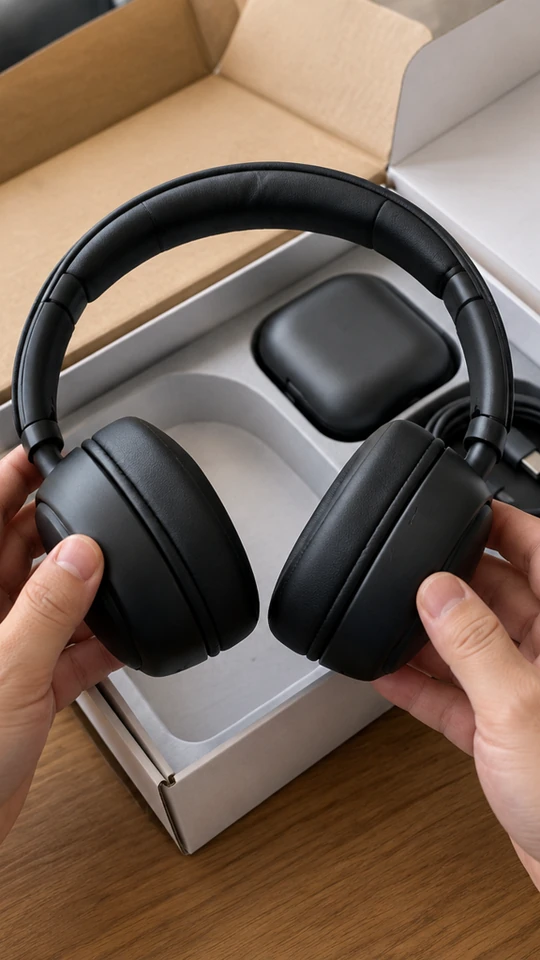
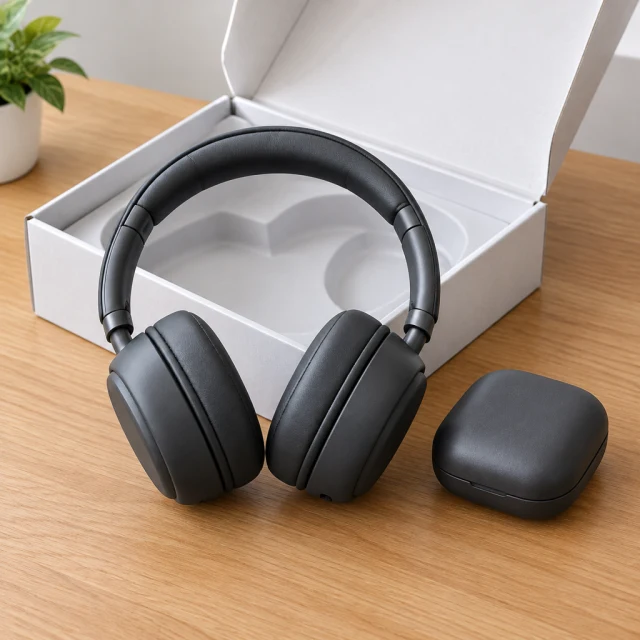
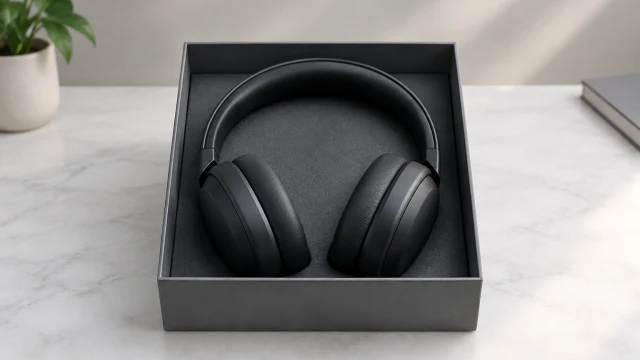
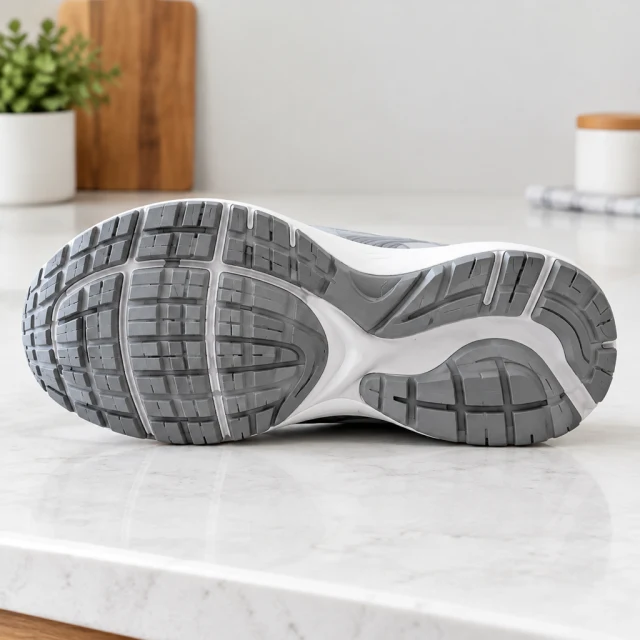
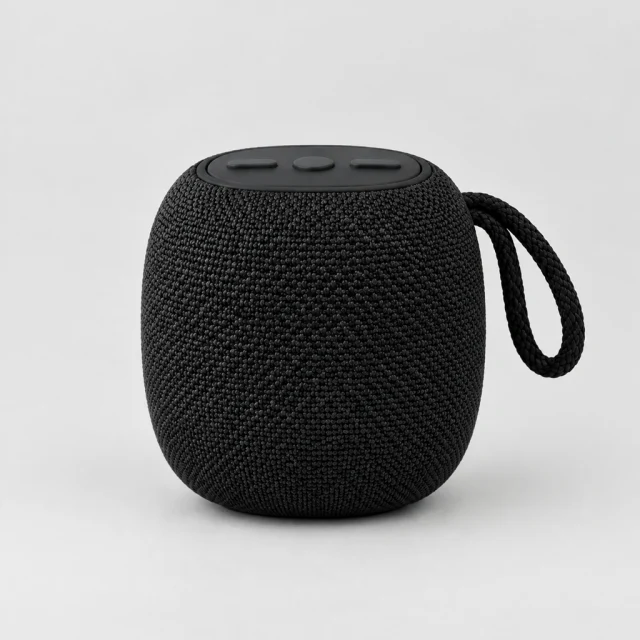
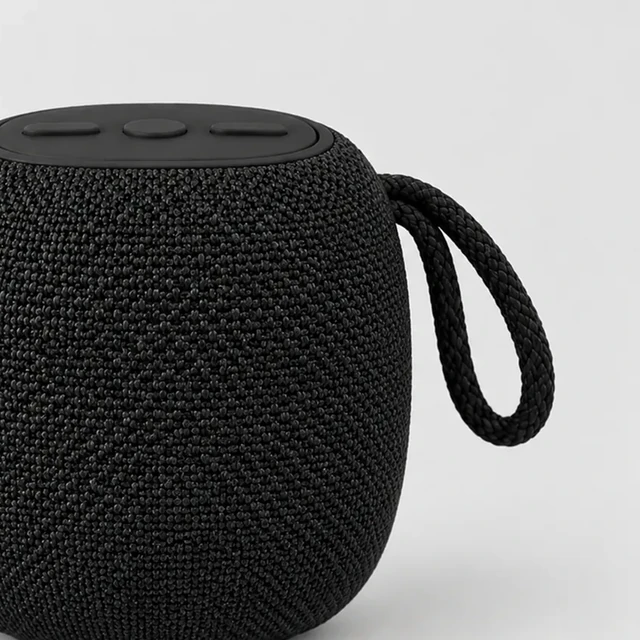
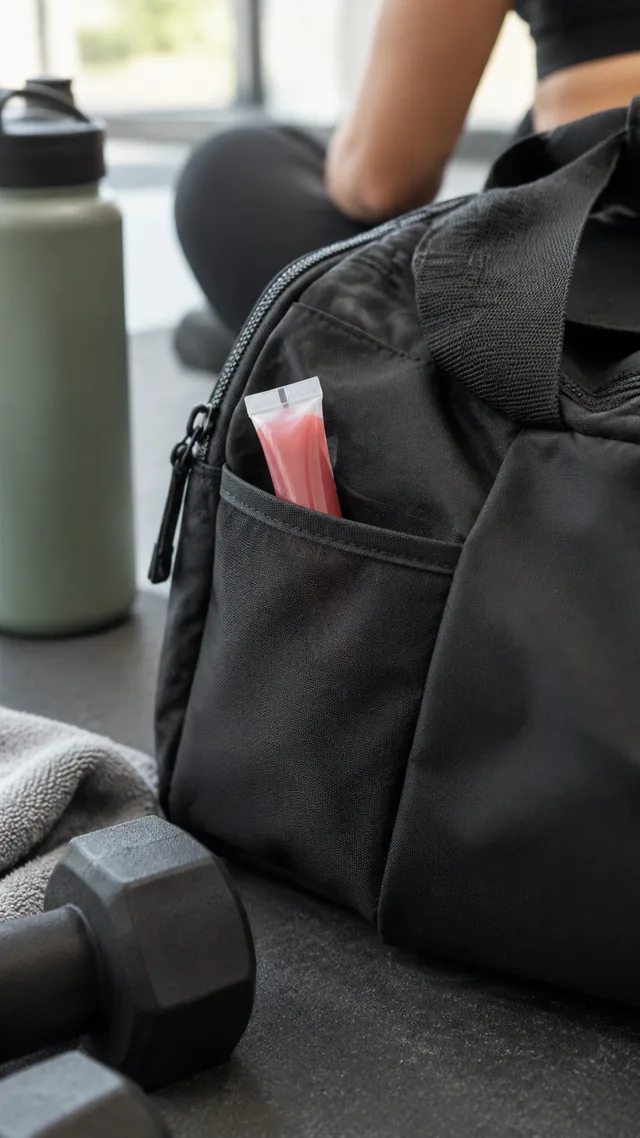

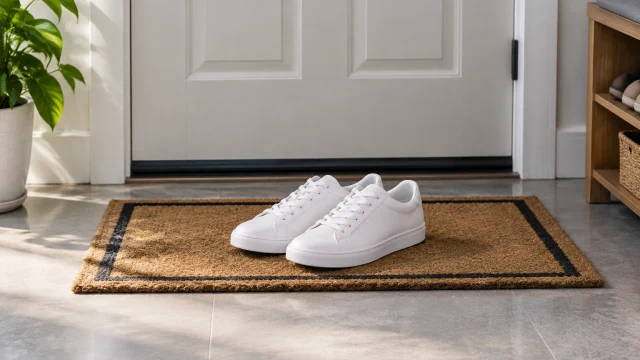
These details are added in your editor after download.
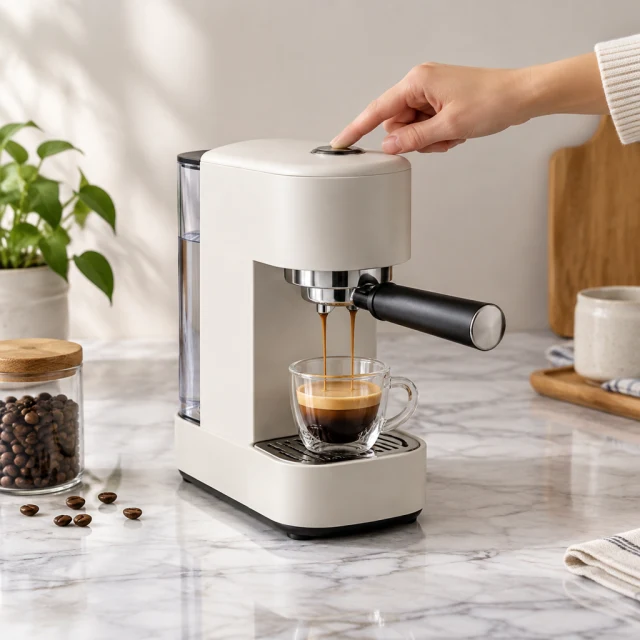
Pick a look that puts one clear product action at the center of your TikTok opening.
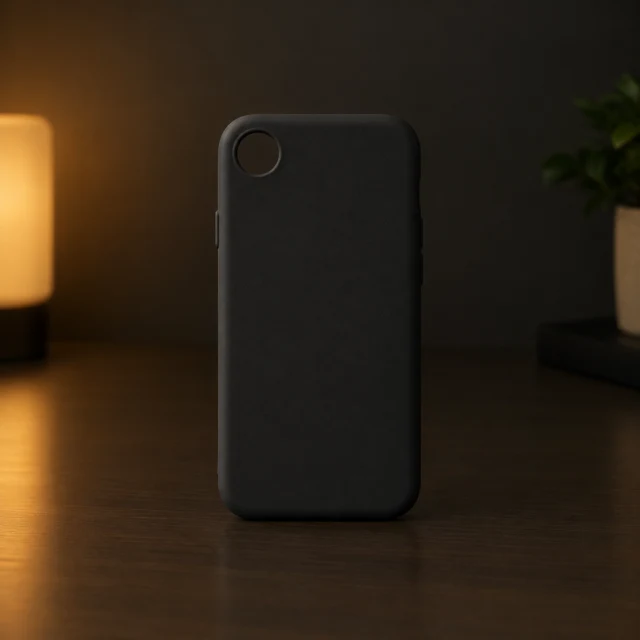
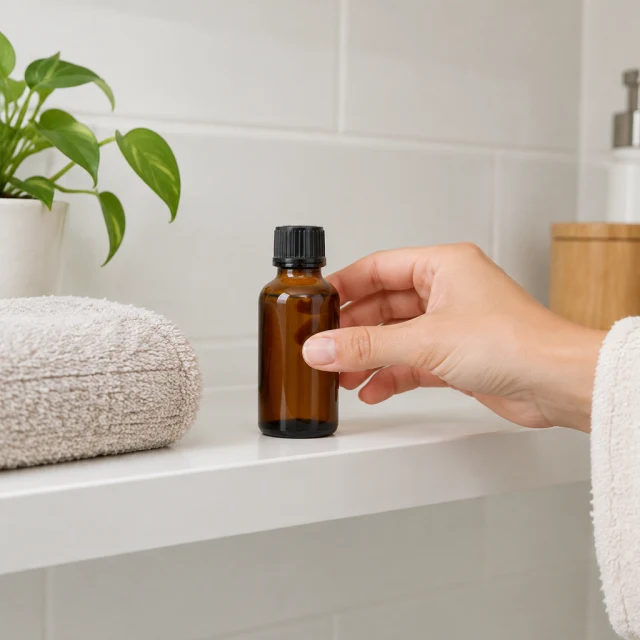
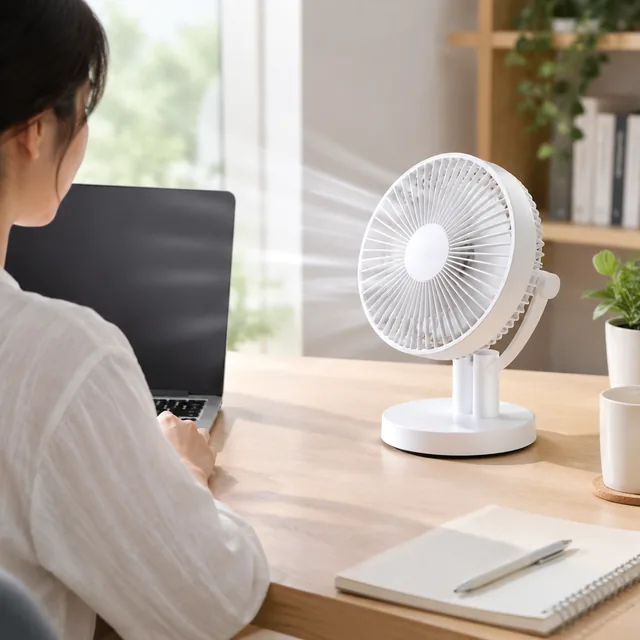
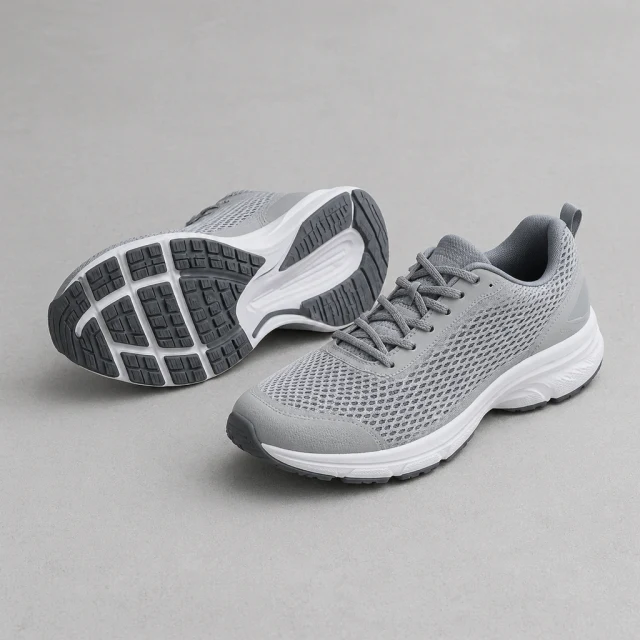
No. Download the file, then upload it in TikTok Ads Manager or the TikTok app. That's also where you can add captions and pick a sound.
There's no single right length. Six seconds suits one striking shot, while 15 seconds leaves room to show the product being used. Try more than one and compare.
We don't add music, so choose a sound in TikTok or CapCut before you post.
TikTok’s AI-content labeling control can vary by creative and market. Apply the in-app label when Ads Manager marks it as required.
Build your TikTok clip around a clear product action and a placement you plan to use.