Fashion & clothing

AI Model Photos and Videos for Fashion Brands and Boutiques

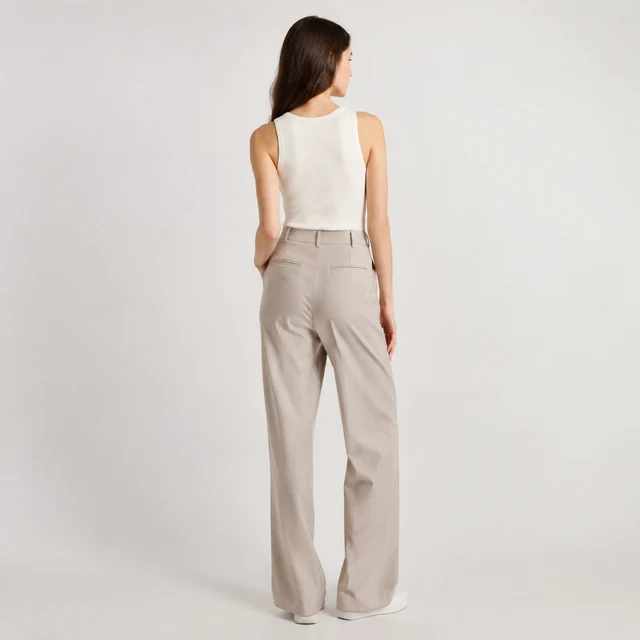
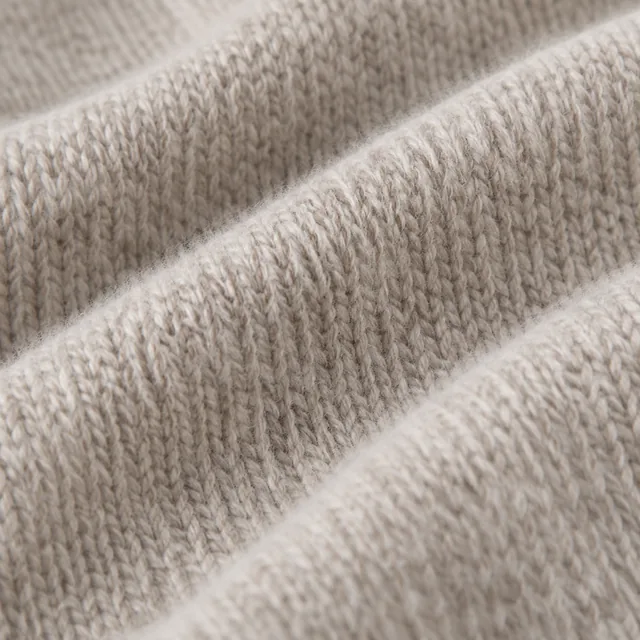
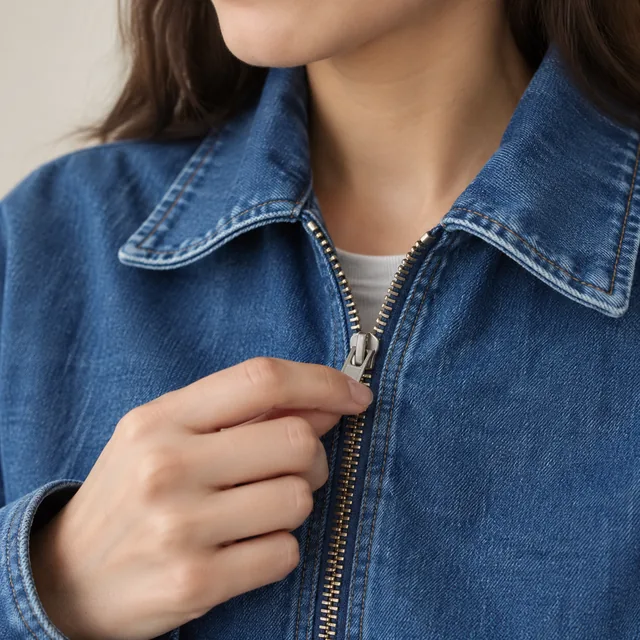
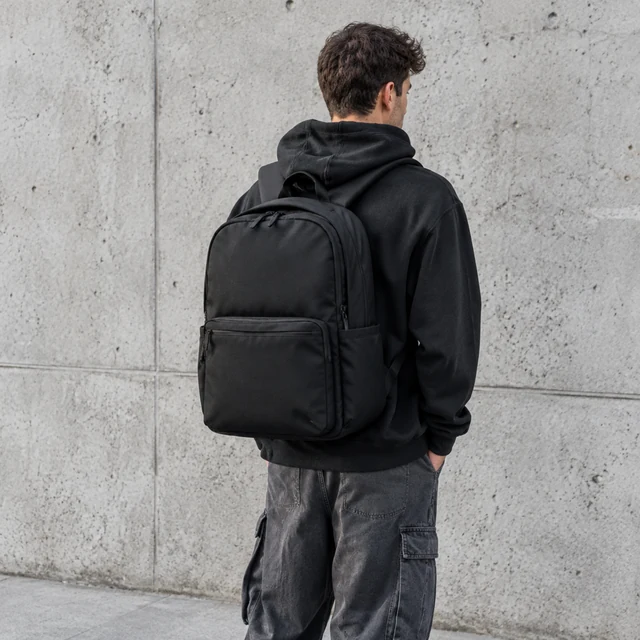
For fashion catalogs, combine on-model previews with garment detail photos, collection scenes, and short outfit videos from your product photos.

Drop your product photo hereJPG, PNG or WebP · any clear photo works
Photo Your clothing itemLook Casual streetwearSize Square
Make an on-model photo →See the cost before you start

Plans from $24.50 a month. You see the credit cost before every job, and if a job fails its credits go back to your balance.
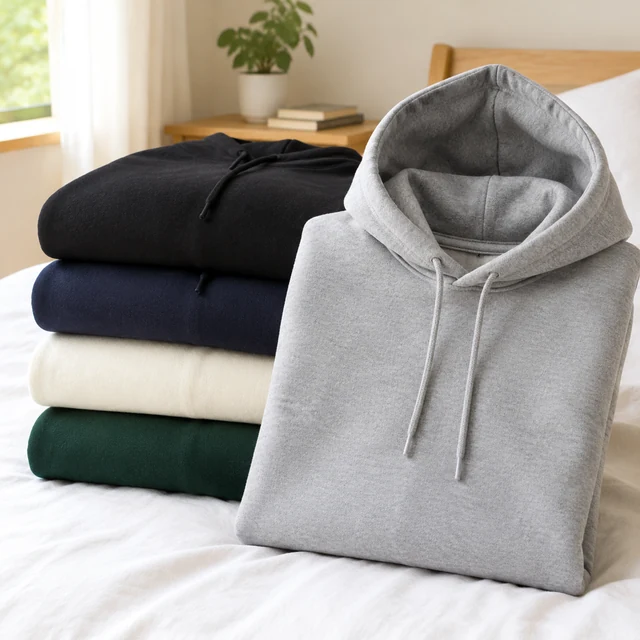
Folded neutral hoodies stacked on a white bed.
Photo
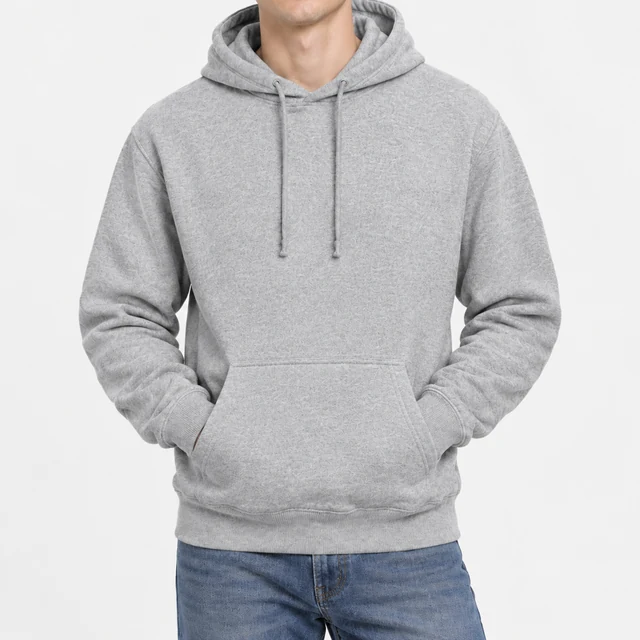
Heather-gray pullover hoodie worn in a bright studio, cropped from chin to hips.
Photo
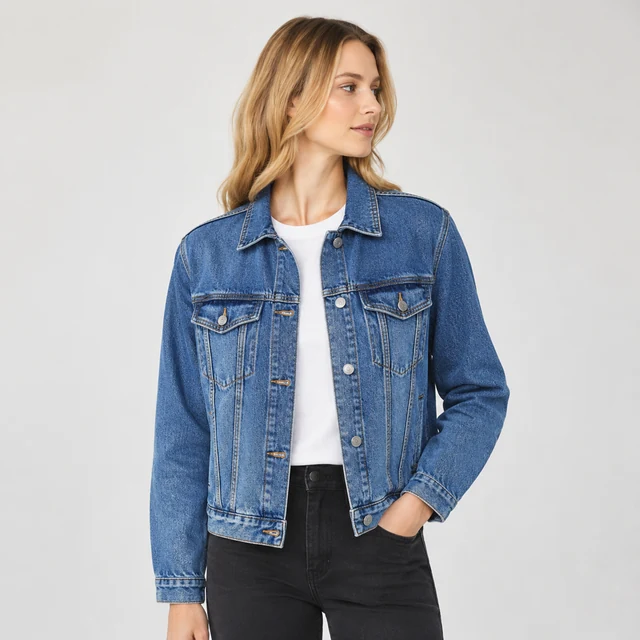
Model wearing a denim jacket in a plain studio, full upper body.
Photo
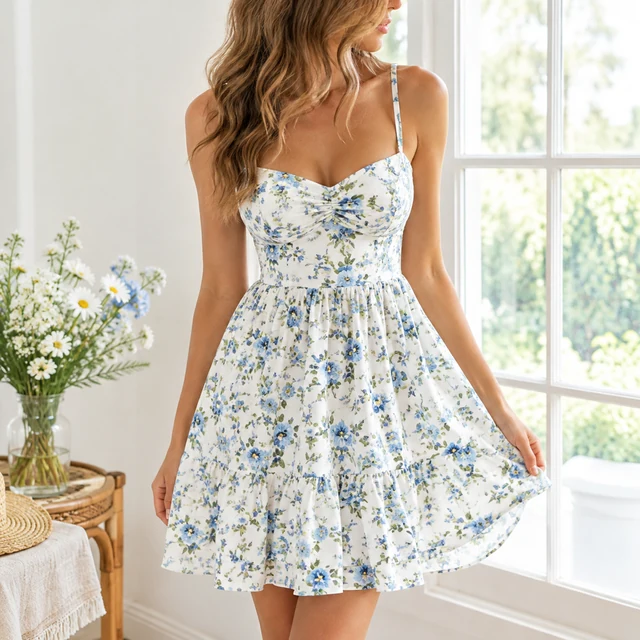
Model wearing a floral summer dress by a bright window.
Photo
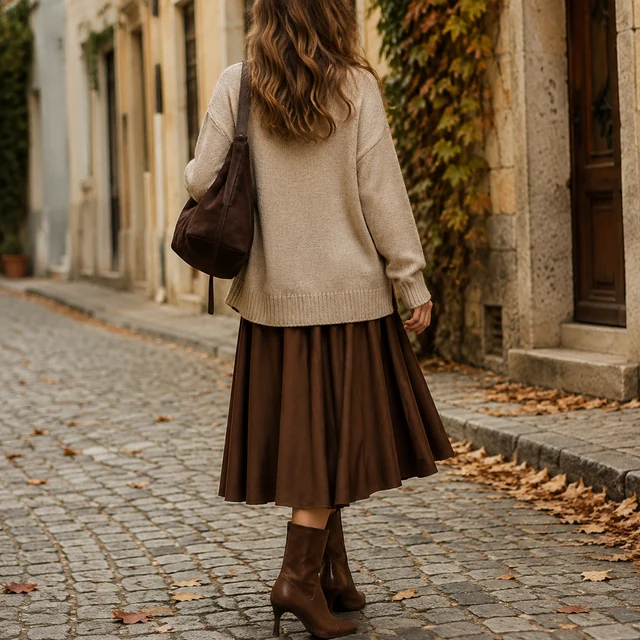
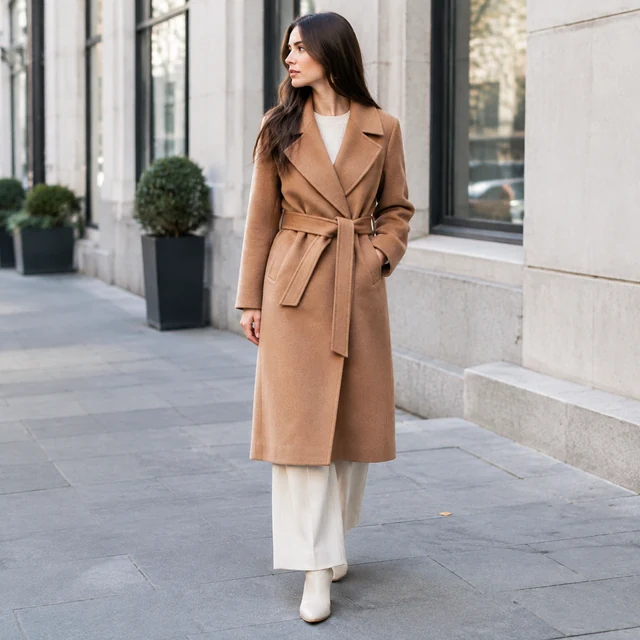
Editorial lookbook frame of an autumn outfit on a cobblestone street.
Photo
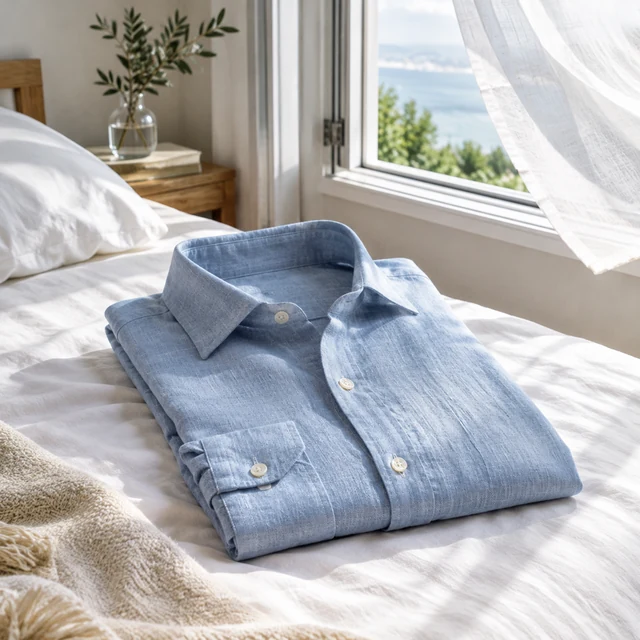
Folded linen shirt on a bed beside an open window with a light breeze.
Photo

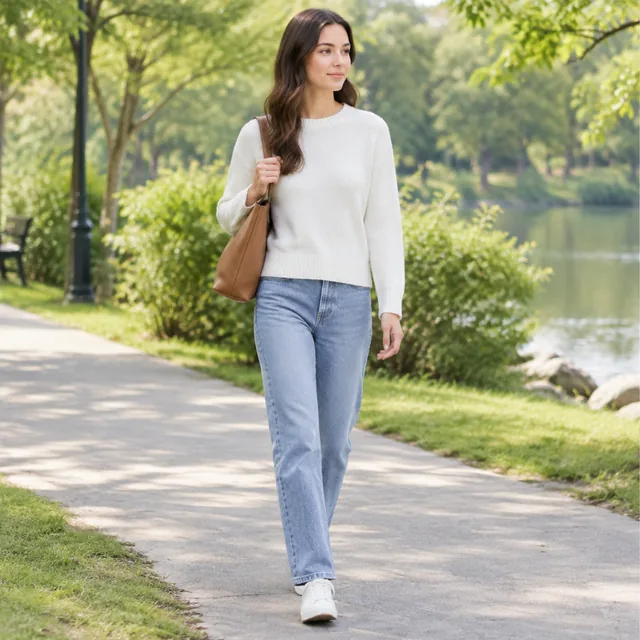
Fashion photos help shoppers judge fabric, fit, and how a piece works in an outfit. Use a clean garment image first, then choose a setting that keeps the clothing in view.

How it works

Create a fashion clothing photo with three clear steps

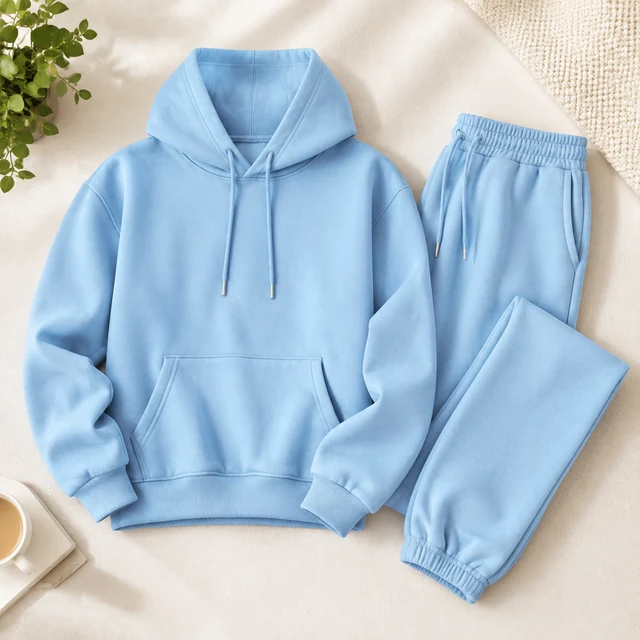
Blue hooded sweatshirt and matching pants arranged on a white bed.
Drop your product photo hereJPG, PNG or WebP · any clear photo works
Step 01

Photograph the full garment

Lay the heather-gray hoodie flat with its sleeves, drawstrings, and front pocket visible.

Show this heather-gray hoodie worn in a bright studio, with its drawstrings and front pocket clearly visible.
Template Lifestyle photoSize Square
Cost24 credits
Step 02

Describe the fit and setting

Show this hoodie on a person in a bright studio, cropped from neck to hips.

Heather-gray pullover hoodie worn in a bright studio, cropped from chin to hips.
Step 03

Finish the listing

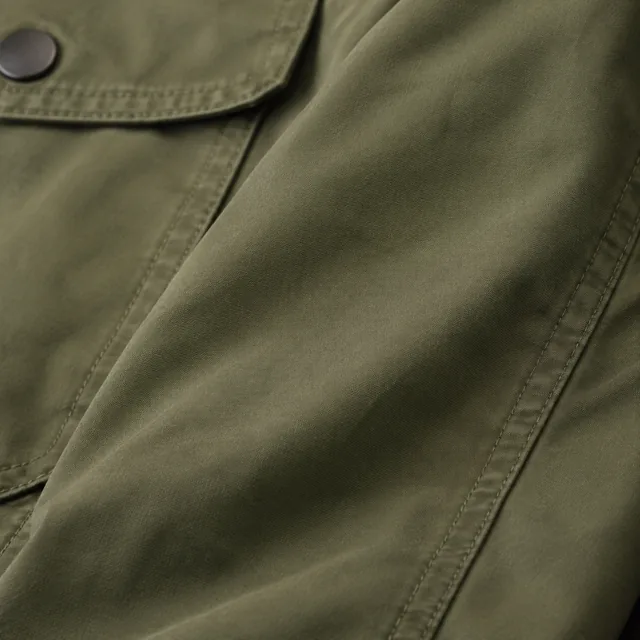
Add the fabric name, size range, or care details after you download the photo.

Choose a scene

Pick a clothing scene for fit and fabric

Choose a scene that helps shoppers judge fit, fabric, or layering.
Where to use it

Use clothing photos on listings and social feeds

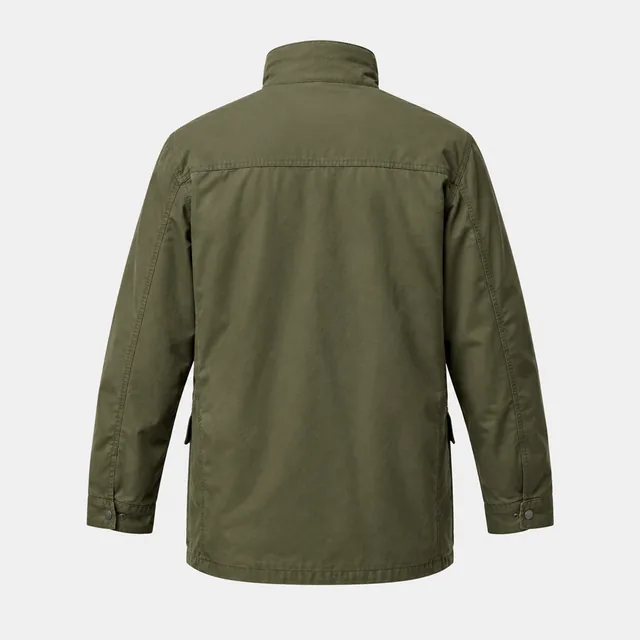
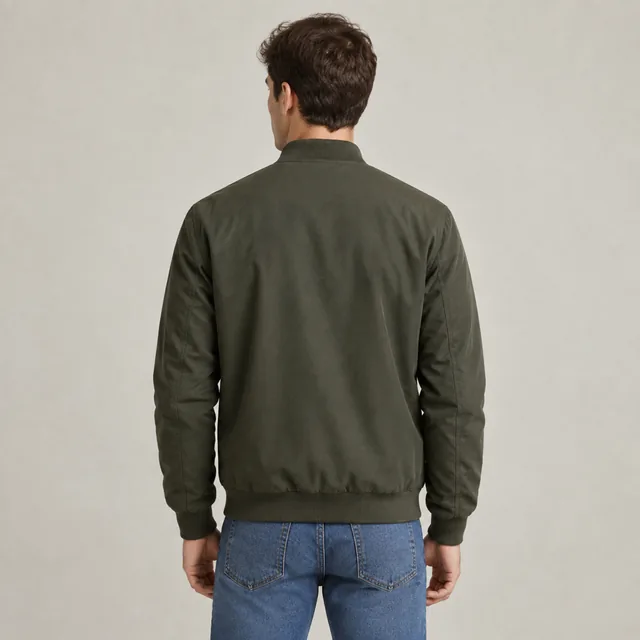
The same bomber jacket seen from the back.

Show the jacket from the back

A back view makes the jacket length and shoulder seams easy to see.
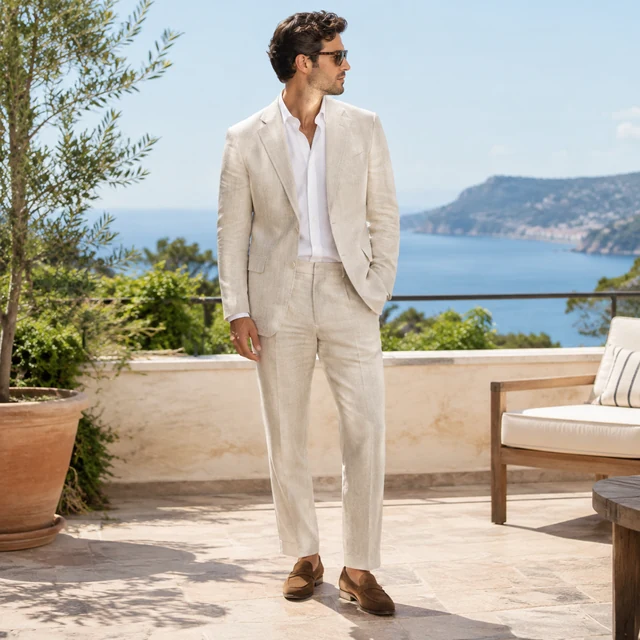
Linen suit shown head to toe on a sunny terrace.

Show a lighter outfit in a feed post

A linen suit on a sunny terrace feels distinct from a plain catalog image.
Start with a clear photo

Keep the whole clothing item in the frame

✓
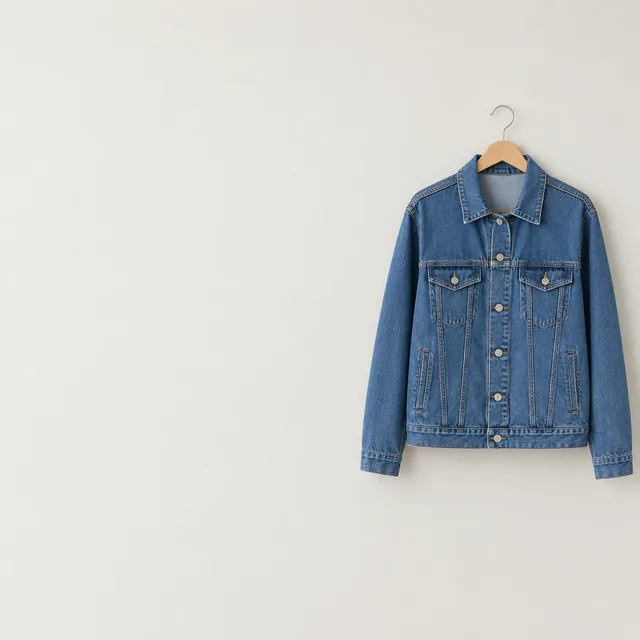
Denim jacket on a hanger against a plain wall with open space on the left.
The denim jacket stays clear on its hanger
✕
Blue denim jacket softened by blur so its seams and buttons are unclear.
The jacket seams and buttons blur together
✓
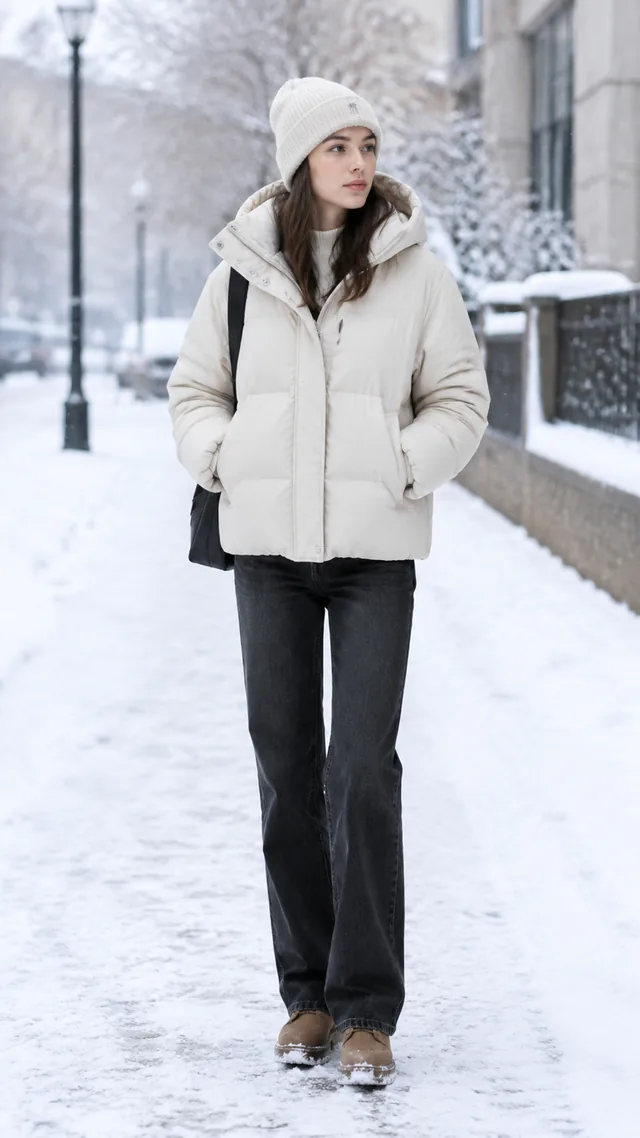
Puffer jacket outfit on a snowy street, full body.
The jacket and sleeves fit inside the frame
✕
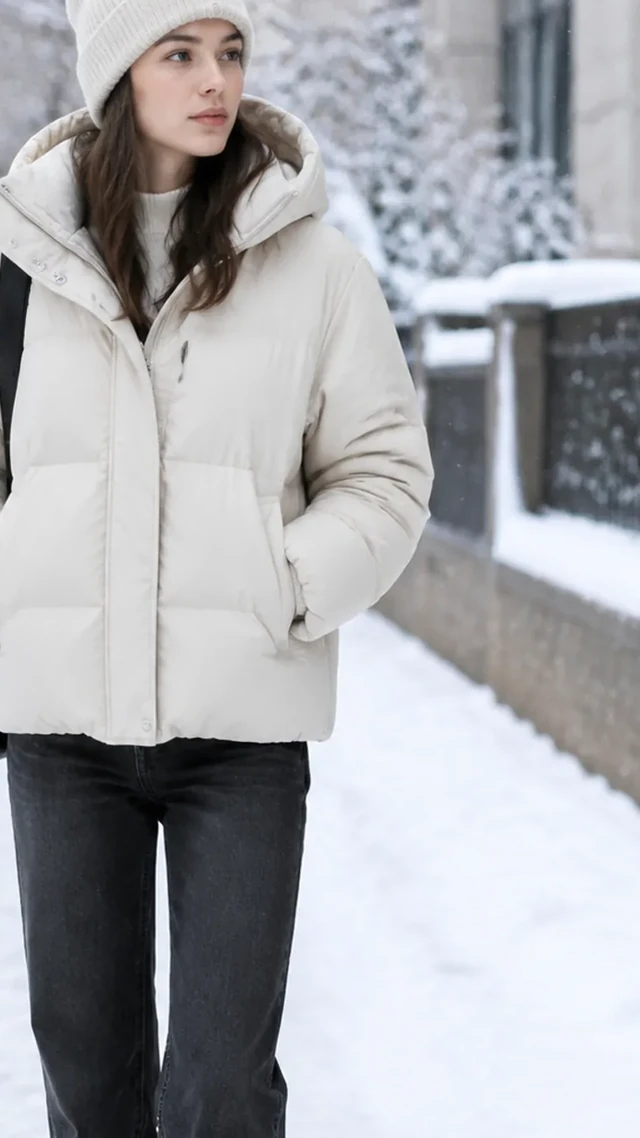
Puffer jacket sleeve cut off by a tight side crop.
The puffer jacket sleeve is cut off by a tight crop
Your result

Square clothing photos for product listings

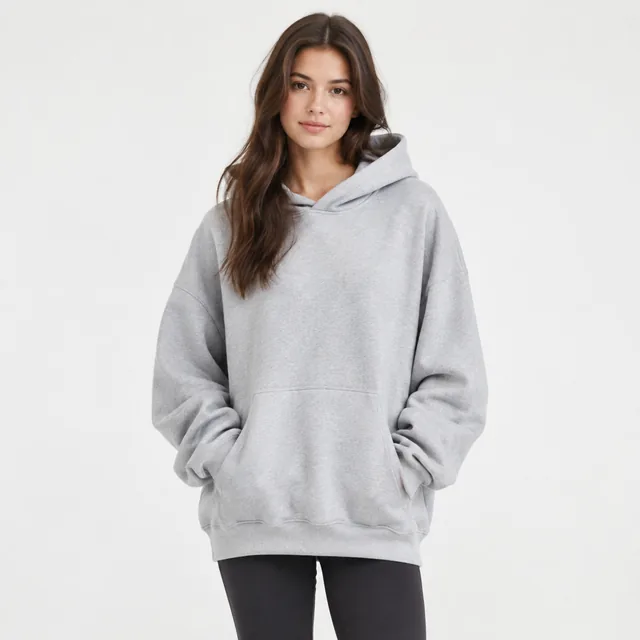
Model wearing an oversized hoodie in a bright studio, front view.
Hoodie photo in a bright studioSquare photo · 24 credits
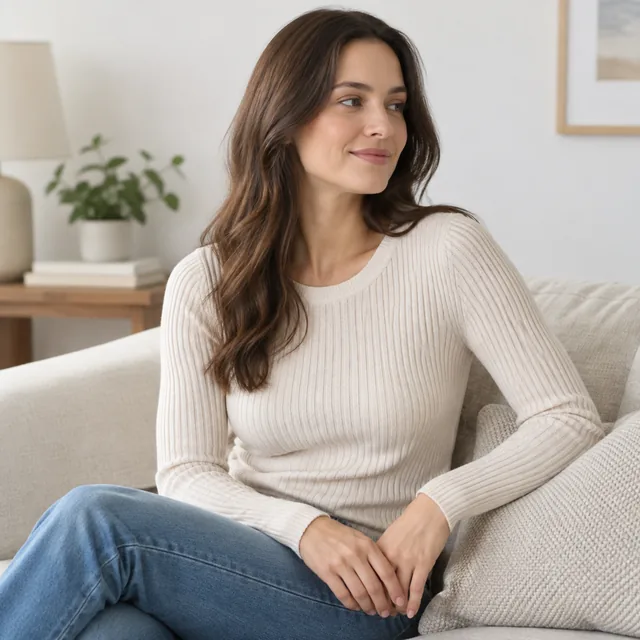
Seated model wearing a ribbed knit top.
Ribbed top styled for a listingSquare photo · 24 credits
After download

Add size and color details after download

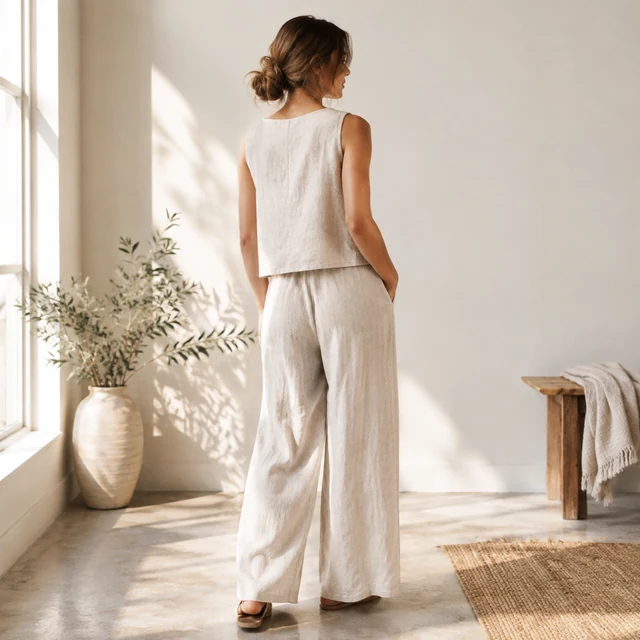
Minimal linen two-piece set on a model in a sunlit studio.
SizeFabric

These details are added in your editor after download.

  • Add the size range and fabric content beside the image in your store editor.
  • Keep care instructions in text so shoppers can read the exact wording.
Templates

Fashion & Clothing templates

Pick a garment view, an on-model look, or a collection scene for this apparel range.
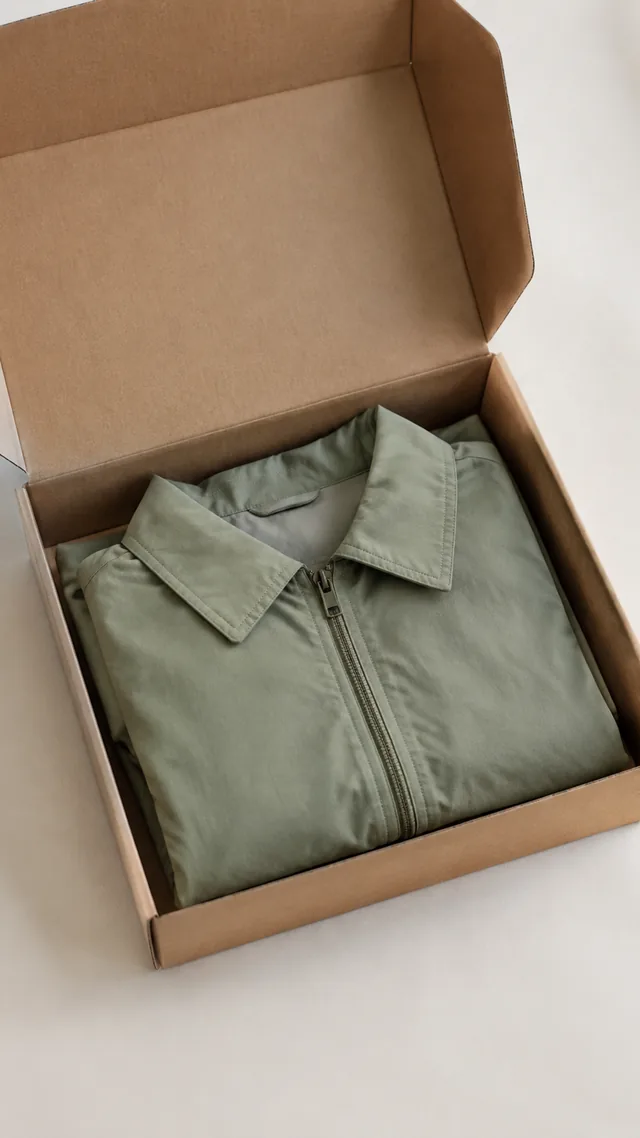
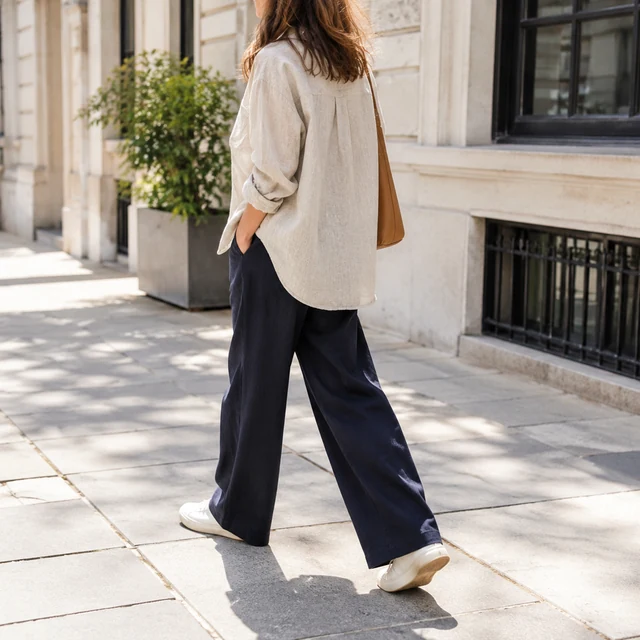
PhotoAdult wearing a linen overshirt and navy trousers on a city walk.

Lifestyle Scene

Your product out in the real world

Fashion & ClothingShopifyInstagram
Use this template →
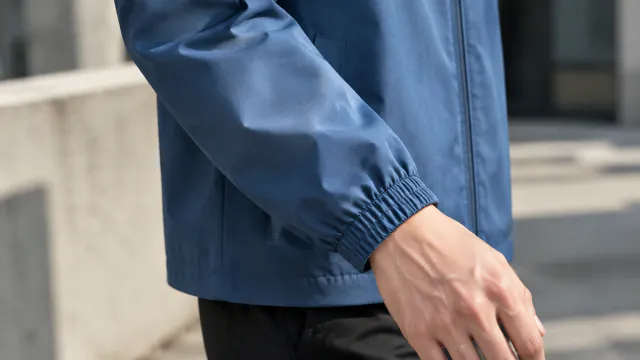
PhotoBlue jacket sleeve and cuff detail on a person

Clothing Try-On

See a piece worn before the shoot

Fashion & ClothingShopify
Use this template →
Examples

More fashion and clothing examples

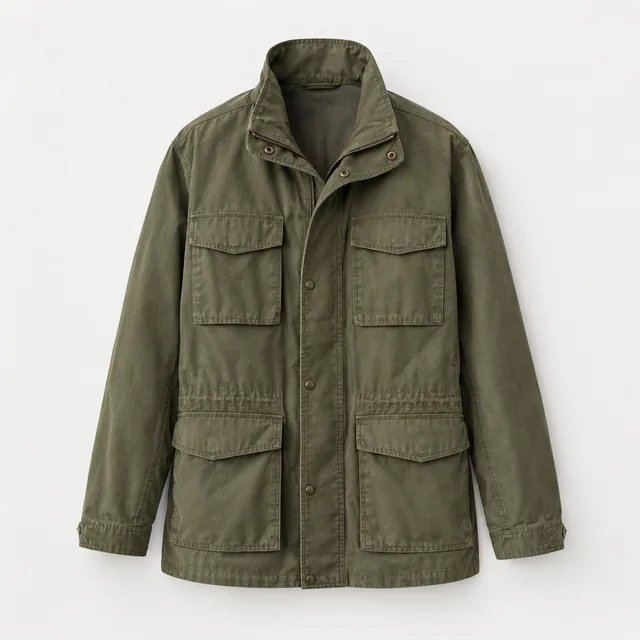
Front, back, fabric, and outfit views that help shoppers picture a garment.
Tools

Tools that fit

Model PhotosYour clothes and accessories on a model
Lifestyle PhotosYour product in a real-life scene
Video AdsShort ads for TikTok, Reels and Shorts
Social Ad PhotosImages for Facebook and Instagram ads
FAQ

Questions about fashion clothing photos

Can I turn a photo of a garment laid flat into an on-model photo?

Yes. Lay the garment flat or hang it on a plain wall, smooth out the wrinkles, and photograph the whole piece in even light. Then describe the person and setting, for example "full-length, standing in a bright studio."

Will the AI change my print or fabric?

It works from your photo, so fine stripes, embroidery, and buttons hold up when the upload is sharp and close. Look carefully at patterns and trims before you list the image, and make another version if anything has drifted.

Can I show my clothes on a plus-size or petite model?

You can describe the person you want to see, including height, build, and age range, such as "petite woman in her 40s" or "tall man with a broad frame." Showing your real customer helps shoppers picture themselves in the piece.

How do I make a TikTok video of my clothes being worn?

Choose 9:16 and a length of 6, 10, or 15 seconds, then describe a slow turn or short walk. Run another version when you want a different setting.

Keep reading

Guides and articles

Make Fashion & Clothing content today

Upload a garment photo and select a styling view to review.