Shopify stores

Shopify Product Photos and Videos From One Upload

Plan Shopify product photos as square images for product pages, collection or home cards, and social feed posts.

Drop your product photo hereJPG, PNG or WebP · any clear photo works
Size Square · 1:1Start with Template or description
Make my product photo →See the cost before you start

Plans from $24.50 a month. You see the credit cost before every job, and if a job fails its credits go back to your balance.
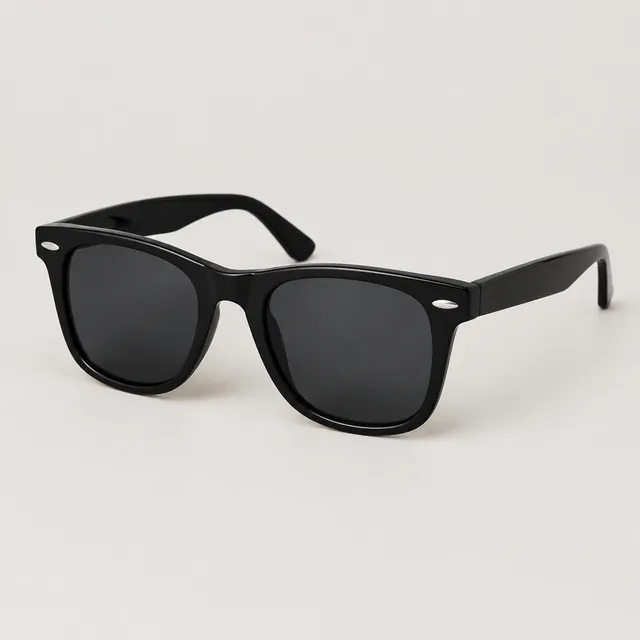

Black wayfarer-style sunglasses with dark lenses on a light studio background
Photo
Plain pale-green skincare tube standing on a light stone vanity beside a folded washcloth.
Photo
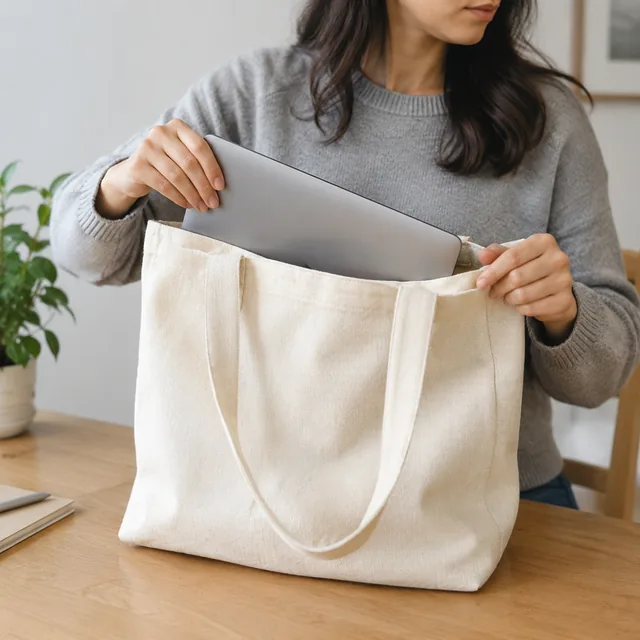
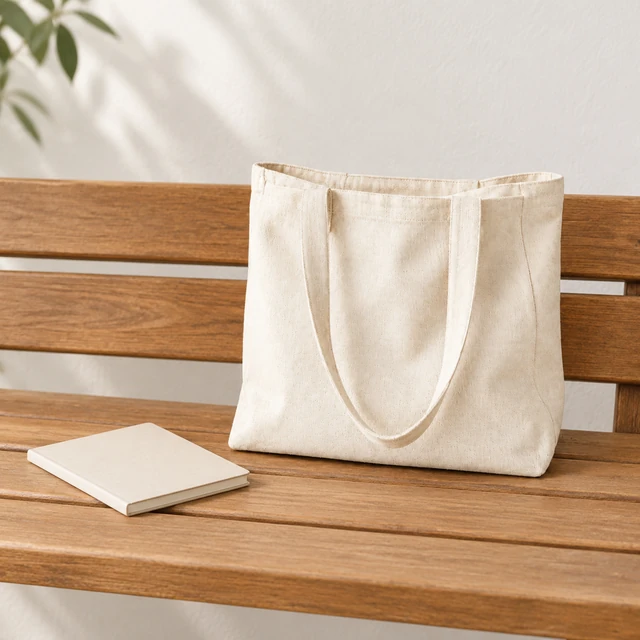
Canvas tote bag with a laptop inside.
Photo
Neutral linen bedding on a freshly made bed in soft daylight, square crop.
Photo
Ivory silk pillowcase on a neatly made bed in soft morning light, square crop.
Photo
Person in a bright kitchen holding a snack pouch at chest height, smiling.
Photo

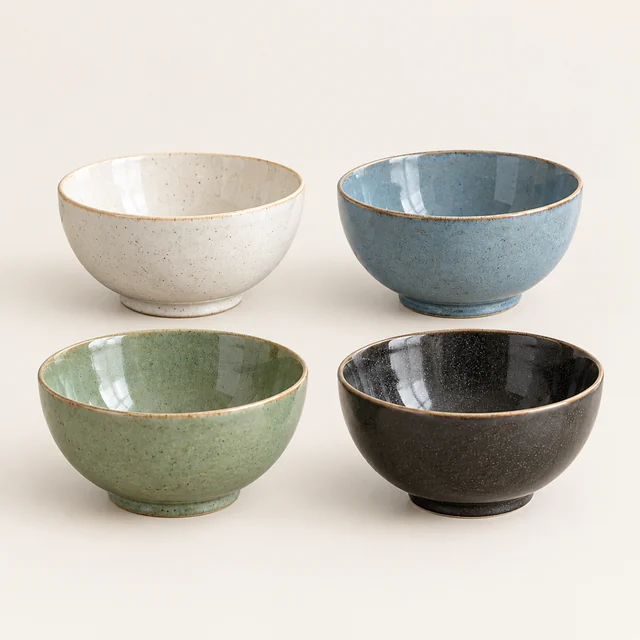
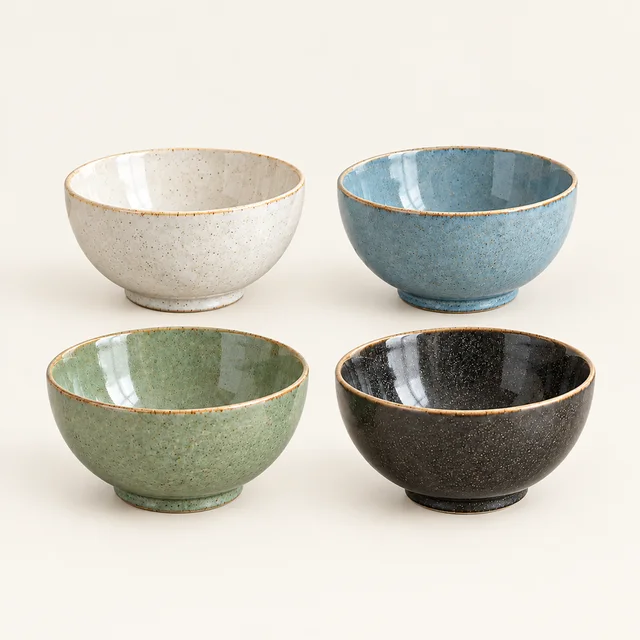
Use this four-bowl set in three square images: a product page image, a collection or home card, and a social post.

How it works

Plan Shopify product photos in three steps

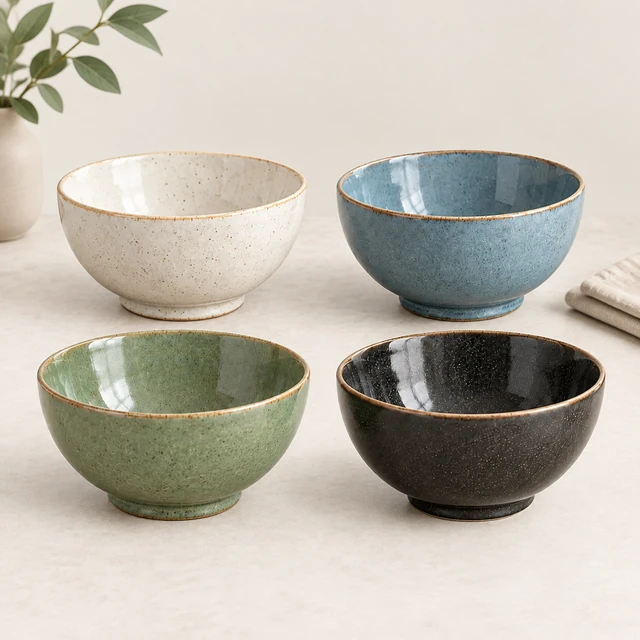
Four ceramic bowls in cream, blue, green, and charcoal glazes on a pale background.
Drop your product photo hereJPG, PNG or WebP · any clear photo works
Step 01

Choose the product for the store

Start with a clear photo of the item you want to feature across the store.

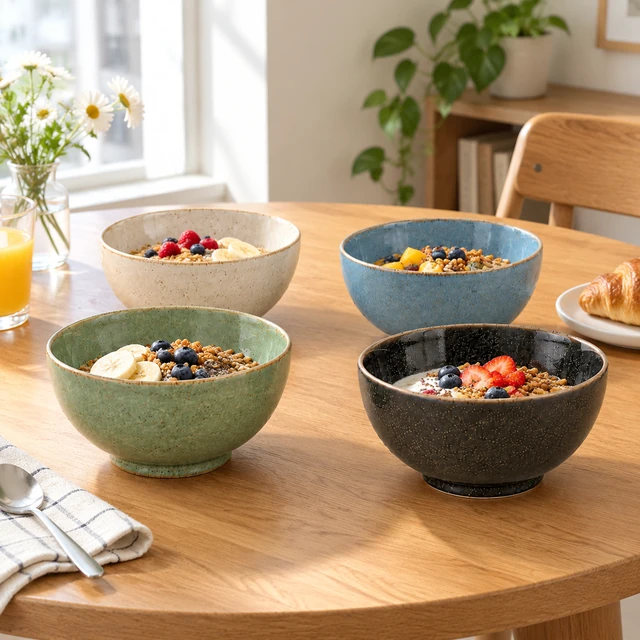
Arrange this set of four ceramic bowls on a light dining table, keeping their colors and relative sizes clear.
Template Shopify product photosSize Square 1:1Use Product page · home · social
Cost24 credits
Step 02

Choose the placement and frame

Choose square product, collection, or social images for the storefront.
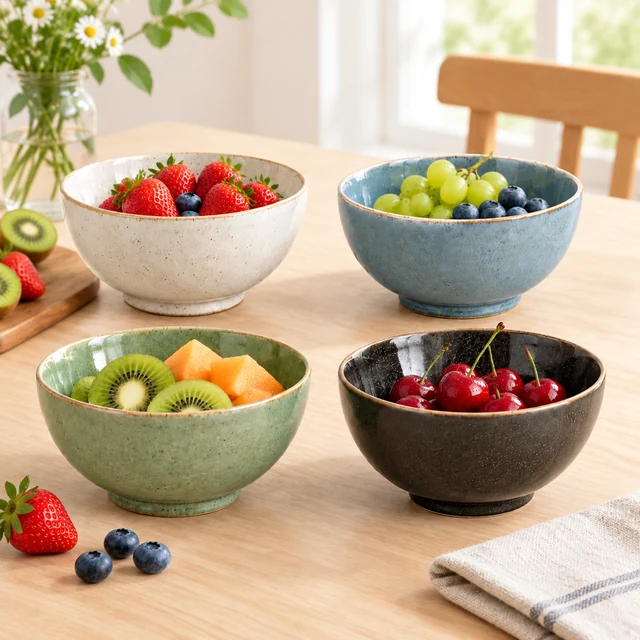
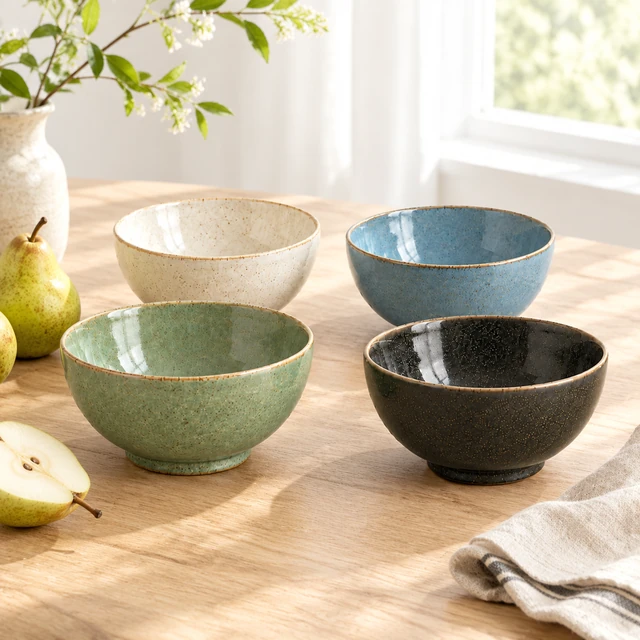
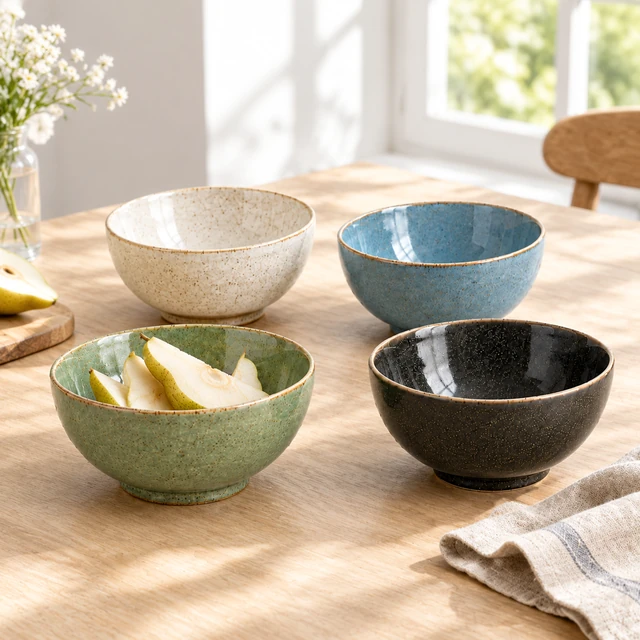
Four coordinated ceramic bowls arranged with fruit on a light dining table.
Step 03

Download and add store details

Add the product name, price, and collection details in Shopify admin.

Choose a scene

Choose a square Shopify image placement

Pick a square scene for the product page, collection or home card, or social feed.
Where to use it

Use Shopify photos on product and social pages

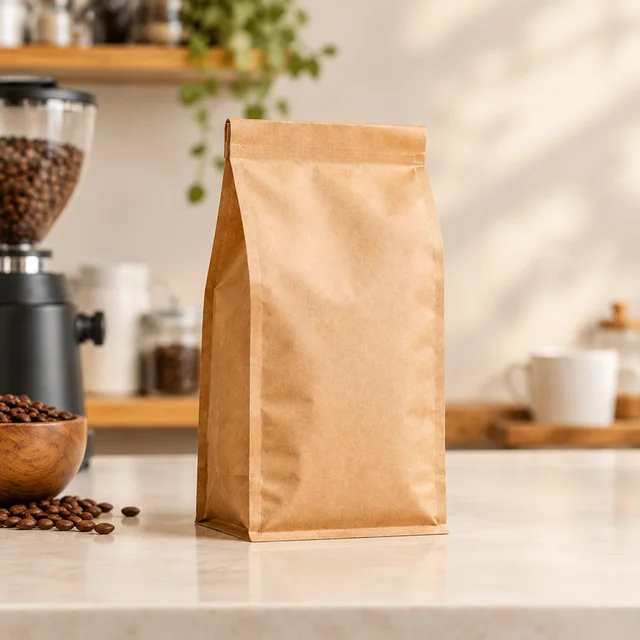
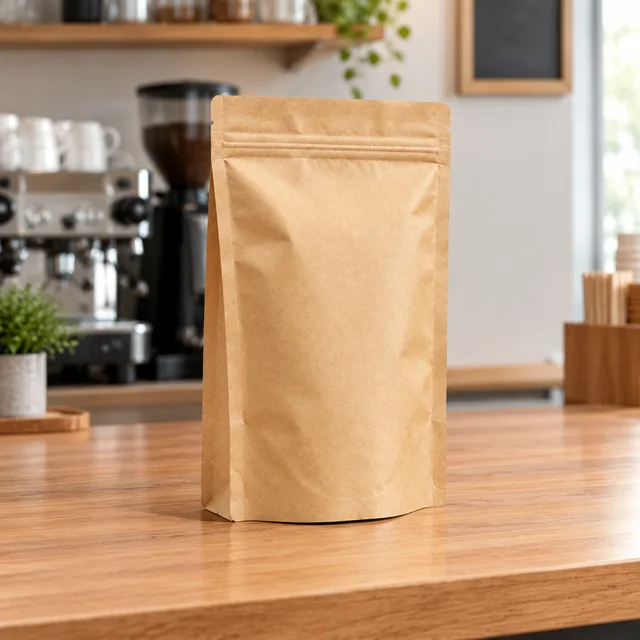
Plain kraft coffee pouch standing alone on a light neutral background.

Show a plain coffee pouch in a store scene

A simple package photo gives shoppers a clear view of the pouch and its blank label area.
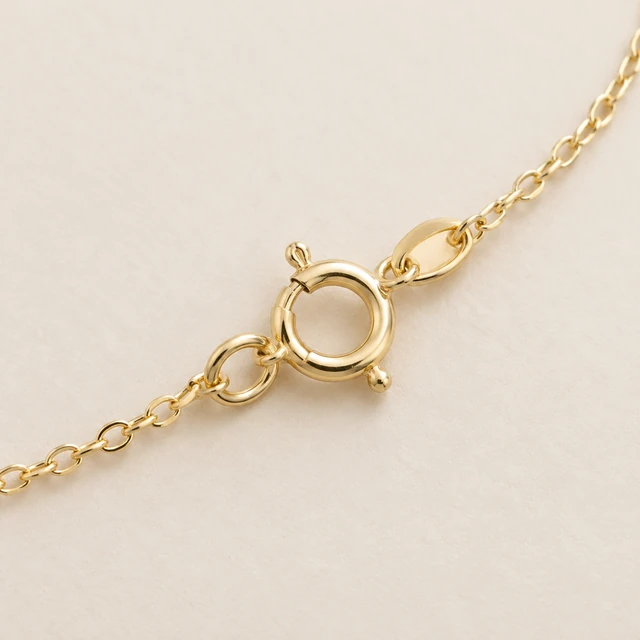
Gold necklace clasp and chain links shown in sharp macro detail.

Make a social post for a collection

A simple accessory scene gives a collection post a clear product focus.
Formats

Three square Shopify product photos from one upload

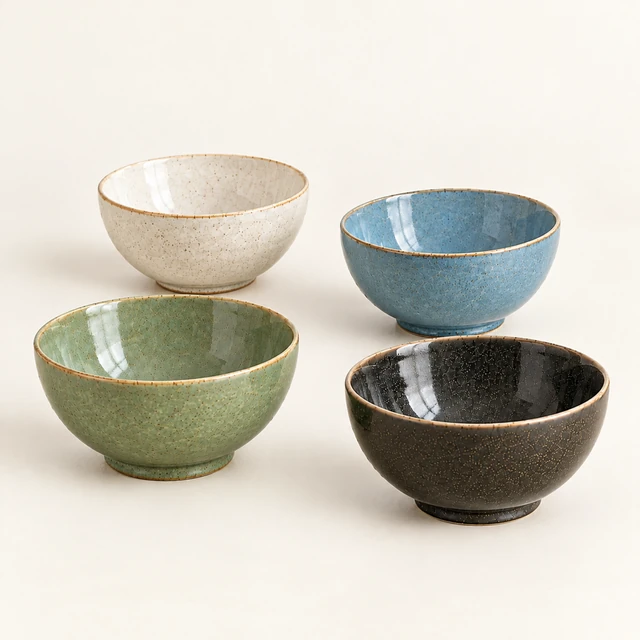
Four coordinated ceramic bowls in cream, blue, sage, and charcoal glazes, photographed from a low three-quarter angle.
1:1Low three-quarter bowl product image
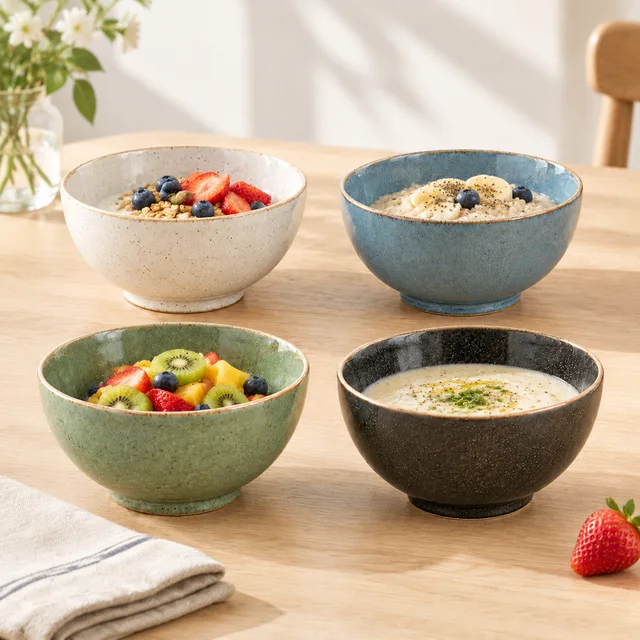
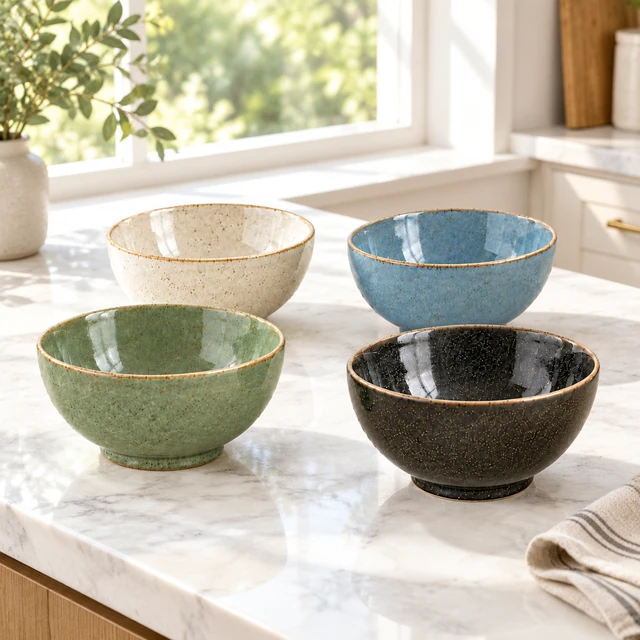
The same four coordinated ceramic bowls arranged as a square collection-page image.
1:1Collection or home card
The same four coordinated ceramic bowls arranged on a bright table for a square social post.
1:1Social feed post
Start with a clear photo

Start Shopify images with a clear product photo

✓
Plain kraft coffee pouch centered on a pale studio background.
Coffee pouch and seal stay in the frame
✕
Coffee pouch enlarged until its top and side edge are cut off.
Pouch edge is clipped by the frame
✓
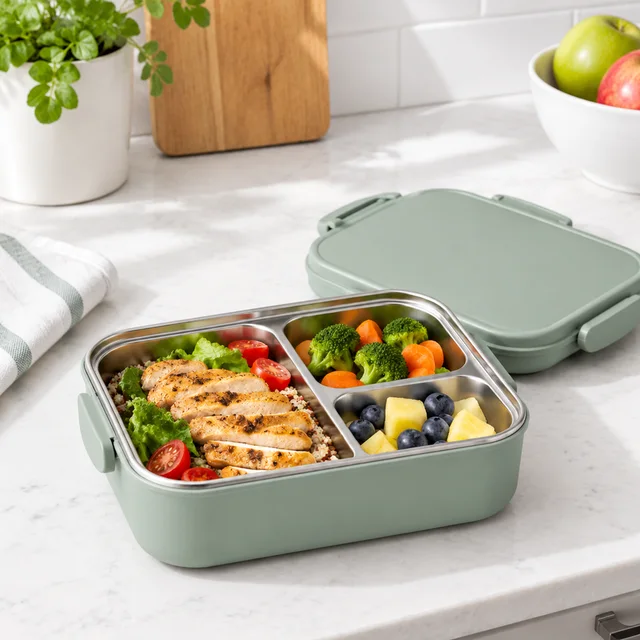
Sage lunch container open on a bright kitchen counter.
Lunchbox shape and handle stay clear
✕
Lunchbox handle and compartments softened out of focus on the counter.
Lunchbox details blur into the counter
Your result

Square product images for Shopify pages

Four coordinated cream, blue, green, and charcoal ceramic bowls in a square product scene.
Square ceramic-bowl product imageSquare photo · 24 credits
The same four cream, blue, green, and charcoal ceramic bowls on a small breakfast table.
Square ceramic-bowl lifestyle imageSquare photo · 24 credits
After download

Add Shopify details after download

The same four ceramic bowls arranged for a square social post.
Product namePrice

These details are added in your editor after download.

  • Add the product name and price in Shopify admin after download.
  • Use the square image for a product page, collection card, or social post.
Templates

Shopify templates

Pick matching looks for your product grid, detail page, and short product video.
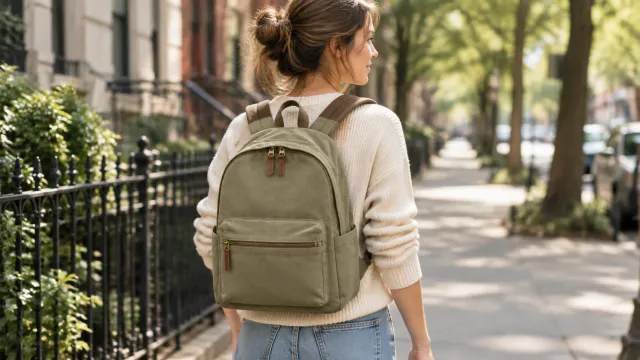
PhotoPerson wearing a canvas backpack on a city walk.

On a Model

Your product shown on an AI-generated model

Fashion & ClothingInstagramShopify
Use this template →
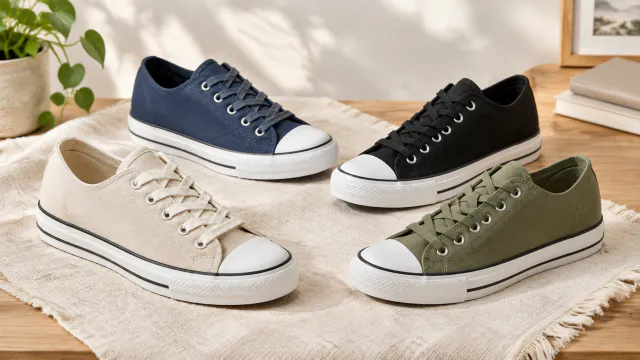
PhotoFour canvas sneakers shown together in distinct color options.

Color Variants

Every color you sell, same style

ShoesShopifyAmazon
Use this template →
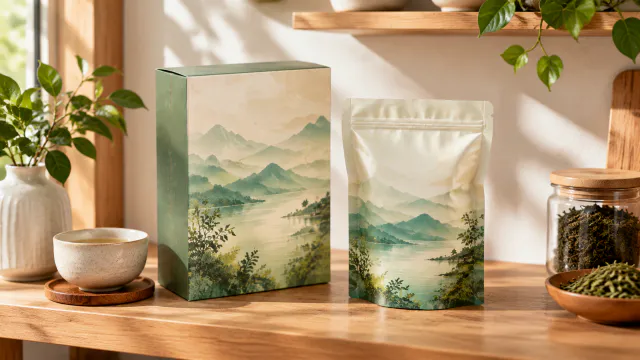
PhotoTea packaging arranged on a realistic kitchen shelf.

Packaging Preview

See your box or bag before printing

Food & DrinksShopify
Use this template →
Examples

More Shopify store examples

Matching shots for collection grids, headers and product pages.

Tools

Tools that fit

Product PhotosStudio-quality shots from any photo
URL to VideoPaste a product link, get a video
Product VideosShow how your product looks and works
FAQ

Questions about Shopify product photos

What size should Shopify product photos be?

Square by default. Pair this product with a consistent background and camera height across product-page photos and collection or home cards.

Can I add a video to my Shopify product page?

Yes, Shopify product media supports video. Make a 1:1 or 16:9 clip, download it, and upload it in the product's media section.

Will all my product photos look consistent?

Describing a consistent background each time helps a lot. Results can still vary slightly, so review each image before it goes on your store.

What are Shopify product video limits?

Our generator offers 1:1, 9:16, and 16:9 clips; upload the shape that fits your store.

Keep reading

Guides and articles

Make Shopify content today

Start with one product and plan matching images for its collection and detail pages.