AIVideosUGC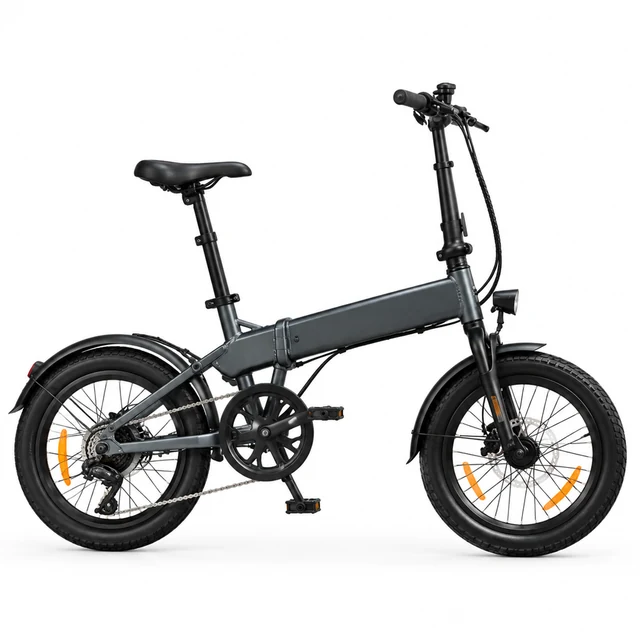
Drop your product photo hereJPG, PNG or WebP · any clear photo works
Step 01
Upload the featured sale item
Show the full product clearly so its shape and main details carry into the clip.
Black Friday video ads start with a bold product clip made before the sale rush. Upload a photo, describe a striking scene, then add your discount, dates, and countdown in your own editor.
Plans from $24.50 a month. You see the credit cost before every job, and if a job fails its credits go back to your balance.




Build a Black Friday product video around one clear item and leave open space for the offer. Add the price and end date as text after download.
Show the full product clearly so its shape and main details carry into the clip.
Choose the setting, light, and where you want open space for the offer.
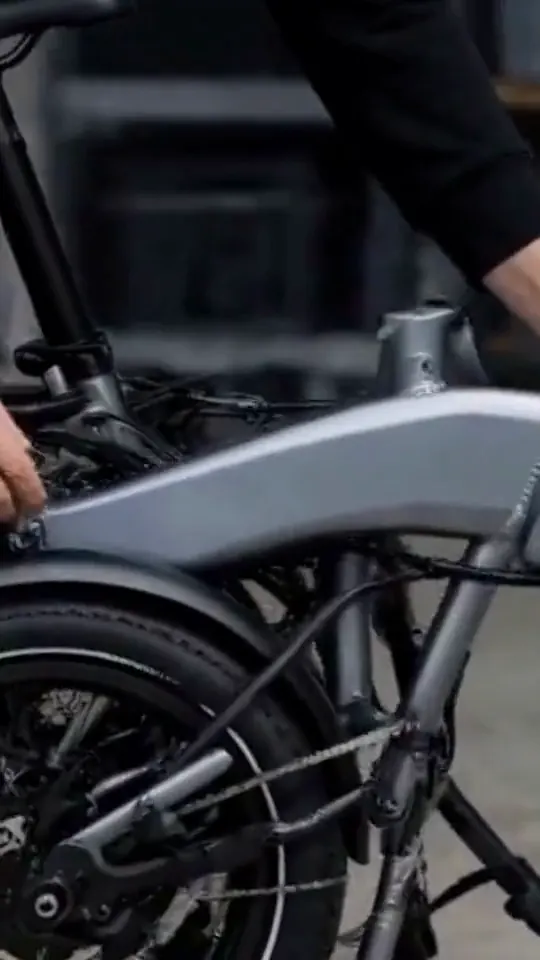
Download the video, then type the discount, code, and end date in your editor.
Pick the product group that fits your offer.
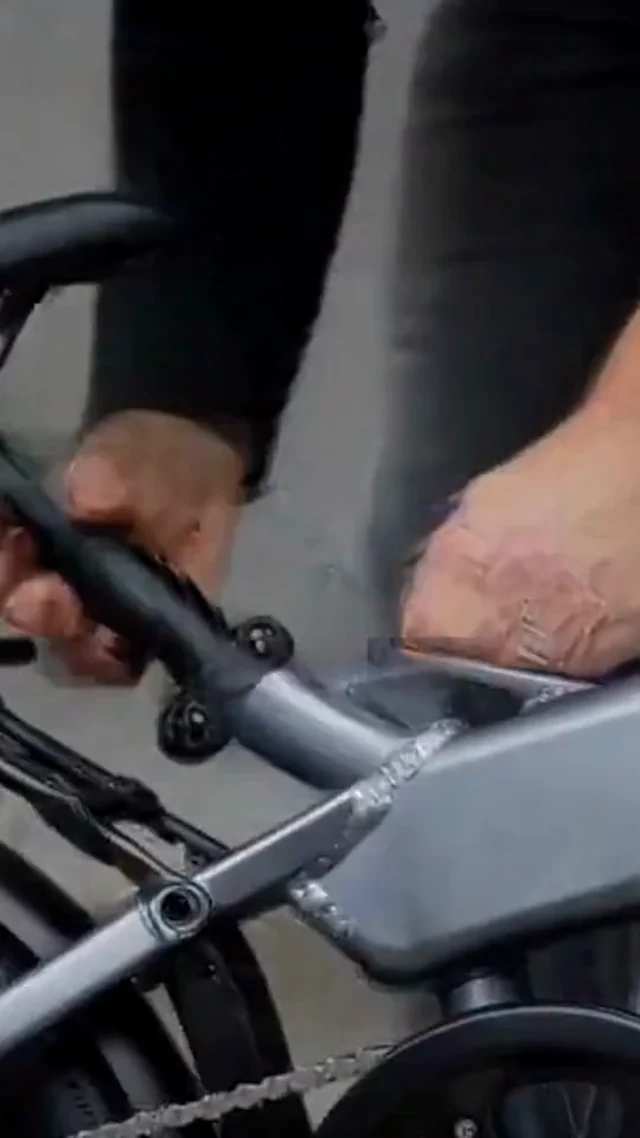
Show the generic folding bicycle hinge clearly, then add the sale offer when the dates are confirmed.

Keep the featured espresso machine visible when shoppers open the product page from the offer.




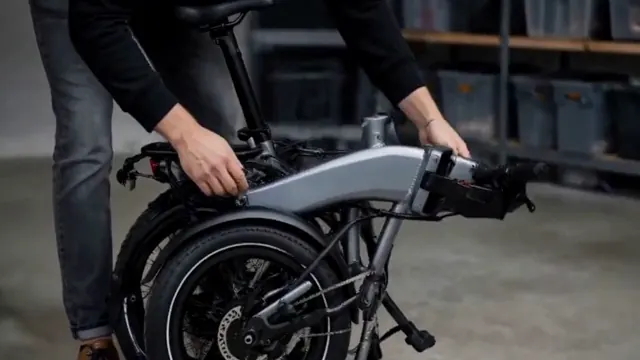

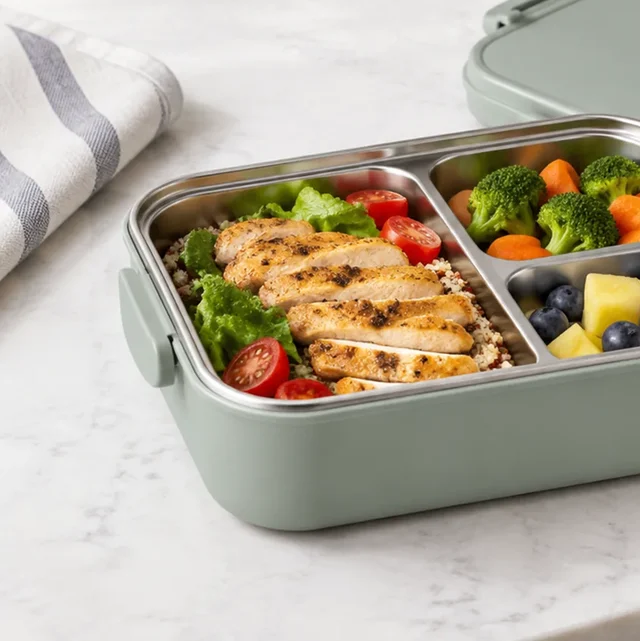
These details are added in your editor after download.
Choose another everyday scene, then add your product photo.

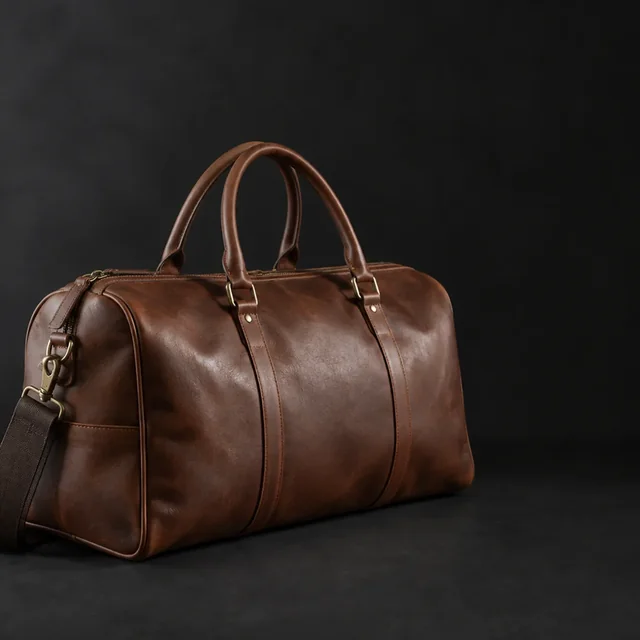





Product and gift-set images can leave room for a seasonal offer.


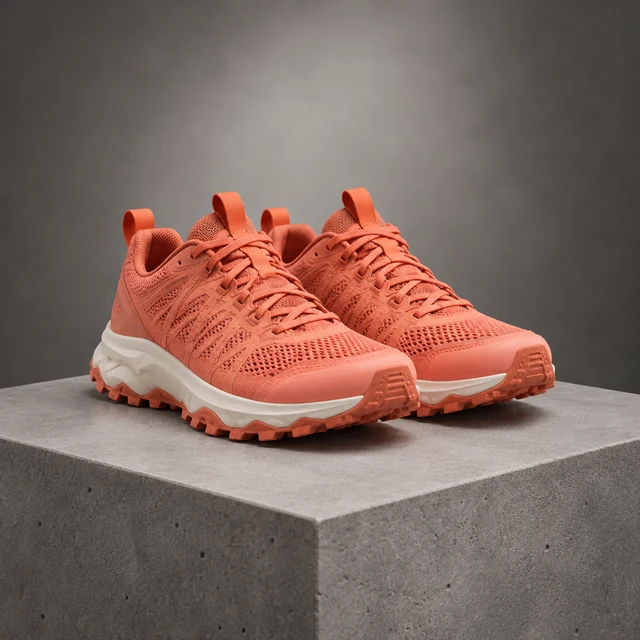
Choose a sharp photo of the item you plan to feature and keep the whole product inside the frame.
Add the final price, code, and sale dates as text after those details are set.
Use the same featured product in the video and the destination page so the offer feels connected.
Upload one product photo. See the cost before you start.