Sales and promos

Sale Ad Creatives With Room for Your Offer

Plan sale ad creatives around product views and placements, leaving confirmed discount terms for a separate text layer.

Drop your product photo hereJPG, PNG or WebP · any clear photo works
Photo Your product shotScene Soft pink backdropSize Square
Make a social ad photo →See the cost before you start

Plans from $24.50 a month. You see the credit cost before every job, and if a job fails its credits go back to your balance.
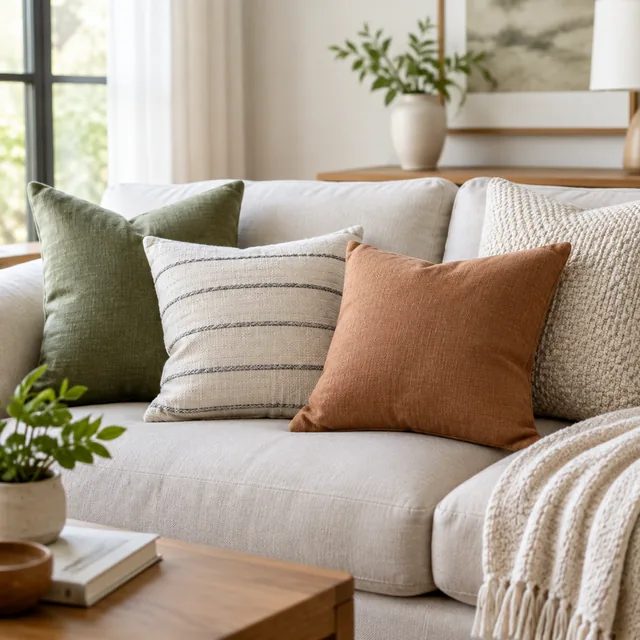

Throw pillows on a sofa for a collection header.
Hands inspect dark blue headphones and place them into a commuter bag.
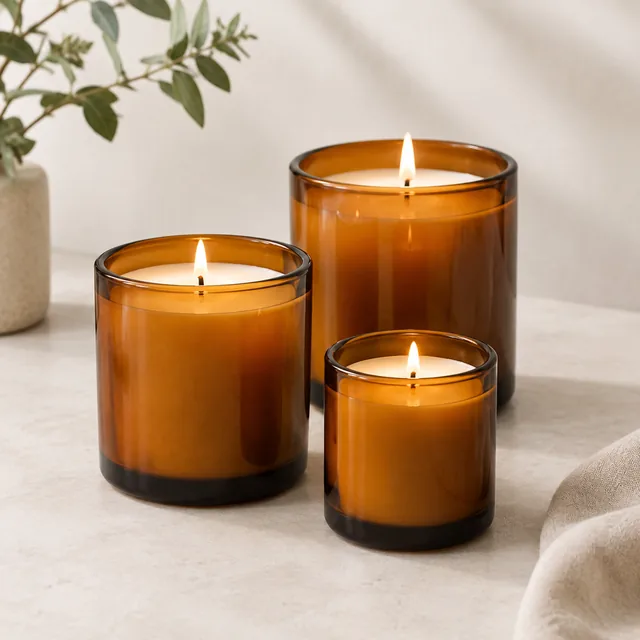
Three candles in amber glass for a collection tile.
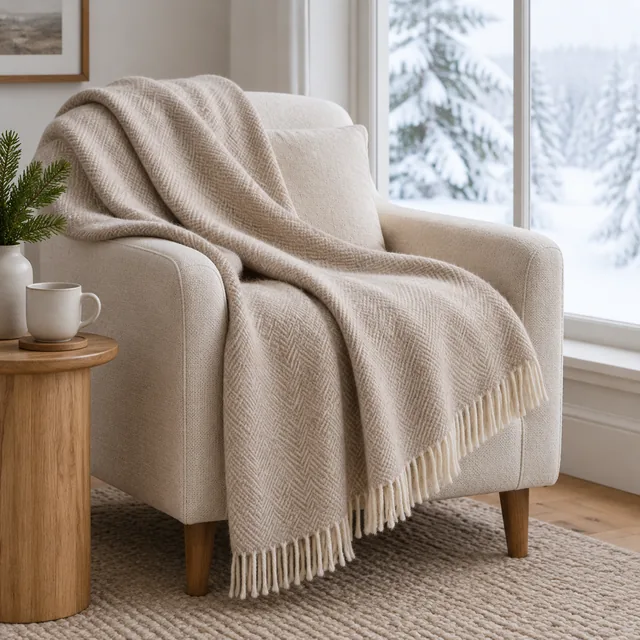
Wool throw on an armchair by a snowy window.
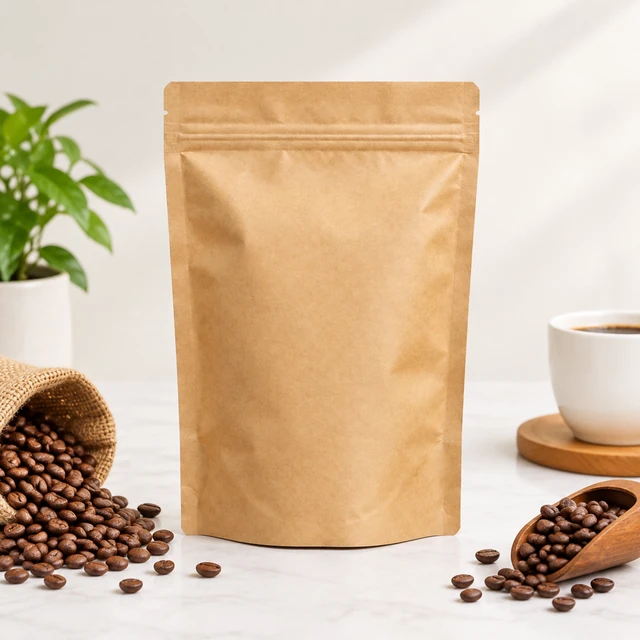
Blank kraft coffee pouch with coffee beans on a pale counter.
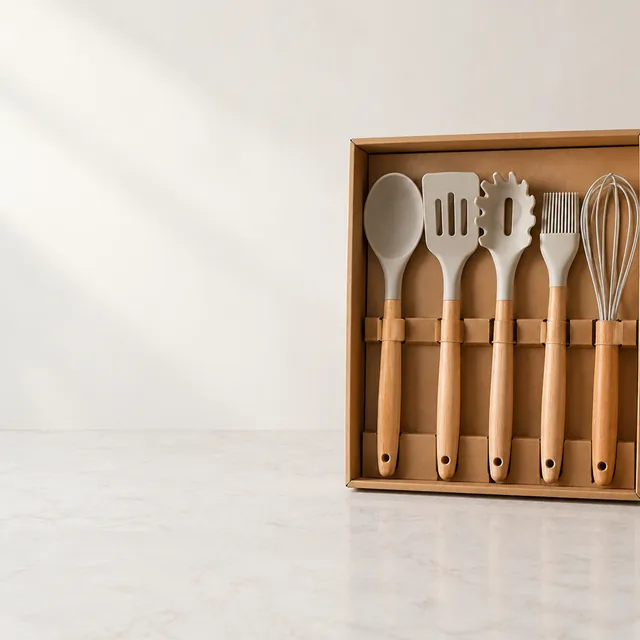
Kitchen gift set with open space on the left.

Build sale ad creatives around a recognizable product, then add the current price, code, and end date in an editable layer.

Plan your campaign

When to prepare your sale ad creatives

1

About three weeks ahead

Choose the products going on sale, refresh their main photos, and decide which channels the sale will run on.

2

One to two weeks ahead

Make the banners and clips in each size you need, add the offer text, and prepare a separate version for the final days.

3

During the sale

Switch to the last-chance version near the end, and take down any visuals that show the discount once the sale is over.

How it works

Plan sale ad creatives in three steps

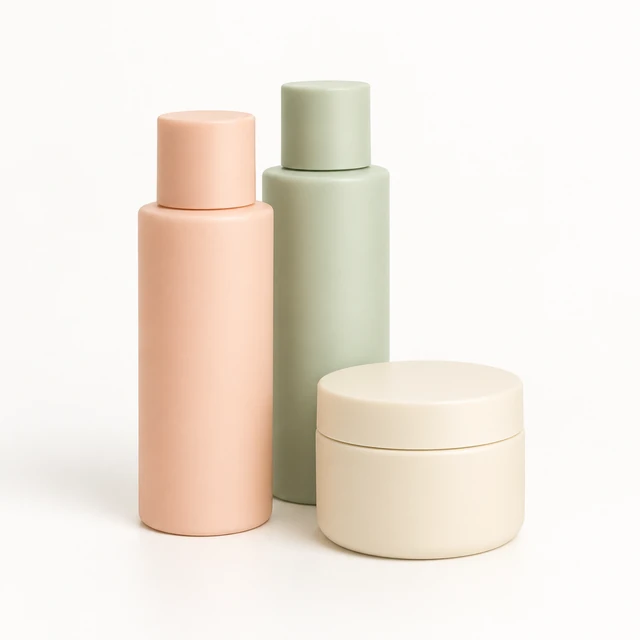
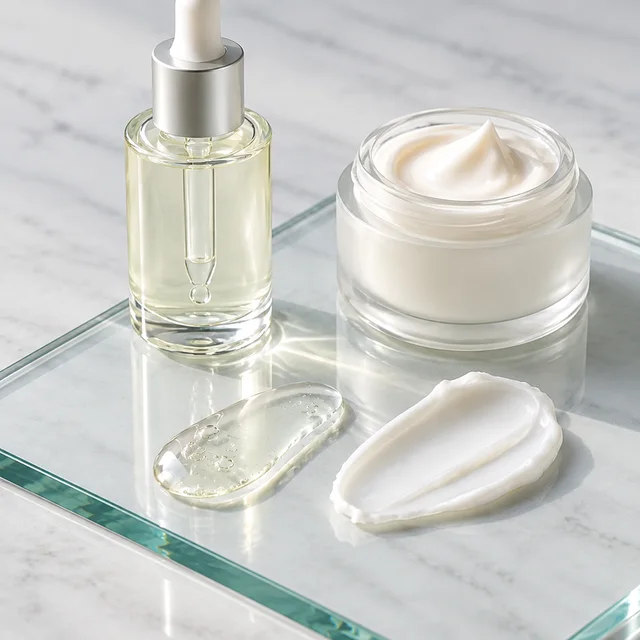
Pastel skincare bottles and jars arranged together on a pale studio background.
Drop your product photo hereJPG, PNG or WebP · any clear photo works
Step 01

Pick the product in the offer

Upload a clear photo of the item or bundle shoppers can buy during the sale.

Arrange these pastel skincare bottles and jars together on a simple sale-photo surface, keeping the full products clear.
Template Sale product photoSize Square 1:1Use Feed ad or product page
Cost24 credits
Step 02

Leave room for the offer

Choose a scene with open space for the price, code, or end date.
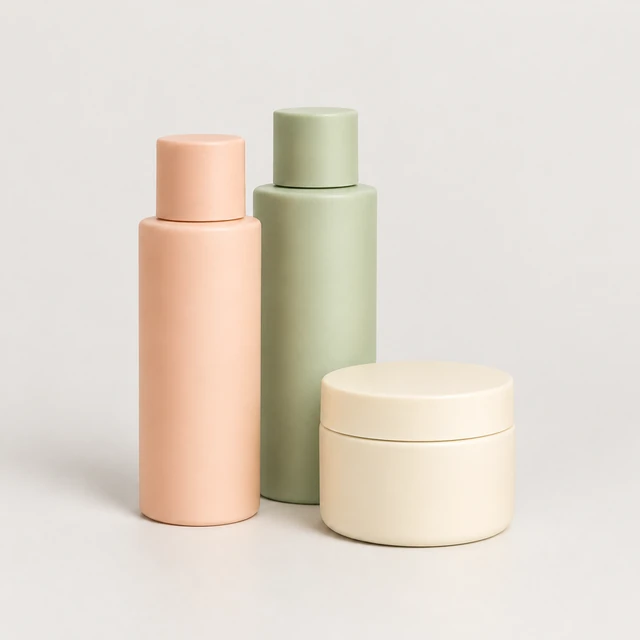
The same three pastel skincare containers grouped in a clean square product scene.
Step 03

Download and add sale details

Enter the current offer terms in an editable layer after download.

Where to use it

Use sale creatives in a feed or product page

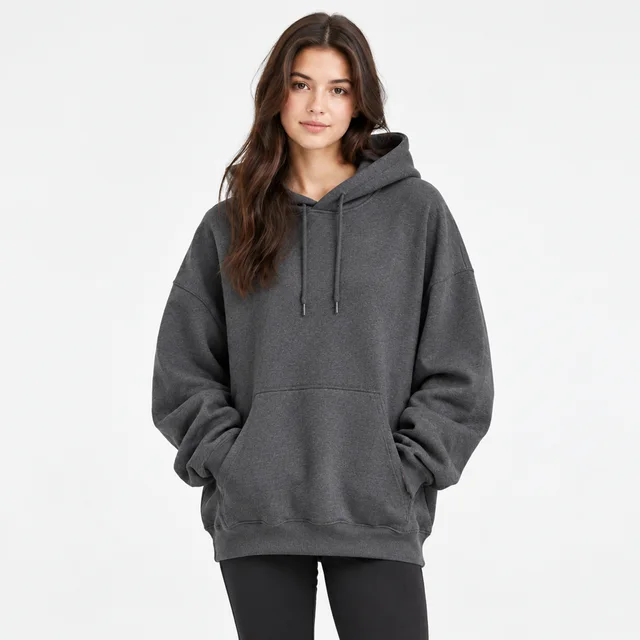
Adult wearing a plain charcoal oversized hoodie against a light background.

Feature a plain hoodie before the offer

A clear full outfit view can introduce an apparel offer before its price and end date are added.

A hand lifts a white air purifier from a desk beside a laptop.

Create a calm moment for a wellness offer

A person taking a quiet pause at a sunlit desk gives a wellness promotion a relaxed, everyday setting.

Start with a clear photo

Start sale ads with a clear product photo

✓
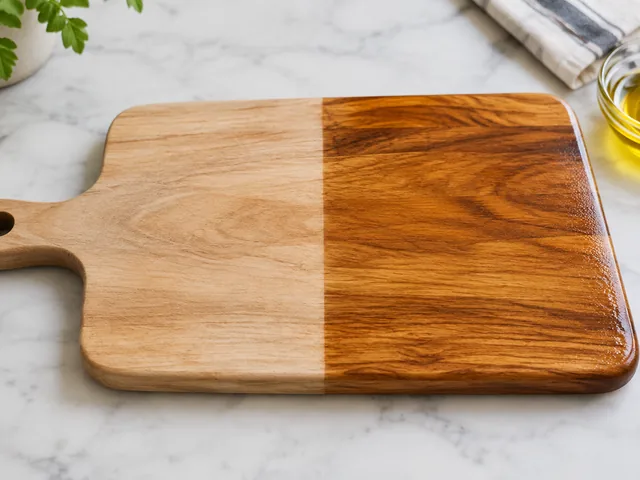
Wooden cutting board, left half dry and pale, right half freshly oiled and rich.
Cutting board and handle stay in frame
✕
Cutting board enlarged until its handle and outer edges are clipped by the frame.
Board edge and handle are clipped
✓
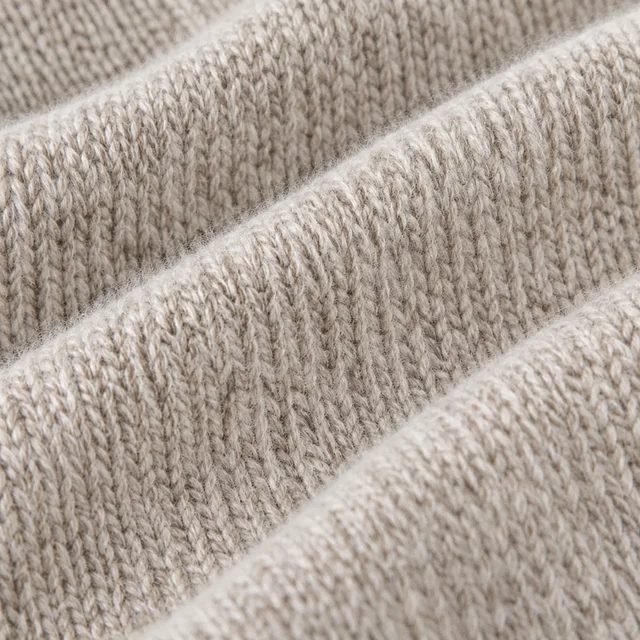
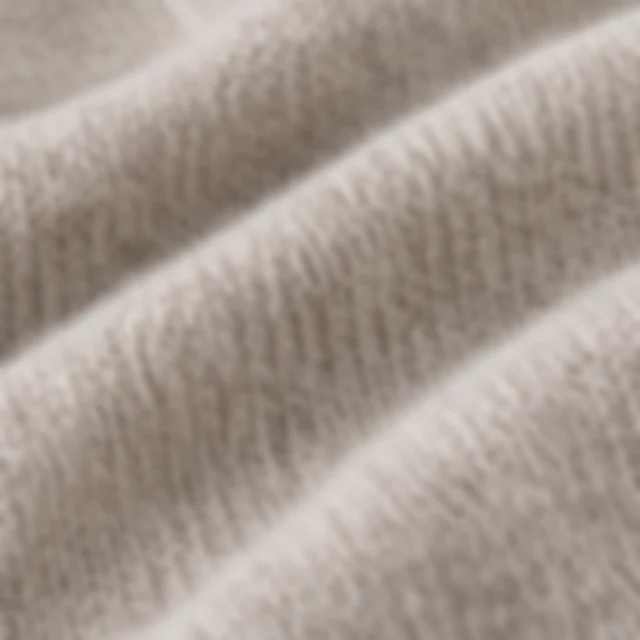
Close view of the knit texture of a merino sweater.
Knit rows and fibers remain sharp
✕
Sweater knit softened until the fibers and rows lose definition.
Knit texture softens into a blur
Your result

Square sale ad photos for feeds and listings

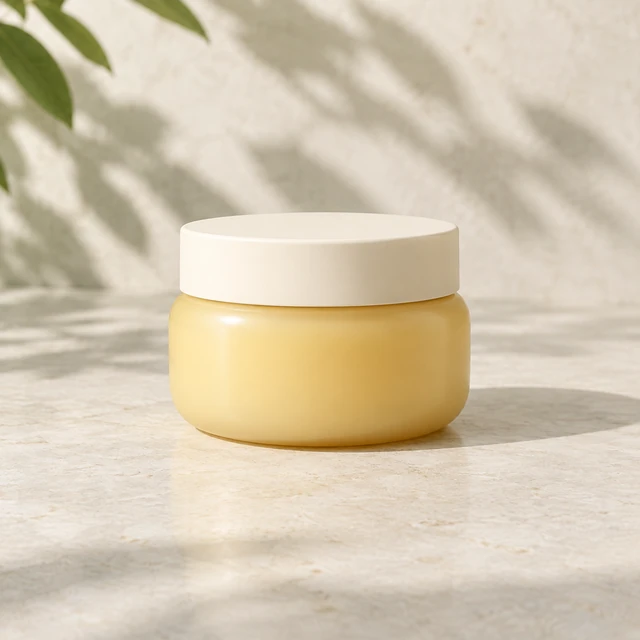
Plain pale-amber moisturizing balm in a rounded jar on a light stone vanity.
Square moisturizer offer photoSquare photo · 24 credits
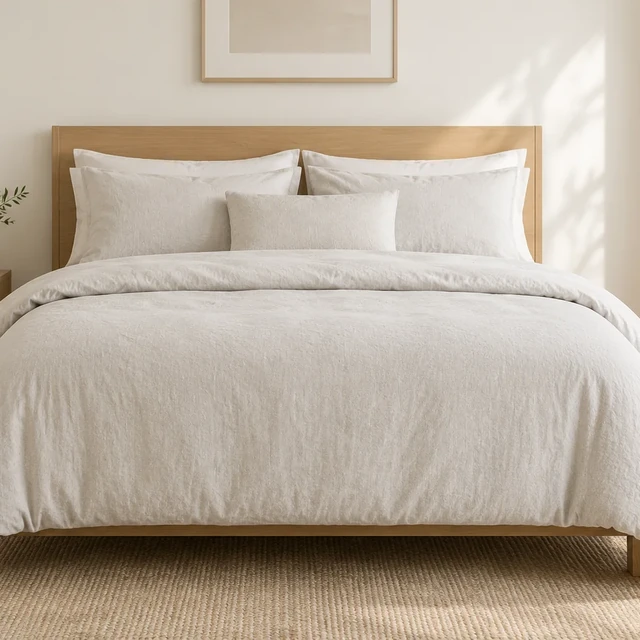
Neutral linen bedding on a freshly made bed in soft daylight, square crop.
Square bedding offer photoSquare photo · 24 credits
After download

Add sale details after download

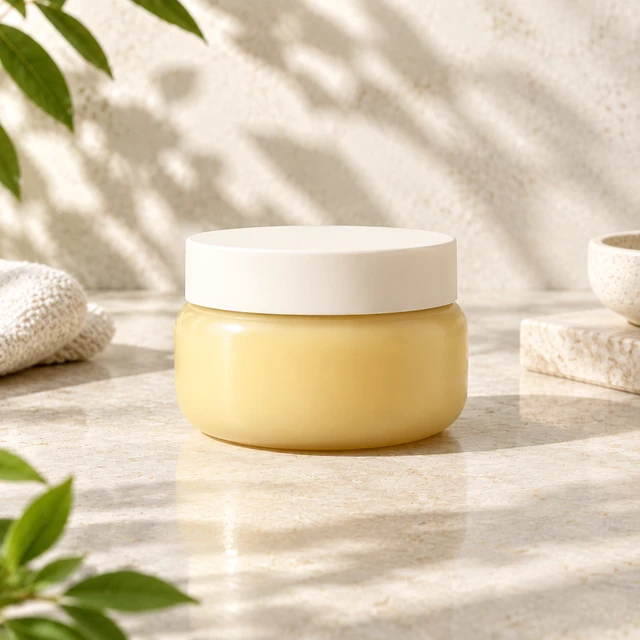
Plain pale-amber moisturizing jar in a bright bathroom setting, square photo without text.
OfferEnd date

These details are added in your editor after download.

  • Add the deal amount, code, and end date in a text layer after download.
  • Update or remove the image when the current offer ends.
Templates

Sale & Discount templates

Choose a product scene with room for the offer details you will add later.
Person wearing the jacket outdoors

Sale Banner

Seasonal photo with room for your offer

Fashion & ClothingFacebookInstagram
Use this template →
Hands unfold a black folding electric bicycle and inspect its hinge.

Black Friday Video

Holiday sale clip, add your price later

ElectronicsFacebookInstagram
Use this template →
Examples

More sale examples

Product scenes with open space for your discount, added after download.
Tools

Tools that fit

Video AdsShort ads for TikTok, Reels and Shorts
Social Ad PhotosImages for Facebook and Instagram ads
Unboxing VideosThe first-look moment, no filming
FAQ

Questions about sale ad creatives

Can AIVideosUGC put the discount on the image for me?

We leave the offer off on purpose. AI can garble words and numbers, so type the percentage and code yourself in Ads Manager, CapCut or Canva and check every character.

Can I reuse a sale visual for my next promotion?

Yes. Since the price is added separately, this background can work for another offer. Swap the text layer and it's ready.

Can I show the original price next to the sale price?

Only show an original price you actually charged. Many places have advertising rules about comparison pricing, so check what applies where you sell.

How much open space should I leave for the offer?

Leave enough clear space for the offer line and code without covering the product. Preview the smallest placement to check that both remain readable.

Keep reading

Guides and articles

Make Sale & Discount content today

Stage the product on one side and leave room to add confirmed offer details.