Facebook ads

AI Facebook Ad Generator for Square and Vertical Ads

Use this AI Facebook ad generator to make square image or vertical video ads from one product photo, then write the headline and offer in Ads Manager, where you can change them anytime.

Drop your product photo hereJPG, PNG or WebP · any clear photo works
Photo Your product shotScene Soft pink backdropSize Square
Make a social ad photo →See the cost before you start

Plans from $24.50 a month. You see the credit cost before every job, and if a job fails its credits go back to your balance.


Insulated bottle on a pure white background
Photo
insulated bottle on a sunny desk
Photo
Coffee starter kit: bag of beans, hand grinder and mug together
Photo
Black headset with a boom microphone sits on a desk beside a keyboard under blue light
Photo
Small travel candle beside a ceramic coffee cup on a wooden table.
Photo
Travel coffee cup held on a morning train.
Photo

Facebook ads can appear in Feed, Stories, and Reels. Start with a clear product image, then choose a crop and setting that leave room around the item.

How it works

Create a Facebook ad from one product photo

Insulated bottle on a pure white background
Drop your product photo hereJPG, PNG or WebP · any clear photo works
Step 01

Choose a clear product photo

Upload one insulated bottle with its cap, body, and base fully visible.

Place this insulated bottle on a sunny desk, keeping the cap and full body visible.
Template Product photoSize Square
Cost24 credits
Step 02

Give the feed a simple setting

Place this bottle on a bright desk with clear space around the product.

insulated bottle on a sunny desk
Step 03

Add the campaign details

After download, add the price, dates, or call to action in Ads Manager.

Choose a scene

Choose a Facebook ad scene that fits the feed

Pick a product moment that suits the space in a Facebook placement.

Where to use it

Use Facebook ads in Feed, Stories, and Reels

Plain muted teal insulated bottle on a styled desk under a soft spotlight.

Use a new product in a feed post

A colored bottle on a styled desk keeps the object easy to spot.

Ceramic mug at breakfast, shot from across the table

Show an everyday morning moment

A ceramic mug beside breakfast suits a casual Facebook feed post.

Formats

Choose a frame for each placement

Hands open a black commuter backpack in a cafe, show its compartments, and put it on.
16:916:9 · Facebook video placements
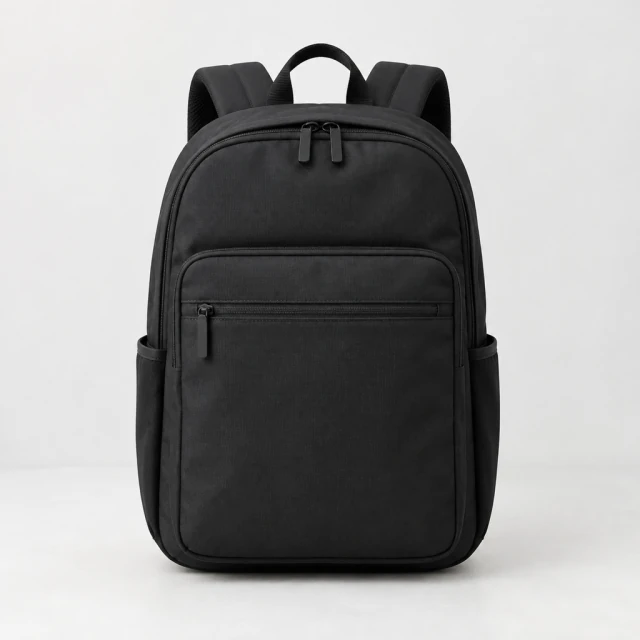
Black commuter backpack, front view, centered on a pale studio background
1:11:1 · Square Feed placements
Hands place a black commuter backpack on a bench in a vertical video frame, the full bag and straps visible.
9:169:16 video · Stories and Reels
Start with a clear photo

Keep the product readable in a Facebook ad

✓
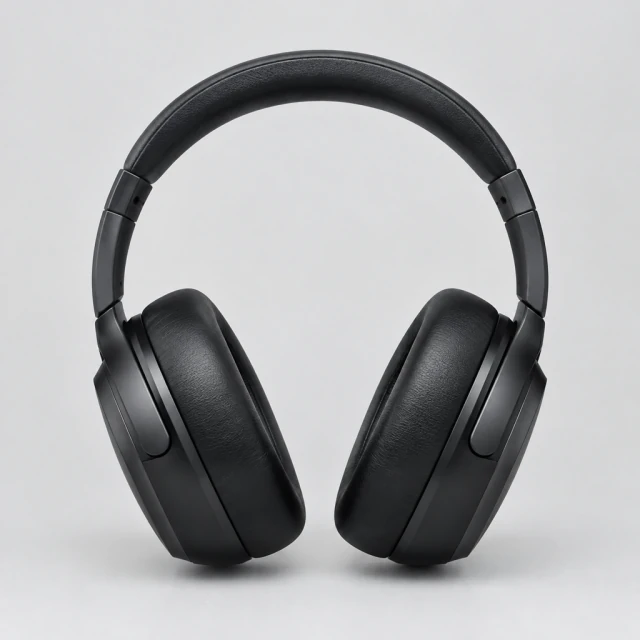
Over-ear headphones, straight-on front view on a light gray studio sweep
The headphone shape stays sharp and complete
✕
Over-ear headphones softened by blur.
The headphone edges fade into soft focus
✓
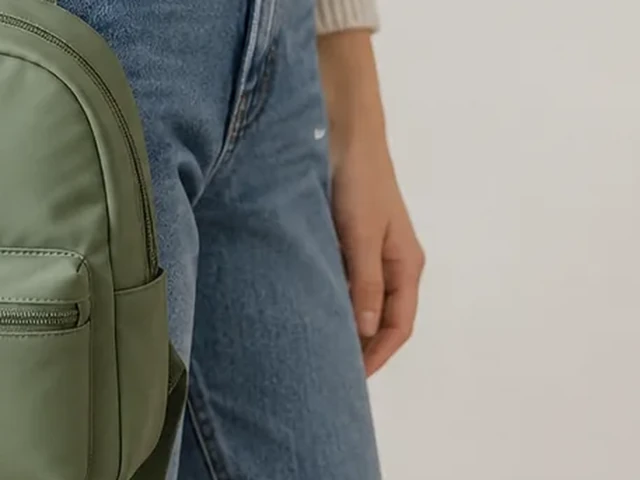
Mini backpack held by an adult at hip height, showing its size against the body.
The backpack remains fully inside the frame
✕
Mini backpack cut off at the side edge by a tight crop.
The backpack is cut off at the side of the frame
Your result

See the format and cost

Chrome espresso cup with controlled, clean reflections on a gradient
Chrome espresso cup on a clean gradientSquare photo · 24 credits
Hot sauce bottle with a blank graphic label on a farmers market shelf
Hot sauce bottle on a market shelfSquare photo · 24 credits
After download

Add the offer after download in Ads Manager

Hands pack a blank kraft shipping box beside a coffee bag and cup on a bright counter.
PriceCall to action

These details are added in your editor after download.

  • Add the exact price and campaign dates after download.
  • Place a short call to action where it does not cover the product.
Templates

Facebook templates

Pick a scene that keeps your product clear in the Facebook placement you choose.

PhotoRed hot sauce being poured from a glass bottle onto tacos on a rustic table

Feed Ad

Scroll-stopping image for social feeds

ShoesFacebookInstagram
Use this template →
VideoClose view of a black marble speaker with a glowing blue edge in a dark room

Brand Film

A cinematic clip for launches

ElectronicsYouTube ShortsFacebook
Use this template →
VideoLit table lamp beside a potted plant and a knitted throw on a sofa

Launch Promo

Announce something new

Home & LivingFacebookInstagram
Use this template →
Examples

More Facebook ad examples

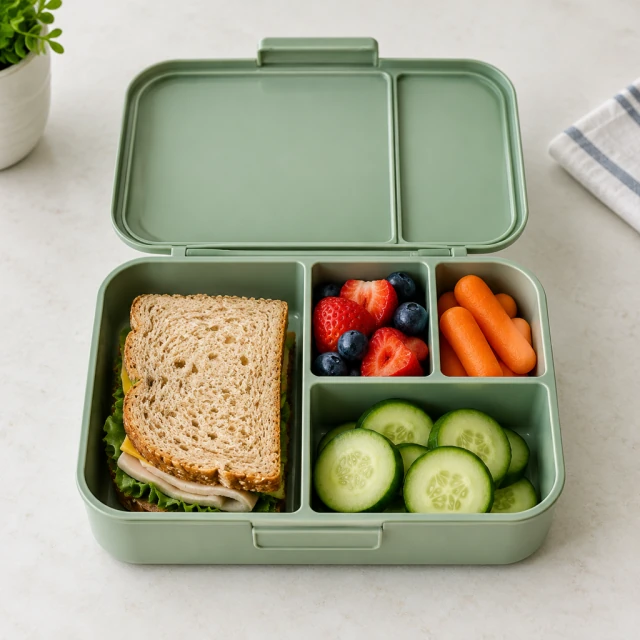
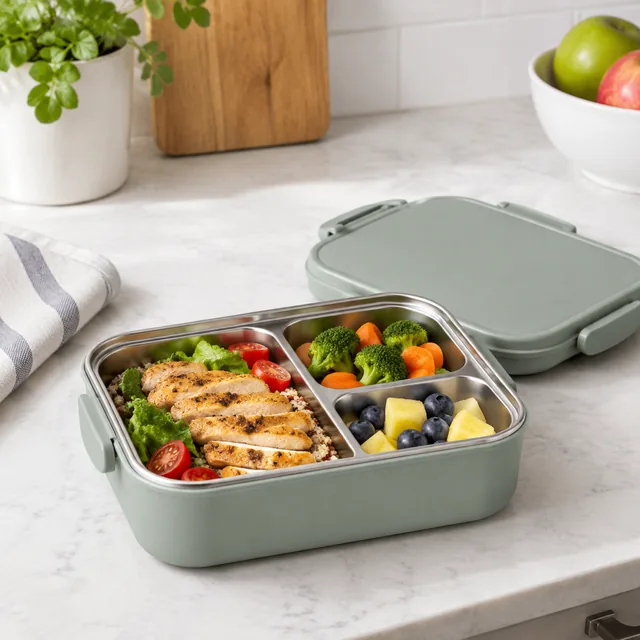
Product moments for busy feeds, from a lunchbox to a pet bed.
Tools

Tools that fit

Social Ad PhotosImages for Facebook and Instagram ads
Video AdsShort ads for TikTok, Reels and Shorts
Lifestyle PhotosYour product in a real-life scene
FAQ

Questions about Facebook ad creative

How can I check a Facebook ad before it runs?

Open the Feed, Stories, and Reels previews separately and check that product details stay clear of buttons, captions, and profile controls.

Can AIVideosUGC run my Facebook campaign?

No. We make the video or image; you download it and set up the budget, audience and schedule in Ads Manager.

Can I make several versions to test against each other?

Yes, one at a time. Each version shows its own credit cost before you start, and you can compare how they perform in Ads Manager.

Will Facebook reject an ad because it was made with AI?

Meta reviews each ad under its current Advertising Standards. Review claims, rights, and any AI-label requirement in Ads Manager before launch.

Keep reading

Guides and articles

Make Facebook content today

Choose a Facebook placement, then prepare product media for Ads Manager.