AIVideosUGC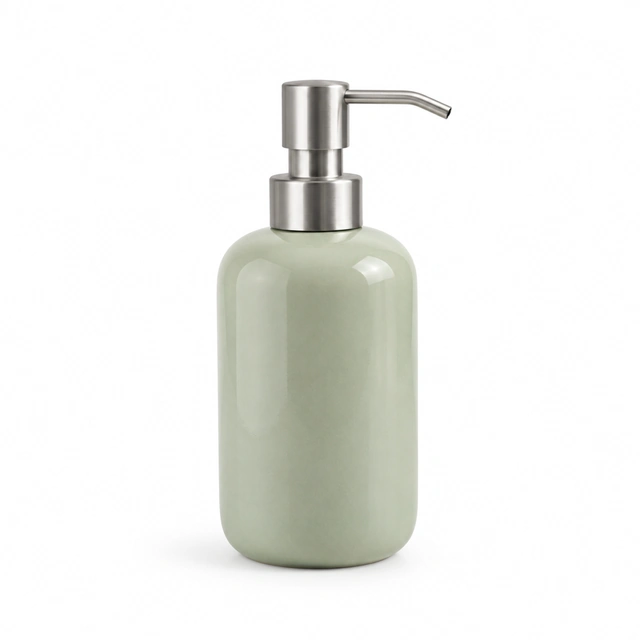
Drop your product photo hereJPG, PNG or WebP · any clear photo works
Step 01
Photograph one color clearly
Keep the whole product in frame and use a consistent camera angle for each color.
Product color variations start with a photo of each actual shade and the same scene description to aim for a coordinated set. Separate results can still vary, so compare each image with the item you sell.
Plans from $24.50 a month. You see the credit cost before every job, and if a job fails its credits go back to your balance.
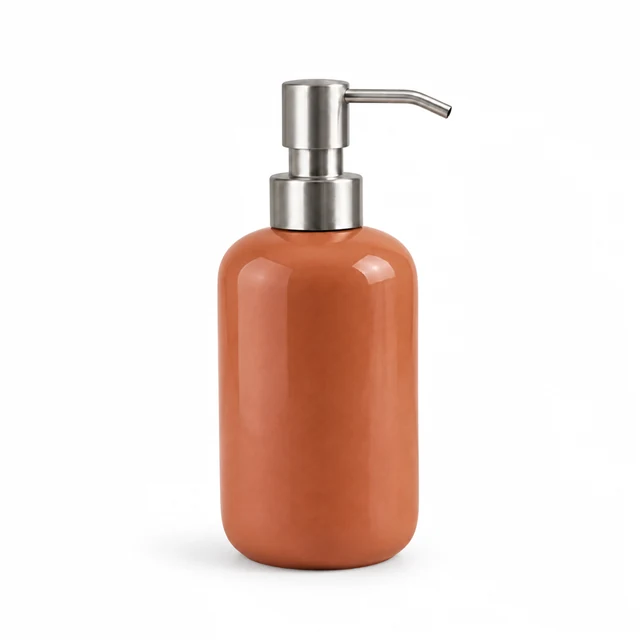
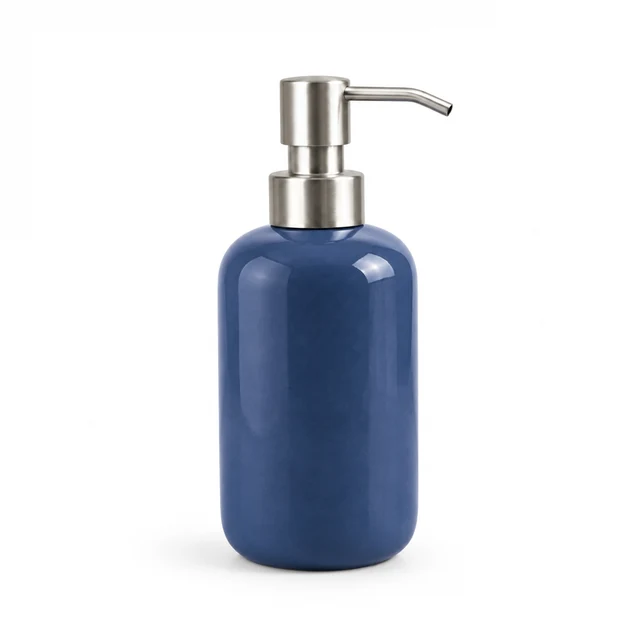
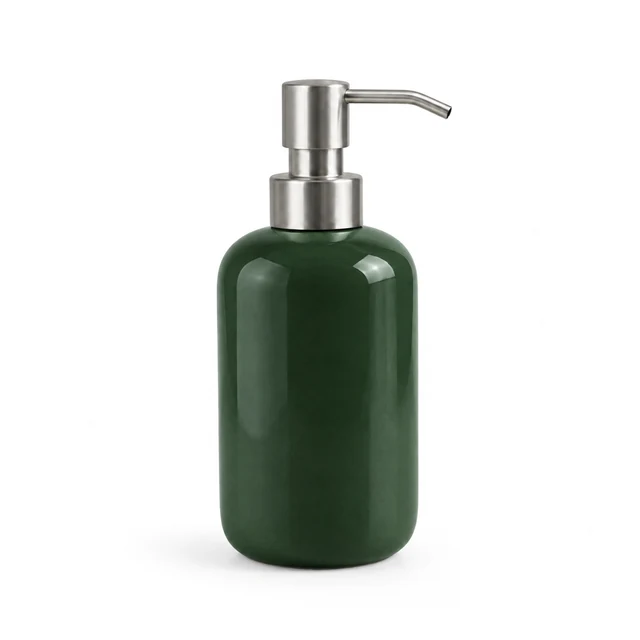
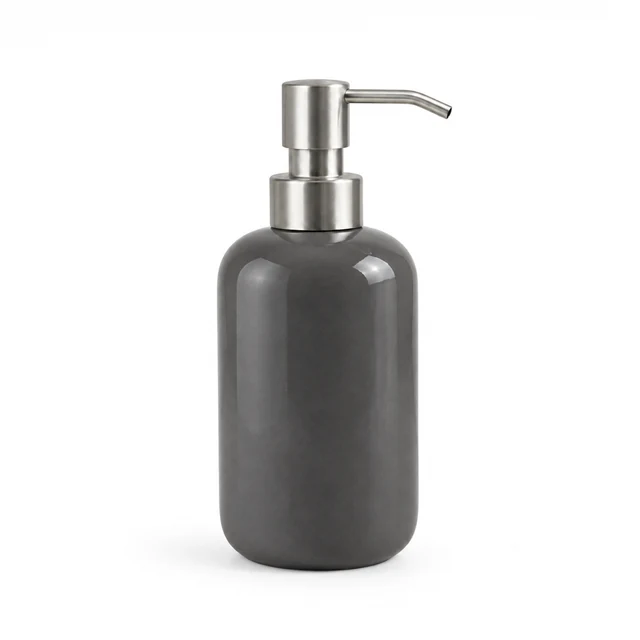
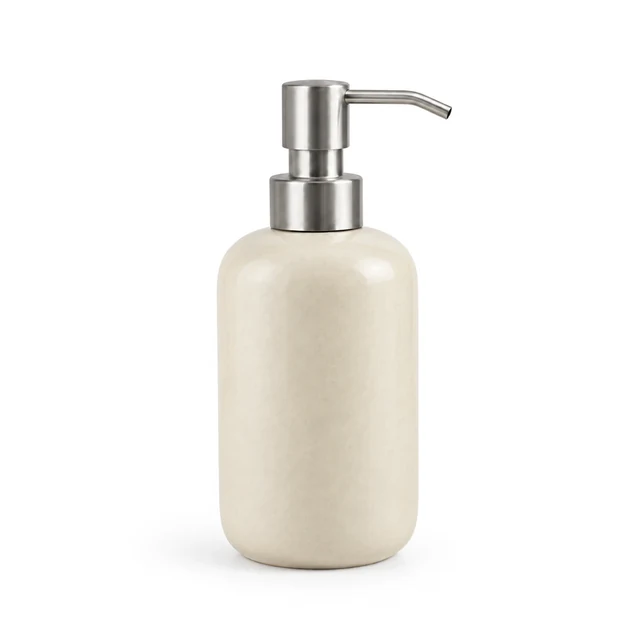
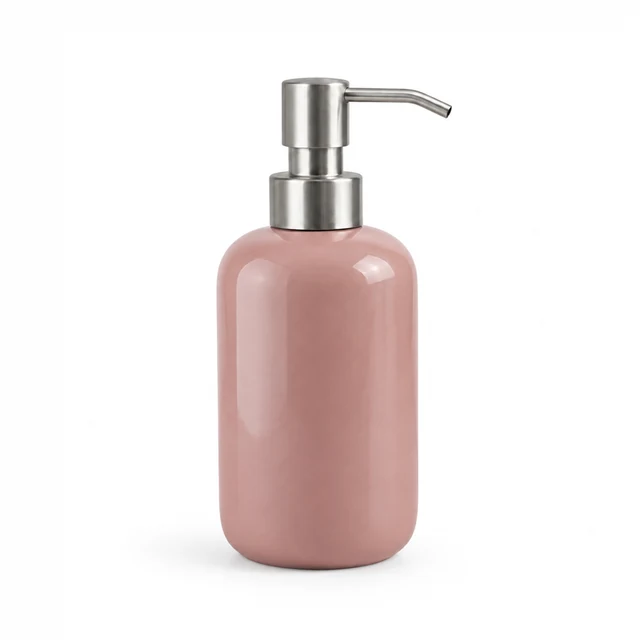
Color variation photos work best when the product shape, camera angle, and light stay consistent. Start from a clean photo and keep each color tied to the correct listing option.
Keep the whole product in frame and use a consistent camera angle for each color.
Name the color and background while keeping the product shape and light consistent.
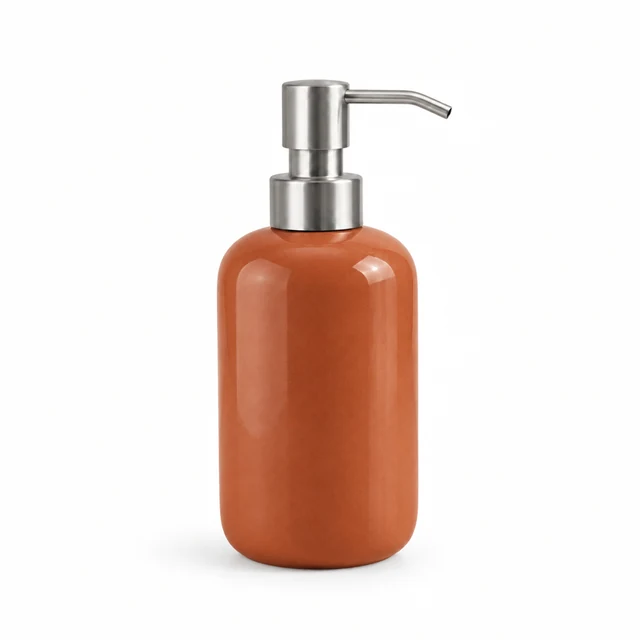
Download each variation, then assign it to the matching color choice in your listing.
Pick a palette that fits the product and keeps its shape easy to compare.
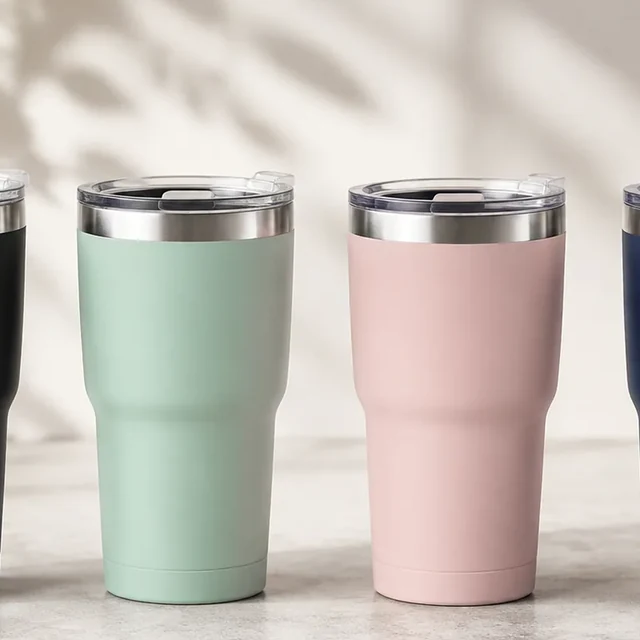
Keep the tumbler shape and studio light consistent so shoppers can compare the available colors.
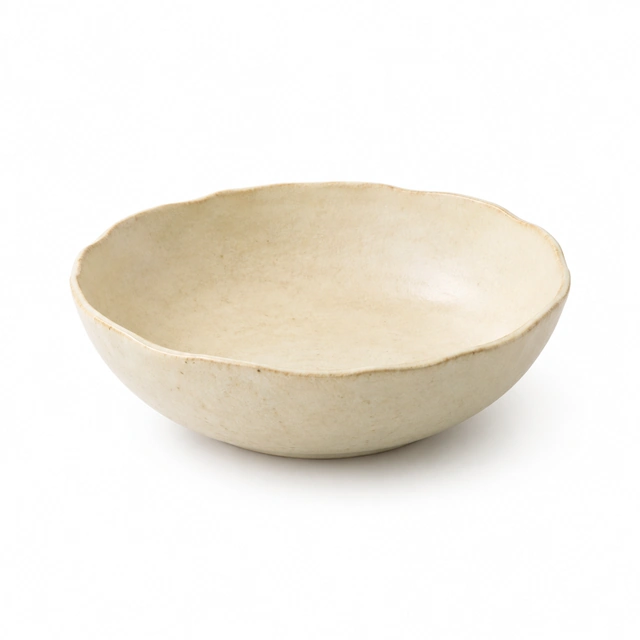
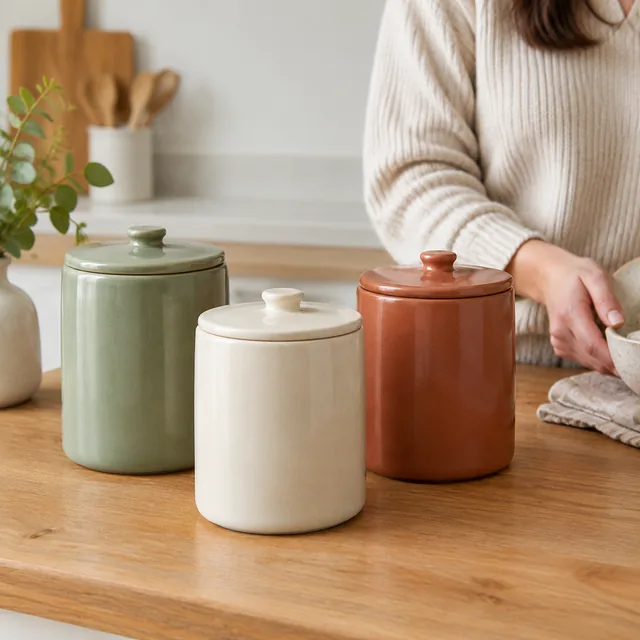
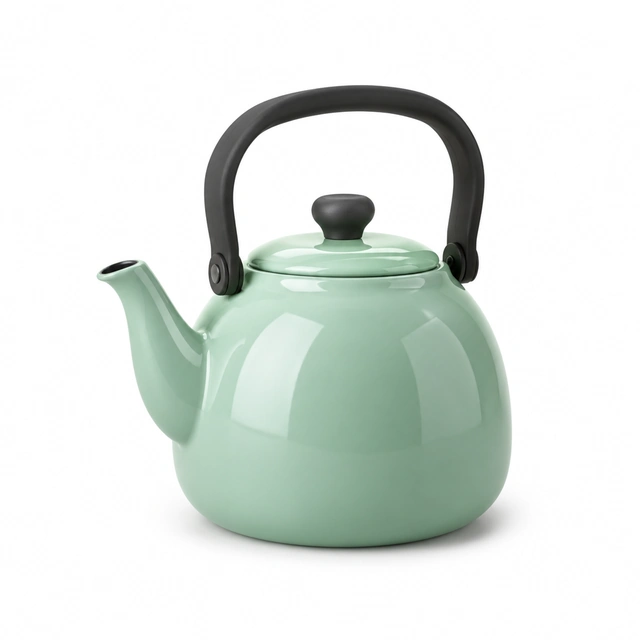
Keep the stoneware shape and finish clear so shoppers can compare the neutral shade.
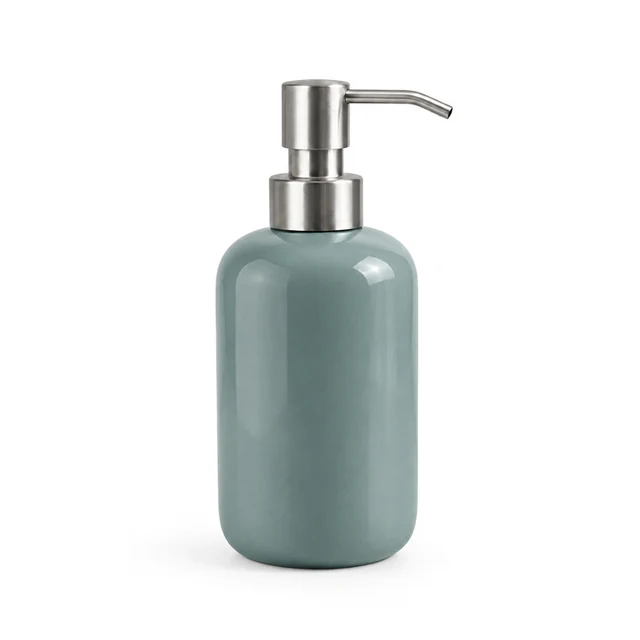
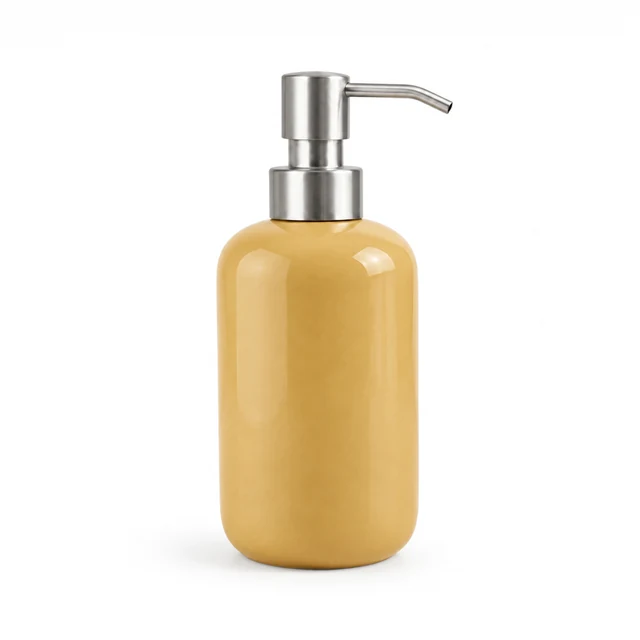
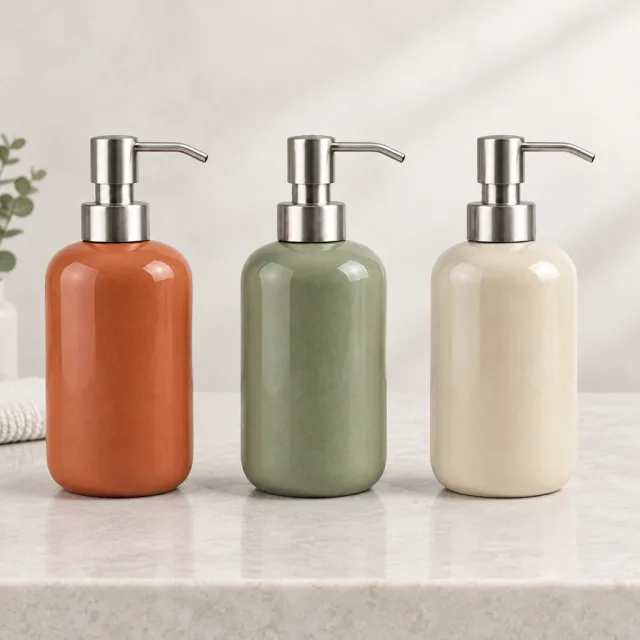
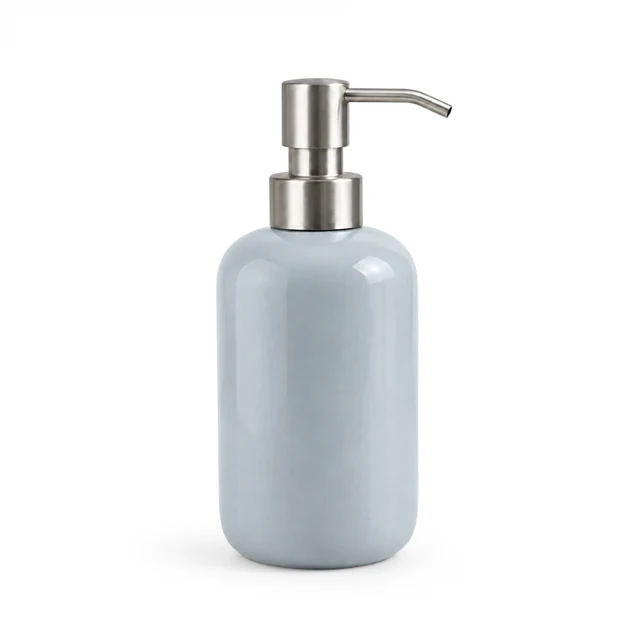
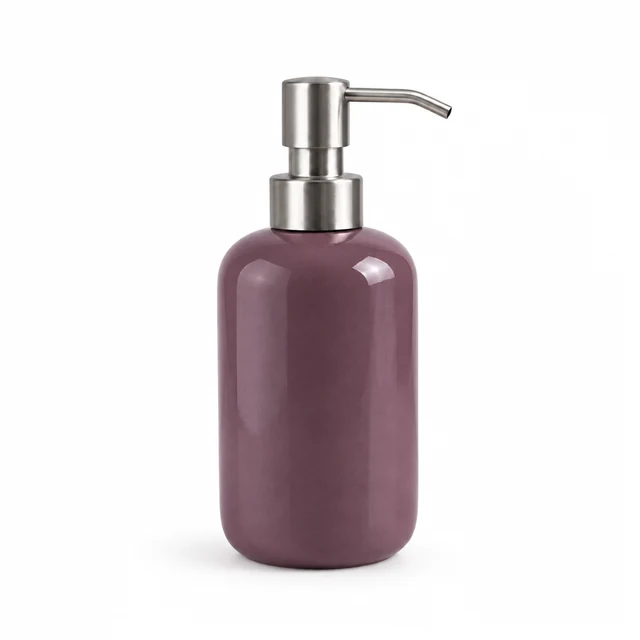
These details are added in your editor after download.
Choose another everyday scene, then add your product photo.
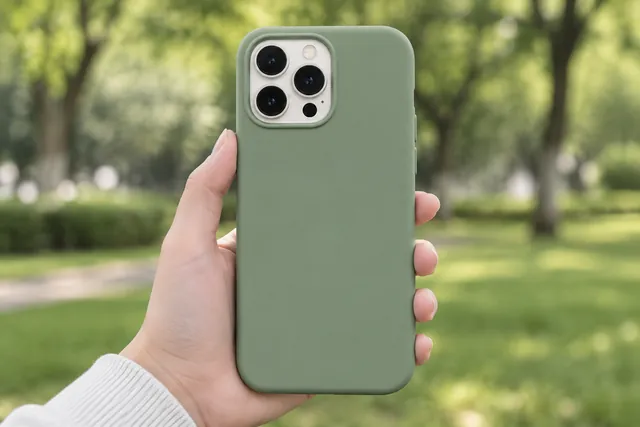
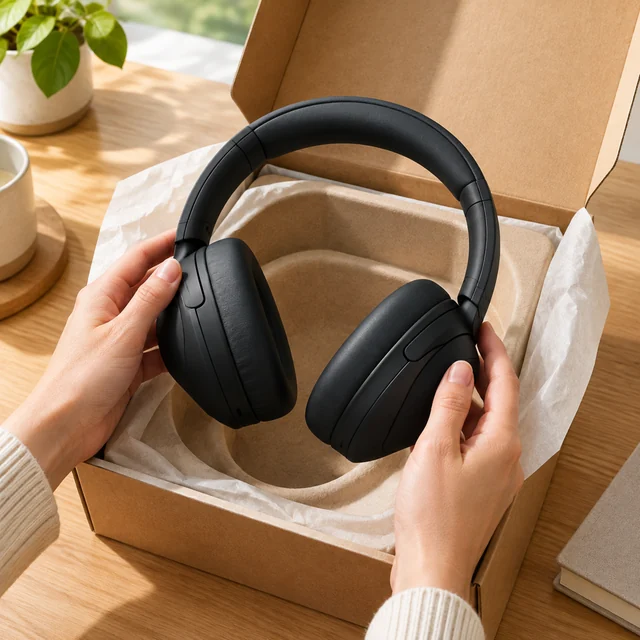
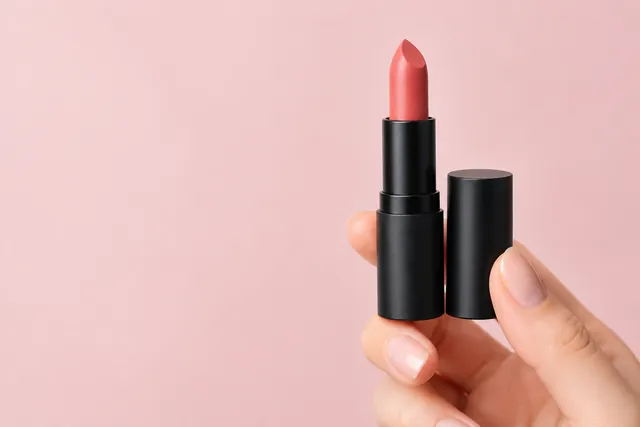
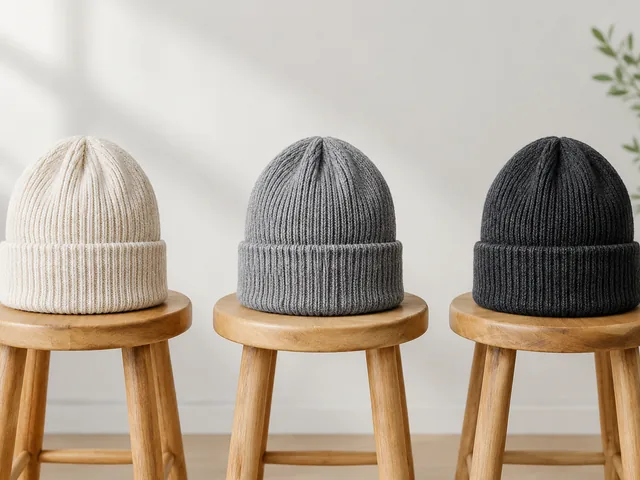
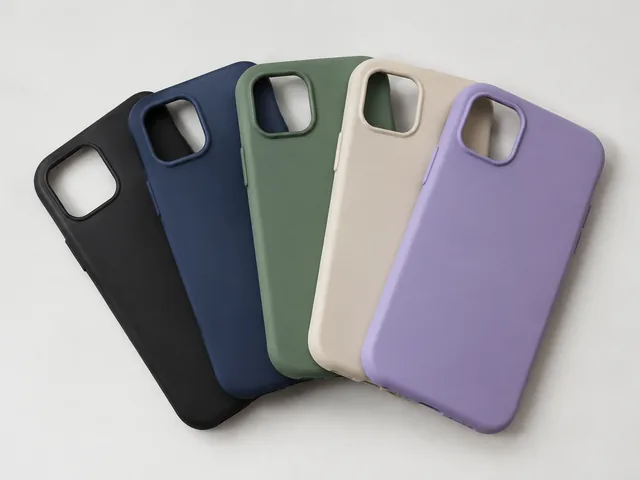
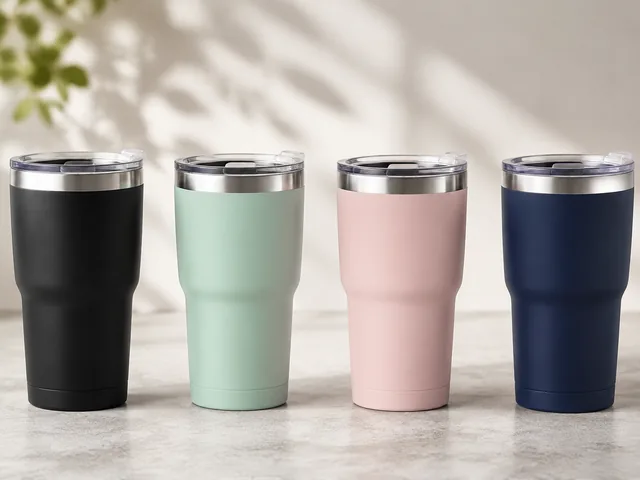
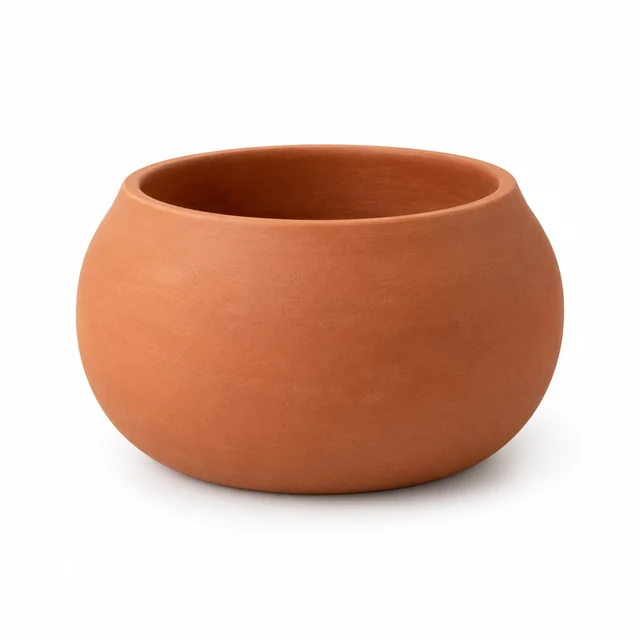
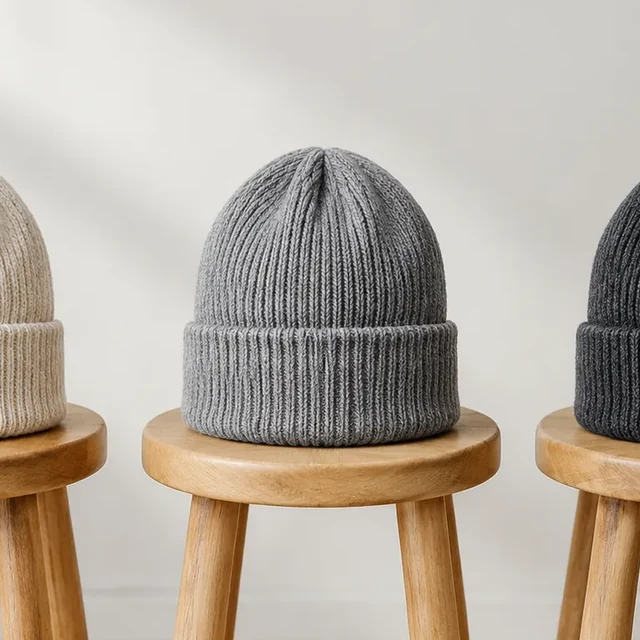
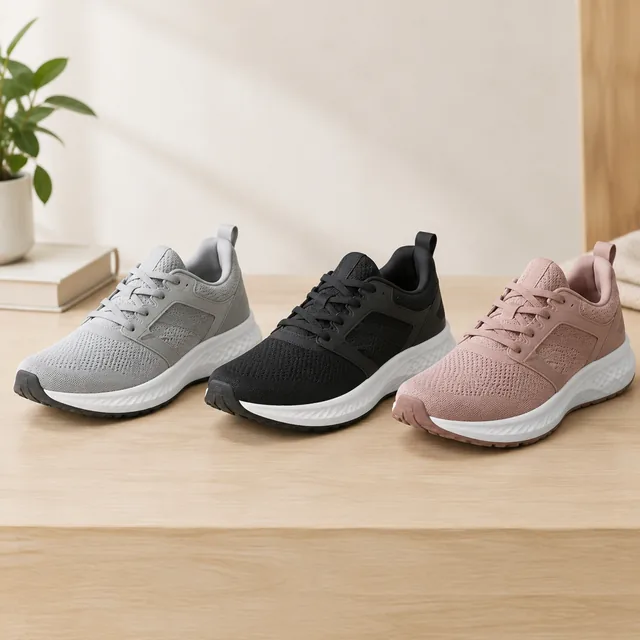
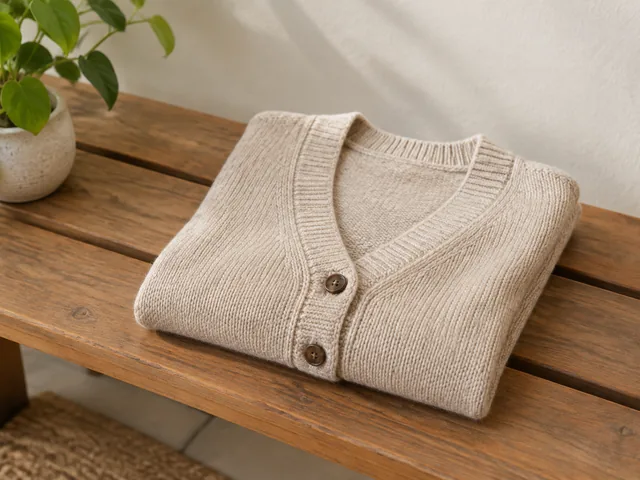
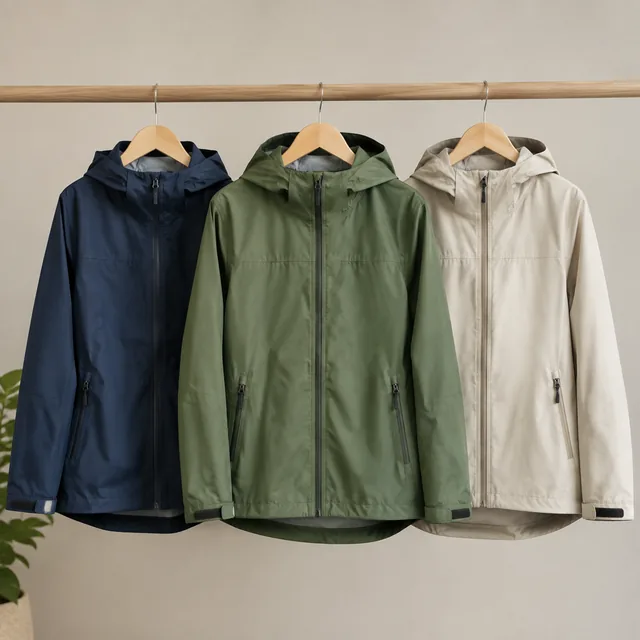
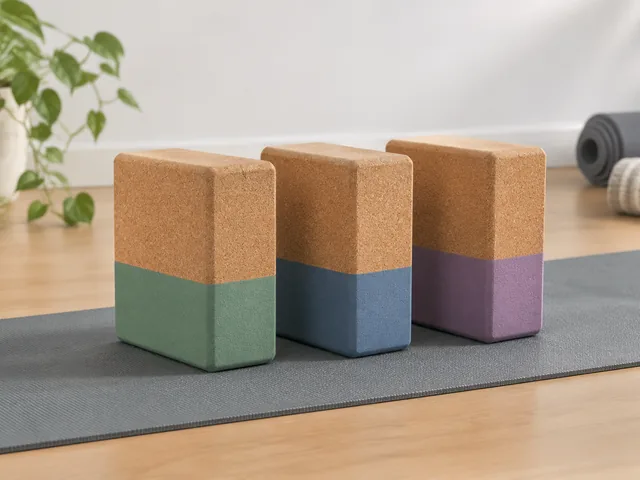
Color groups help shoppers compare finish options across product types.
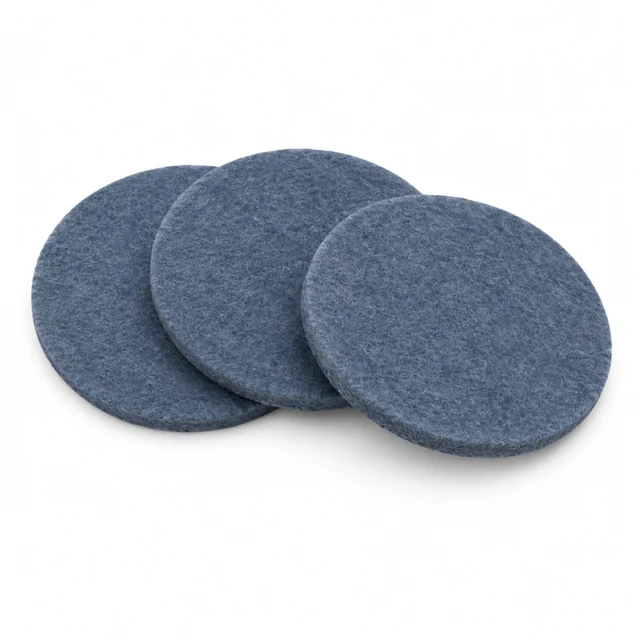
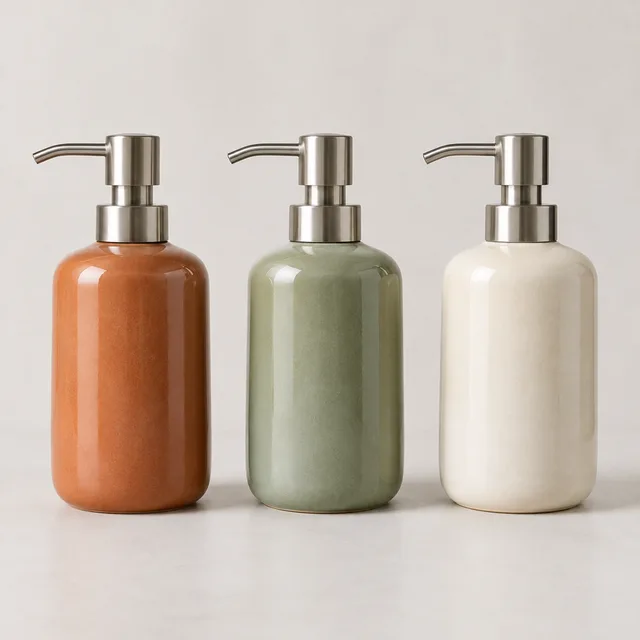
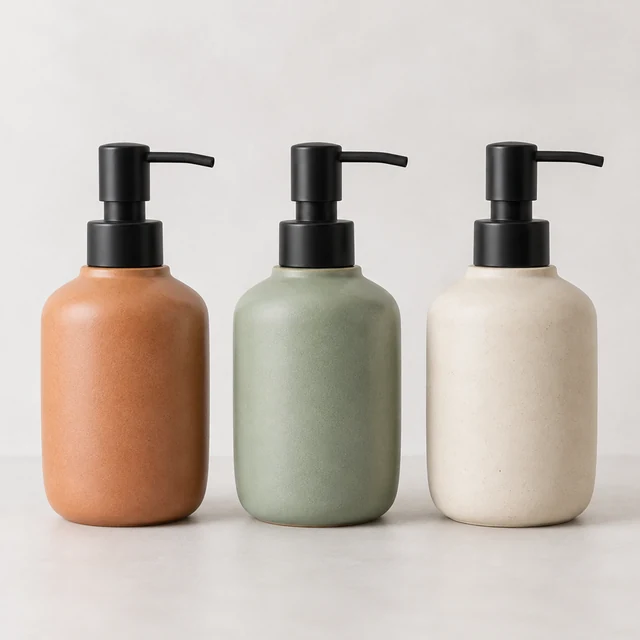
Use the same view, light, and background for each source photo so shoppers can compare the finish.
Describe the color change while keeping the silhouette, hardware, and material visible.
Attach the downloaded image to the matching product option so the chosen finish is shown.
Upload one product photo. See the cost before you start.