 AIVideosUGC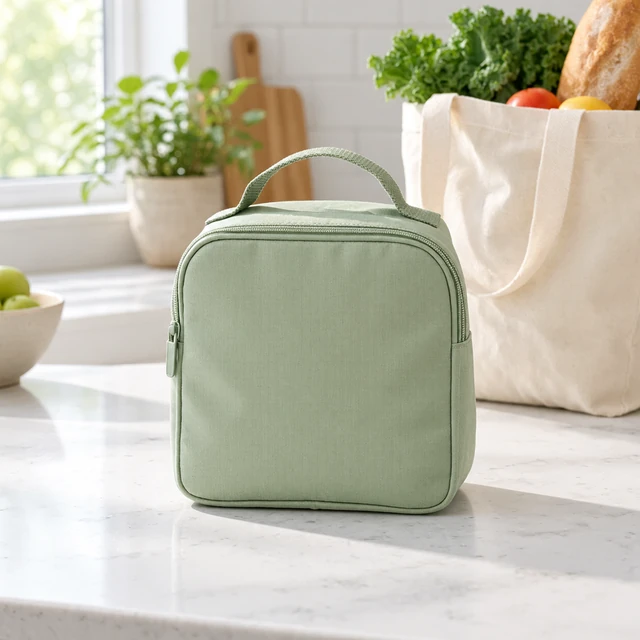
Drop your product photo hereJPG, PNG or WebP · any clear photo works
Step 01
Pick your closest product category
Start with the category that best matches the item you sell.
Browse product photo and short video ideas by the category you sell in. Open an industry page for practical examples and tool links.
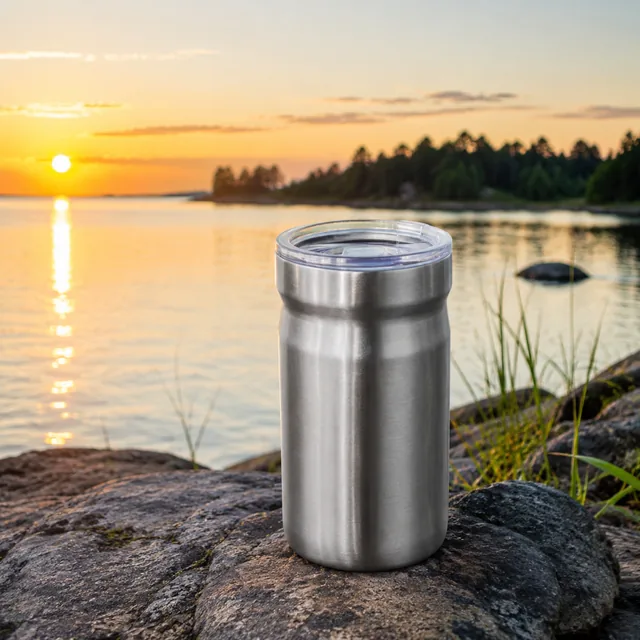


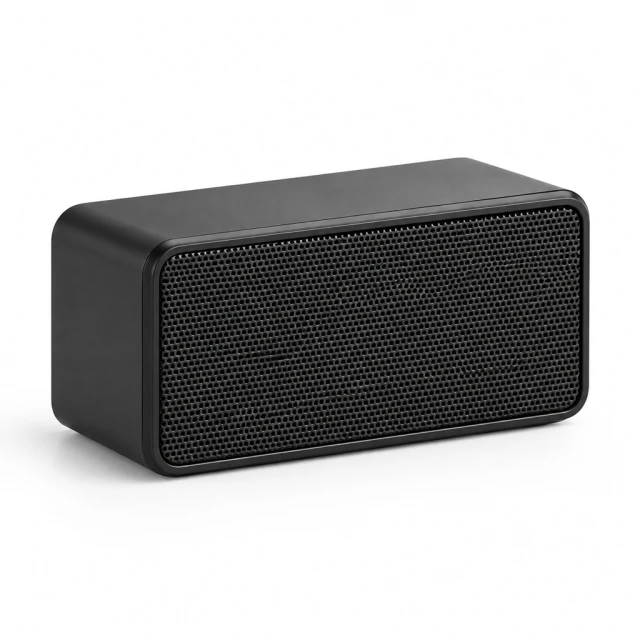

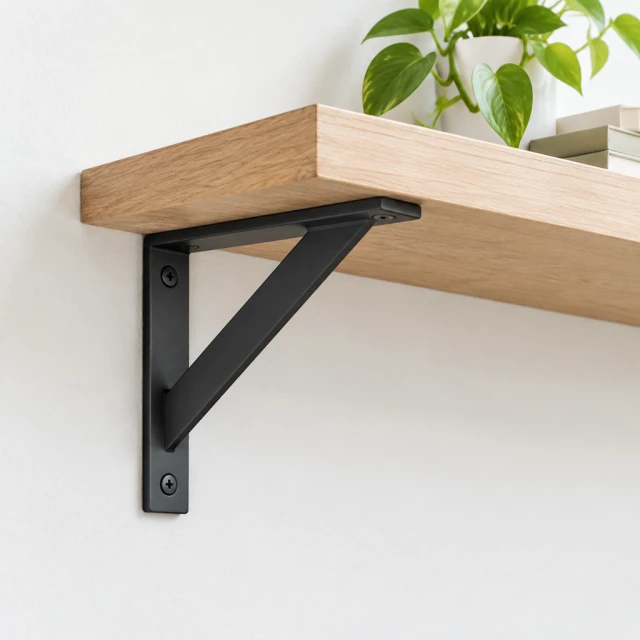
Every category sells a little differently. A serum buyer wants to see texture, a sneaker buyer checks the sole, and a coffee buyer wants to watch the pour. These pages sort ideas by what you sell, so you can start with the shots that answer your shoppers' real questions instead of guessing. Each one covers the photos and short videos worth making first, the details to get right in your upload, and questions other sellers in that category often ask.
Start with the category that best matches the item you sell.
Each page highlights product details and scenes relevant to that category.
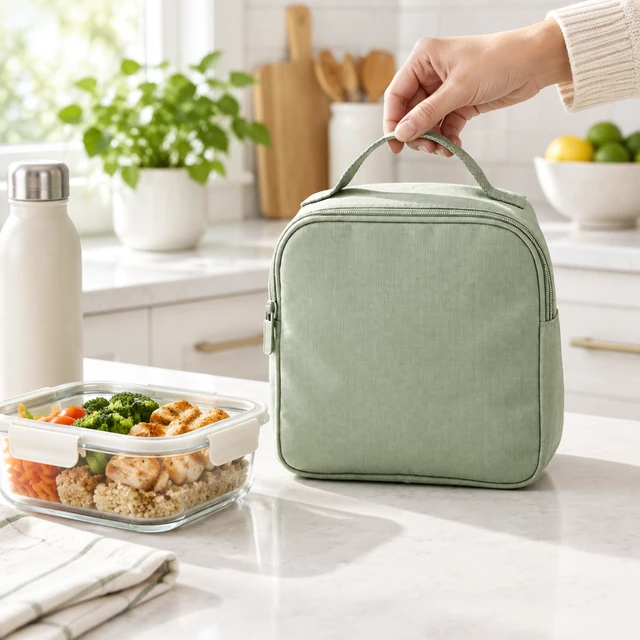
Follow a link to a photo or video tool for your next asset.
Filter the category links to find examples for the products you sell.


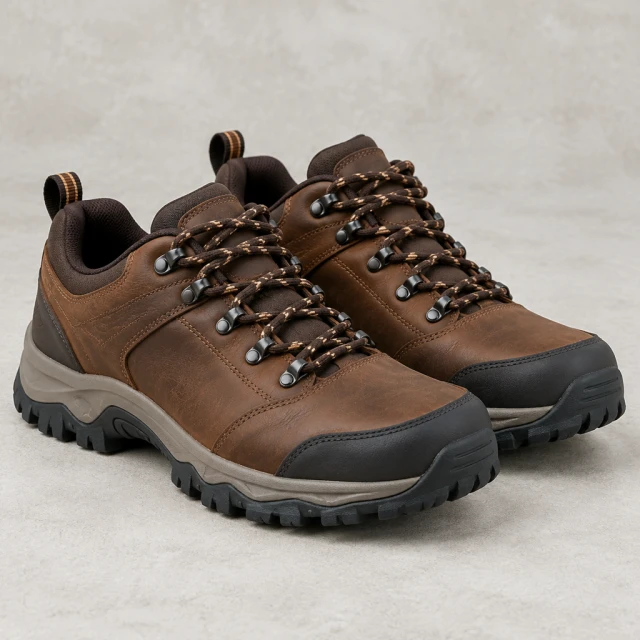




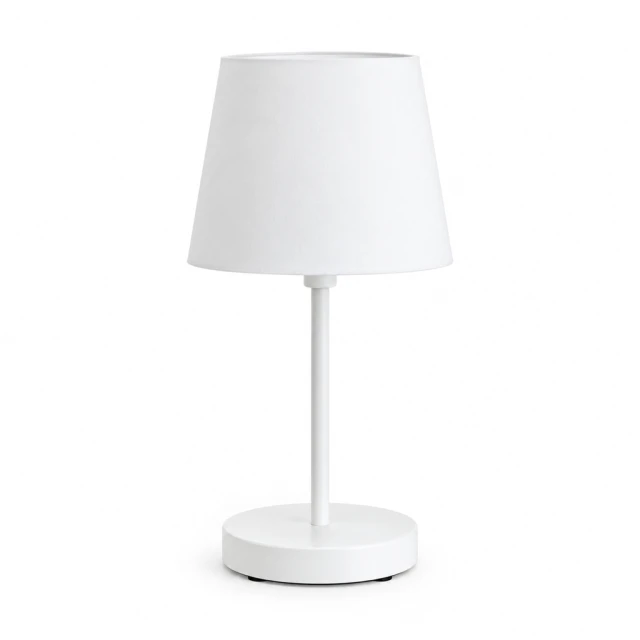
Start with the page that matches your main product, then borrow scene ideas from the other relevant category. The same photo and video tools work across categories.
Yes. The tools aren't limited to these categories. Pet supplies, toys, stationery, and outdoor gear sellers can make white background photos, lifestyle scenes, and short video ads the same way.
Yes. Use a sharp, evenly lit phone photo with the whole product in frame; professional equipment is not required. Upload only a photo you own or have permission to use.
Upload one product photo and pick a template made for your category.
Plans from $24.50 a month. You see the credit cost before every job, and if a job fails its credits go back to your balance.