Ad photo template

Instagram Story Ad Images Built Around a Square Product Photo

Instagram Story ad images from this template are square product photos for a 9:16 Story canvas. Add the image to the layout in your design tool, then place your headline, price, and offer around it.

Drop your product photo hereJPG, PNG or WebP · any clear photo works
Template Story AdOutput Square product photoText Added by you afterward
Make my story image →See the cost before you start

Plans from $24.50 a month. You see the credit cost before every job, and if a job fails its credits go back to your balance.
Tip: Keep the product clear in the square image, then reserve the top and bottom of the Story canvas for your account name, headline, price, and ad button.
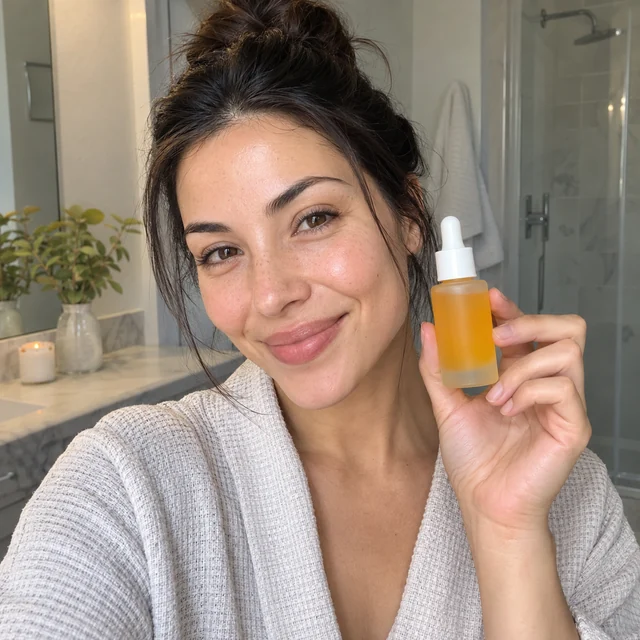
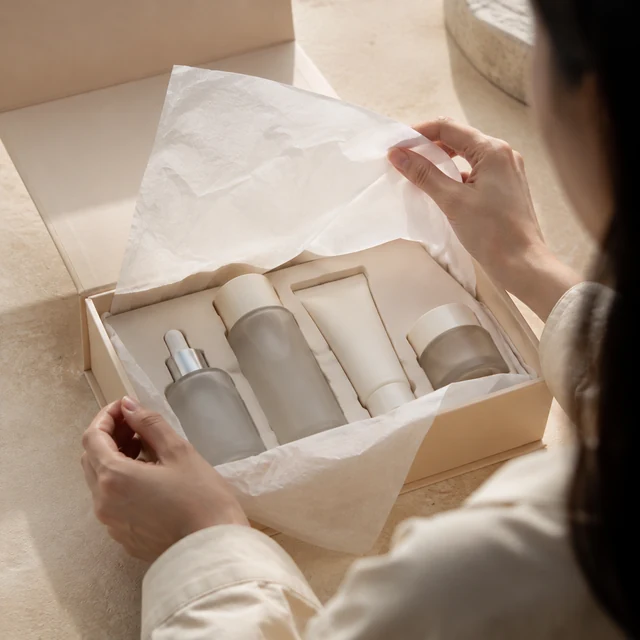
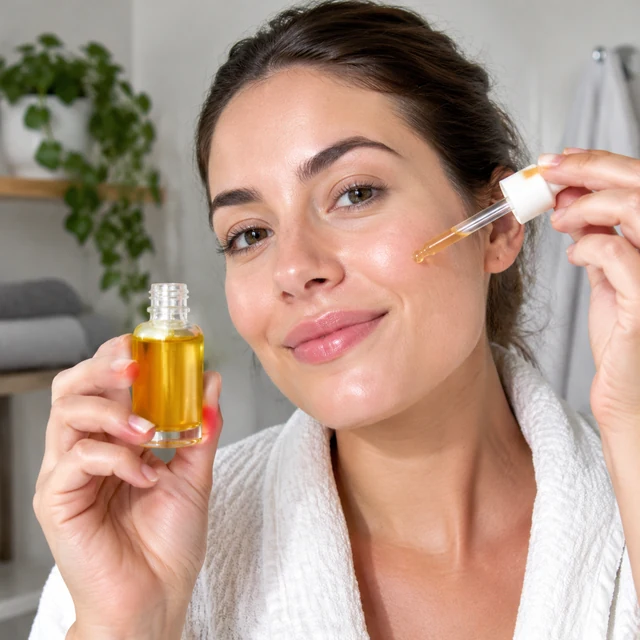
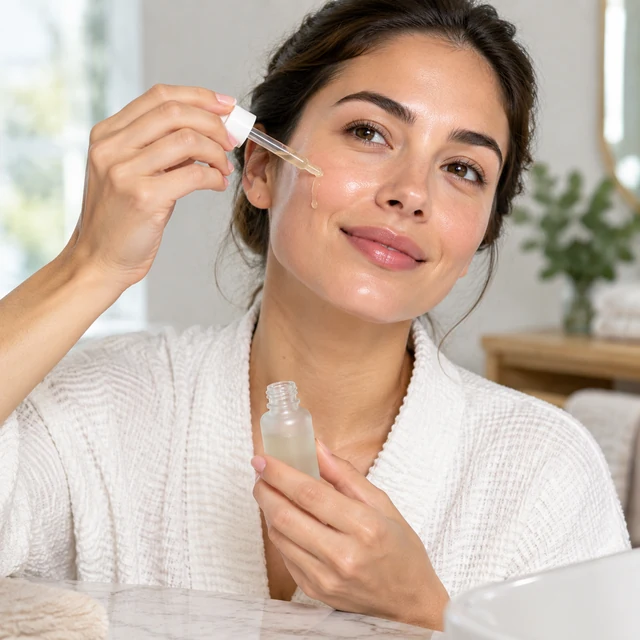
Adult applies a vitamin serum
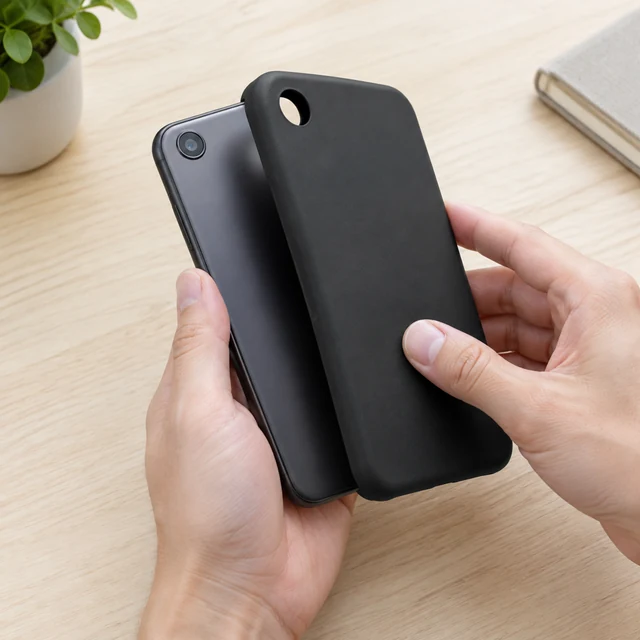
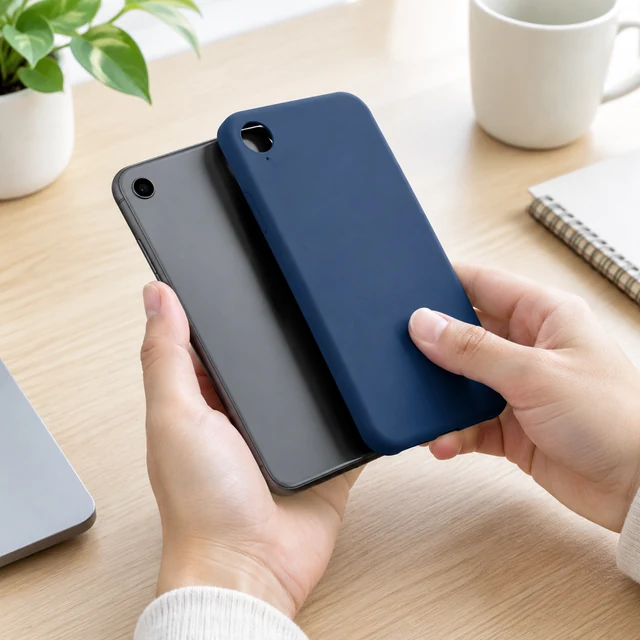
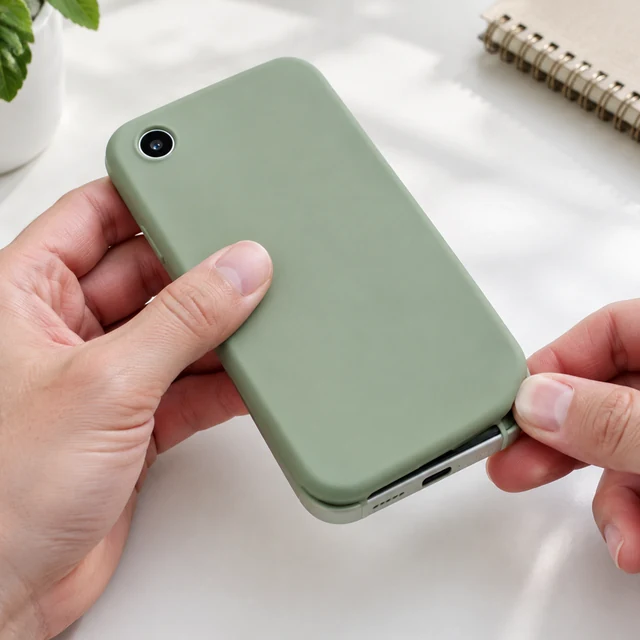
Adult checks a plain phone case with one small circular rear camera.
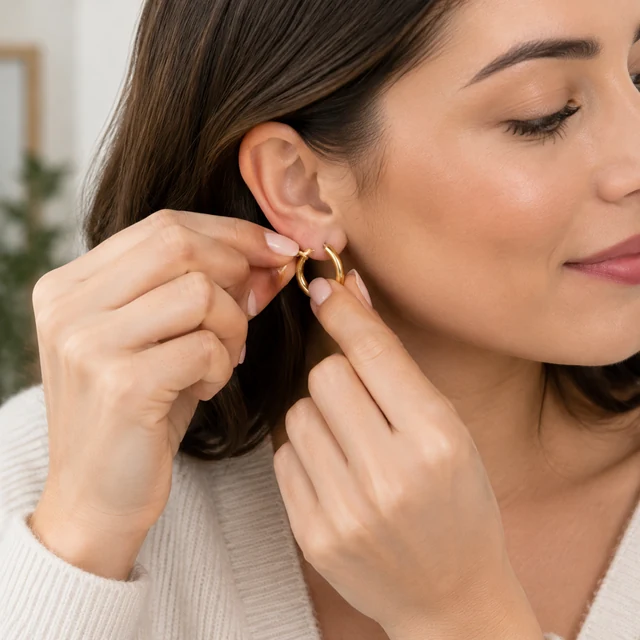
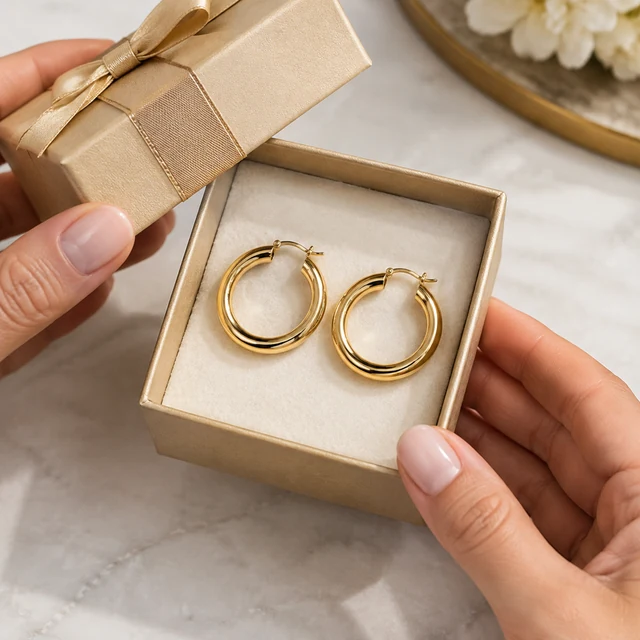
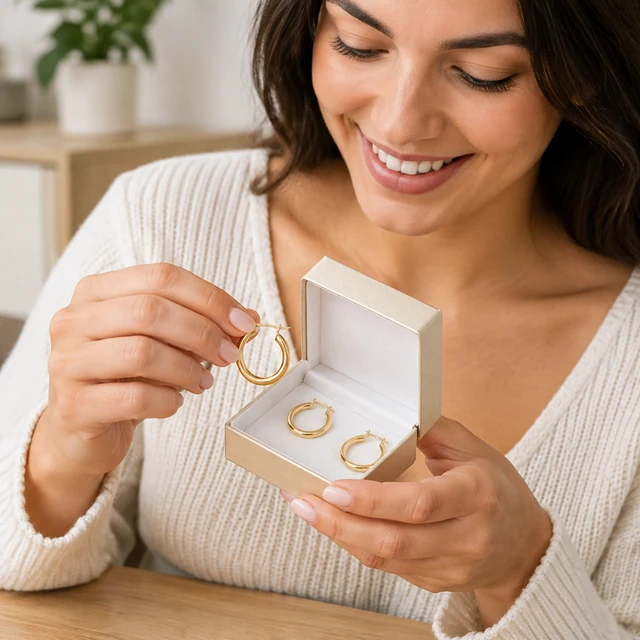
Adult fastens gold hoops
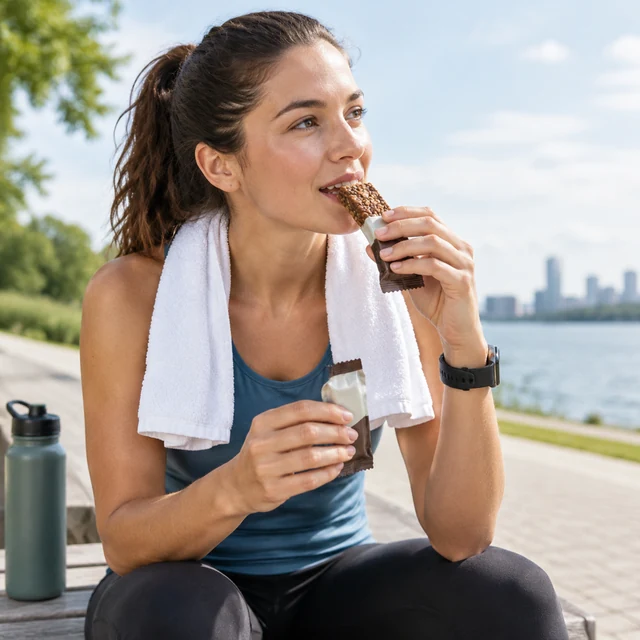
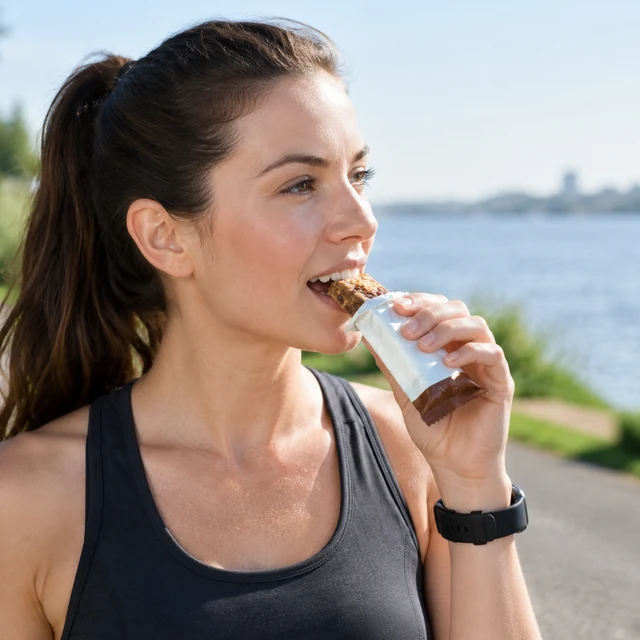
Protein bar after a run
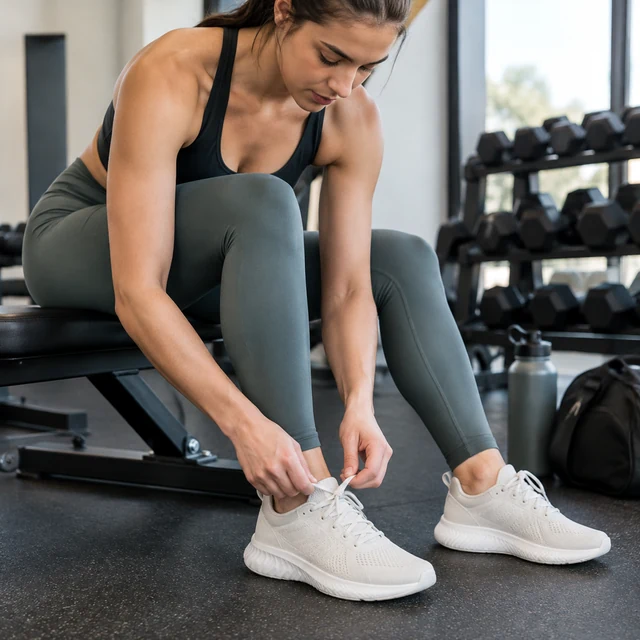
Neutral sneakers at the gym
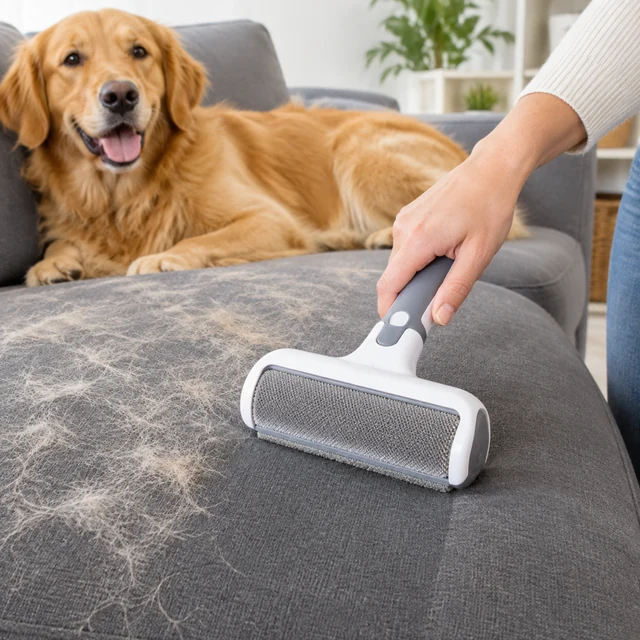
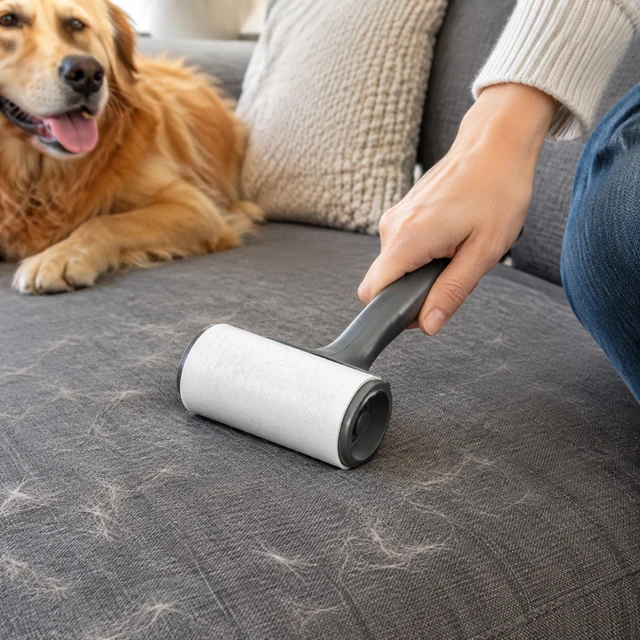
Remove pet hair from a sofa

A Story ad pairs one clear product photo with a setting that leaves room for a short message. Place the price, date, and link on the Story canvas after you download the image.

How it works

Turn a product photo into a Story ad

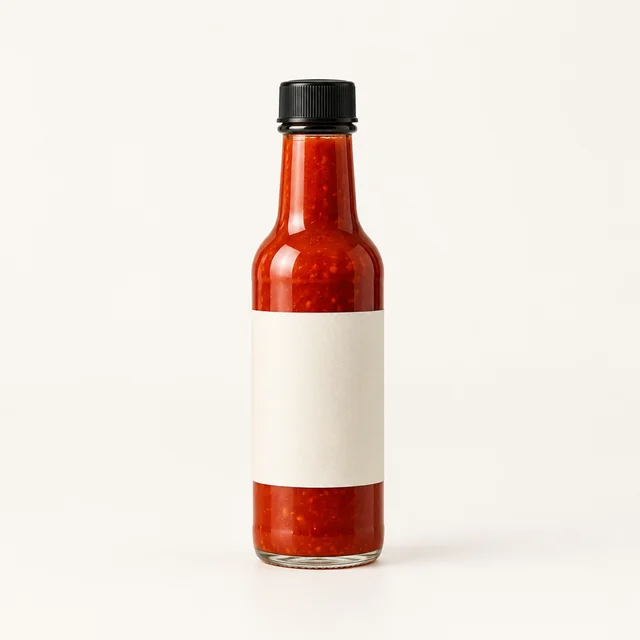
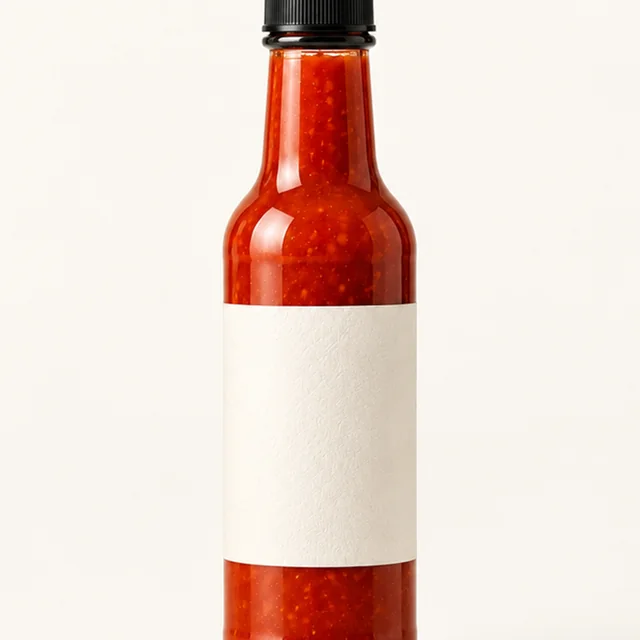
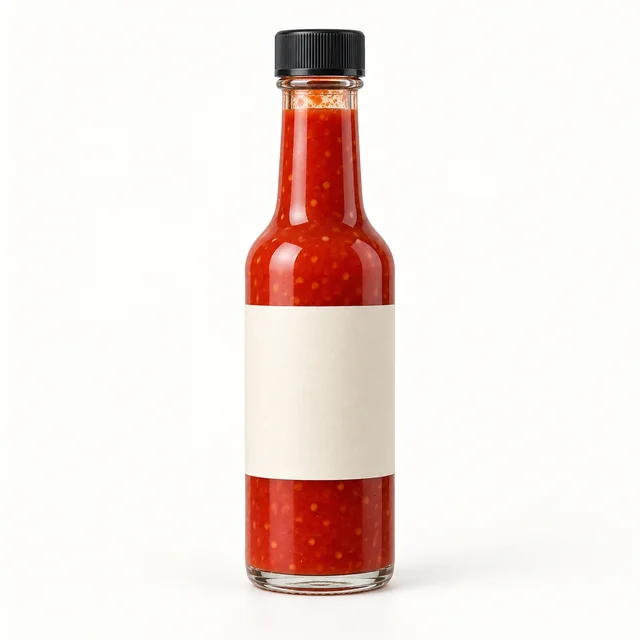
Single hot sauce bottle photographed upright on a pale seamless background.
Square product photoCenter the full product with open space around it.
Step 01

Upload one square product photo

Keep the whole product centered with room around it for a tall Story layout.

Place this hot sauce bottle beside fresh chilies on a pale counter, leaving open space above for a Story headline.
Template Story ad photoOutput Square 1:1 product photoText Add after download
Cost24 credits
Step 02

Describe a simple setting

Name a surface, light, and one prop while leaving room for your headline.
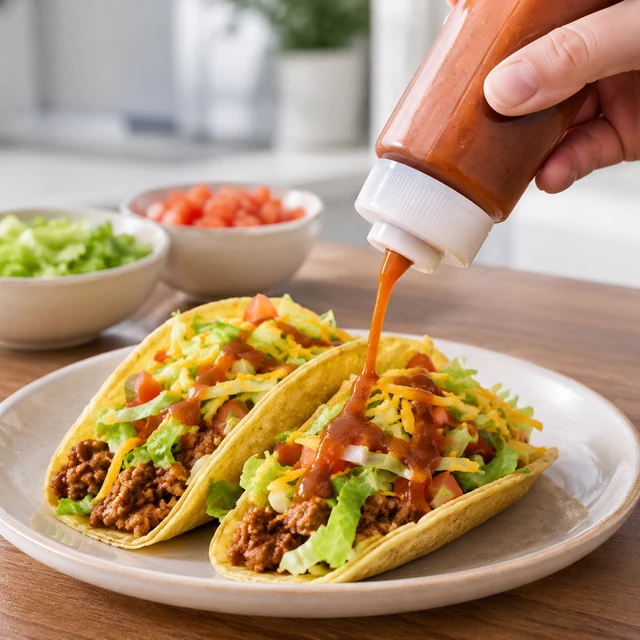
Adult drizzles sauce over a finished taco plate.
Step 03

Download and add Story text

Place the photo on a 9:16 canvas, then add the date, price, and link.

Where to use it

Use Story ad photos in vertical social placements

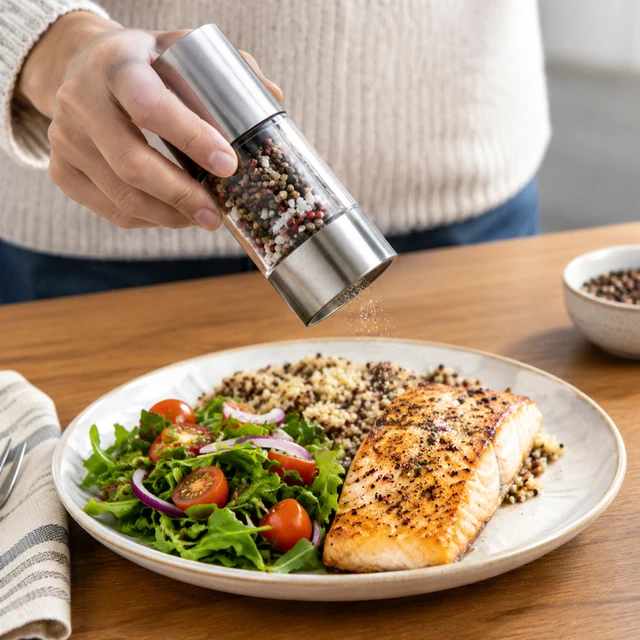
Hand finishes a lunch plate

Place a sauce photo on a Story canvas

Keep the bottle and plated meal clear, then add the exact date, price, and link as editable text.
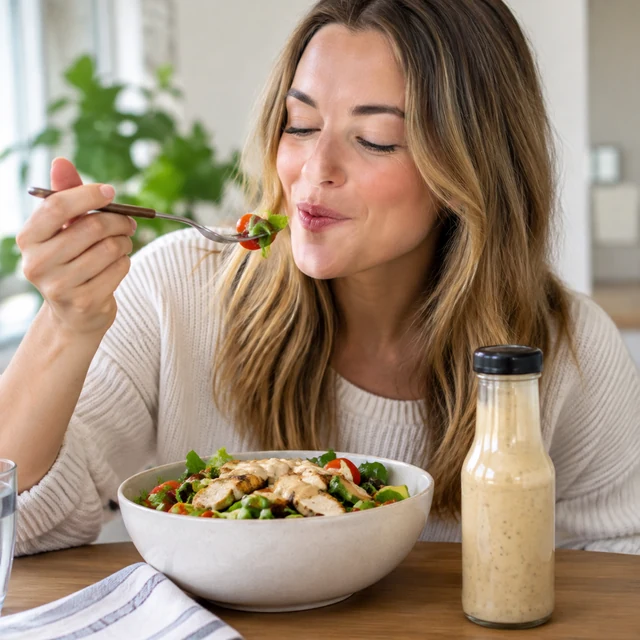
Sauce sampled at lunch

Use a sauce photo in a feed post

Keep the bottle and meal centered in the square image so shoppers can see the serving idea.
Start with a clear photo

Start a Story ad with a clear product photo

✓
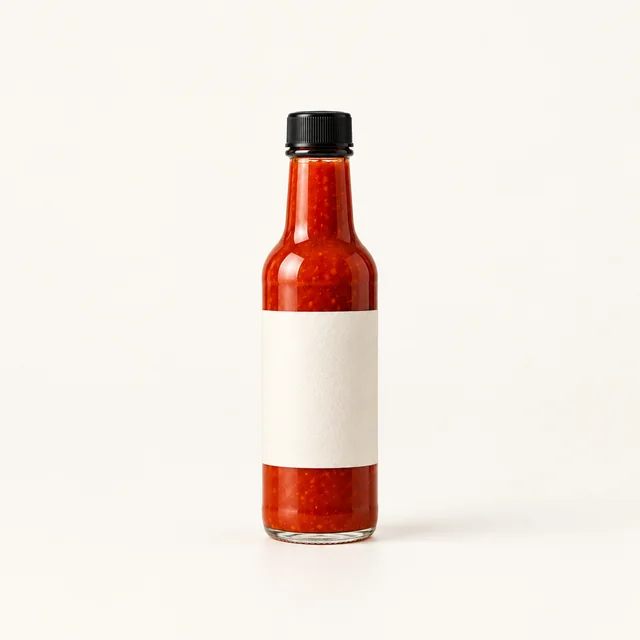
Full hot sauce bottle, cap, and blank label in sharp focus on a pale background.
Product shape and details stay sharp
✕
Same hot sauce bottle blurred out of focus, leaving its cap and label difficult to inspect.
Soft focus hides small product details
✓
Full hot sauce bottle with black cap and blank cream label on a pale background.
Whole product fits inside the frame
✕
Close crop of the hot sauce bottle with its cap and lower edge cut off.
Tight framing cuts off a product edge
Your result

Prepare a square product photo for a 9:16 Story

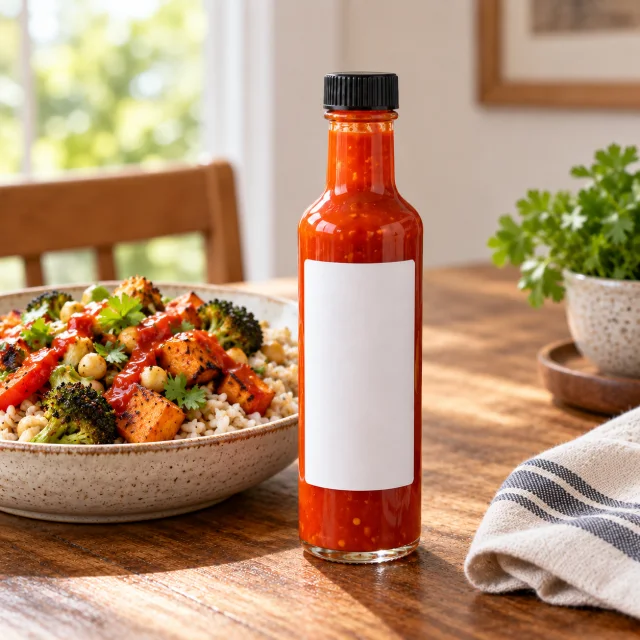
A hot sauce bottle beside a bowl of rice and roasted vegetables.
Square sauce product photo for a Story adSquare photo · 24 credits
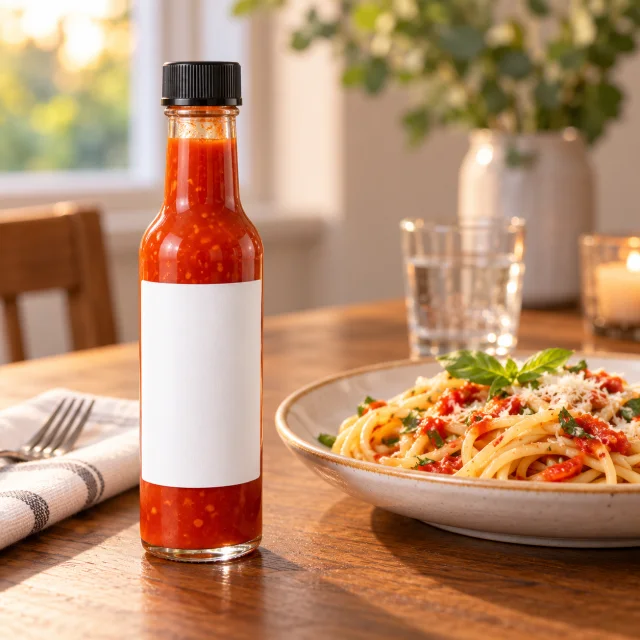
A hot sauce bottle beside a plate of pasta.
Square sauce photo ready for a 9:16 canvasSquare photo · 24 credits
After download

Add the Story date and offer after download

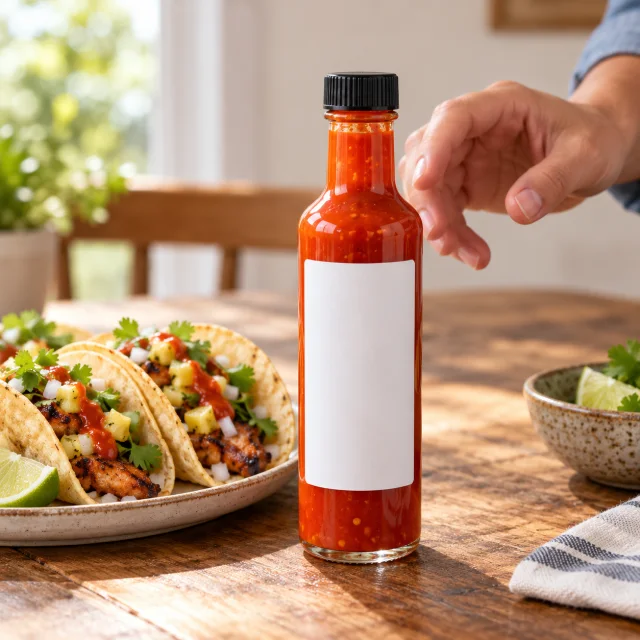
A hot sauce bottle beside tacos on a wooden dining table.
HeadlineDatePrice

These details are added in your editor after download.

  • Add the date, price, and link as editable text on the 9:16 canvas.
  • Keep the headline above the product so the bottle stays clear.
More templates

More Instagram Story ad templates

Choose another everyday scene, then add your product photo.
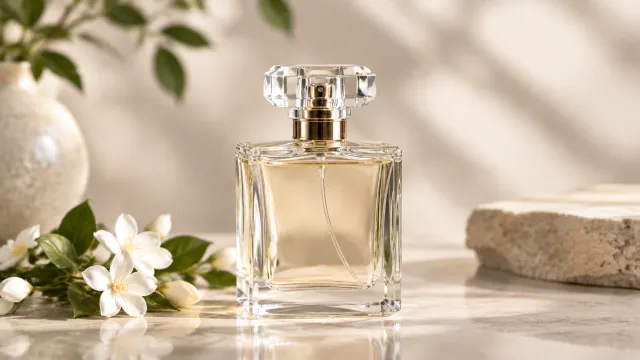
Soft light on the glass perfume bottle

Studio Lighting

Turn a flat photo into a studio shot

Beauty & SkincareAmazon
Use this template →
Adult creator speaks to camera while holding an amber serum bottle.

Creator-Style Photo

Looks like a customer shared it

Health & WellnessInstagramTikTok
Use this template →
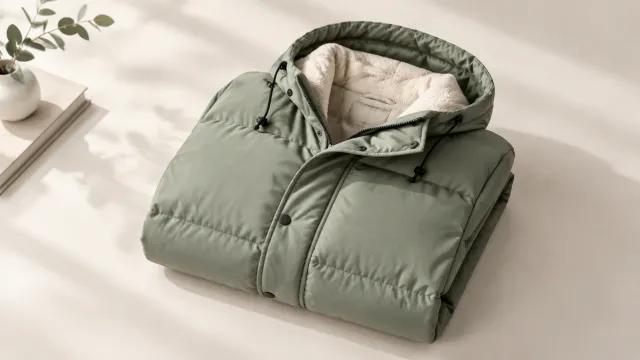
Winter jacket folded on a clean surface

Sale Banner

Seasonal photo with room for your offer

Fashion & ClothingFacebookInstagram
Use this template →
Examples

Instagram Story ad image examples

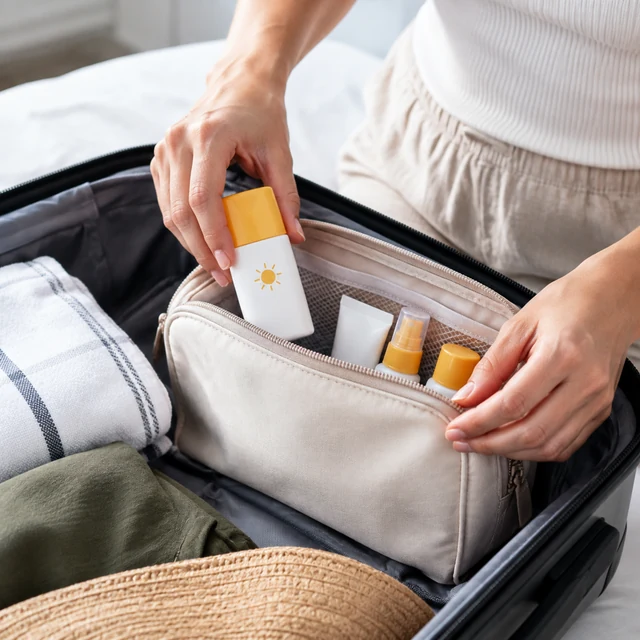
Square images with the product centered and clear space above and below for Story stickers and text.
FAQ

Questions about Story ad photos

Can the story image include my price or discount code?

Put them on after downloading, using Canva, CapCut, or Ads Manager. Words generated inside an image can come out misspelled, so it's made without text.

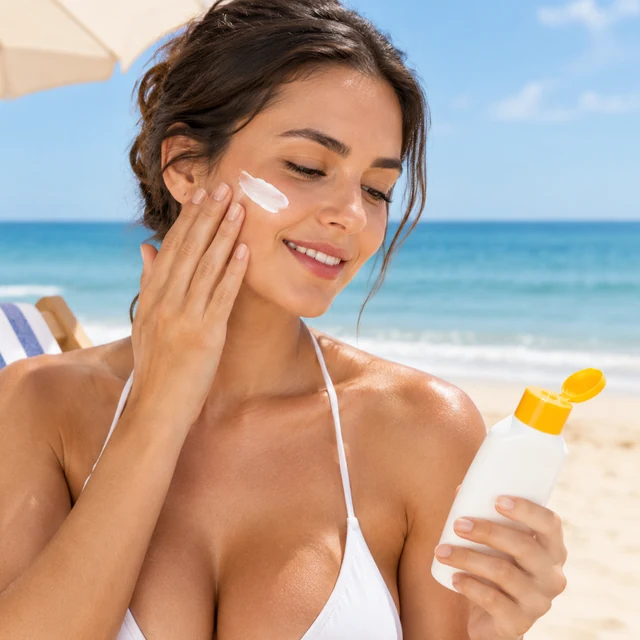
Can I mention SPF or skin benefits in the ad?

Stick to the wording printed on your product's label, and add it as text yourself. The image shows the product in its setting and shouldn't promise results like protection or clearer skin.

Why not crop a square photo to fit Stories?

A square image remains easy to inspect when it sits inside a Story layout with space around it. Place it on a tall canvas and add your headline, price, and code around the image. If you need the product to move across the full phone screen, make a separate 9:16 video instead.

What dimensions should an Instagram Story image use?

This template outputs a square still, not a finished Story-size file. Place it on a 9:16 canvas in your design tool.

Keep reading

Guides and articles

Try Story Ad with your product

Upload one product photo. See the cost before you start.