 AIVideosUGC
AI Product Photo and Video Examples, Start to Finish
Follow product examples from a starting photo to a finished image or video. Filter the examples by product category or output format.
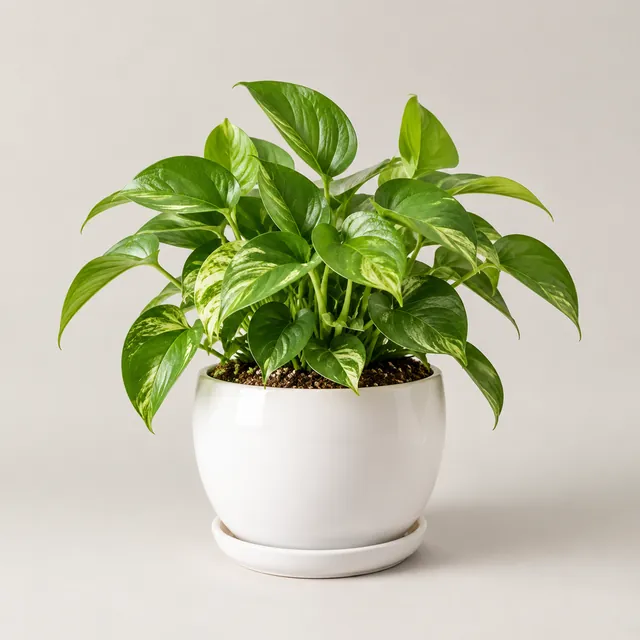
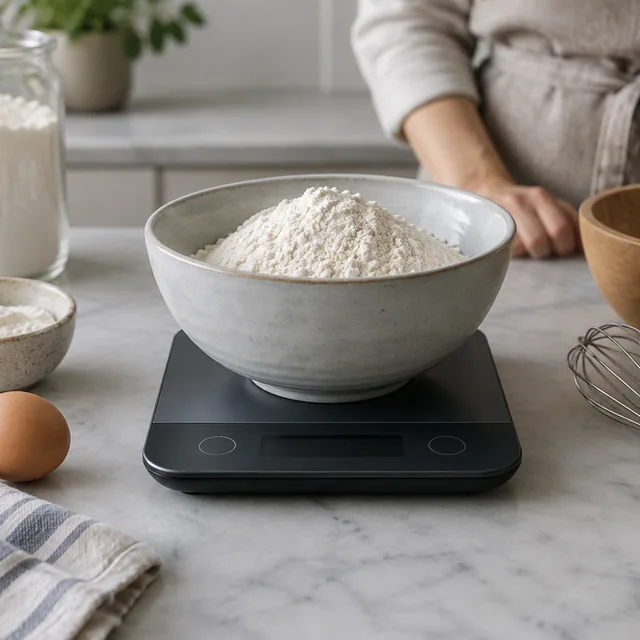

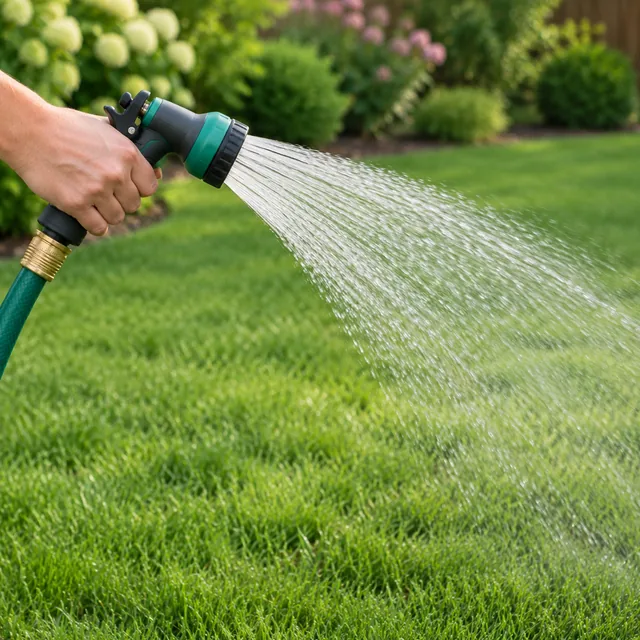
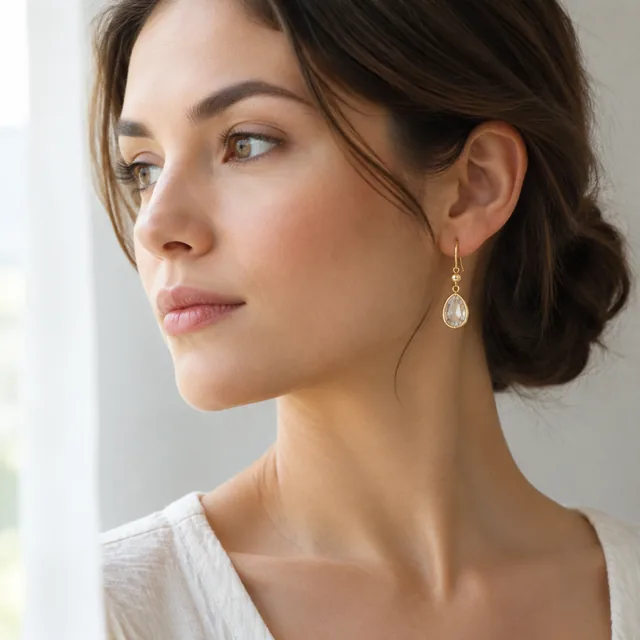

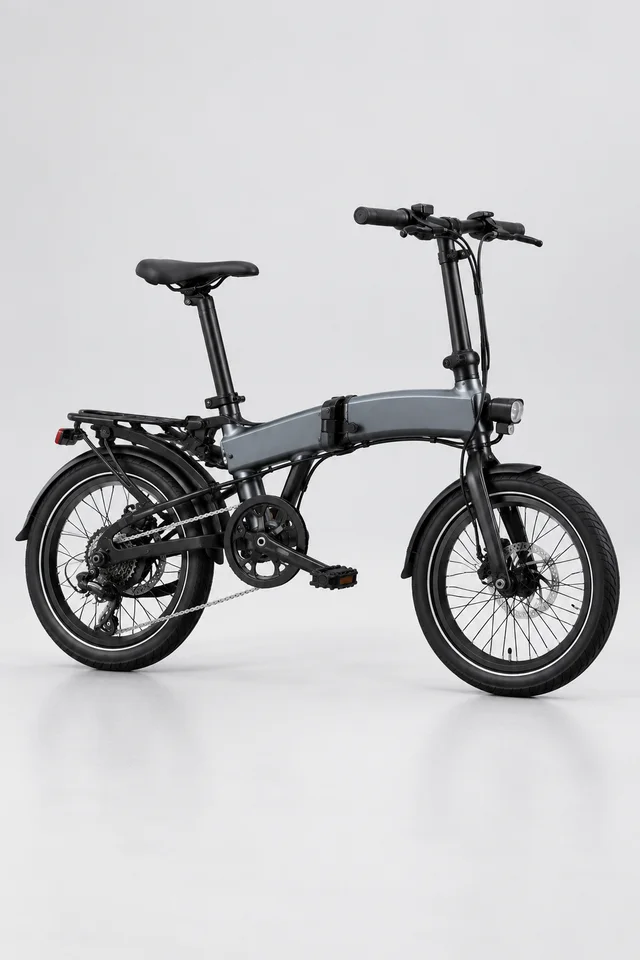
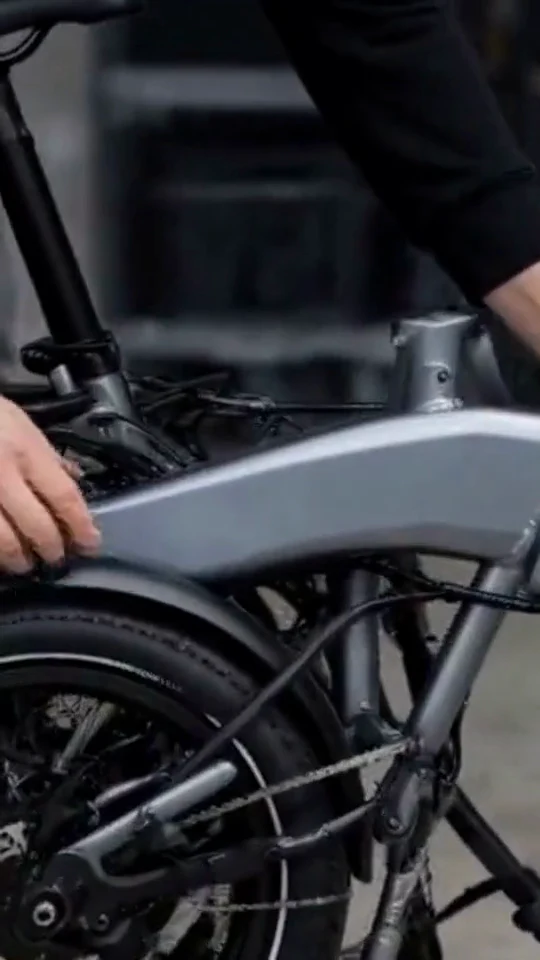
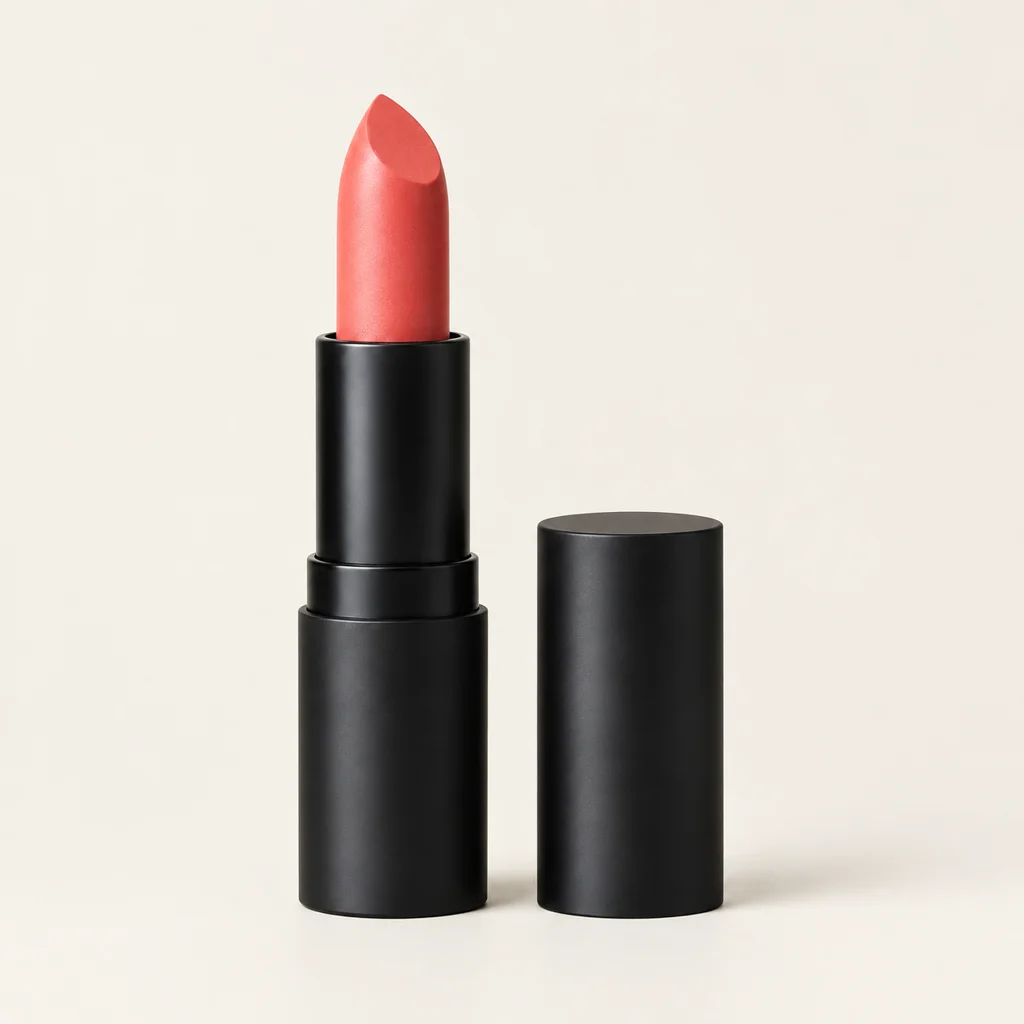
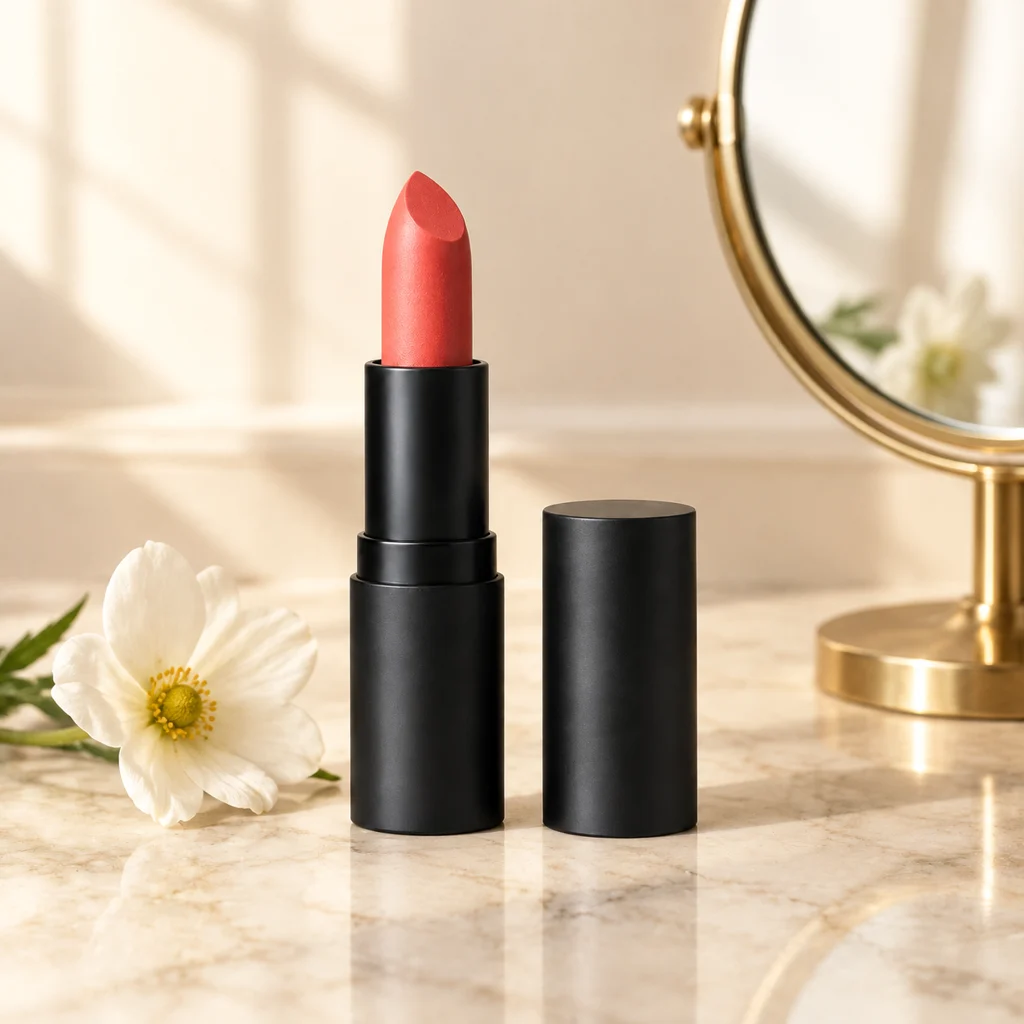
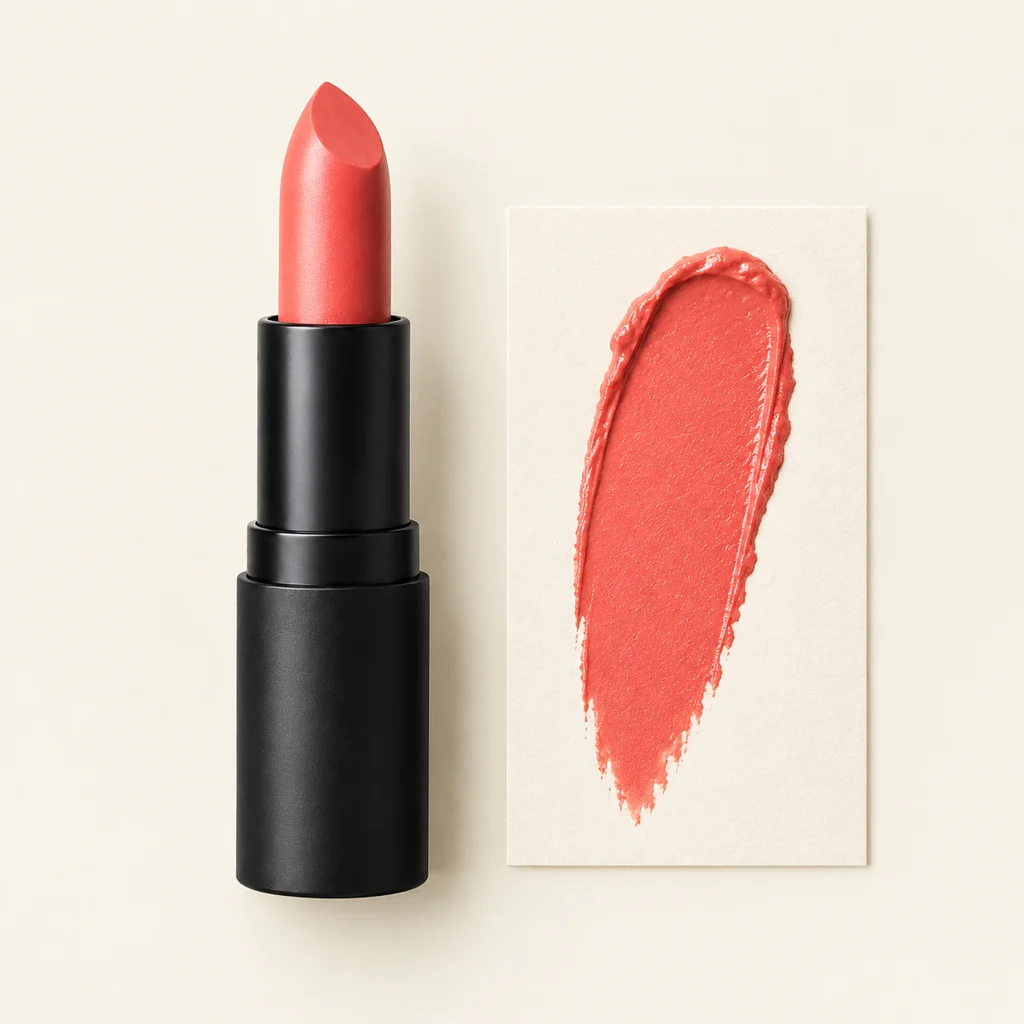
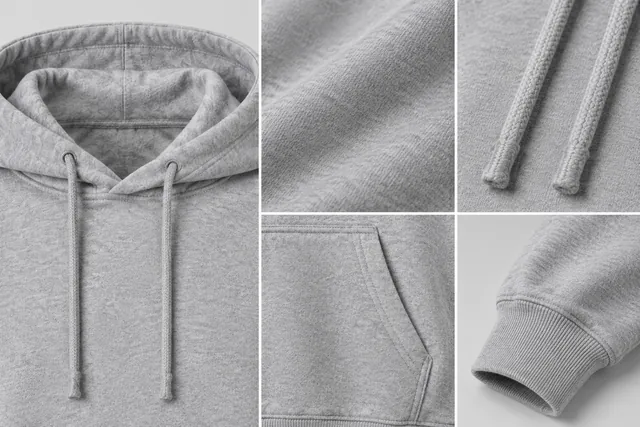
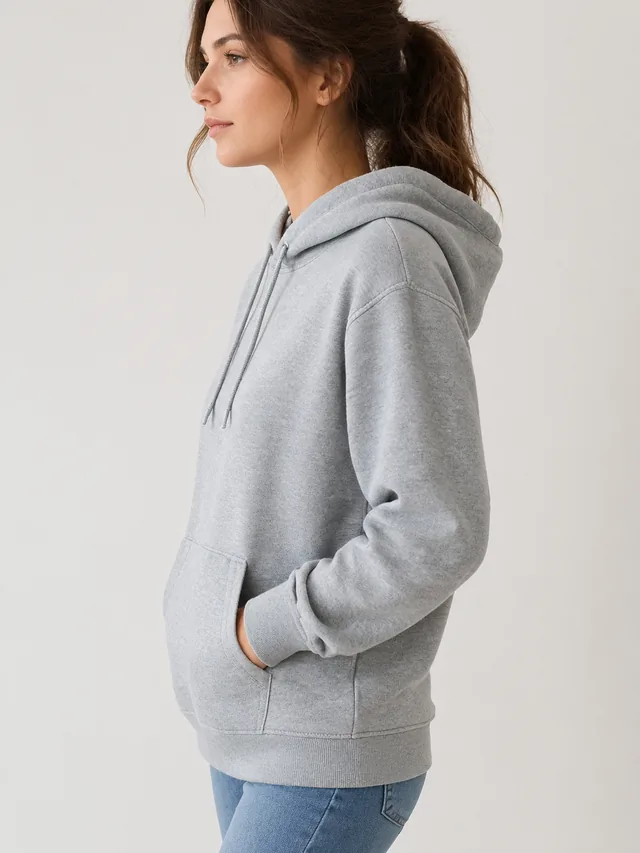
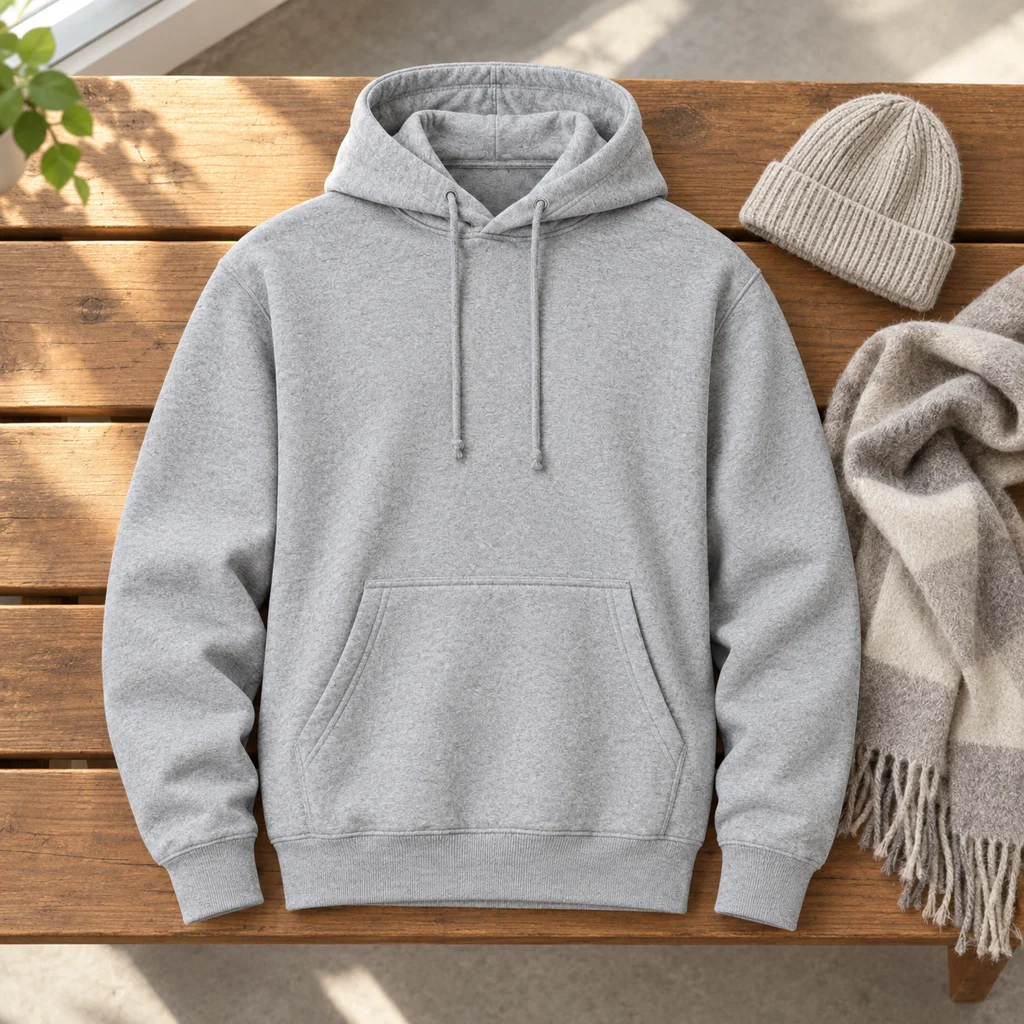
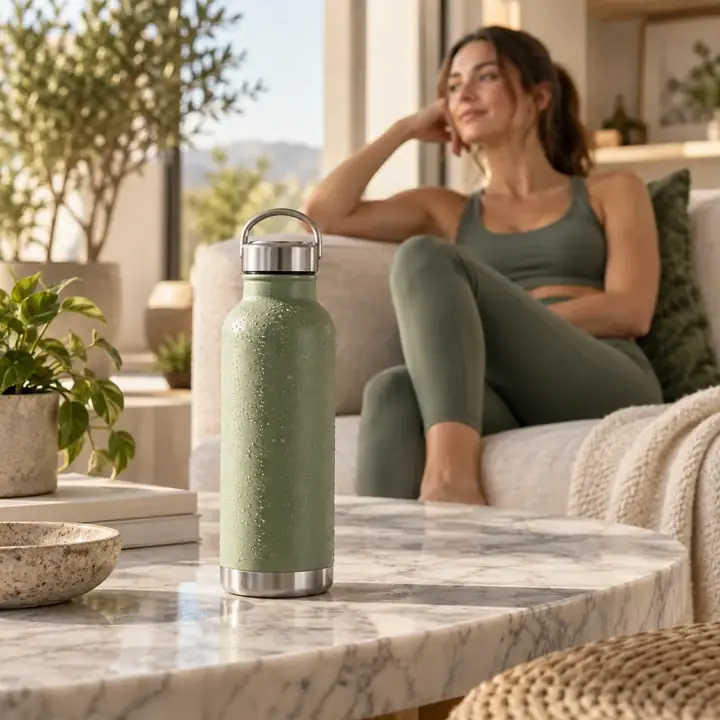
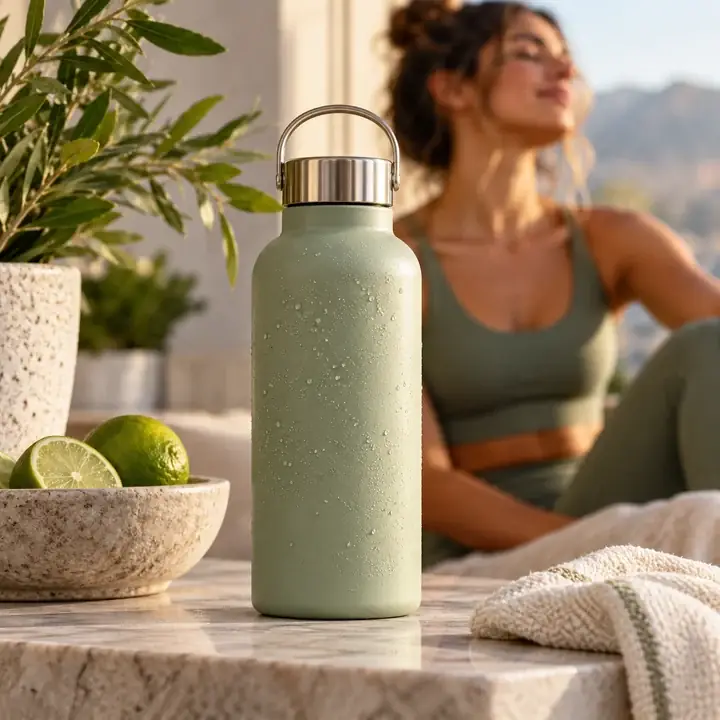
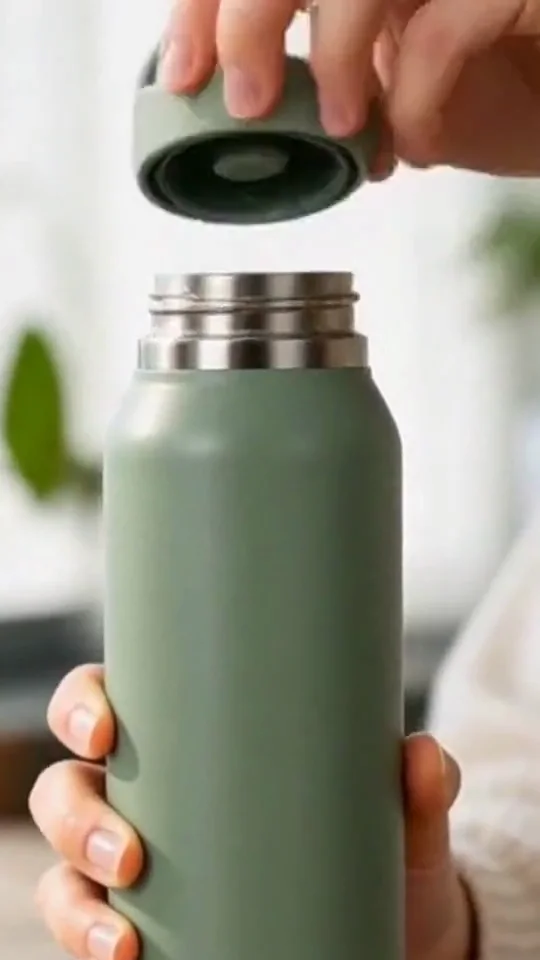
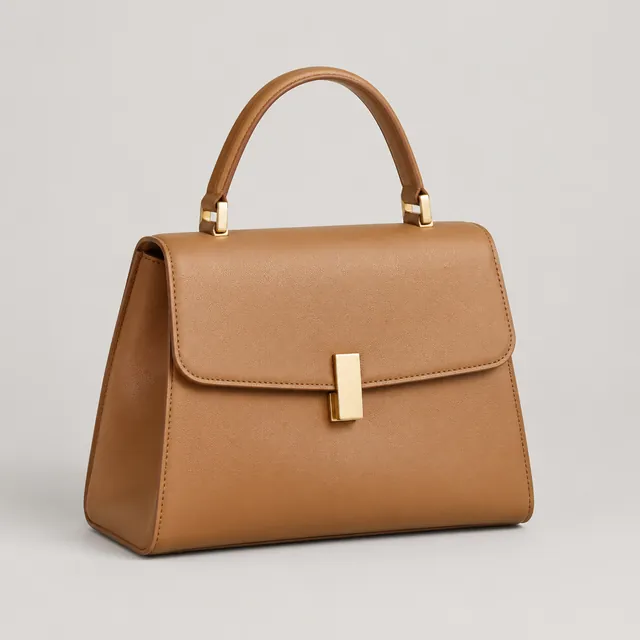
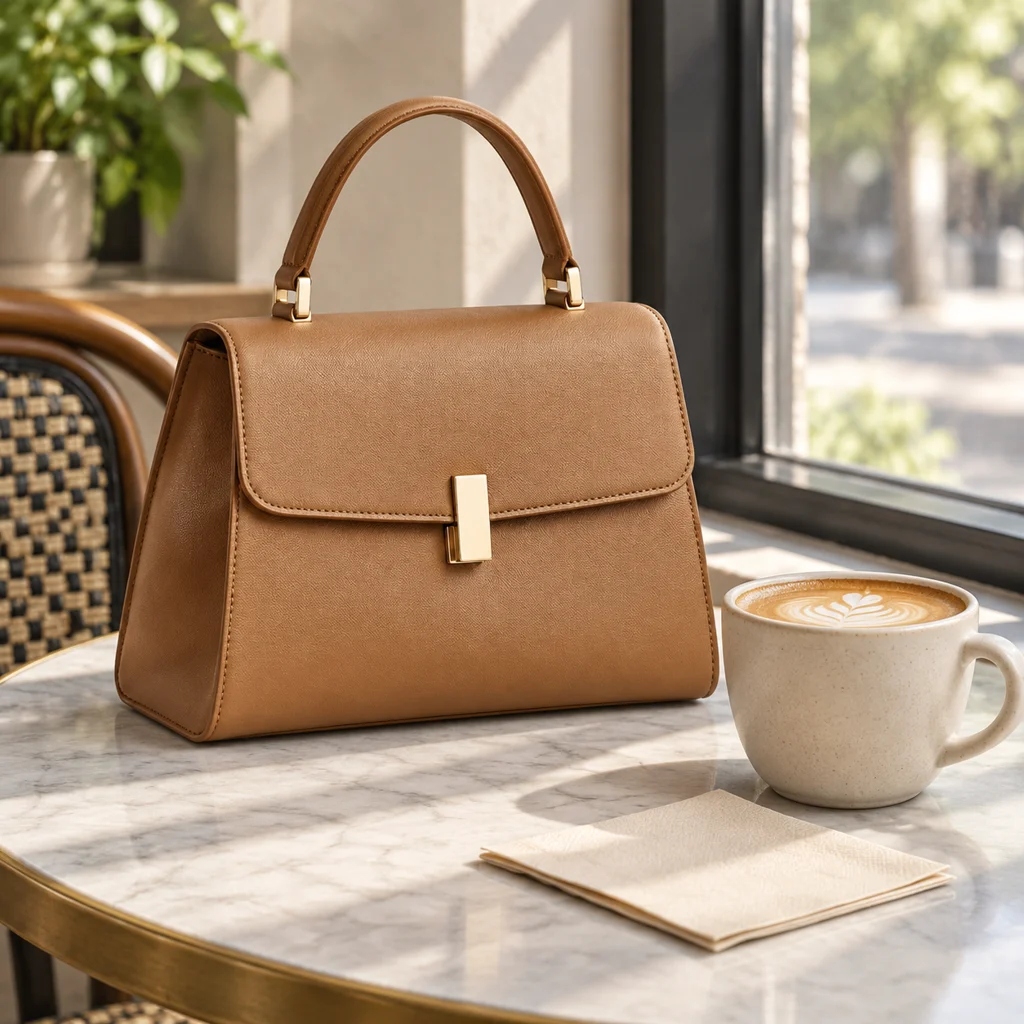
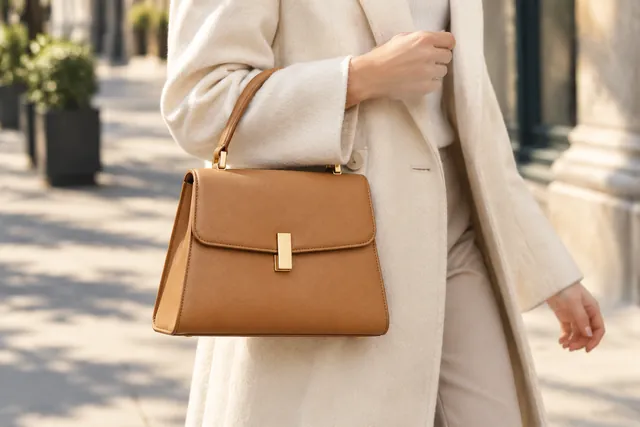
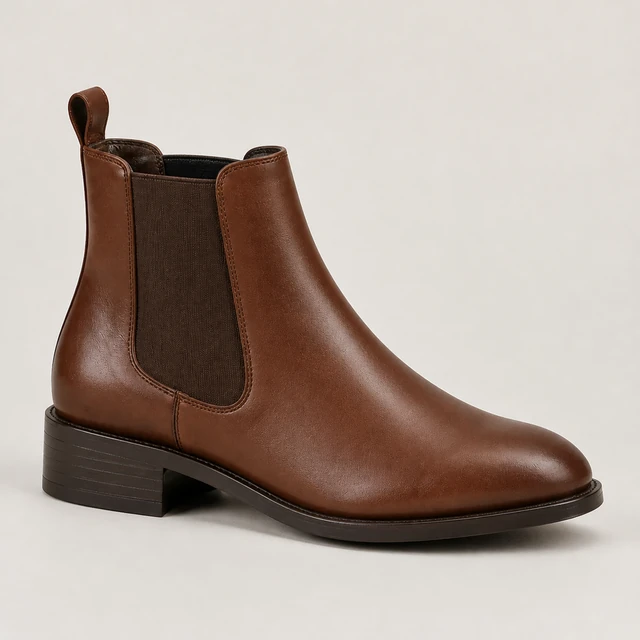
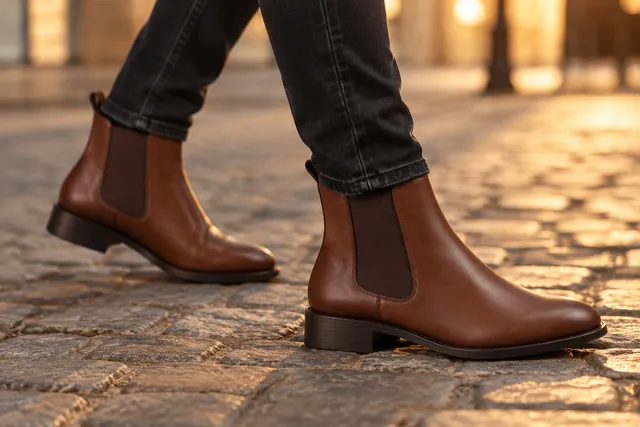
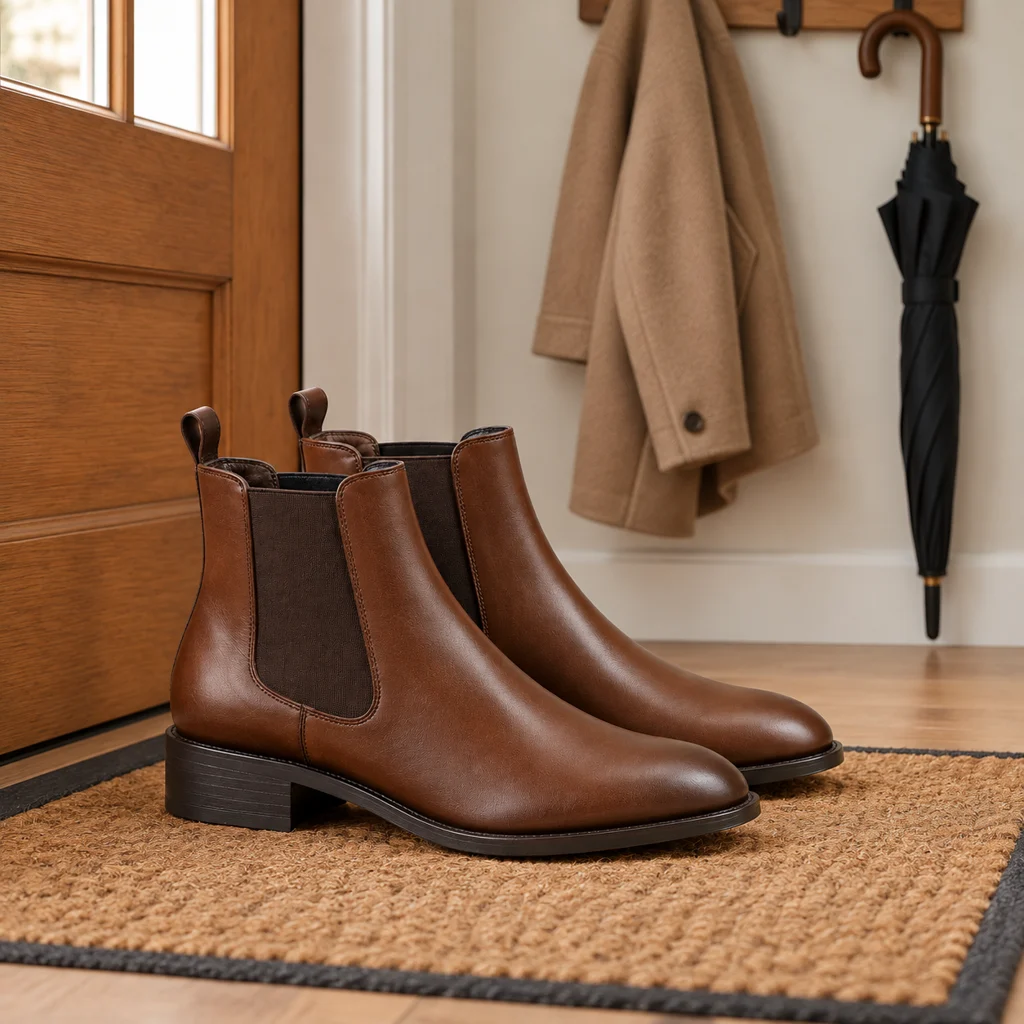
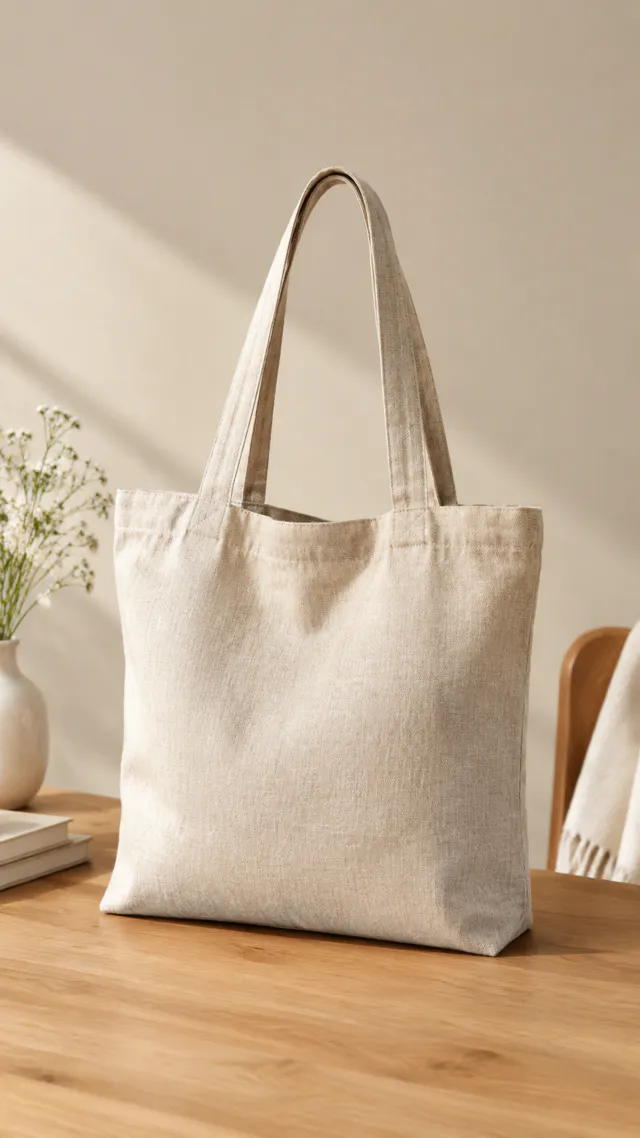
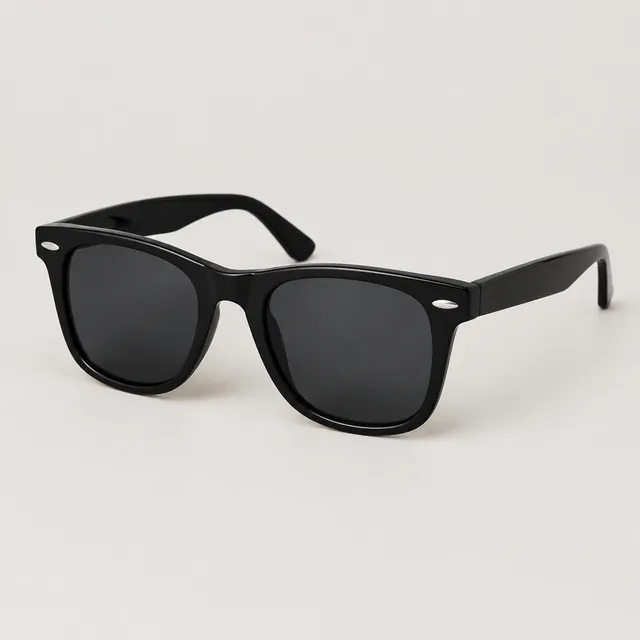
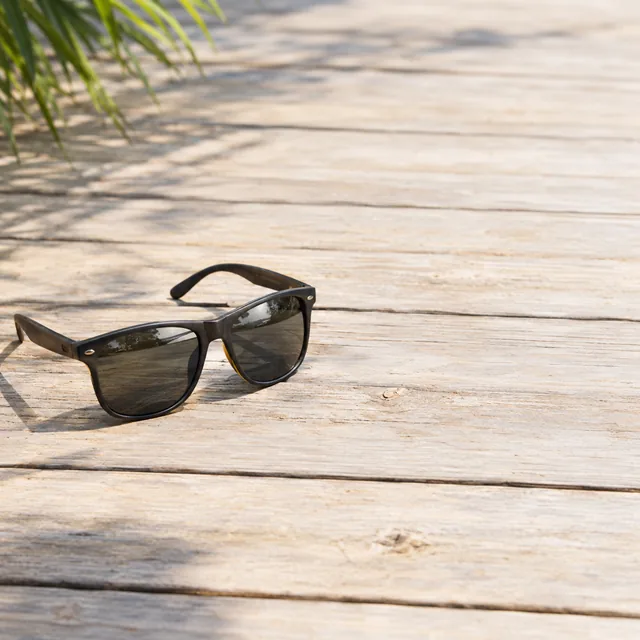
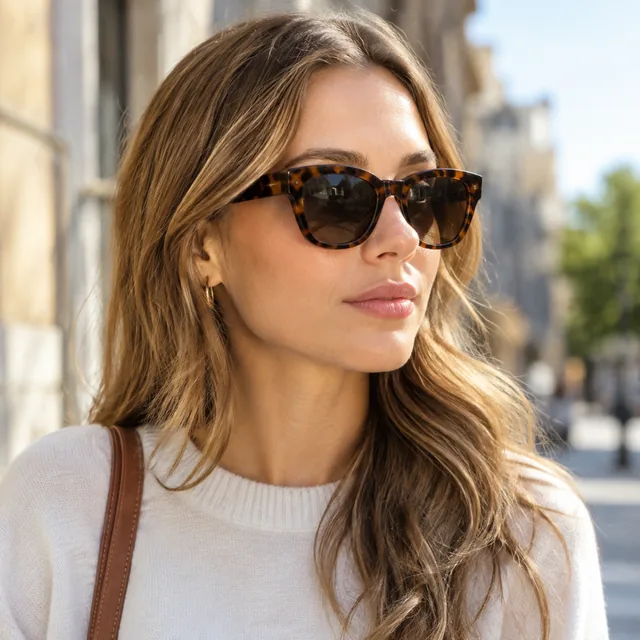
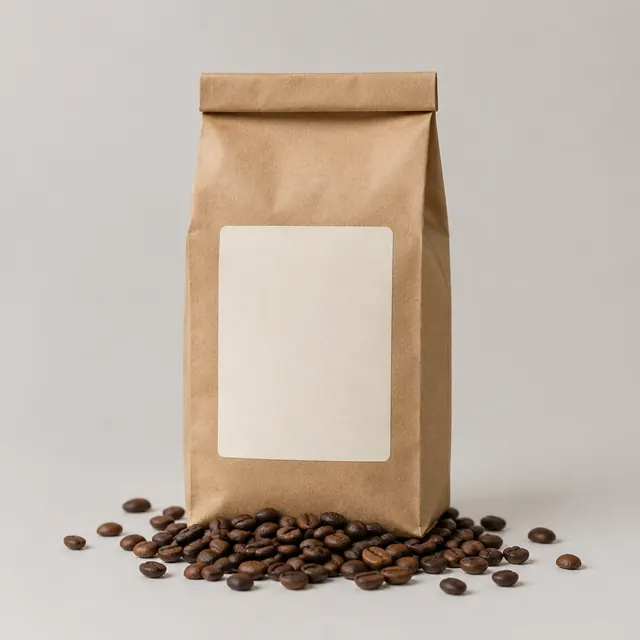
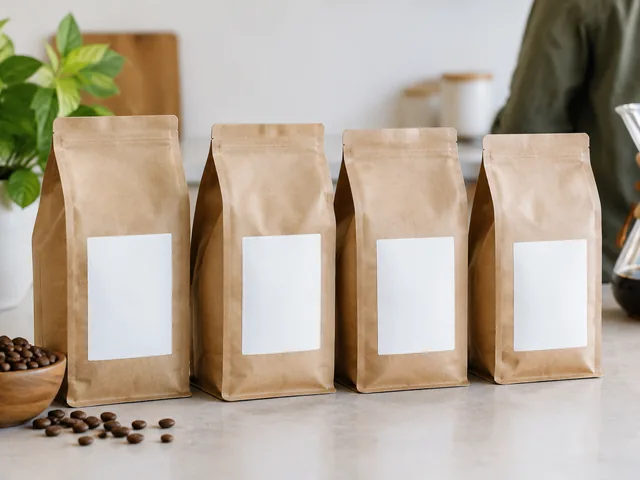
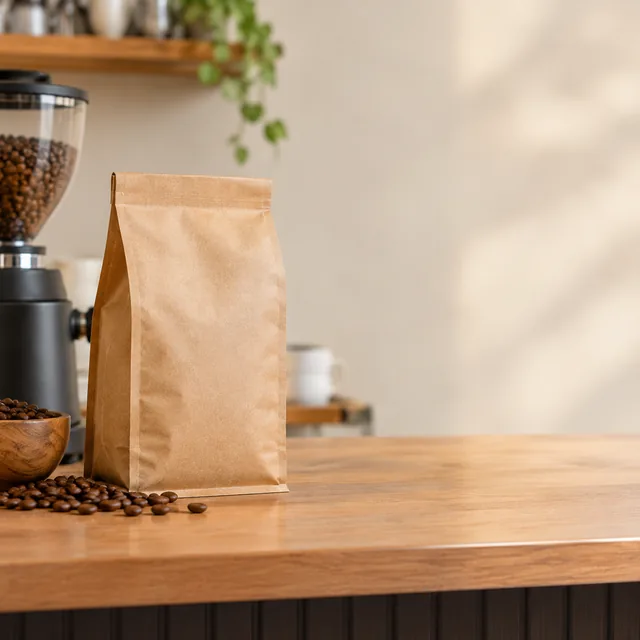
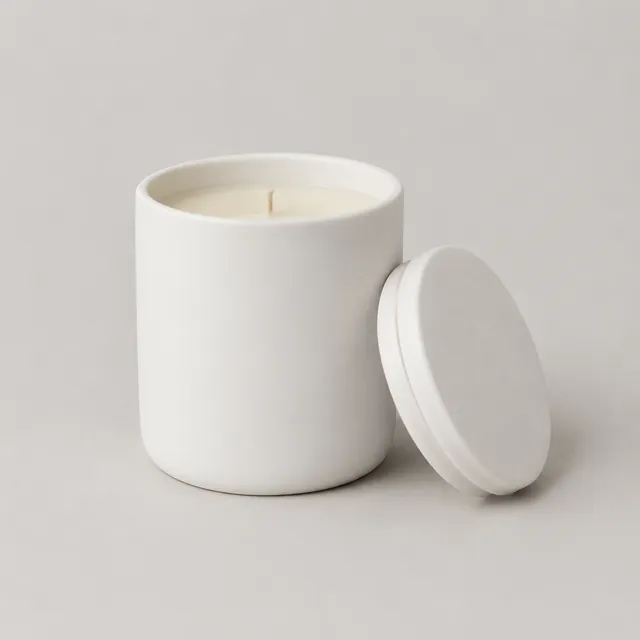
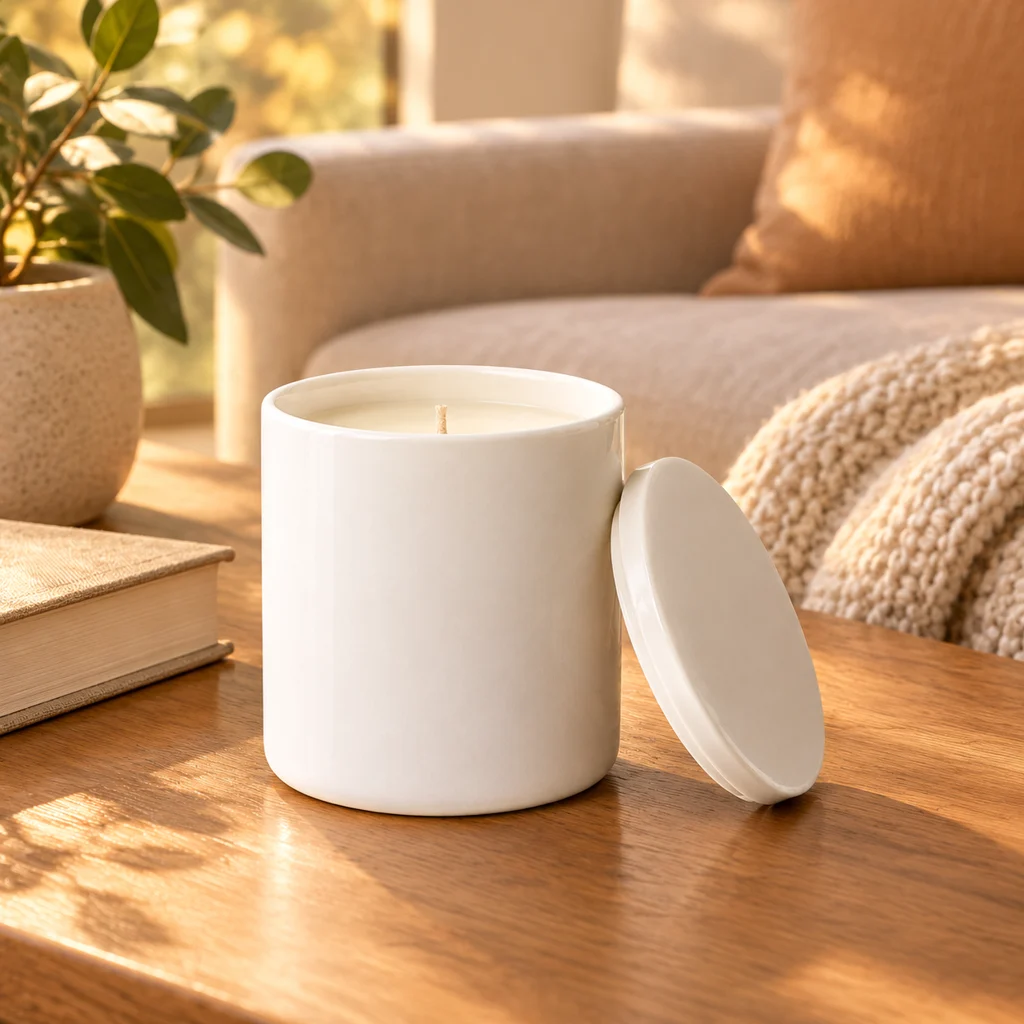
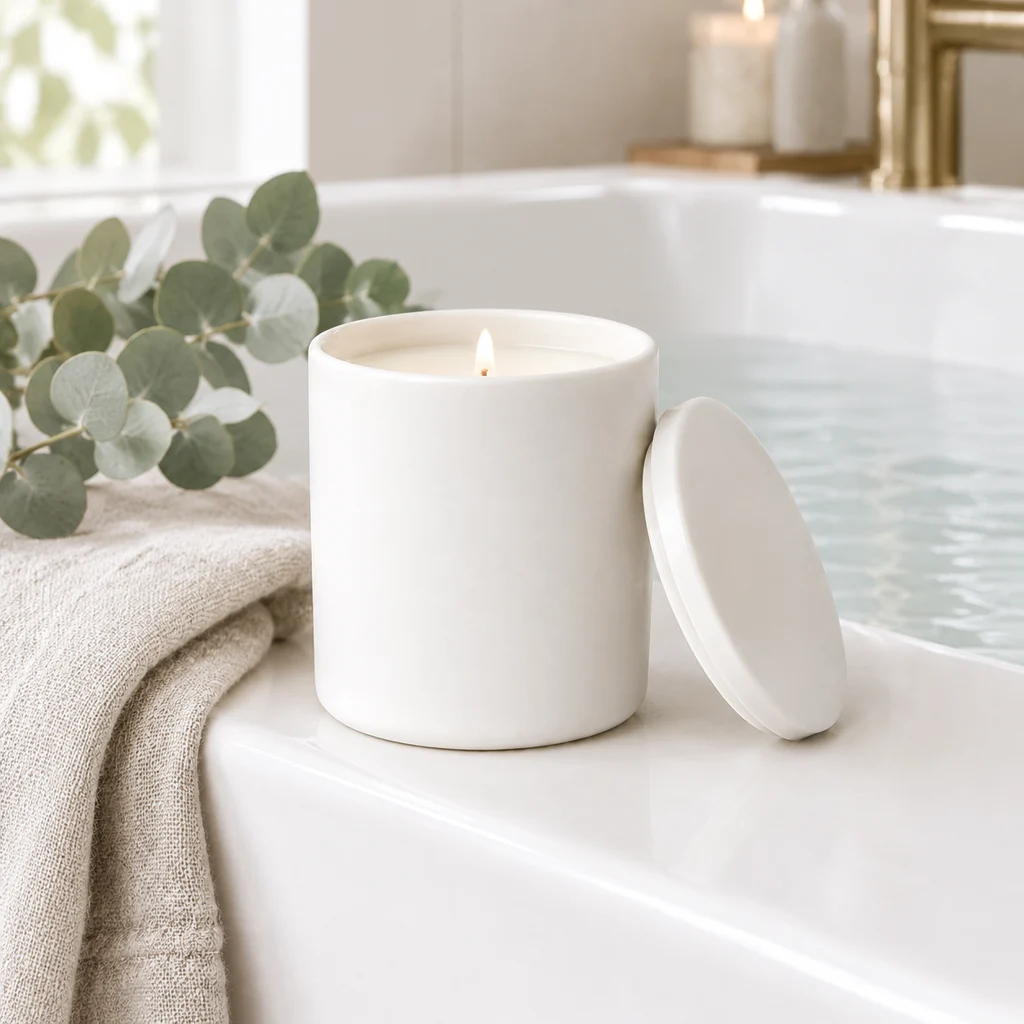
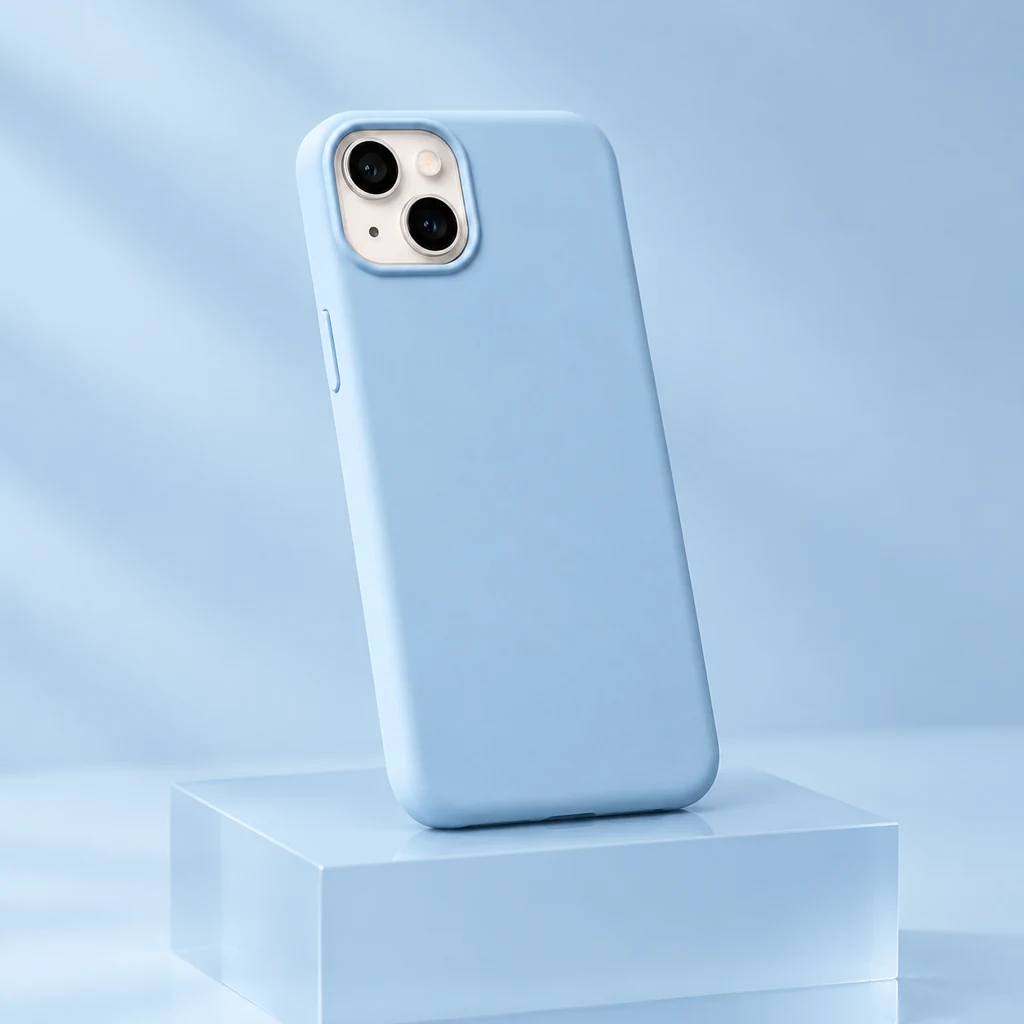
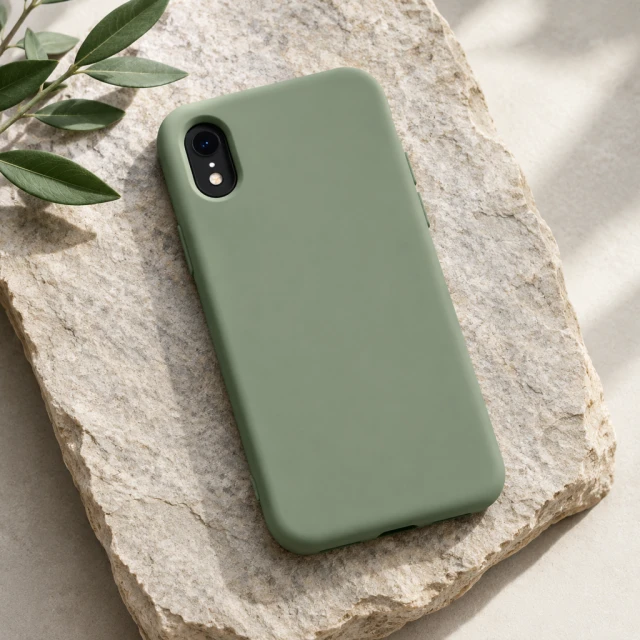
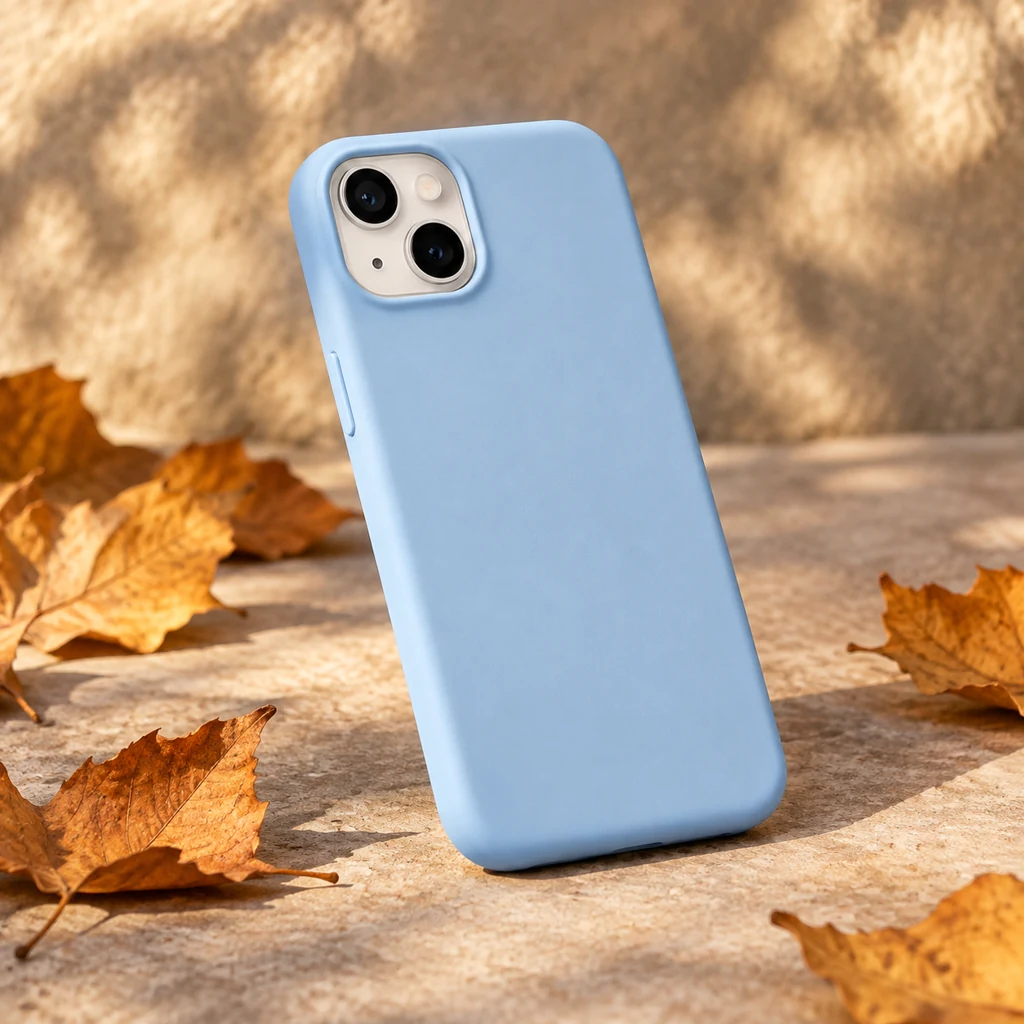
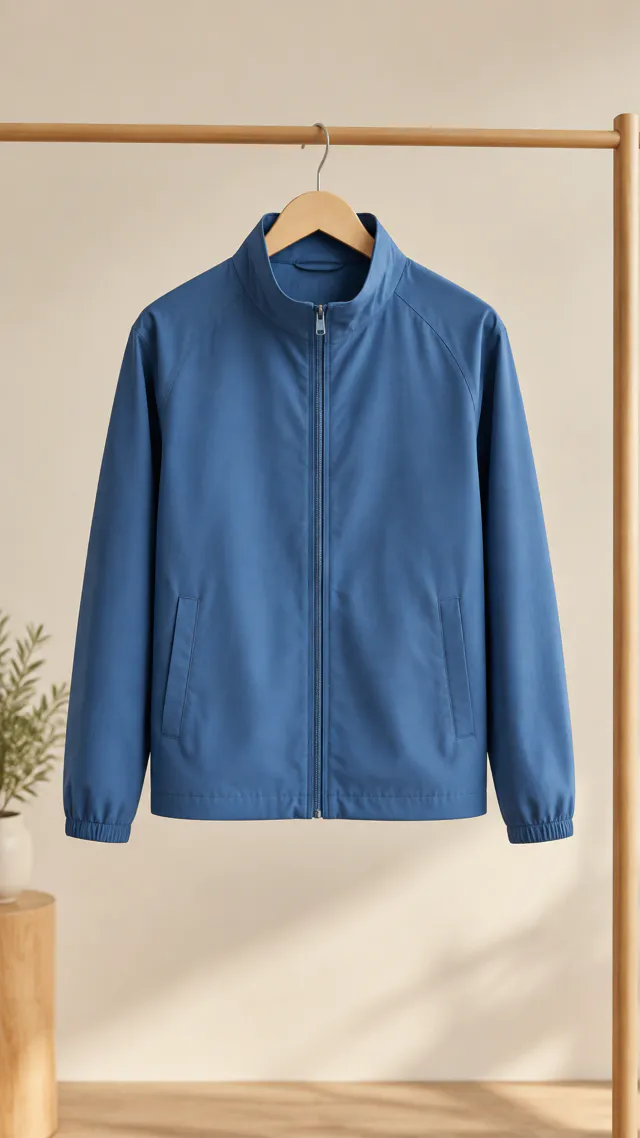
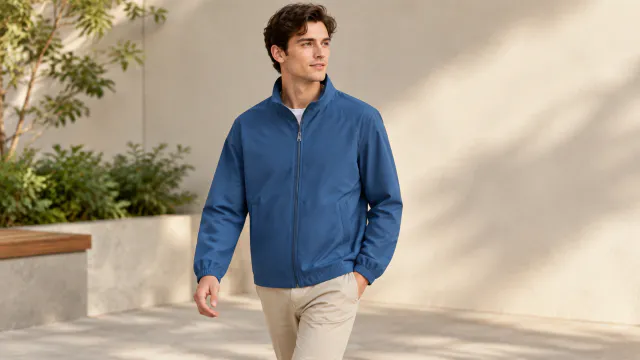
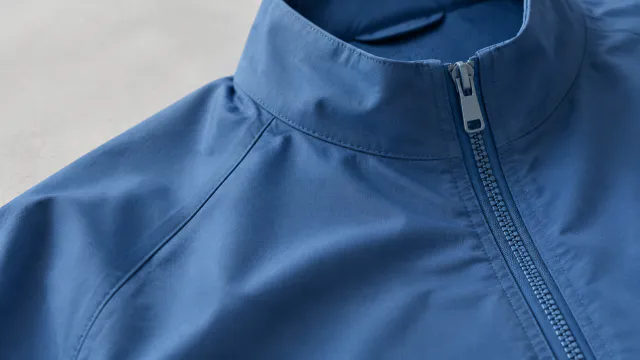
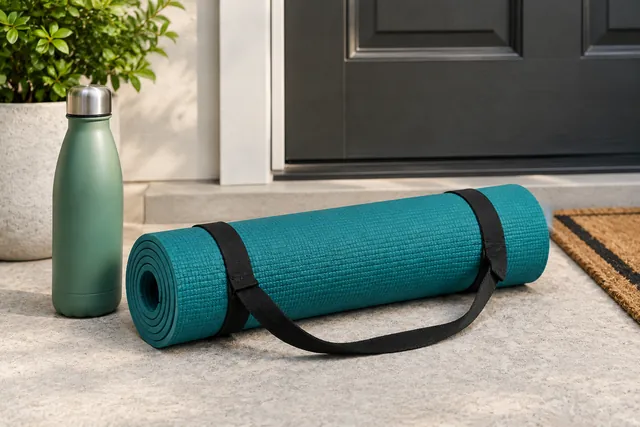
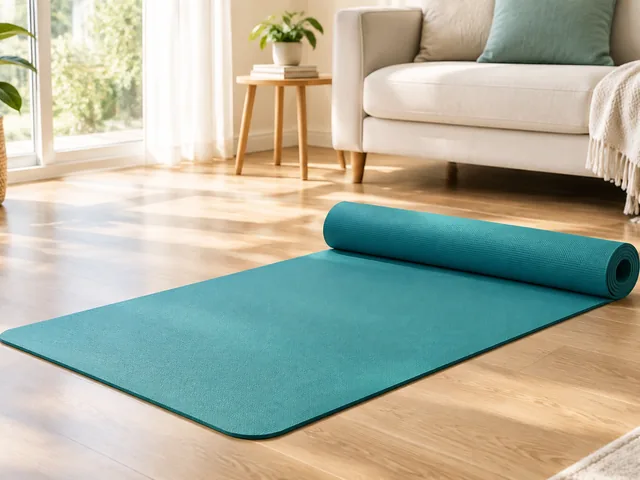
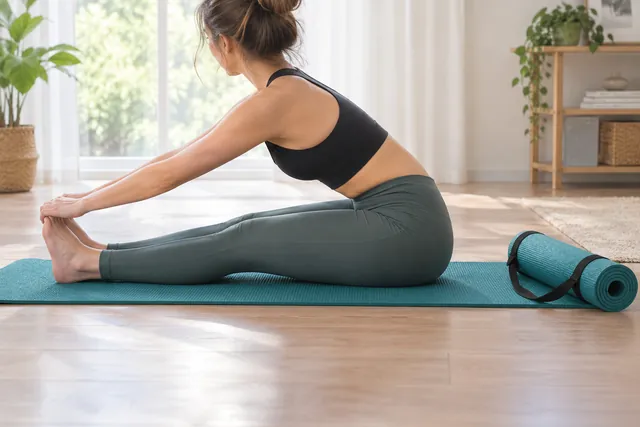
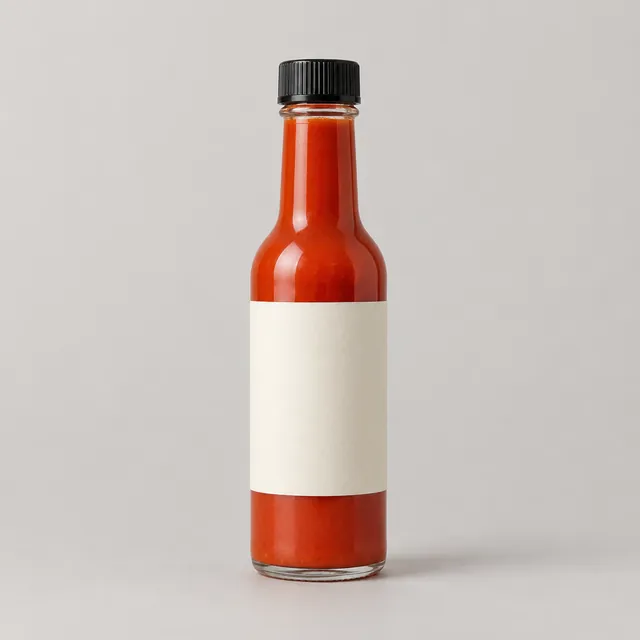
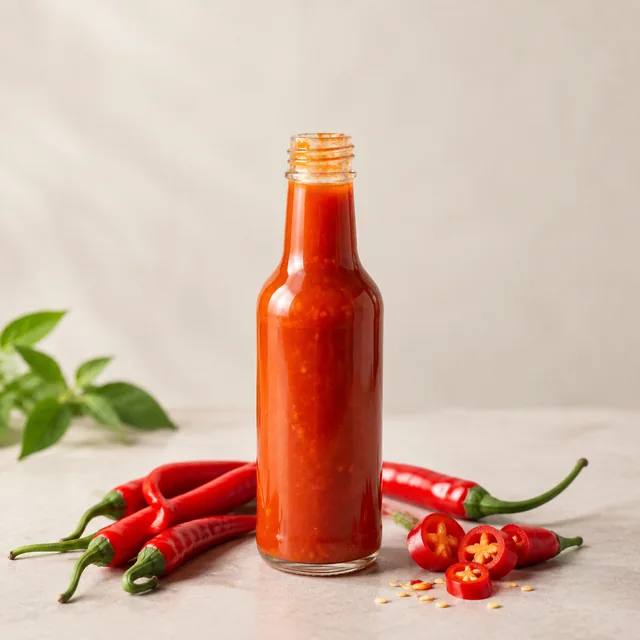
Each card shows an example product photo, scene direction, and generated result. Look first at the product's outline, color, closure, label area, and other buying details; then look at the new setting or camera movement. The useful question is whether the result gives shoppers a new reason to understand that product.
Browse product examples
Filter the complete set by product category or video format.






Questions
Can I use these examples to plan a video for my product?
Yes. Upload a sharp shot of your product, choose the 9:16 vertical format and a length of 6, 10, 15 or 30 seconds, then describe the opening scene. For a different opening, run it again with a new description.
Why don't the examples include prices or headlines?
AI sometimes garbles letters and numbers, so prices, headlines and offers are left for you to add in Canva, CapCut or Ads Manager, where every word and number stays exactly as you type it.
What can I learn from the product video examples?
Use the examples to compare openings, camera movement, and product framing. Build your own version with a sharp photo, a chosen size, and one clear action.
How do I choose between a photo and video example?
Use photo examples to plan listing, lifestyle, or detail images. Use video examples when movement or a product action helps explain how the item is used.
Make this with your own product
Upload one product photo and pick the look you liked.
Plans from $24.50 a month. You see the credit cost before every job, and if a job fails its credits go back to your balance.