Home & living

AI Product Videos for Home Brands, Shown in Real Rooms

AI product videos for home brands show your lamp, storage bin, or throw blanket in a lived-in room at a believable scale, and what a cluttered shelf looks like once your organizer moves in.

Drop your product photo hereJPG, PNG or WebP · any clear photo works
Size 9:16 · TikTok & ReelsLength 15 seconds
Make my before & after video →See the cost before you start

Plans from $24.50 a month. You see the credit cost before every job, and if a job fails its credits go back to your balance.
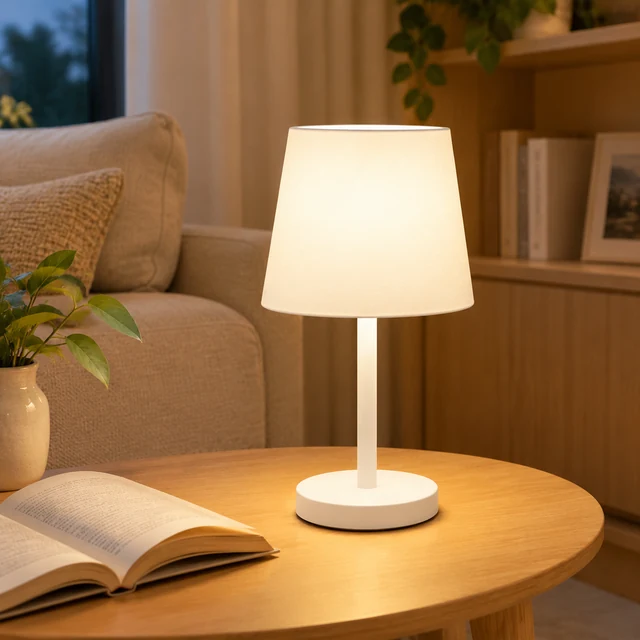
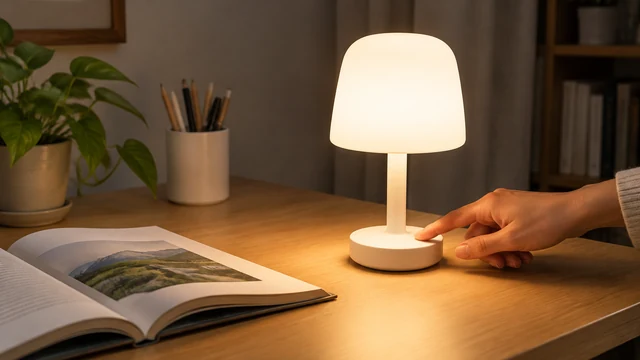
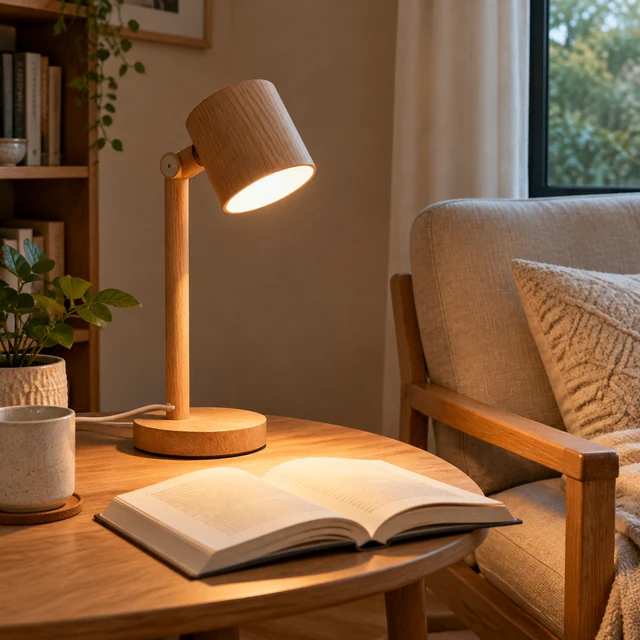
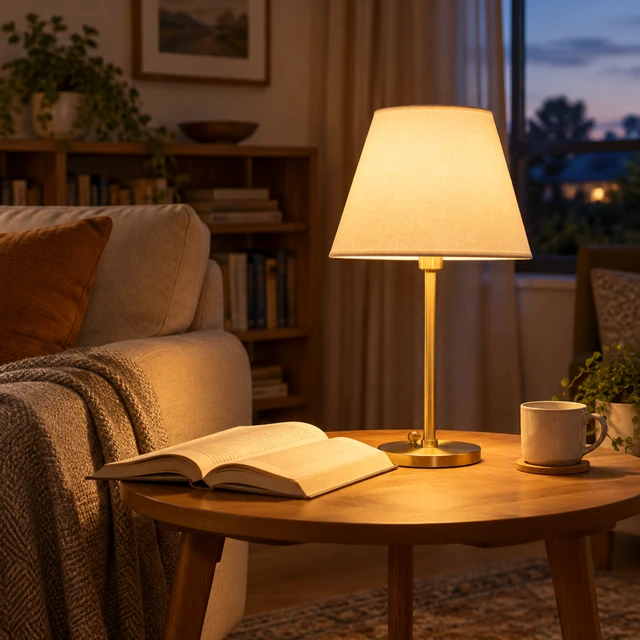
White table lamp on a warm wooden side table beside an open book.
Photo
Hand turning on a white table lamp beside an open book.
Video · 16:9
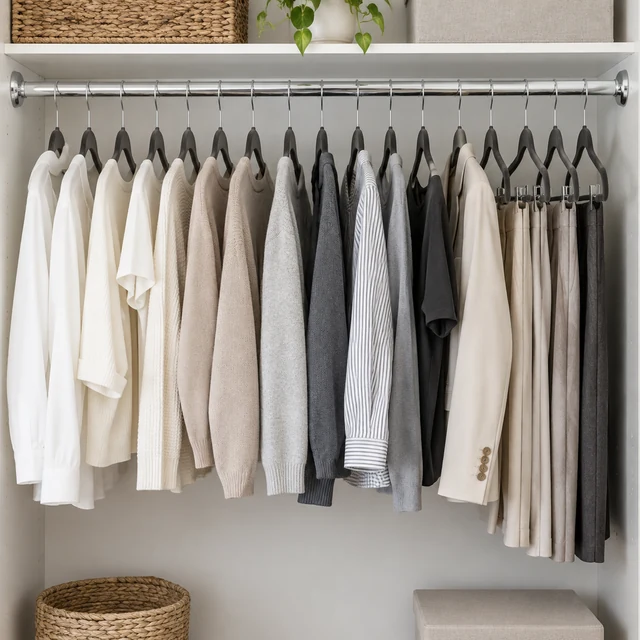
Closet rail with neutral garments on matching hangers after tidying.
Photo
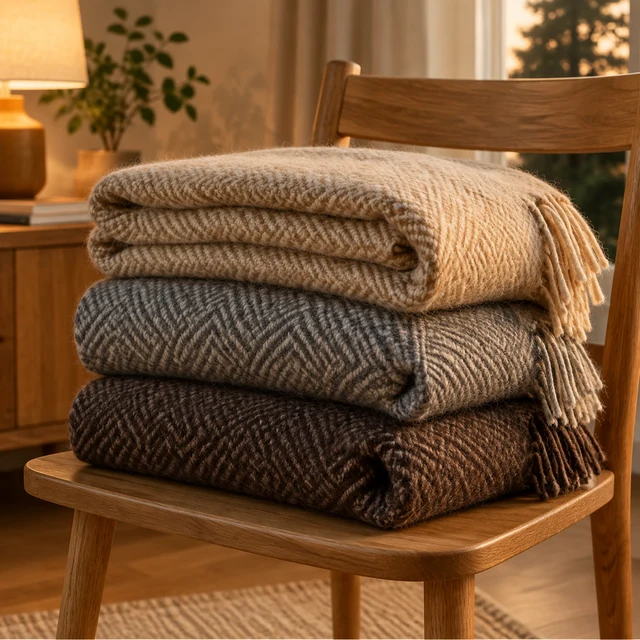
Folded neutral blankets stacked neatly on an oak bench.
Photo
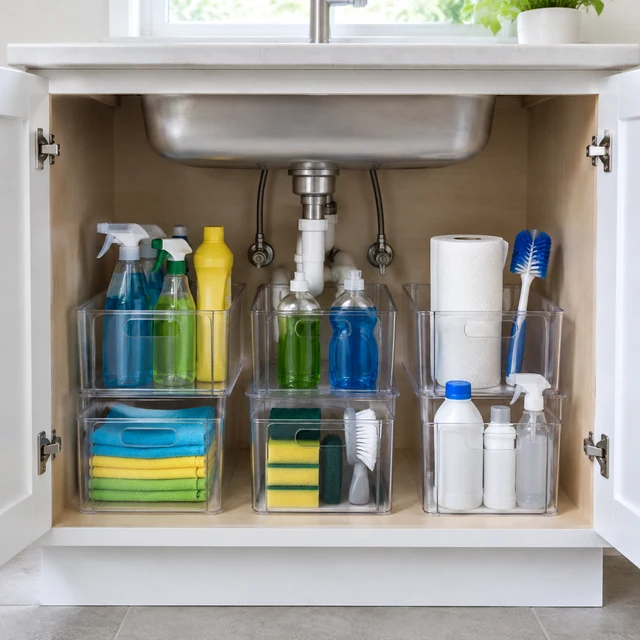
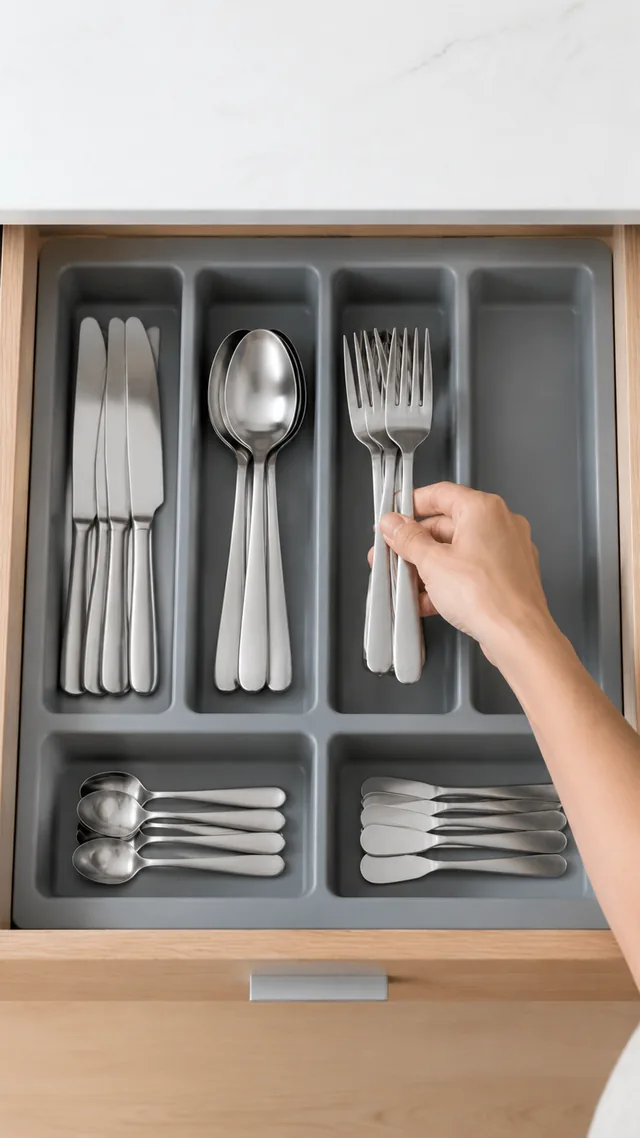
Clear storage bins arranged beneath a kitchen sink.
Photo
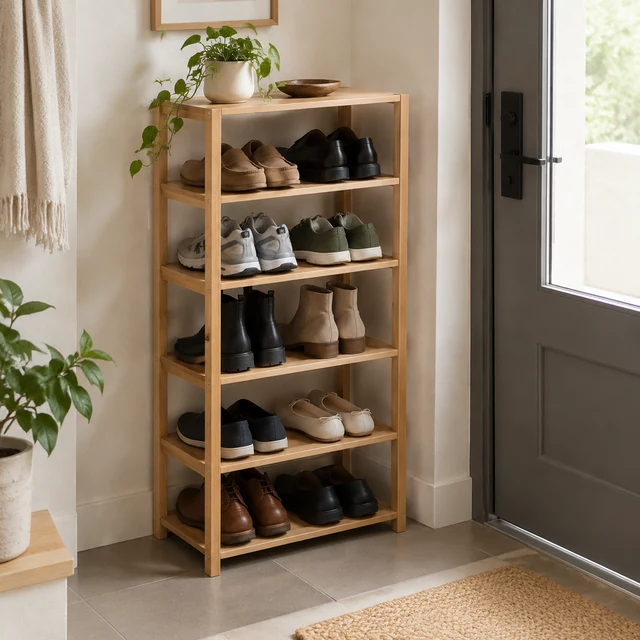
Slim wooden shoe rack neatly filled in a small entryway.
Photo

Home shoppers judge scale, materials, and how a piece fits the room. Start from a full product photo, then show one useful action such as switching on, opening, or placing the item.

How it works

Make a home product video in three steps

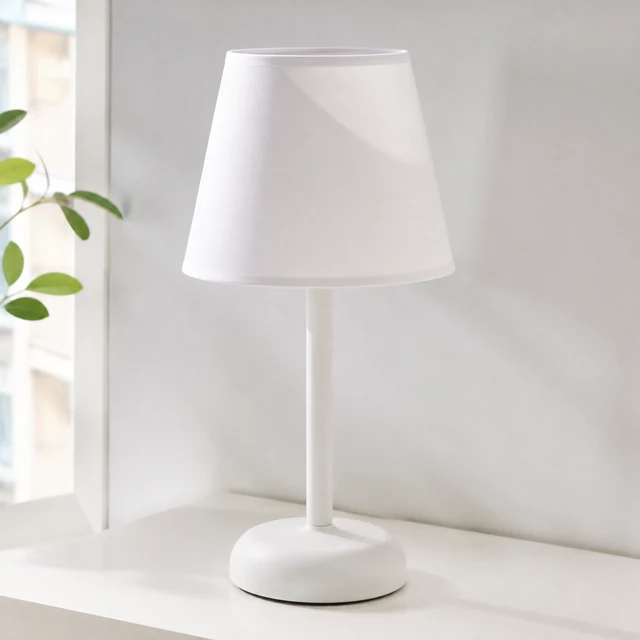
Plain white table lamp with a tapered shade on a pale tabletop.
Drop your product photo hereJPG, PNG or WebP · any clear photo works
Step 01

Photograph the whole lamp

Include this white table lamp's shade, stem, and base in one clean product shot.

Switch on this white table lamp beside a book, keeping its shade, stem, and base visible.
Size 16:9Length 10 seconds
Cost40 credits
Step 02

Choose one room action

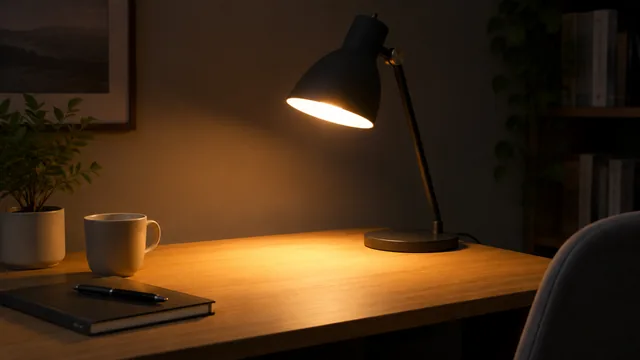
Switch on this lamp on a small desk beside a book, keeping its shape clear.
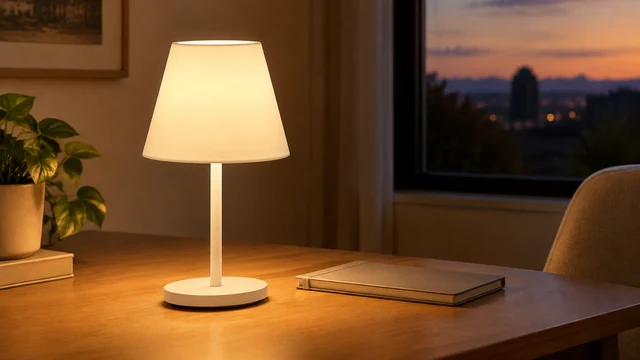
White table lamp glowing beside an open book in a quiet reading nook.
Step 03

Add room measurements

After download, place the height, material, or price beside the finished clip.

Choose a scene

Choose a home scene with a useful action

Pick a room action that helps shoppers picture the product in use.
Where to use it

Use home videos on product pages and social feeds

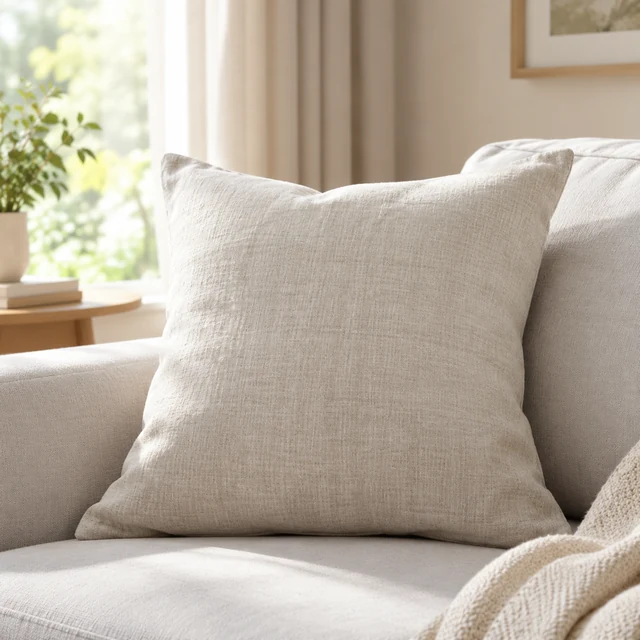
Linen pillow on a pale sofa, showing its natural fabric texture.

Show a soft furnishing in its room

A linen pillow on a sofa gives shoppers a sense of color and texture.
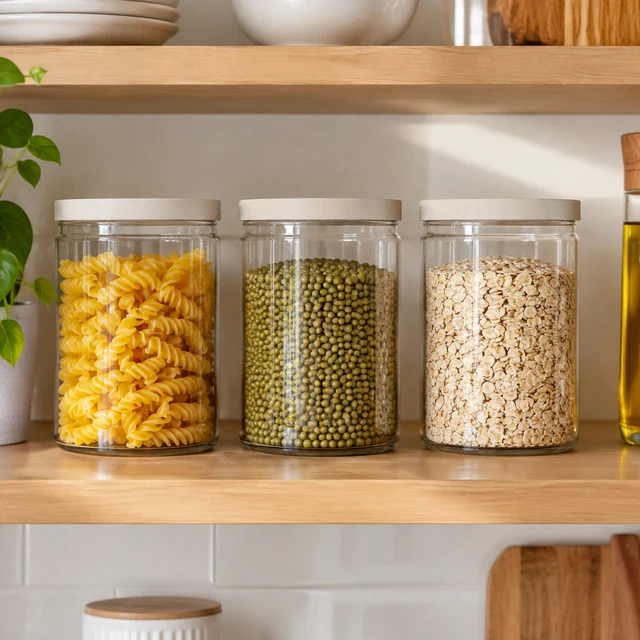
Matching pantry jars lined up neatly on a kitchen shelf.

Show matching jars in a kitchen post

A neat pantry shelf shows the glass jars together in a home setting.
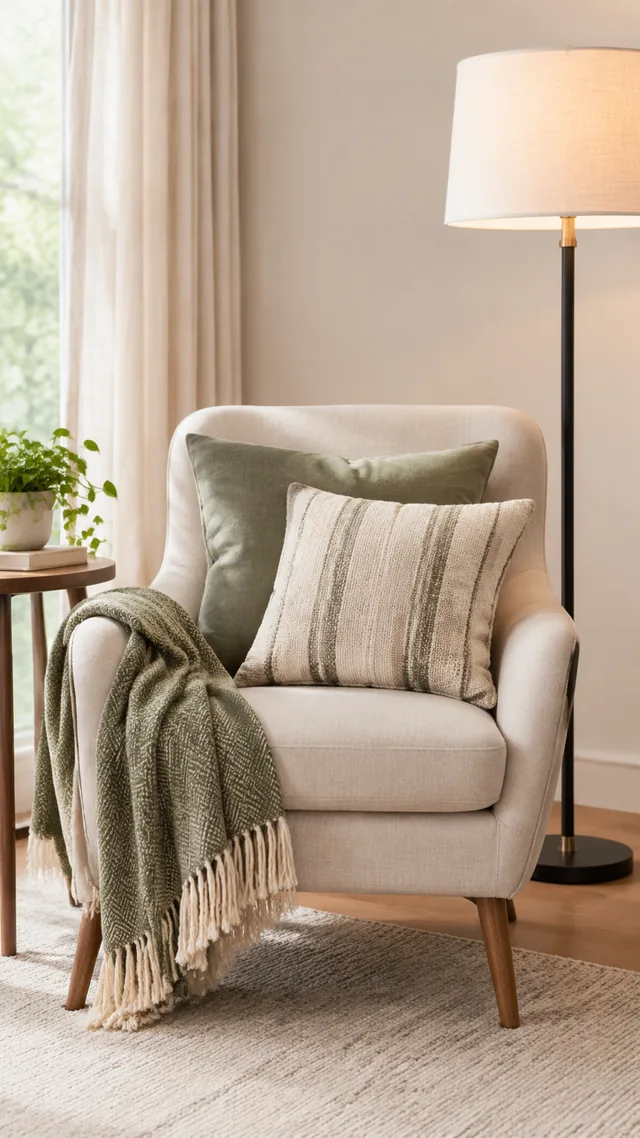
Start with a clear photo

Start with a clear home product photo

✓
Throw pillow set on a reading chair beside a floor lamp.
The throw pillow and reading chair stay in view
✕
Throw pillow and chair softened by blur beside a floor lamp.
The pillow and chair soften into blur
✓
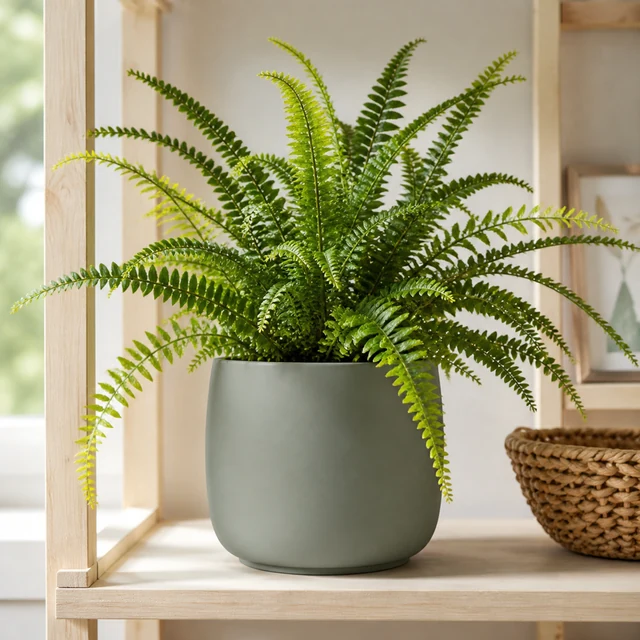
Ceramic planter with a fern on a styled shelf.
The planter shape and leaves stay crisp
✕
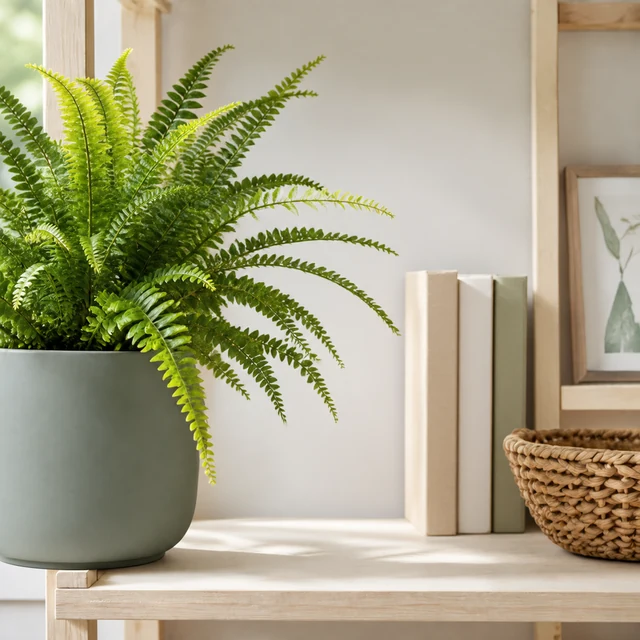
Fern and ceramic planter cropped by the left edge of the frame.
The planter is cut off at the frame edge
Your result

Choose a home video shape and length

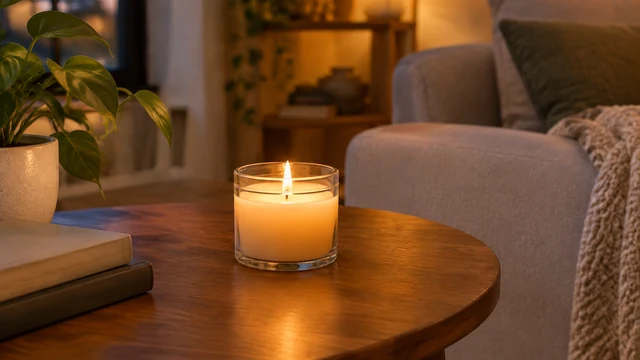
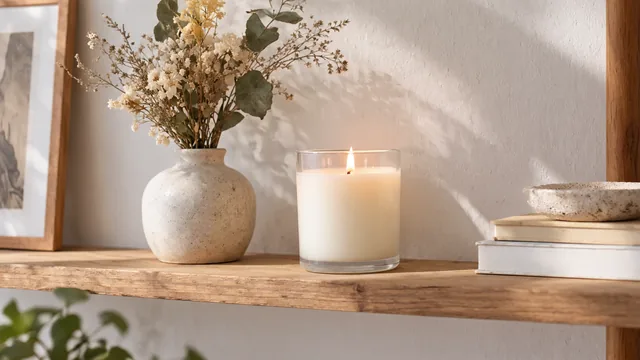
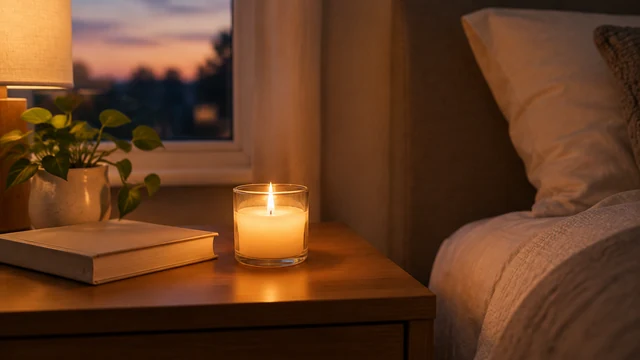
Lit glass candle on a wooden side table in warm evening light.
Candle in warm evening light16:9 video · 6 s · 24 credits
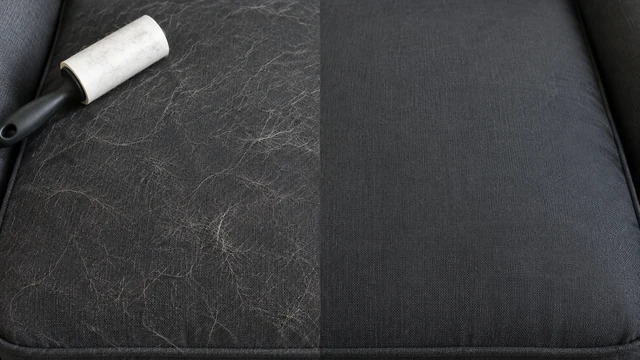
Cordless handheld vacuum lifting crumbs off a dark fabric sofa.
Vacuum lifting crumbs from a sofa16:9 video · 10 s · 40 credits
After download

Add dimensions after downloading your home video

New candle placed on a styled shelf with dried flowers.
DimensionsFinish

These details are added in your editor after download.

  • Place the exact dimensions beside the scene in your store editor.
  • Add material and finish details as text so the photo stays uncluttered.
Templates

Home & Living templates

Choose a room, organizing step, or placement that fits the home product.
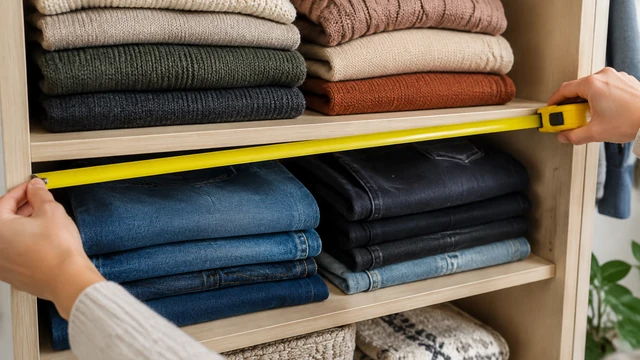
VideoHands measuring a home storage shelf with folded sweaters and jeans.

Before & After

The difference, side by side

Home & LivingTikTokFacebook
Use this template →
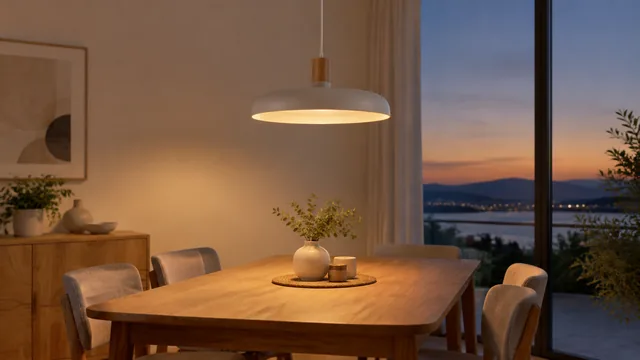
PhotoPendant lamp glowing above a dining table at dusk.

New Background

Same product, new setting

Home & LivingShopifyAmazon
Use this template →
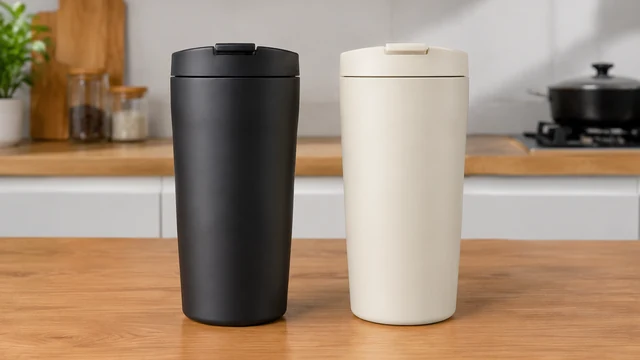
VideoTwo plain ceramic mugs side by side on a neutral kitchen counter.

Side-by-Side Video

Help buyers pick the right one

Home & LivingAmazonYouTube Shorts
Use this template →
Examples

More home and living examples

Furniture, storage, and decor shown beside pieces that help shoppers judge scale.
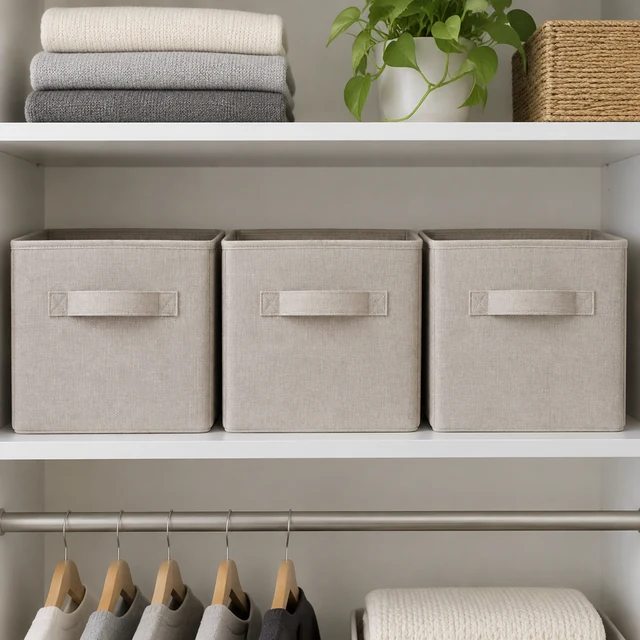
Tools

Tools that fit

Before & After VideosShow the difference your product makes
Product VideosShow how your product looks and works
Change BackgroundNew background, same product
Lifestyle PhotosYour product in a real-life scene
FAQ

Questions about home product videos

Can I show a before-and-after of a closet using my organizer?

Yes. Describe both states, such as "cluttered closet floor with shoes piled up, then the same closet with shoes on a three-tier rack." Keep the after true to what your product really holds, so buyers aren't surprised when it arrives.

Will furniture look the right size in the room?

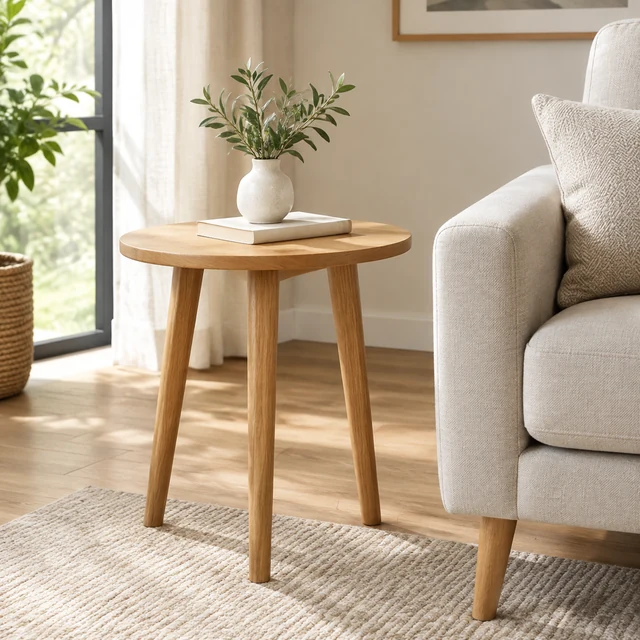
Scale is the trickiest part of a generated room. Mention the size in your description, like "a 24-inch round side table next to an armchair," and put the real dimensions on the image yourself in Canva.

Does this work for large items like sofas and beds?

It can, as long as your photo shows the whole piece. Big furniture looks more natural when you name a room large enough to hold it, like "open-plan living room" rather than "small bedroom."

Can I start from a photo on a white background?

Yes, a white background or cutout photo is a good starting point. Keep the whole product in frame, including legs, handles, and cords, since the AI won't add parts it can't see.

Keep reading

Guides and articles

Make Home & Living content today

Select the room or use scene where your home product belongs.