Ad photo template

UGC Style Product Photos: AI-Generated Creator-Style Scenes

Here, UGC means a creator-style product photo generated by AI with a casual phone-camera look; it is not a customer submission, review, or endorsement.

Drop your product photo hereJPG, PNG or WebP · any clear photo works
Template Creator-Style PhotoSize Square by defaultScene An everyday moment you describe
Make my UGC photo →See the cost before you start

Plans from $24.50 a month. You see the credit cost before every job, and if a job fails its credits go back to your balance.
Tip: Describe a specific moment, like "sitting on the floor after a home workout, morning light," rather than a vague style word such as "authentic."
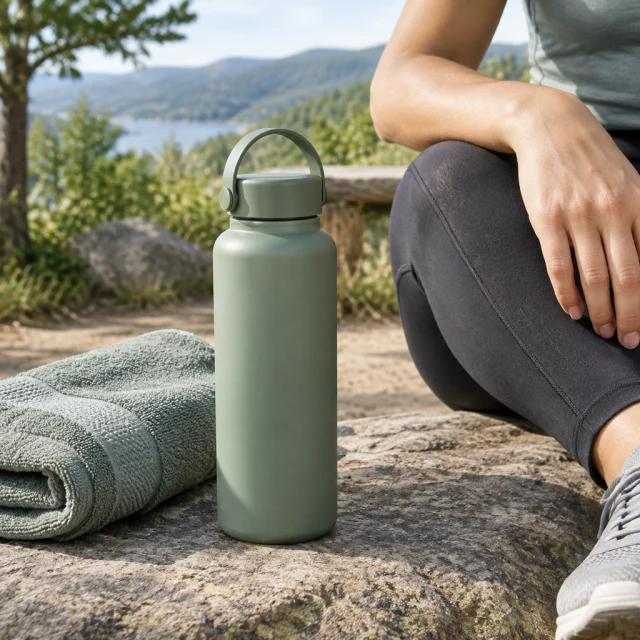
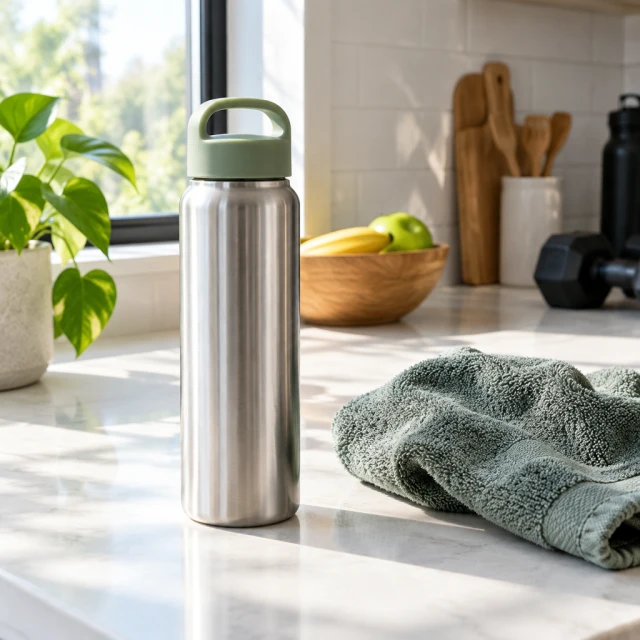
Reusable bottle and folded towel on a sunlit kitchen counter after a daily workout.
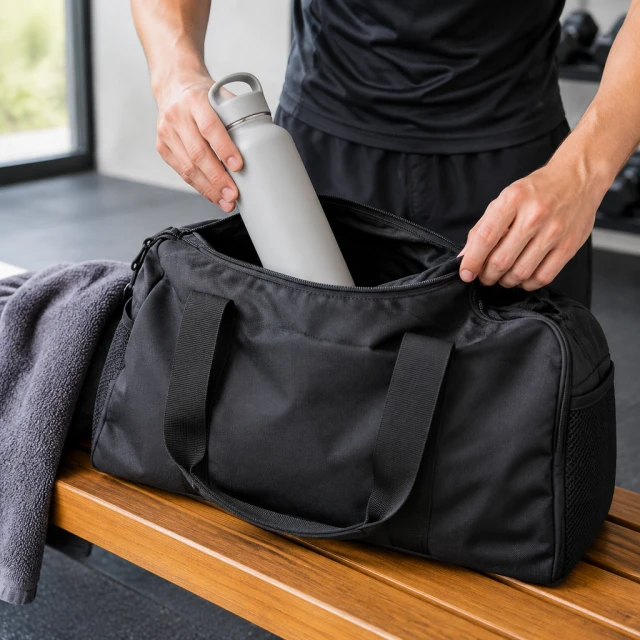
Hands placing a plain reusable bottle into an open dark gym bag on a wooden bench, no face visible.
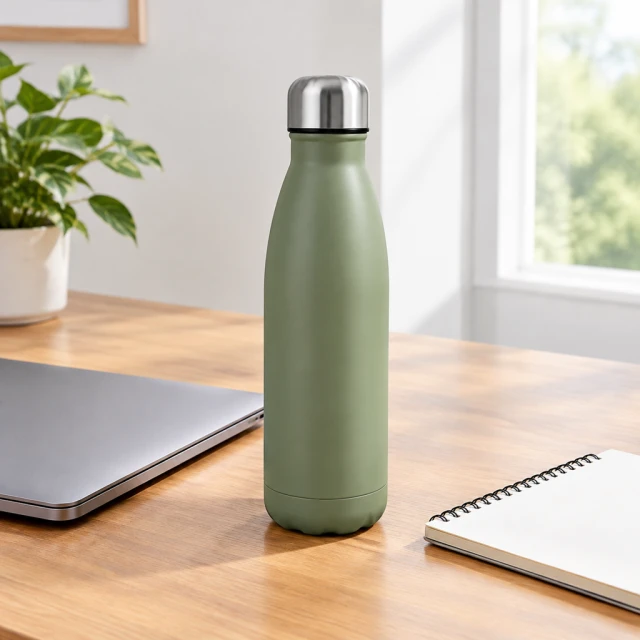
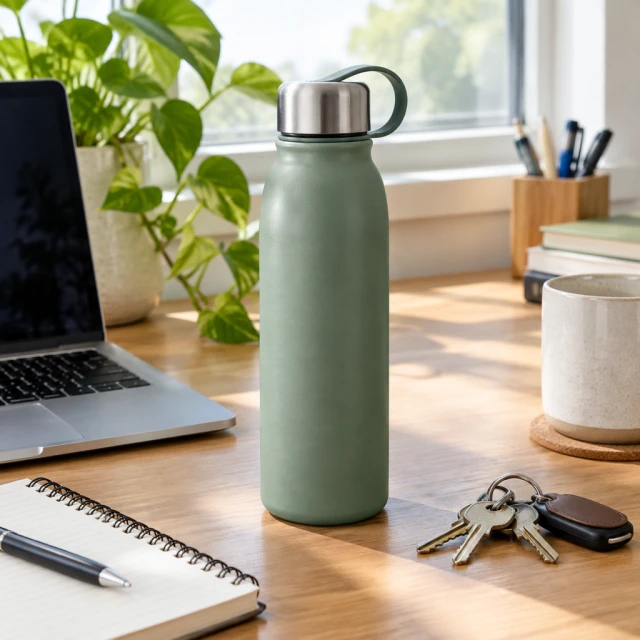
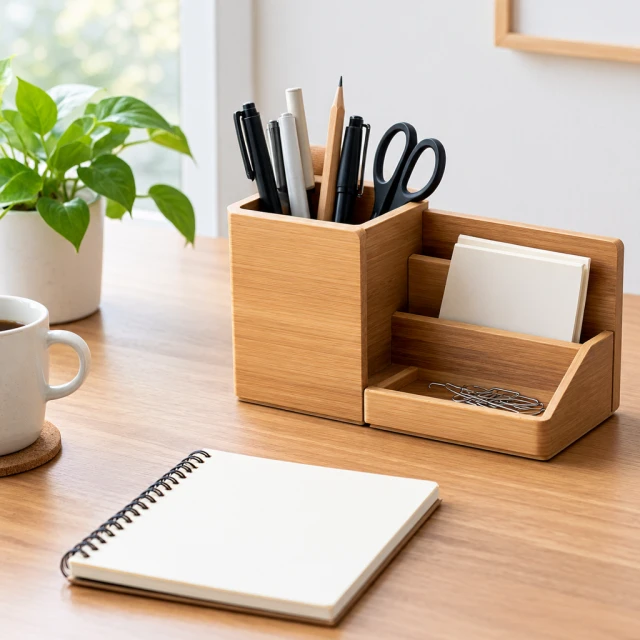
Reusable bottle beside a closed laptop and blank notepad on a tidy desk in daylight.
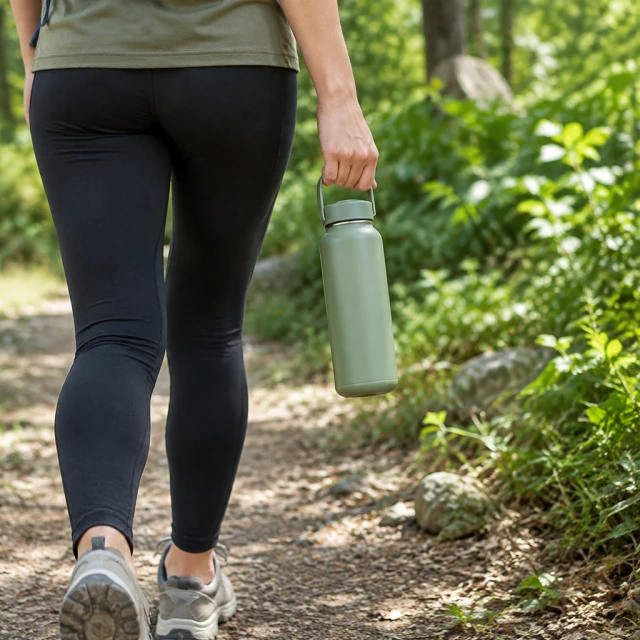
A hand carries a plain reusable bottle along a leafy walking trail, cropped below the shoulders.
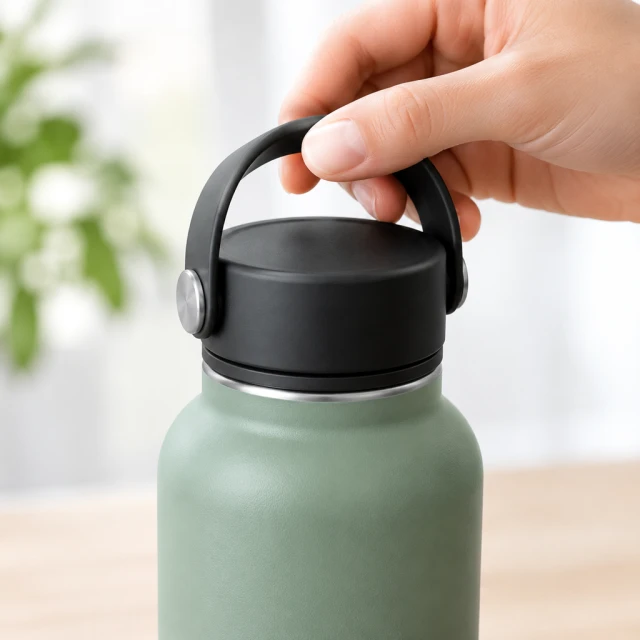
Close square view of a reusable bottle lid and hand, cap shape crisp and fully visible, no markings.
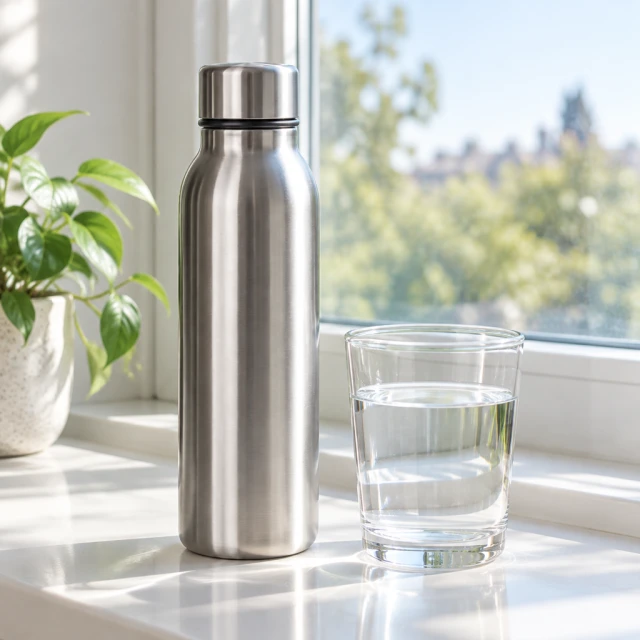
Reusable bottle beside a glass of water on a bright windowsill, natural reflections and soft morning light.

A creator-style photo places a product in an everyday routine, with the product still easy to recognize. Use a clear source image, then describe the setting and one natural action.

How it works

Turn one product photo into a UGC-style scene

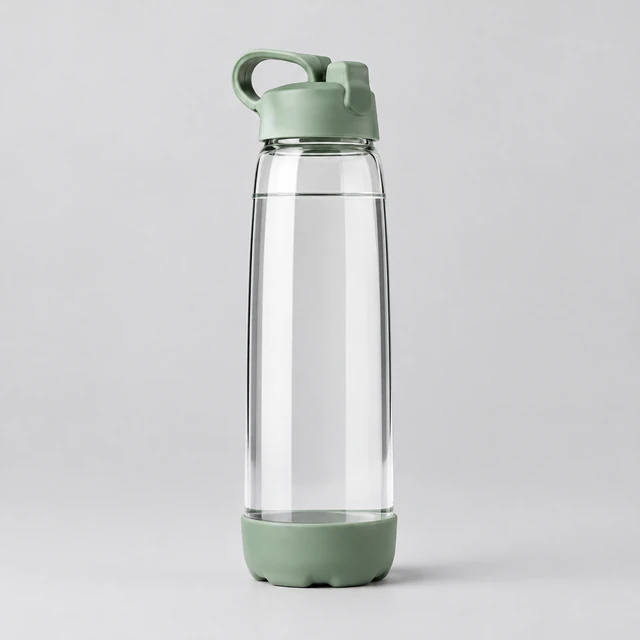
Clear reusable water bottle with a sage green lid alone on a neutral background, front view.
Drop your product photo hereJPG, PNG or WebP · any clear photo works
Step 01

Upload a clear product photo

Show the whole bottle, jar, or package in good light, with its front label facing the camera.

Show this bottle in a relaxed after-workout moment at home, with the sage lid facing the camera.
Template Creator-style photoSize Square
Cost24 credits
Step 02

Describe an everyday moment

Name the person, place, and one action, such as setting a bottle beside a gym bag after a workout.
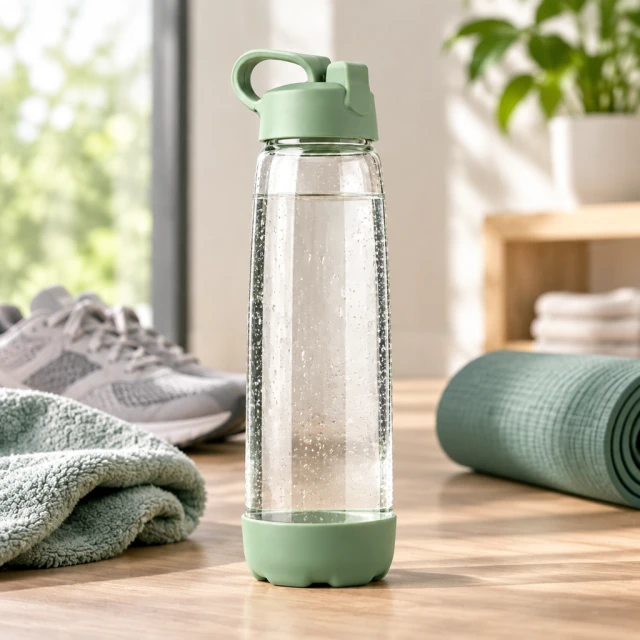
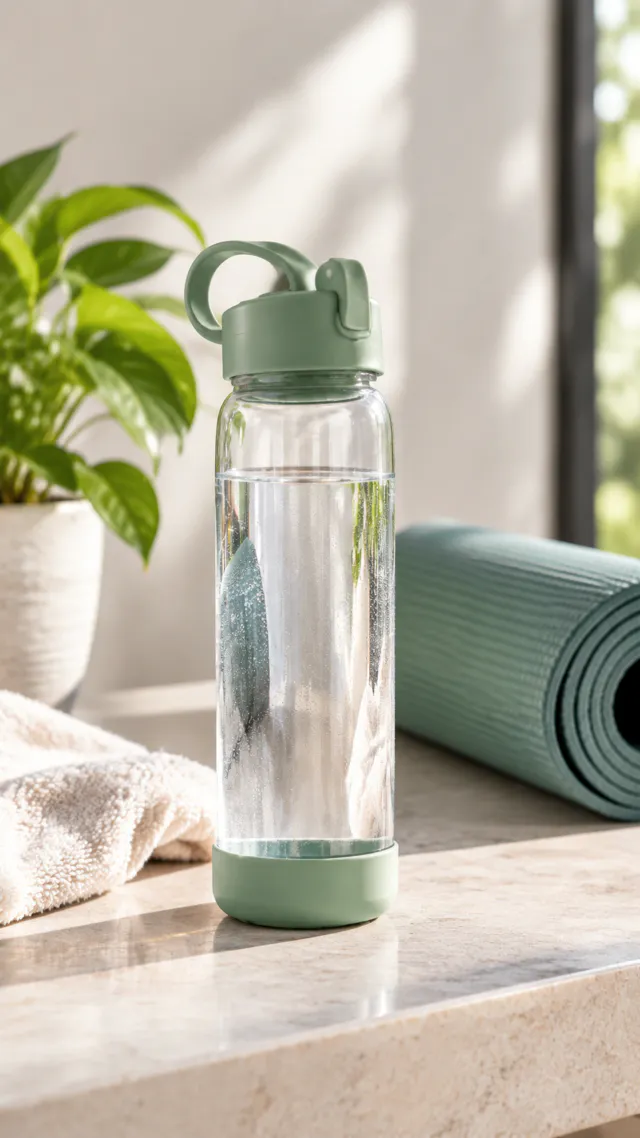
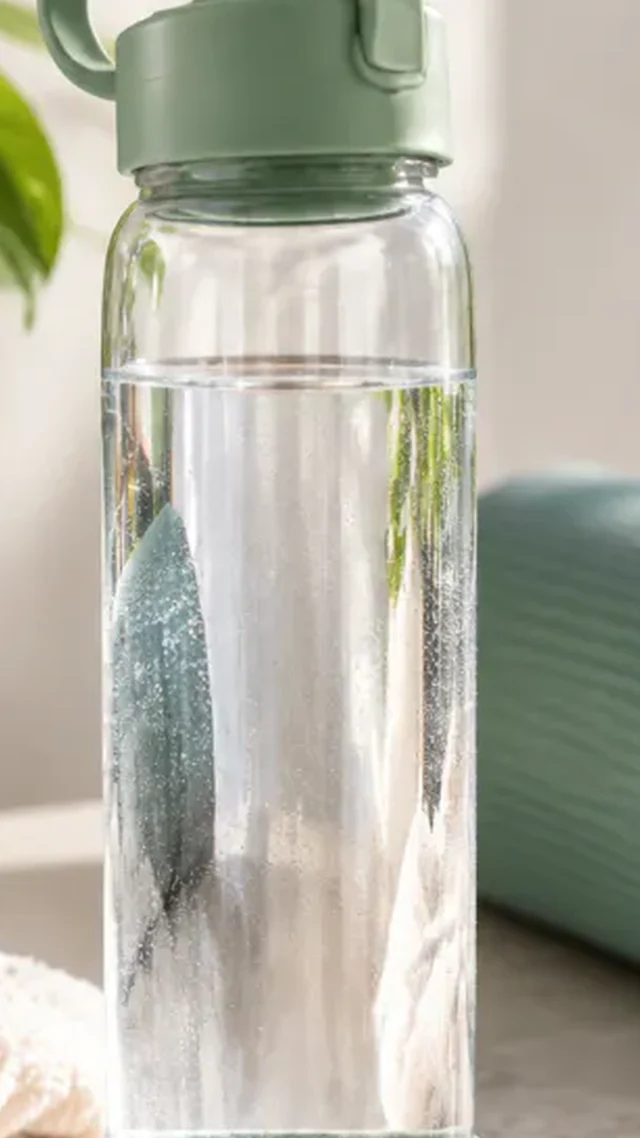
Sage-lidded reusable water bottle with a light curl of condensation in a calm after-workout home setting.
Step 03

Download and add your caption

Download the photo, then add your caption and any offer in your editor.

Choose a scene

Pick an everyday moment for your UGC photo

Pick a moment that suits how someone might use the product.
Where to use it

Where creator-style photos work: feed posts and listings

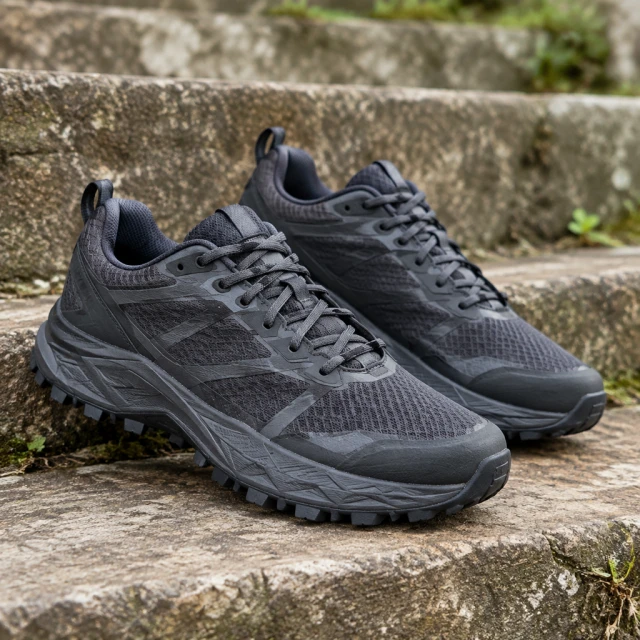
Dark charcoal trail running shoes on weathered outdoor steps, complete pair visible, not canvas low-top sneakers.

Add context to a feed post

A kitchen counter or a gym bag shows followers when they would reach for the product.
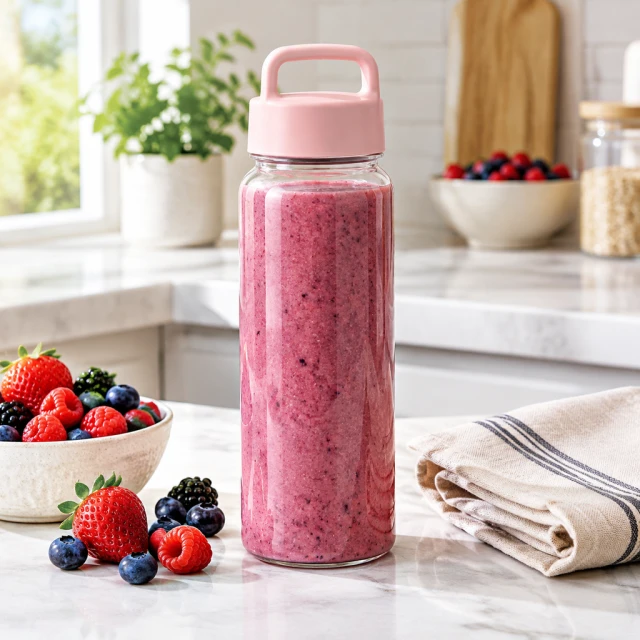
Clear smoothie bottle with berries and a folded linen napkin on a bright kitchen counter.

Give a product page another view

Place it after your white-background photo so shoppers can judge the size next to everyday things.
Start with a clear photo

Start with a clear, complete product photo

✓
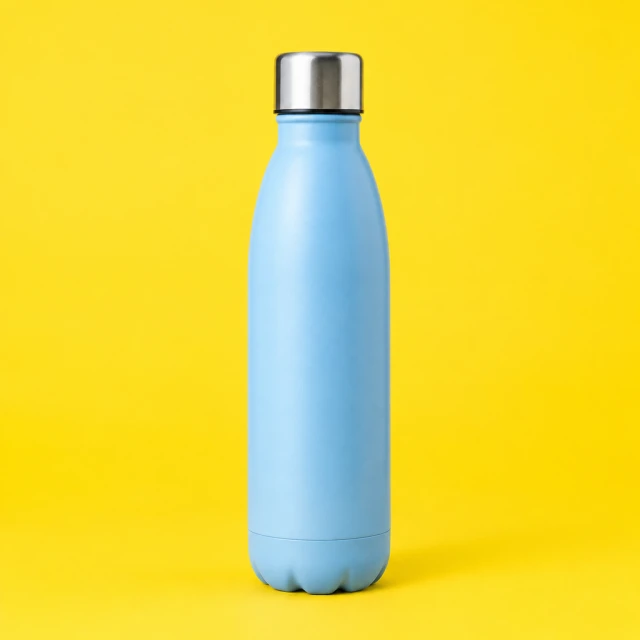
Plain reusable water bottle centered against a vivid yellow studio backdrop, full outline visible.
Full bottle and cap stay clear
✕
Blue bottle and cap softly blurred on a bright yellow background.
Bottle details blur into the backdrop
✓
Vertical customer-style crop of the water bottle
Full bottle fits inside the frame
✕
Reusable bottle framed too tightly at the image edge.
Bottle is cropped at the frame edge
Your result

Square UGC photos for Instagram and product pages

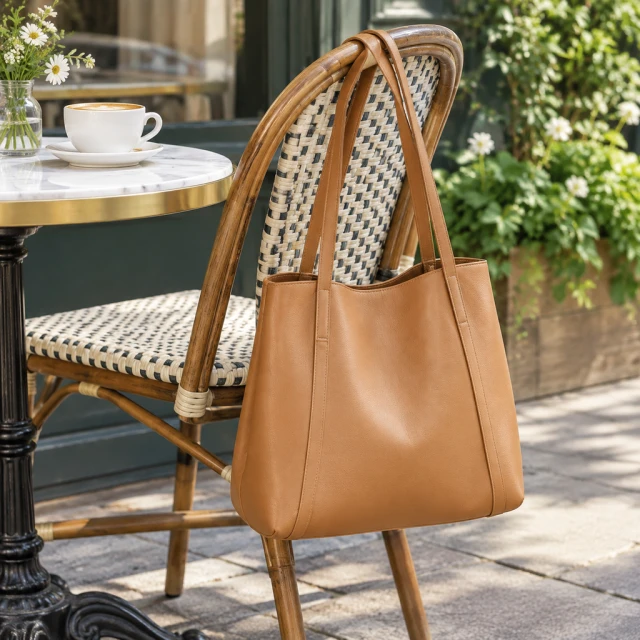
Plain tan leather handbag hanging from a cafe chair beside a cup, full bag visible.
Casual square product photoSquare photo · 24 credits
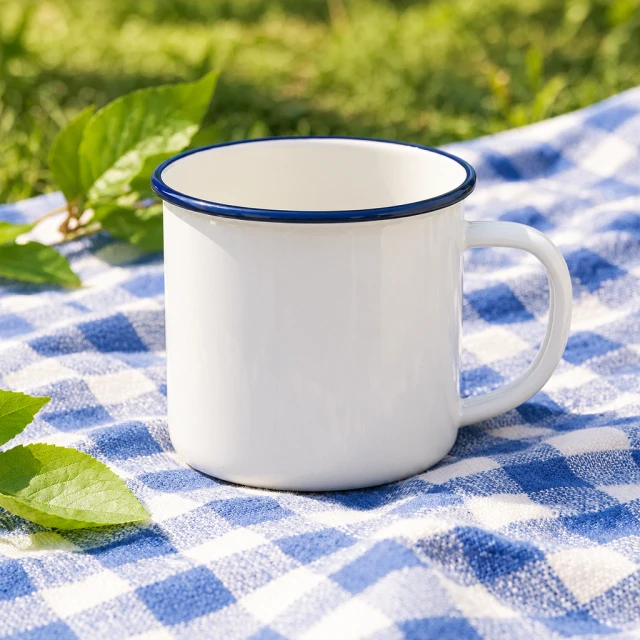
Plain enamel camping mug on a summer picnic blanket with a few leaves in the background.
Outdoor lifestyle photoSquare photo · 24 credits
After download

Add your caption and offer after download

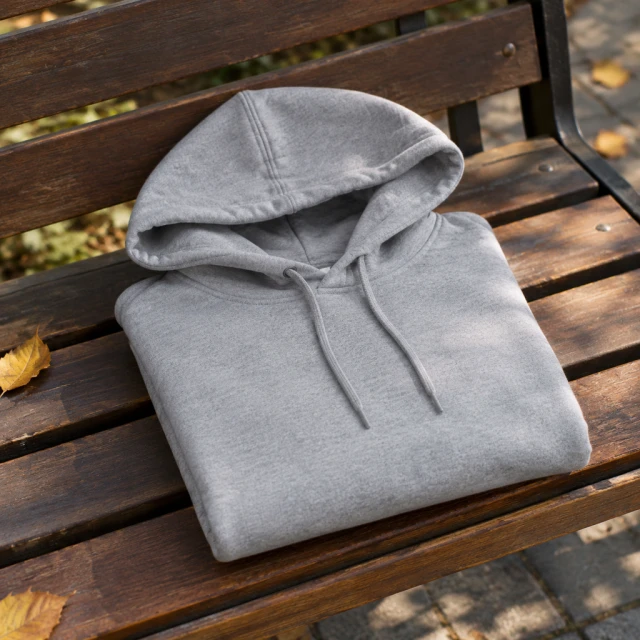
Plain gray cotton hoodie folded neatly on a park bench in soft daylight.
CaptionOffer

These details are added in your editor after download.

  • Write a short caption in your editor, such as where the bottle goes with you each day.
  • Put the offer or code in an empty corner of the scene so it never covers the product.
More templates

More creator-style photo templates

Choose another everyday scene, then add your product photo.
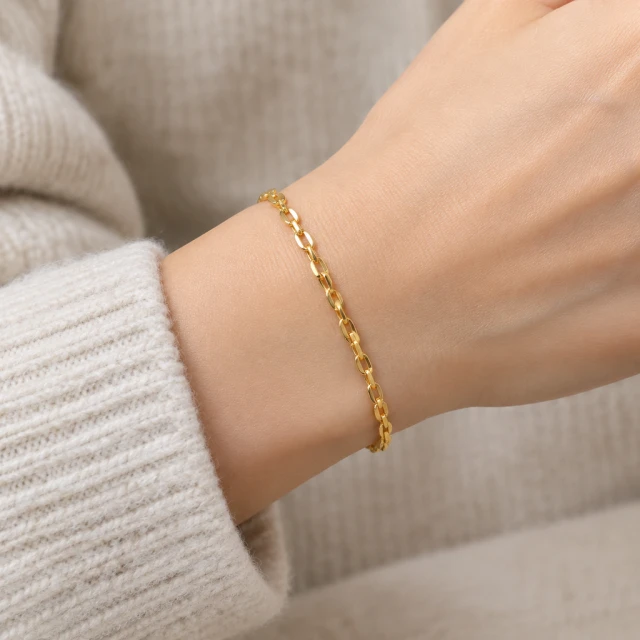
Plain gold bracelet on an adult wrist beside a neutral knit sleeve, close view.

Jewelry On Model

Necklaces, rings and earrings, worn

Jewelry & AccessoriesInstagramShopify
Use this template →
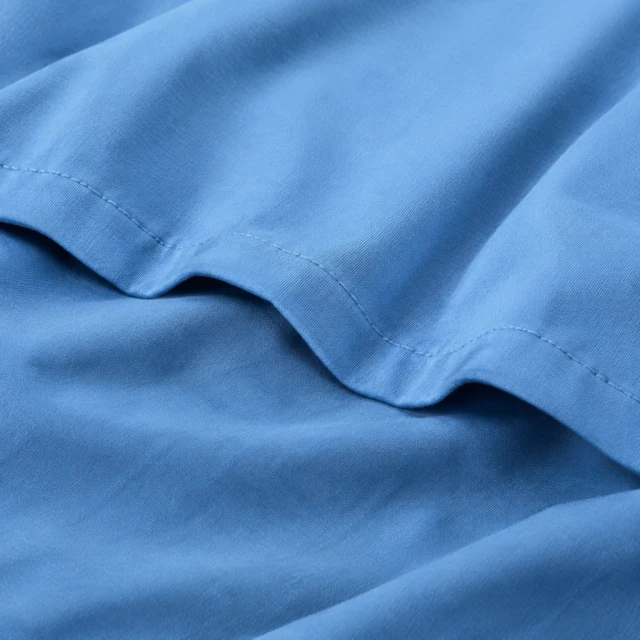
Close view of blue cotton fabric with visible plain stitching and soft folds.

Lookbook

Editorial photos for your collection

Fashion & ClothingInstagram
Use this template →
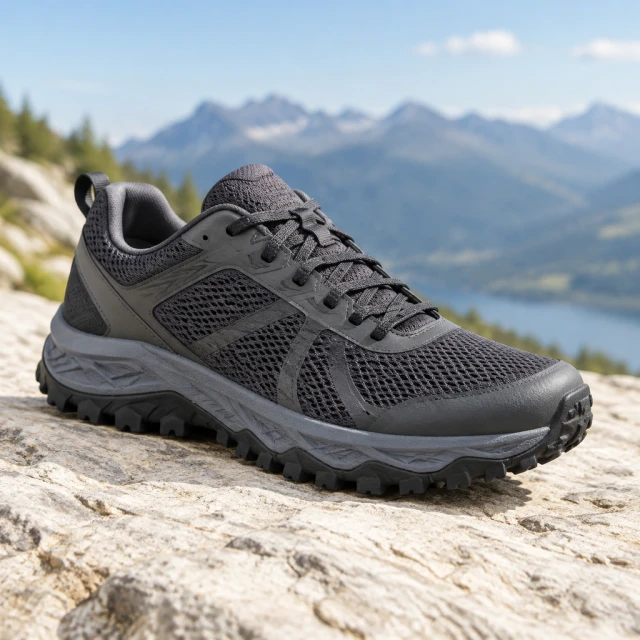
Charcoal trail running shoe with visible mesh and laces on a pale stone surface.

Feed Ad

Scroll-stopping image for social feeds

ShoesFacebookInstagram
Use this template →
Examples

More creator-style stills

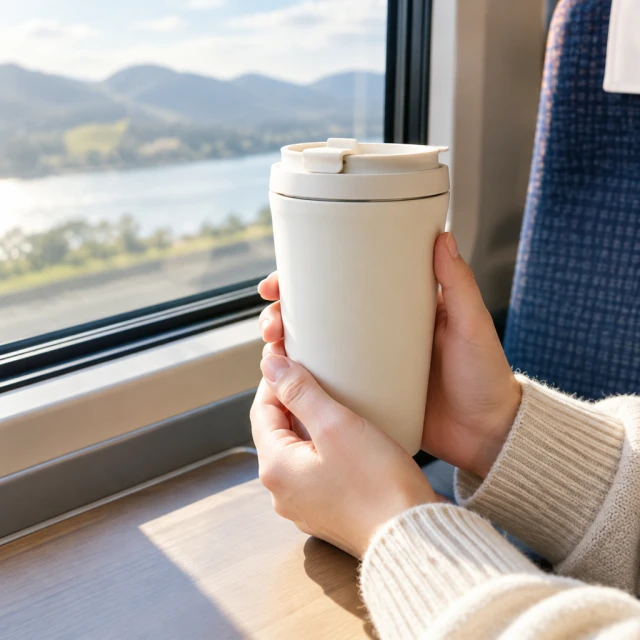
Casual everyday scenes show a different kind of product in use.
FAQ

Questions about creator-style product photos

Can the photo show health benefits of my product?

Show the product being used, not what it does for the body. Leave out before-and-after looks and claims like more energy or weight loss, in the image and in your ad text.

Can I choose who appears in the photo?

You can describe the person: age range, style, and what they're doing. Each run creates a new person, so the same face won't appear again in your next image.

Does this work for TikTok?

Yes, as a photo post or carousel that matches the casual tone of the feed. If you want moving footage, use one of the video tools instead.

What size works for a UGC style product photo?

Use a square image for feed listings or place it on a tall Story canvas in your editor. For full-screen motion, use a 9:16 video. Add exact claims and pricing yourself after download.

Keep reading

Guides and articles

Try Creator-Style Photo with your product

Upload one product photo. See the cost before you start.