AIVideosUGC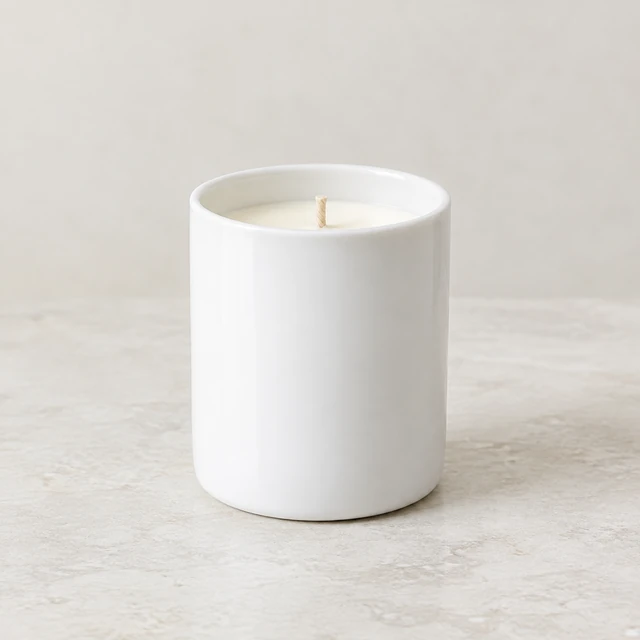
Drop your product photo hereJPG, PNG or WebP · any clear photo works
Step 01
Upload a product photo
The product on its own, with its whole shape visible. You describe the box in step 2.
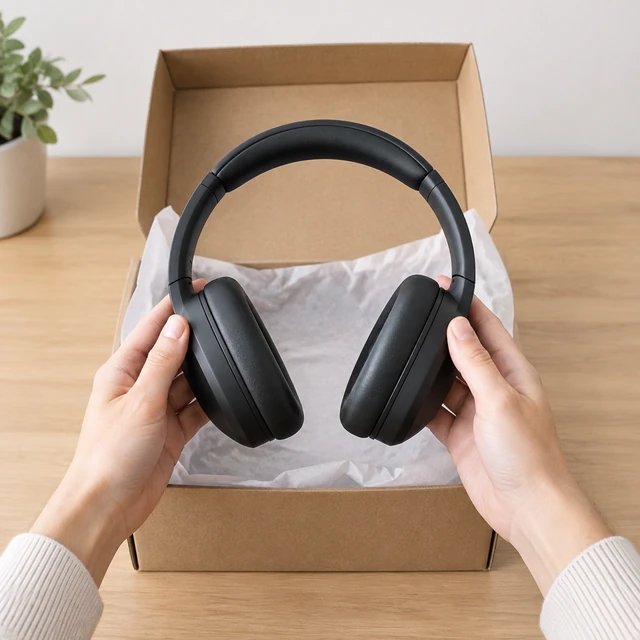
Show hands opening a box and lifting your product out, starting from one product photo. Describe the box and tissue you really ship with.
Plans from $24.50 a month. You see the credit cost before every job, and if a job fails its credits go back to your balance.
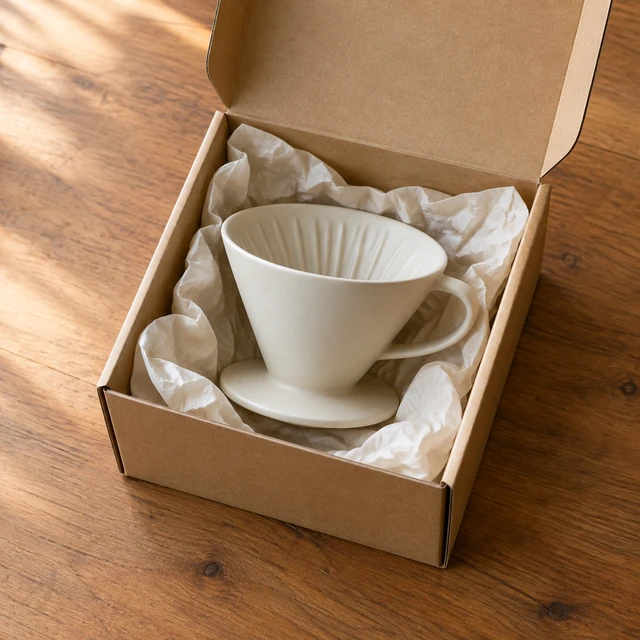
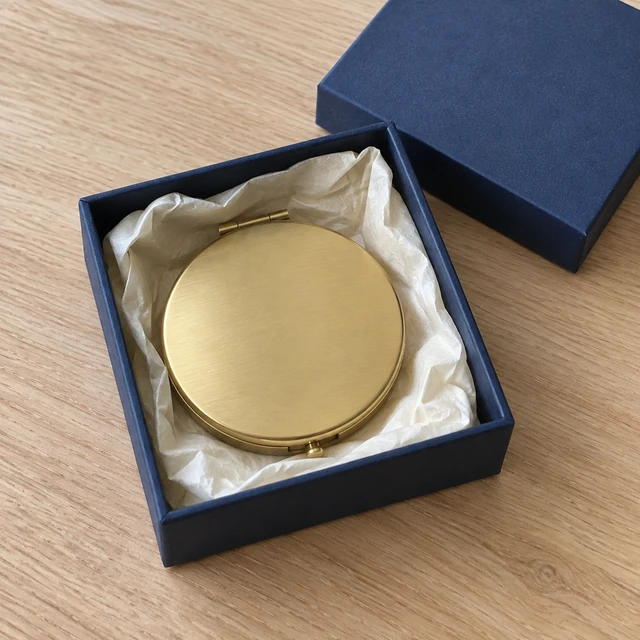
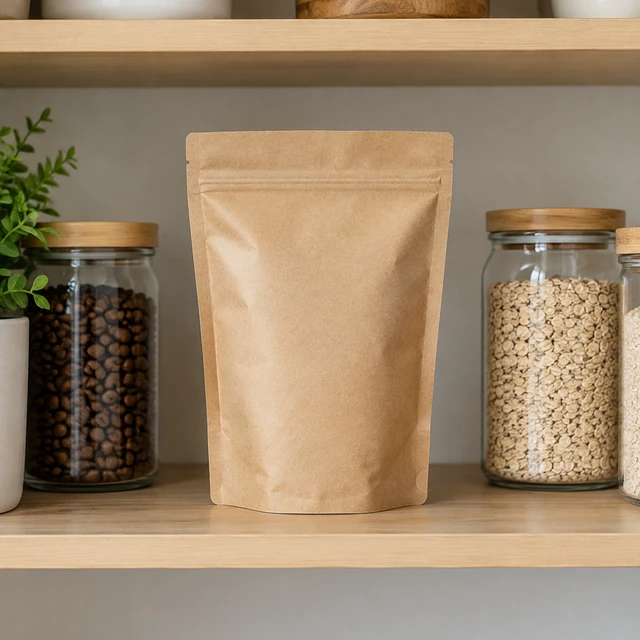
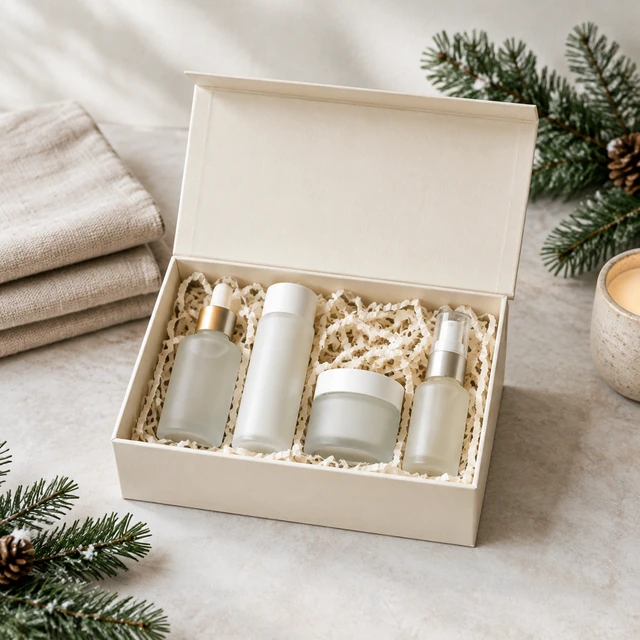
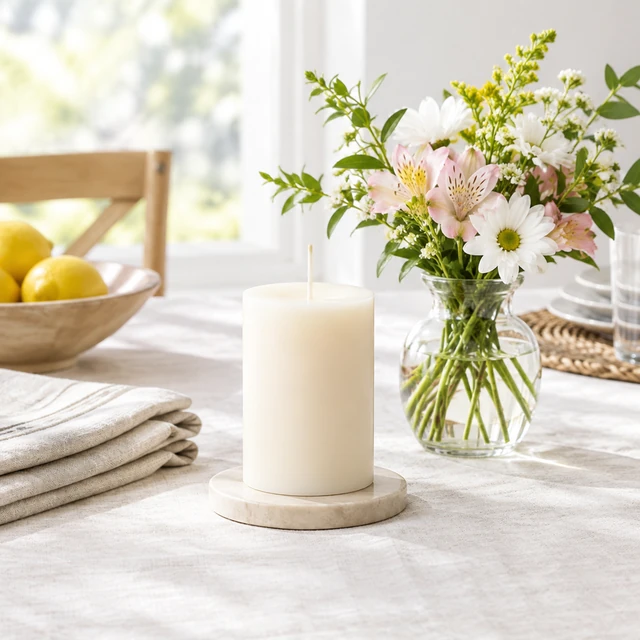
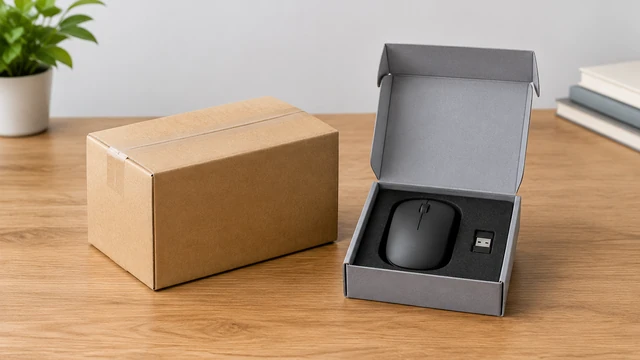
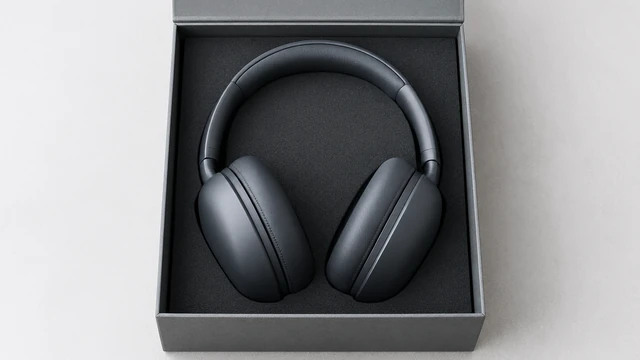
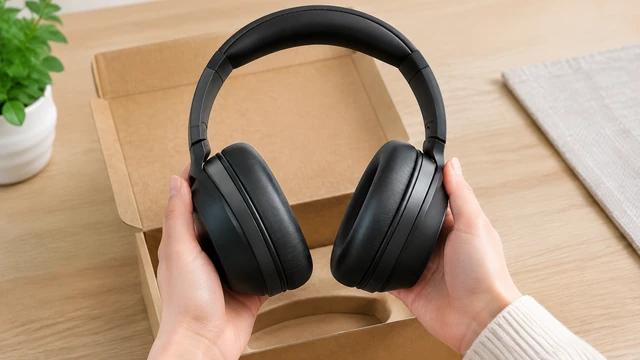
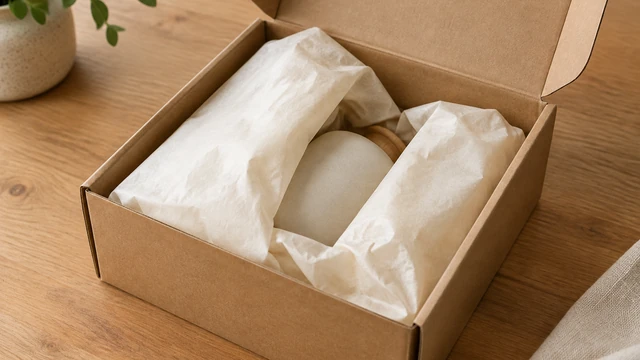
An unboxing clip follows a simple reveal: open the outer package, move aside one layer of wrapping, and show the item. Describe the materials and order you use so the preview stays close to the package customers receive.
The product on its own, with its whole shape visible. You describe the box in step 2.
Box, wrapping and what comes out first, like "kraft box, cream tissue, candle".
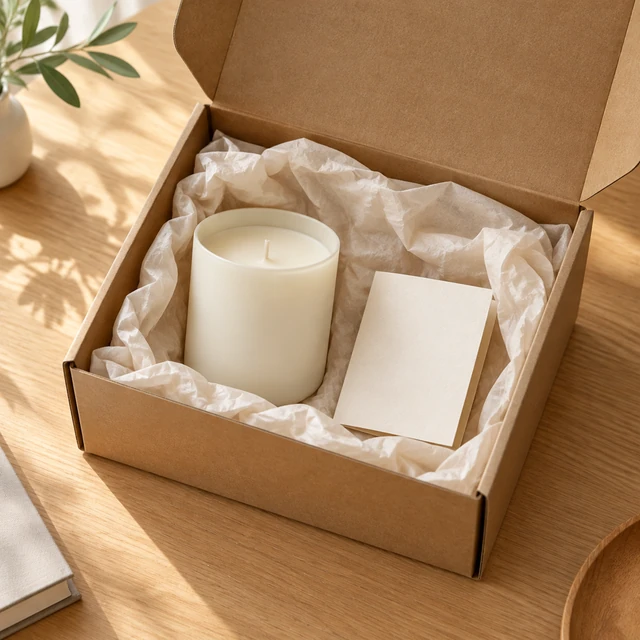
If the box doesn't look like yours, describe it again and make another.
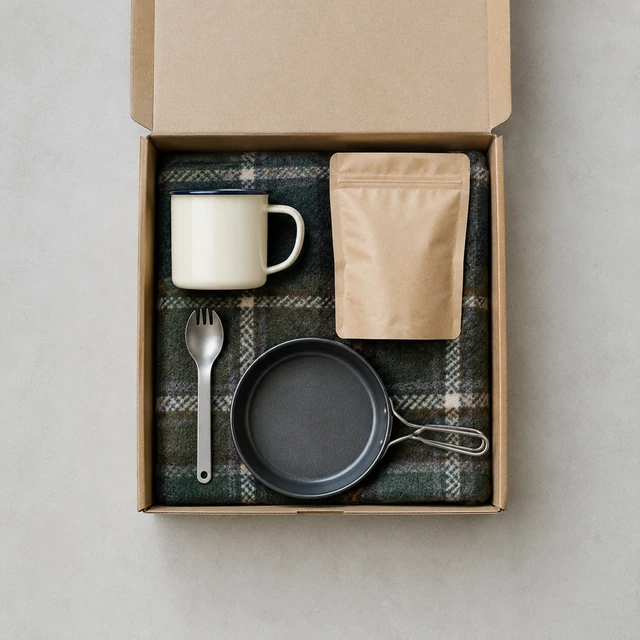
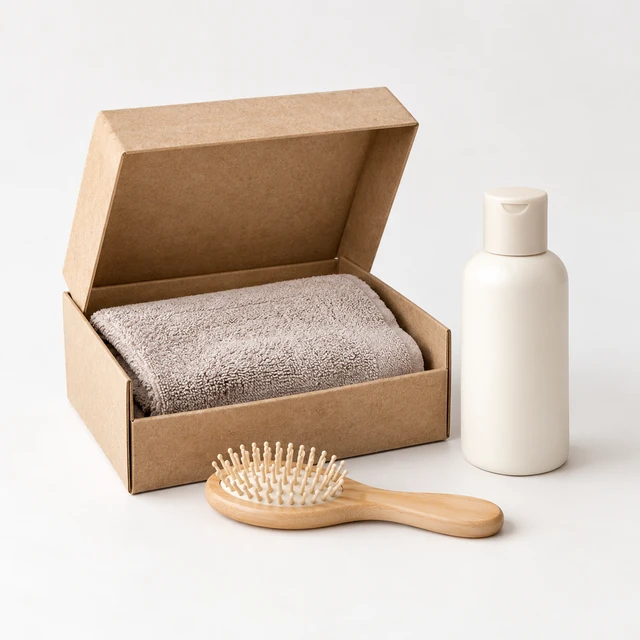
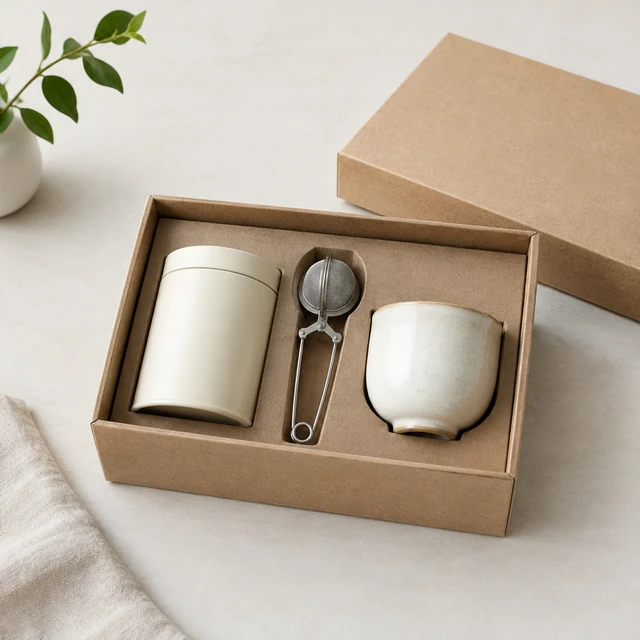
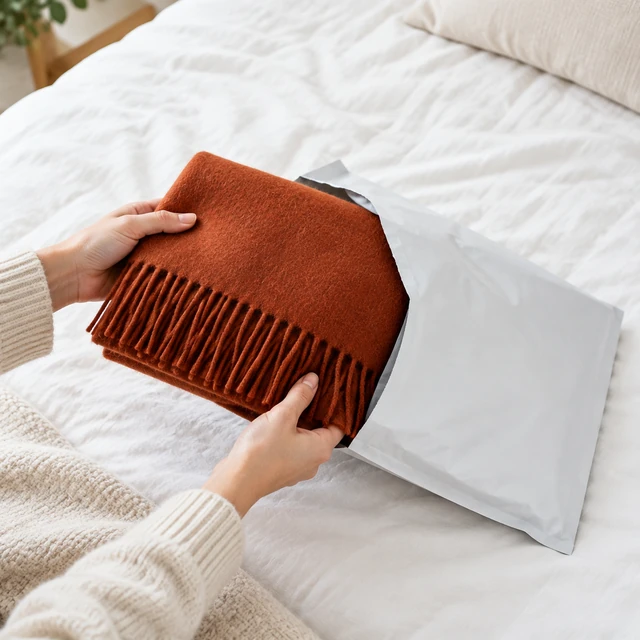
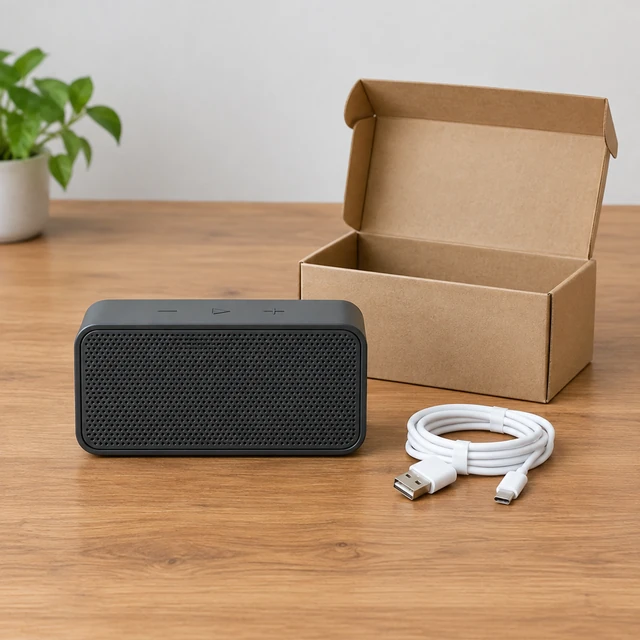
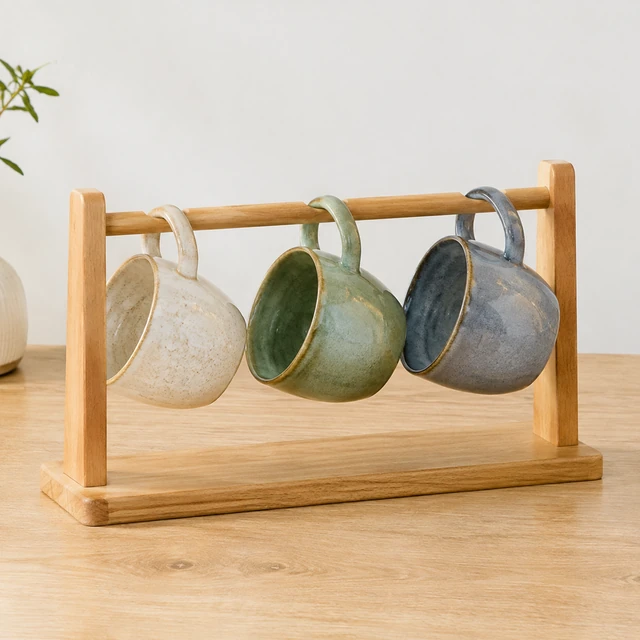
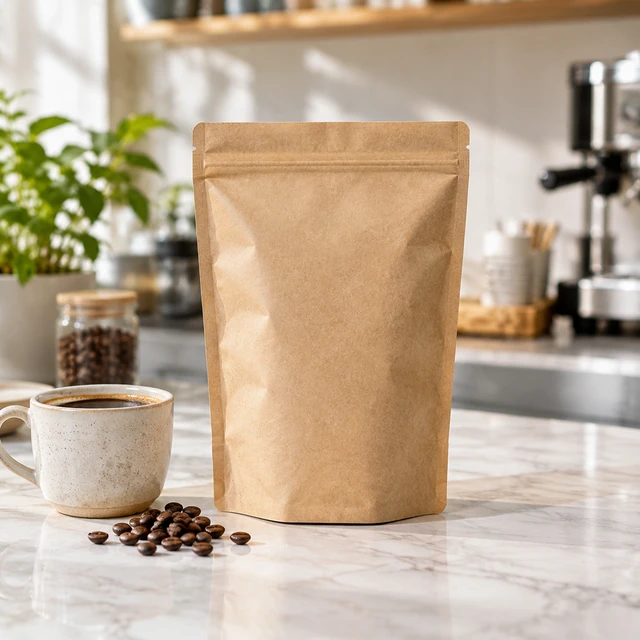
See box and reveal ideas for a mug set, a candle and small everyday items.
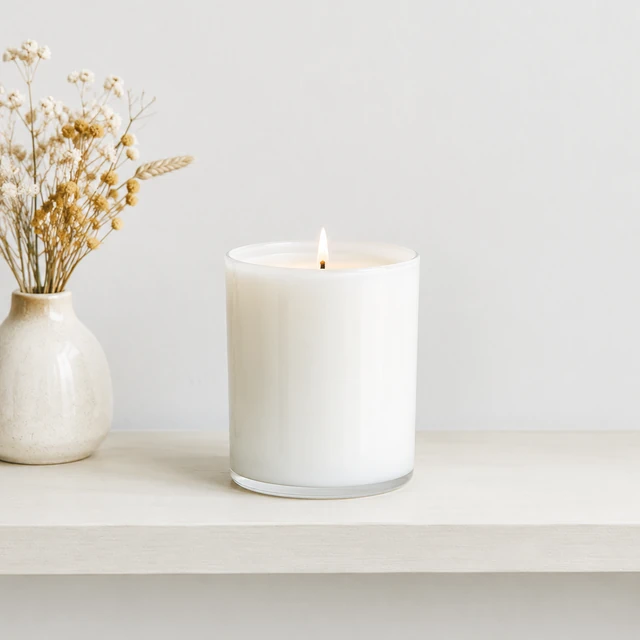
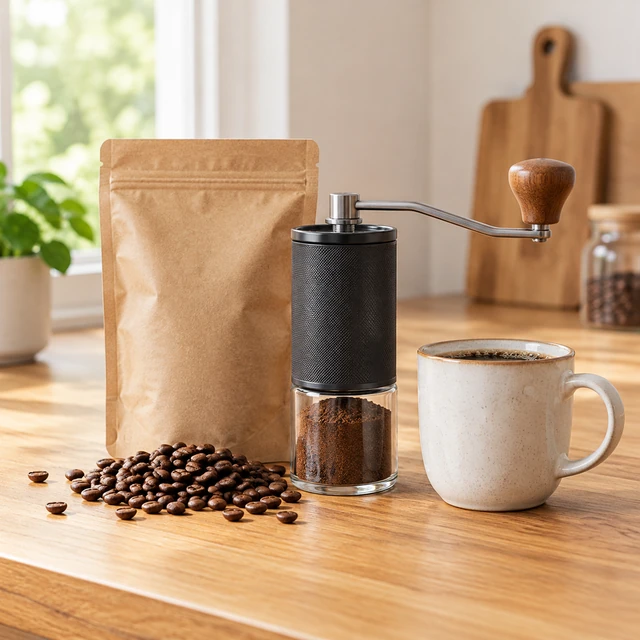
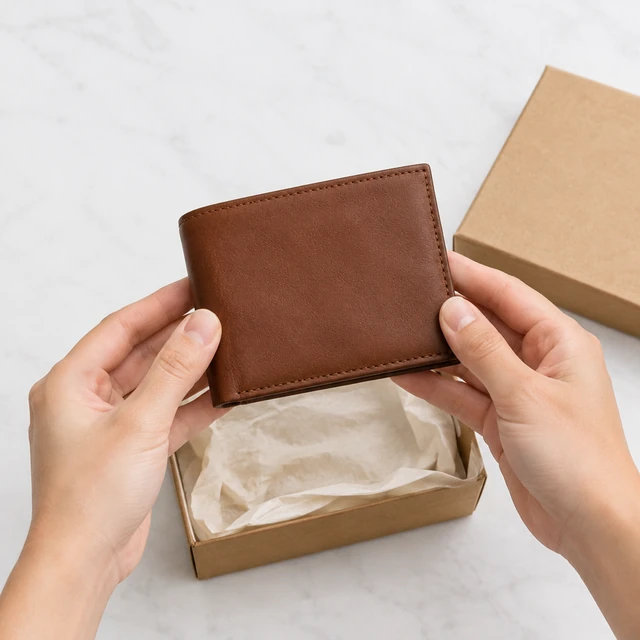
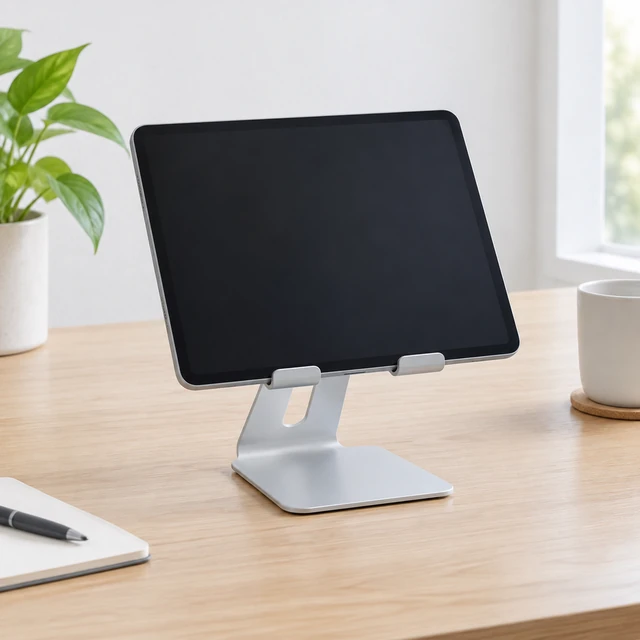
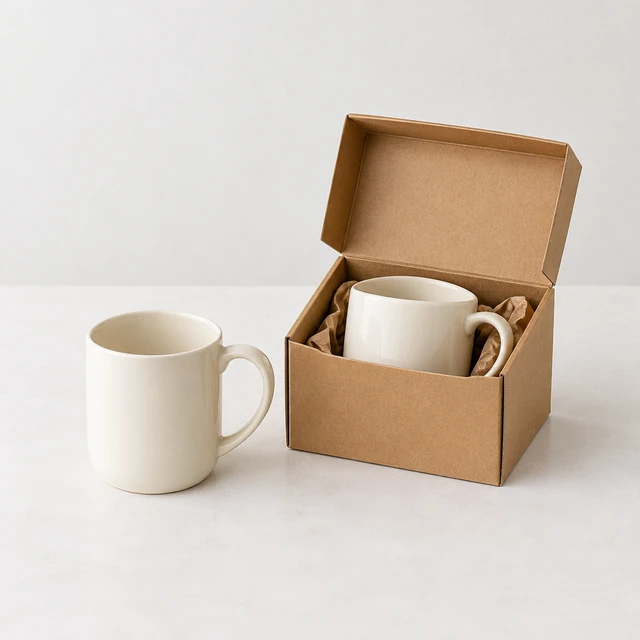
Show the box and the product together before launch day.
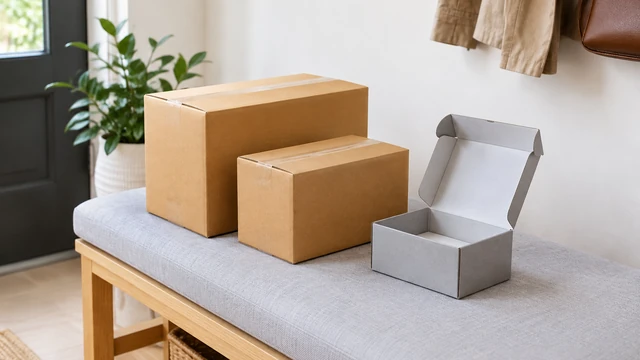
Shoppers see what arrives at their door, box and all.
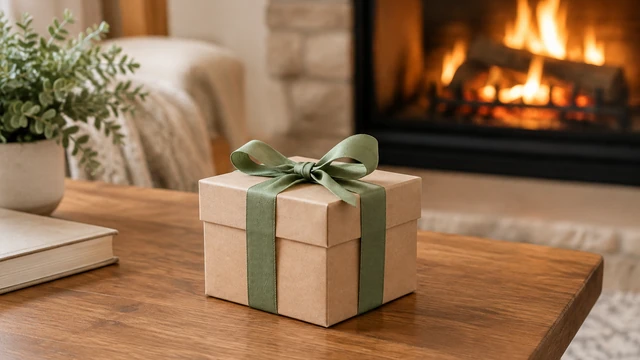
These details are added in your editor after download.
Pick one, add your product photo and get the same look.
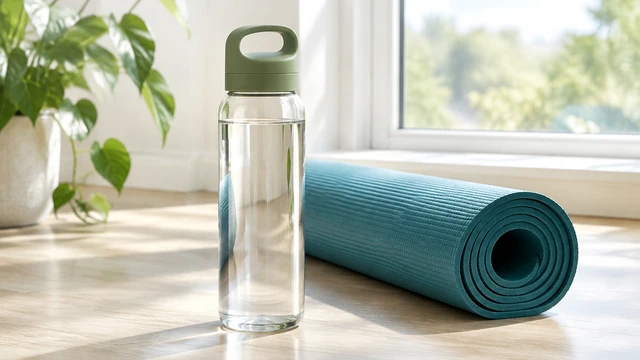
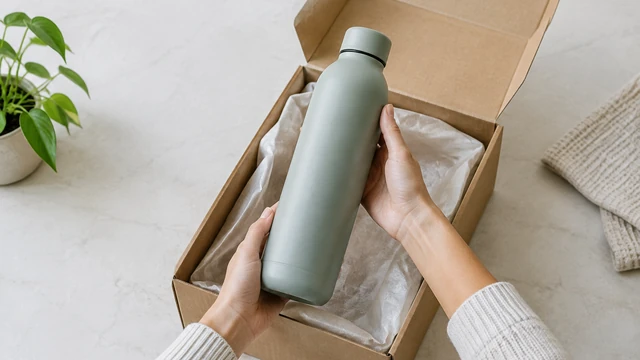
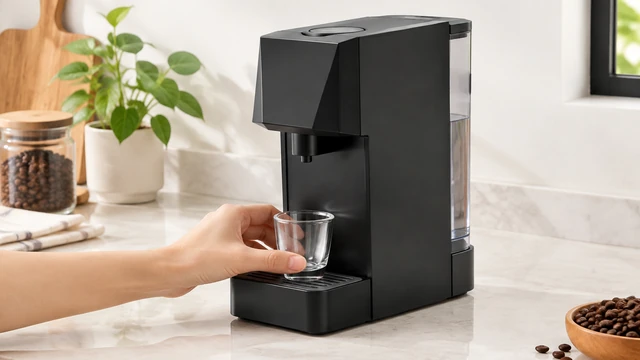
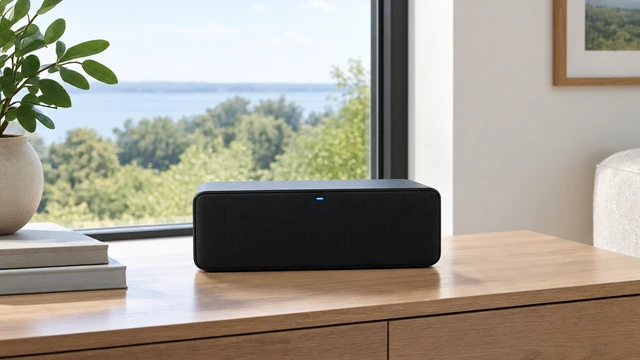
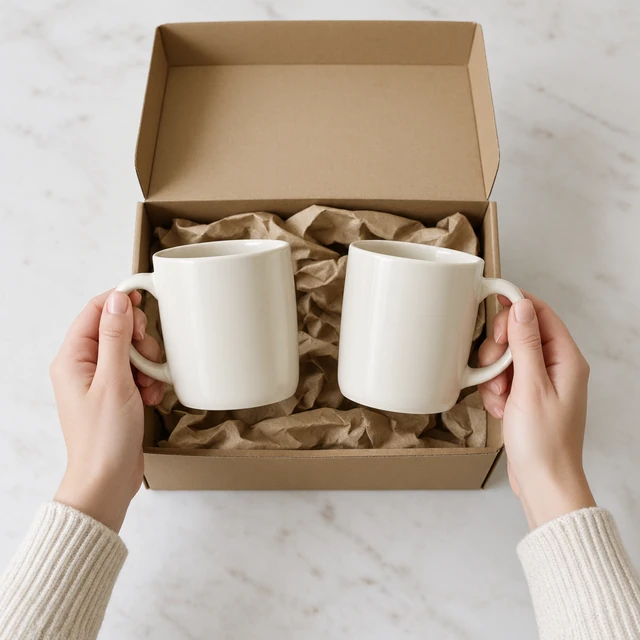
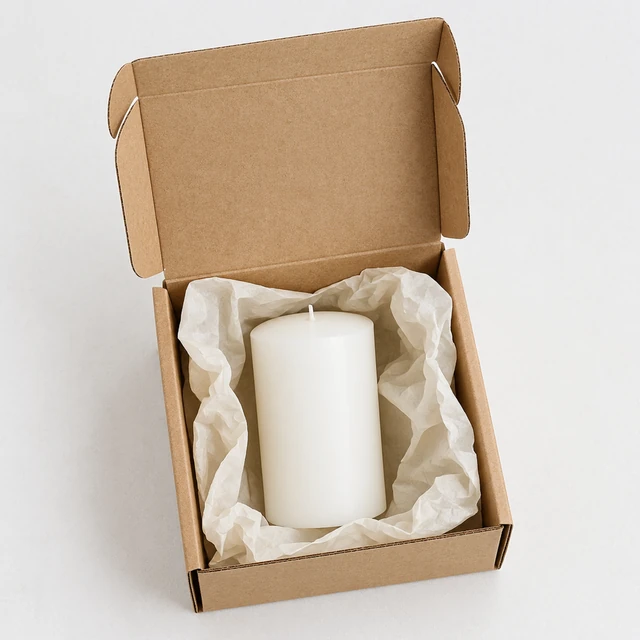
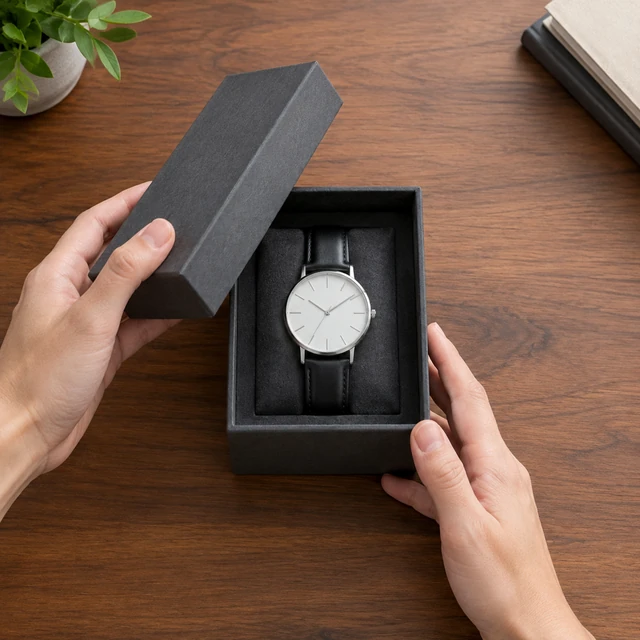
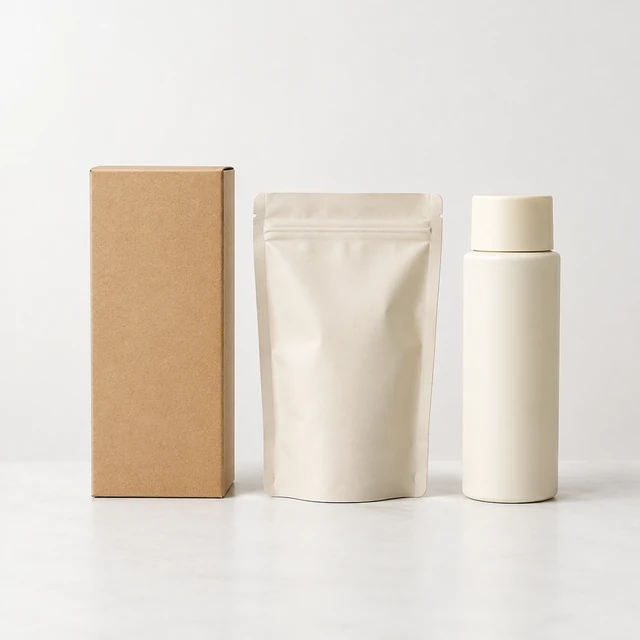
Different boxes, different reveals. Pick the one closest to how your product really ships.
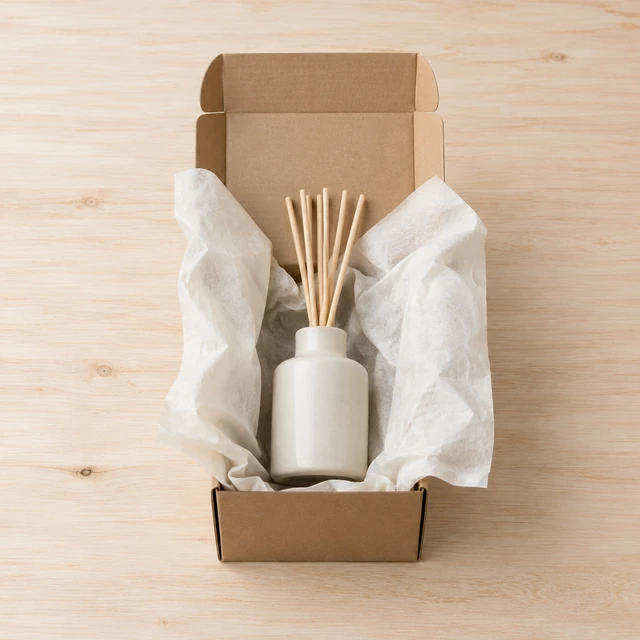
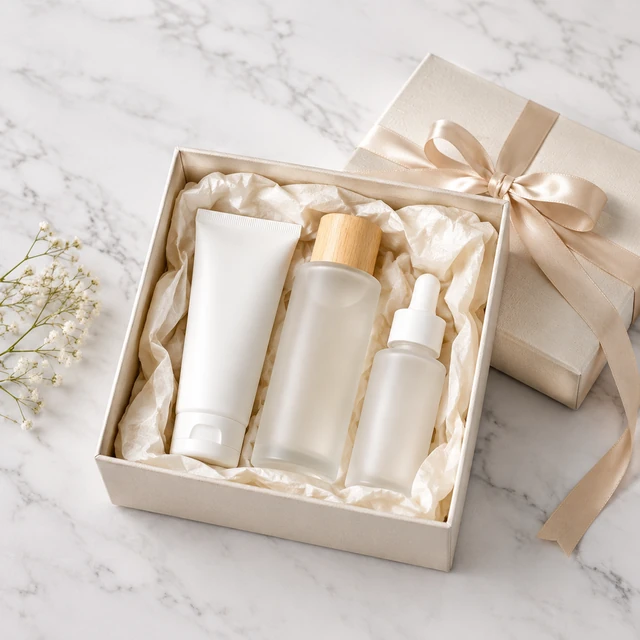
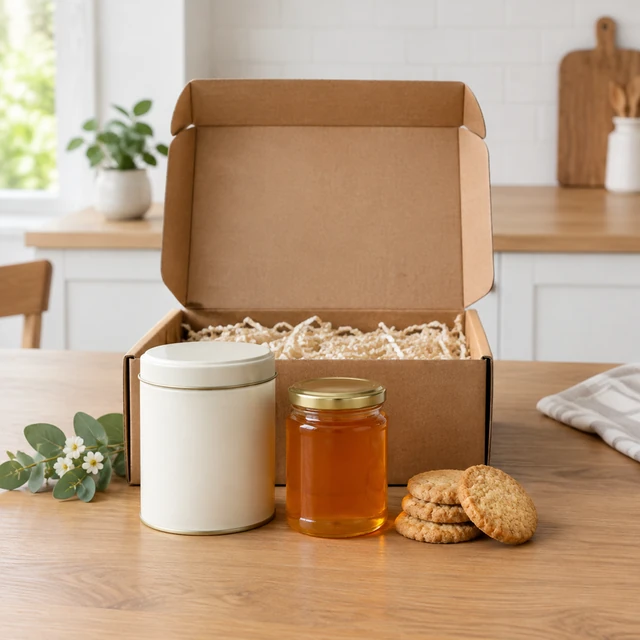
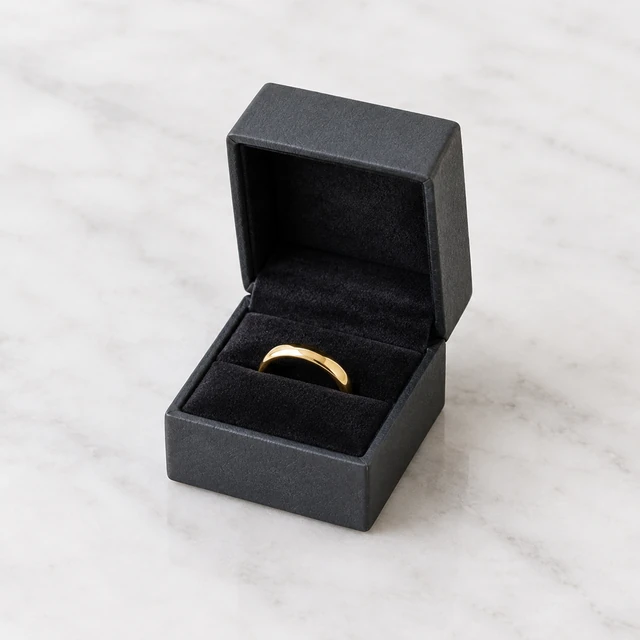
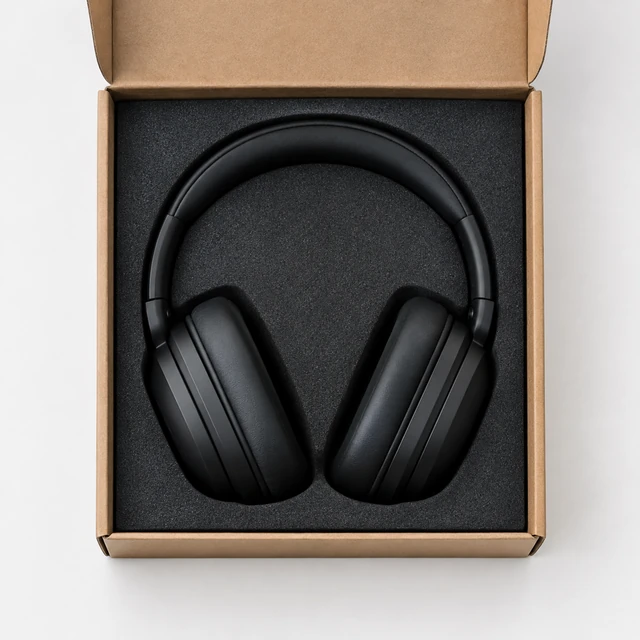
No. Upload the product itself and describe the box, wrapping and inserts you use.
Don't count on it. Logos and printed words can come out slightly wrong in AI video, so describe the box by color and finish, then add your logo on top in CapCut. Requests that use logos or trademarks you don't own may be refused.
Choose 6 seconds for a quick reveal, 10 to open the box and lift the item, or 15 to show several pieces.
Yes. Upload a photo of the set and list what's inside, such as “three candles and a matchbox in a ribbon-tied box.” A few items usually come out cleaner than a crowded box.
Upload a product photo and see the cost before you start.