AIVideosUGC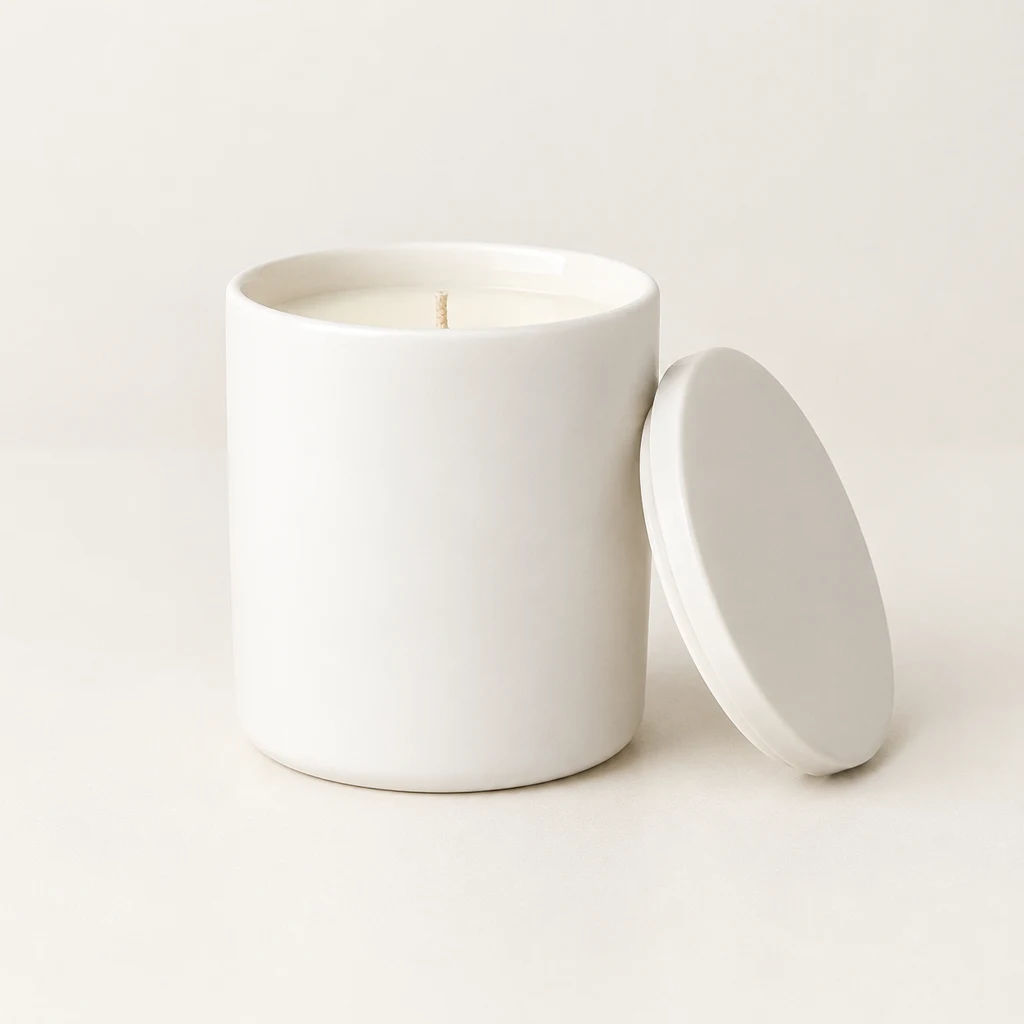
Drop your product photo hereJPG, PNG or WebP · any clear photo works
Step 01
Upload a product photo
A clear image with the whole item in frame gives you a useful starting point.
Use an AI product photo generator to make listing, lifestyle, on-model, or detail photos from one product image. Choose the photo tool that fits where you need to show the item.
Plans from $24.50 a month. You see the credit cost before every job, and if a job fails its credits go back to your balance.
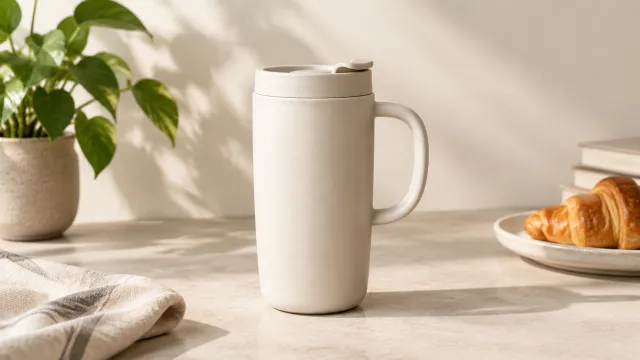
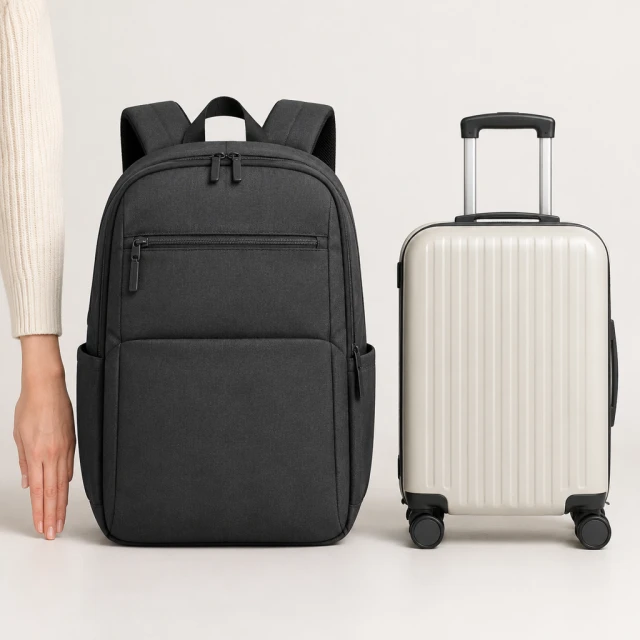
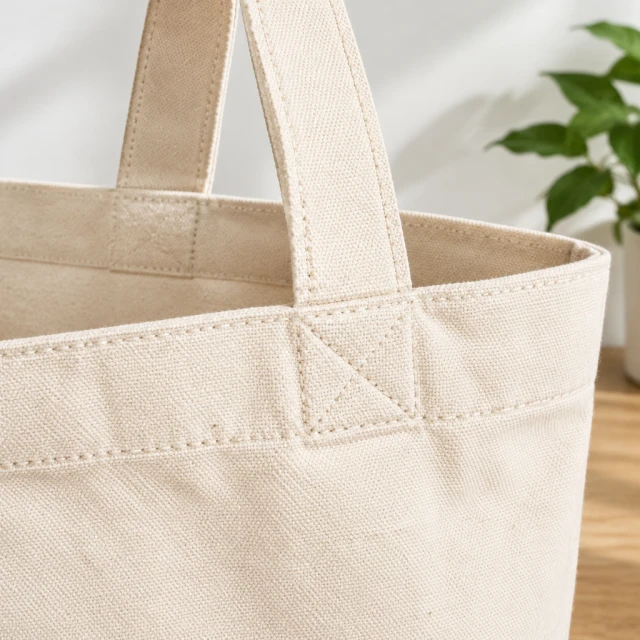
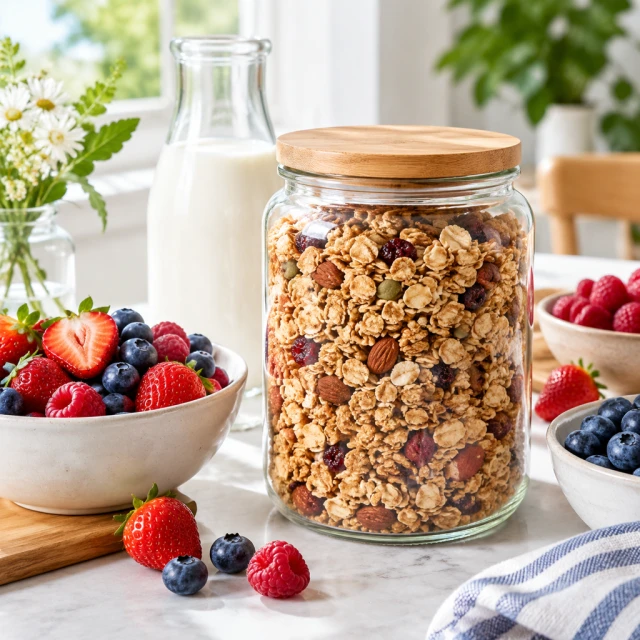
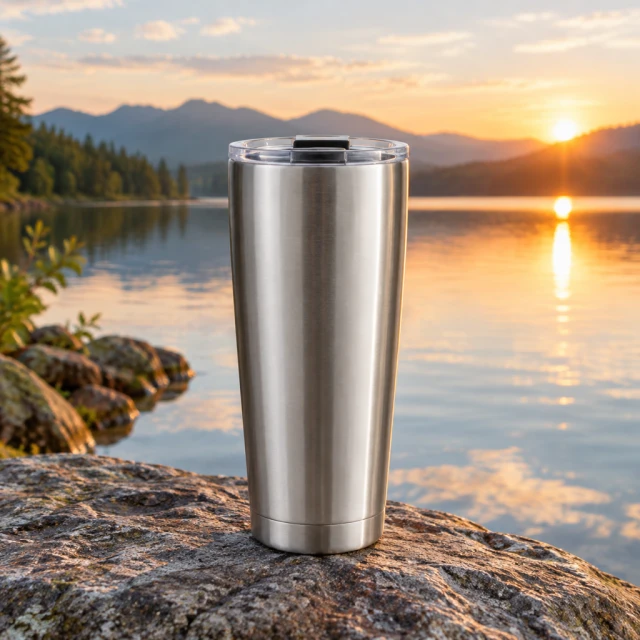
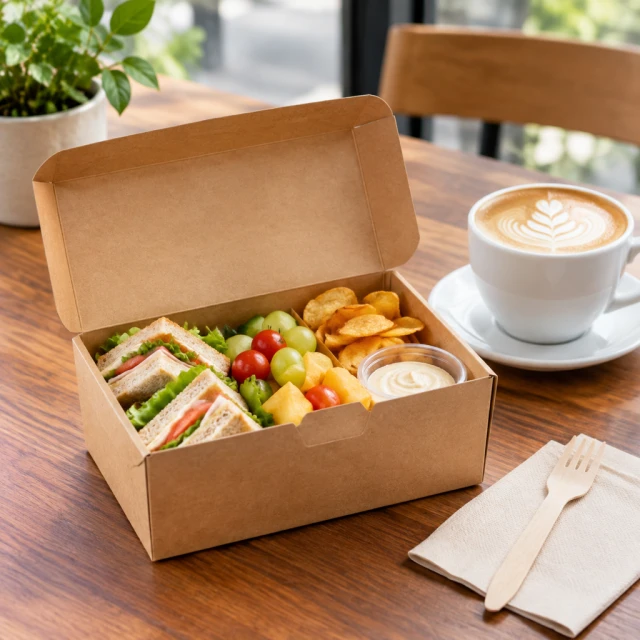
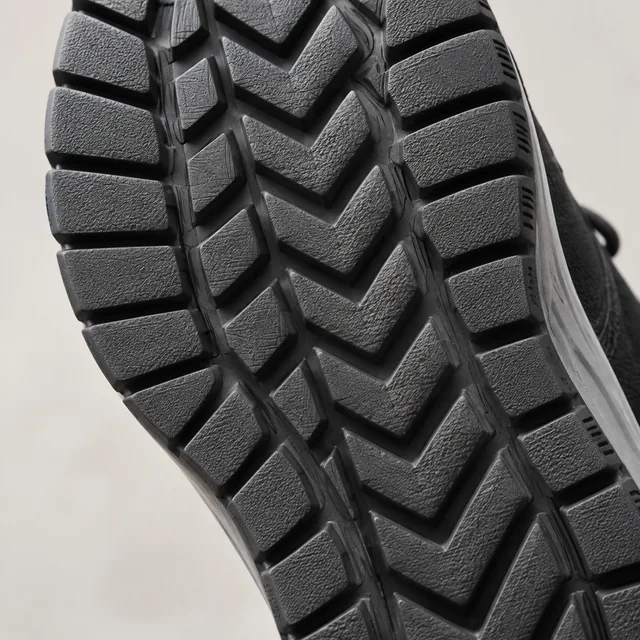
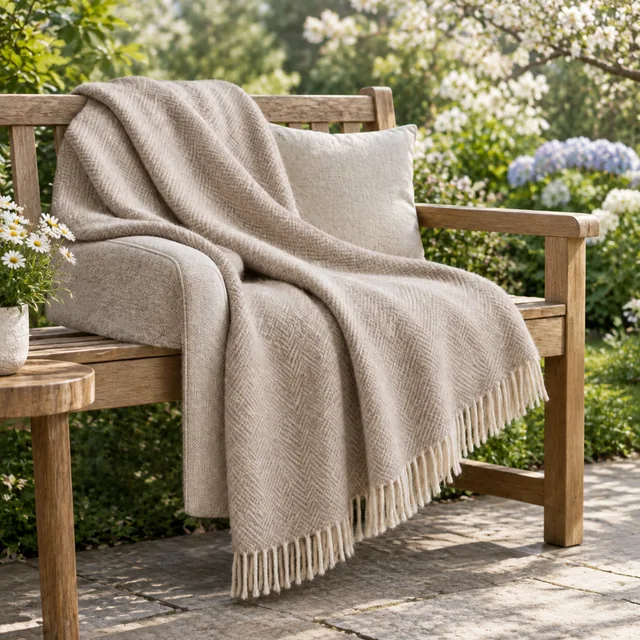
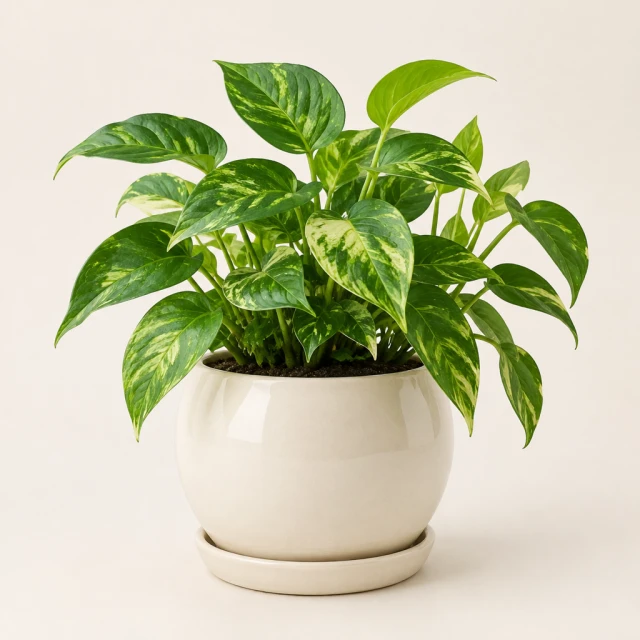
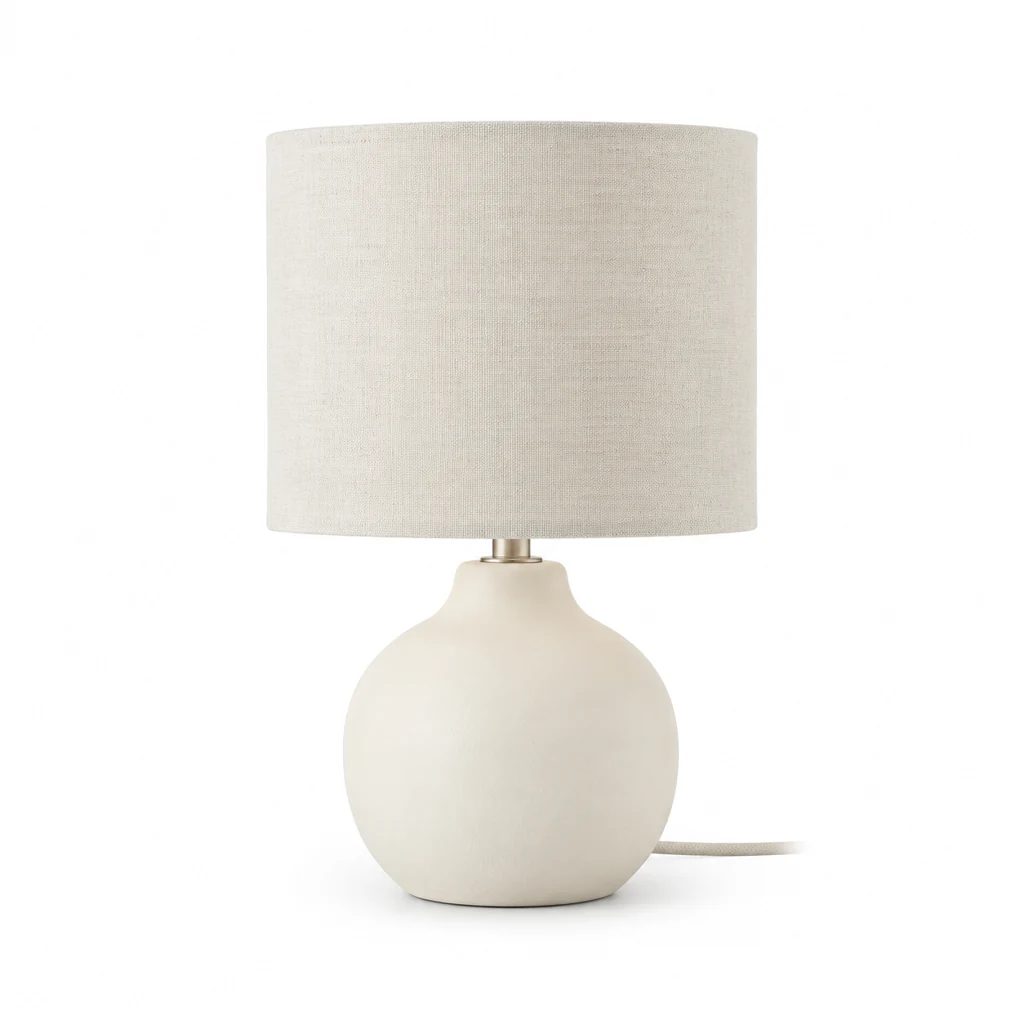
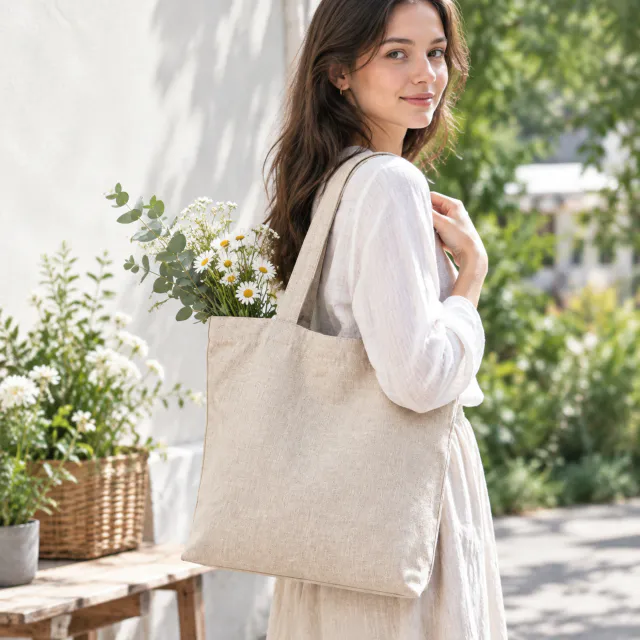
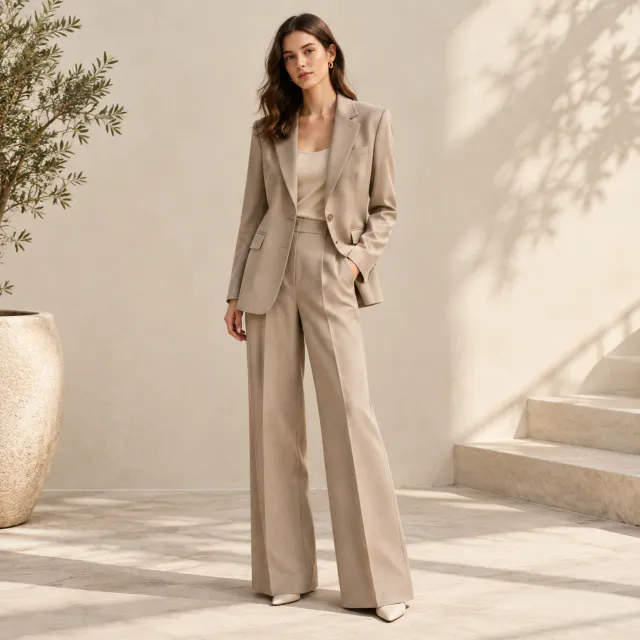
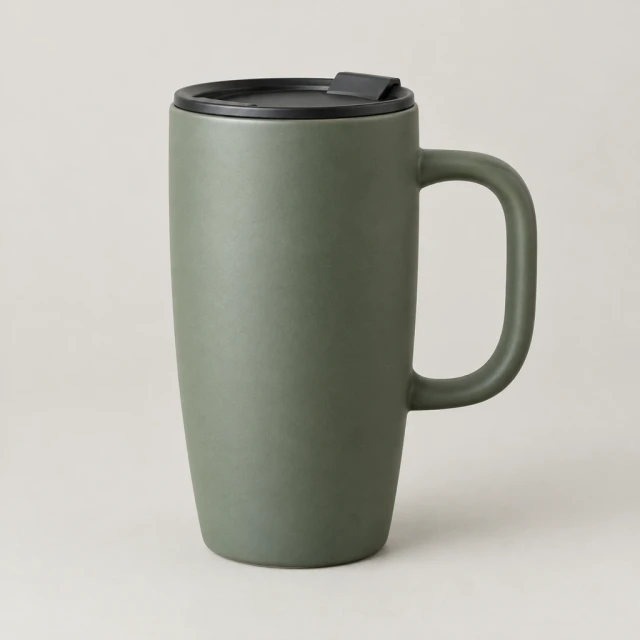
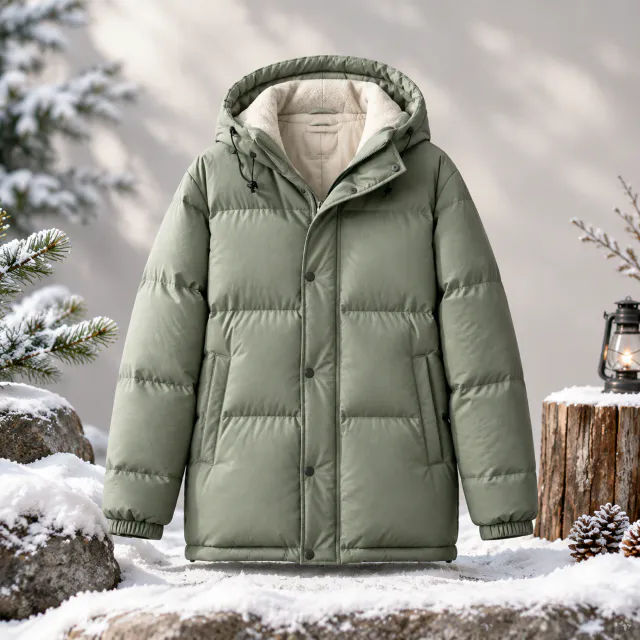
Use a white-background image when the item itself must read first. Choose a lifestyle scene when context matters, an on-model image when proportion or wear matters, a changed background when the product shot is good but the setting is wrong, and a social ad still when you need a visual with deliberate room for a headline.
A clear image with the whole item in frame gives you a useful starting point.
Pick a white background, lifestyle, on-model, new-background, or social ad tool.
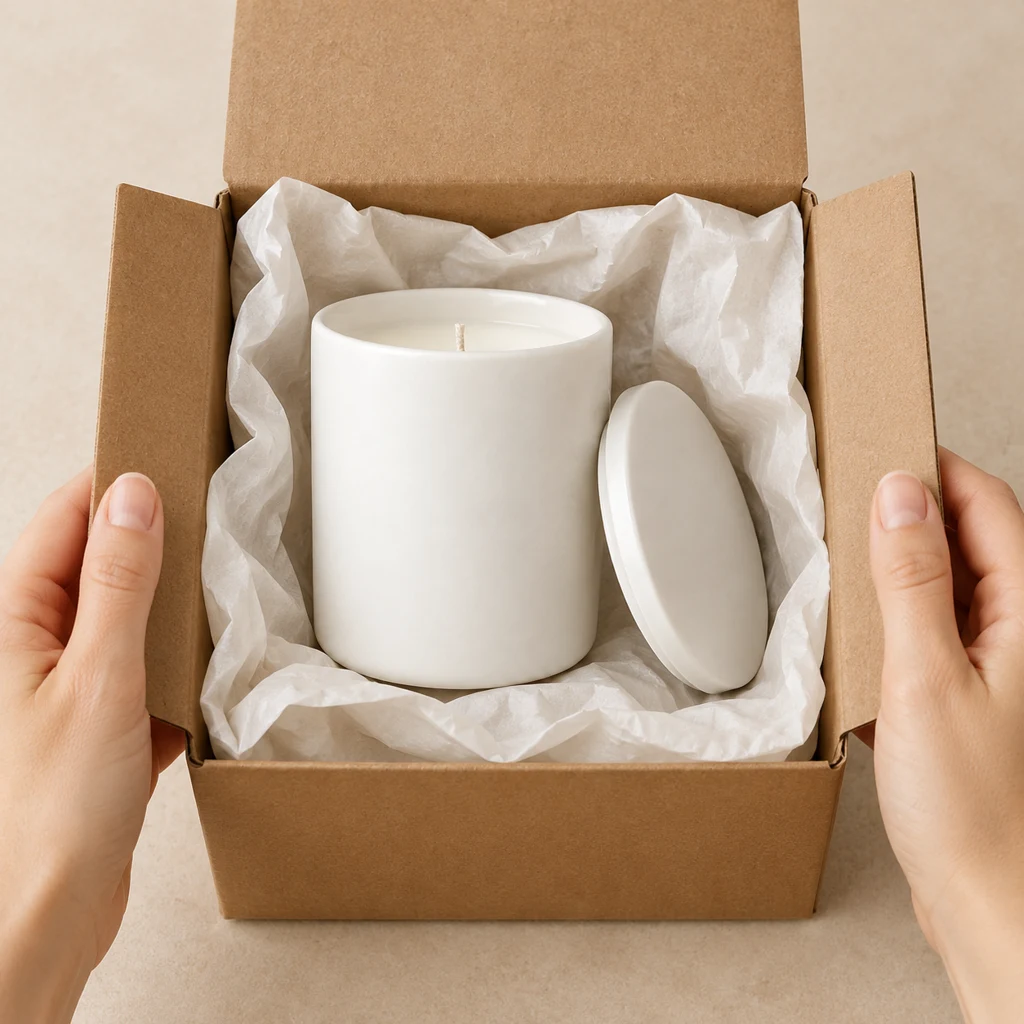
Save the square image, then add any exact wording in your editor.
Select the type of photo you need for your listing or campaign.
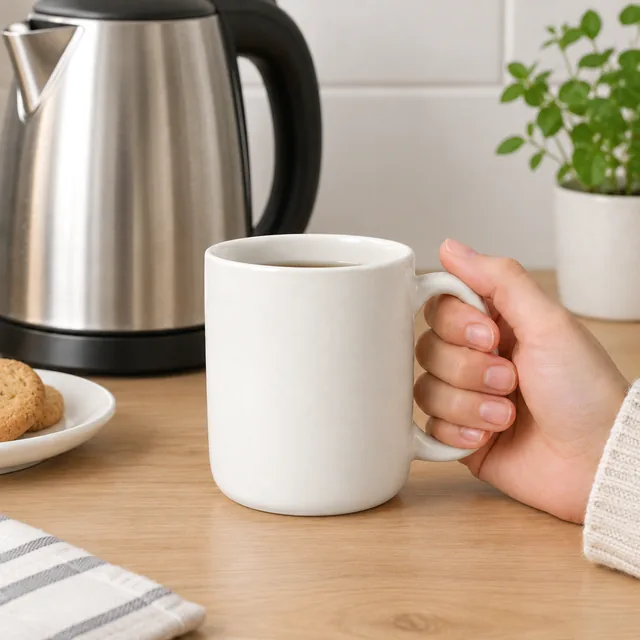
Use a clear product view where shoppers can see the item and its shape.

Pair a product image with your headline and offer added in your editor.
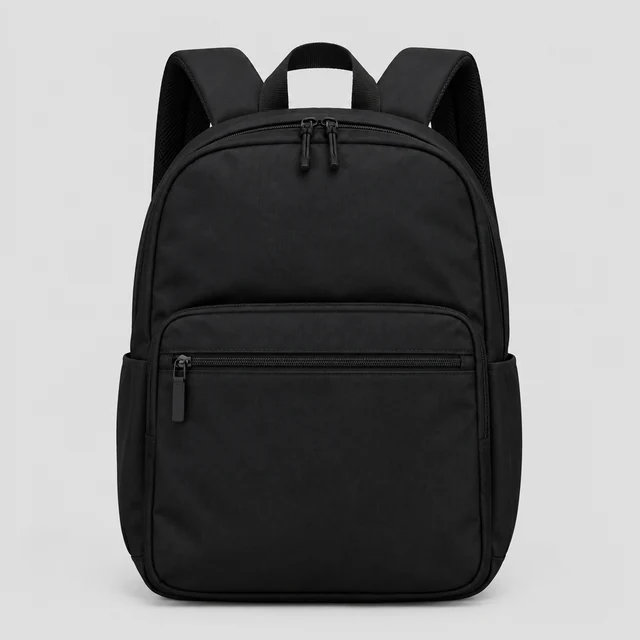
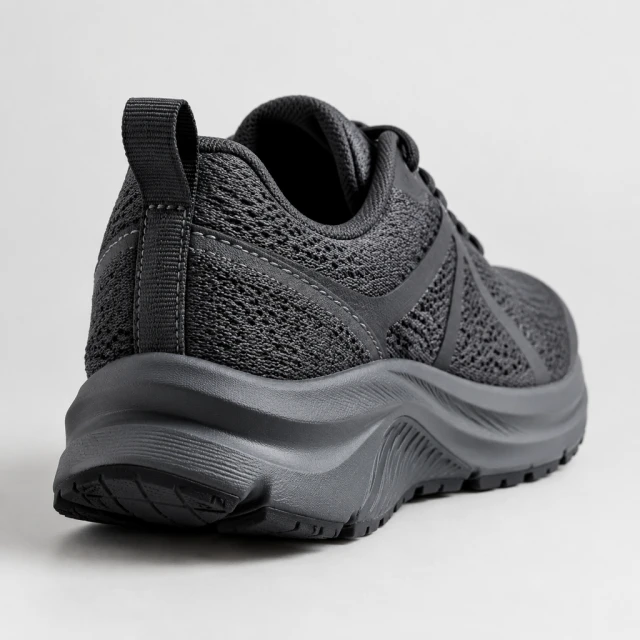
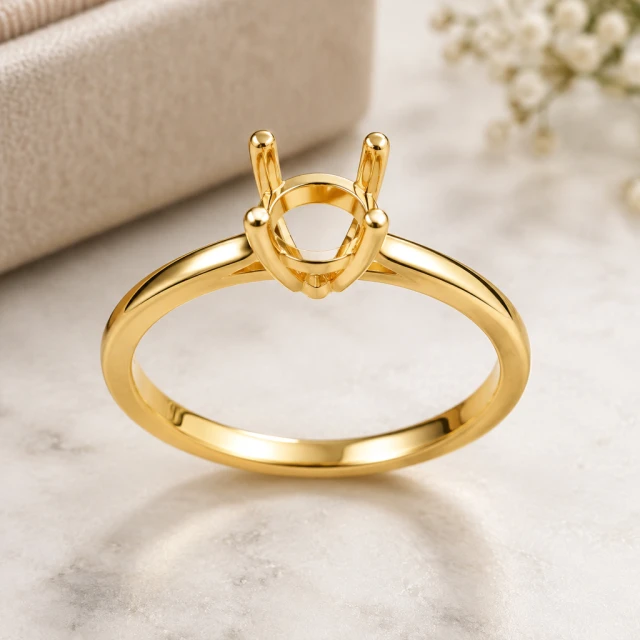
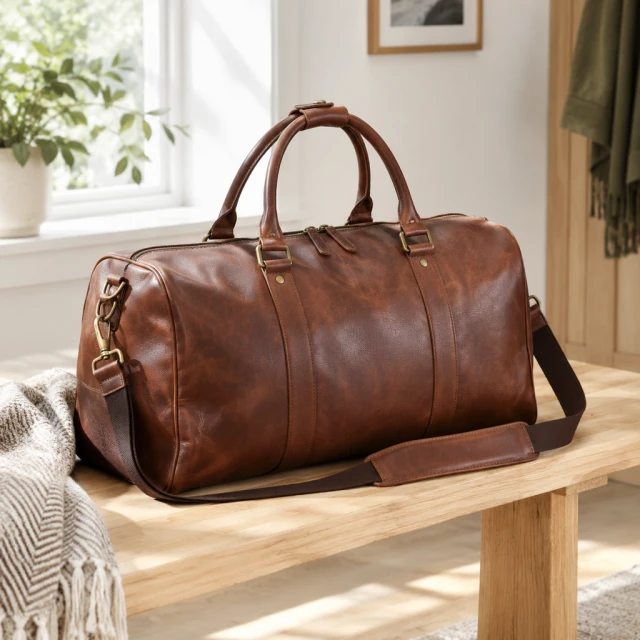
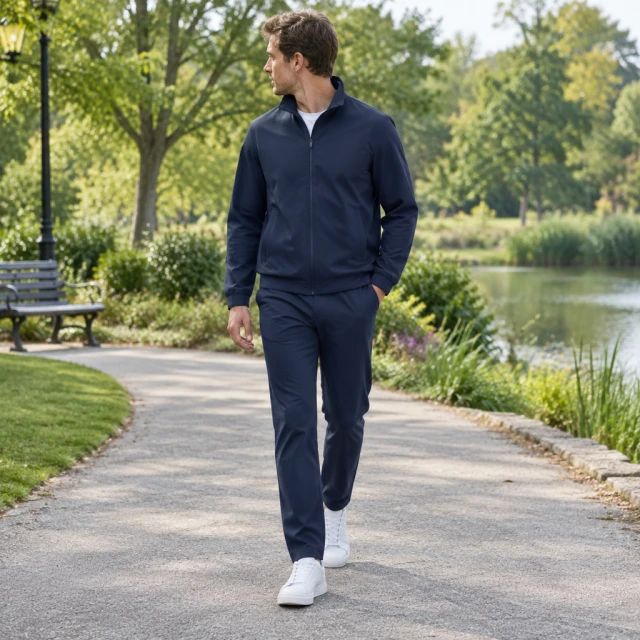

These details are added in your editor after download.
White background shots, lifestyle scenes, on-model photos, new backgrounds, feed ad images, and close-ups such as color variants or what's in the box. Each one starts from a photo of your product.
Use a sharp photo where the whole product is visible and nothing is cut off at the edges. Even light and a plain background help, but a clear phone photo works too.
Start with a clean product view for the listing. Add a lifestyle, detail, on-model, or feed image when shoppers need context or a closer look.
Add text after you download. Canva works well for prices, discount codes, and headlines. AI-generated lettering can contain typos, so typing it yourself keeps it accurate.
Upload a product photo and see the cost before you start.