AIVideosUGC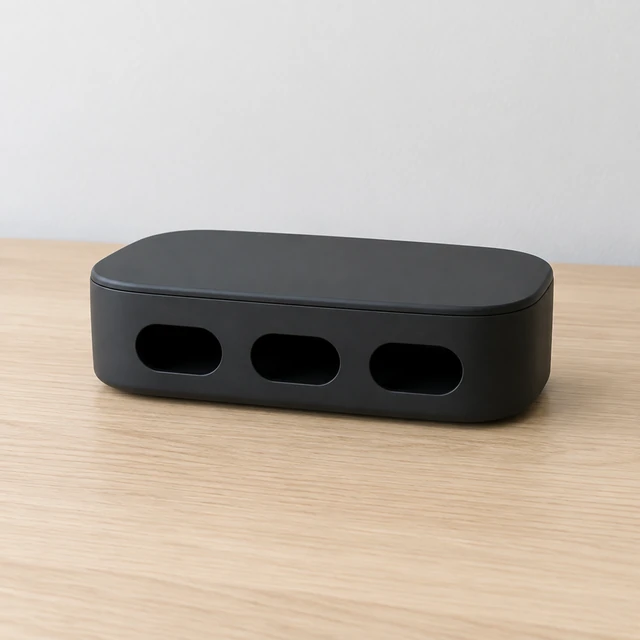
Drop your product photo hereJPG, PNG or WebP · any clear photo works
Step 01
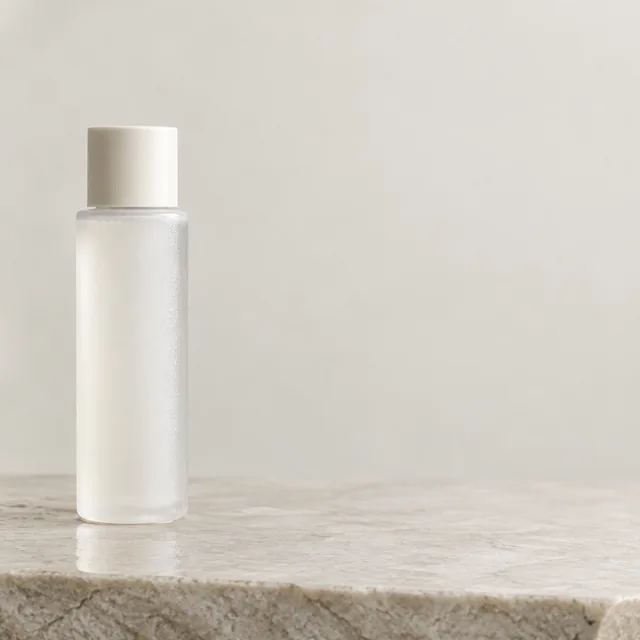
Upload the product photo
The item that makes the change, clear and in focus.
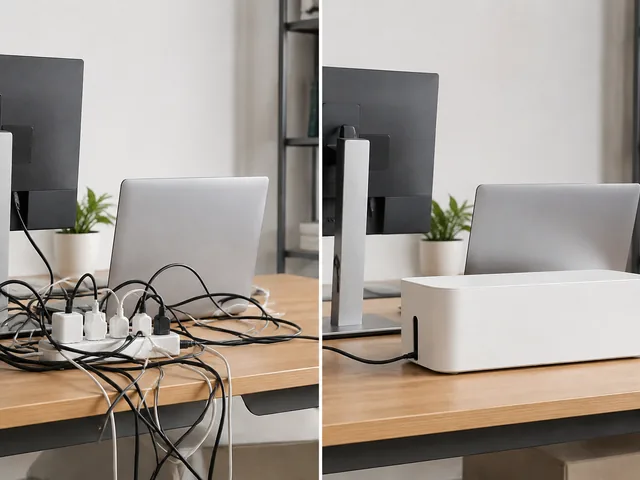
Show the before and the after in one short clip, like a tangled desk that ends tidy. Start from one product photo.
Plans from $24.50 a month. You see the credit cost before every job, and if a job fails its credits go back to your balance.
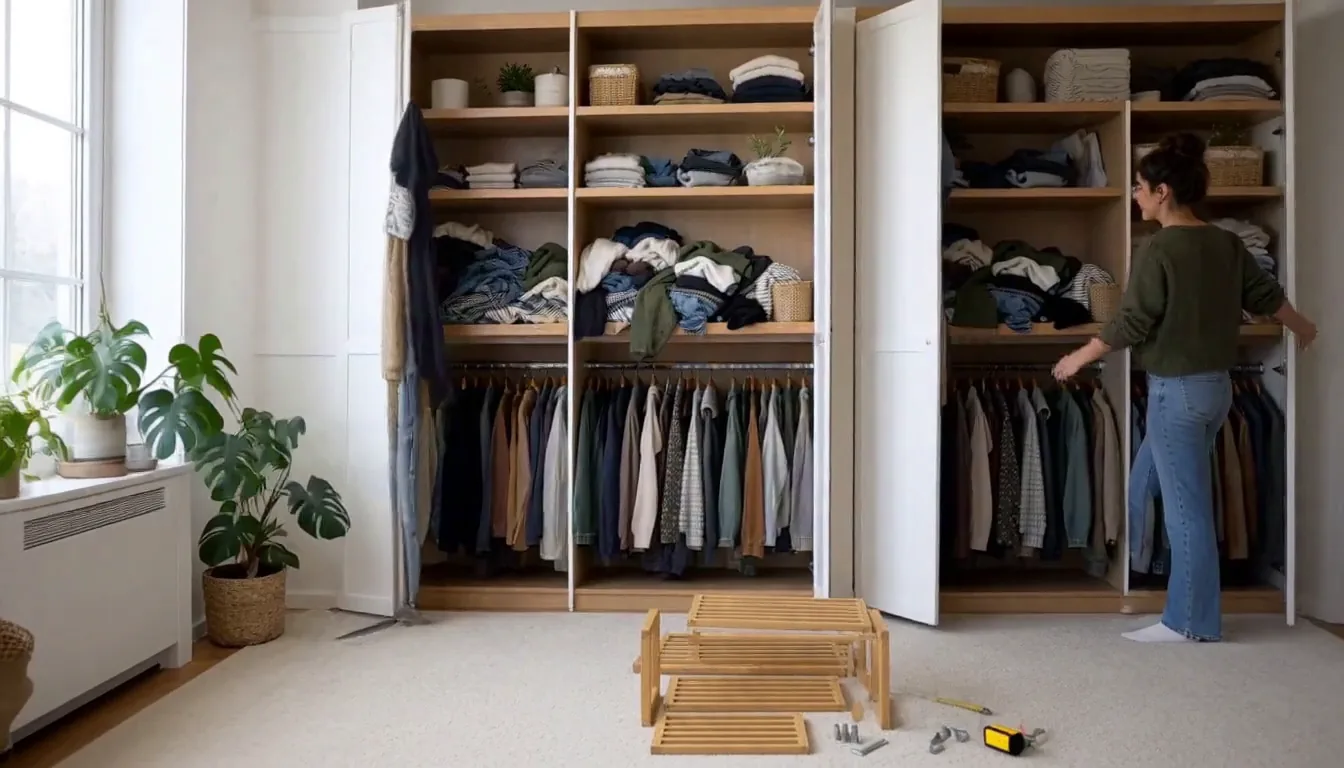
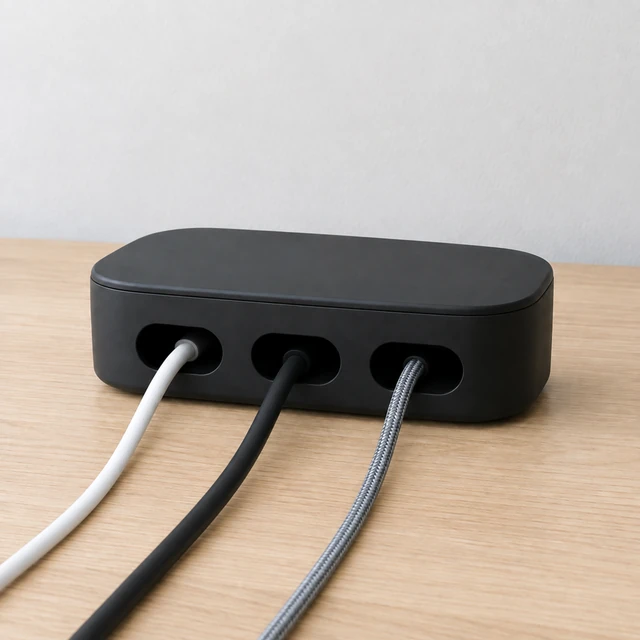
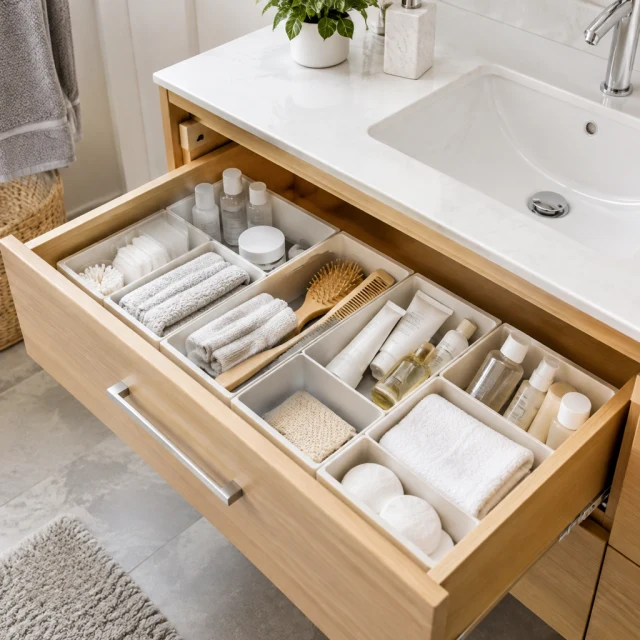
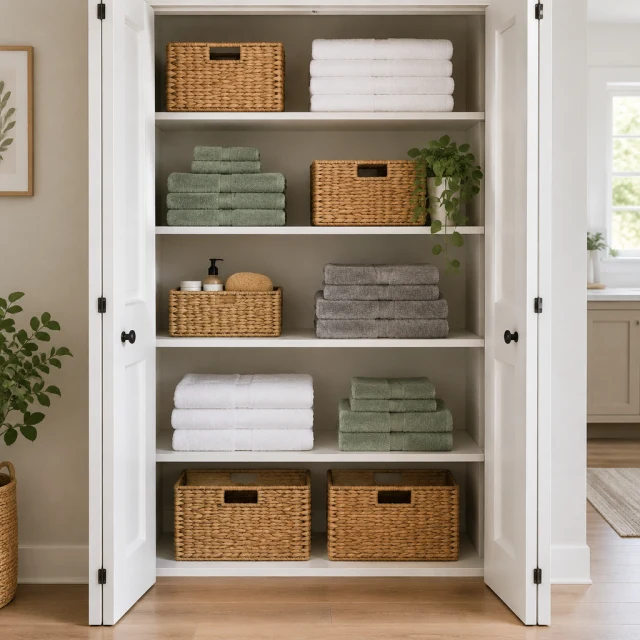
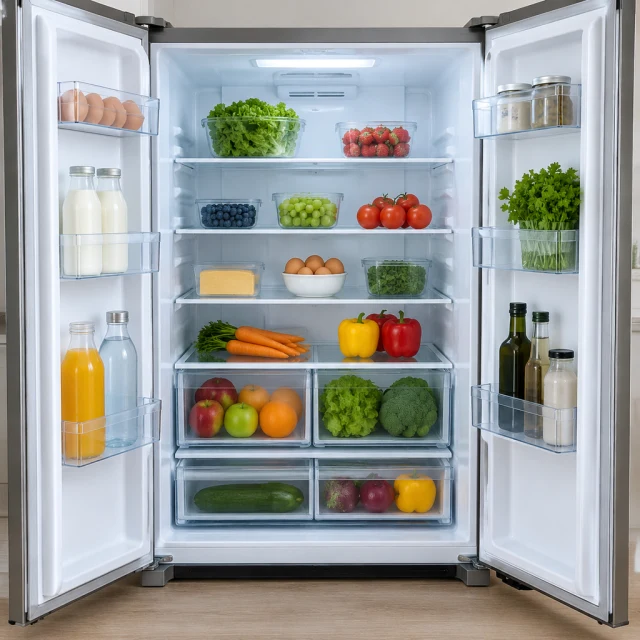
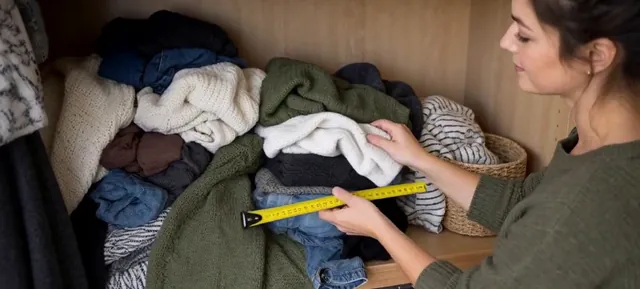
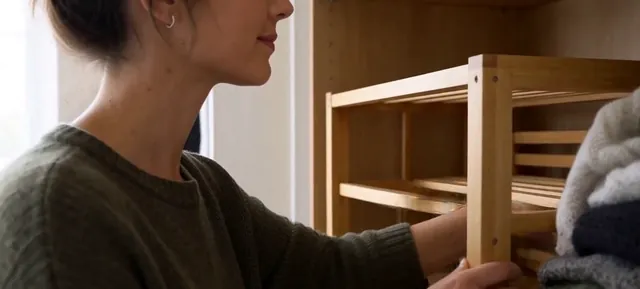
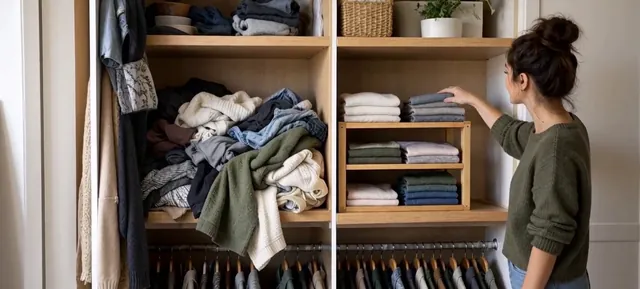
Keep one space or object in view across both scenes so the difference reads quickly. Show the starting condition first, then the product in use and the finished state without adding a claim the product cannot support.
The item that makes the change, clear and in focus.
One short sentence each, like "tangled cords" and then "three cords neatly in the slots".
Type "Before" and "After" in your editor if you want them on screen.
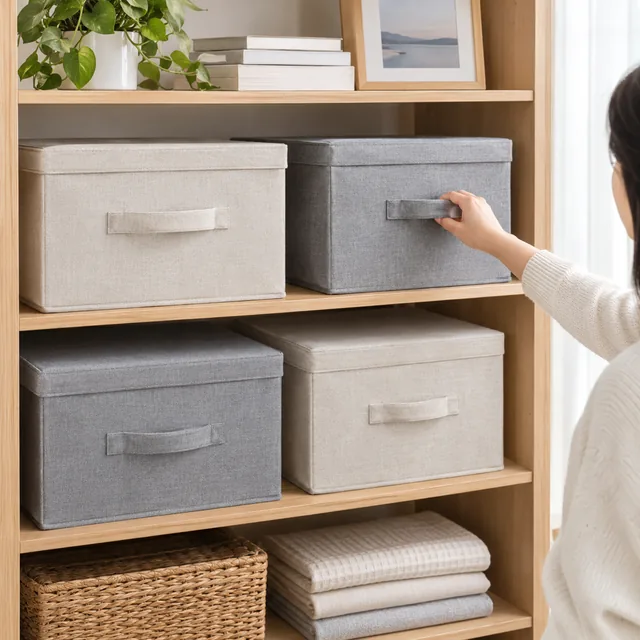
Try a lint roller on a cushion, a tidy cable desk or a cleaned sneaker.
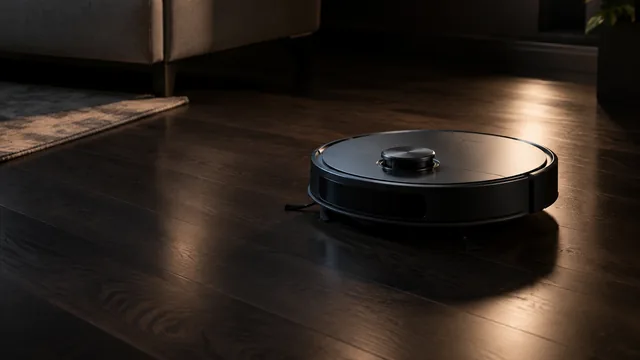
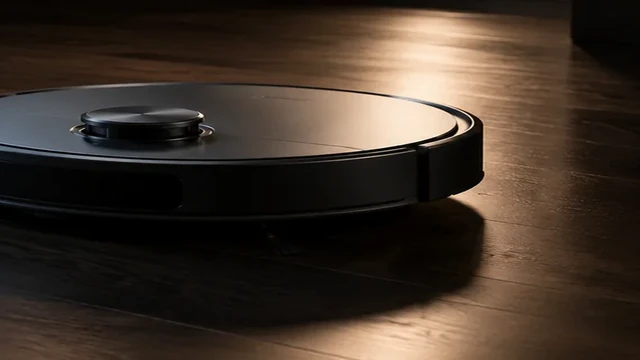
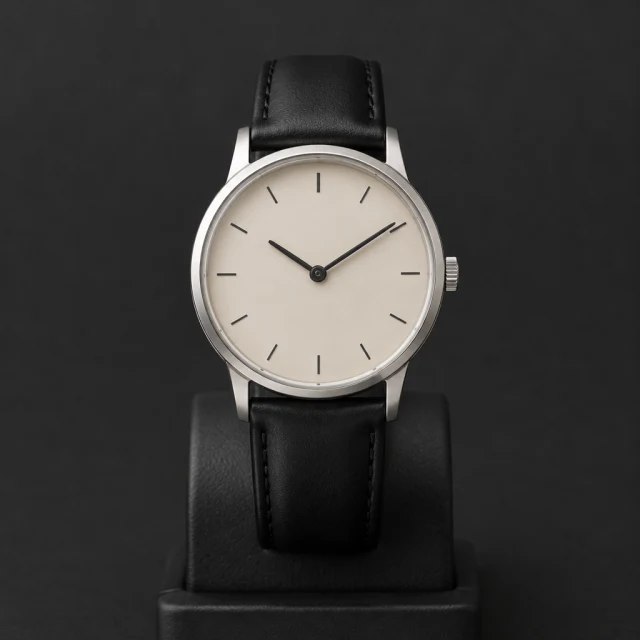
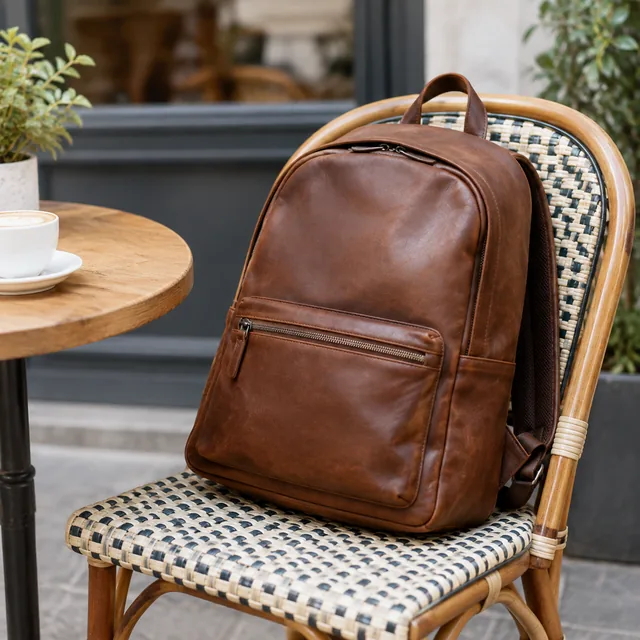

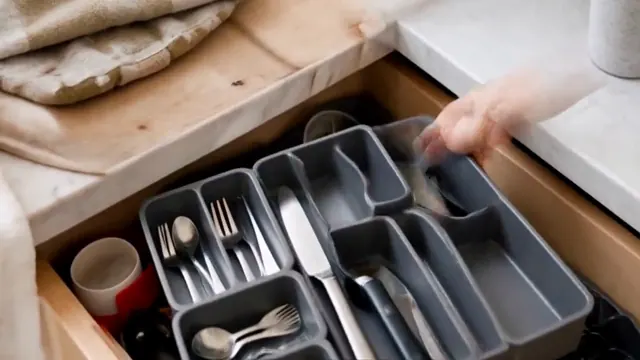
One clip shows a result that would take a paragraph to explain.
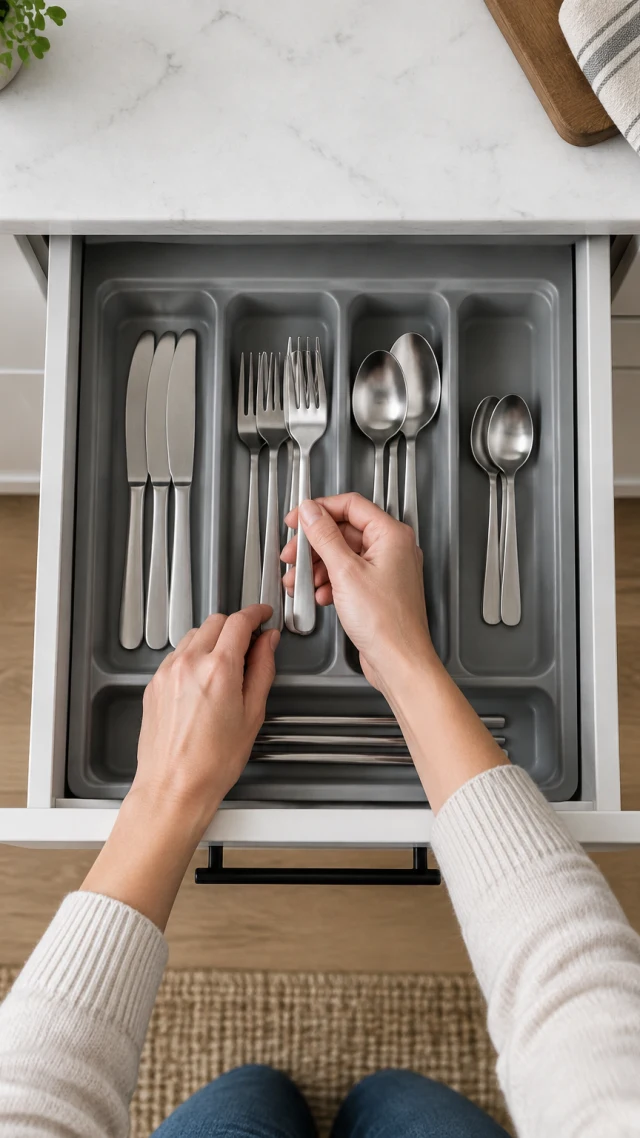
Keep both scenes positioned consistently so the change is obvious at a glance.

These details are added in your editor after download.
Pick one, add your product photo and get the same look.
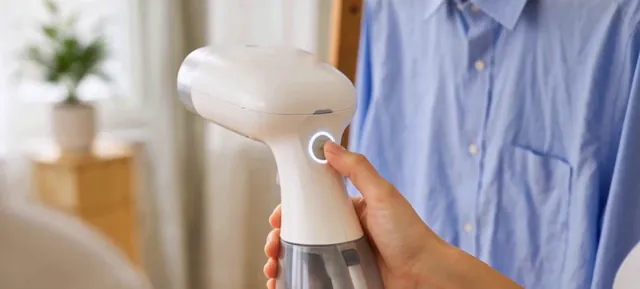
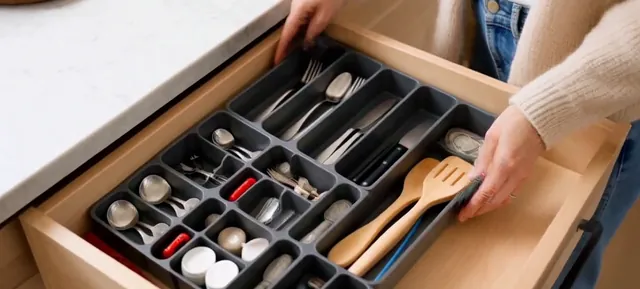
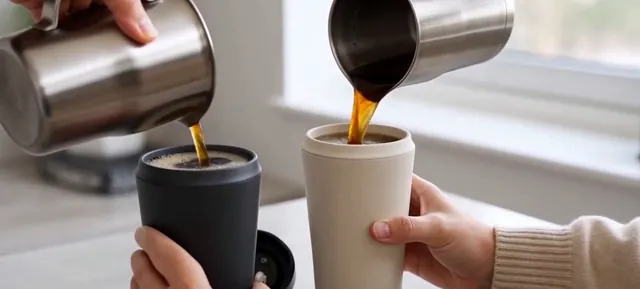
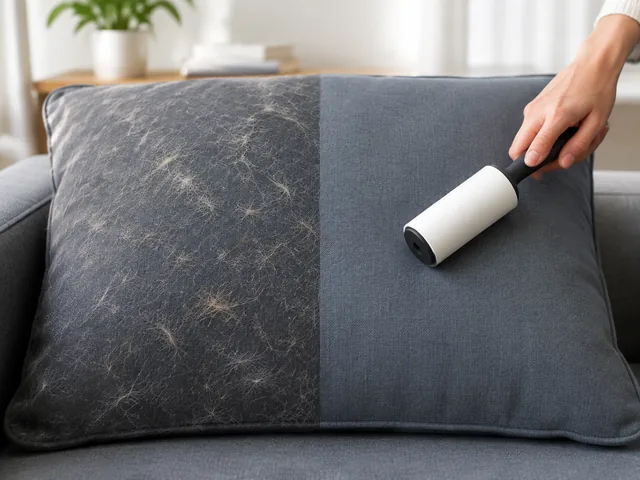
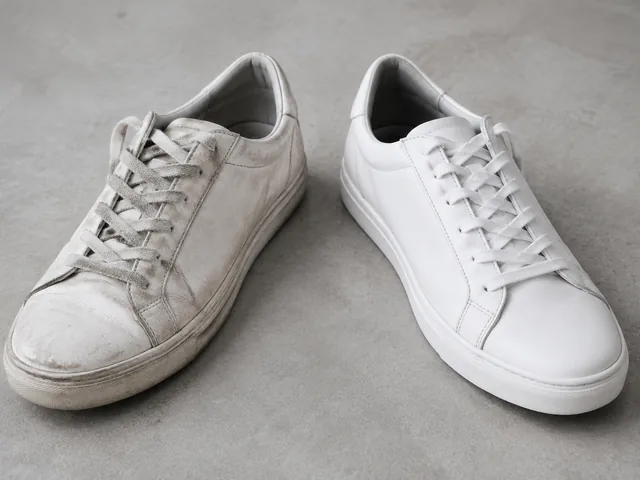
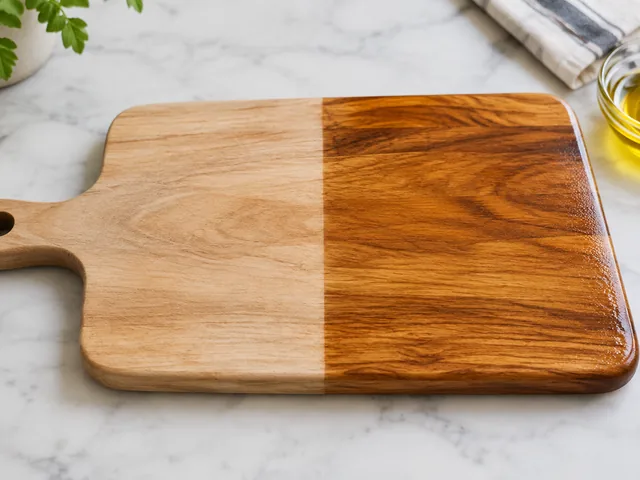
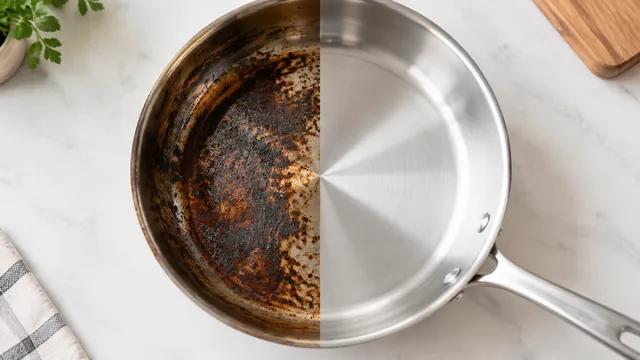
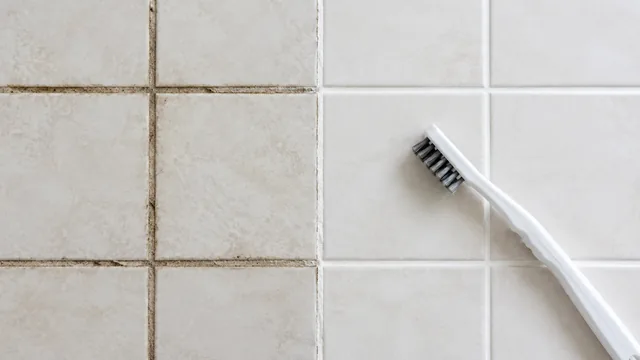
Try a half-polished pan, a brushed grout line or a sweater shelf sorted into bins.
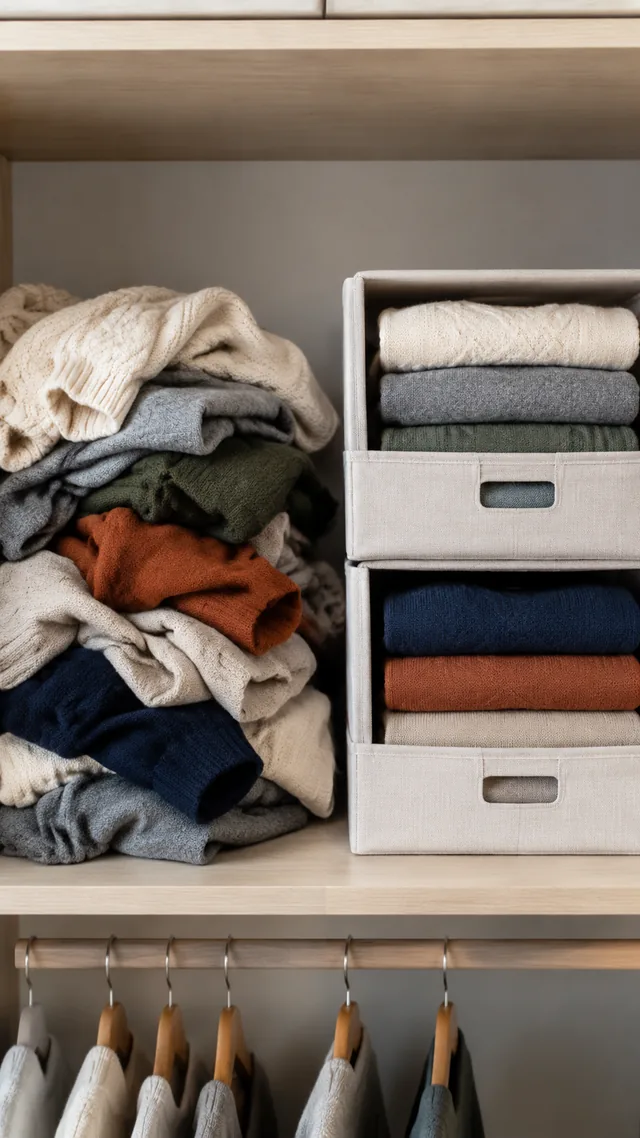
Keep the camera position fixed and describe one visible change, such as loose cords moving into an organizer. This makes both states easy to follow.
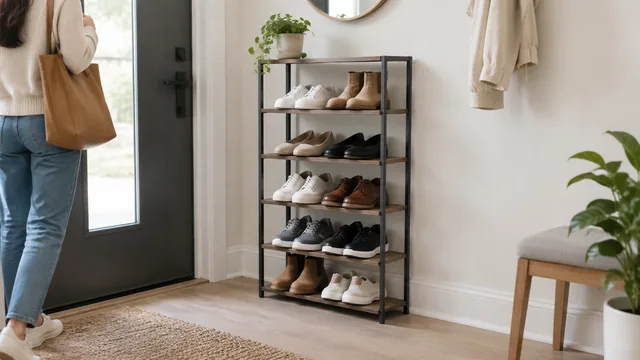
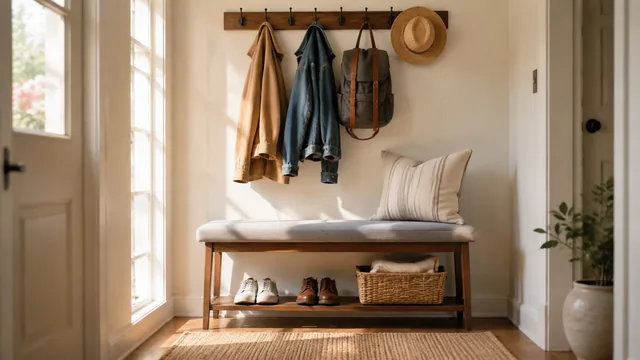
Use one sentence with two parts joined by “then.” For example: “cluttered entryway with shoes everywhere, then shoes lined up on our bamboo rack.”
Show a change to the product or the space around it, such as lint lifted from a cushion. Do not imply a health, skin or body result.
Yes, add them after you download, in CapCut or TikTok. Typed labels stay crisp and correctly spelled, which AI-generated lettering can't always manage.
Upload a product photo and see the cost before you start.