Jewelry & accessories

AI Photos for Jewelry and Accessories, Up Close and Worn

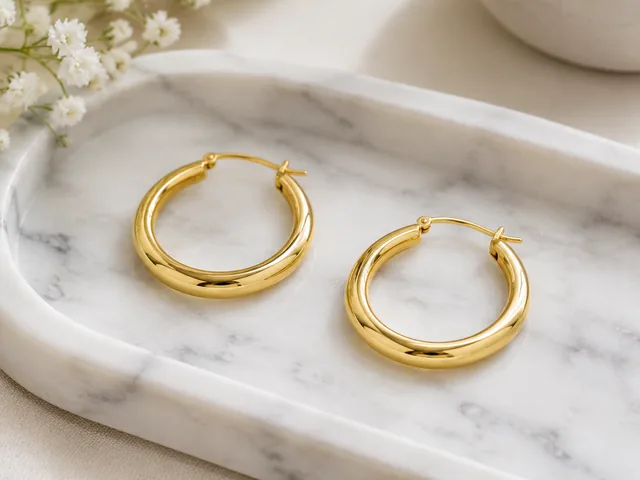
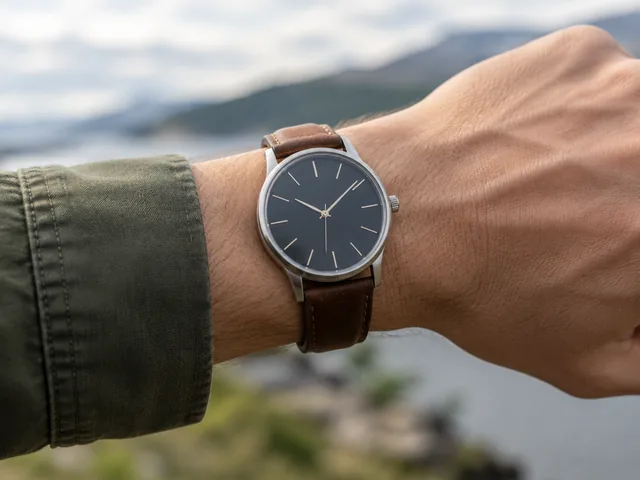
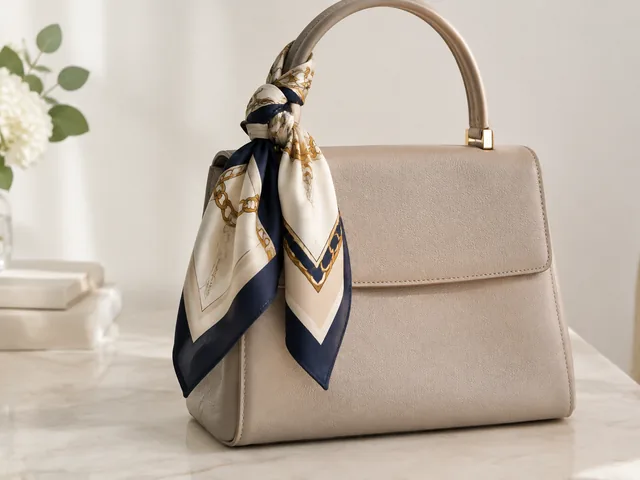
Rings, earrings, watches, and bags are judged on detail and scale, so AI photos for jewelry and accessories should show the setting up close and then the piece on a hand, ear, or shoulder.

Drop your product photo hereJPG, PNG or WebP · any clear photo works
Photo Your clothing itemLook Casual streetwearSize Square
Make an on-model photo →See the cost before you start

Plans from $24.50 a month. You see the credit cost before every job, and if a job fails its credits go back to your balance.
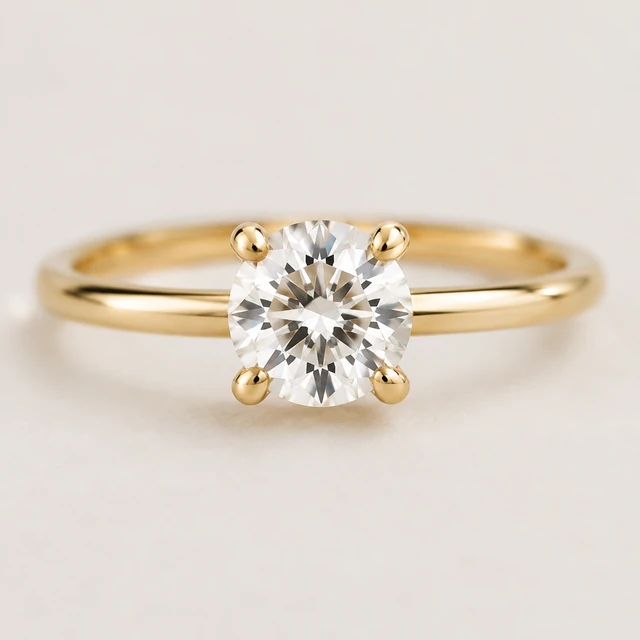
Single polished gold band ring centered on a plain white background.
Photo
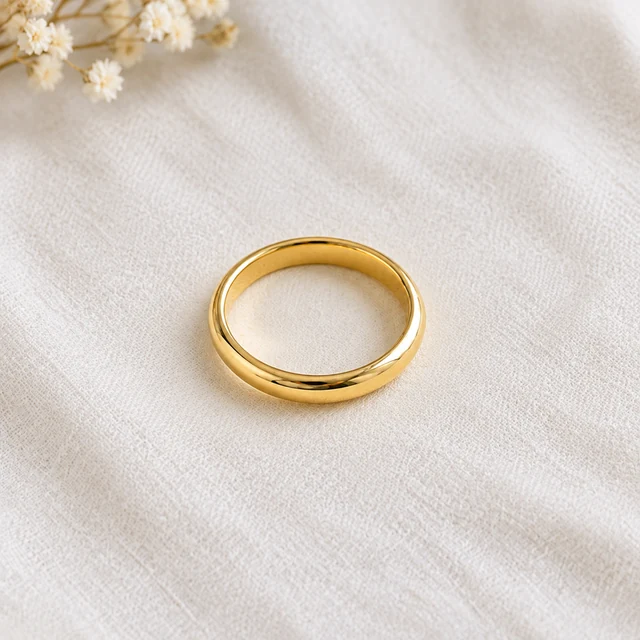
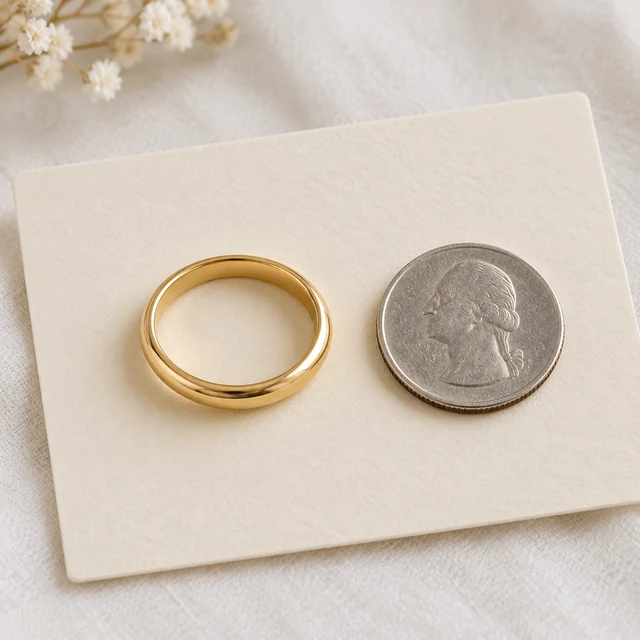
Polished gold band on an ivory display card beside a small coin.
Photo
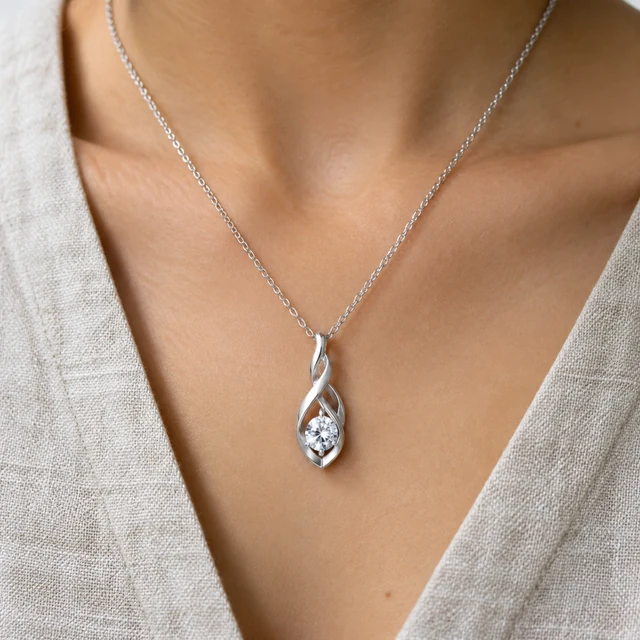
Silver pendant necklace worn on a linen neckline.
Photo
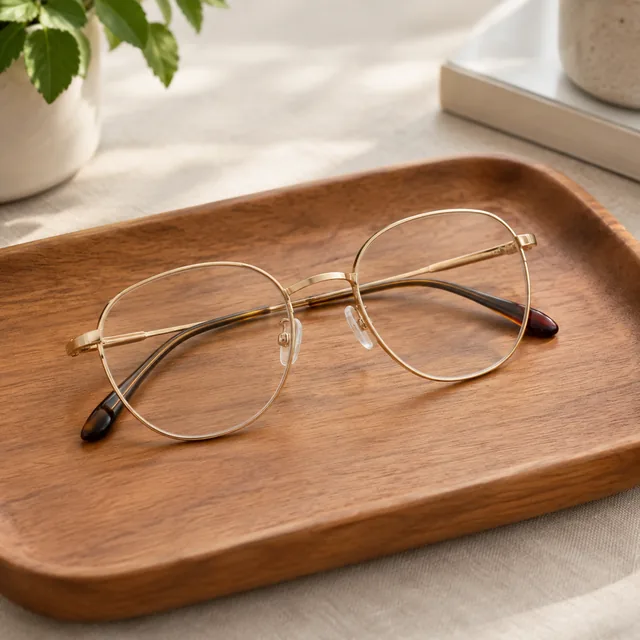
Gold-rim eyeglasses on a wooden tray.
Photo
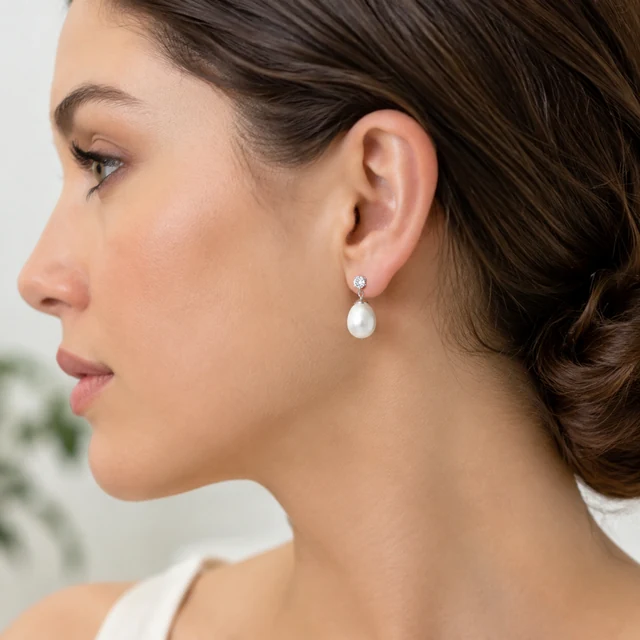
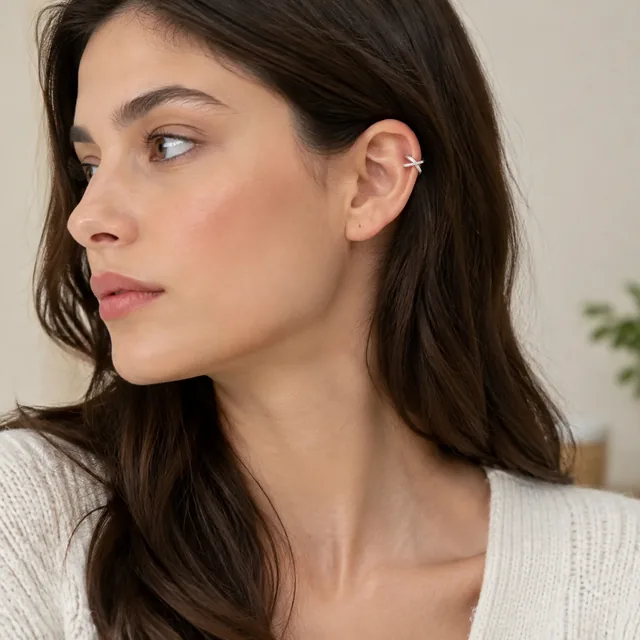
Pearl earrings on a model shown in profile.
Photo
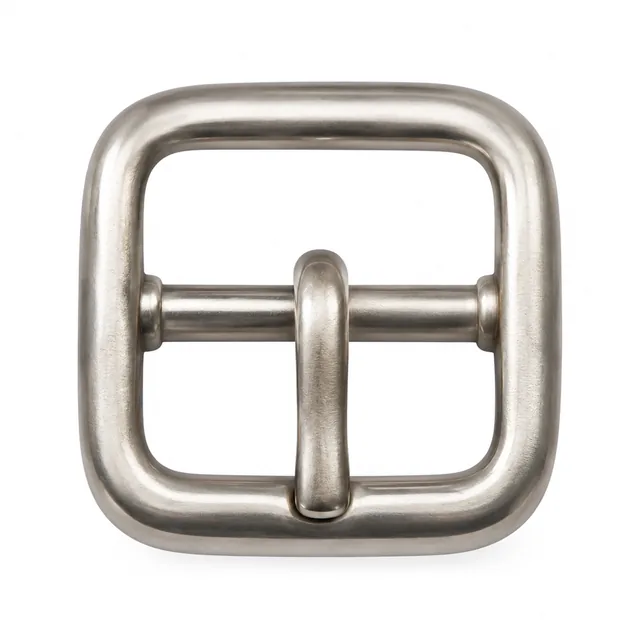
Close crop of a metal bag buckle on a white background.
Photo

Jewelry and accessories need close, well-lit views that make scale and finish easy to judge. Keep the piece centered, then use one worn or styled scene to add context.

How it works

Create a jewelry product photo in three steps

Single polished gold band ring centered on a plain white background.
Drop your product photo hereJPG, PNG or WebP · any clear photo works
Step 01

Use one ring in the photo

Place a single gold band on a plain background with the full circle visible.

Set this gold band on an ivory display card with a small coin nearby for scale.
Template Product photoSize Square
Cost24 credits
Step 02

Show it beside a familiar object

Set this ring on an ivory card with a small coin nearby to suggest scale.

Polished gold band on an ivory display card beside a small coin.
Step 03

Add exact specifications

After download, add metal type, ring size, and care details to the listing.

Choose a scene

Choose a jewelry scene that shows scale

Choose the view that answers a question about scale or finish.
Where to use it

Use jewelry photos on listings and social posts

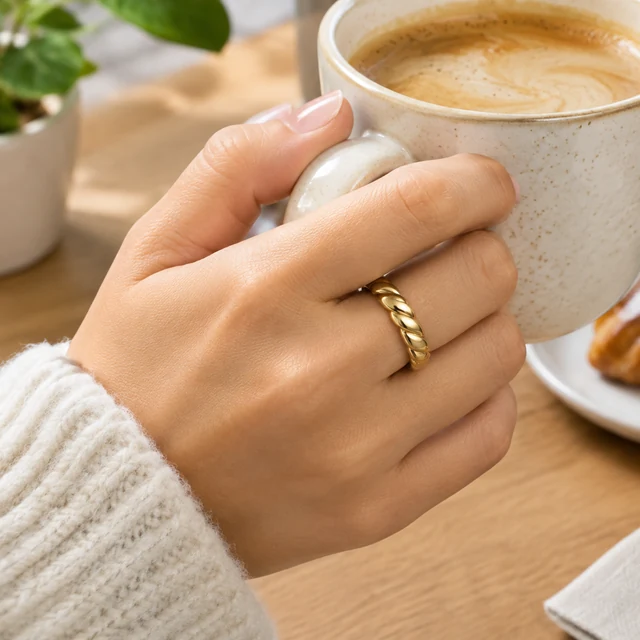
Gold ring on a hand holding a coffee cup.

Show a gold ring in a product listing

The hand beside a coffee cup gives the ring a familiar sense of scale.
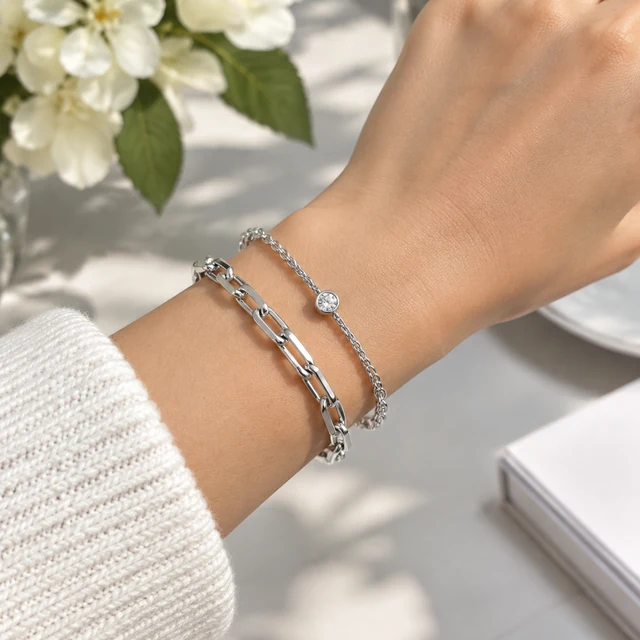
Silver bracelet stacked on a wrist in daylight.

Show a silver bracelet in a styled post

The bracelet's linked shape stays clear against the wrist.
Start with a clear photo

Start with a clear jewelry product photo

✓
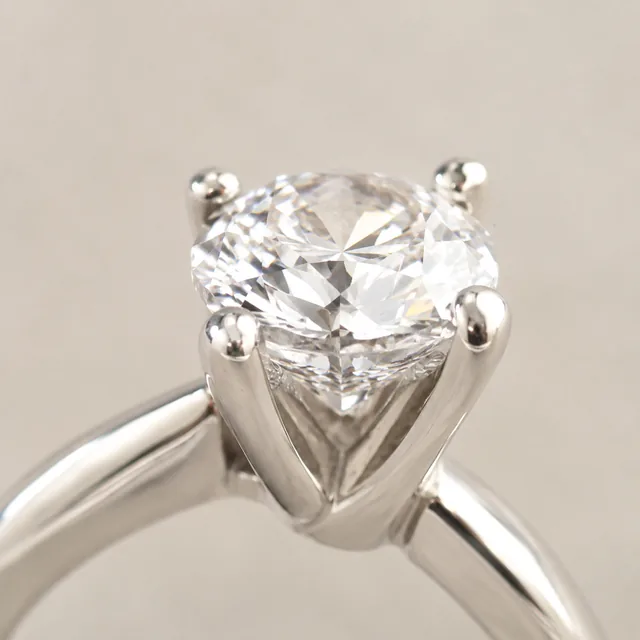
Macro view of a ring's prong setting.
The ring setting stays clear at close range
✕
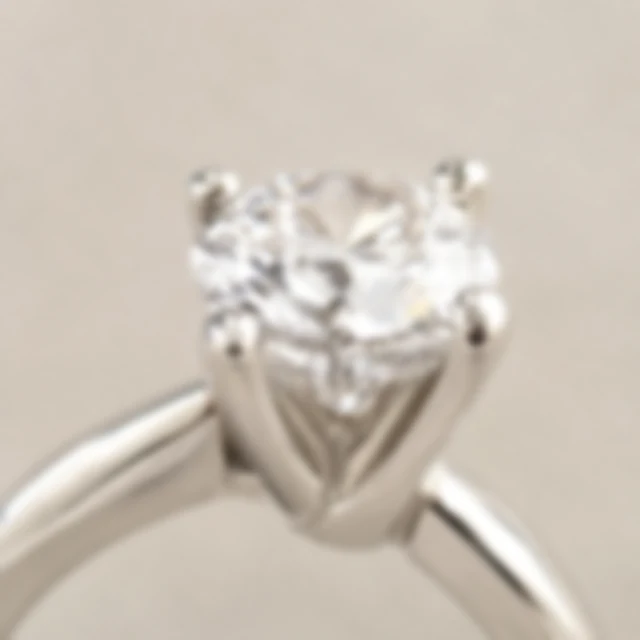
Ring prong setting softened by blur.
The ring prongs soften into blur
✓
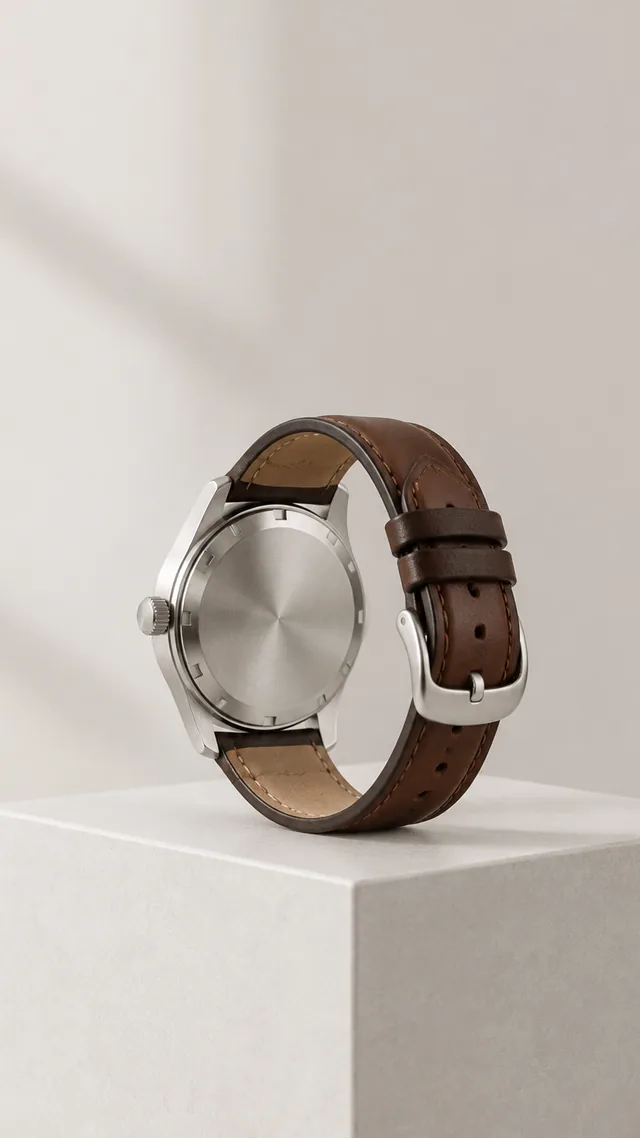
Wristwatch on a pedestal turned to show its caseback, open space above.
The watch and case stay sharp
✕
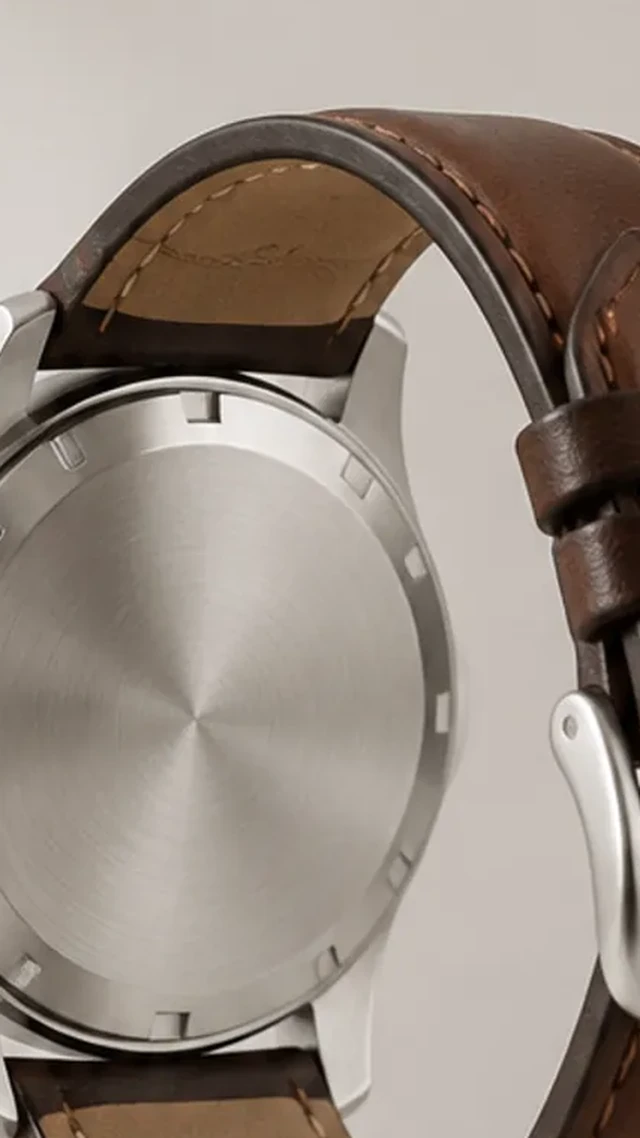
Wristwatch enlarged until its case and strap reach the frame edge.
The watch case is clipped at the edge
Your result

Square jewelry photos for product listings

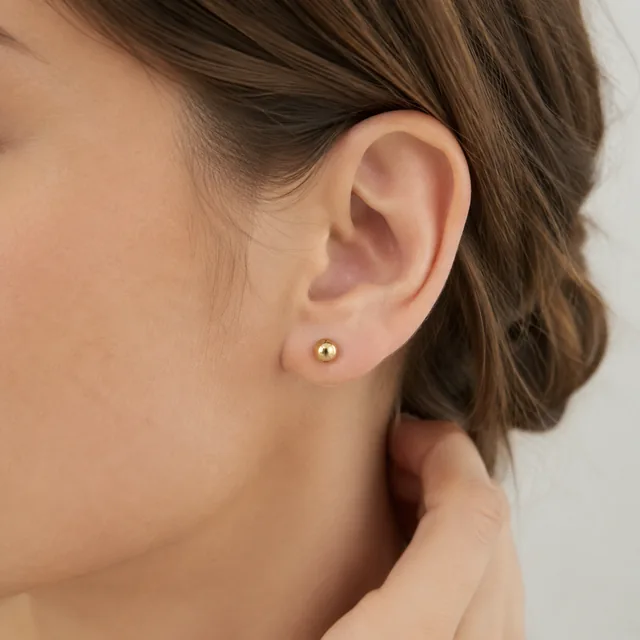
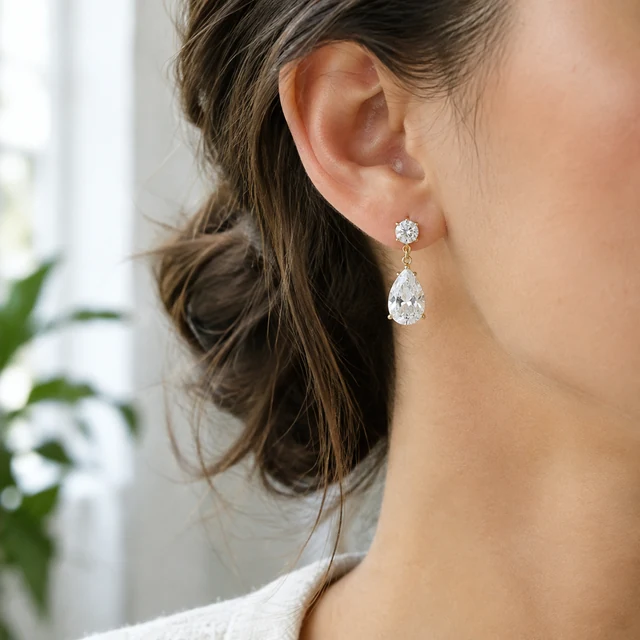
Close view of small gold stud earrings worn on the ear.
Gold studs worn in daylightSquare photo · 24 credits
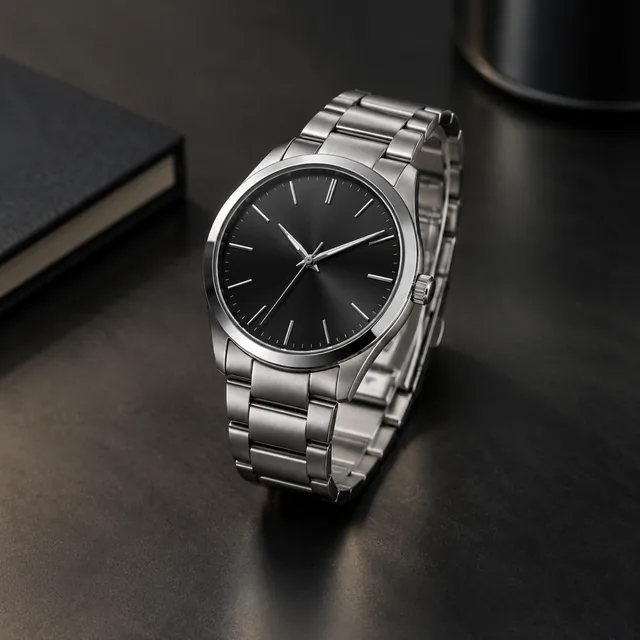
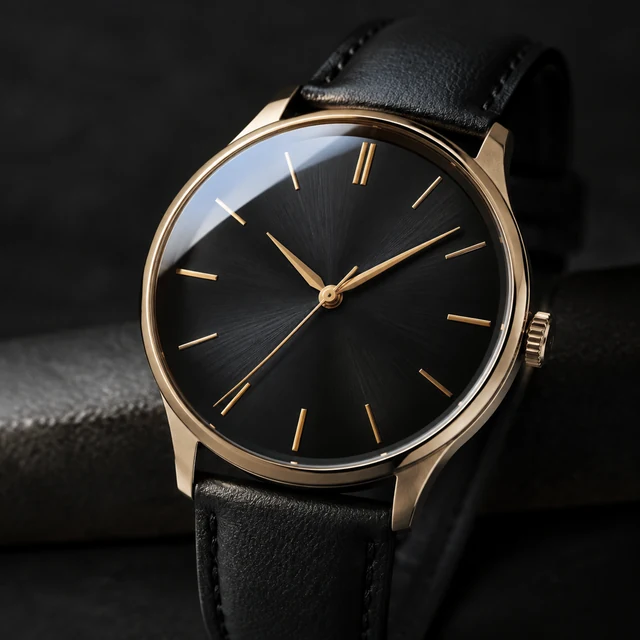
Steel watch with a controlled highlight on a dark surface.
Steel watch with a clean highlightSquare photo · 24 credits
After download

Add metal and stone details after download

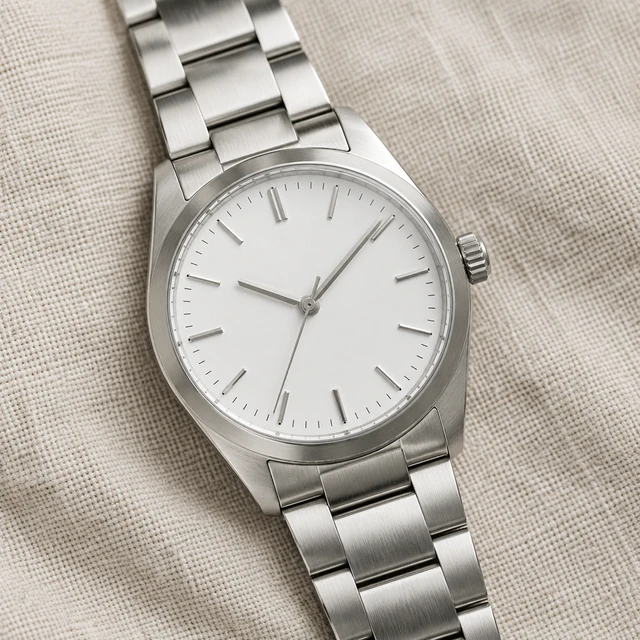
Unbranded analog steel watch with a silver bracelet and white dial on linen.
Metal toneCare

These details are added in your editor after download.

  • Add the metal tone and available sizes beside the image in your listing.
  • Type care instructions as text so customers can read each word.
Templates

Jewelry & Accessories templates

Begin with the setting and metal color, then pick a worn view or close detail.
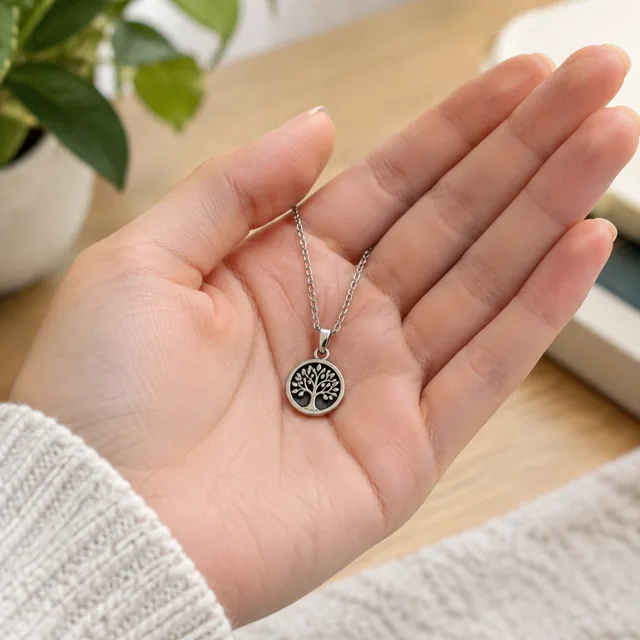
PhotoSmall pendant resting on an open palm.

Size Comparison

Help shoppers see the real size

Jewelry & AccessoriesAmazon
Use this template →
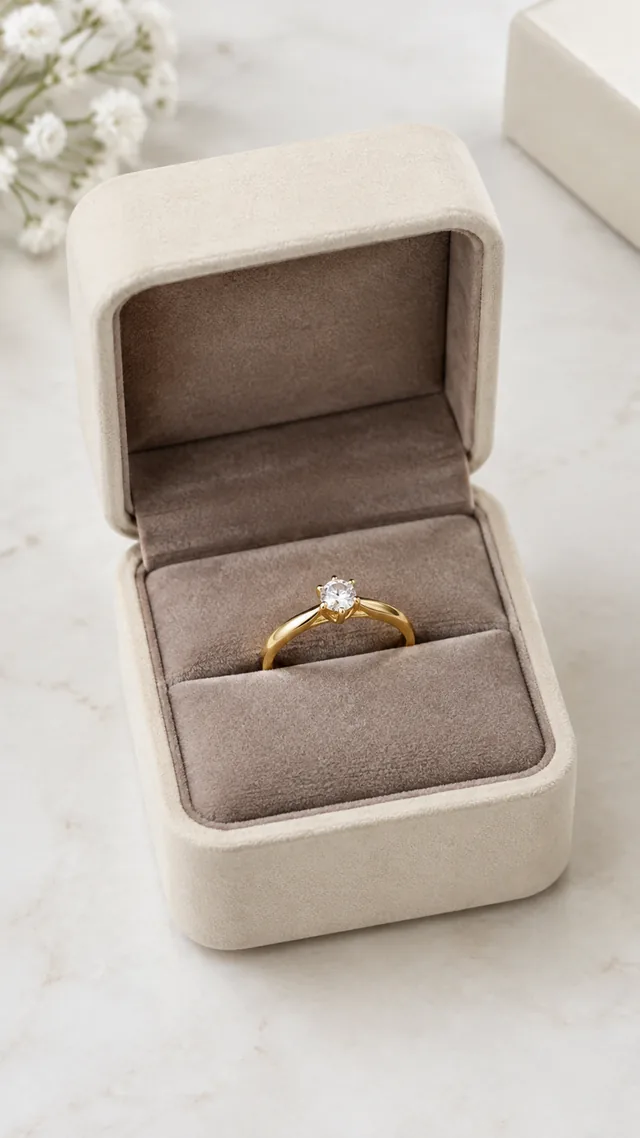
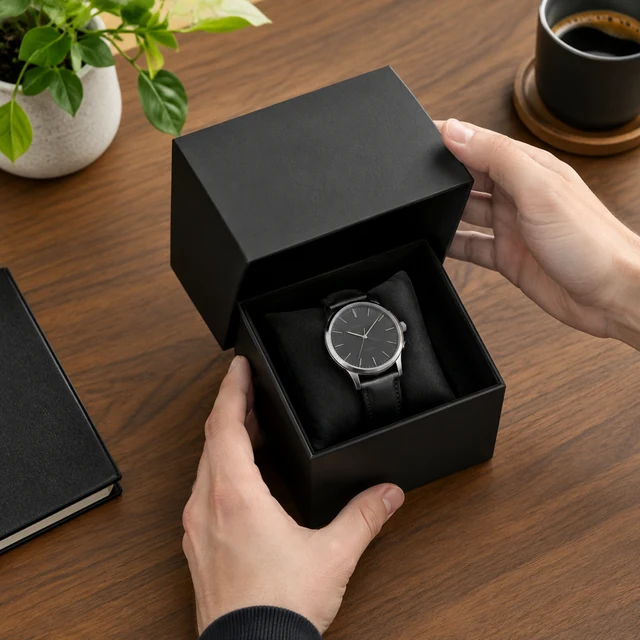
PhotoSmall jewelry box opened to reveal a gold ring on velvet.

Close-Up Details

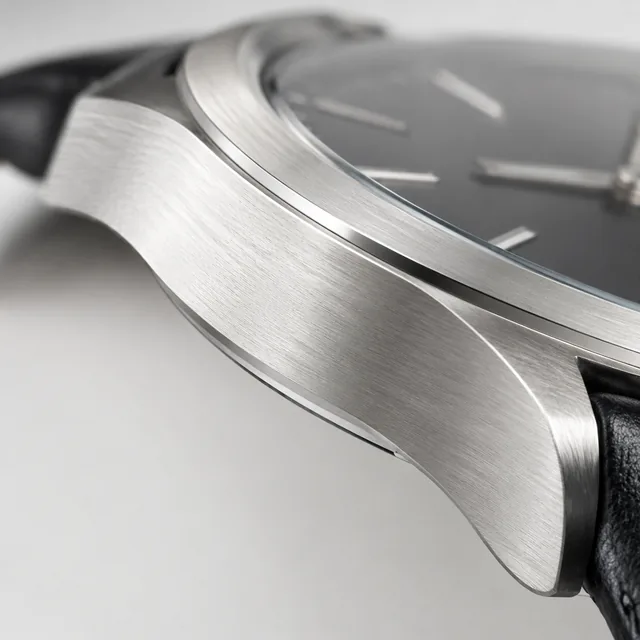
Show materials and finish up close

Jewelry & AccessoriesAmazonShopify
Use this template →
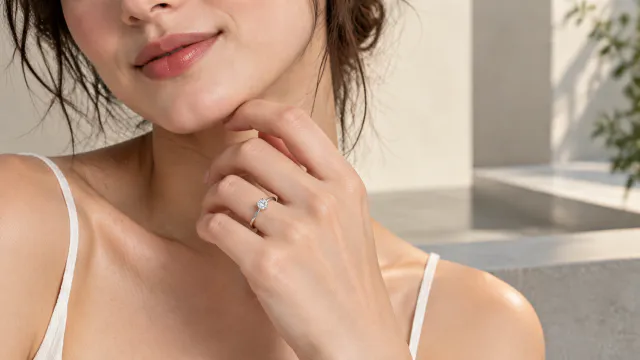
PhotoRing shown on a hand close-up

Jewelry On Model

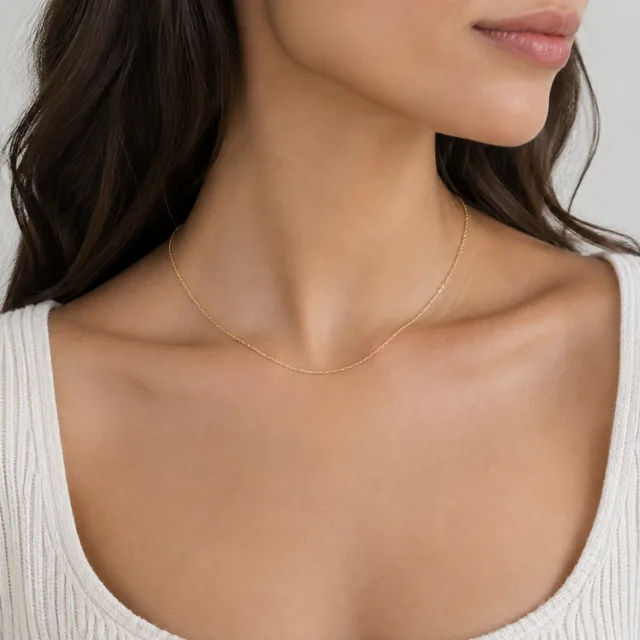
Necklaces, rings and earrings, worn

Jewelry & AccessoriesInstagramShopify
Use this template →
Examples

More jewelry and accessory examples

Close settings, worn details, and finishes shown in natural light.
Tools

Tools that fit

Model PhotosYour clothes and accessories on a model
Product PhotosStudio-quality shots from any photo
White Background PhotosReady for Amazon and Shopify
FAQ

Questions about jewelry and accessory photos

Will the AI keep my stones and metal color accurate?

Your upload sets the starting point, so lighting matters most. Shoot in diffused daylight to avoid yellow or blue casts, then compare the result with the real piece before listing, paying attention to stone count, prong shape, and metal tone.

Can I show my necklace on a model without a photoshoot?

Yes. Upload a photo of the necklace laid flat and describe the setting, for example "worn with a black crew neck top, cropped close on the collarbone." Tight crops keep attention on the piece rather than the face.

Can I use a phone photo of a small ring or stud?

Yes. Switch on your phone's macro or portrait mode, set the piece on matte white card, and shoot near a window. Polish it first, since dust and fingerprints become obvious once a ring is enlarged.

Does this work for bags, watches, and sunglasses?

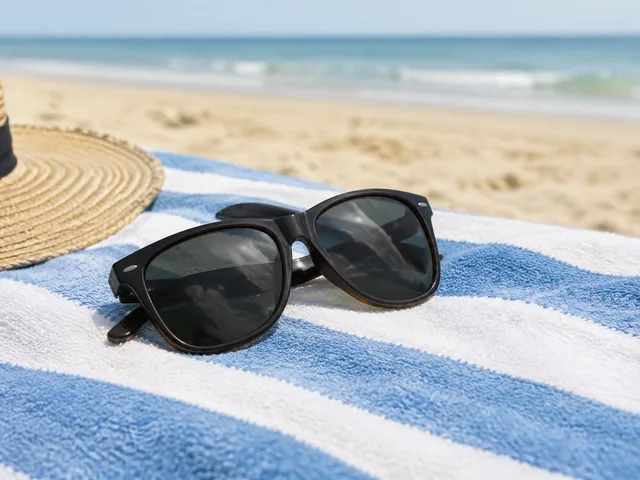
Yes. Show the hardware up close, then show the item carried or worn so its size is obvious. A tote on a shoulder or sunglasses pushed up on someone's head does that in one frame.

Keep reading

Guides and articles

Make Jewelry & Accessories content today

Upload a clear jewelry photo and choose the detail or scale view to review.