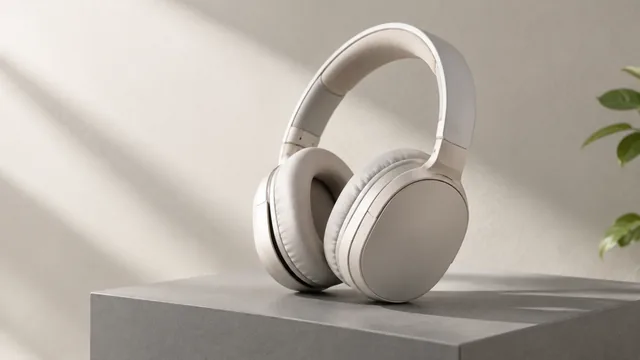
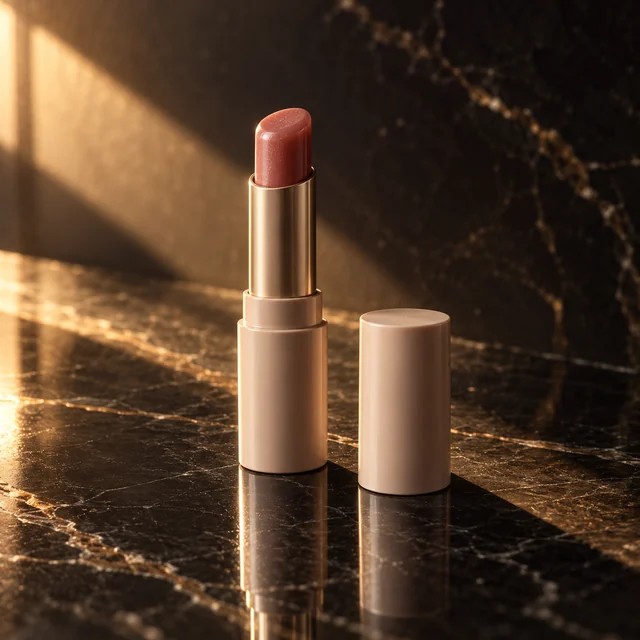
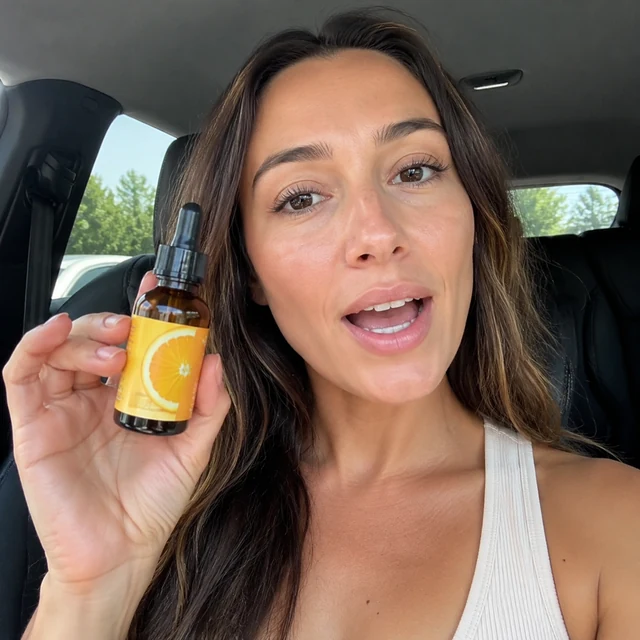
Cinematic video template

Create a Cinematic Product Video From One Photo

A cinematic product video gives your product the dark, slow, big-screen look of a brand film. Upload one photo, describe the light and the setting, and get a clip that runs 6, 10, or 15 seconds.

Drop your product photo hereJPG, PNG or WebP · any clear photo works
Size 16:9 · YouTube & webLength 15 secondsAlso try 9:16 · Shorts & Reels
Make my cinematic clip →See the cost before you start

Plans from $24.50 a month. You see the credit cost before every job, and if a job fails its credits go back to your balance.

Tip: Name one light source and one surface, such as "cool light from a tall window, dark stone plinth," so the scene stays simple and the product stays in focus.
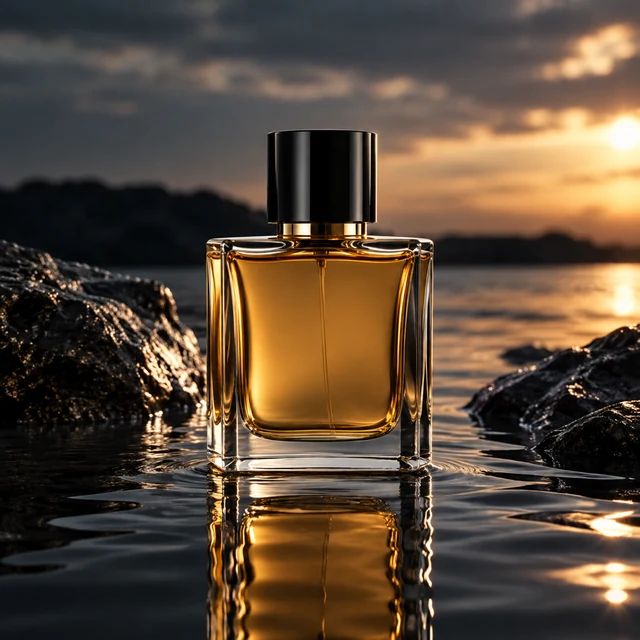
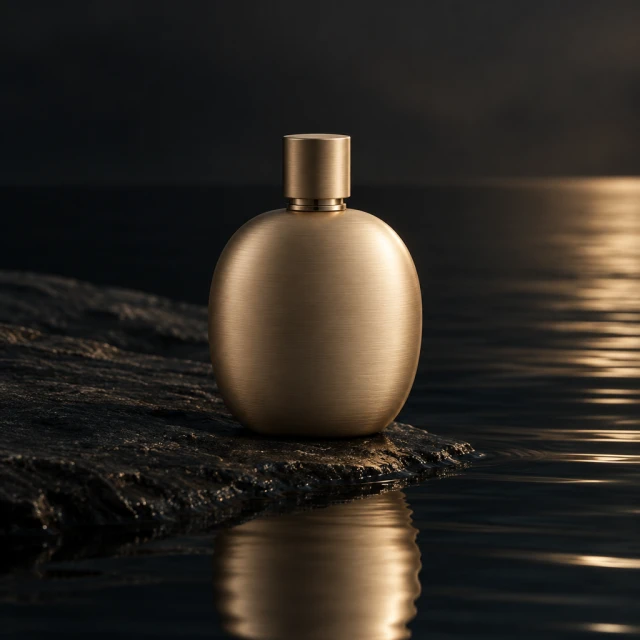
Opaque ivory ceramic fragrance bottle with a broad rounded body and brushed-brass cap, reflected on dark water; no label or lettering.
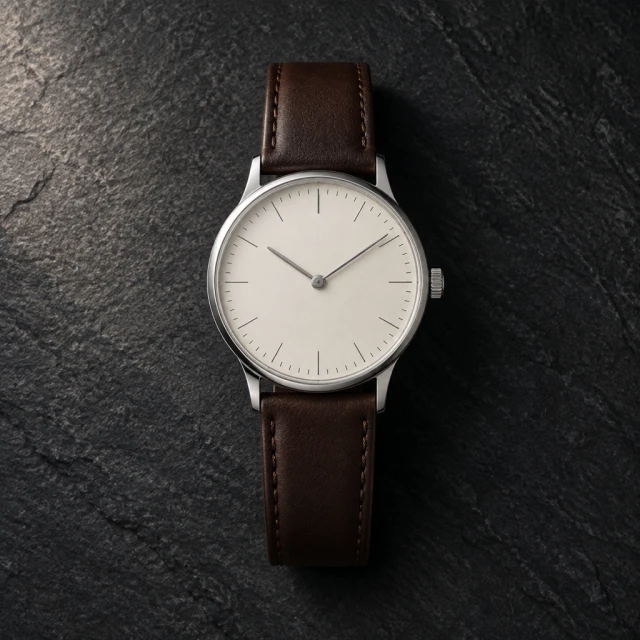
Simple round ivory-dial wristwatch with a plain narrow steel bezel and brown leather strap on dark slate; no brand or markings.
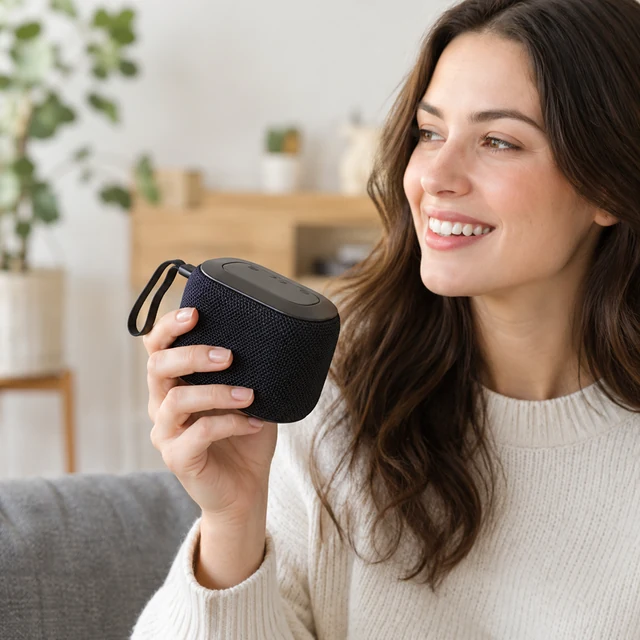
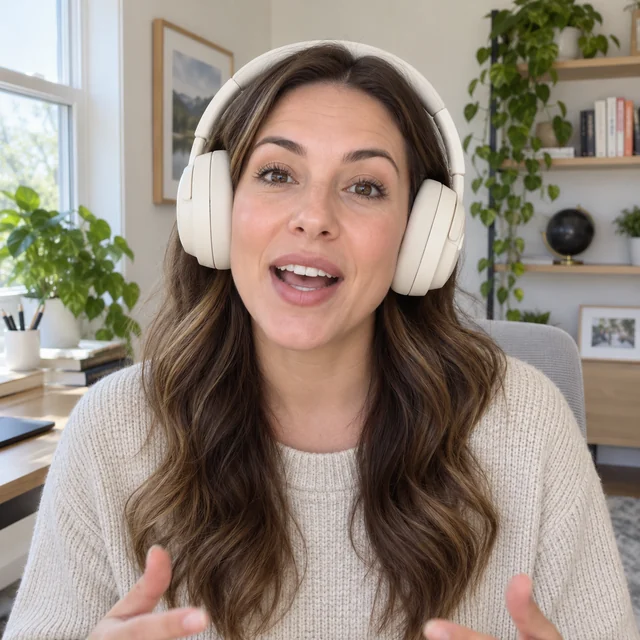
Adult holds a plain portable speaker in a dark room.
Mix a protein shake
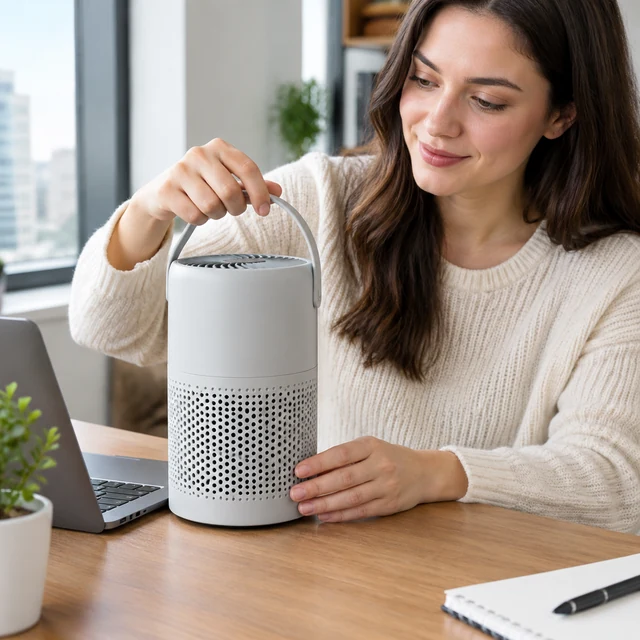
An adult holds a white portable air purifier on a desk.
Adult tests a running shoe

A cinematic product video uses light, surface, and a measured camera move to shape the reveal. Keep the product outline clear while the setting adds atmosphere.

How it works

Create a cinematic product video from one photo

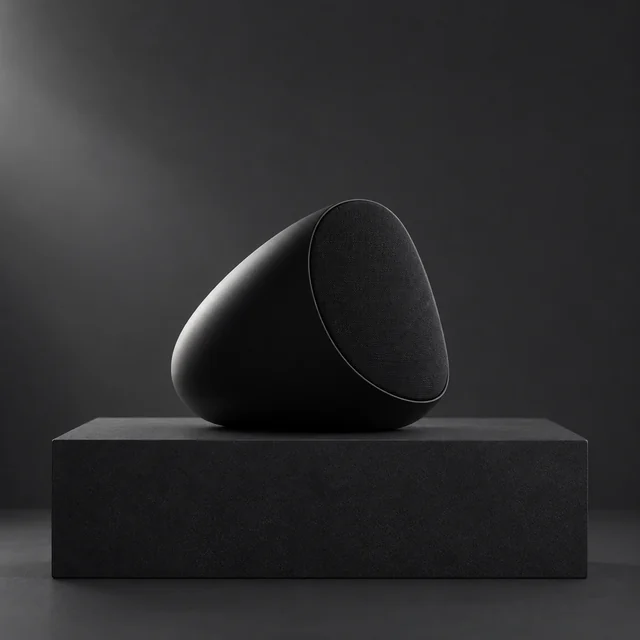
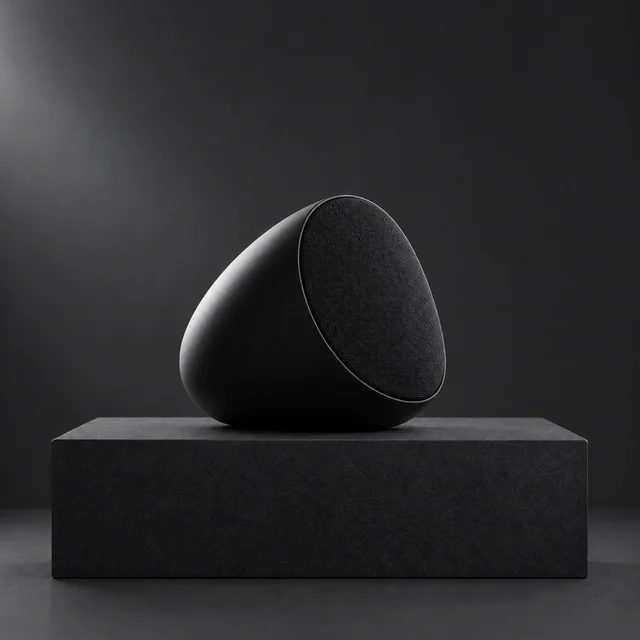
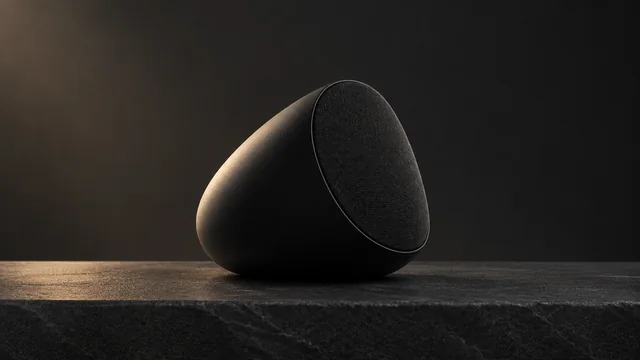
Compact black speaker photographed alone on a dark display plinth.
Your productKeep the product silhouette crisp against its background.
Step 01

Upload a clear product photo

A sharp outline gives the light and camera move a clear subject.

Light this compact black speaker with cool window light and make one slow camera move toward its grille.
Size 16:9 · YouTube & webLength 15 secondsAlso try 9:16 · Shorts & Reels
Cost60 credits
Step 02

Describe the light and movement

Name a surface, light source, and one camera move.
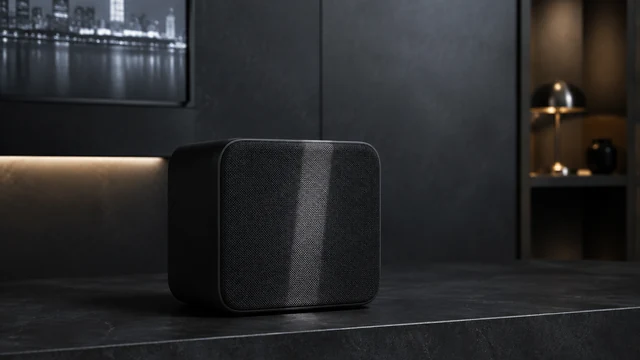
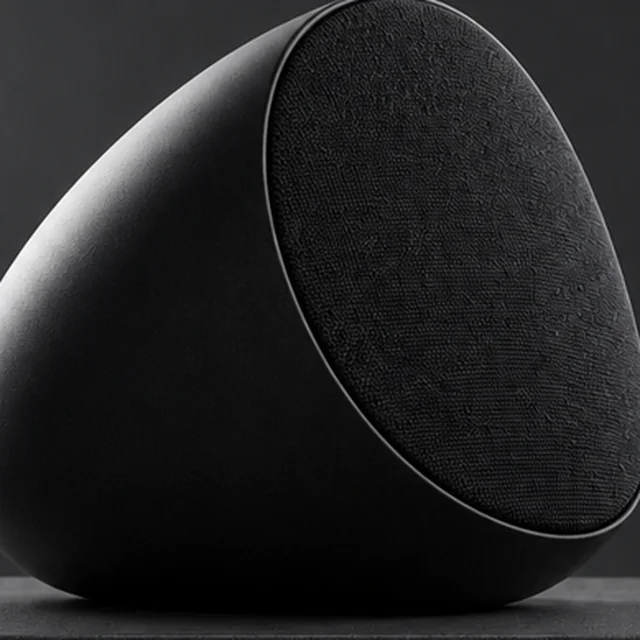
A plain speaker grille catches a cool cinematic highlight.
Step 03

Download and add licensed sound

Add a licensed track and product name in your editor.

Where to use it

Use cinematic product videos in ads and listings

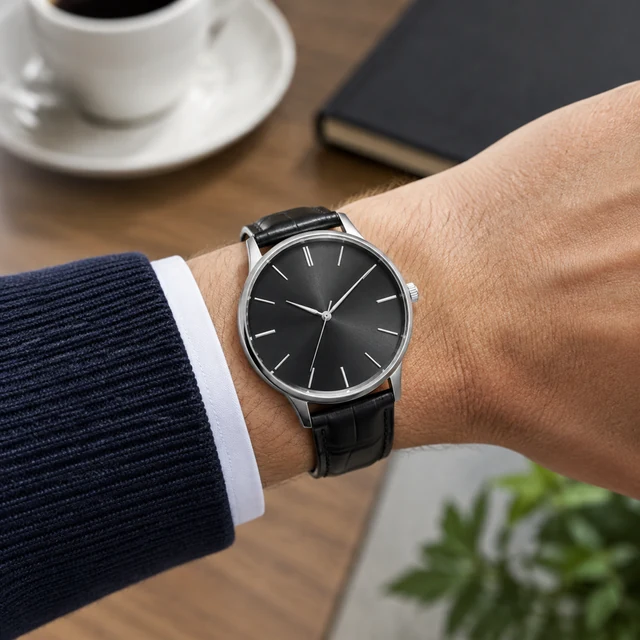
Analog watch on wrist

Show a cinematic watch scene in an ad

Keep the analog watch legible on the wrist, then add the headline and offer as editable text.

Adult carries a canvas tote

Add a cinematic tote scene to a product page

Show the canvas tote being carried, with a clear listing image nearby for product details.
Start with a clear photo

Start a cinematic video with a clear product photo

✓
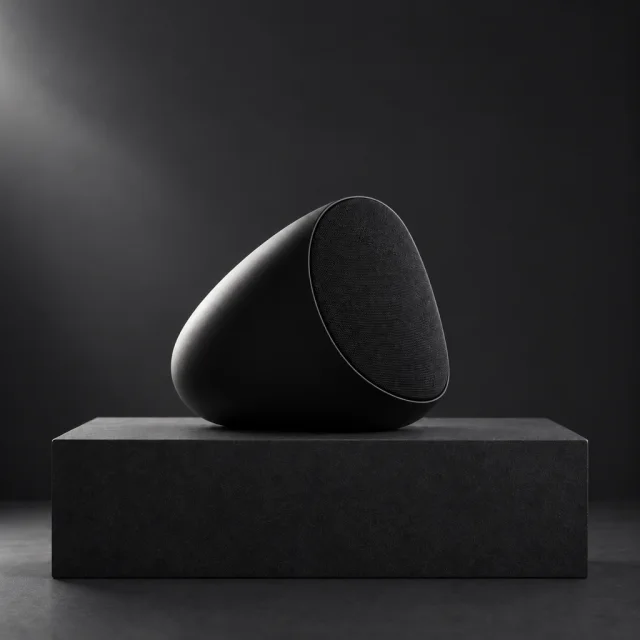
Compact black egg-shaped portable speaker with a woven front grille on a dark plinth.
Product shape and details stay sharp
✕
Compact black egg-shaped speaker softened so its grille and controls are hard to inspect.
Soft focus hides small product details
✓
Compact egg-shaped black speaker fully in frame on a dark display plinth.
Whole product fits inside the frame
✕
Close crop of the compact egg-shaped black speaker with its side and top edges cut off.
Tight framing cuts off a product edge
Your result

Choose a cinematic 16:9 video format

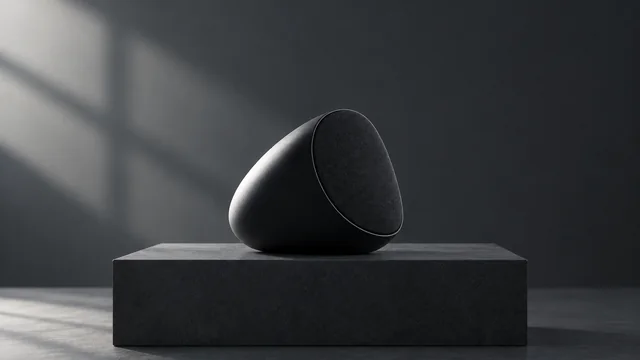
Compact egg-shaped black speaker on a dark plinth in cool side light.
16:9 cinematic product video16:9 video · 15 s · 60 credits
Compact egg-shaped black speaker on a dark stone surface in warm side light.
16:9 wide product reveal16:9 video · 15 s · 60 credits
After download

Add the product name and sound after download

Rounded fragrance bottle reflected on dark water in cinematic light.
HeadlineProduct name

These details are added in your editor after download.

  • Add the product name and headline as editable text after download.
  • Choose licensed audio in your editor before publishing the clip.
More templates

More cinematic product video templates

Choose another everyday scene, then add your product photo.

Examples

Cinematic product video examples

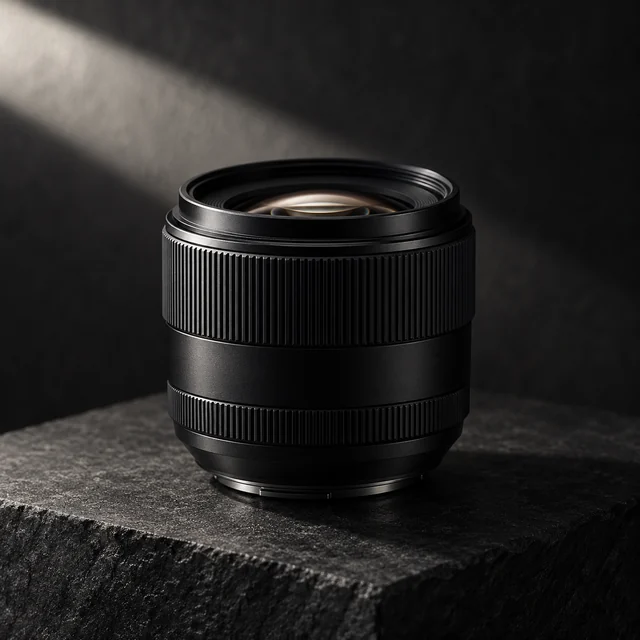
Moody light, slow pacing and close details for products that sell on look and feel.
FAQ

Questions about cinematic product videos

What kinds of products look good in a cinematic video?

Anything with a strong shape or a nice finish: speakers, headphones, watches, bottles, lamps, sunglasses. Matte and glossy surfaces both work if your photo is in focus.

Does the clip come with music?

AIVideosUGC does not add a music track or captions. Add a licensed track in your editor after download.

Can I show my logo in the scene?

Your own logo on your product photo is fine. If a request shows another company's logo or trademark, it may be turned down.

What video size suits a cinematic product video?

Use 16:9 for a wide site hero or YouTube placement, 9:16 for mobile feeds, and 1:1 for square feeds.

Keep reading

Guides and articles

Try Brand Film with your product

Upload one product photo. See the cost before you start.