Product photo template

Close-Up Product Detail Photos of Stitching, Grain, and Finish

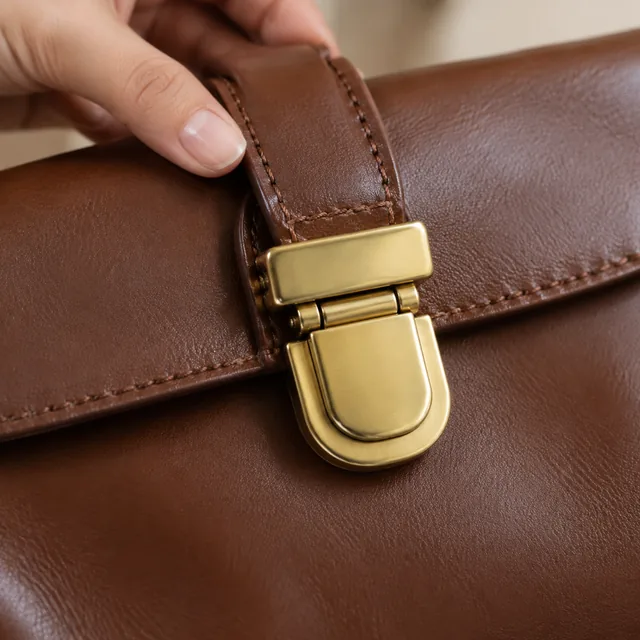
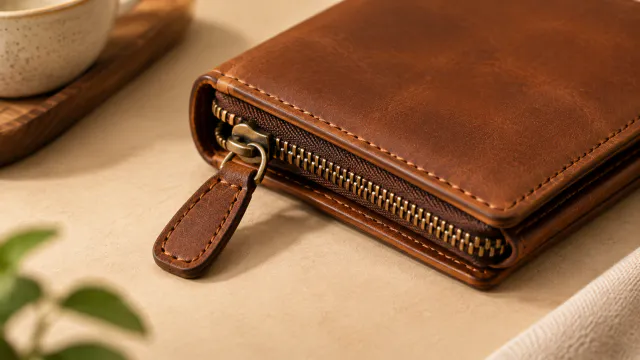
Product detail photos start with a sharp source photo where the stitching, texture, clasp, or finish is clearly visible. The square close-up can frame that detail; compare the result with the real item before publishing.

Drop your product photo hereJPG, PNG or WebP · any clear photo works
Template Close-Up DetailsSize Square 1:1Focus The detail you name
Make my close-up →See the cost before you start

Plans from $24.50 a month. You see the credit cost before every job, and if a job fails its credits go back to your balance.
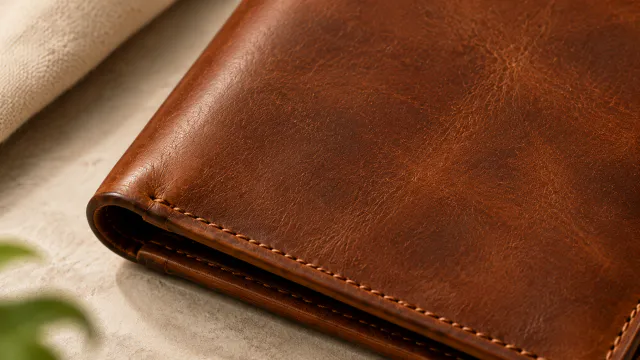
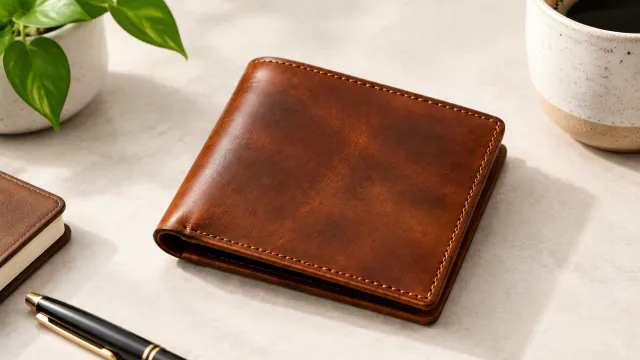
Tip: Upload a photo taken in soft daylight with the detail in sharp focus, because the close-up can only be as crisp as the texture in your original shot.
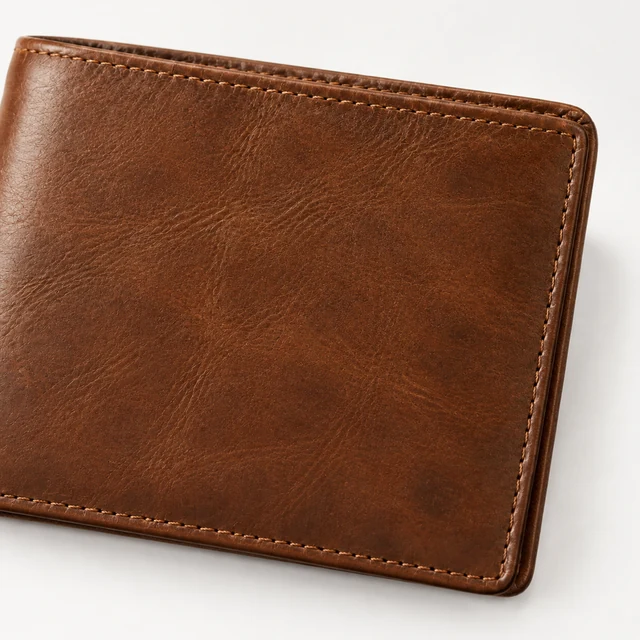
Close view of the wallet leather grain
Photo
Wallet stitching detail along the outer edge
Photo
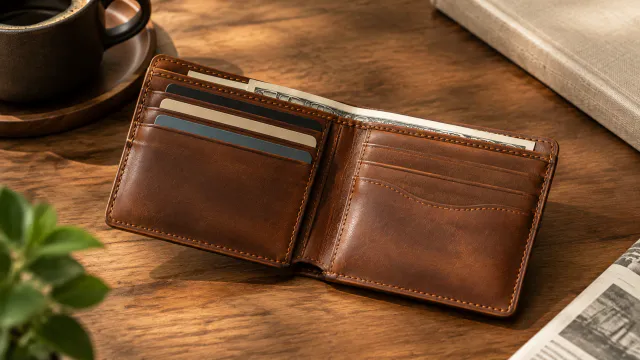
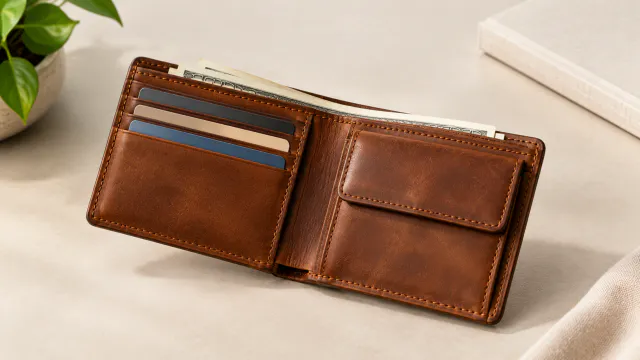
Interior card slots of the brown leather wallet
Photo
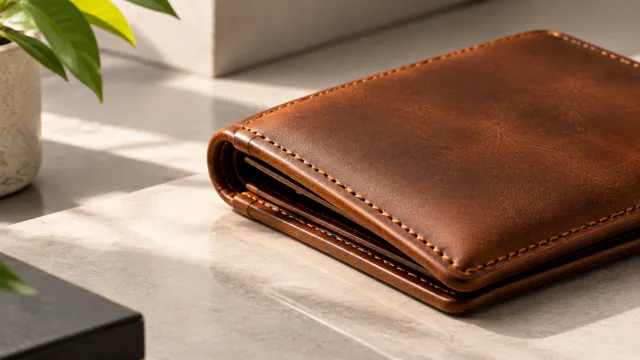
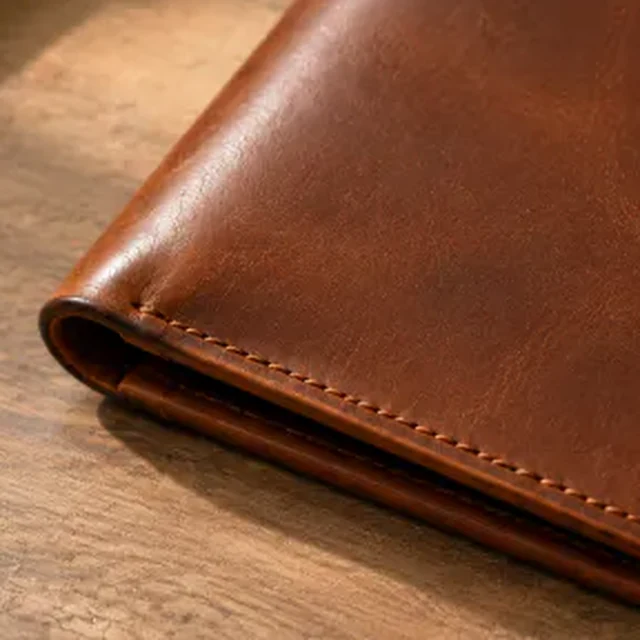
Folded wallet edge and seam detail
Photo
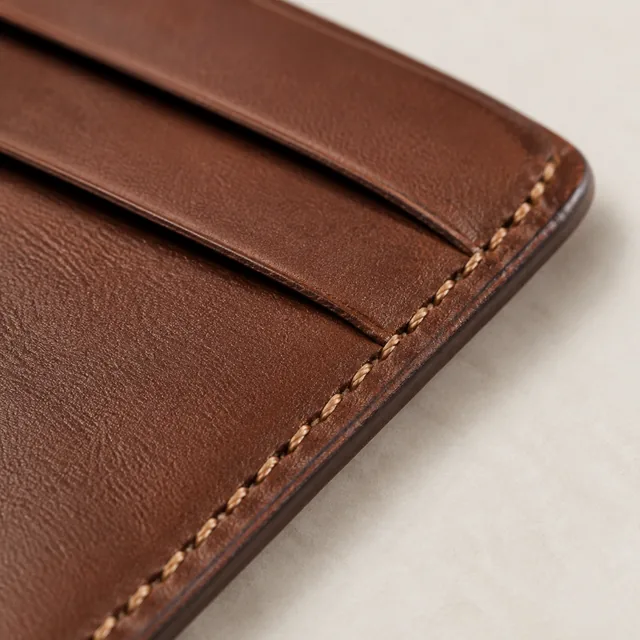
Macro close-up of stitching on a leather card holder edge.
Photo
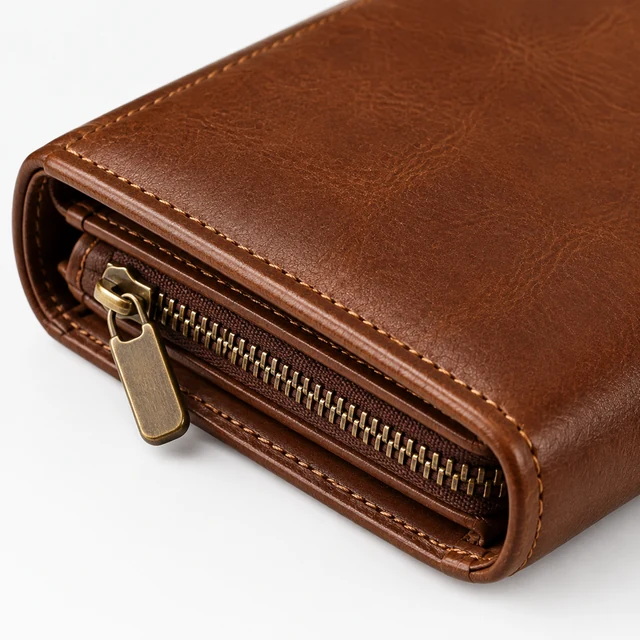
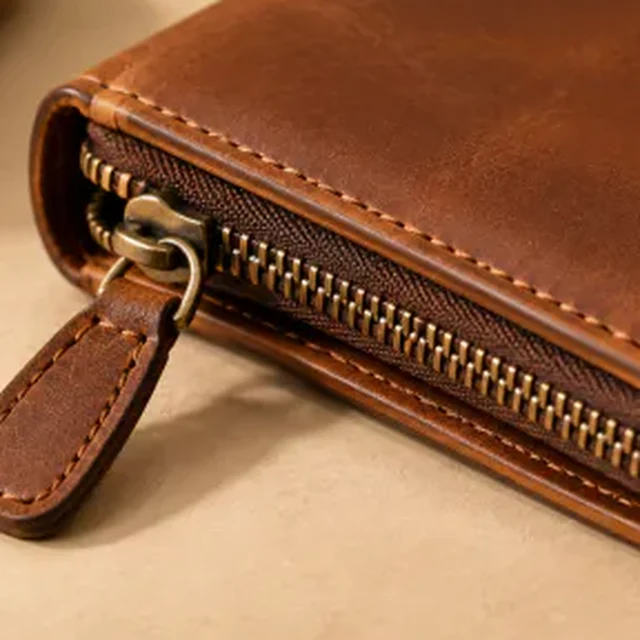
Square macro photo of an unbranded brown leather wallet zipper and brass pull on a pale neutral background.
Photo

Close product photos help shoppers see the material, stitching, fasteners, and finish. Start from a sharp source photo and name one detail at a time.

How it works

Make close-up product detail photos

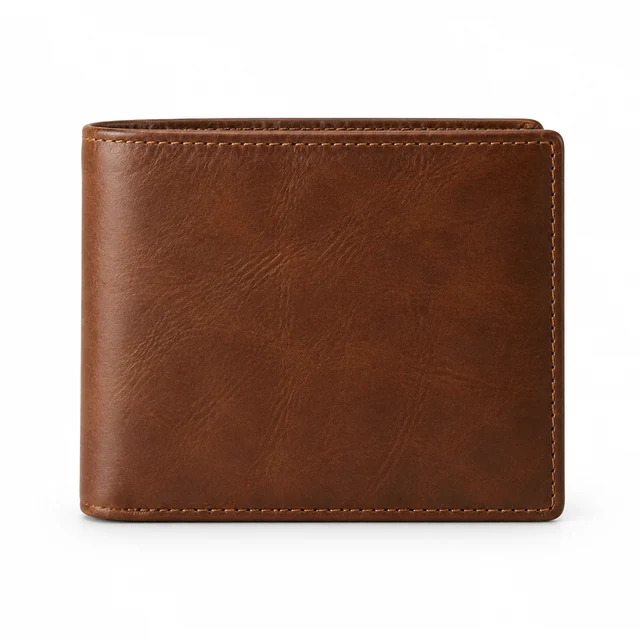
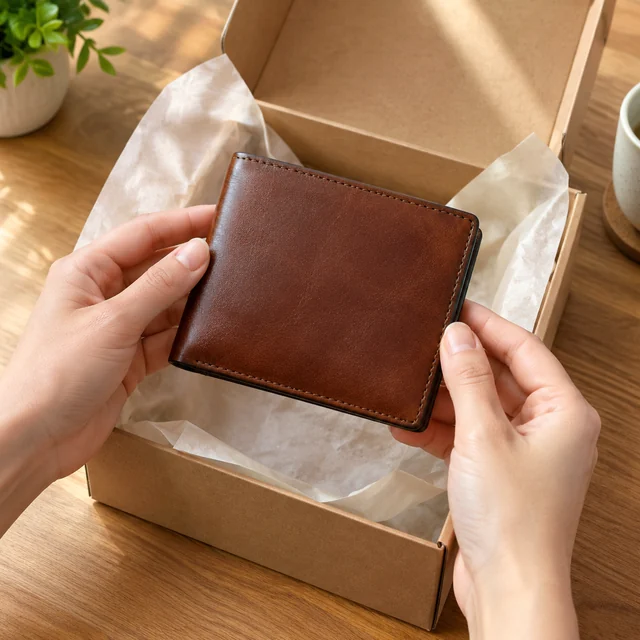
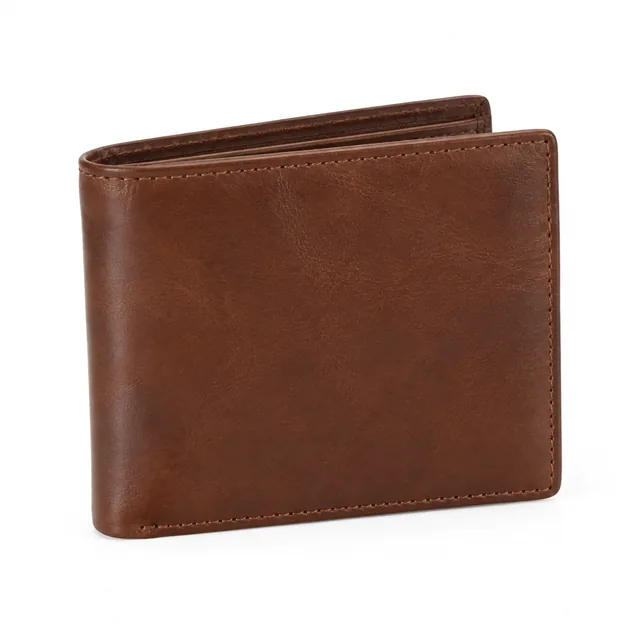
Brown leather bifold wallet with visible edge stitching on a white background.
Drop your product photo hereJPG, PNG or WebP · any clear photo works
Step 01

Choose one detail to show

Pick a seam, clasp, material, or finish that helps explain how the product is made.

Create a square macro close-up of this brown leather bifold wallet from the source, focusing tightly on its edge stitching and leather grain against a clean light-neutral background. Preserve the wallet’s leather color and stitching pattern.
Template Close-Up DetailsSize Square 1:1Focus The detail you name
Cost24 credits
Step 02

Frame that feature clearly

Move close enough to show the detail while keeping its edge and surrounding material in view.
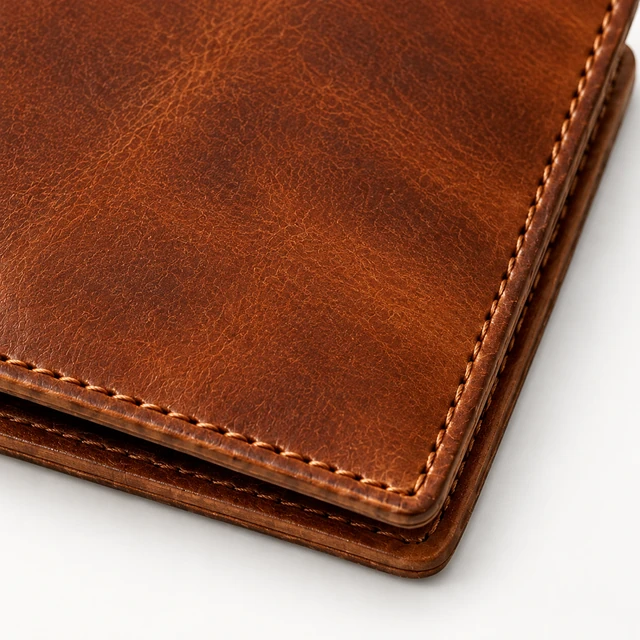
Close macro view of brown leather wallet stitching and grain.
Step 03

Place the photo in your gallery

Download the square close-up, then add it after the full product view in your listing.

Choose a scene

Choose a texture or hardware detail

Pick one material or feature to bring into close view.
Where to use it

Use detail photos on listings and product pages

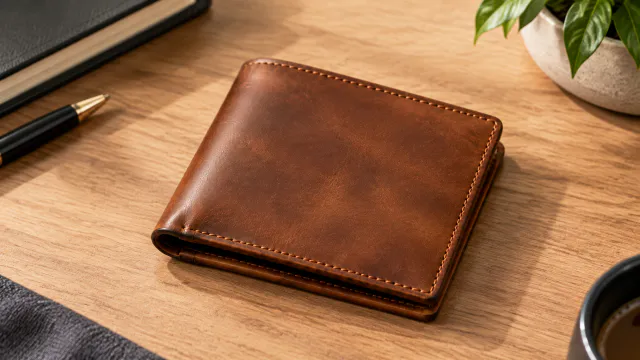
Close product image of a brown leather wallet with clean studio lighting

Add a detail after the main image

Place the close-up beside the full wallet view so shoppers can compare the finish and construction.
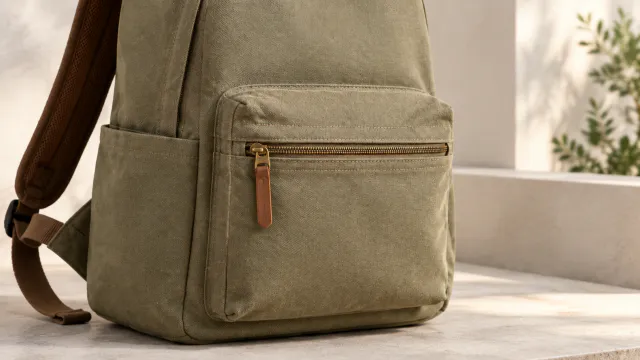
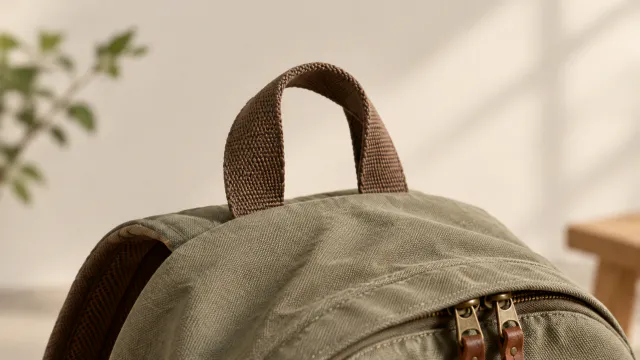
Close view of the backpack pocket

Show a pocket or closure on a store page

Use a separate image for a zipper, pocket, clasp, or other feature that affects the purchase.
Start with a clear photo

Start with a sharp close-up source photo

✓
Close view of the wallet zipper and pull
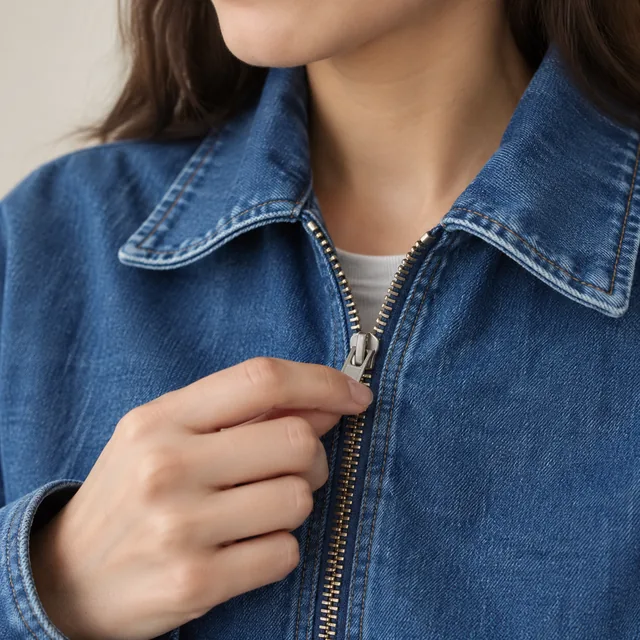
Jacket weave stays sharp
✕
Blue jacket fabric with its weave softened out of focus.
The fabric detail loses focus
✓
Clean edge detail around the vase
Vase edge stays visible
✕
Ribbed ceramic vase cut off by the left edge in a bright room.
The vase is cut off at the side
Your result

Square product detail photo examples

Square macro view of a brown leather wallet zipper and stitching.
Square wallet zipper detailSquare photo · 24 credits
Square macro view of a brown leather wallet corner and edge finish.
Square leather corner detailSquare photo · 24 credits
After download

Add material notes after download

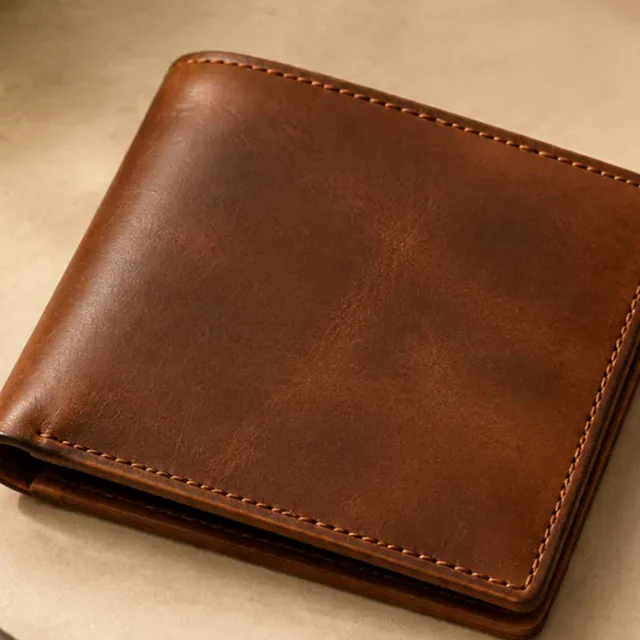
Square product photo of the same brown leather wallet, folded closed.
Gallery orderProduct details

These details are added in your editor after download.

  • Place the close-up after the full product photo in your store gallery.
  • Type material names and dimensions as text in the product listing.
More templates

More creator-style photo templates

Choose another everyday scene, then add your product photo.
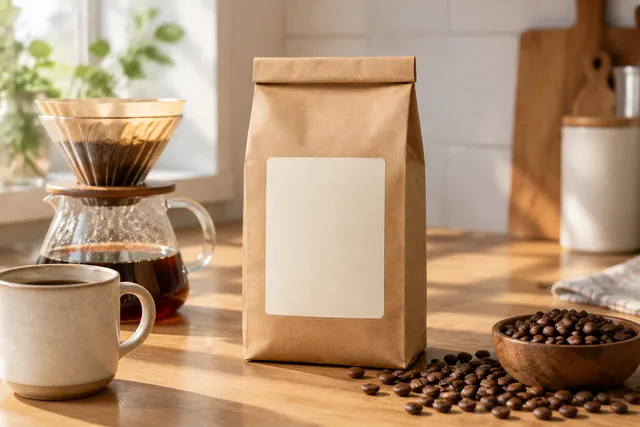
PhotoKraft coffee bag beside a pour-over brewer, a ceramic mug and a bowl of beans on a sunlit kitchen counter

What's in the Box

Show the full set or bundle

Beauty & SkincareAmazonShopify
Use this template →
PhotoMan in profile wearing black wayfarer sunglasses on a seaside boardwalk

Clothing Try-On

See a piece worn before the shoot

Fashion & ClothingShopify
Use this template →
PhotoSilver necklace on a dark top

Jewelry On Model

Necklaces, rings and earrings, worn

Jewelry & AccessoriesInstagramShopify
Use this template →
Examples

More product detail photos

A close view can show a material edge, surface finish, or small piece of hardware.
FAQ

Questions about close-up product photos

Which product details work well in close-up?

Show a material, stitch, clasp, zipper, rim, or finish that shoppers cannot see in the main product image.

How close should the source photo be?

Keep the named feature in focus and leave enough surrounding product to show where it sits.

Where should a detail photo go?

Place it after a clear main image so shoppers can first understand the whole product.

Keep reading

Guides and articles

Try Close-Up Details with your product

Upload one product photo. See the cost before you start.