AIVideosUGC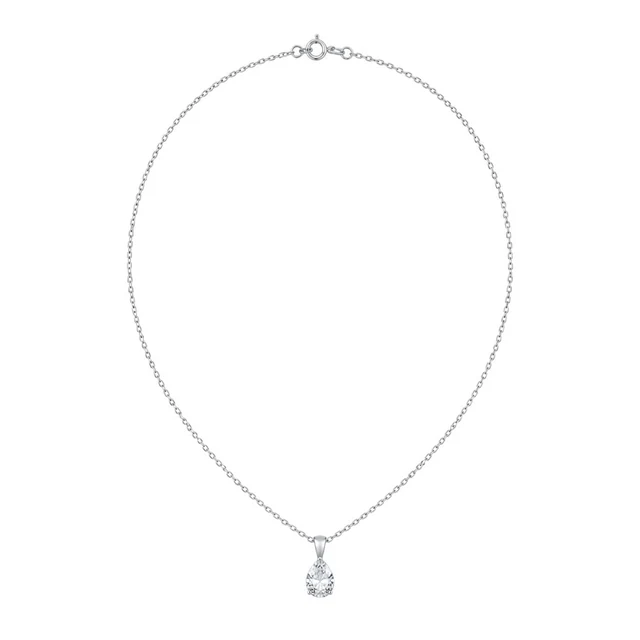
Drop your product photo hereJPG, PNG or WebP · any clear photo works
Step 01
Photograph the piece on its own
Use a plain light surface and keep the full jewelry piece in focus.
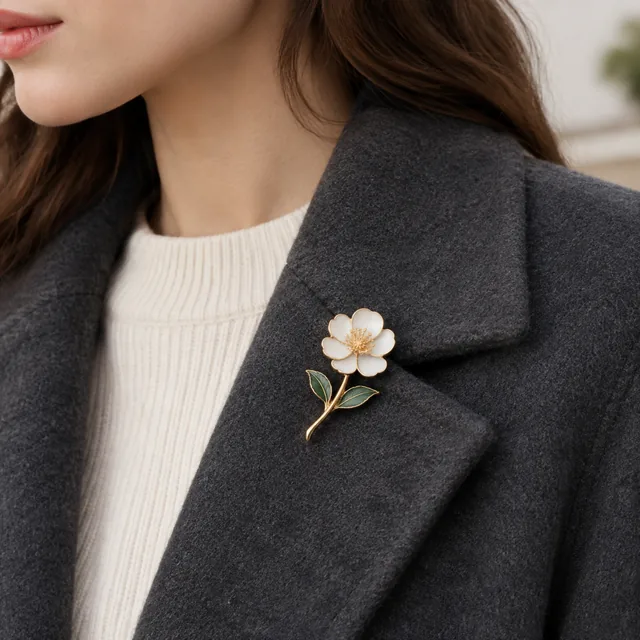
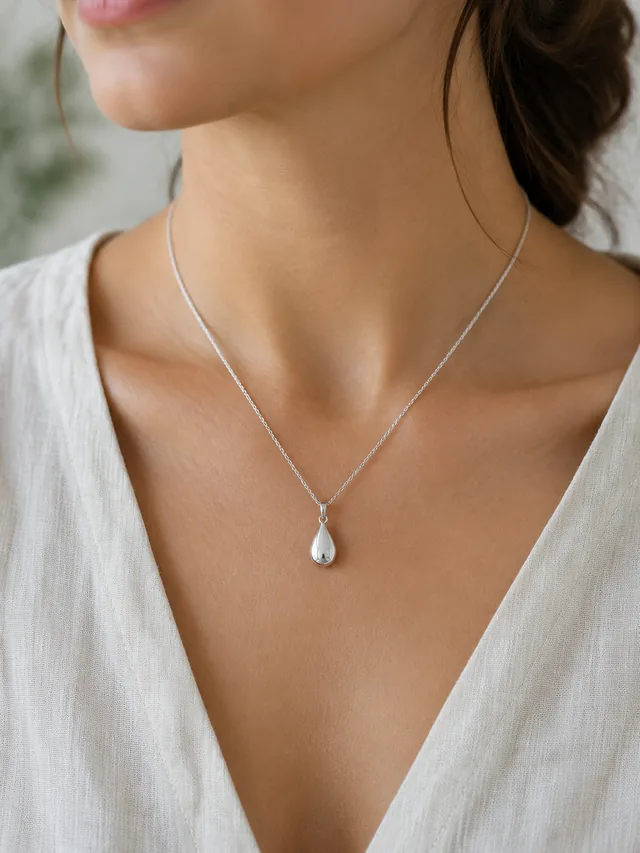
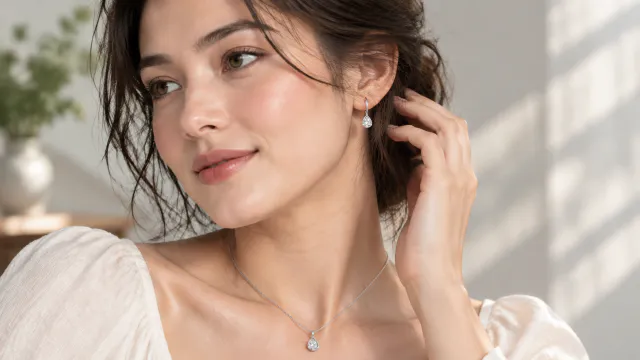
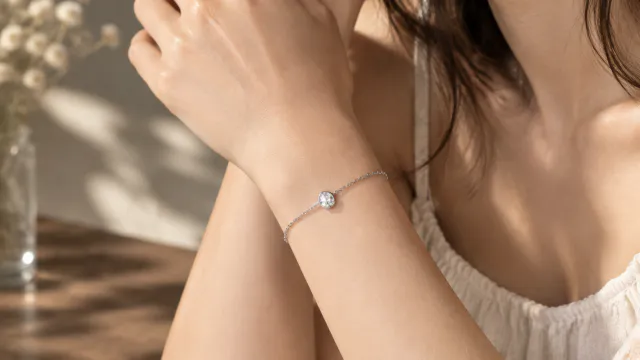
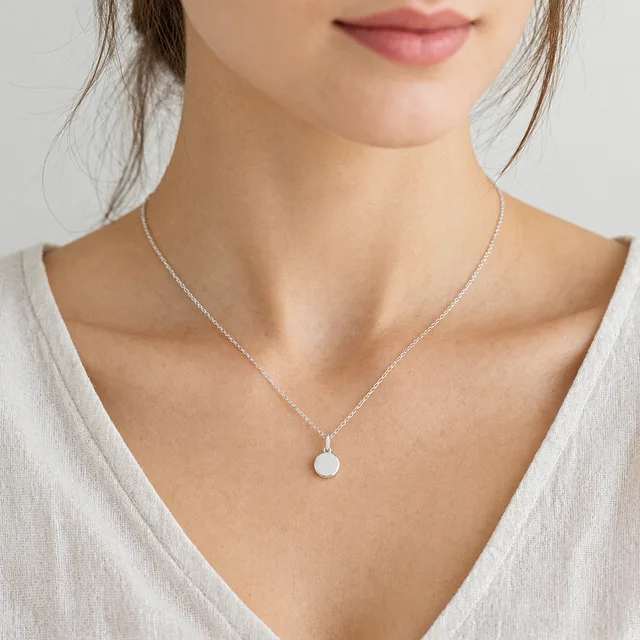
AI jewelry model photos show where a necklace sits on the collarbone, how far an earring drops, or how a ring looks on a hand, starting from one clear photo of the piece.
Plans from $24.50 a month. You see the credit cost before every job, and if a job fails its credits go back to your balance.

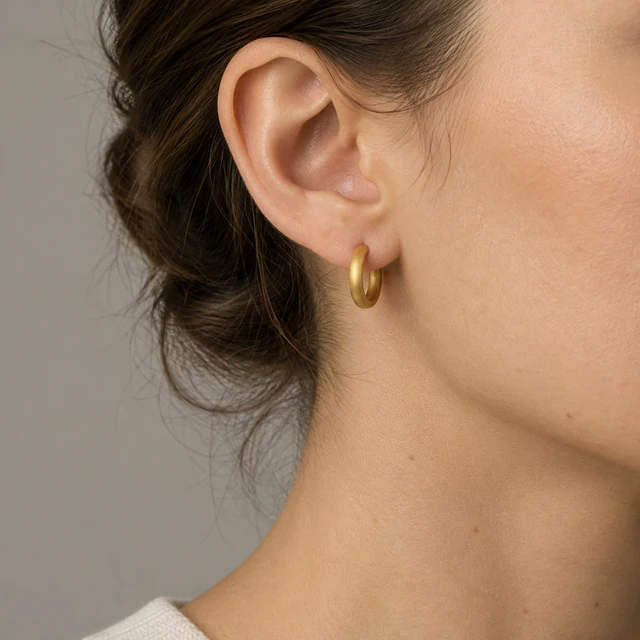
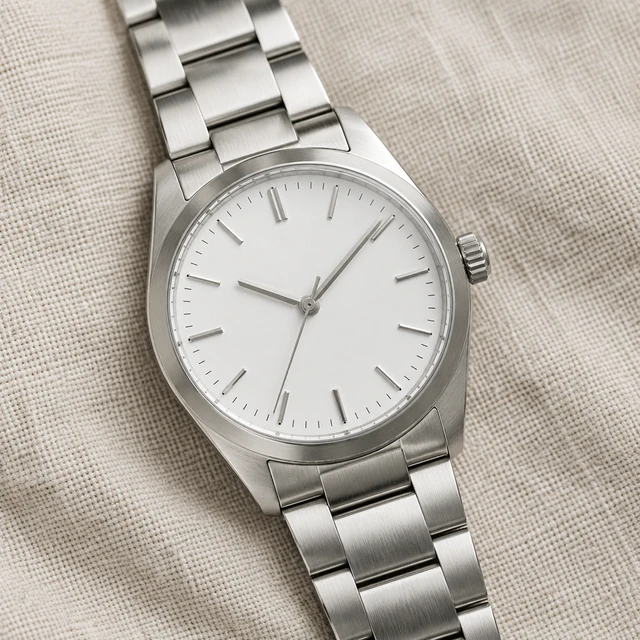
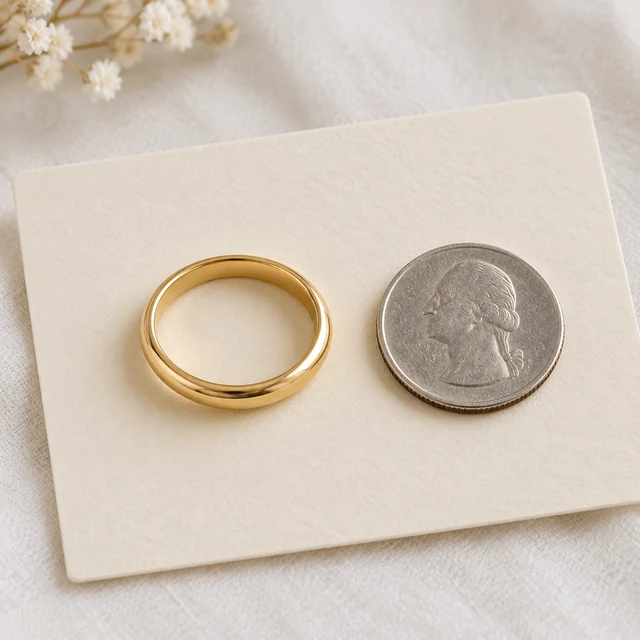
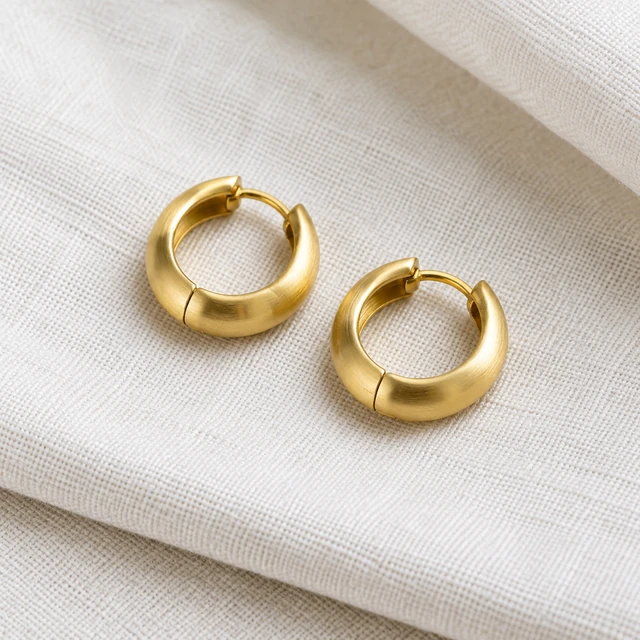
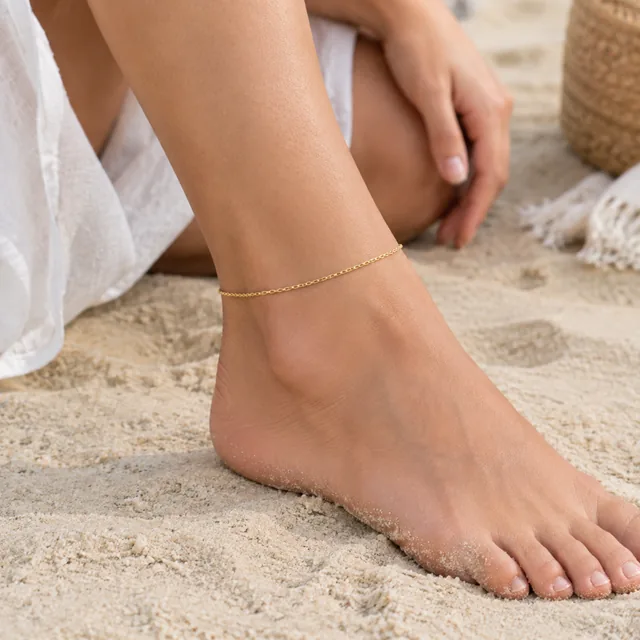
Show how a jewelry piece sits on the ear, hand, or neckline while keeping the design recognizable. Start with a clear photo of the piece by itself.
Use a plain light surface and keep the full jewelry piece in focus.
Name the placement, clothing, and light while keeping the jewelry design visible.
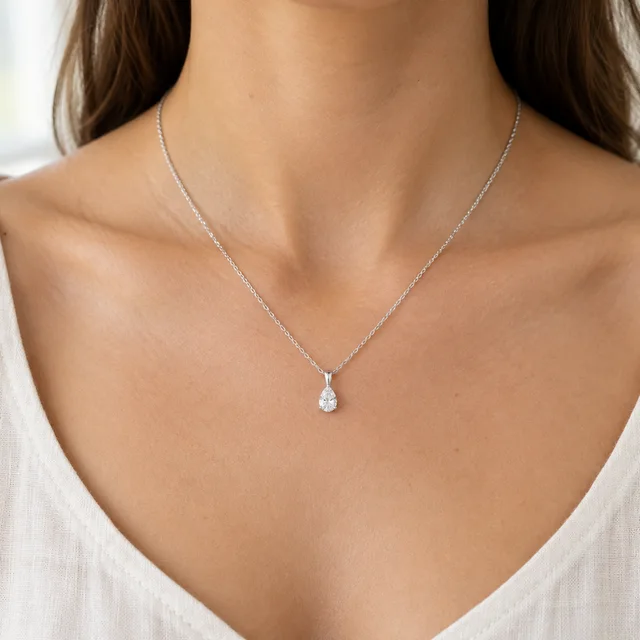
Download the image, then add the piece name and material as text.
Pick an on-model or close-up view that keeps the jewelry easy to see.
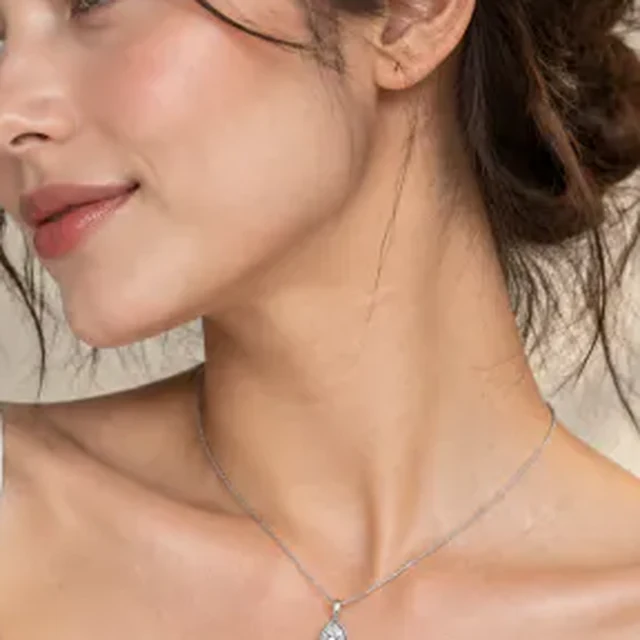
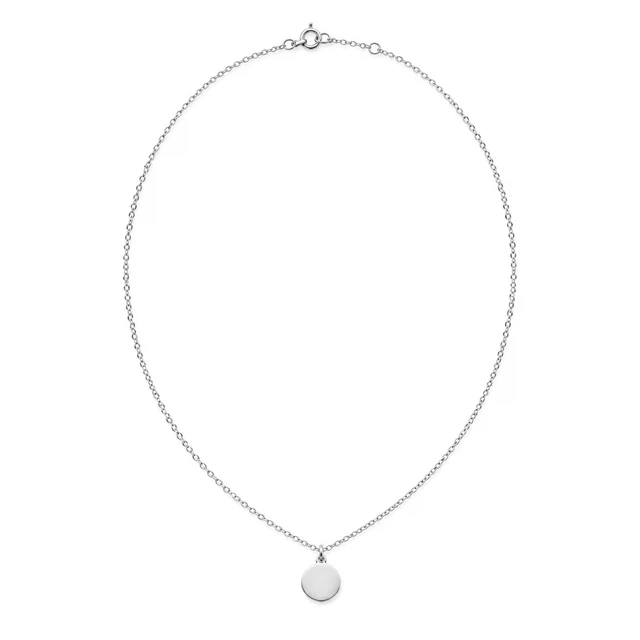
Keep the necklace and pendant visible against a simple outfit so shoppers can judge its scale.
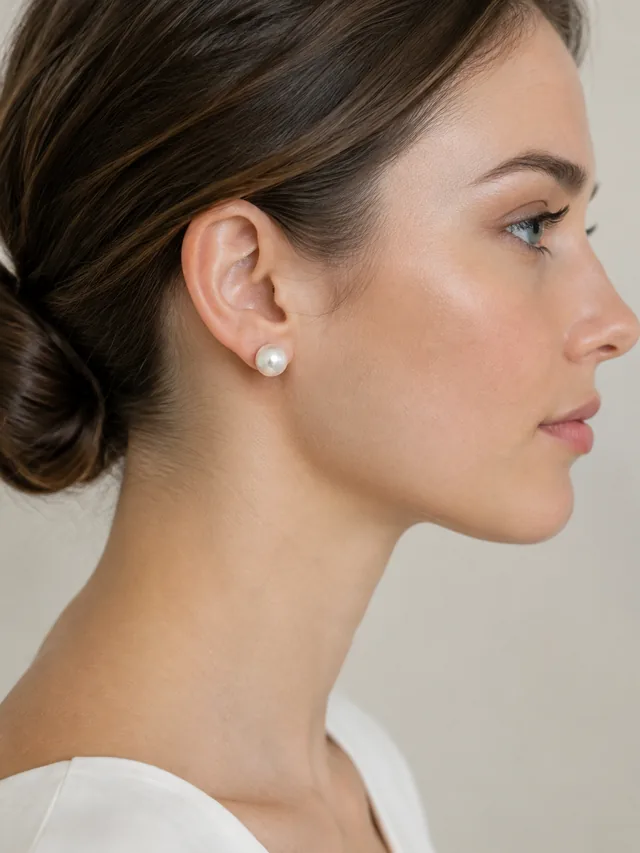
Place the on-model photo beside the clear product shot so shoppers can see how it sits.
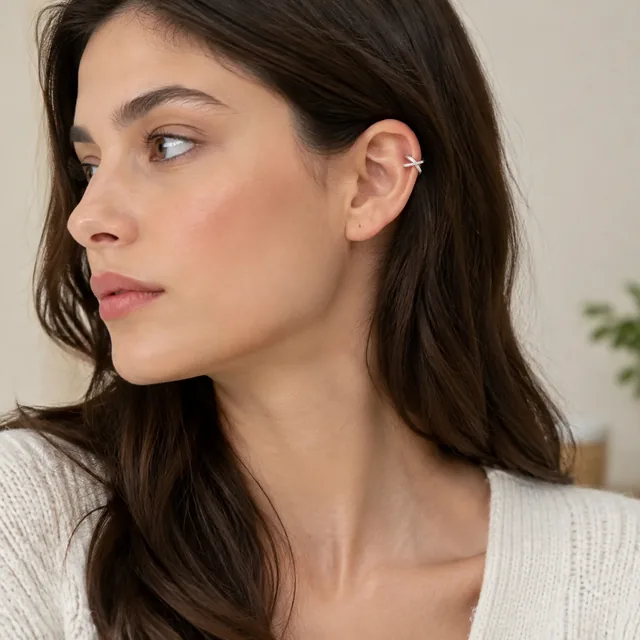
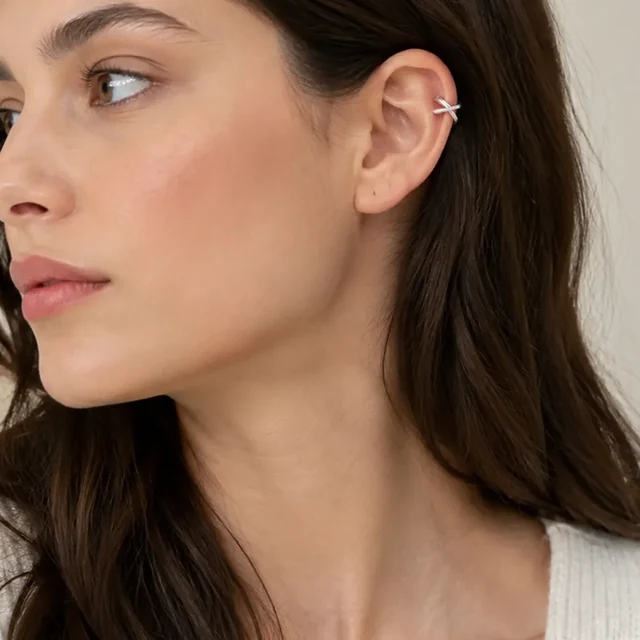
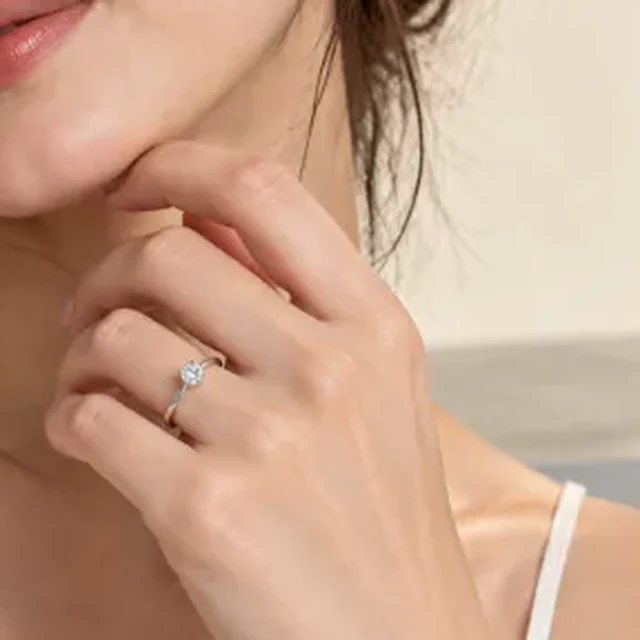
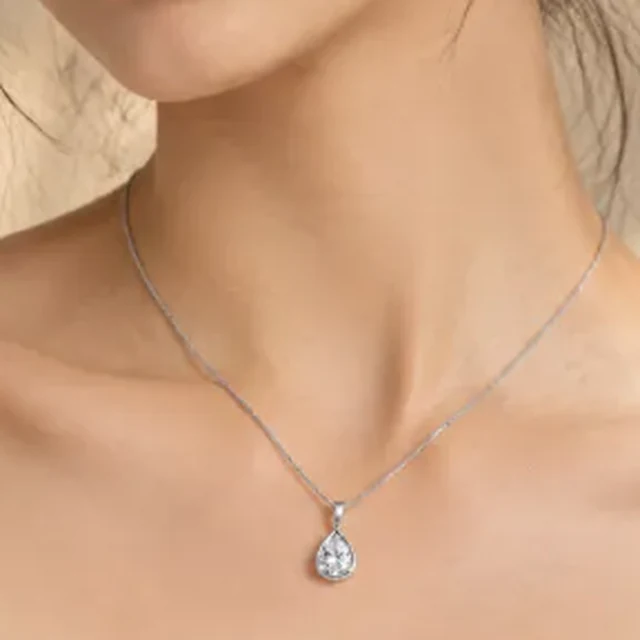
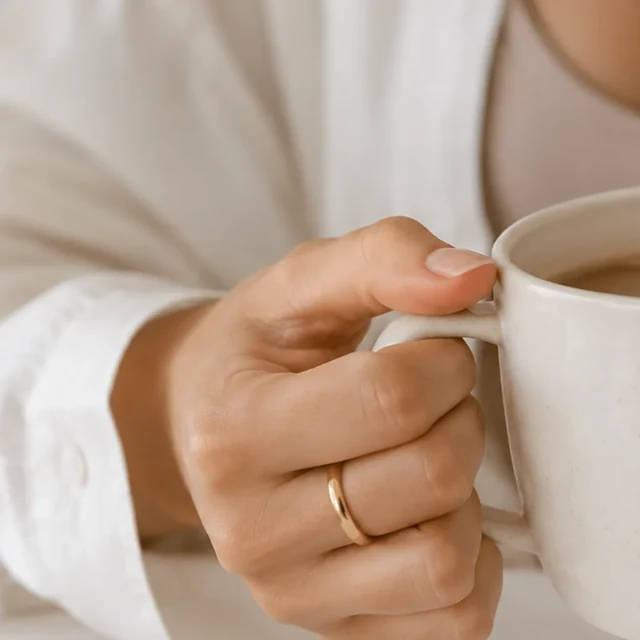
These details are added in your editor after download.
Choose another everyday scene, then add your product photo.


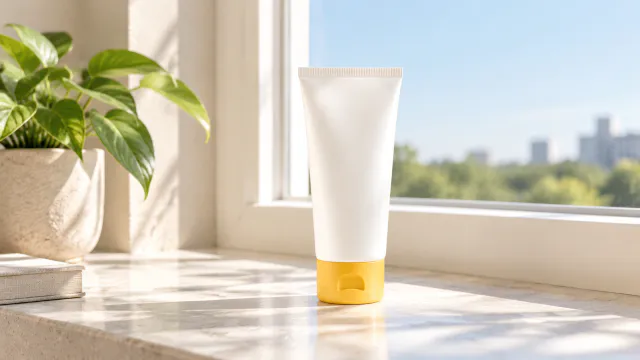
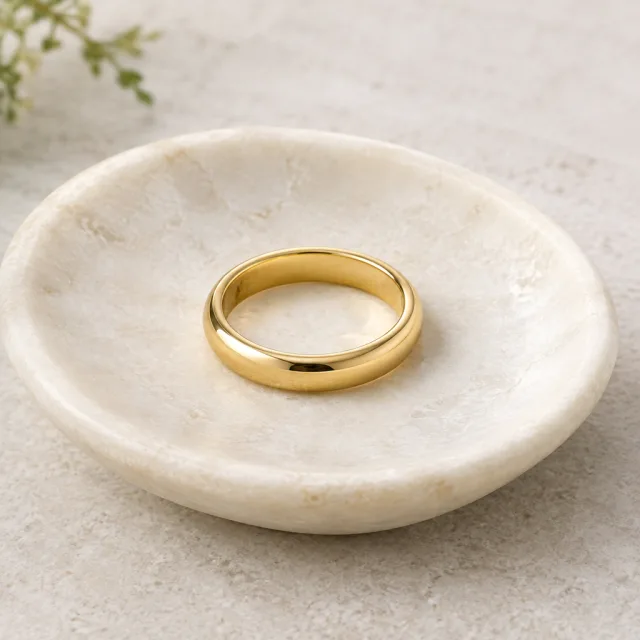
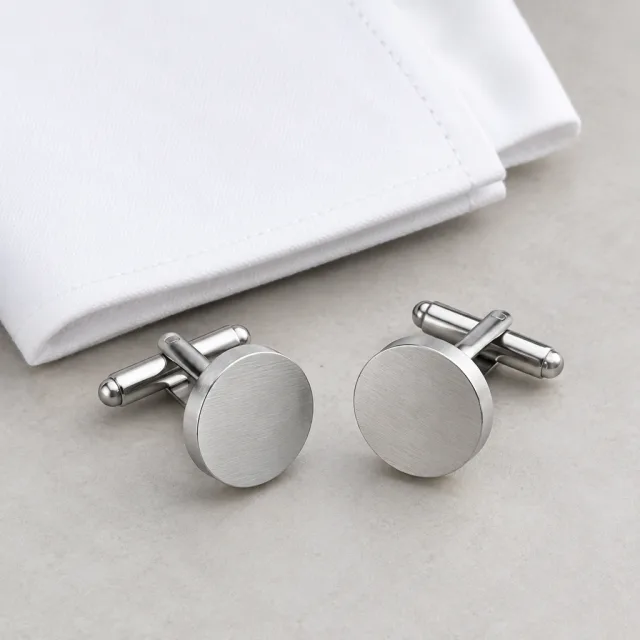
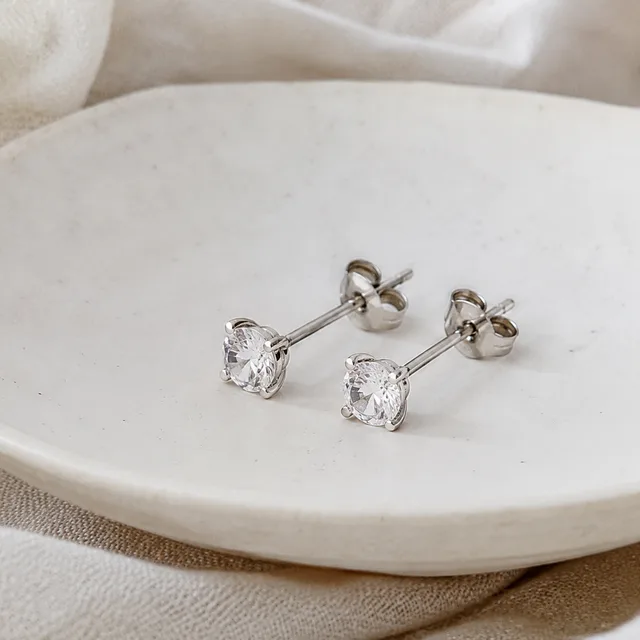
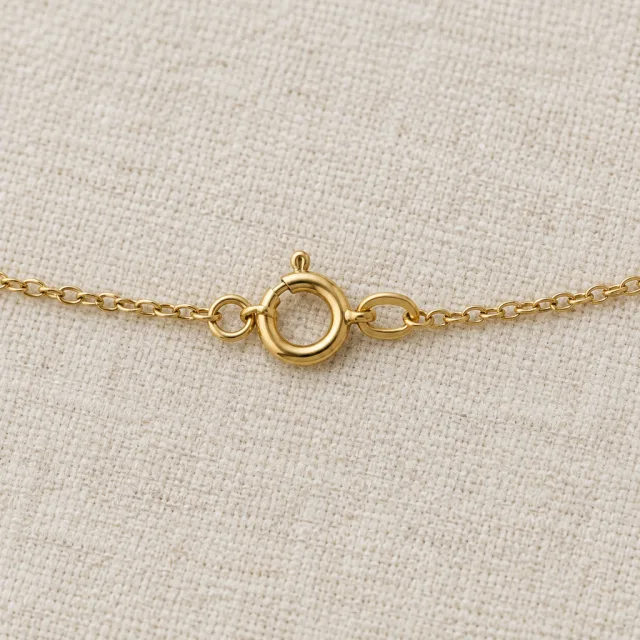
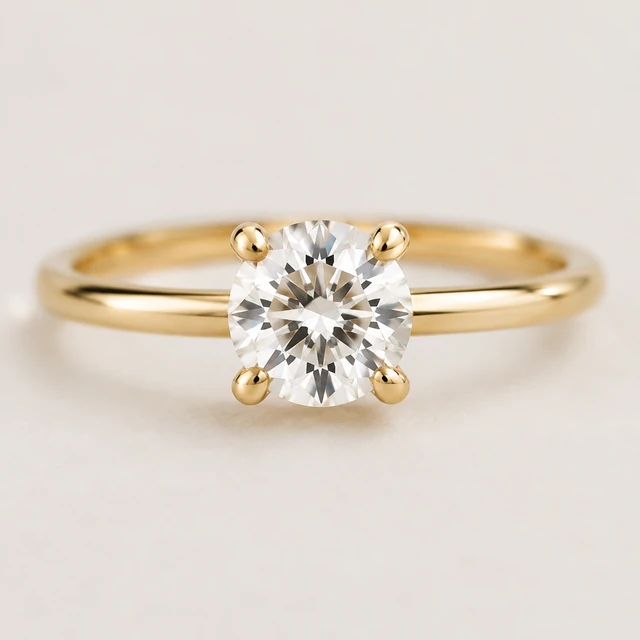
Use one clear photo of the piece by itself so its shape, finish, and stones are easy to see.
Describe the chain length and neckline, then keep the pendant centered in the scene.
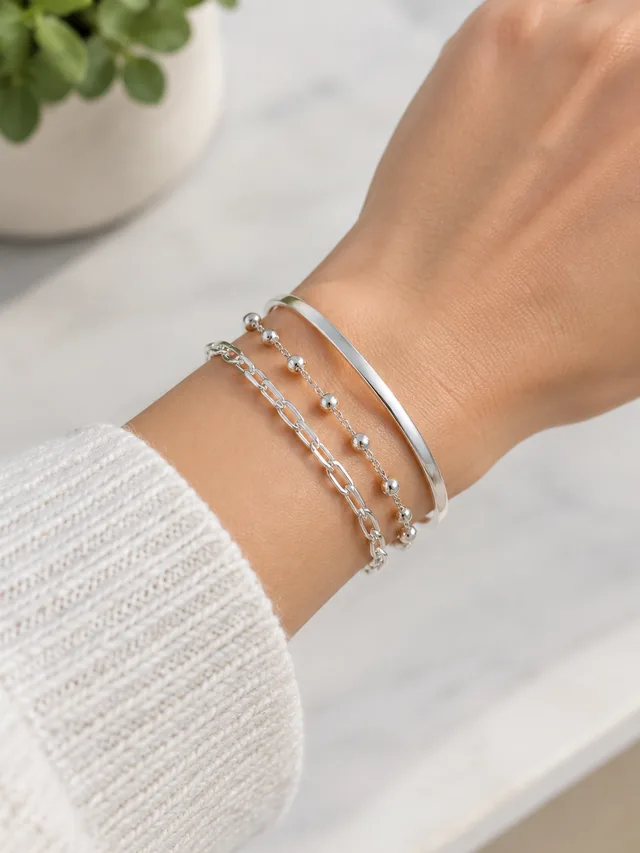
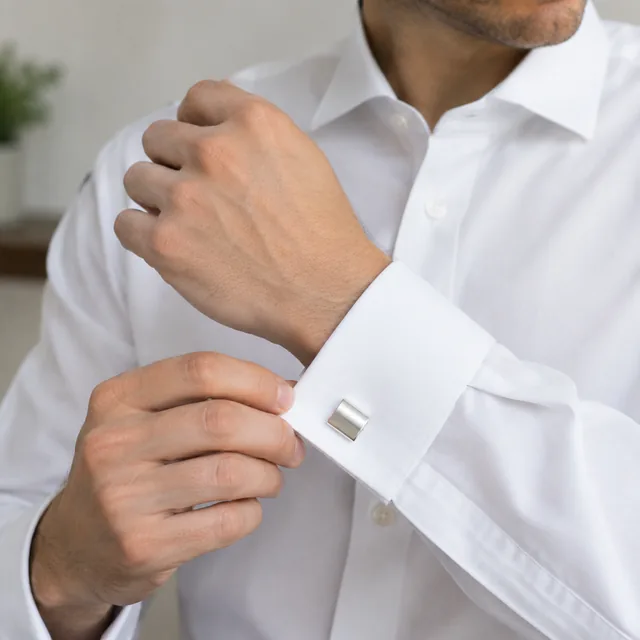
Necklaces, earrings, rings, bracelets, and small accessories can all be shown in their worn position.
Upload one product photo. See the cost before you start.