AIVideosUGC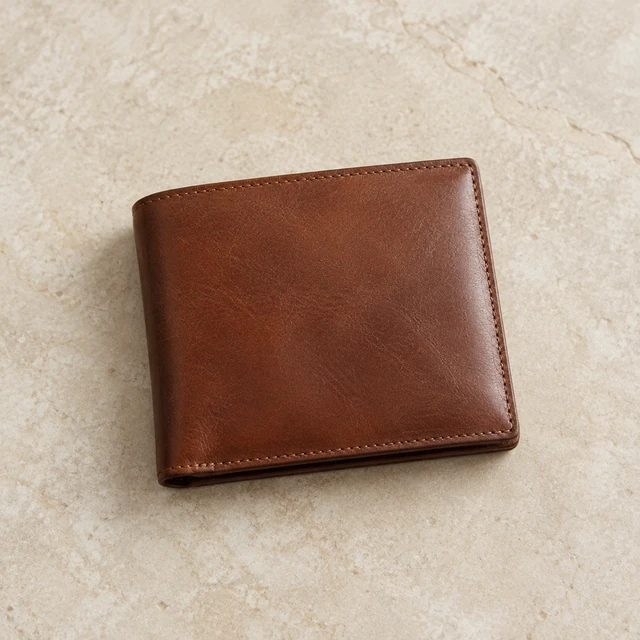
Drop your product photo hereJPG, PNG or WebP · any clear photo works
Step 01
Upload the whole product
Straps, handles and labels in frame and in focus. A cluttered table behind it is fine.
Turn a phone photo of your product into a clean white-background image for your Amazon, Shopify or Etsy listing.
Plans from $24.50 a month. You see the credit cost before every job, and if a job fails its credits go back to your balance.
 Result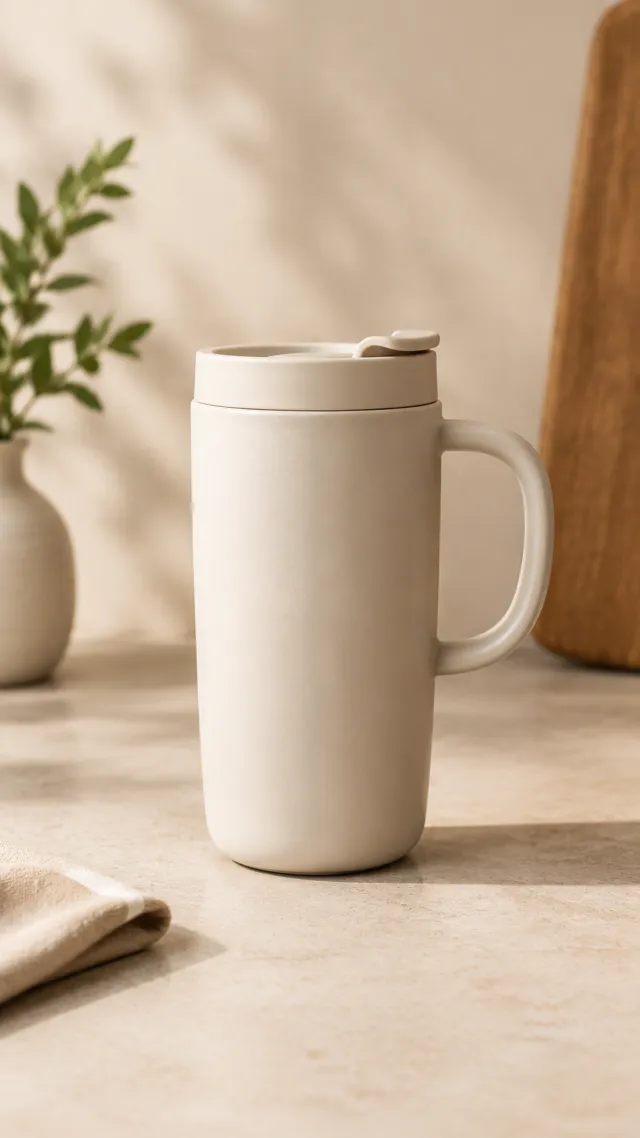
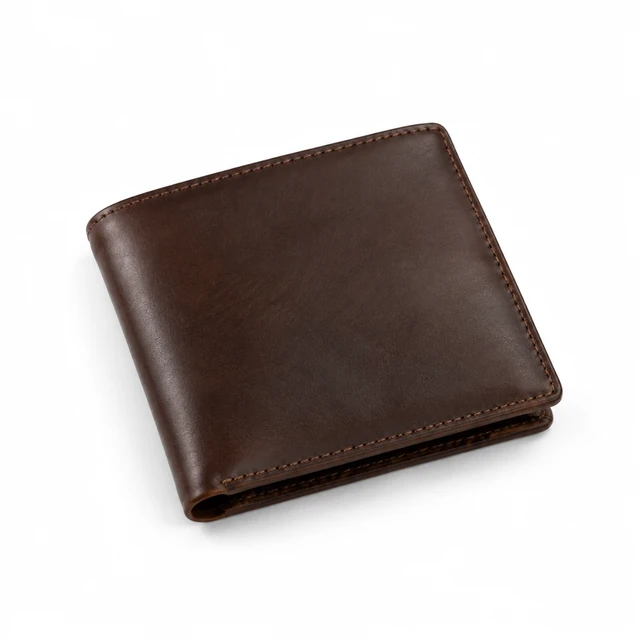
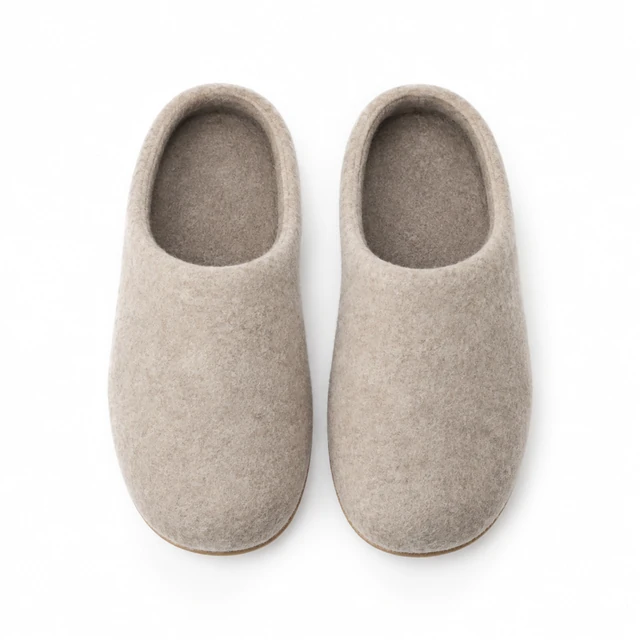
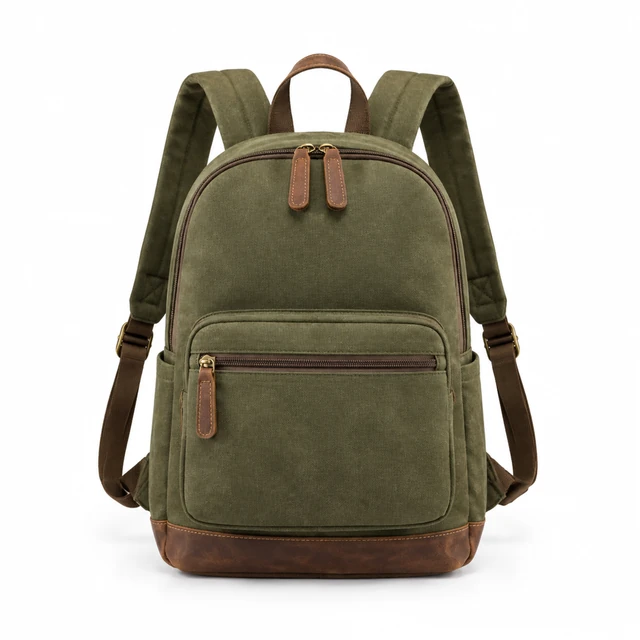
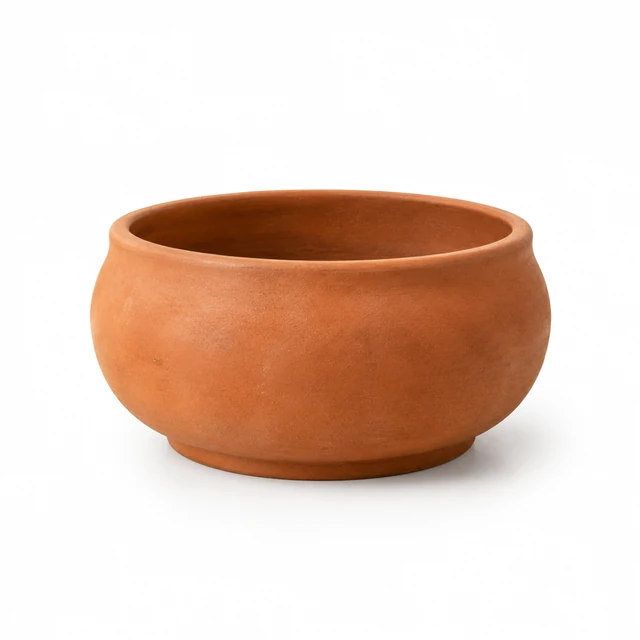
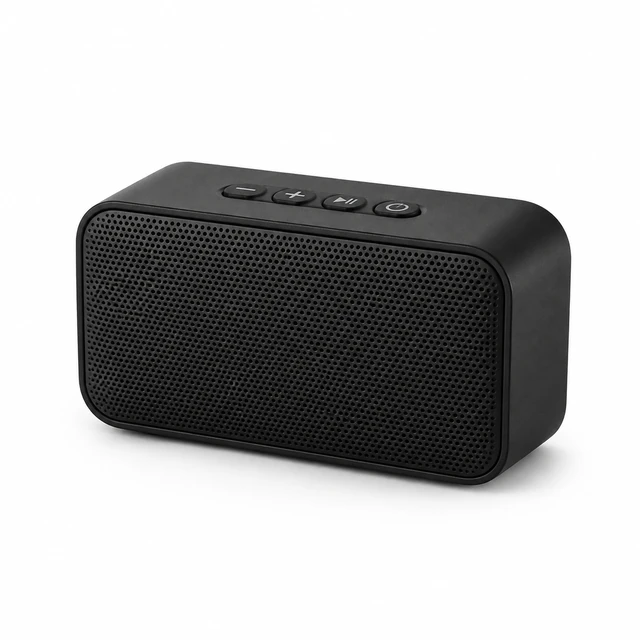
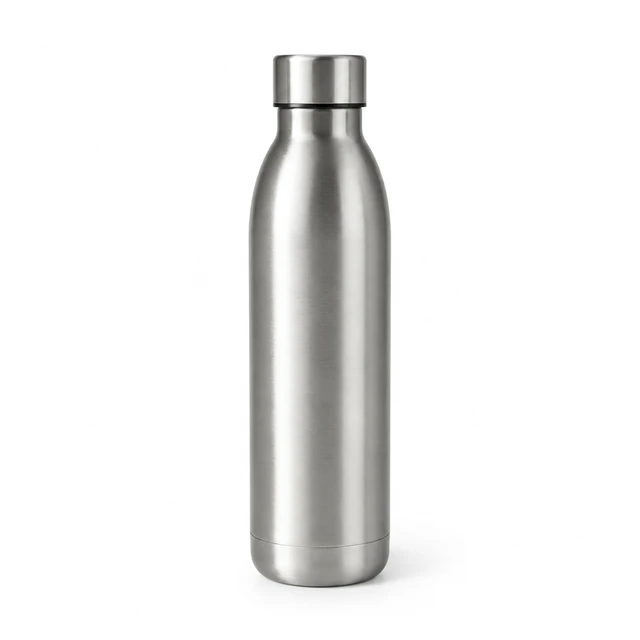
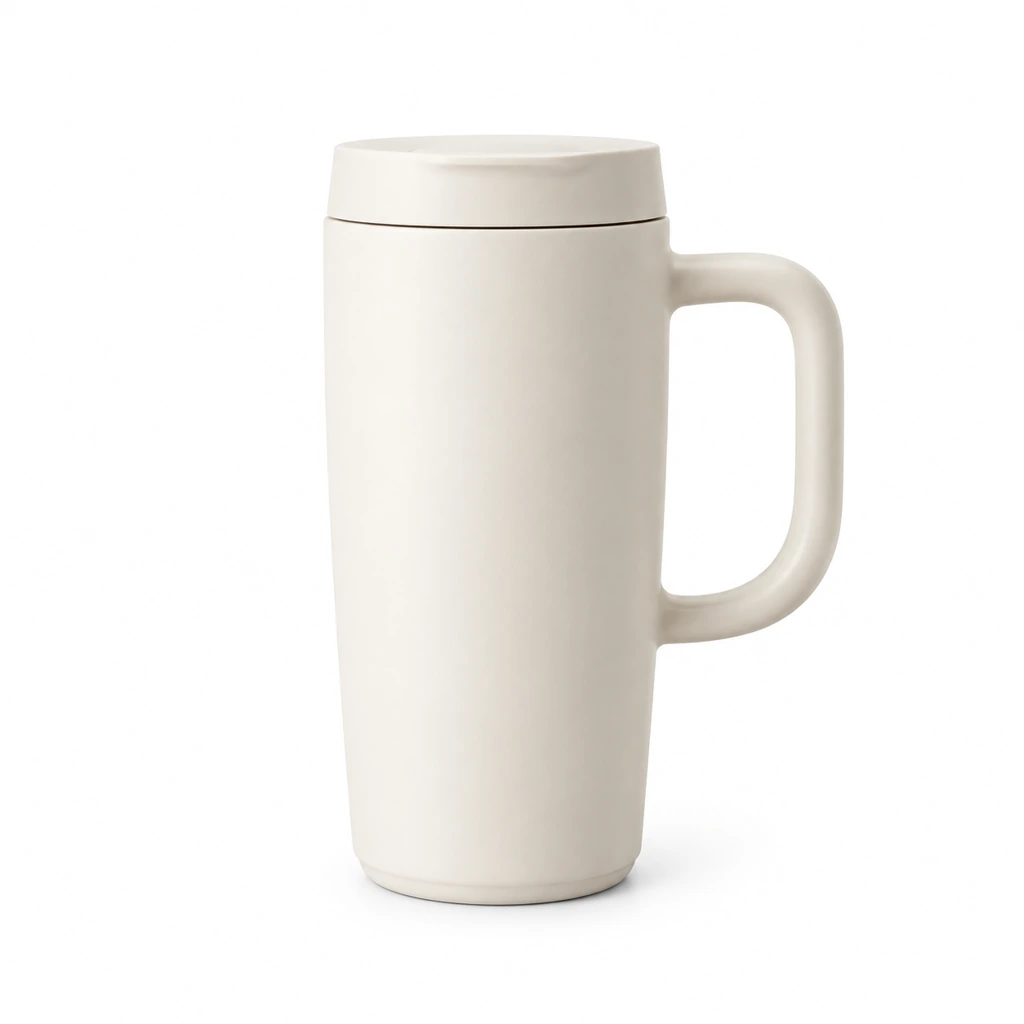
A plain white product photo puts an item against an uncluttered field for a store listing. Upload a phone shot that includes straps, handles and labels, then choose a centered square crop. A soft shadow can help the item sit on the page without adding props or a tabletop scene.
Straps, handles and labels in frame and in focus. A cluttered table behind it is fine.
Square fits most listing grids. Describe a soft shadow if you want one under the product.
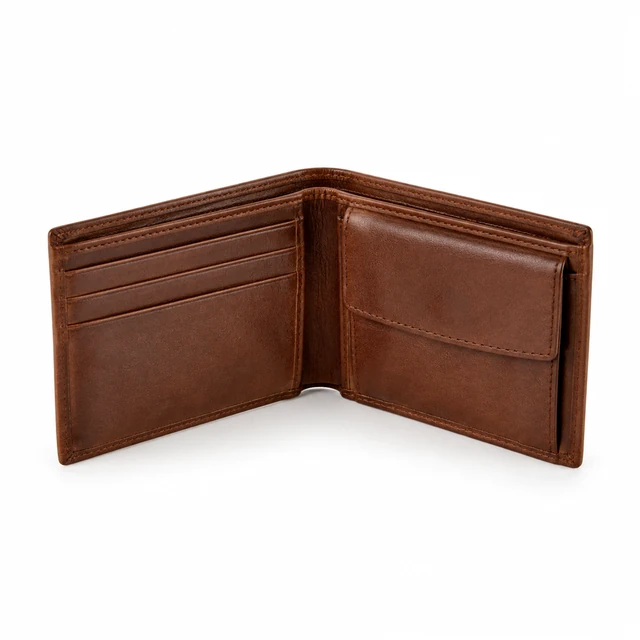
Zoom in on stitching and labels first. If something looks off, make another version.
Choose a product and keep its complete shape visible on white.
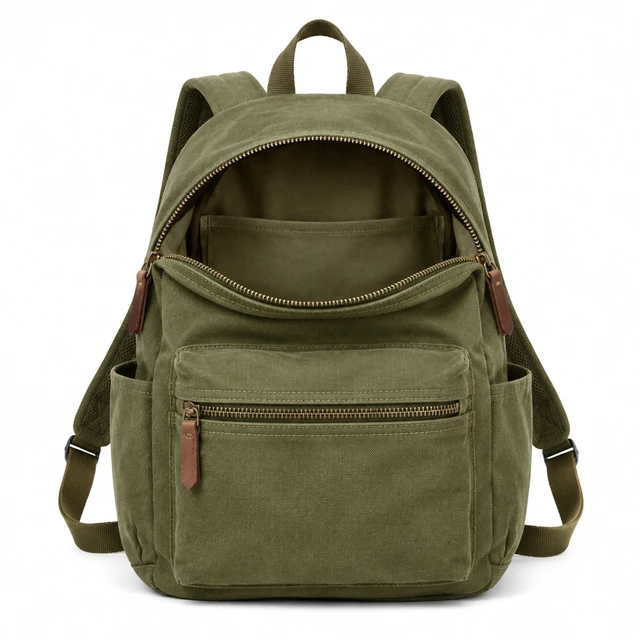
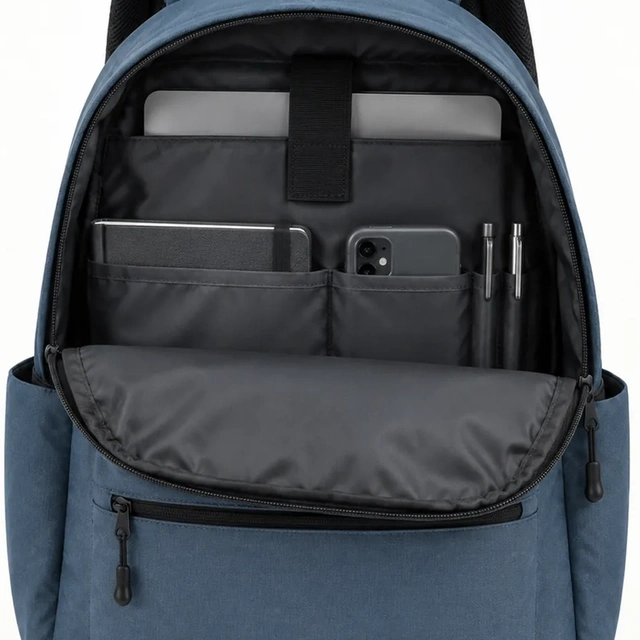
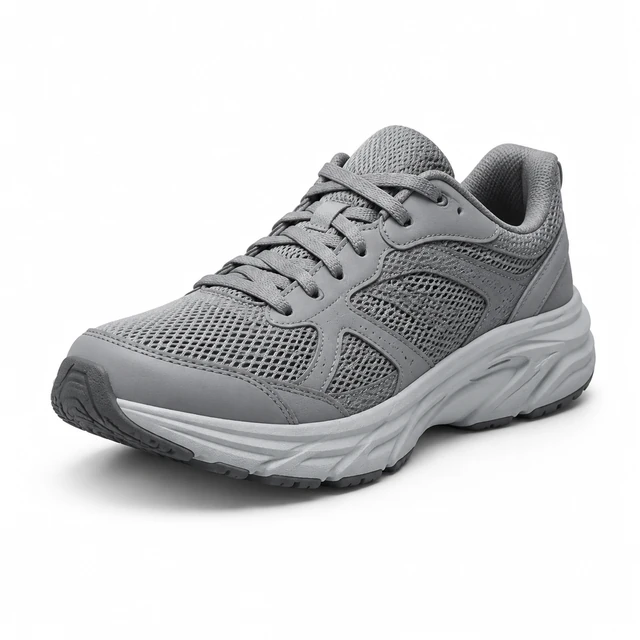
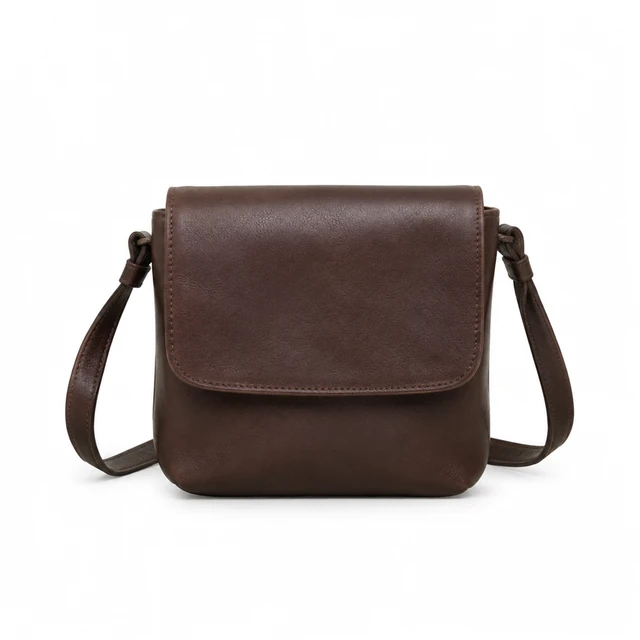
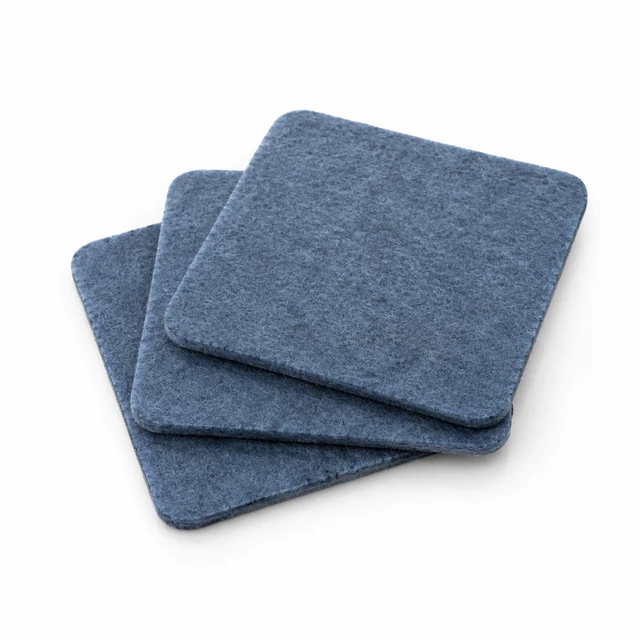
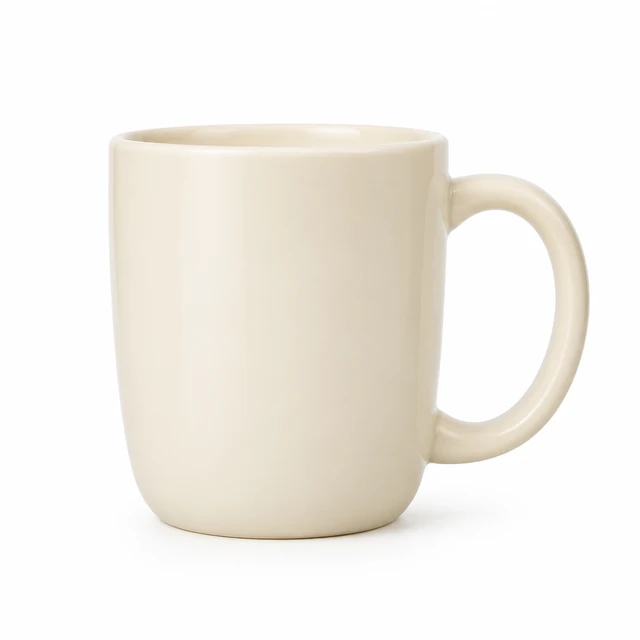
Amazon asks for a pure white background on the main image, and a clean cut-out keeps your Shopify collection grid even.
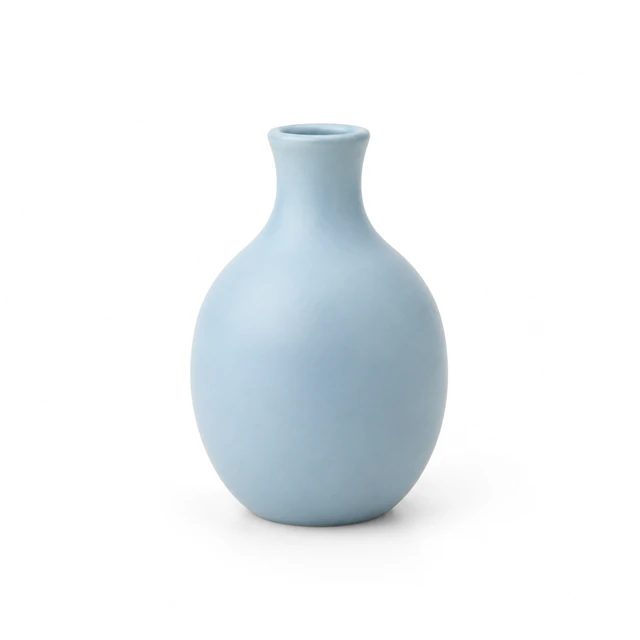
Products shot on ten different tables still line up as one set on white.
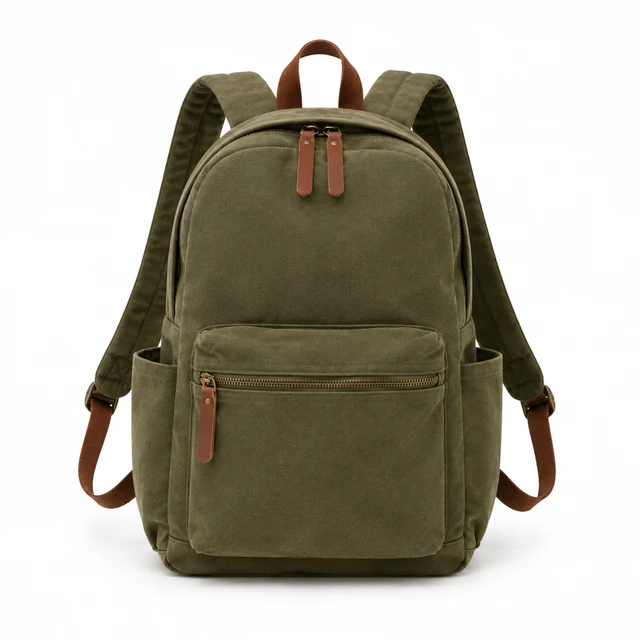
These details are added in your editor after download.
Choose a square product layout that keeps the item and its edges in view.
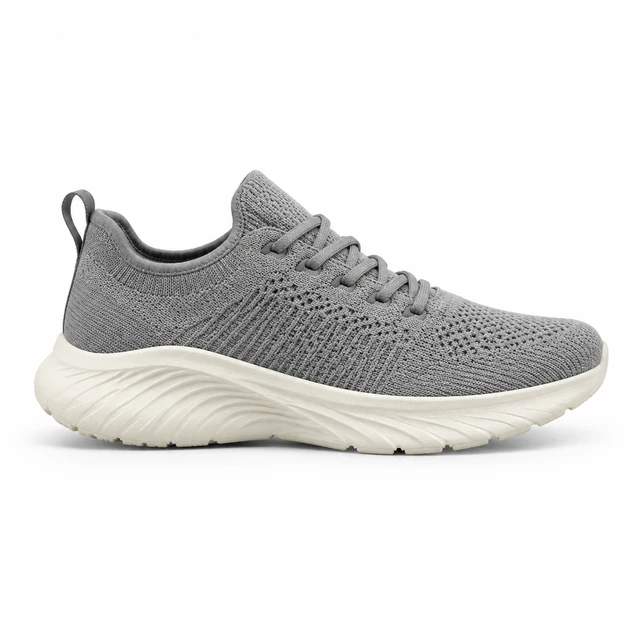
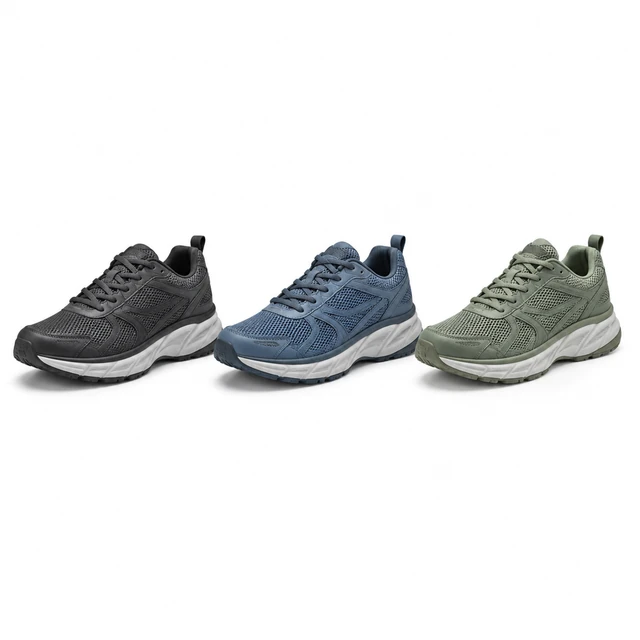
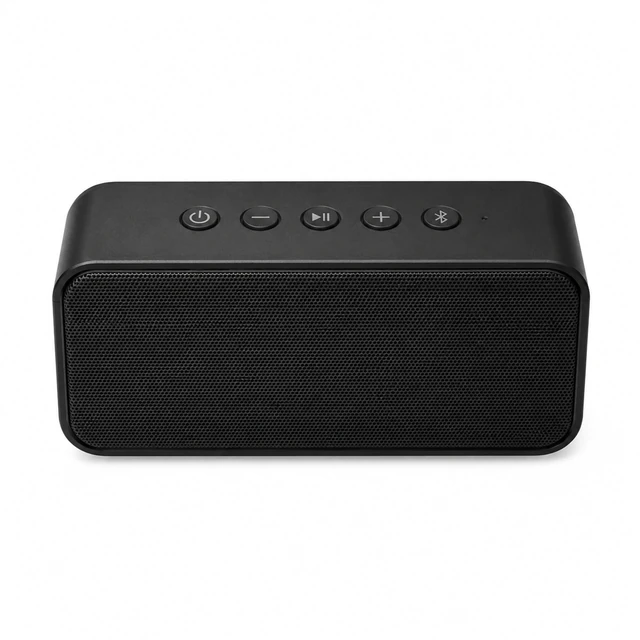
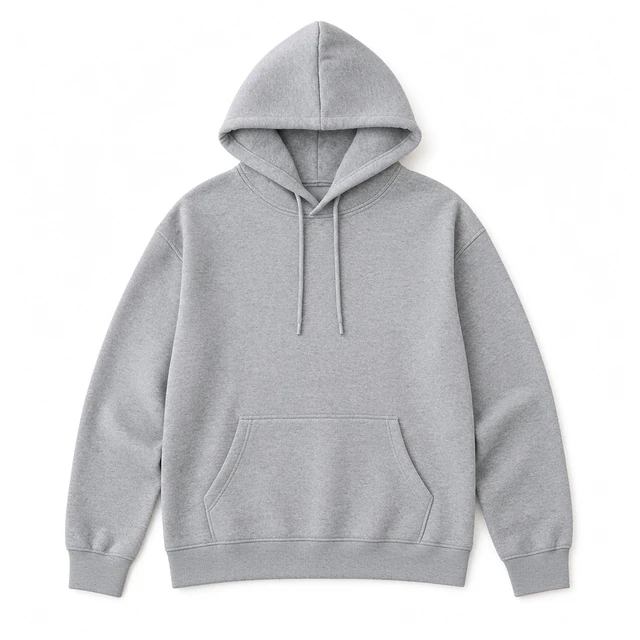
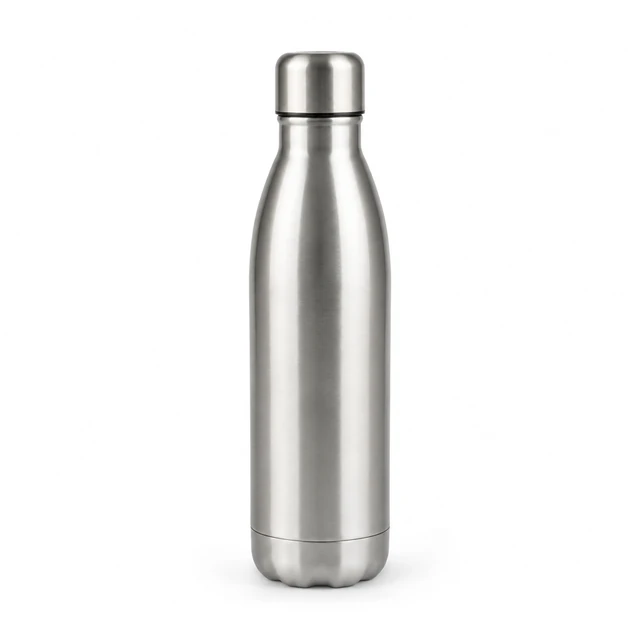
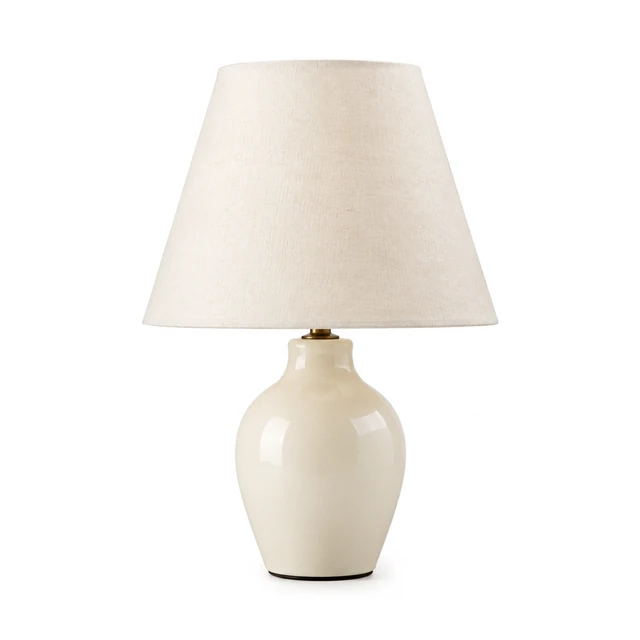
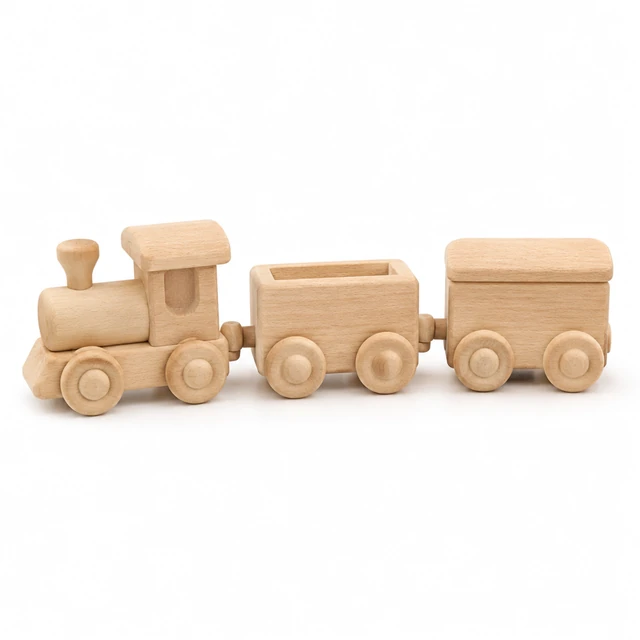
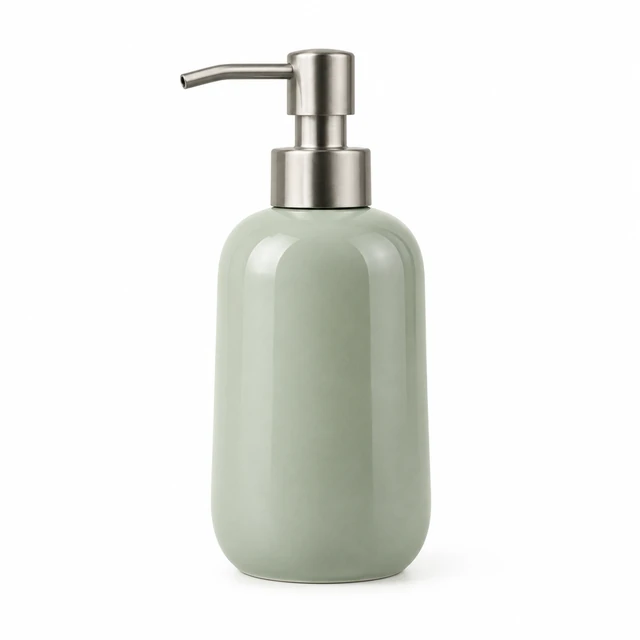
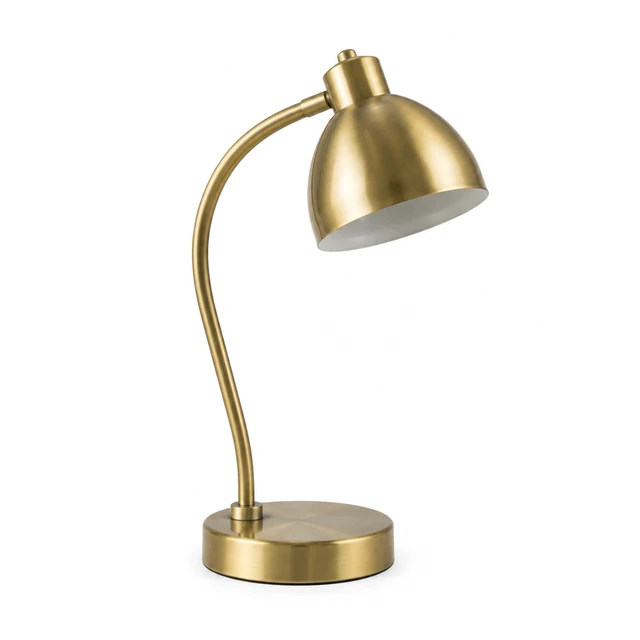
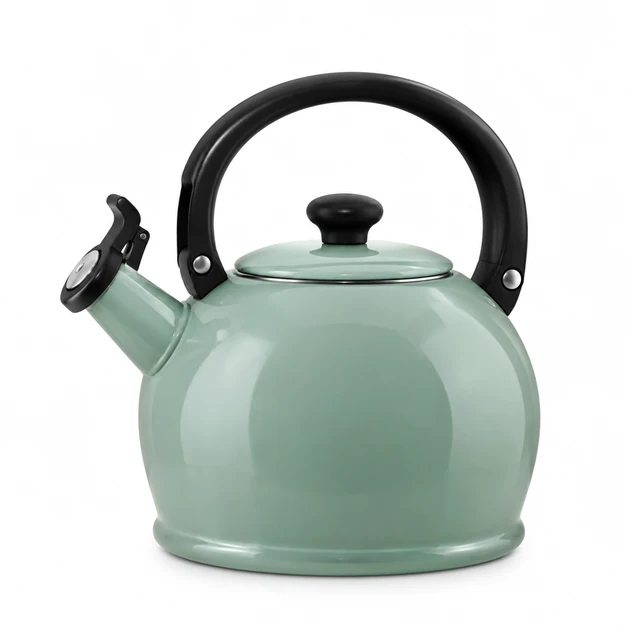
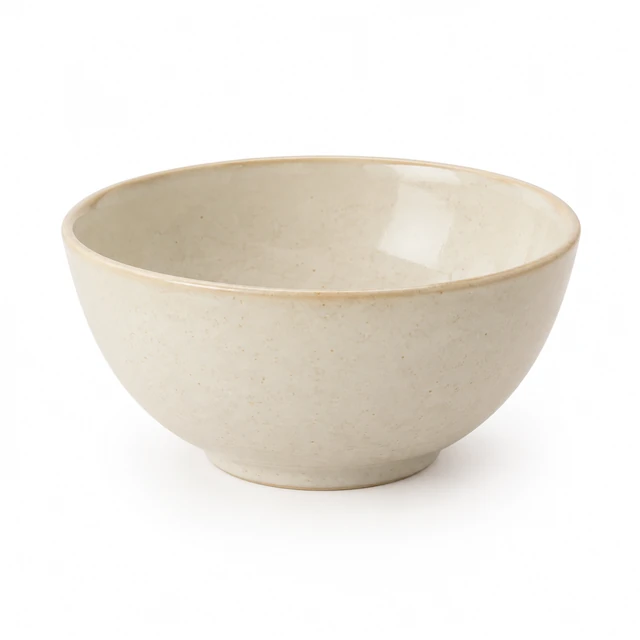
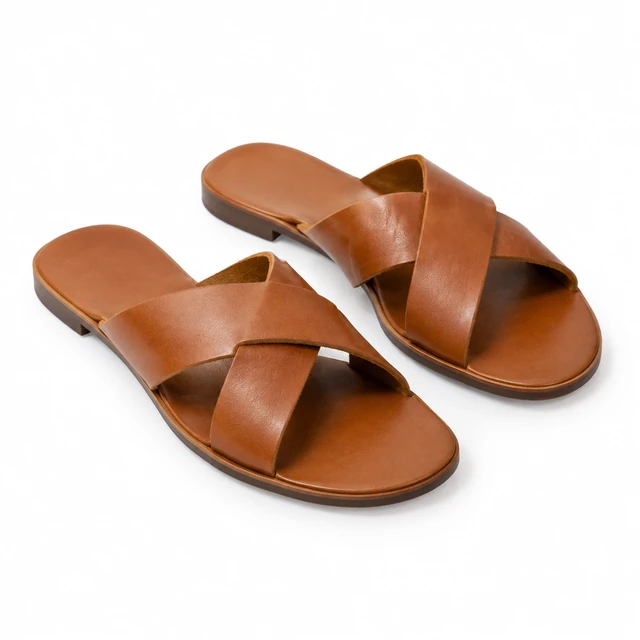
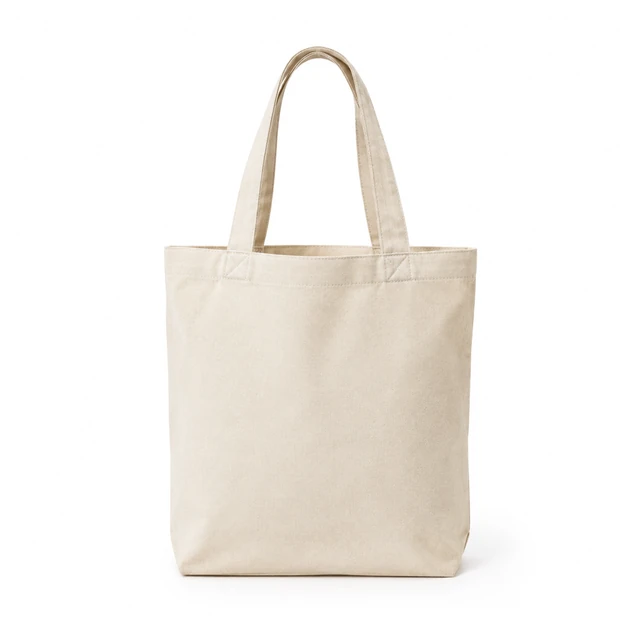
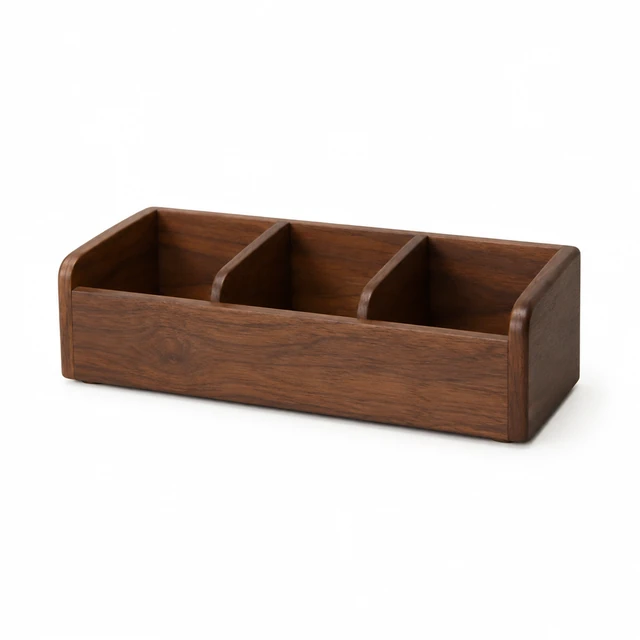
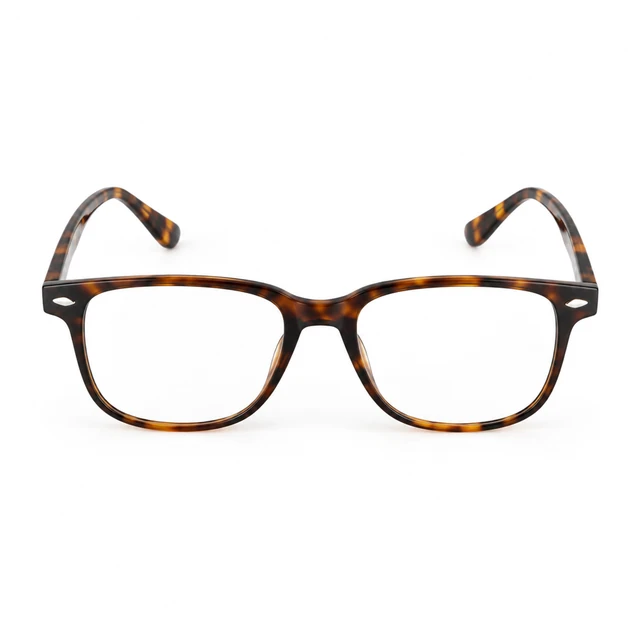
Wallets, bottles, shoes and bag details shown against an even white field for product listings.
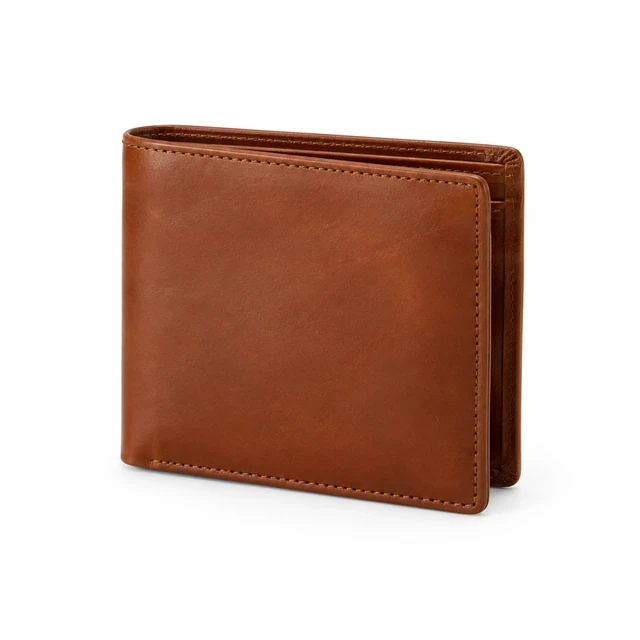
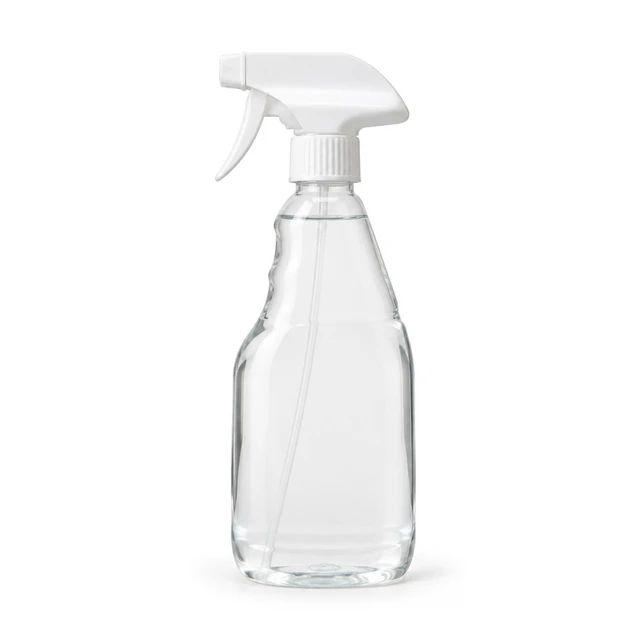
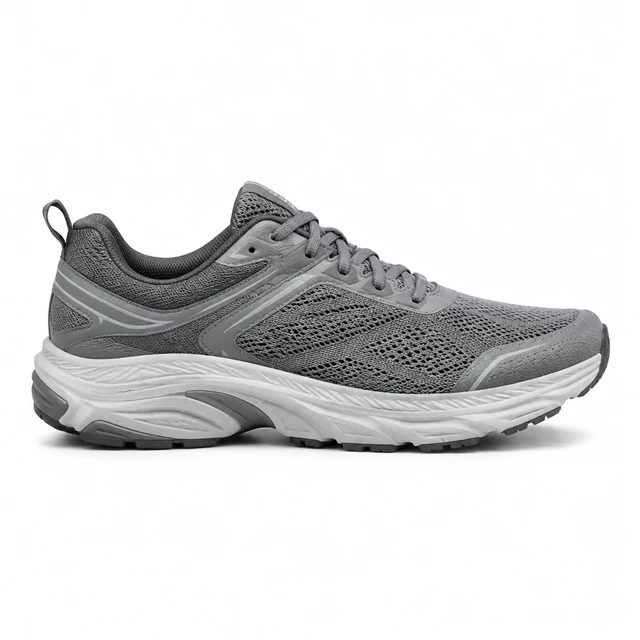
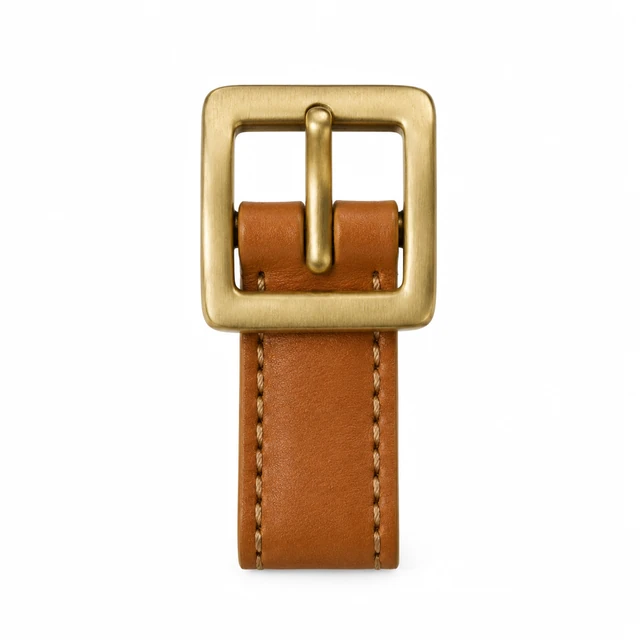
The tool creates a plain white square product image. Whether it fits a particular main-image slot depends on the current category and listing requirements.
Use a sharp photo with the whole item, including straps, handles and labels, inside the frame; a simple background helps.
The example settings on this page use square format. Other crops depend on the photo tool you choose.
Your uploads are private to your account. Avoid including personal information or unrelated items in a product photo.
Upload a product photo and see the cost before you start.