Launch video template

AI Promo Video Maker for Your Next Product Launch

This AI promo video maker announces something new with a warm, styled clip. Start from a shot of the product, describe the room it belongs in, and get a short video for Facebook and Instagram. Clips run 6, 10, 15, or 30 seconds.

Drop your product photo hereJPG, PNG or WebP · any clear photo works
Size 9:16 · Stories & ReelsLength 15 secondsAlso try 1:1 · Feed
Make my launch video →See the cost before you start

Plans from $24.50 a month. You see the credit cost before every job, and if a job fails its credits go back to your balance.
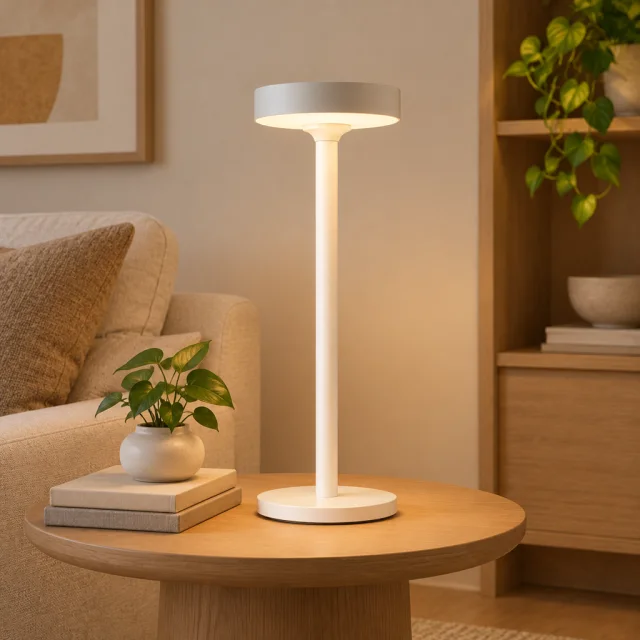
Tip: Describe the time of day and the room, like "evening living room, warm light, lamp on a side table," so the product looks lived with rather than staged.
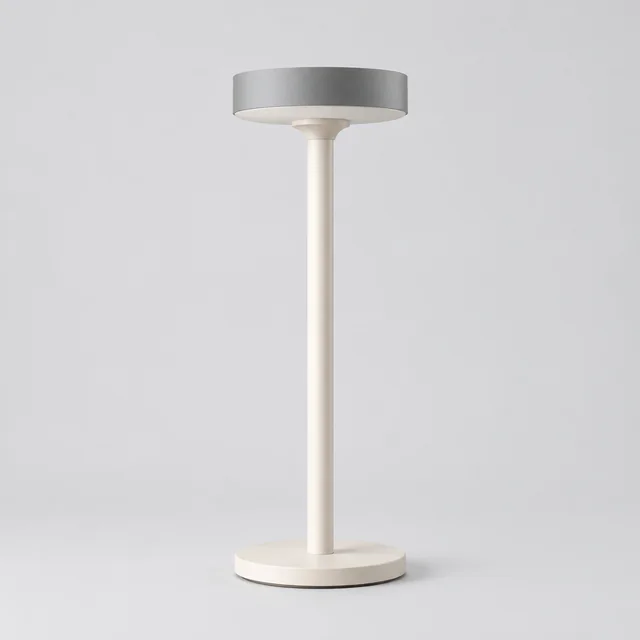
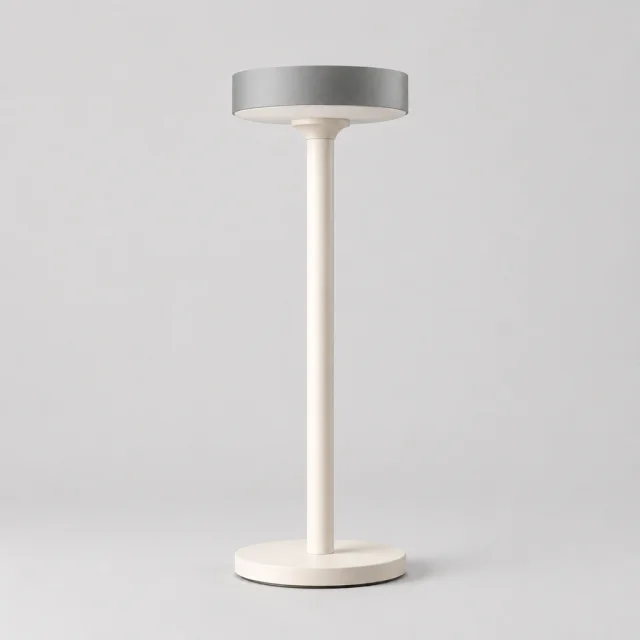
White sculptural desk lamp with a saucer-shaped shade photographed alone.
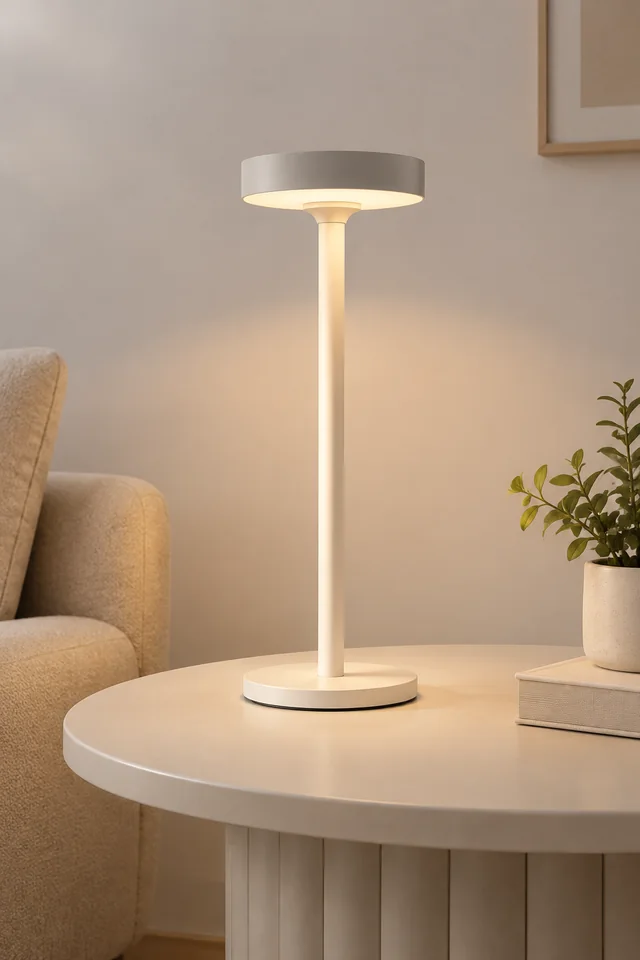
White saucer-shade lamp glowing on a bedside table in warm evening light.
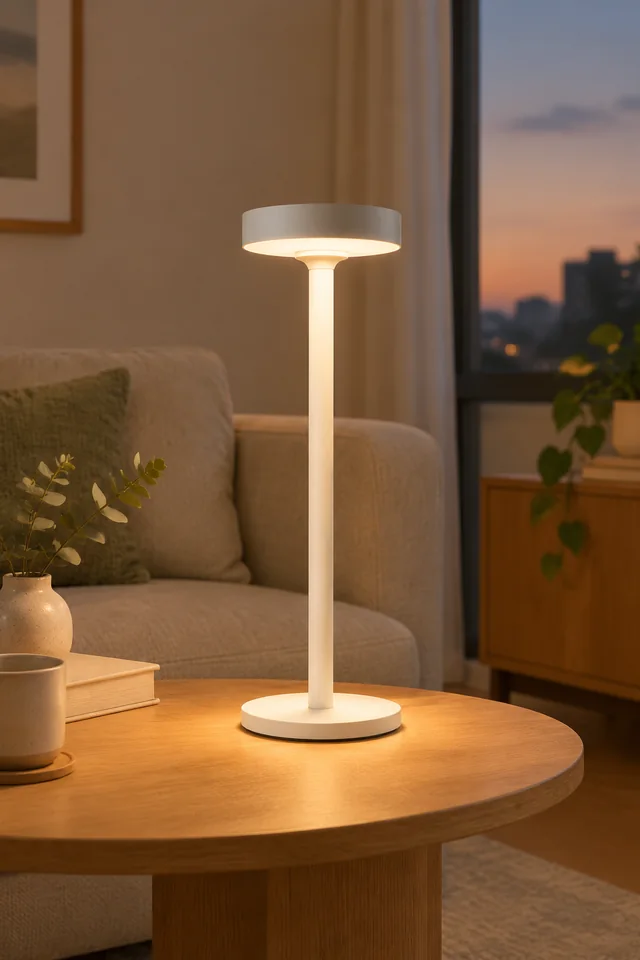
White saucer-shade desk lamp glowing on a side table in a calm living room.
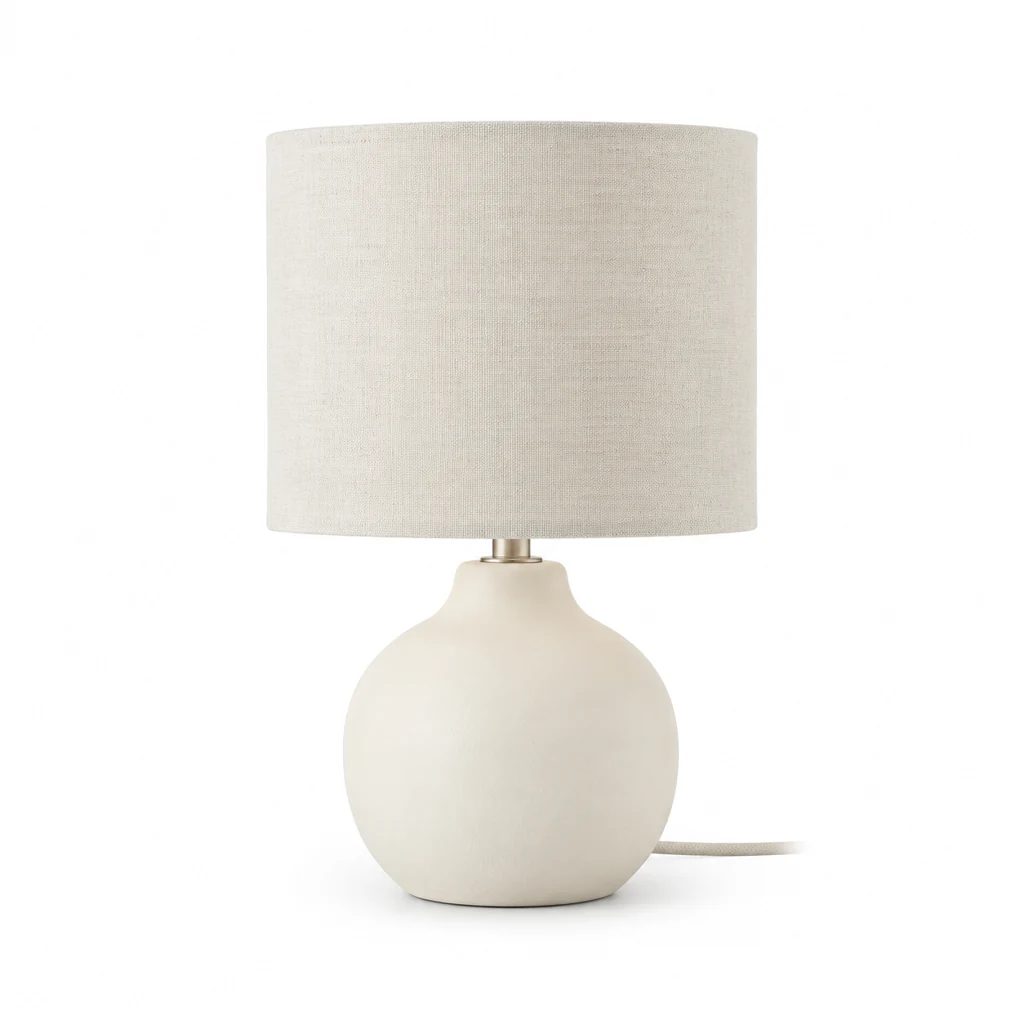
Matte ivory ceramic table lamp with a linen shade on a pure white background.
Blue ceramic vase on a sunny windowsill.
Wide terracotta ceramic planter with an open rim on seamless white.

A launch video gives a new product a first reveal in the setting where it belongs. Keep the item visible as the light or camera introduces it, then add launch details after download.

How it works

Create a vertical product-launch video from one photo

White sculptural desk lamp with a saucer-shaped shade photographed alone.
Finished product photoUse the final item so its shape and color stay clear.
Step 01

Upload the new product

A clean shot from your launch photos is enough, and the video builds the room around it.

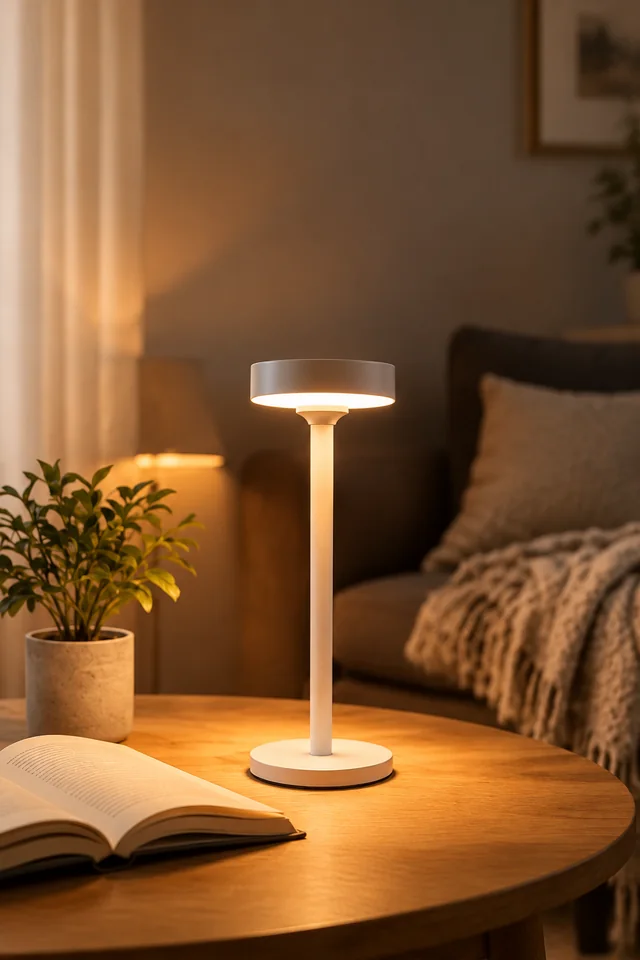
Switch on this portable table lamp beside an open book, then move the camera toward its warm glow.
Size 9:16 · Stories & ReelsLength 15 secondsAlso try 1:1 · Feed
Cost60 credits
Step 02

Choose the room and size

Describe the space and mood, then choose 9:16 or 1:1 and a 6-, 10-, or 15-second clip.
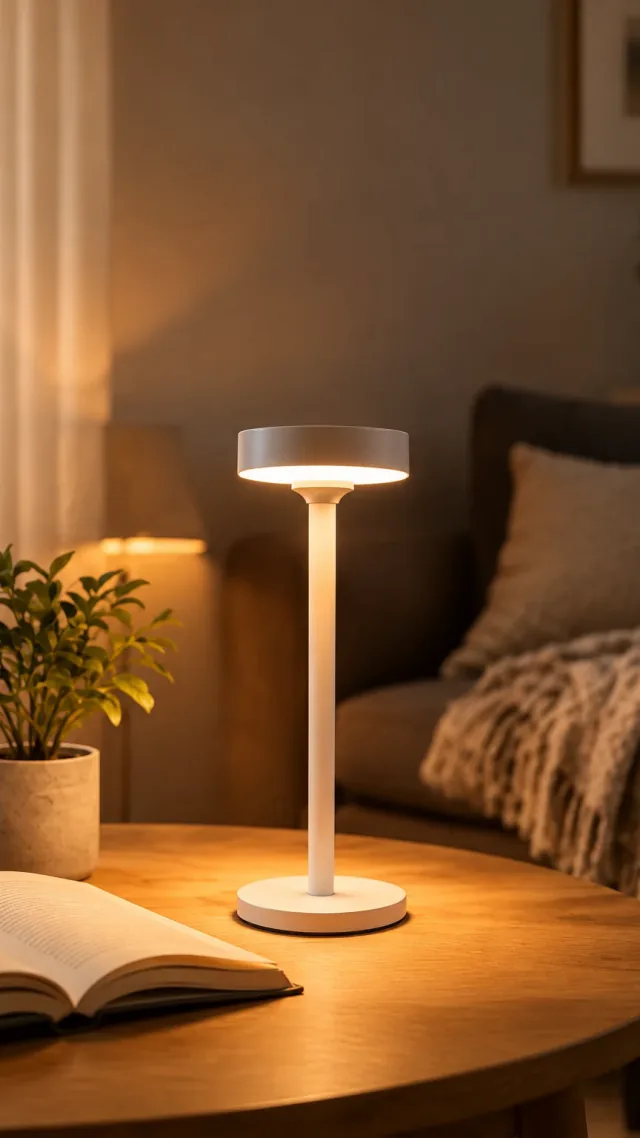
White saucer-shade desk lamp glowing beside a book in a vertical video frame.
Step 03

Add the launch details

Type “New,” the release date, and any offer in Canva or Ads Manager, where you can review each detail before publishing.

Choose a scene

Choose a scene for a product-launch video

Pick a reveal that introduces the item before the date and price appear.
Where to use it

Use a product-launch video in Stories and on listings

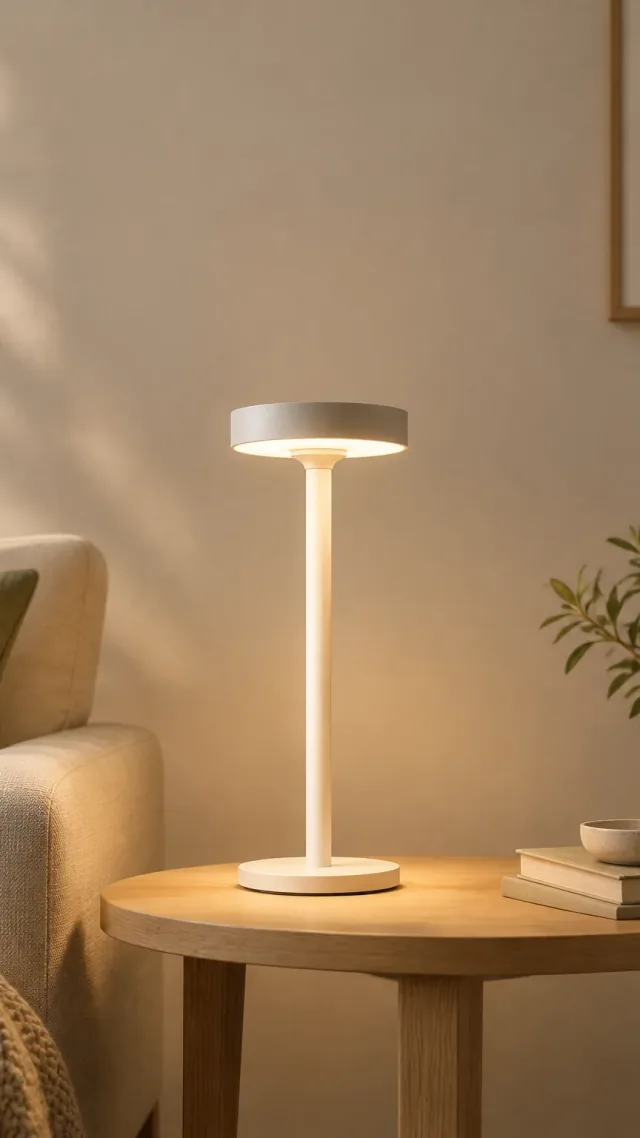
White saucer-shade lamp in a vertical social video frame.

Share a launch video in Stories and Reels

Keep the product centered in the vertical clip and add the launch date in your post editor.
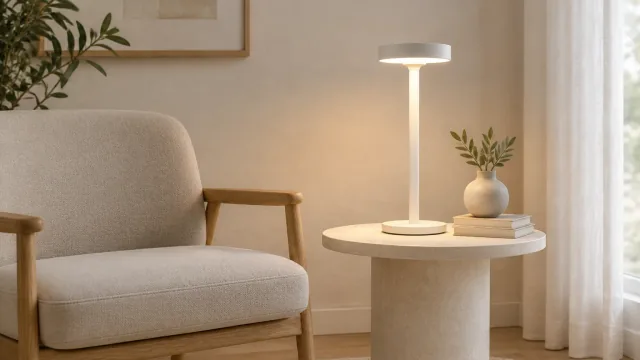
White saucer-shade lamp beside a chair in a widescreen product video frame.

Add a launch video to a product page

Place the clip beside the final product details so shoppers can see the item before launch.
Start with a clear photo

Start a product-launch video with a clear photo

✓
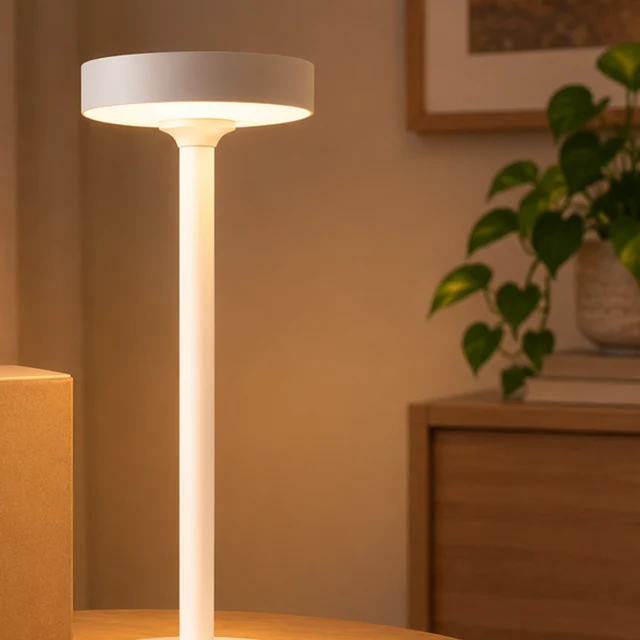
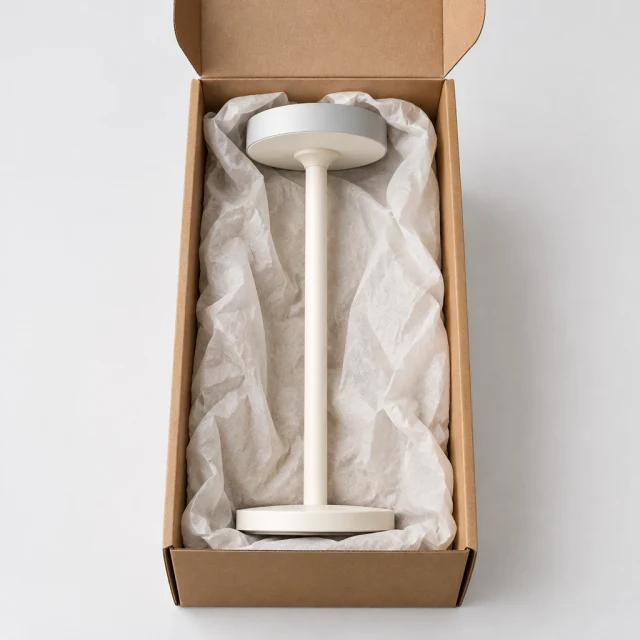
White saucer-shade desk lamp nestled in plain kraft packaging, without branding or text.
Product shape and details stay sharp
✕
White saucer-shade desk lamp softened so its shade and base details are hard to inspect.
Soft focus hides small product details
✓
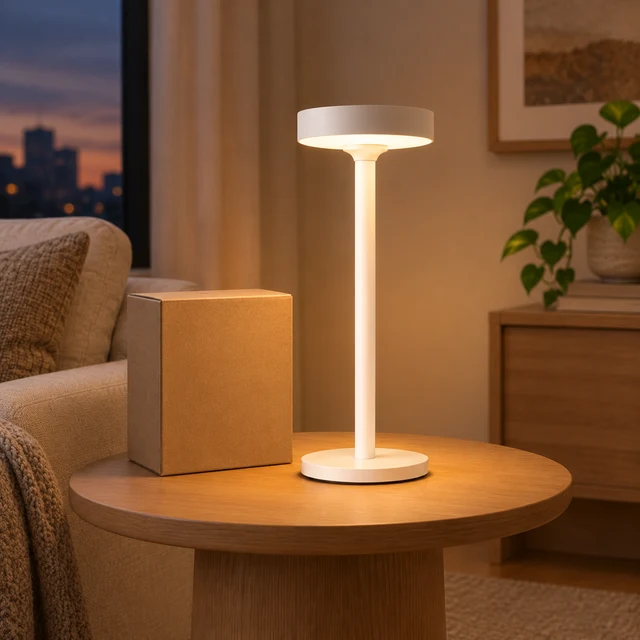
Warm white saucer-shade lamp glowing beside a plain shipping box on a wood side table at dusk; no brand marks or lettering.
Whole product fits inside the frame
✕
Tight square crop of the same glowing white saucer-shade lamp, with its base cut off by the lower frame edge.
Tight framing cuts off a product edge
Your result

Choose a 9:16 product-launch video format

White saucer-shade desk lamp glowing in a calm living room at dusk.
9:16 product-launch video9:16 video · 15 s · 60 credits
White saucer-shade desk lamp glowing on a pale side table.
9:16 vertical launch reveal9:16 video · 15 s · 60 credits
After download

Add the launch date and price after download

White sculptural saucer-shade desk lamp shown in a clean studio setting.
Launch datePriceProduct link

These details are added in your editor after download.

  • Add the launch date and price as editable text after download.
  • Link the video to the product page where the item will be available.
More templates

More product-launch video templates

Choose another everyday scene, then add your product photo.
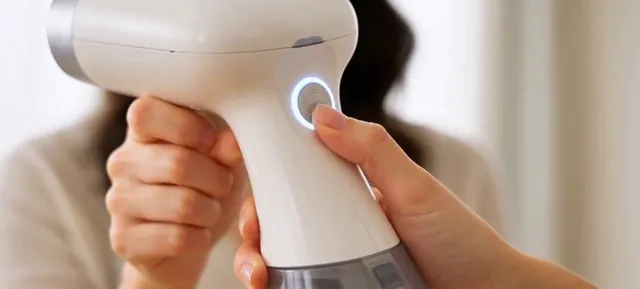
Close view of a handheld garment steamer and its glowing button

How-To Video

Show customers how to use it

Home & LivingYouTube ShortsShopify
Use this template →
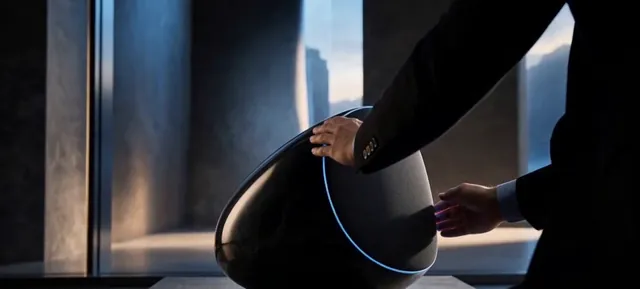
Person adjusting a black speaker with a blue light ring beside a large window

Brand Film

A cinematic clip for launches

ElectronicsYouTube ShortsFacebook
Use this template →
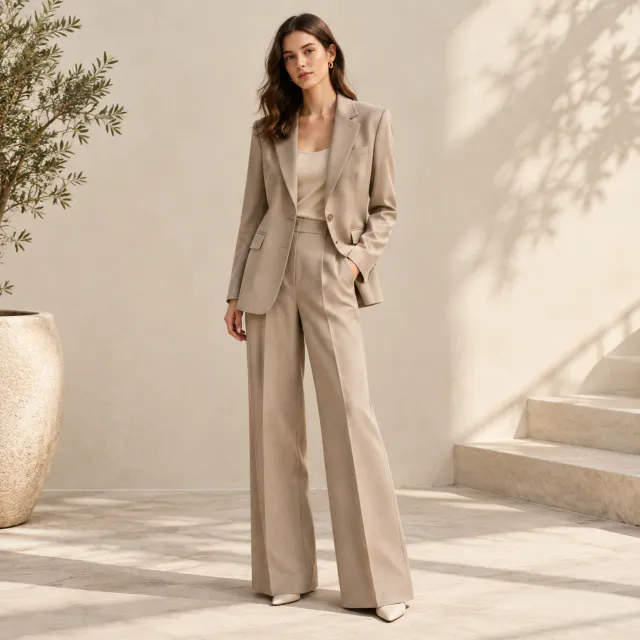
Plain sand-colored suit shown full length in a light studio.

Outfit Reel

A quick look at the whole outfit

Fashion & ClothingTikTokInstagram
Use this template →
Examples

Product launch video examples

Reveal moments and clean hero frames with room for your launch line.
FAQ

Questions about product-launch videos

Should I make a square or a vertical version?

Vertical 9:16 fills the screen in Stories and Reels, and square 1:1 sits neatly in the feed. You can make one of each. Every version is its own run, with the cost shown before it starts.

Can I make a promo before my product photos are ready?

You can start from a text description alone, but the product won't match your real one. For an ad, wait until you have a clear photo of the final item so shoppers see what they'll actually get.

What length should a launch promo use?

Use 6 seconds for a quick reveal, 10 or 15 seconds for a product action, and 30 seconds only where the public option is available. Choose 9:16 for vertical placements.

Keep reading

Guides and articles

Try Launch Promo with your product

Upload one product photo. See the cost before you start.