Model photo template

AI Lookbook Photos with an Editorial Feel

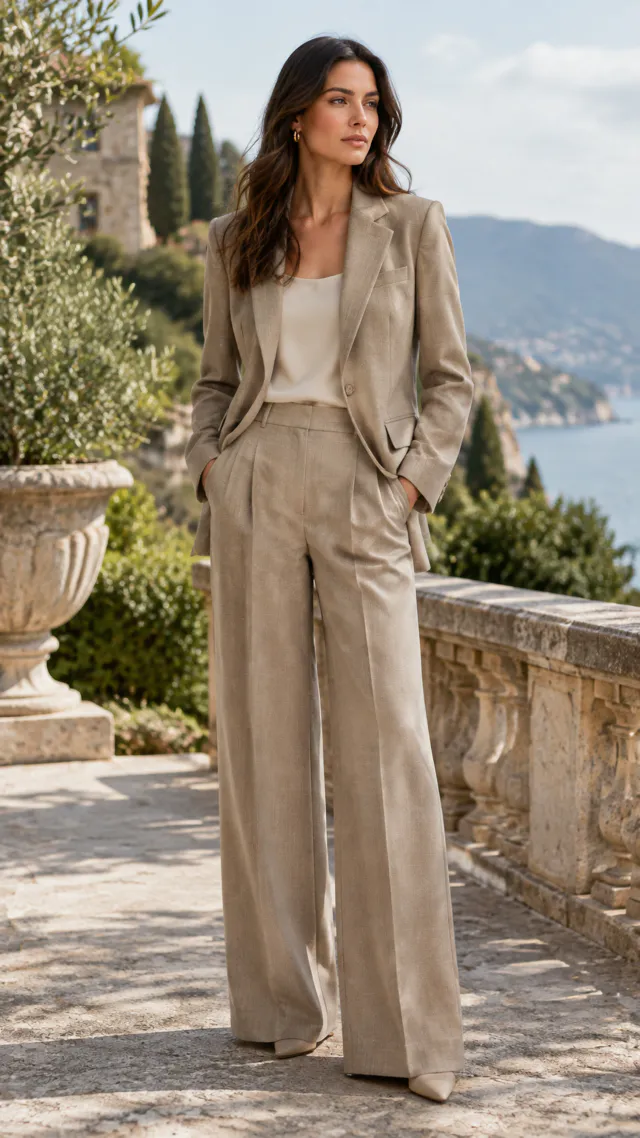
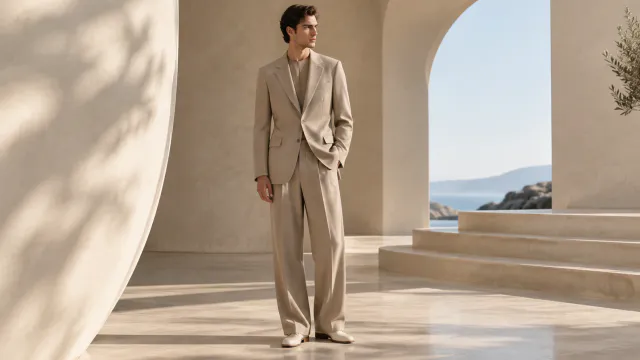
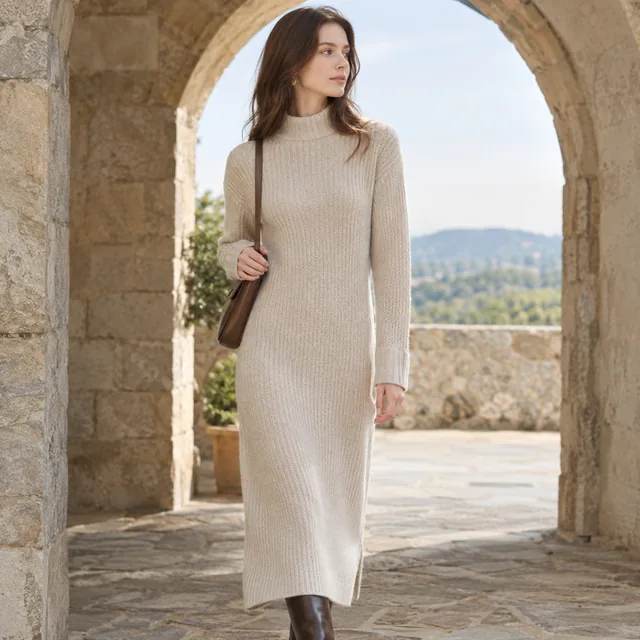
AI lookbook photos put your outfits in a magazine-style setting, like a sunlit stone archway by the sea, so you can build a lookbook for a new drop one look at a time.

Drop your product photo hereJPG, PNG or WebP · any clear photo works
Template LookbookSize Square by defaultSetting A location you describe
Start my lookbook →See the cost before you start

Plans from $24.50 a month. You see the credit cost before every job, and if a job fails its credits go back to your balance.
Tip: Upload each outfit as a full flat lay, top and bottom together, and choose one location for the whole collection so the images feel like one story.
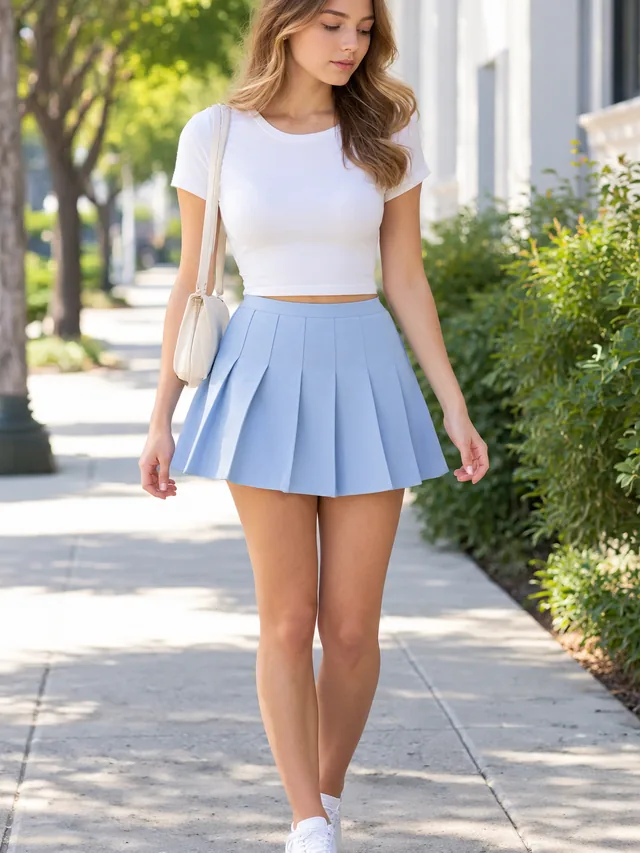
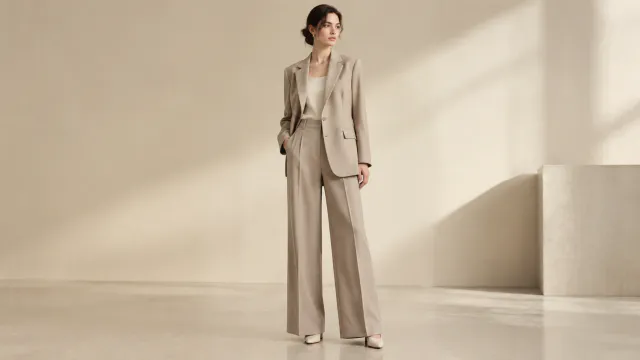
Full fashion look in a studio
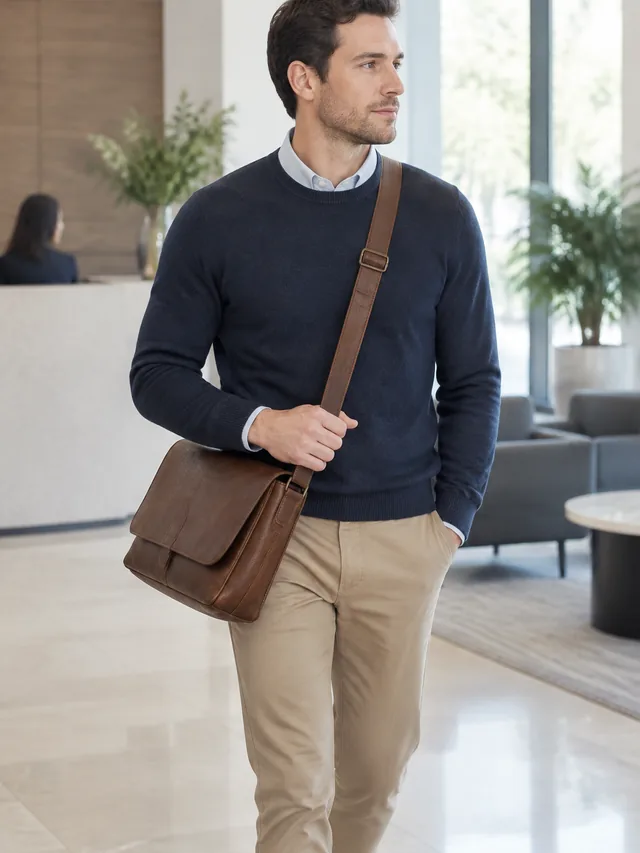
Outfit captured in motion
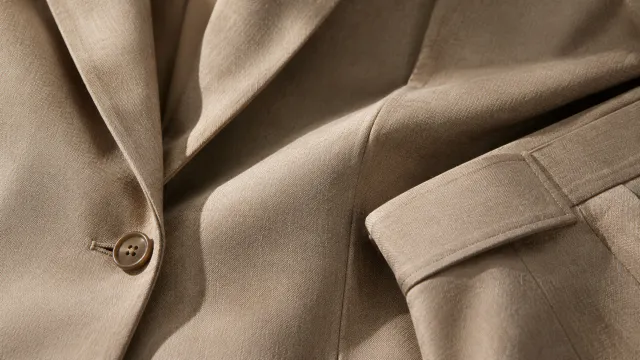
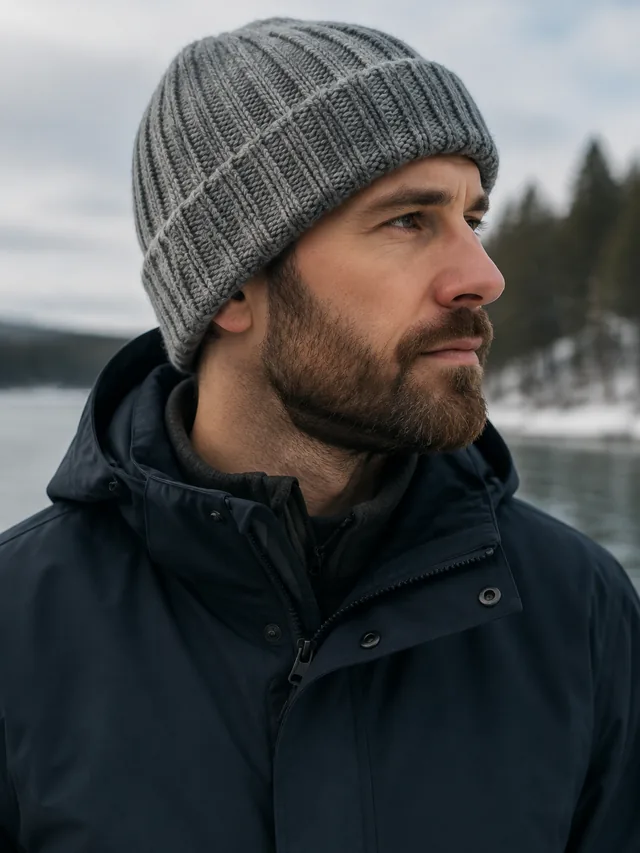
Close view of fabric texture
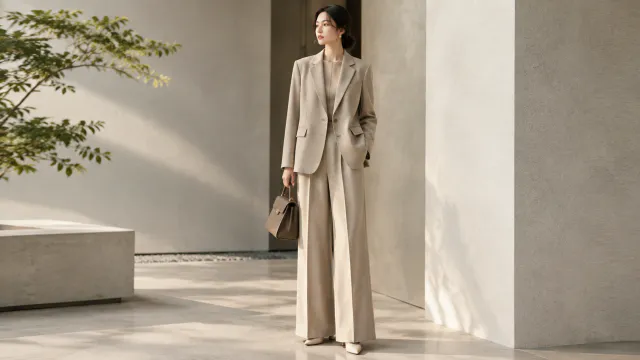
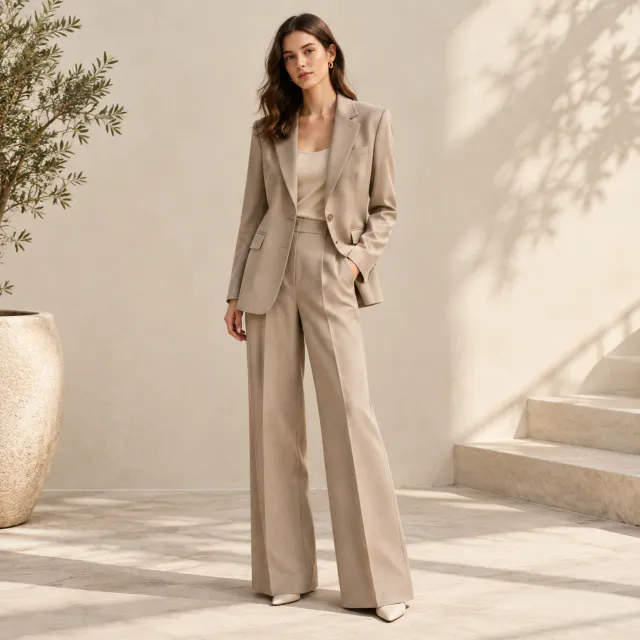
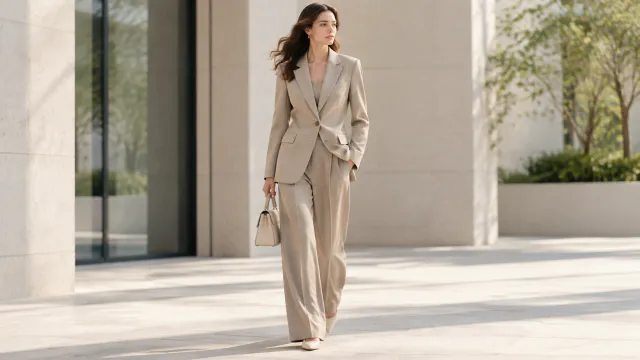
Model in a light trouser suit carries a small brown handbag in a sunlit courtyard
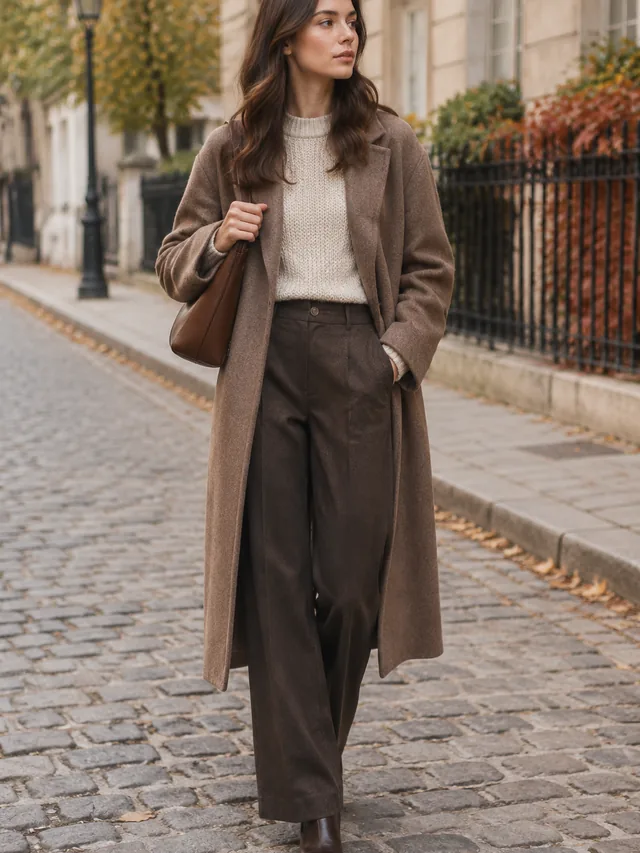
Street fashion editorial scene
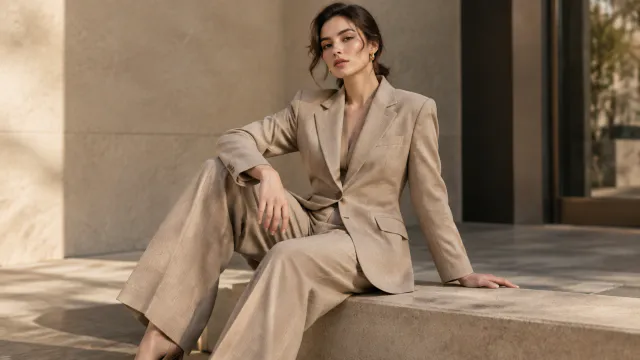
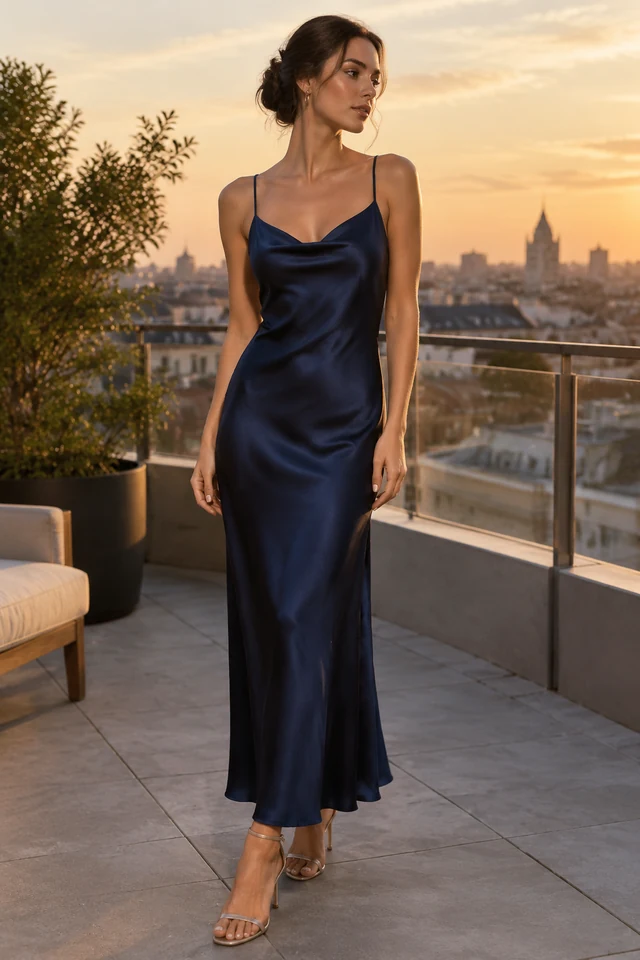
Outdoor editorial portrait

A lookbook photo can show a complete outfit in a setting that fits the collection. Start with a clear view of each garment, then keep the location and mood consistent.

How it works

Make lookbook photos for a new collection

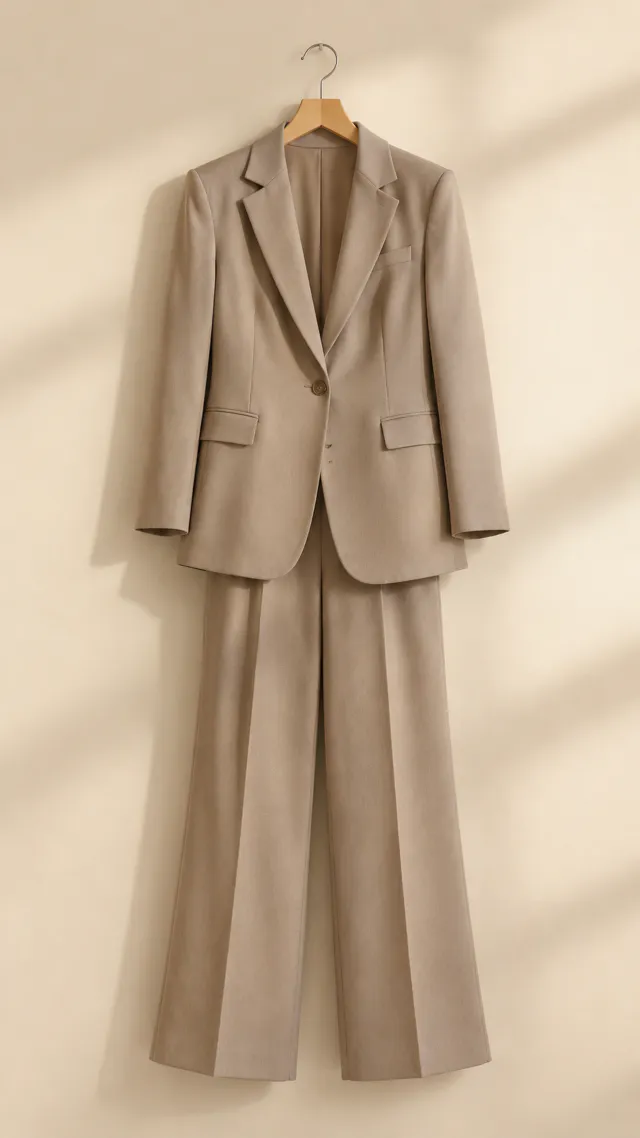
Tailored outfit on a plain hanger as the starting photo
Drop your product photo hereJPG, PNG or WebP · any clear photo works
Step 01

Lay out the complete outfit

Include every garment you want to show and keep the full look inside the frame.

Photograph this light-beige tailored women’s outfit from the source on an adult woman model, head to toe, in a neutral studio, with the full silhouette visible in a square frame.
Template LookbookSize Square 1:1Setting A location you describe
Cost24 credits
Step 02

Choose a setting and mood

Name the location, light, and stance so each outfit belongs to the collection.
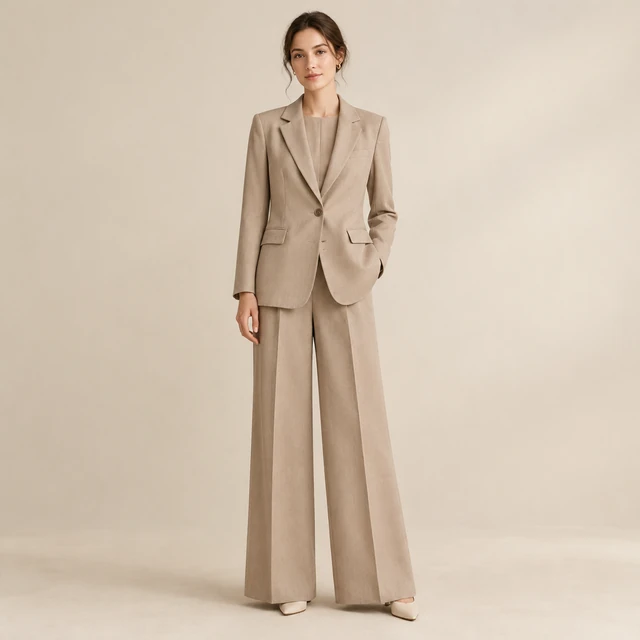
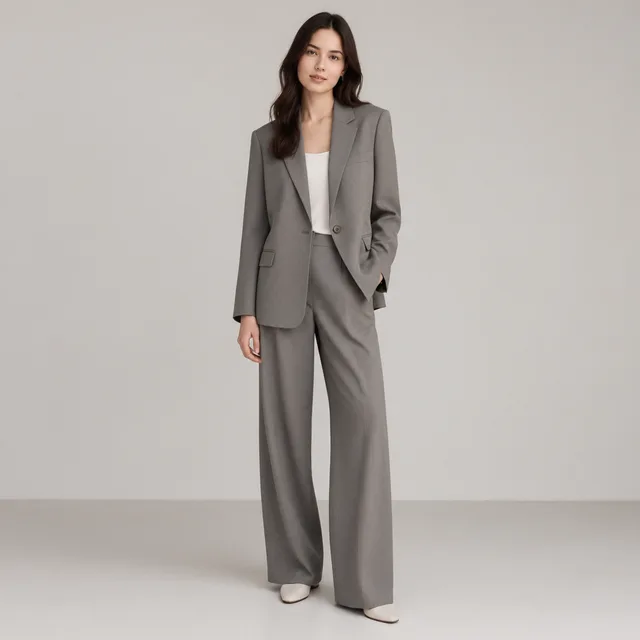
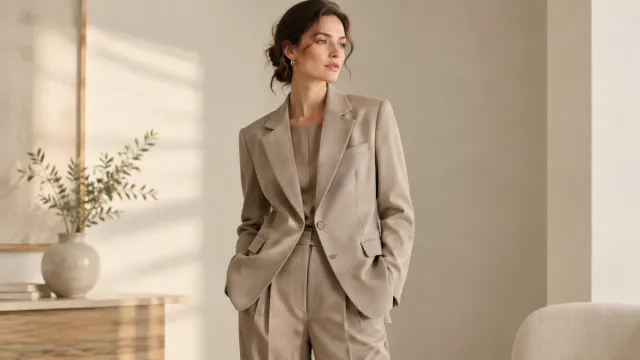
Model wearing a light beige tailored blazer and trousers in a neutral studio.
Step 03

Build the collection after download

Download each photo, then add the collection name and garment details as text.

Where to use it

Use lookbook photos on posts and collection pages

Square crop of an adult model wearing a neutral jacket in a bright studio.

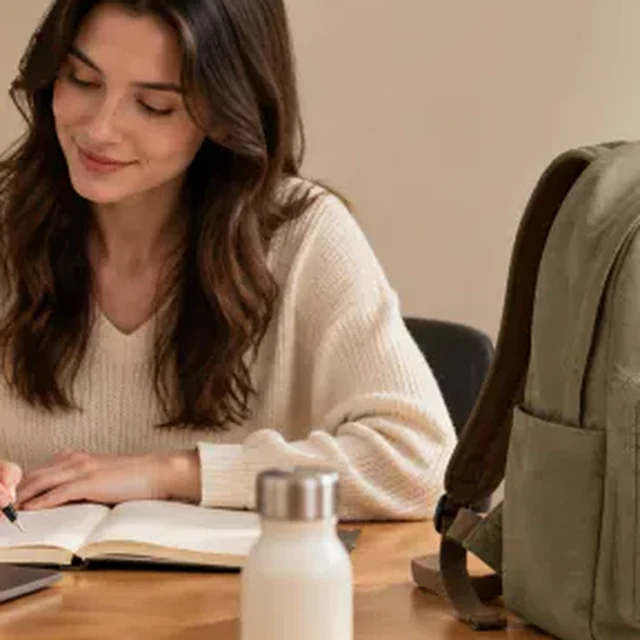
Show a practical bag in a workday look

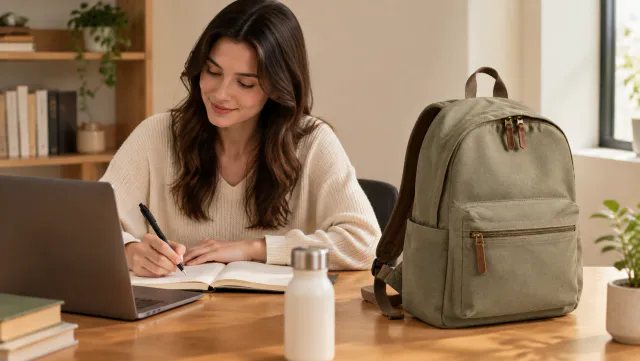
Use a natural office scene to show how the backpack fits into an everyday outfit.
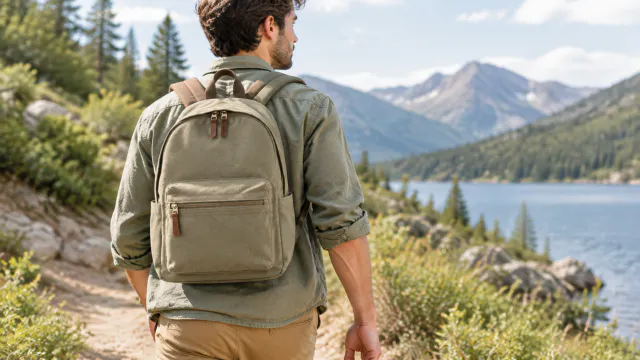
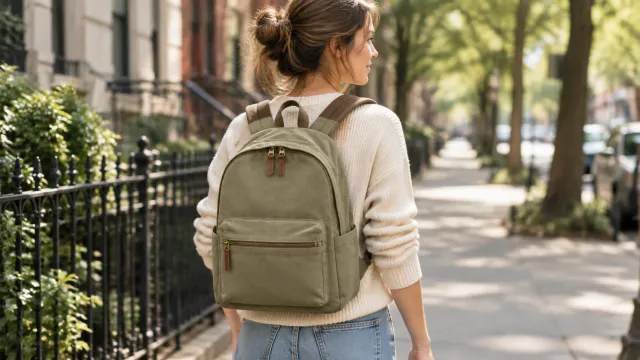
Outdoor walking image with the backpack

Build a collection page around outdoor looks

Use a consistent outdoor setting and crop so shoppers can compare the garments and carry items.
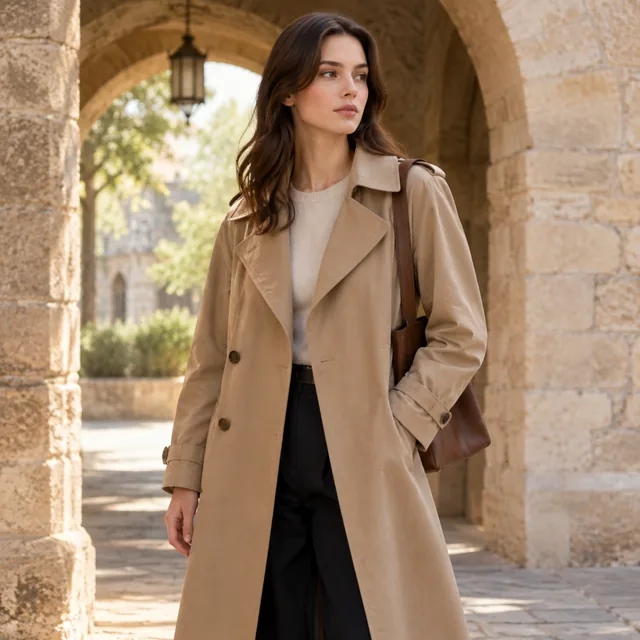
Start with a clear photo

Start with a clear photo of the full outfit

✓
Trench coat look under a stone archway in warm light.
Trench coat stays sharp
✕
Model in a trench coat softened out of focus beneath a stone archway.
The coat edges blur into the setting
✓
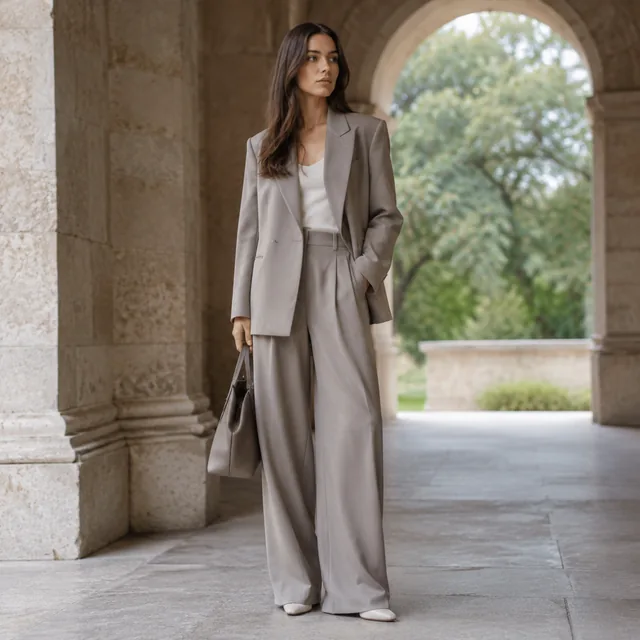
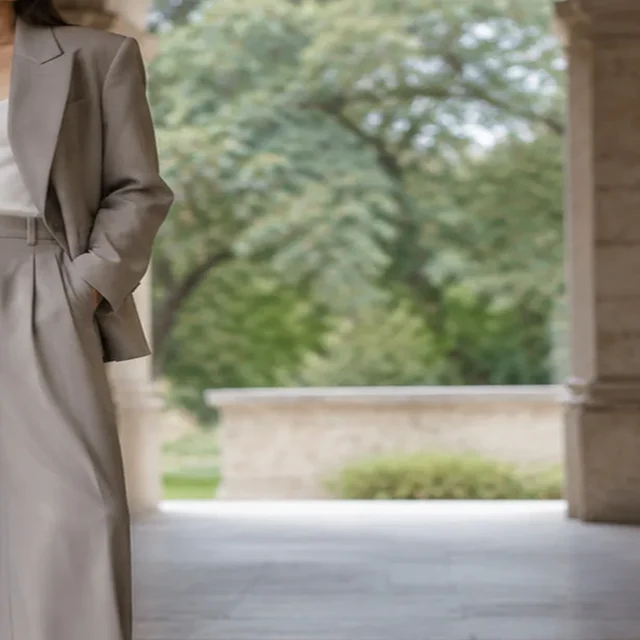
Wide-leg suit look under the same stone archway.
Wide-leg suit fits in frame
✕
Wide-leg suit cropped tightly with part of the outfit cut off at the edge.
Outfit is clipped at the side
Your result

Square lookbook photo examples

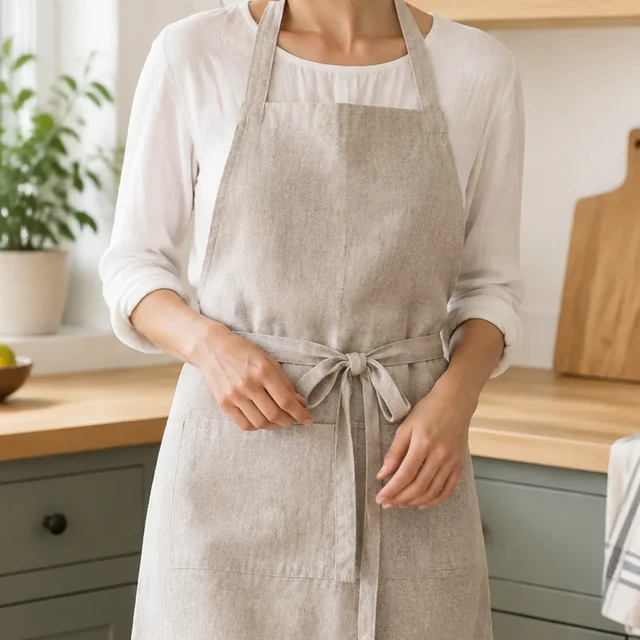
Square crop of an adult model wearing a light linen apron in a kitchen.
Square light linen outfit photoSquare photo · 24 credits
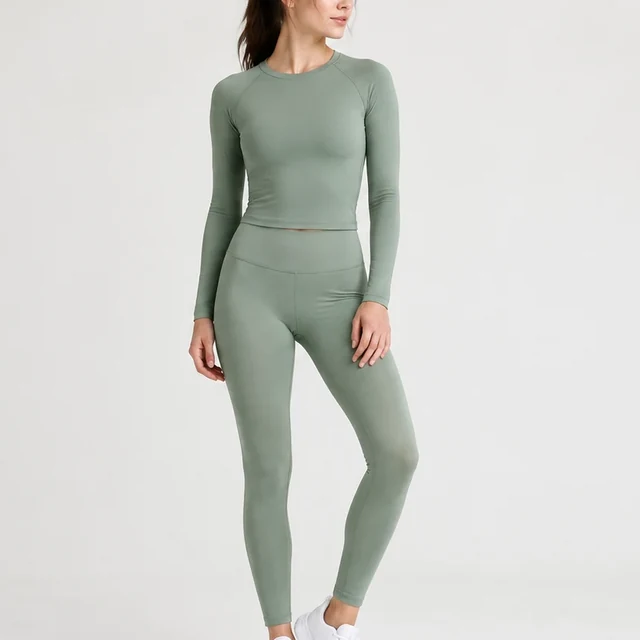
Square crop of an adult model wearing a muted sage athletic set.
Square muted sage outfit photoSquare photo · 24 credits
After download

Add collection details after download

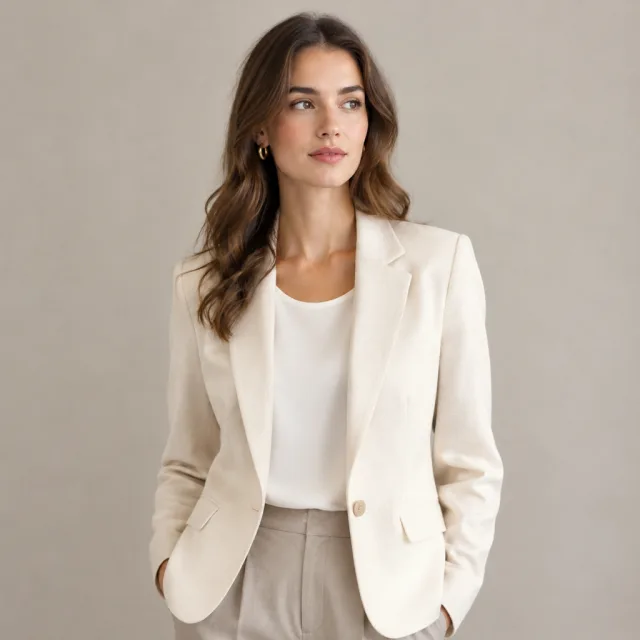
Square crop of an adult model wearing a light beige outfit, with the full upper body visible.
Garment preparationFinal outfit

These details are added in your editor after download.

  • Steam the garment, then show how it sits in the finished look.
  • Use one location and crop for each outfit in the set.
More templates

More creator-style photo templates

Choose another everyday scene, then add your product photo.
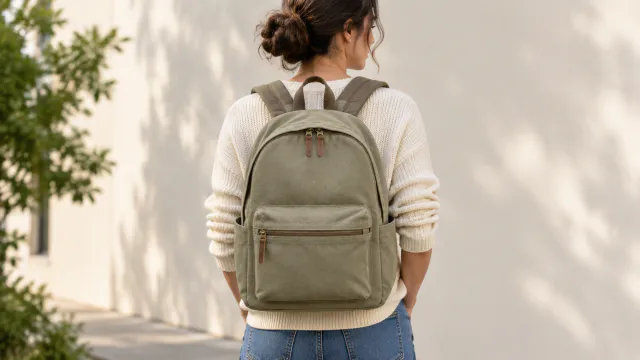
Front view of the backpack worn by a person

On a Model

Your product shown on an AI-generated model

Fashion & ClothingInstagramShopify
Use this template →
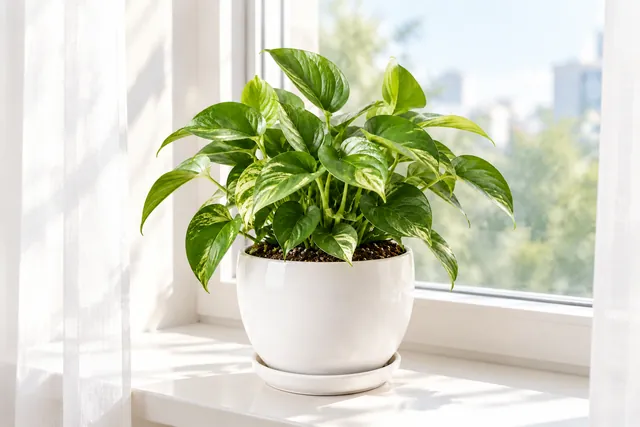
Leafy houseplant in a white ceramic planter on a sunny windowsill with sheer curtains

Lifestyle Scene

Your product out in the real world

Fashion & ClothingShopifyInstagram
Use this template →
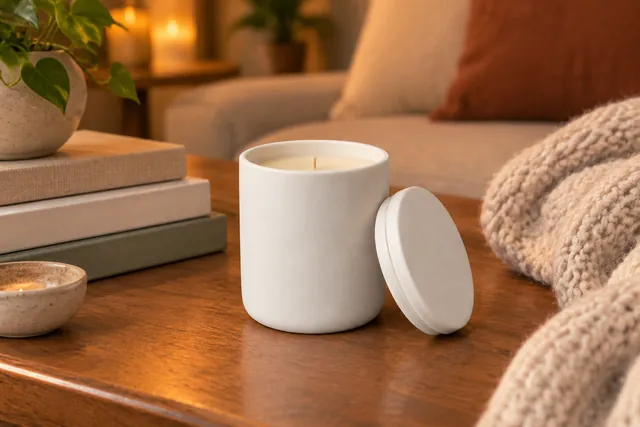
White ceramic candle jar with its lid beside it on a wooden coffee table with a stack of books and a knit throw

Sale Banner

Seasonal photo with room for your offer

Fashion & ClothingFacebookInstagram
Use this template →
Examples

More lookbook photo settings

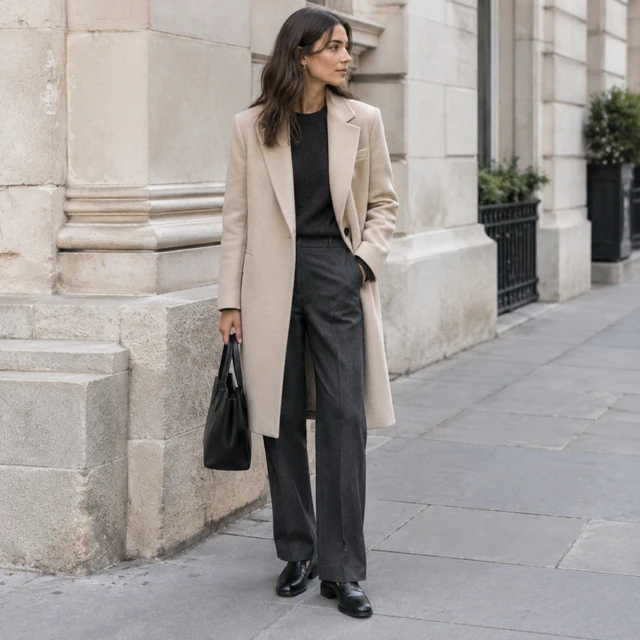
A similar crop can connect outfits photographed in different locations.
FAQ

Questions about lookbook photos

What should be in a lookbook source photo?

Include the garments that make up the outfit and keep their shapes visible in the photo.

How can a collection look connected?

Reuse a location, light style, and crop across the outfits while showing each look clearly.

Can the setting change between outfits?

Yes. Choose a location that suits each collection and keep the framing consistent within it.

Keep reading

Guides and articles

Try Lookbook with your product

Upload one product photo. See the cost before you start.