AIVideosUGC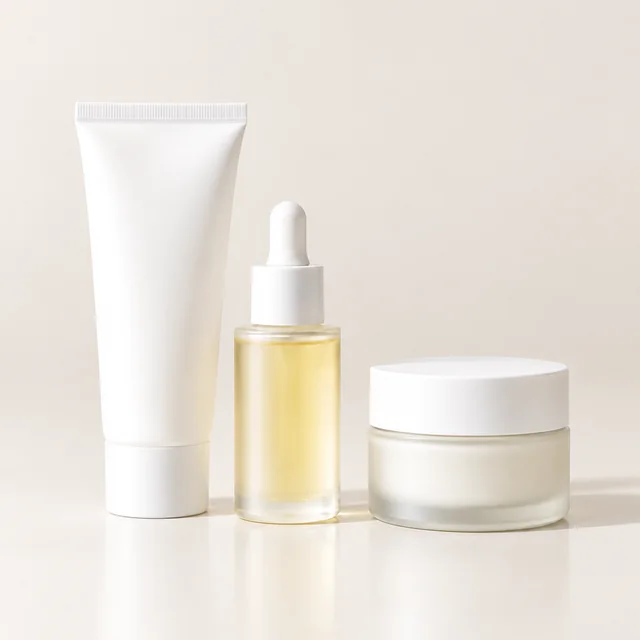
Full set photoInclude every item and package that ships with the bundle.
Step 01
Gather the whole kit
Lay out the full set together and take one photo, so every item you ship is in your upload.
Lay out every item in your kit, take one clear photo, and turn it into a bundle photo in one square scene. Review each object against your actual kit and list the exact contents in your product description.
Plans from $24.50 a month. You see the credit cost before every job, and if a job fails its credits go back to your balance.
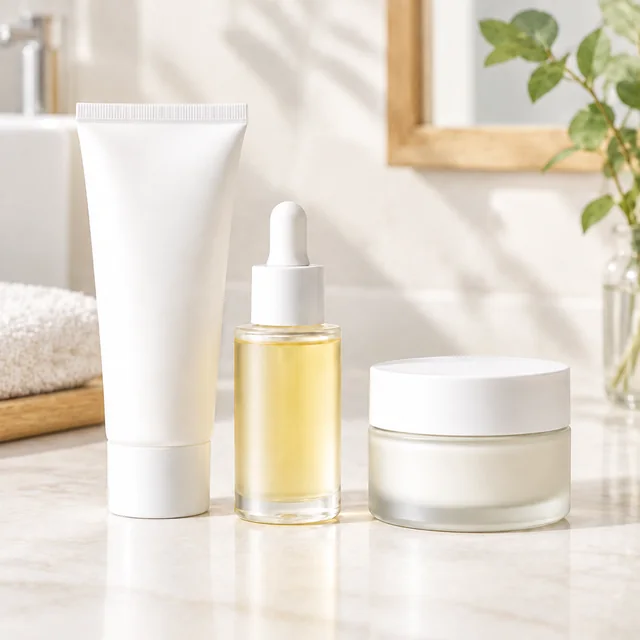
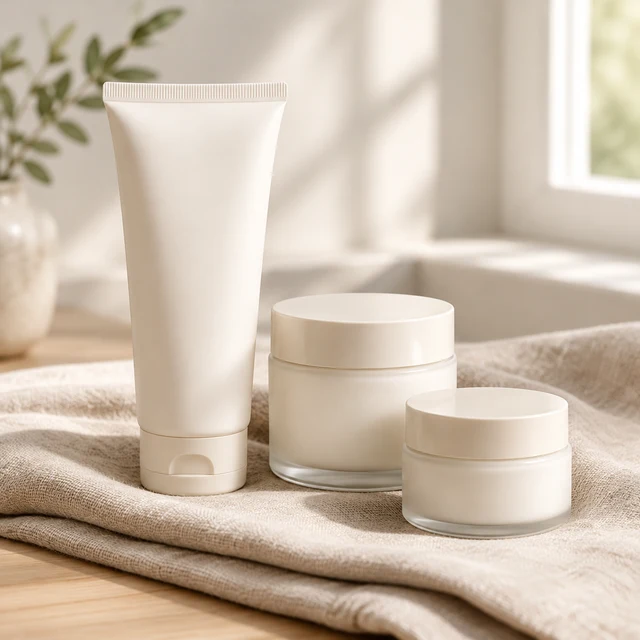
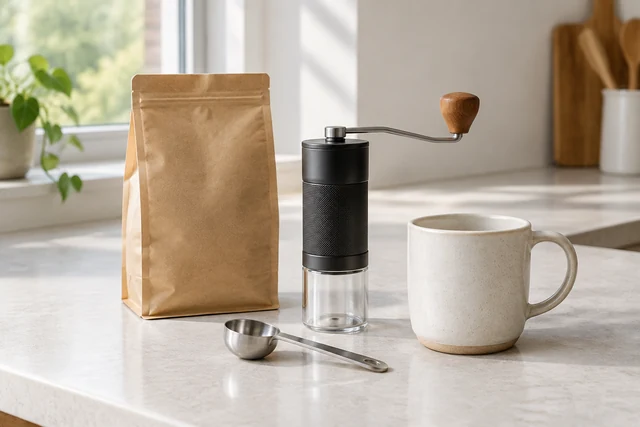

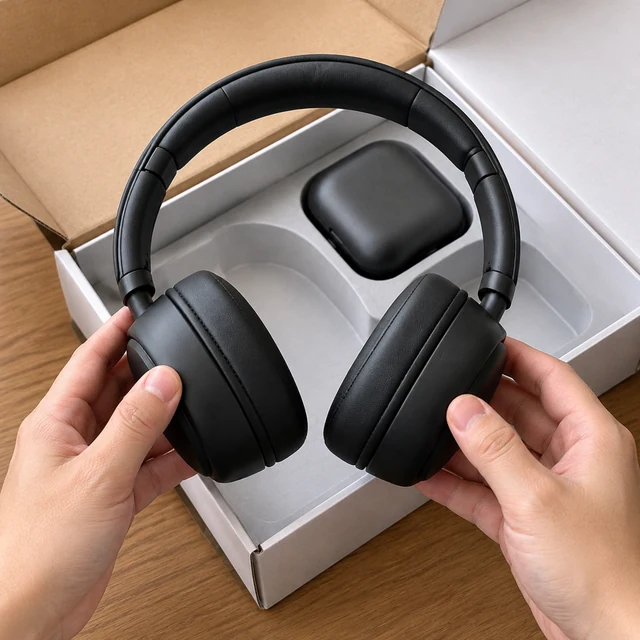
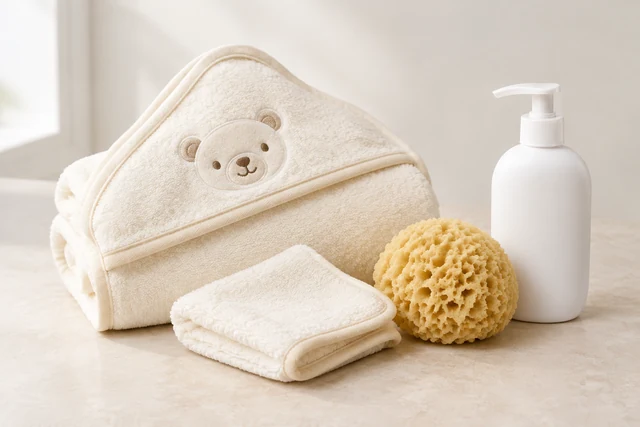
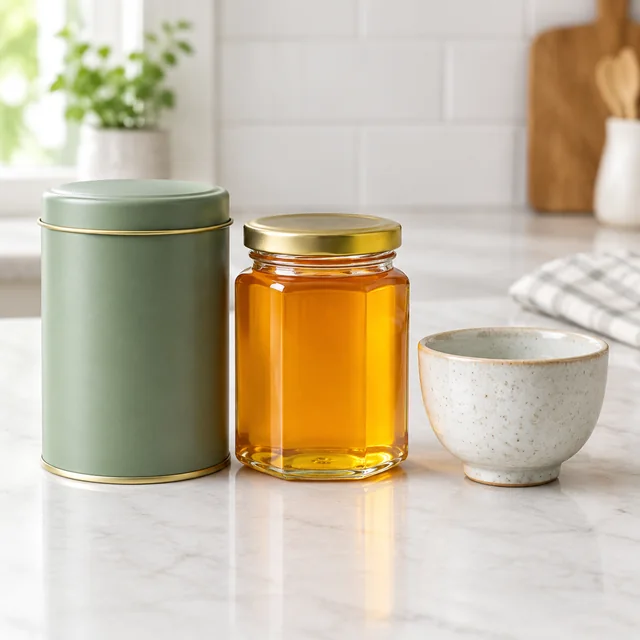
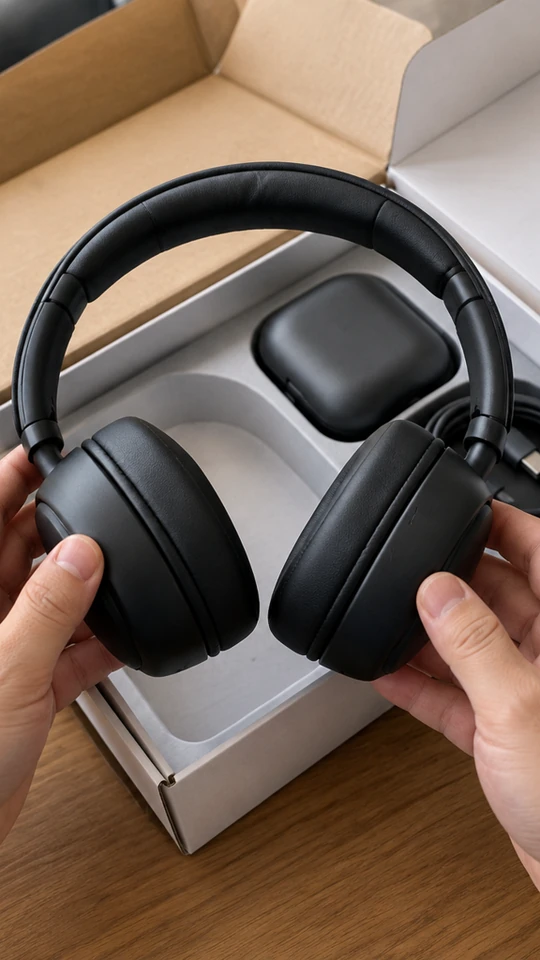
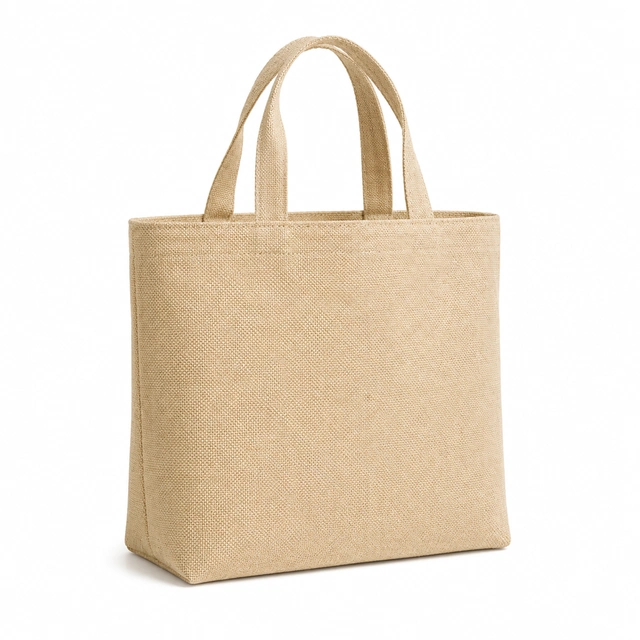
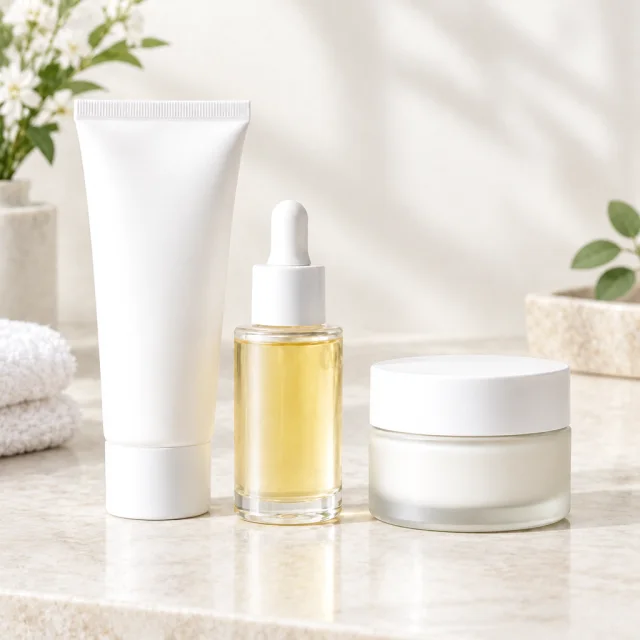
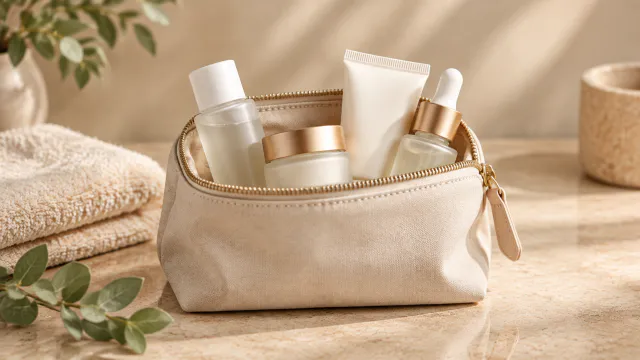
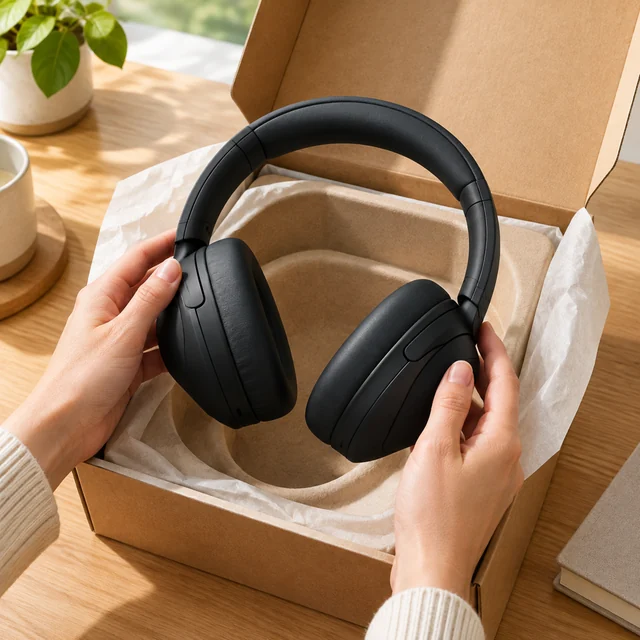
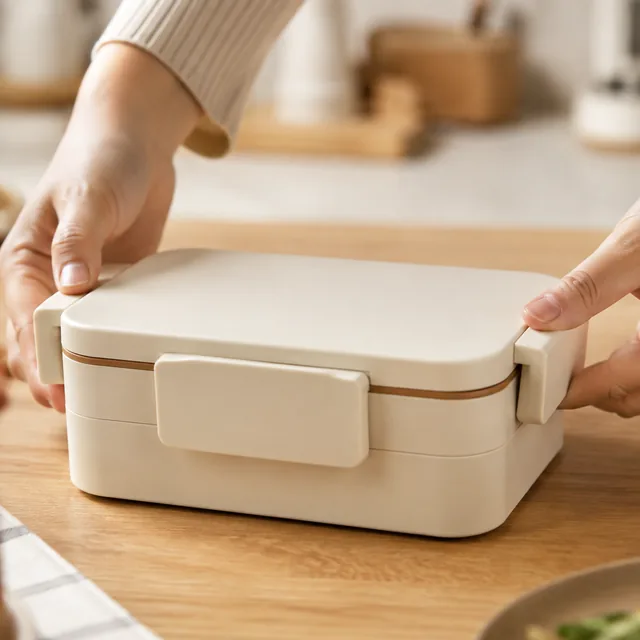
A what's-in-the-box photo shows what ships as one set. Arrange each item so shoppers can count the pieces and see their size before they open the package.
Lay out the full set together and take one photo, so every item you ship is in your upload.
List each item and quantity exactly as shown in the photo.
Save the square photo and place it right after your main image, where shoppers look for what the bundle includes.
Show every included item in a clear, countable arrangement.
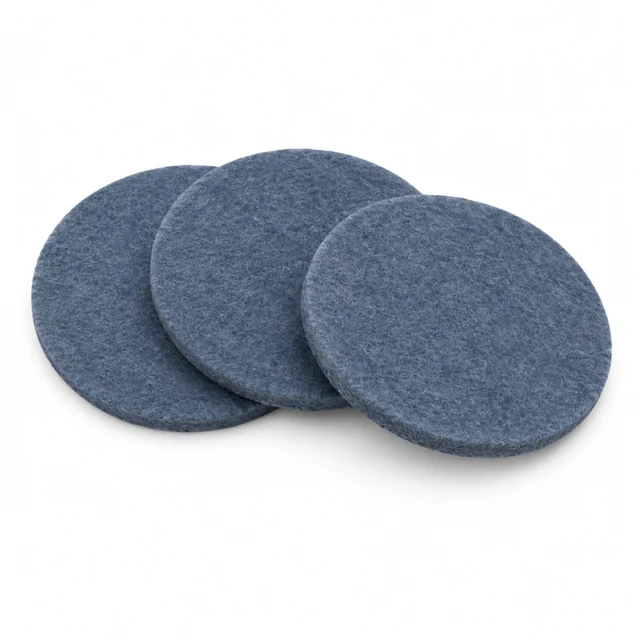
Place the image near the item count and sizes so shoppers know what ships together.
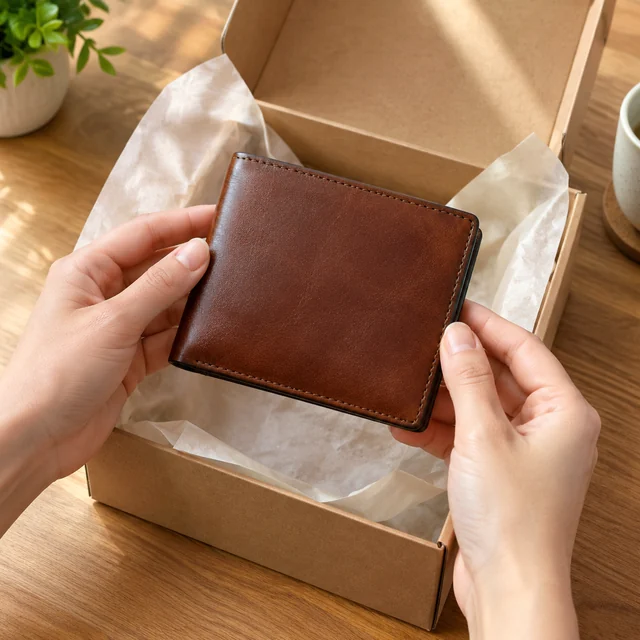
Keep the leather wallet and its box in view so shoppers see the included presentation.


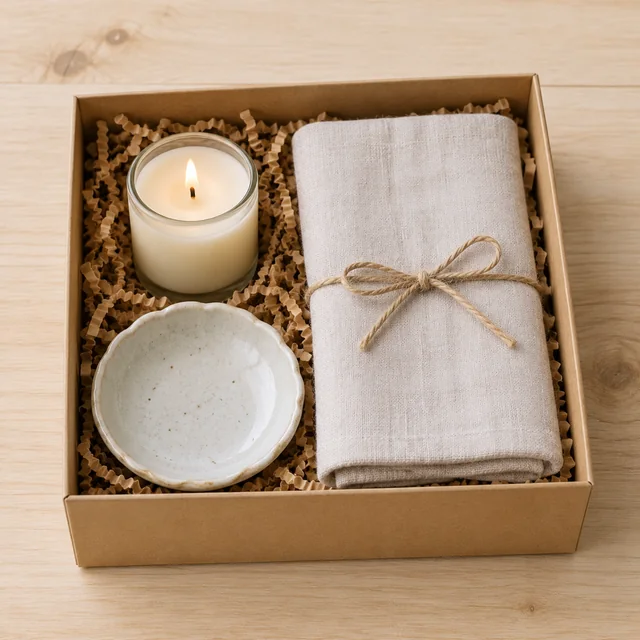
These details are added in your editor after download.
Choose another everyday scene, then add your product photo.
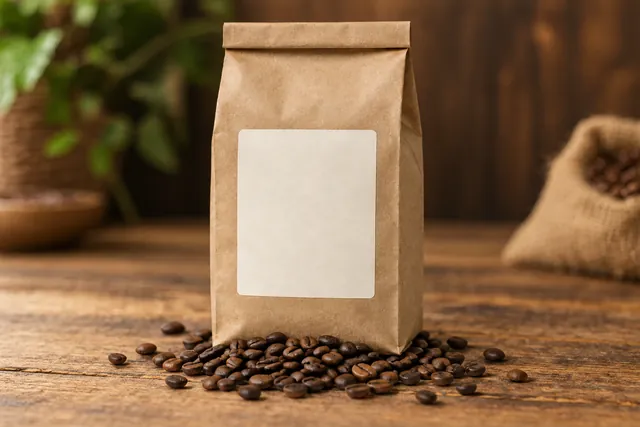
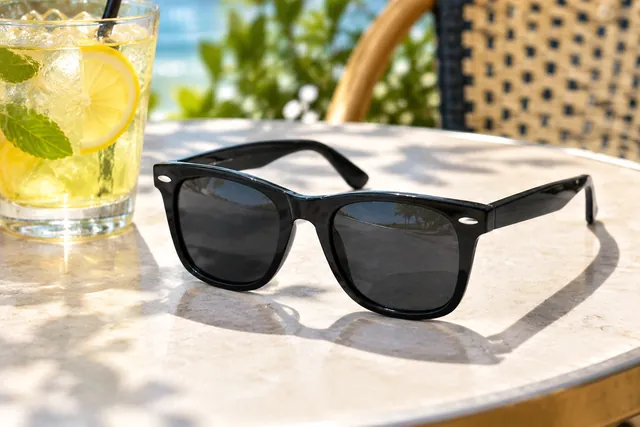


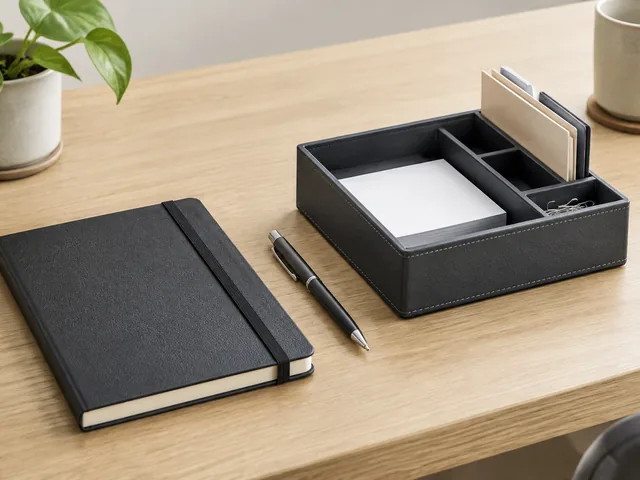
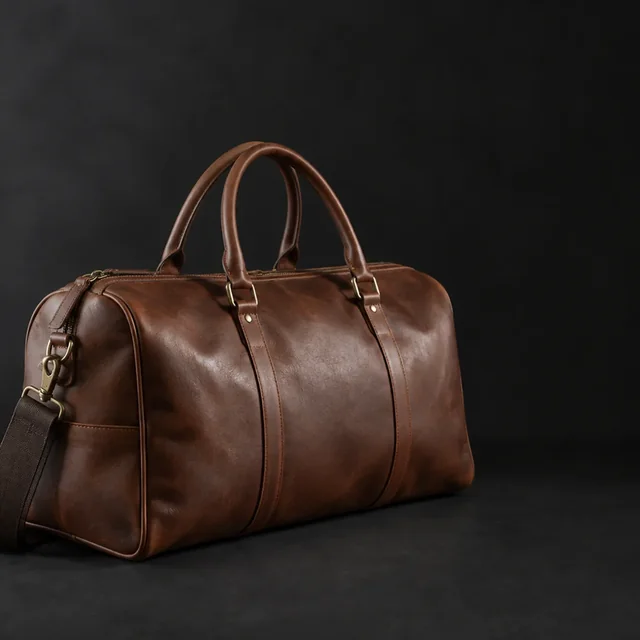
Show every item that ships in the set, and keep props clearly apart from what the buyer receives.

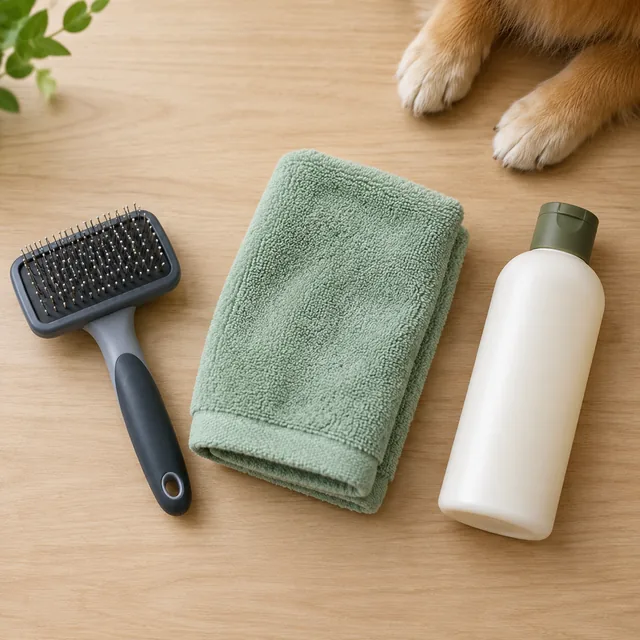

That usually happens when a piece is missing from your upload or the description leaves room for guessing. Upload every item, state the exact count, and run it again.
Put the price and any savings line on later, using Canva or a similar app. Text generated inside the image can come out with typos, so the photo is made without it.
Keep the photo about the products themselves. Showing the set is fine, but results such as clearer or younger-looking skin shouldn't be promised in the image or the listing text.
Upload one product photo. See the cost before you start.