Retargeting video template

Retargeting Video Ads for a Second Look

Retargeting video ad creatives give a shopper a useful second look at a product. Upload a photo, describe a short return-to-product moment, and get a clip; the ad platform still controls who sees it.

Drop your product photo hereJPG, PNG or WebP · any clear photo works
Size 1:1 · FeedLength 15 secondsAlso try 9:16 · Reels
Make my retargeting video →See the cost before you start

Plans from $24.50 a month. You see the credit cost before every job, and if a job fails its credits go back to your balance.

Tip: Describe a quiet second-look action and leave the audience, price, and reminder wording to the ad platform and your editor.
Dark navy over-ear headphones photographed alone on a pale background.
Photo
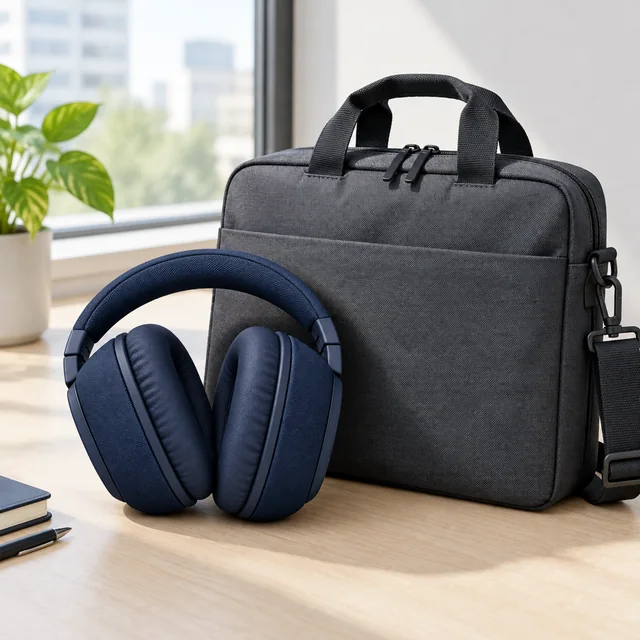
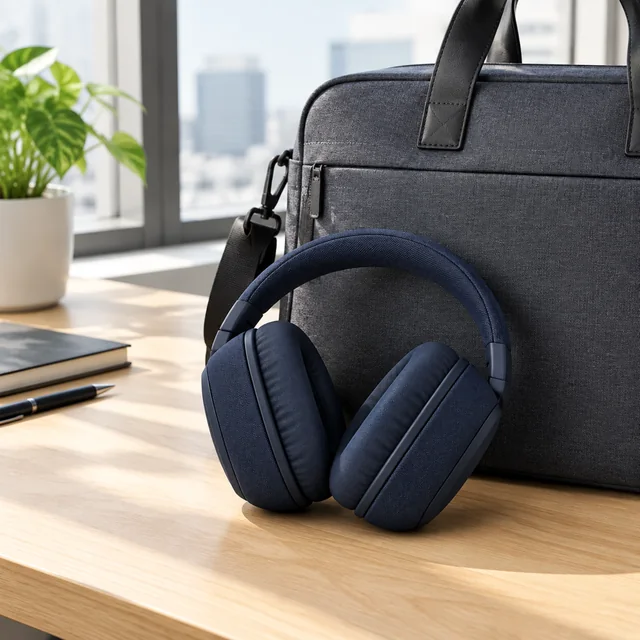
Dark navy over-ear headphones folded beside a commuter bag on a desk.
Photo
Dark navy over-ear headphones beside a keyboard under soft blue light.
Photo
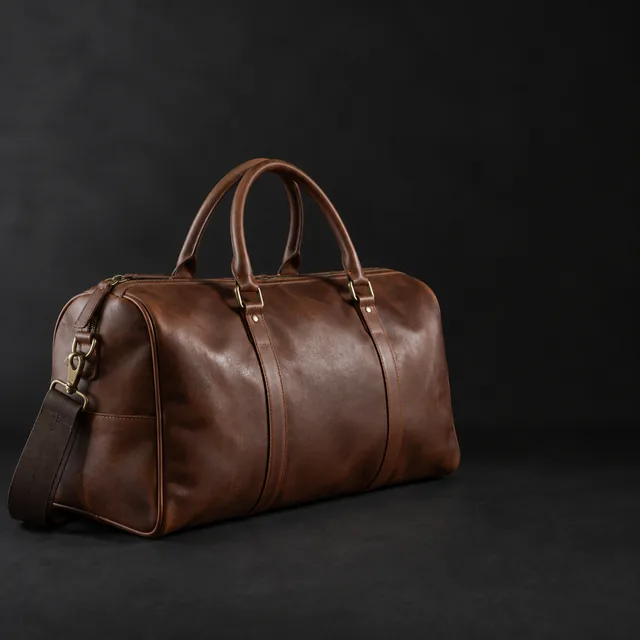
Leather duffel side-lit on a dark backdrop with open space.
Photo
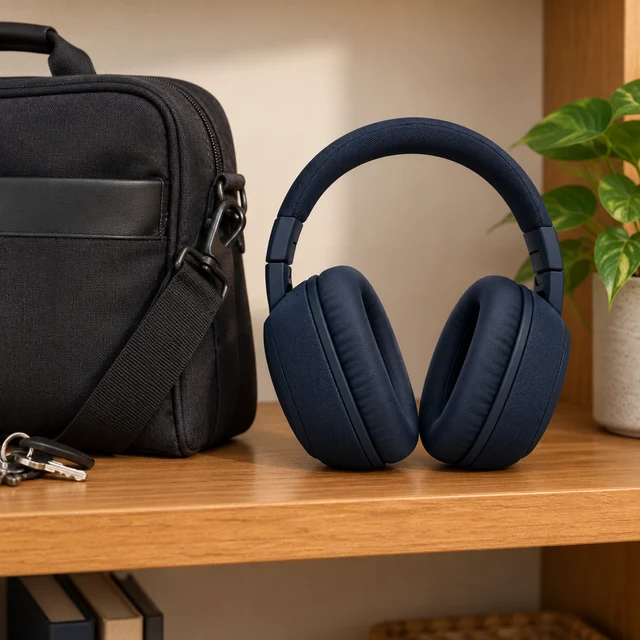
Unbranded navy over-ear headphones on a wooden shelf beside a plain black travel bag; no logos or lettering.
Photo
Wooden cutting board, left half dry and pale, right half freshly oiled and rich.
Photo

A retargeting video ad gives returning shoppers a useful second look at a product. Show a detail, a routine, or a practical use moment before adding the current offer.

How it works

Make a retargeting video ad from one product photo

Dark navy over-ear headphones photographed alone on a pale background.
Product photoKeep the full headphones and ear cups visible.
Step 01

Choose the product

Upload a clear product image that gives the clip a recognizable shape and useful detail.

Fold these dark blue headphones and place them into a commuter bag after showing one ear cup.
Size 1:1 · FeedLength 15 secondsAlso try 9:16 · Reels
Cost60 credits
Step 02

Describe the second look

Write a moment such as inspecting the ear cups and placing the headphones into a commuter bag.

Dark navy over-ear headphones folded beside a commuter bag on a desk.
Step 03

Set the audience yourself

Add your offer and product page, then choose visitors, cart users, exclusions, and frequency in your ad platform.

Choose a scene

Choose a useful scene for a retargeting video ad

Give returning shoppers one more clear product moment.

Where to use it

Place a retargeting video in social ads and product pages

Dark navy over-ear headphones beside a commuter bag in a vertical video frame.

Bring the headphone reminder back to a social feed

Use a vertical clip to show dark blue headphones folded beside a commuter bag.

Dark navy over-ear headphones from a three-quarter side angle on a desk.

Pair a retargeting clip with its product page

Keep the offer and product page consistent so shoppers can return to the item they viewed.

Start with a clear photo

Start a retargeting video with a clear product photo

✓
Dark navy over-ear headphones beside an unbranded laptop on a desk.
Product shape and details stay sharp
✕
Dark navy over-ear headphones and an unbranded laptop softened by blur so their details are hard to inspect.
Soft focus hides small product details
✓
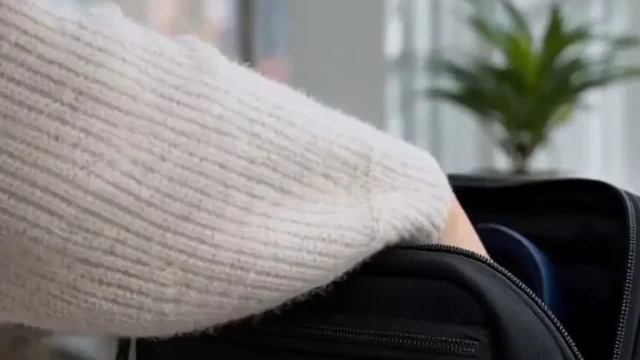
Hands inspect dark blue headphones and place them into a commuter bag.
Whole product fits inside the frame
✕
Dark blue headphones enlarged until an ear cup edge is cut off by the frame.
Tight framing cuts off a product edge
Your result

Choose a retargeting video format

Dark navy headphones folded beside a commuter bag on a desk.
1:1 retargeting feed video1:1 video · 15 s · 60 credits
Dark navy headphones beside a laptop with the ear cushions visible.
1:1 product reminder video1:1 video · 15 s · 60 credits
After download

Add the current offer after download

Dark navy over-ear headphones with padded fabric ear cups on a neutral surface.
Current priceOfferProduct link

These details are added in your editor after download.

  • Add the current price and offer as editable text after download.
  • Link the clip to the product page shoppers visited.
More templates

More retargeting video templates

Choose another everyday scene, then add your product photo.

VideoBlack speaker sits beside a tall window

Carousel Video Ad

Fashion & ClothingElectronicsInstagramFacebook
Use this template →
Examples

Retargeting video ad examples

Calm reminders that show the product in everyday use.

FAQ

Questions about retargeting video ads

Does AIVideosUGC choose my retargeting audience?

No. Set visitors, cart users, exclusions, budget, frequency, and delivery in your ad platform.

Can the video claim that someone viewed or abandoned a cart?

Do not make that claim in the generated scene. It does not know a viewer’s history. Add only text that matches your actual campaign and data.

Will it add the offer or price?

No. Add the current offer, price, dates, and disclosure in your editor or ad platform.

Keep reading

Guides and articles

Try Retargeting Video Ad with your product

Upload one product photo. See the cost before you start.